- 対象年齢4+
- カテゴリユーティリティ
- 開発元Sami Laine
- 言語英語ほか11言語
- サイズ24.9 MB
App Storeの公式ページにリンクしています
Download.orgはMyScanner Toolsのファイルを一切ホストしていません。ボタンを押すと、Sami Laineが公開しているApp Storeのアプリページが開きます。ページの最終確認:2026/11/23。
スクリーンショット
概要
開発元はこのテキストをお使いの言語で提供していません。
My Scanner
Scan, organize, and keep important documents within reach.
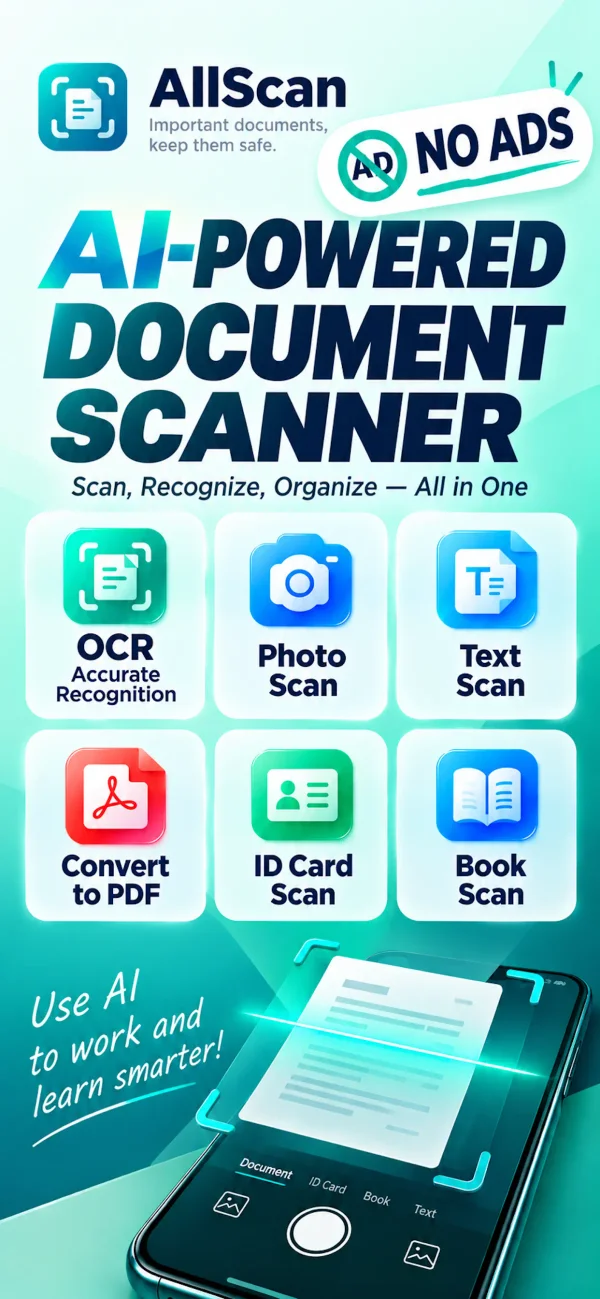
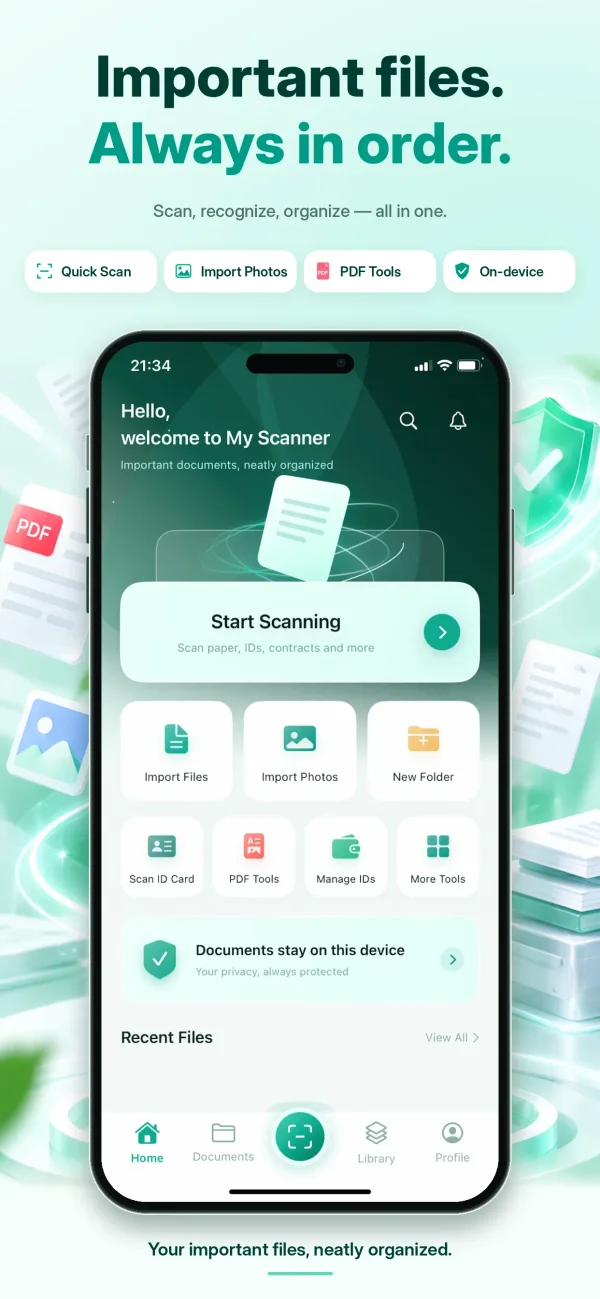
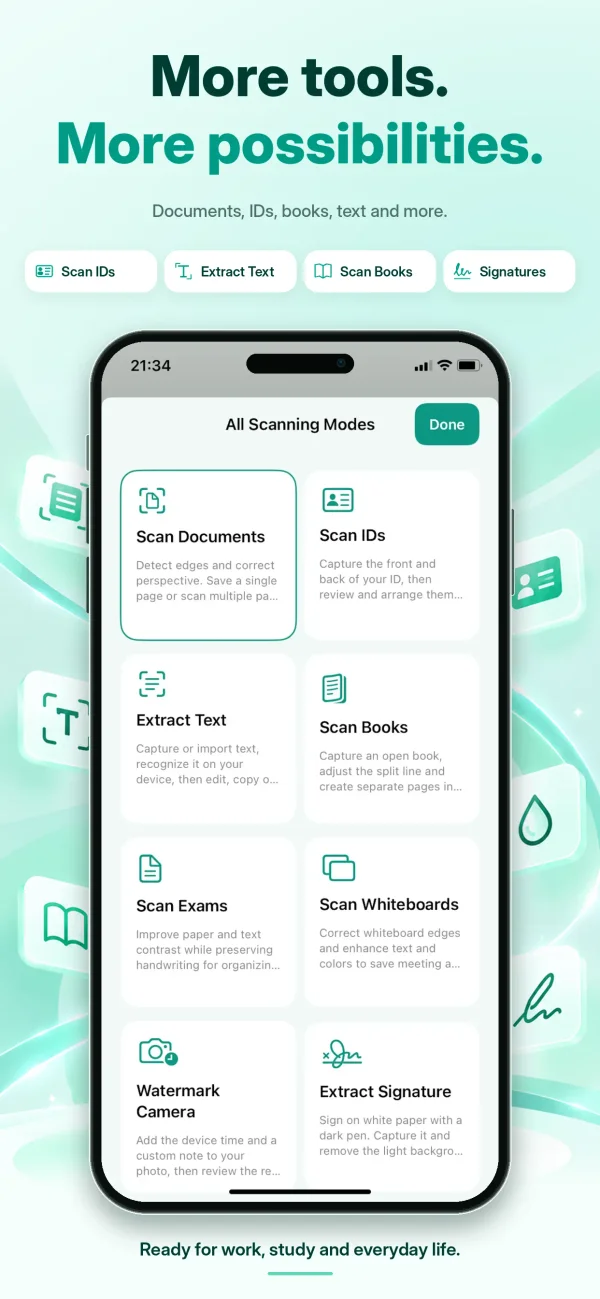
My Scanner brings document scanning, text recognition, PDF tools, and personal filing together. Keep receipts, study notes, work contracts, identity documents, and family paperwork organized on your device—ready to find, review, and share when you need them.
SCAN WITH CLARITY
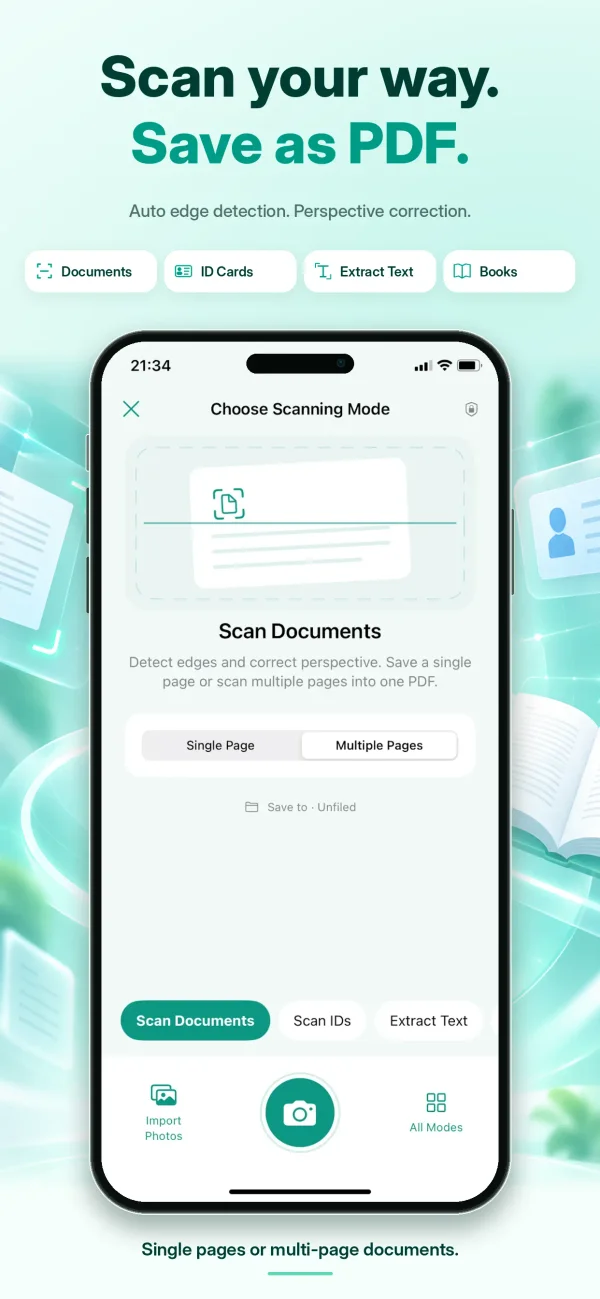
Capture documents and identity cards, detect page edges, and adjust cropping, perspective, and orientation. Scan multiple pages and choose processing modes to turn loose paperwork into readable digital files.
RECOGNIZE TEXT ON YOUR DEVICE
Extract text from images, then review, edit, and copy the results. Reduce manual typing when working with printed information.
ORGANIZE IMAGES AND PDFs
Import images or PDFs, combine or separate documents, and arrange pages in the order you need. Add pages, rotate, annotate, sign, and apply watermarks before exporting as a PDF or images.
KEEP YOUR FILES IN ORDER
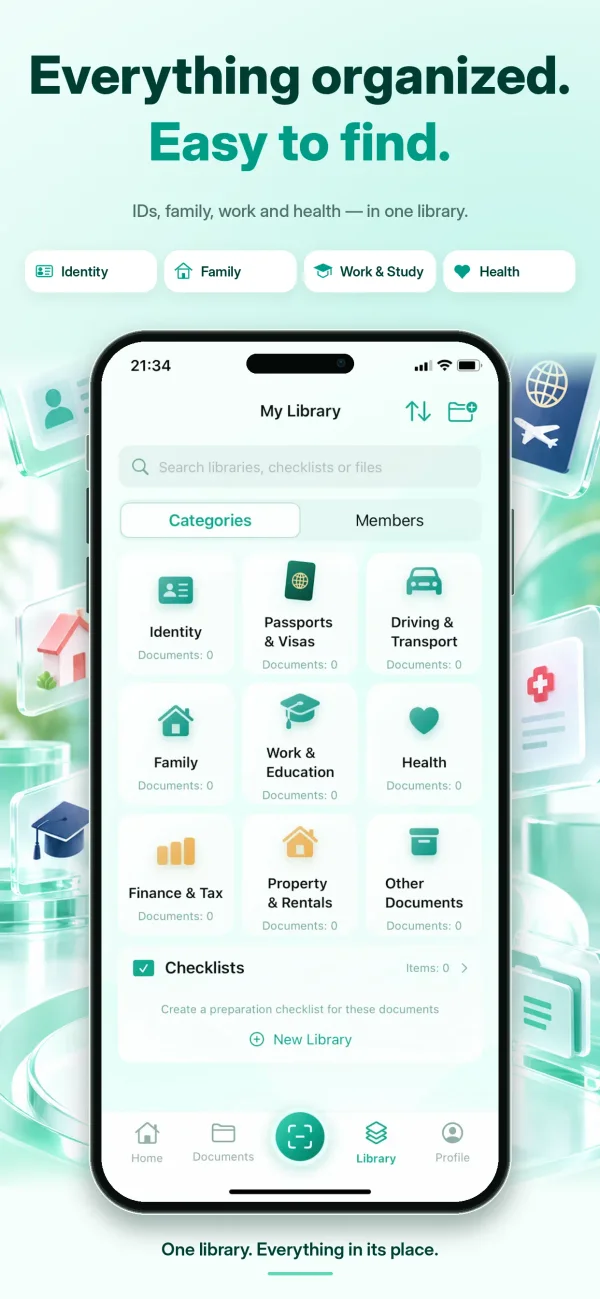
Use folders, categories, tags, and favorites to organize documents. Group personal and family records by member or collection, so the files you need for the same purpose stay together.
LOCAL STORAGE AND OPTIONAL PROTECTION
Documents, images, and recognized text are stored in an encrypted archive on your device and are not automatically uploaded to developer servers. Enable biometric unlocking independently, and use a recovery password to create encrypted backups for restoring your files on another device.
CONTROL WHAT YOU SHARE
Export selected pages, add a purpose-specific watermark, cover sensitive content, or set a PDF opening password. Use the system share sheet to send the resulting files to a destination you choose.
subscription:
- Subscription is weekly, yearly and onetime pay
- Subscription automatically renews for the same price and duration period as the original "one year" package unless auto-renew is turned off at least 24-hours before the end of the current period
- Payment will be charged to iTunes Account at confirmation of purchase
- Subscriptions may be managed by the user and auto-renewal may be turned off by going to the user's Account Settings after purchase
- Any unused portion of a free trial period, if offered, will be forfeited when the user purchases a subscription to that publication, where applicable
Term of Use:
https://www.apple.com/legal/internet-services/itunes/dev/stdeula/
Privacy Policy: https://myscanner.futureapp.workers.dev/privatepolicy
新機能
バージョン 1.1.6 · 2026/11/16
Critical bugs fixed
アプリのプライバシー
このアプリのデータの取り扱いについて、Sami LaineがApp Storeで申告している内容です。
-
データの収集なし
開発元はこのアプリからデータを収集しません。
プライバシーの取り扱いは、ご利用の機能やお客様の年齢などに応じて異なる場合があります。
情報
- 販売元
- Sami Laine
- カテゴリ
- ユーティリティ
- バージョン
- 1.1.6
- 更新日
- 2026/11/16
- リリース
- 2026/10/27
- サイズ
- 24.9 MB
- 必要条件
- iOS 17.0以降
- 対象年齢
- 4+
- 価格
- 無料
- アプリ内課金
- あり
- 言語
- 英語, フィンランド語, フランス語, ドイツ語, 日本語, 韓国語, ポルトガル語, ロシア語, 簡体字中国語, スペイン語, スウェーデン語, 繁体字中国語
- 著作権
- © Scanner