- 対象年齢4+
- カテゴリビジネス
- 開発元Supplier Relations US, LLC.
- 言語英語
- サイズ51.0 MB
App Storeの公式ページにリンクしています
Download.orgはNB202のファイルを一切ホストしていません。ボタンを押すと、Supplier Relations US, LLC.が公開しているApp Storeのアプリページが開きます。ページの最終確認:2026/11/18。
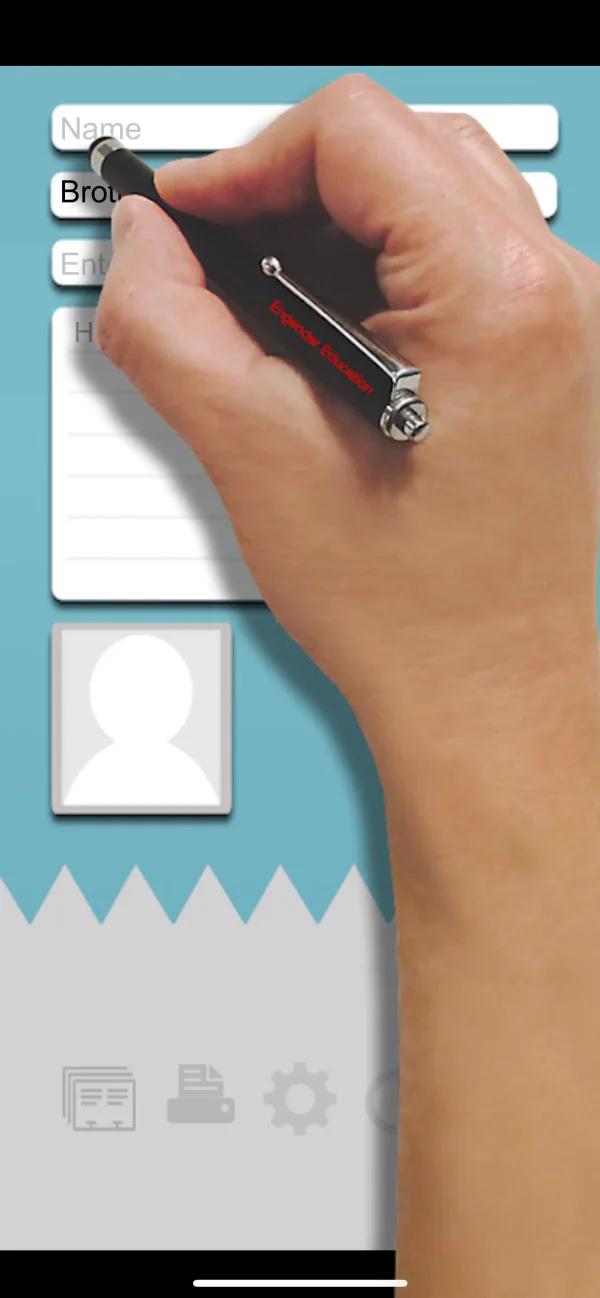
スクリーンショット
概要
開発元はこのテキストをお使いの言語で提供していません。
Print Name Badges Instantly
Let's get started! From downloading your new app to printing your first name badge, can you do it in 1 minute? NB202, short for Name Badge app with 202 uses, is a single app that lets you efficiently manage all your events. Its simplicity gets you up and running in no time. Its scalability allows you to handle any tasks, small or big. Its varieties will keep your events fresh and entertaining. Who said you can't have fun running an event? We will begin with the following scenarios to introduce you to some of its capabilities.
Scenario 1 - Easy
Print 1 to 1,000 name tags: instantly. If your events require professional, customized name tags, this app will do exactly that. To print, you must have the app installed, an AirPrint compatible printer, or a Brother QL-710W, QL-720NW, QL-810W, QL-820NWB, QL-1110NWB label printers. Just in case you don't have a printer yet, the app will simulate the print, and you can save the image for later. From start to finish, the mission is completed in 10 seconds. Try to beat that.
Scenario 2 - Efficient
Okay, now you've done the easy one. What about a large event with hundreds of attendees? You would love to maximize your resources and assure a successful event. We hear you. You can set up 1 to 10 kiosk stations and register guests onsite. Each station can handle up to 600 registrations per hour. Or, you can import 1,000 guest names into this app in less than a second with minimal preparation. We support just about every online event management system, including the popular Eventbrite and Meetup.
Scenario 3 - Entertaining
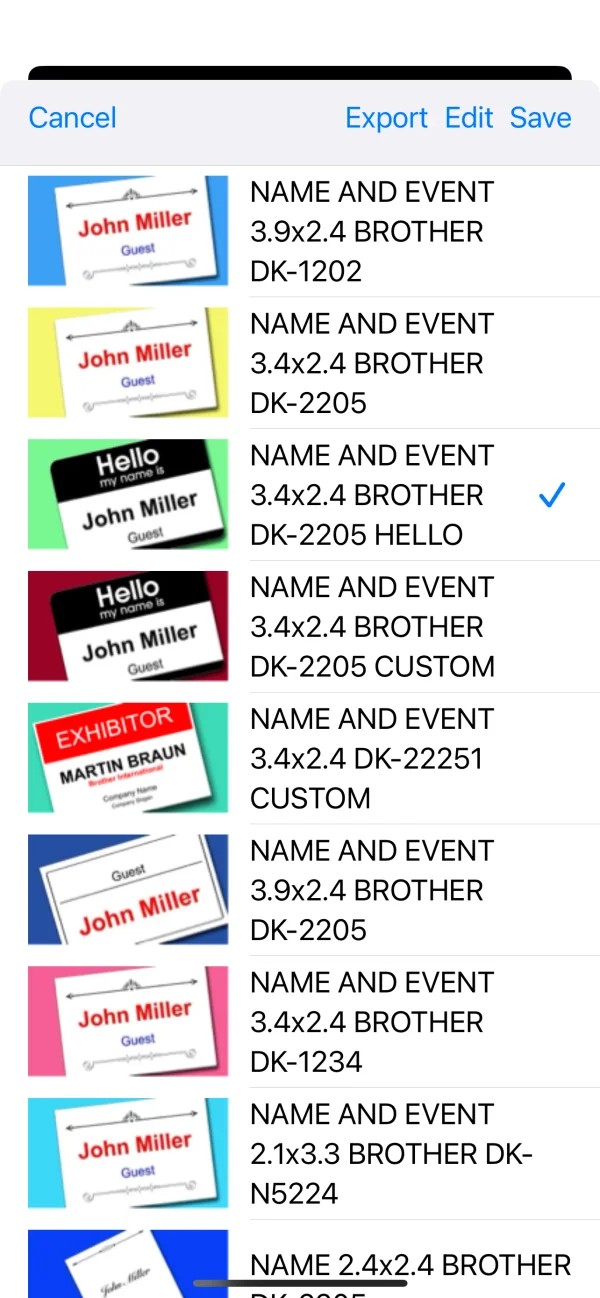
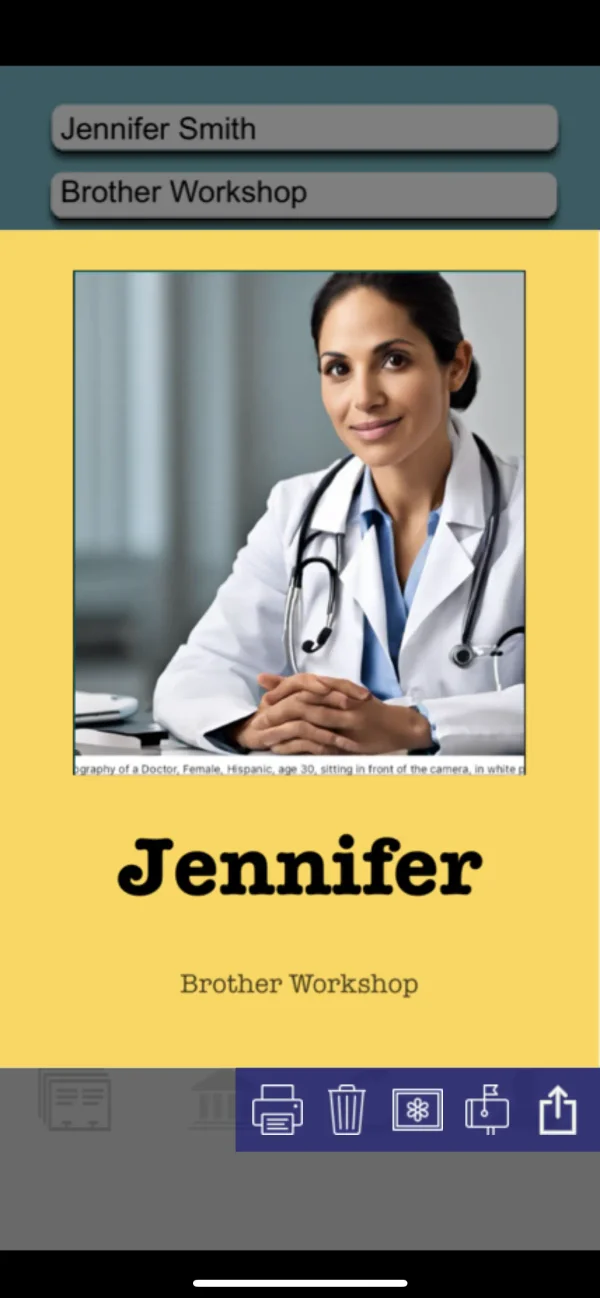
Let's get creative printing custom, more personalized name tags. What about a name tag with a raffle ticket attached? Our app supports serialized numbers, printed on the name tag as well as on the ticket stub. We also support QR code or barcode printing. You can conduct an old-fashioned drawing, or a virtual random pick directly from your device. Turn your name tags into fun games and entertain your guests with our growing list of creative templates, with just a single tap.
Scenario 4 - Formal
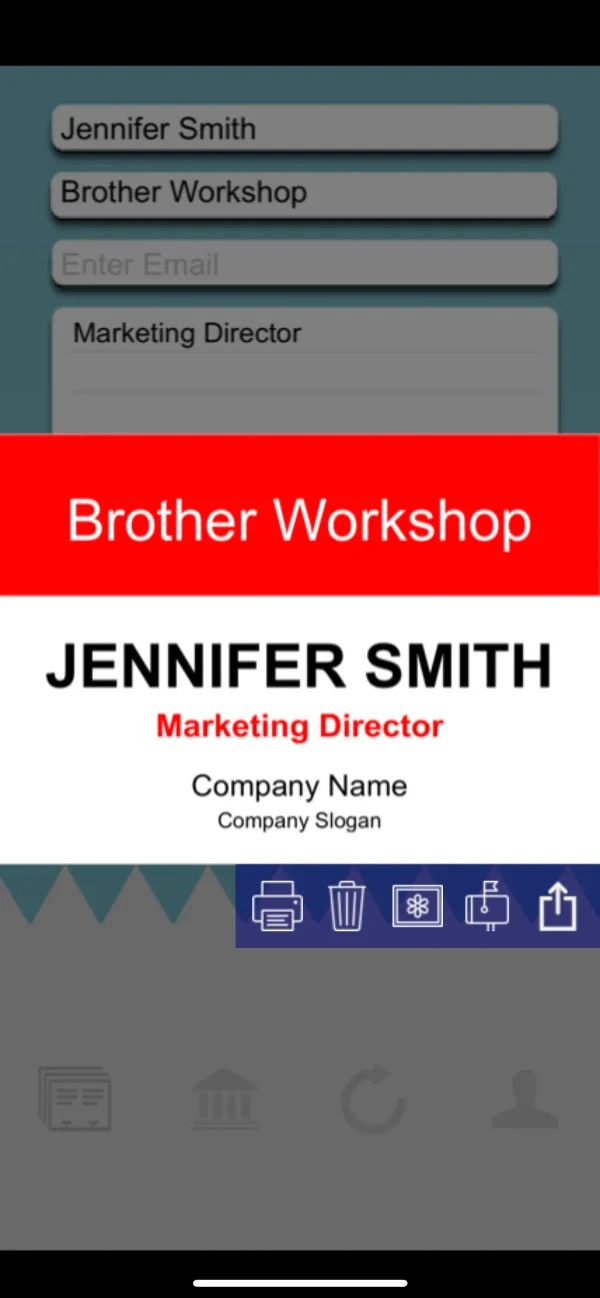
For formal corporate events, whether it is a gala, an awards ceremony, a product launch, a grand opening, a workshop, or even your shareholders meeting, this app can print professional-looking name tags that are right for the occasion. It can also be inserted into badge holders, or to be laminated for long-lasting use. You can print different name badges for each type of attendee. You can have one for the press, one for your VIP guests, one for the sponsors, one for employees, and one for the staff. Setting up these categories takes only just a couple of minutes.
QUICK START
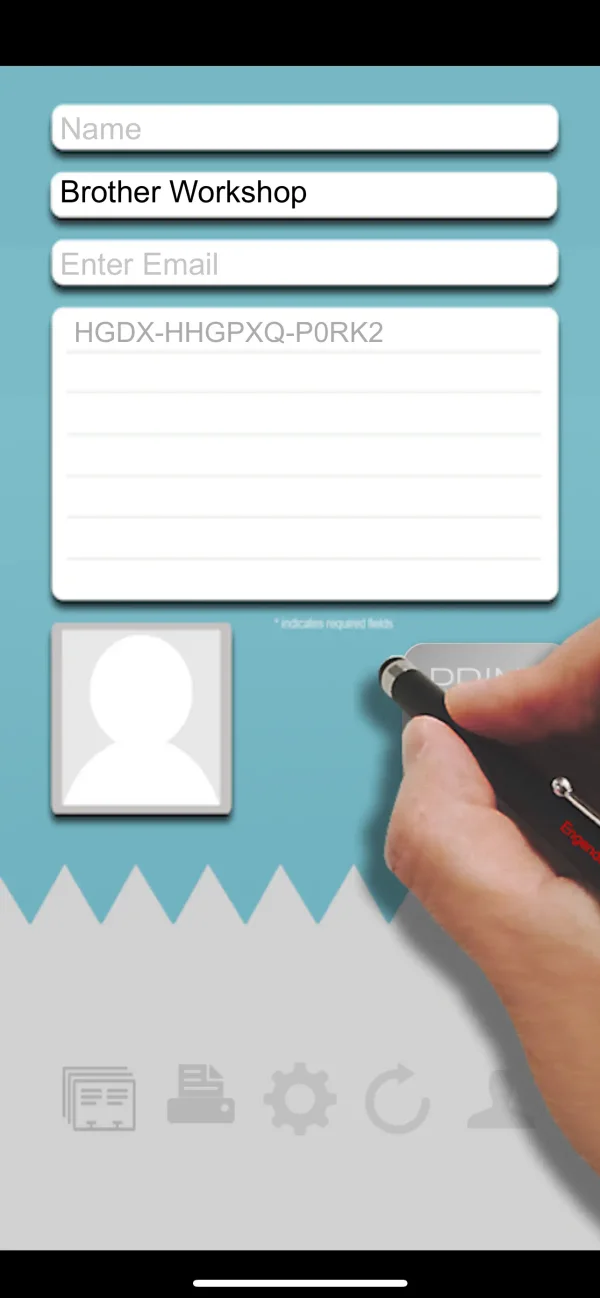
To run the app, it is best with a Brother Label Printer QL-710W, QL-720NW, QL-810W, QL-820NWB, or an AirPrint compatible printer. Printing is optional but obviously helps. Here is how:
Launch the app
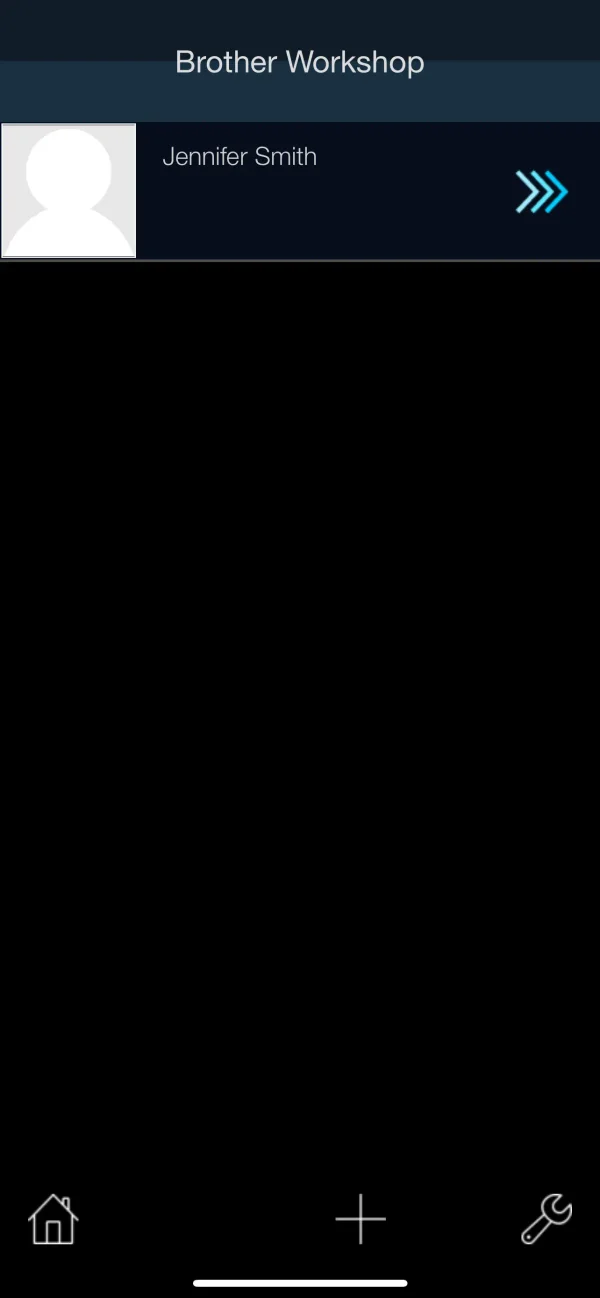
Add a new folder
Exit the app and relaunch the app in Kiosk Mode
Type in the name
Press [Return]
Tap at the large green [PRINT] button
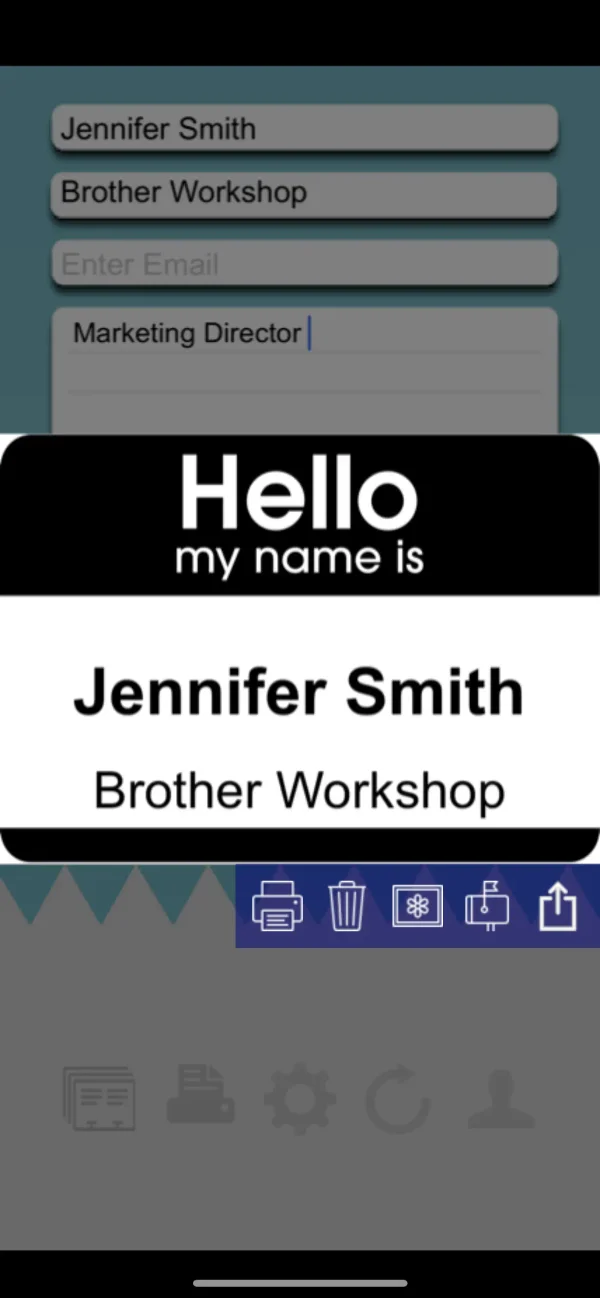
You now will preview the name tag
Tap at the small [print] option to print (*1)
Continue
To activate the admin mode, tap the [Settings] button at the lower right corner
*1 - Default to print to QL-820NWB printer using DK-2205 label roll. If you do not have the printer ready, you can 1) email it, 2) save the image to your photo album, 3) trash the image, or 4) do nothing and the preview will disappear in 8 seconds.
Printers Supported:
PJ-773, PJ-763MFi, PJ-862, PJ-863, PJ-883, MW-145MFi, MW-260MFi, RJ-2050, RJ-2150, RJ-3050Ai, RJ-3150Ai, RJ-3230B, RJ-3250WB, RJ-4030Ai, RJ-4230B, RJ-4250WB, QL-820NWB, QL-820NWBc, QL-1110NWB, QL-1110NWBc, TD-2125NWB, TD-2135NWB, TD-4550DNWB, PT-P910BT, PT-E560BT, PT-E310BT, QL-710W, QL-720NW, QL-810W, RJ-4040, All AirPrint Compatible printers
Disclaimer:
Due to an enormous number of printers, and the complexity of custom templates, please be patient and let us know if you need any help.
新機能
バージョン 1.3 · 2024/6/13
minor bug fixes
アプリのプライバシー
このアプリのデータの取り扱いについて、Supplier Relations US, LLC.がApp Storeで申告している内容です。
-
データの収集なし
開発元はこのアプリからデータを収集しません。
プライバシーの取り扱いは、ご利用の機能やお客様の年齢などに応じて異なる場合があります。
情報
- 販売元
- Supplier Relations US, LLC.
- カテゴリ
- ビジネス
- バージョン
- 1.3
- 更新日
- 2024/6/13
- リリース
- 2024/5/4
- サイズ
- 51.0 MB
- 必要条件
- iOS 14.0以降
- 対象年齢
- 4+
- 価格
- ¥800
- 言語
- 英語
- 著作権
- © (C) 2024 Supplier Relations US, LLC.