- 対象年齢4+
- カテゴリ仕事効率化
- 開発元Deep Simplicity LLC
- サイズ2.6 GB
App Storeの公式ページにリンクしています
Download.orgはNetPDFのファイルを一切ホストしていません。ボタンを押すと、Deep Simplicity LLCが公開しているApp Storeのアプリページが開きます。ページの最終確認:2026/11/20。
スクリーンショット

概要
開発元はこのテキストをお使いの言語で提供していません。
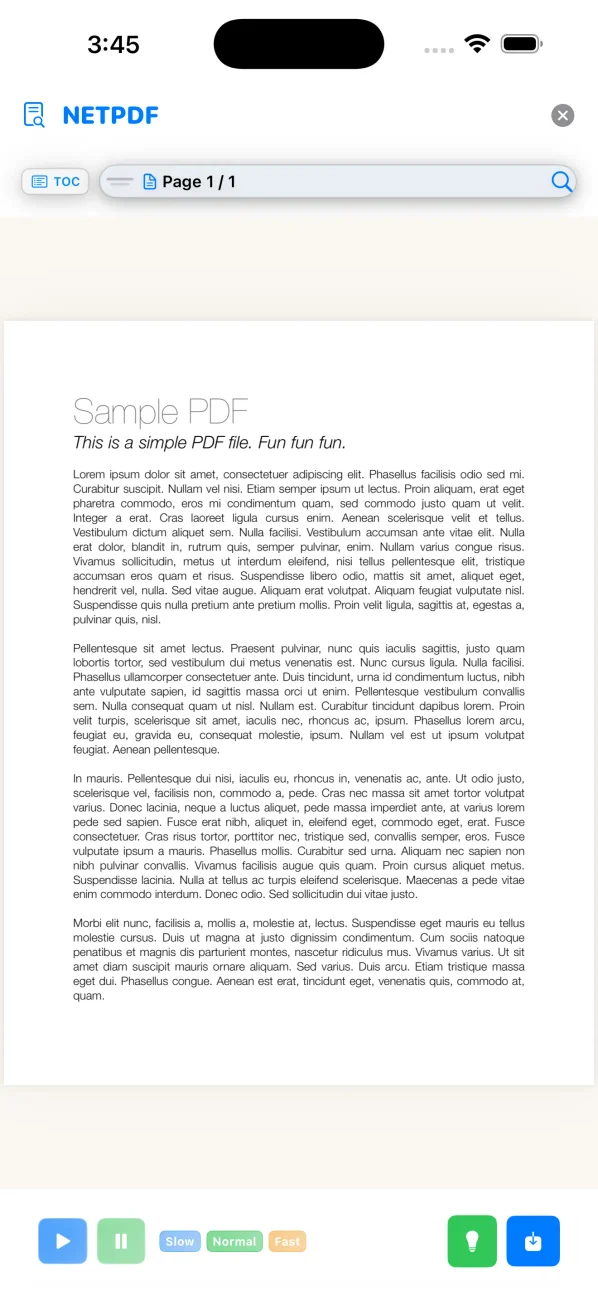
Don't just ask a PDF for an answer. See the source, question the wording, and make the document useful. NetPDF combines reading, editing, study, and optional on-device assistance in one focused workspace.
**READ AND FIND WHAT MATTERS**
- Import PDFs and move quickly through pages and document outlines.
- Search text, select passages, highlight, and bookmark important sections.
- Use Read Aloud with playback speed controls.
- Extract text from supported scanned pages with on-device recognition.
**ASK QUESTIONS, CHECK THE SOURCE**
- Summarize documents and ask questions about their contents.
- Ask about a specific page or explain selected text.
- Inspect available source passages and page references.
- Keep reading and using document tools even when the optional language model is unavailable.
**YOUR DOCUMENT DESK**
- Rotate, reorder, merge, and extract PDF pages.
- Undo supported page operations.
- Export a separate working copy while retaining the original.
- Switch to a reflowed text view for comfortable reading.
**NOTES THAT REMEMBER WHERE THEY CAME FROM**
- Attach your own notes to source passages and pages.
- Keep your interpretation separate from the document's words.
- Reopen saved notes and jump back to the original page.
- Use Source Recall to review what you remember, reveal the passage, and mark it for another look.
**TOOLS FOR LEARNING AND EXPLAINING**
- Compare extracted text across two PDFs.
- Turn reviewed content into structured timelines, mind maps, diagrams, and takeaway cards.
- Save or share supported visual results.
- On compatible hardware, optional locally imported image-model resources can enable illustration generation; this feature requires separate setup.
**WORK WITH CONTROL**
- Many reading, editing, search, and study features work locally.
- Optional reference tools are controlled separately.
- Use appearance, accessibility, haptic, and sound preferences that suit your workflow.
NetPDF helps you read actively: explore a document, verify where an idea came from, then return to the evidence when it matters.
AI answers, extracted text, OCR, and comparisons can contain mistakes. Confirm important details against the original PDF. Illustrations are creative outputs, not evidence from a document.
新機能
バージョン 6.0 · 2026/11/15
- improves adds text recognition for scanned pages, a one page visual brief, and some bug fixes
アプリのプライバシー
このアプリのデータの取り扱いについて、Deep Simplicity LLCがApp Storeで申告している内容です。
-
ユーザーに関連付けられたデータ
収集され、ユーザーの識別情報に関連付けられる場合があります。
- 使用状況データ
プライバシーの取り扱いは、ご利用の機能やお客様の年齢などに応じて異なる場合があります。
情報
- 販売元
- Deep Simplicity LLC
- カテゴリ
- 仕事効率化
- バージョン
- 6.0
- 更新日
- 2026/11/15
- リリース
- 2025/8/15
- サイズ
- 2.6 GB
- 必要条件
- iOS 18.2以降
- 対象年齢
- 4+
- 価格
- 無料
- 著作権
- © Deep Simplicity LLC
こちらもおすすめ
-
 Private AI: Document Chat仕事効率化
-
 Commits - heaptmap for habits仕事効率化
-
 Article TTS仕事効率化
-
 毎日の習慣化:デューティファイルーティン管理とリマインダー
-
 PDFをWord・JPGに変換 - Mr PDF署名作成・フォーム入力
-
 PDF Companion App仕事効率化
-
 オボエルカード:脳トレアプリフラッシュカードとクイズで練習
-
 Zenvorプライベートなオフライン読み上げ
-
 HabiMapHabit Tracker & Heat Calendar
-
 NousPDF: PDF変換・スキャナー写真・画像・WordをPDFに 無料