- 対象年齢4+
- カテゴリユーティリティ
- 開発元Matthew Wilson
- 言語英語
- サイズ23.1 MB
App Storeの公式ページにリンクしています
Download.orgはNexus Smart Remoteのファイルを一切ホストしていません。ボタンを押すと、Matthew Wilsonが公開しているApp Storeのアプリページが開きます。ページの最終確認:2026/11/15。
スクリーンショット


概要
開発元はこのテキストをお使いの言語で提供していません。
Full remote configuration, at your fingertips.
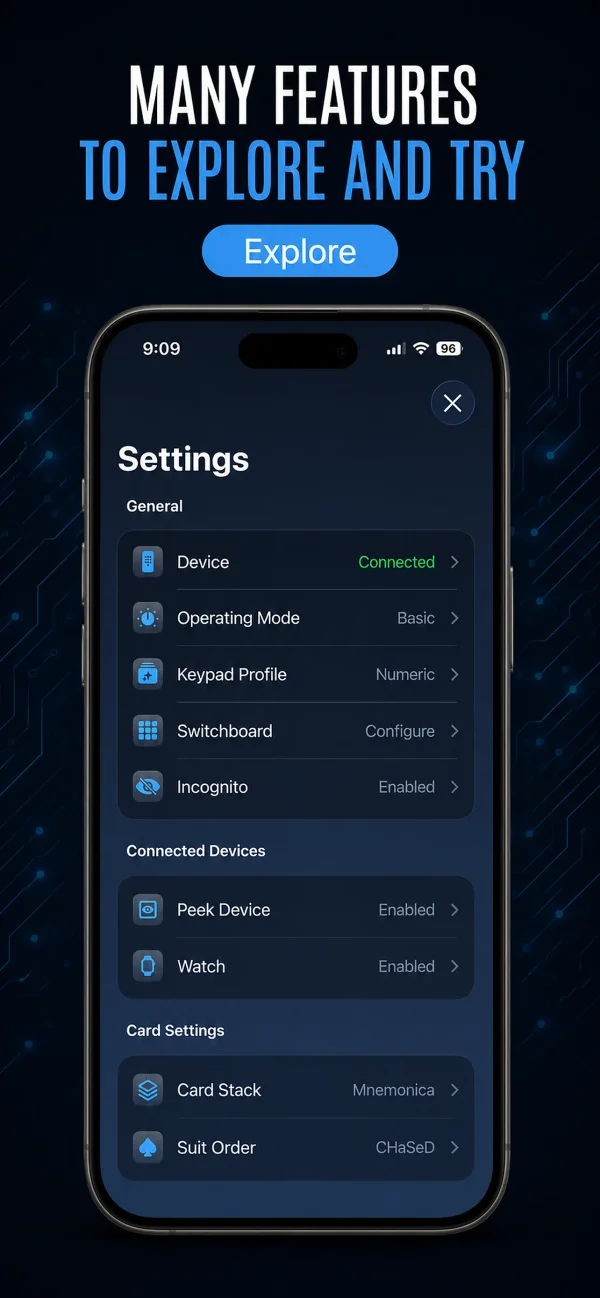
For over a decade, the most trusted remote in magic. Now the setup that once had to be done by hand lives in your pocket. Configuring the remote has never been simpler — the app takes it further than manual configuration ever allowed, and when the show changes, you can reconfigure in seconds.
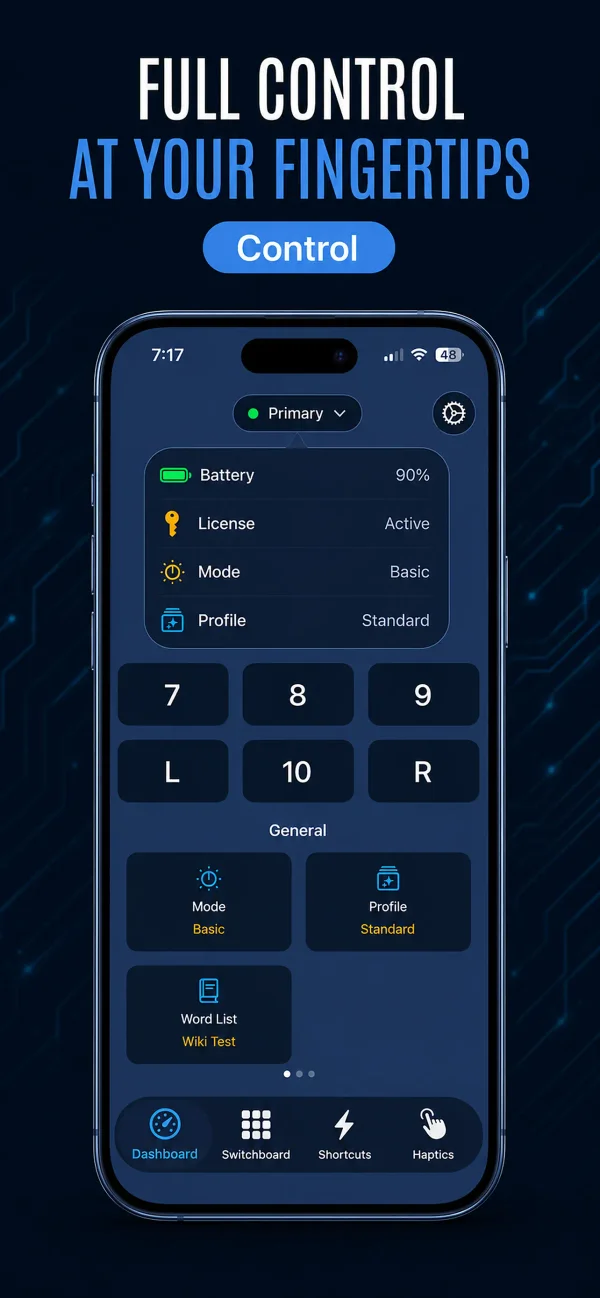
Connect over Bluetooth and every setting on your remote is one tap away. No more configuring through memorized button-press sequences, and no guessing whether a setting is actually active — you see the remote's true state, right on screen.
SWITCHBOARD — the breakthrough
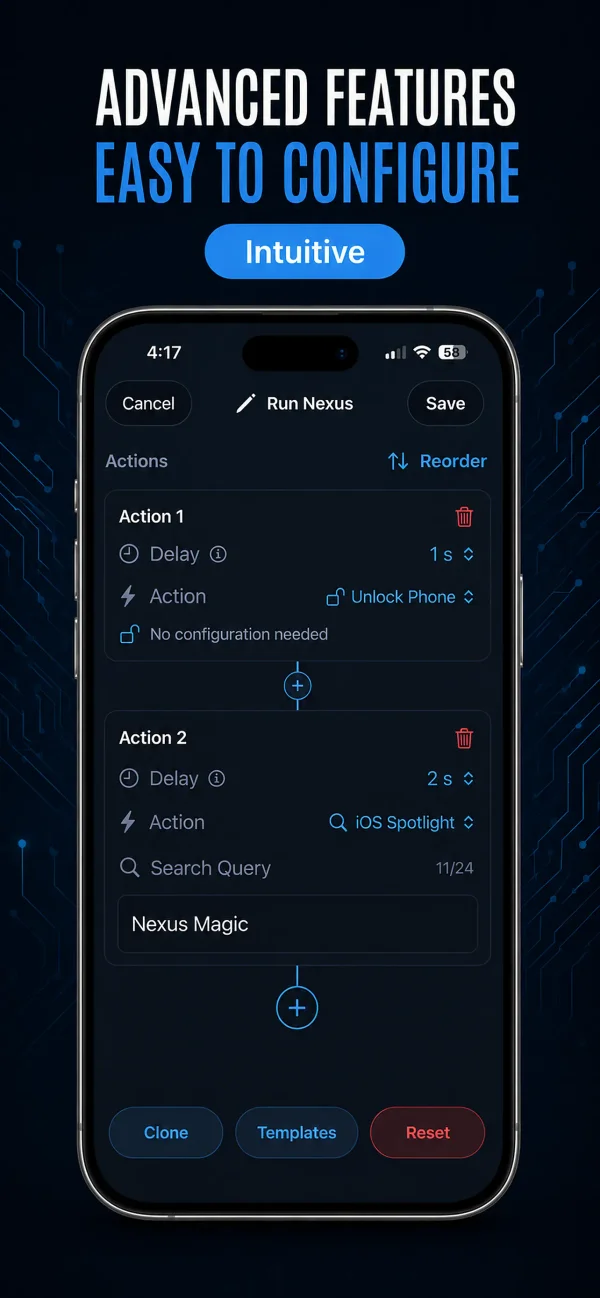
Build advanced macro action chains and orchestrate your own custom actions, hands-free, with your phone out of sight. Limited only by your imagination.
PROFILES — 12+ built in
Over a dozen ready-made button layouts, so one remote works across every magic app you perform with — or design your own.
PEEK & WATCH
Send your information to a discreet companion display like the PeekSmith, or connect the smartwatch that suits the occasion — SB Watch, Fossil, or many more through TimeSmith. Readable at a glance, phone nowhere in sight.
SHORTCUTS
Assign shortcuts to buttons so the remote powers on straight into a custom configuration.
COMPLETE CONTROL, ONLY IN THE APP
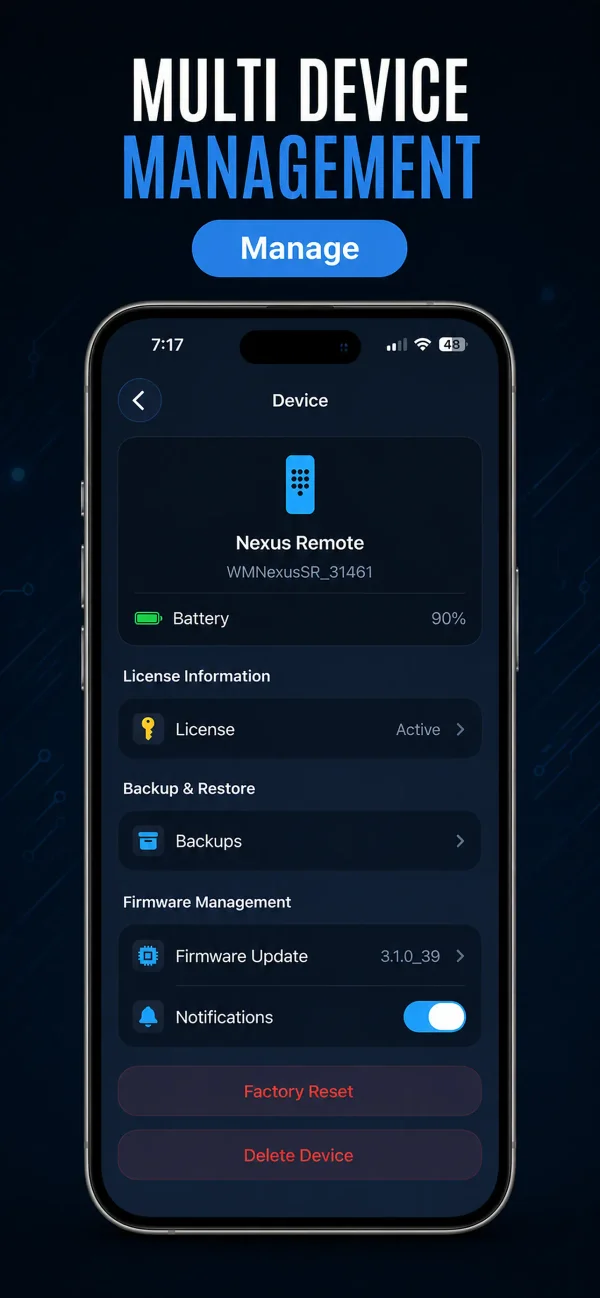
• Install the latest firmware straight from your phone
• Build, edit and organize Switchboard action chains
• Back up and restore your whole setup — even onto a second remote
• Quick configuration from the dashboard
• Manage peek devices and watch connections
• Command every setting on the remote, in more detail than ever before
• Interactive guide to the manual button configurations, step by step
One remote, a magician's toolkit — now fully in your hands.
新機能
バージョン 1.0.2 · 2026/11/5
Added
- Support for the Turner Watch, which needs remote firmware 3.1.1 or later. On older firmware it's greyed out, and changing the watch type prompts you to restart the remote.
- The watch type is now named in the connect and disconnect popups.
- The dashboard now asks you to confirm before disconnecting.
- The firmware version now appears in the device dropdown, under Battery.
- A "Restart Remote" button on the Device screen.
- A new Advanced Settings page, with an option to turn off Bluetooth advertising for watch-only setups.
- A Troubleshooting page for when the remote can't be found. It opens from My Devices and from the "No Device Found" popup.
- An info button for the 24-Hour Time setting.
- Restoring a backup now skips a watch type the remote's firmware can't use.
- The app now reports the remote's license to your account after each connection.
Fixed and improved
- Beta users whose license was revoked are no longer asked to update their license.
- The app no longer subscribes to keypad notifications by default.
- Darker colors for the connected and connecting buttons.
- An updated security library used for license checks.
アプリのプライバシー
このアプリのデータの取り扱いについて、Matthew WilsonがApp Storeで申告している内容です。
-
データの収集なし
開発元はこのアプリからデータを収集しません。
プライバシーの取り扱いは、ご利用の機能やお客様の年齢などに応じて異なる場合があります。
情報
- 販売元
- Matthew Wilson
- カテゴリ
- ユーティリティ
- バージョン
- 1.0.2
- 更新日
- 2026/11/5
- リリース
- 2026/8/17
- サイズ
- 23.1 MB
- 必要条件
- iOS 26.2以降
- 対象年齢
- 4+
- 価格
- 無料
- 言語
- 英語
- 著作権
- © 2026 Matthew Wilson