- 対象年齢4+
- カテゴリユーティリティ
- 開発元Katsuma Onishi
- 言語英語
- サイズ3.2 MB
App Storeの公式ページにリンクしています
Download.orgはNFC Editor: Read & Write Tagsのファイルを一切ホストしていません。ボタンを押すと、Katsuma Onishiが公開しているApp Storeのアプリページが開きます。ページの最終確認:2026/11/12。
スクリーンショット
概要
開発元はこのテキストをお使いの言語で提供していません。
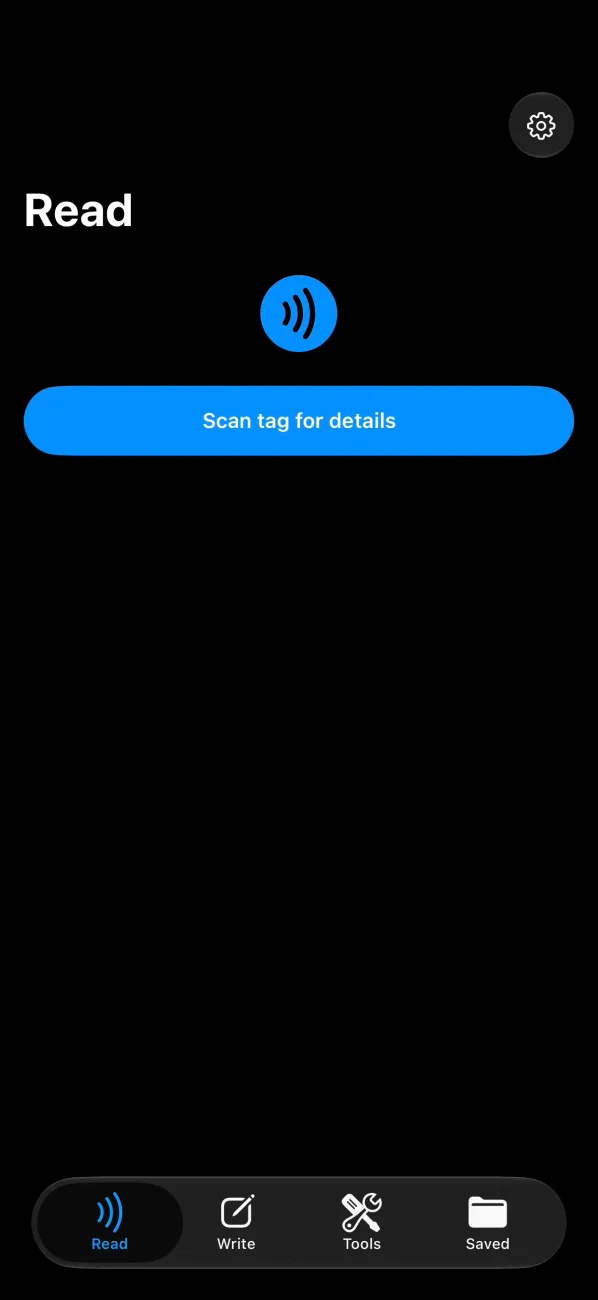
NFC Editor reads and writes NFC tags. Hold a tag to the top of your iPhone and you get the chip type, the serial number, how much memory it has, and every record on it. Then you can change any of it.
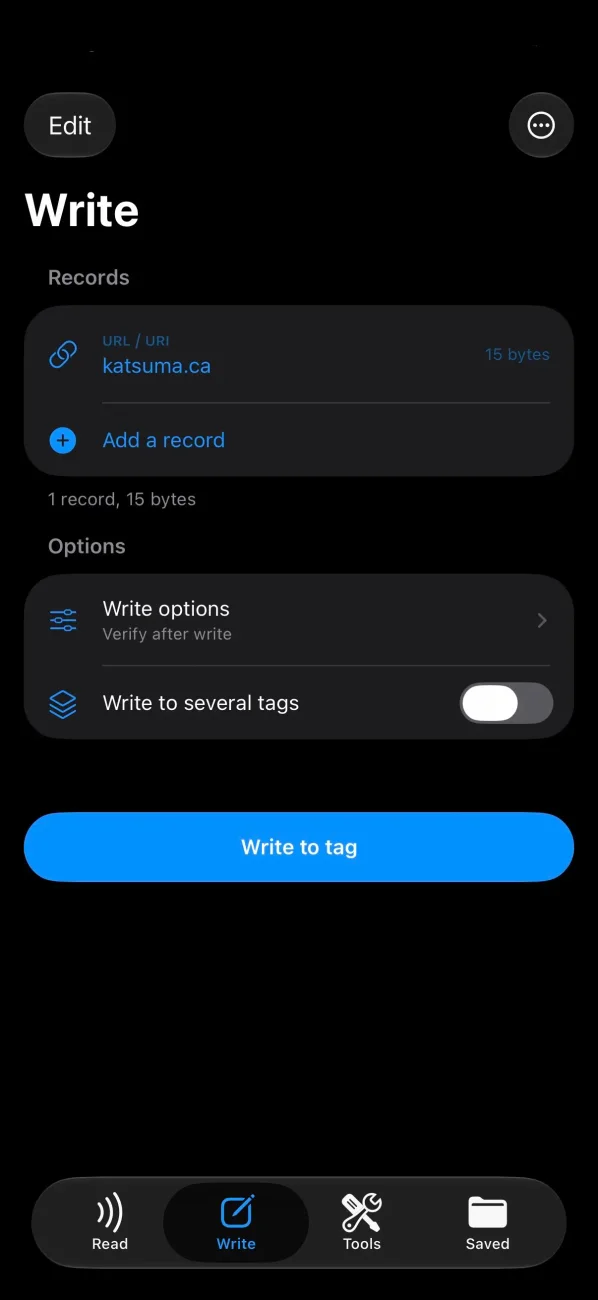
Write a link, a contact card, a Wi-Fi network, a phone number, a location, a plain text note, or a raw record you typed in hex. Put several on one tag and reorder them. The app tells you how many bytes the tag will need before you tap it, and reads the tag back afterwards to check the write landed.
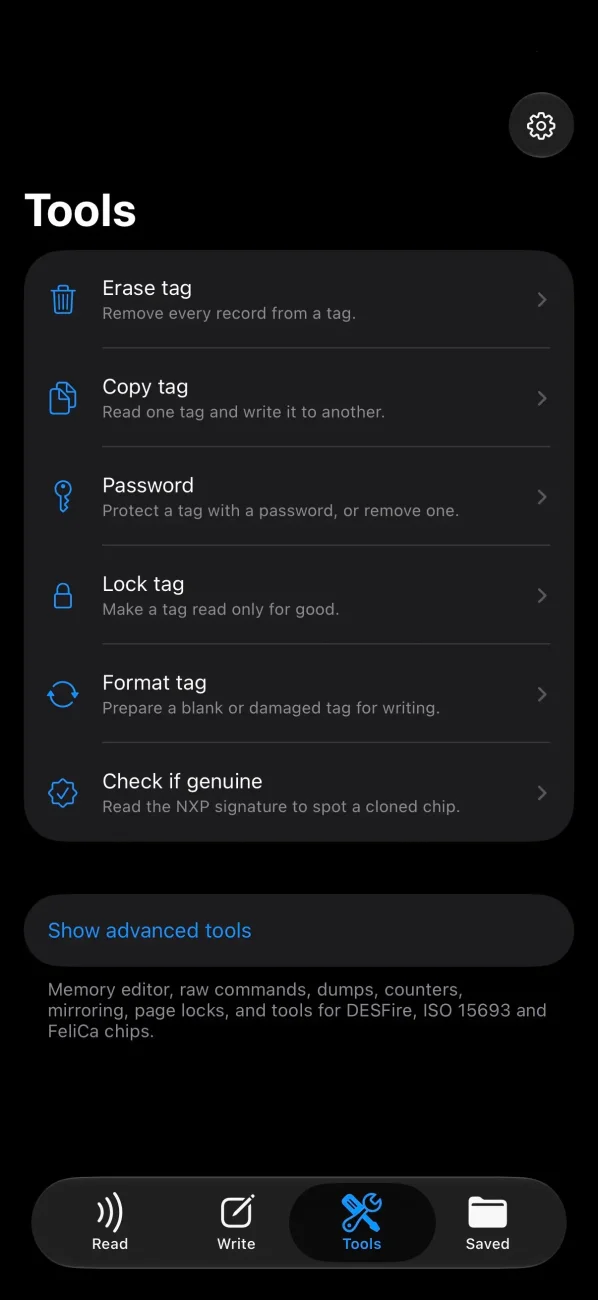
The tools other apps sell as a paid upgrade are all here and all free. The memory editor shows every page of the chip and lets you edit one at a time. You can set or remove an NTAG password, send raw commands to the chip, write a saved dump back to a tag, read the scan counter, and read the NXP signature. Erase, copy tag to tag, format, and lock are here too. Lock is permanent, and the app asks twice. The chip-specific tools stay out of the way until you tap Show advanced tools.
Works with NTAG 203, 210, 212, 213, 215, 216 and NTAG I2C, MIFARE Ultralight, Ultralight C and Ultralight EV1, MIFARE DESFire EV1, EV2 and EV3, NTAG 424 DNA, ICODE SLI and SLIX, ST25TV, and FeliCa. Needs iOS 17 or later, so an iPhone XS, XR, SE (2nd generation) or newer. iOS cannot read MIFARE Classic data or emulate a tag, so this app does not either.
アプリのプライバシー
このアプリのデータの取り扱いについて、Katsuma OnishiがApp Storeで申告している内容です。
-
データの収集なし
開発元はこのアプリからデータを収集しません。
プライバシーの取り扱いは、ご利用の機能やお客様の年齢などに応じて異なる場合があります。
情報
- 販売元
- Katsuma Onishi
- カテゴリ
- ユーティリティ
- バージョン
- 1.0
- 更新日
- 2026/11/9
- リリース
- 2026/11/9
- サイズ
- 3.2 MB
- 必要条件
- iOS 17.0以降
- 対象年齢
- 4+
- 価格
- 無料
- 言語
- 英語
- 著作権
- © 2026 Katsuma Onishi