- 対象年齢4+
- カテゴリ仕事効率化
- 開発元Matthew Elliott
- 言語英語
- サイズ163.8 MB
App Storeの公式ページにリンクしています
Download.orgはNodeSparkのファイルを一切ホストしていません。ボタンを押すと、Matthew Elliottが公開しているApp Storeのアプリページが開きます。ページの最終確認:2026/11/14。
スクリーンショット

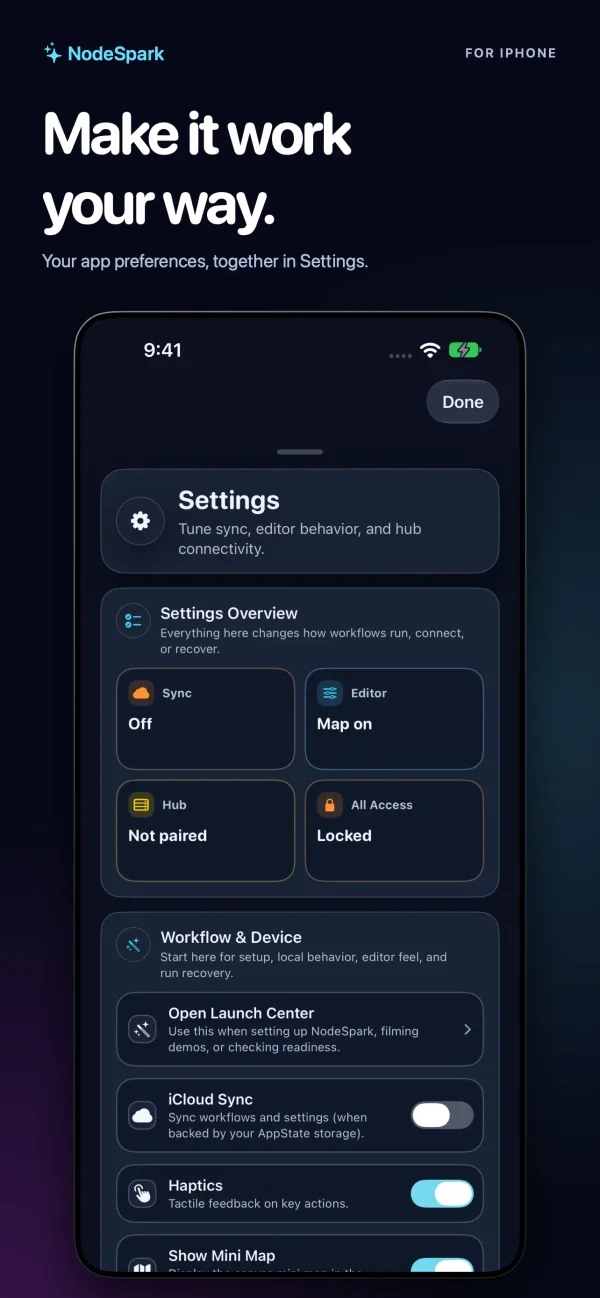


概要
開発元はこのテキストをお使いの言語で提供していません。
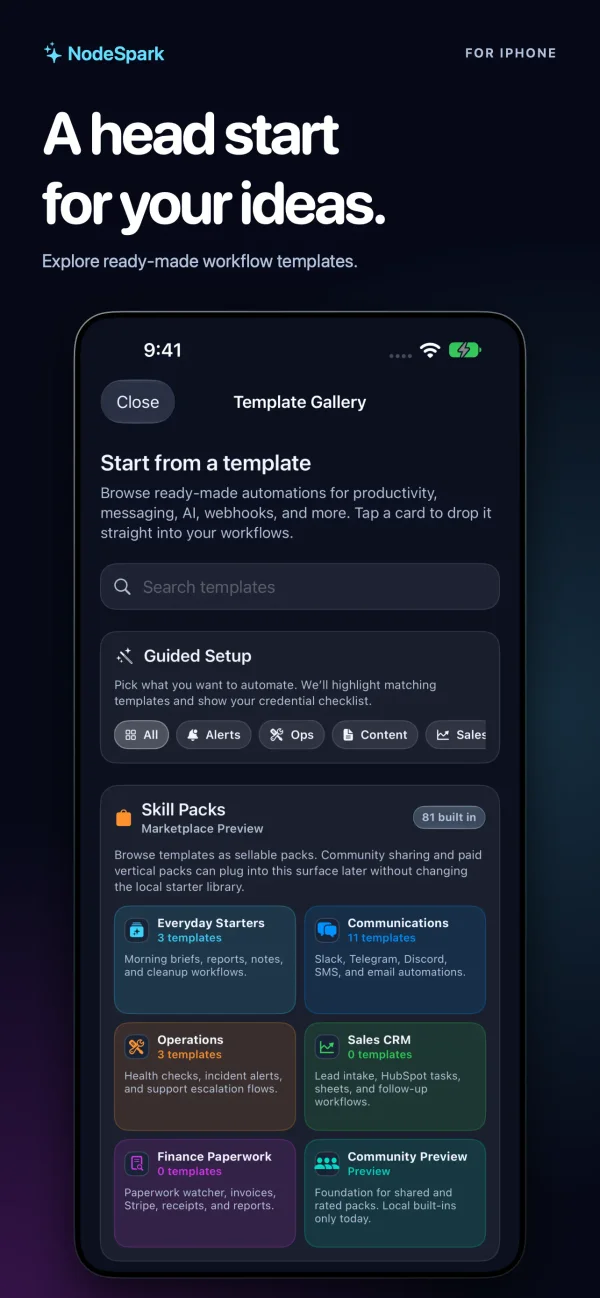
NodeSpark helps you build real automations from your iPhone or iPad, then run them locally or connect them to NodeSparkHub for full-time automation.
Create useful workflows in minutes without writing scripts, managing servers, or fighting complicated setup.
Build workflows like:
Create and update calendar events
Send structured updates to Slack or team channels
Trigger actions from app mentions or workflow events
Draft repeatable automations from templates
Connect mobile workflows to your Hub when you are ready
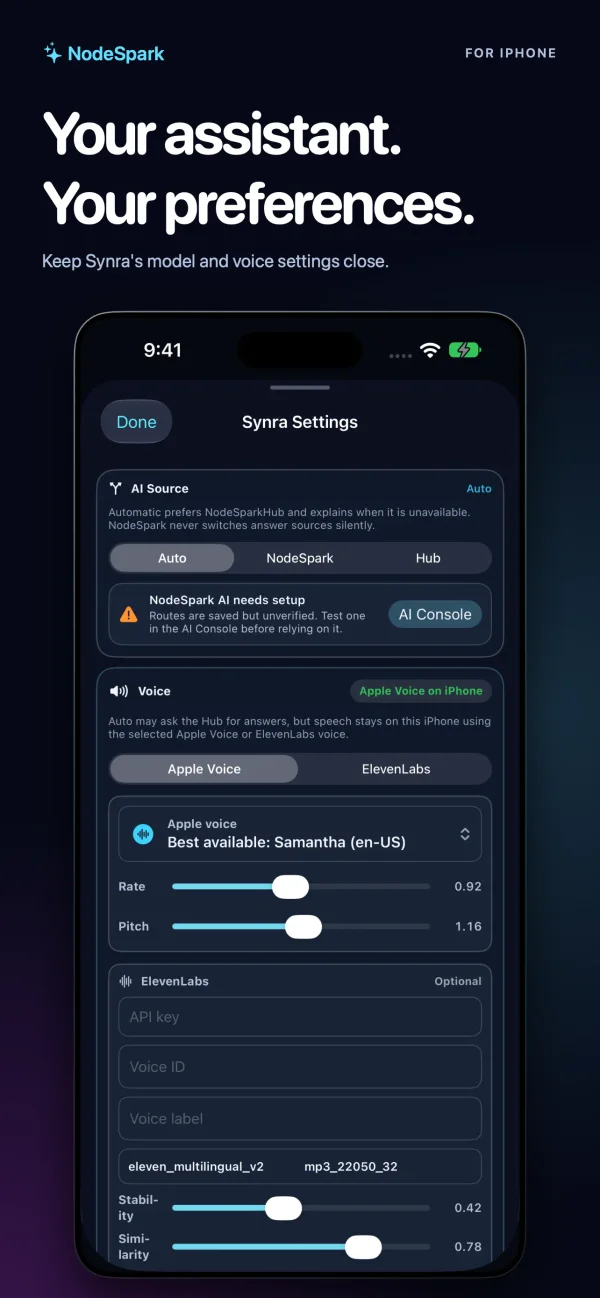
Meet Synra, your AI workflow assistant
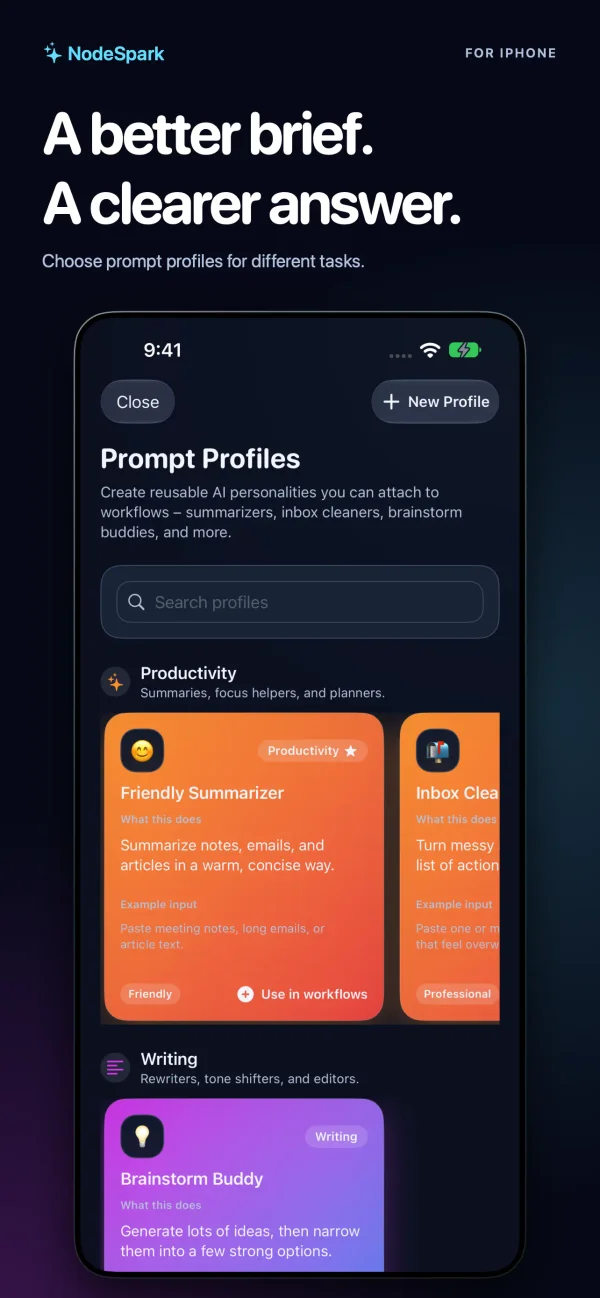
Synra helps you understand screens, draft workflows, explain automation steps, and guide setup. She can help you turn an idea into a workflow draft, explain what a workflow does, and help you troubleshoot safely.
Why people love NodeSpark:
Templates-first: Start fast with ready-made workflow ideas
Visual builder: Build logic with blocks instead of code
Mobile-first: Create, edit, and inspect workflows from your device
Hub-ready: Connect to NodeSparkHub for always-on automation
Safe by design: Risky actions require confirmation
Made for creators, teams, and power users:
Build automations without needing a backend
Keep workflows organized and reusable
Use Synra to guide setup, explain failures, and improve workflows
Start free, then unlock more power when you are ready
Upgrade to Pro
Unlock expanded Synra access, advanced workflow features, premium templates, and Hub-connected automation.
新機能
バージョン 5.0 · 2026/9/26
I don't see the changes on NodeSparkHub
11:26 AM
You’re right—the Hub’s interface cleanup is incomplete.
I checked the running app: it has the updated runtime. The new guided setup exists under Settings → Synra → Get to know me. I opened it for you without starting any recording.
But the main Voice tab still shows the old crowded controls and conflicting recognition messages. That makes the improvements difficult to find. This is a UI integration gap, not simply a missing rebuild.
The remaining cleanup is to make the guided setup accessible directly from Voice, move diagnostics into Advanced, and remove misleading recognition labels. My earlier completion summary overstated how finished that experience was.
11:29 AM
User attachment
Here is the problem. I do not like this voice and face setups at all in the sidebar. This is a horrible way to set them up and looks confusing
11:38 AM
Yes—the screenshot shows a diagnostics dashboard where a simple setup experience should be. Hiding those same panels under another heading isn’t enough.
The replacement should be:
Simple everyday controls: Talk, spoken replies, and Camera.
One “Set up camera & microphone” button: opens a spacious, dedicated window—not the sidebar.
Camera step: large preview, framing guide, one clear action, and Skip.
Voice step: one short phrase, recording indicator, and an easy retry.
Finish: a clear summary, with technical details kept in Settings → Advanced.
Object questions must remain separate: users can show Synra something without completing face setup.
One important correction: the current implementation checks capture quality; it does not genuinely recognize someone’s face or voice. “Enrolled,” “Voice Match,” and “Verified” must not imply otherwise.
That is the focused redesign this screen needs—not another layer of controls.
11:39 AM
approved
11:39 AM
Implemented in both projects:
Removed the crowded enrollment panels and Identity tab.
Added one Set up camera & microphone button opening a dedicated guided sheet.
Added a large camera preview, framing guide, optional checks, retry, and skip.
Prevented conversation listening from restarting during setup.
Both builds and the full regression suite pass. Shared runtime bundles are synchronized.
Rebuild and relaunch both apps to see these changes. I haven’t replaced your running copies. Real camera/microphone testing still needs a signed-device check; these checks do not perform identity recognition.
Edited 20 files
+618
-279
scripts/test-capture-setup-entry.mjs
scripts/
test-capture-setup-entry.mjs
+46
-2
NodeSparkHub Version 4.3/Tools/SynraWebModern/src/main.ts
NodeSparkHub Version 4.3/Tools/SynraWebModern/src/
main.ts
+25
-237
NodeSparkHub Version 4.3/Tools/SynraWebModern/src/services/capture-setup-entry.ts
NodeSparkHub Version 4.3/Tools/SynraWebModern/src/services/
capture-setup-entry.ts
+32
-0
Show 17 more files
11:59 AM
Please write the what's new for both apps
2:47 PM
NodeSpark — What’s New in Version 5.0
A simpler, more personal way to connect with Synra.
Cleaner assistant controls with less clutter.
New guided camera and microphone setup, with camera preview, framing guidance, and optional checks.
Ask Synra about objects through your camera, with image review before sending.
Improved voice playback, speech timing, and microphone reliability.
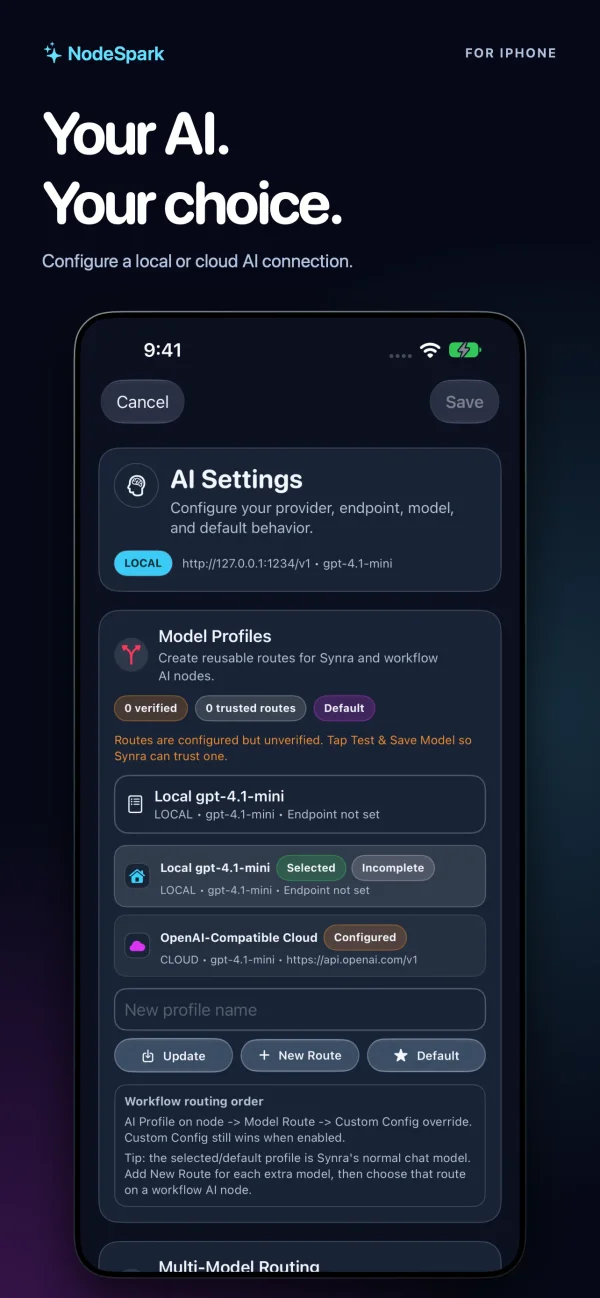
Clearer local AI connection settings and model discovery.
Better conversation memory handling, Hub communication, and task status feedback.
Improved sign-in and purchase restoration guidance.
Camera and microphone checks are optional. Face setup is not required to ask about objects.
アプリのプライバシー
このアプリのデータの取り扱いについて、Matthew ElliottがApp Storeで申告している内容です。
-
データの収集なし
開発元はこのアプリからデータを収集しません。
プライバシーの取り扱いは、ご利用の機能やお客様の年齢などに応じて異なる場合があります。
情報
- 販売元
- Matthew Elliott
- カテゴリ
- 仕事効率化
- バージョン
- 5.0
- 更新日
- 2026/9/26
- リリース
- 2025/12/17
- サイズ
- 163.8 MB
- 必要条件
- iOS 26.1以降
- 対象年齢
- 4+
- 価格
- 無料
- アプリ内課金
- あり
- 言語
- 英語
- 著作権
- © 2025 Matthew Elliott