
- 対象年齢12+
- カテゴリソーシャルネットワーキング
- 開発元Sebastiano Scuncia
- 言語英語
- サイズ84.2 MB
App Storeの公式ページにリンクしています
Download.orgはnook.のファイルを一切ホストしていません。ボタンを押すと、Sebastiano Scunciaが公開しているApp Storeのアプリページが開きます。ページの最終確認:2026/11/12。
スクリーンショット

概要
開発元はこのテキストをお使いの言語で提供していません。
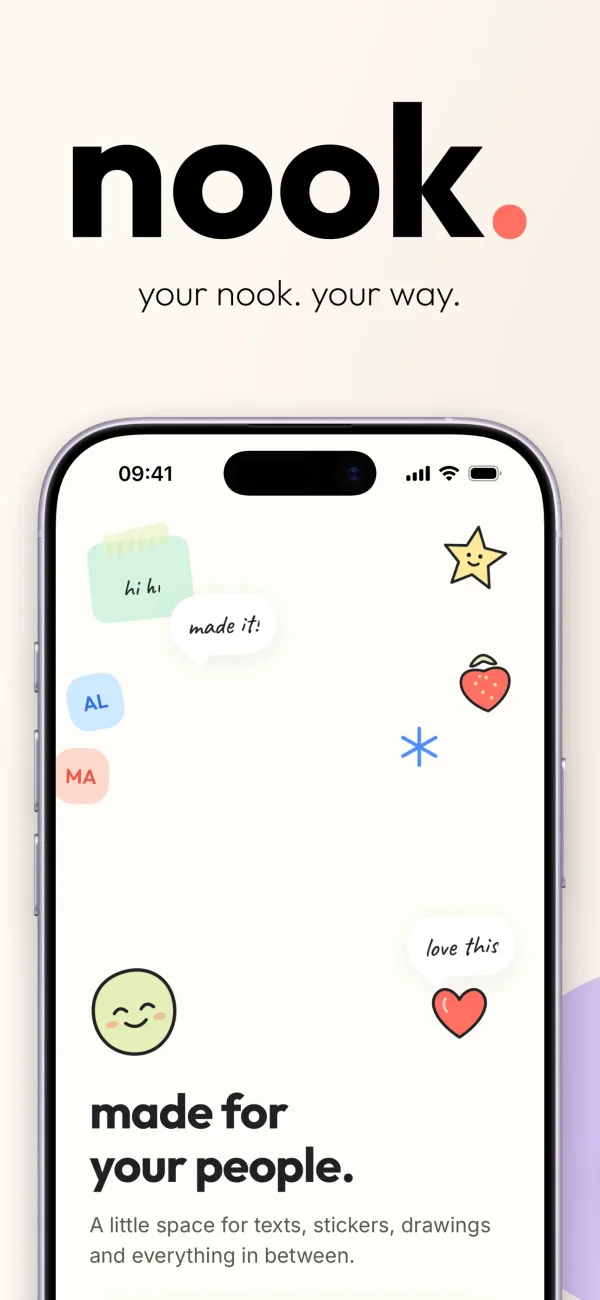
nook gives you a space to talk, leave things behind, and make something together.
Every space has a canvas of its own. Fill it with photos, stickers, notes, drawings, GIFs, and whatever you want to leave there.
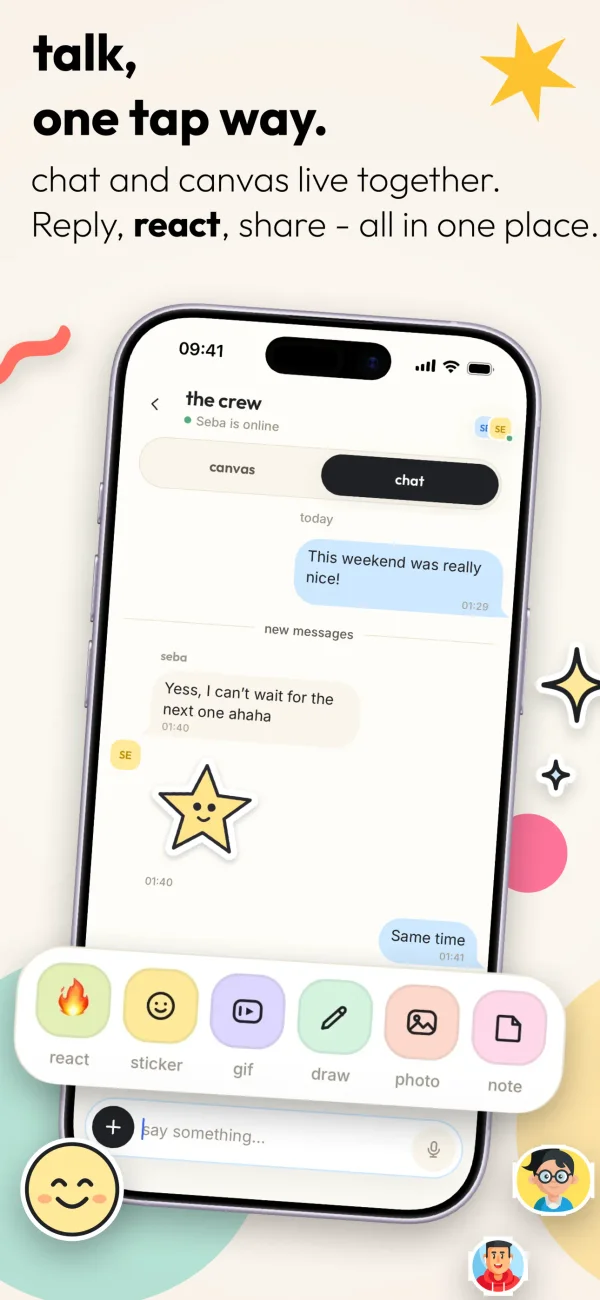
Chat lives right beside the canvas, so you can switch between talking and leaving things whenever you want.
MAKE IT YOURS:
• Customise your space
• 300+ hand-made stickers and GIF search
• Photos, notes, drawings, voice notes, and decorations
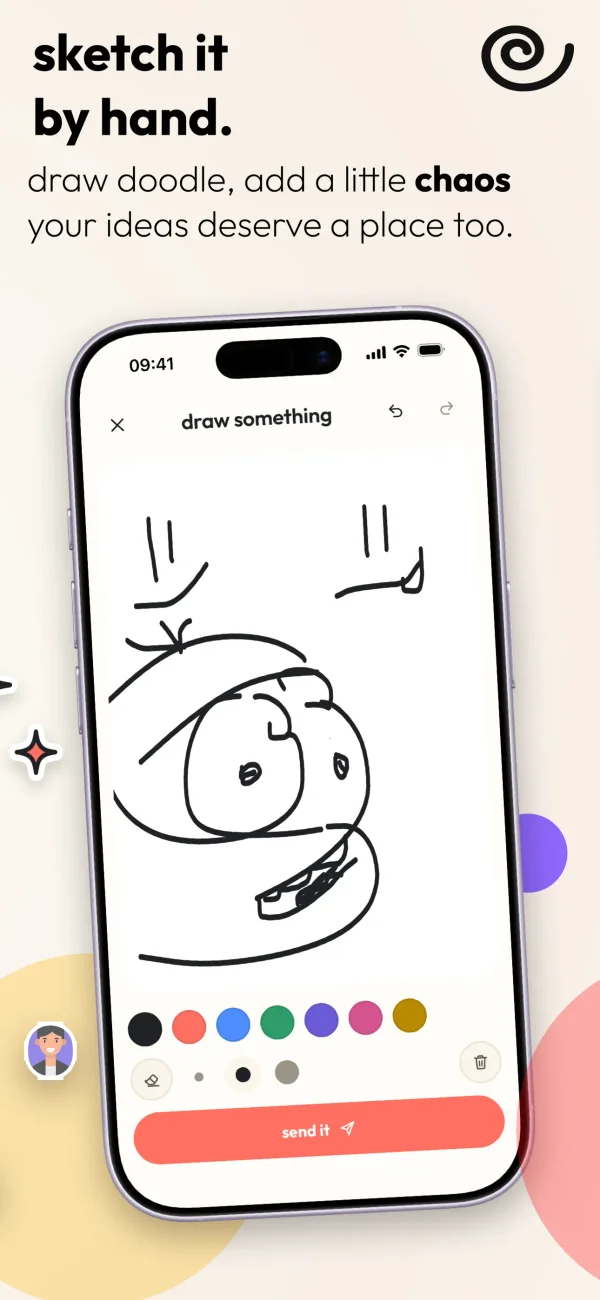
• Draw directly on the canvas
• Move and arrange things however you like
STAY IN TOUCH:
• Chat, react, reply, and share
• Leave things for people to find later
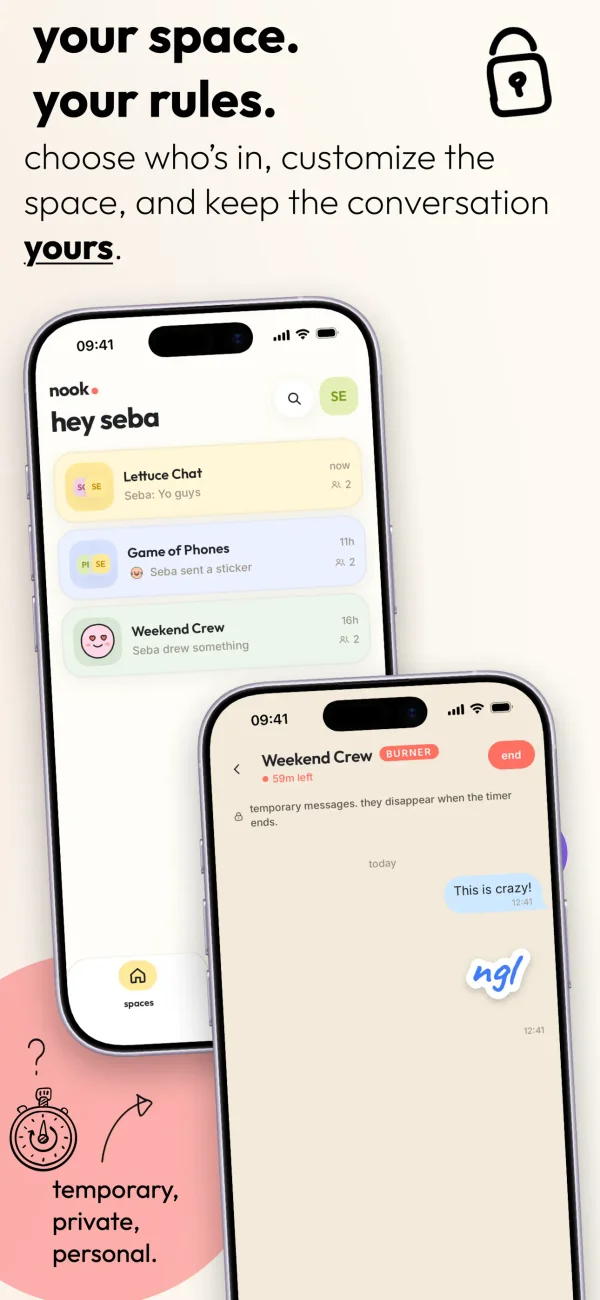
• Create burner spaces for things that don't need to stick around
• Spaces support 2–20 people
PRIVATE BY DESIGN:
• Text and notes are encrypted on your device before they're uploaded
• Invite codes never reach our server
• No ads, advertising identifiers, or cross-app tracking
• We don't sell your data
• Report or block people, or delete your account and everything you've uploaded.
新機能
バージョン 2.0.0 · 2026/10/20
nook. 2.0 changes a lot. Calls are here, the wall is more interactive than ever, and you can now create your own stickers from text and photos.
CALLS:
- nook. now rings full-screen, even when the app is closed. Answer or decline from your lock screen and see who's calling.
- Improved speakerphone audio that switches between the earpiece and loudspeaker.
- Keep chatting while you talk with a collapsible call bar, and find your calls in the conversation afterwards.
- New ringtones and a live call timer.
- Calls still work inside the app on devices that don't support the system call screen.
STICKERS, YOUR WAY
- Text stickers: type a phrase, pick a colour, and turn it into a handwritten sticker to send in chat or leave on the wall.
- Photo stickers: automatically lift a subject out of a photo, or crop any part of it yourself.
- My Stickers keeps your creations ready to use again. Save custom stickers sent by others with a tap.
- A much bigger sticker library, with recent stickers close at hand.
THE WALL:
- Leave reactions directly on the canvas. Tap a heart or sticker to replay the moment and watch it bounce back to life.
- Bigger, softer bursts scatter across the screen before coming back together.
- Add multiple reactions to the same message.
- An effectively endless canvas. Pan anywhere, zoom in, and return to where you left off.
- New things from your people gently slide into view, so nothing gets lost off-screen.
BURNER:
- Pull up in chat to start a temporary conversation. Choose 1 hour, 24 hours or 7 days, and it disappears when time runs out.
- Burner messages stay separate from the rest of the thread, with a live countdown and an easy way back.
CHAT AND SPACES:
- Make chat your own with bubble colours, sizes, corners, tails and adjustable doodle wallpaper.
- Shared checklists where everyone ticks their own items and sees who's done. Choose between board, sticky-note and paper styles.
- Record voice notes right in the conversation, with a live waveform and playback where they belong.
- Browse every photo and GIF in a space in a media gallery, grouped by month, with a full-screen viewer.
- Give every space its own icon, colour and description.
- Pin favourite spaces to the top, with unread badges on both the wall and chat.
CHAT STATUS:
- See when someone is online or typing in your conversations.
- Sent, delivered and read indicators help you follow the status of your messages.
PRIVACY AND SETTINGS:
- Online status, last seen and read receipts work both ways. If either person turns a setting off, neither sees the other's status.
- Choose whether direct-message previews appear in notifications. When nook. is open, a quiet in-app banner takes their place.
- Join spaces by invite, block or report users, and delete your account directly in the app.
LOOK AND FEEL:
- Refined dark mode
- Sound effects and vibration controls in Settings.
- Faster startup, more reliable sending when offline, and smoother animations throughout.
- General Bug Fixes.
Thanks for being here. nook grows with the people in it.
アプリのプライバシー
このアプリのデータの取り扱いについて、Sebastiano ScunciaがApp Storeで申告している内容です。
-
ユーザーに関連付けられたデータ
収集され、ユーザーの識別情報に関連付けられる場合があります。
- 連絡先情報
- ユーザーコンテンツ
- ID
プライバシーの取り扱いは、ご利用の機能やお客様の年齢などに応じて異なる場合があります。
情報
- 販売元
- Sebastiano Scuncia
- カテゴリ
- ソーシャルネットワーキング
- バージョン
- 2.0.0
- 更新日
- 2026/10/20
- リリース
- 2026/10/19
- サイズ
- 84.2 MB
- 必要条件
- iOS 16.4以降
- 対象年齢
- 12+
- 価格
- 無料
- 言語
- 英語
- 著作権
- © 2026 Sebastiano Scuncia