- 対象年齢4+
- カテゴリ仕事効率化
- 開発元Dinesh Malla
- 言語英語
- サイズ3.2 MB
App Storeの公式ページにリンクしています
Download.orgはNotiqのファイルを一切ホストしていません。ボタンを押すと、Dinesh Mallaが公開しているApp Storeのアプリページが開きます。ページの最終確認:2026/11/15。
スクリーンショット


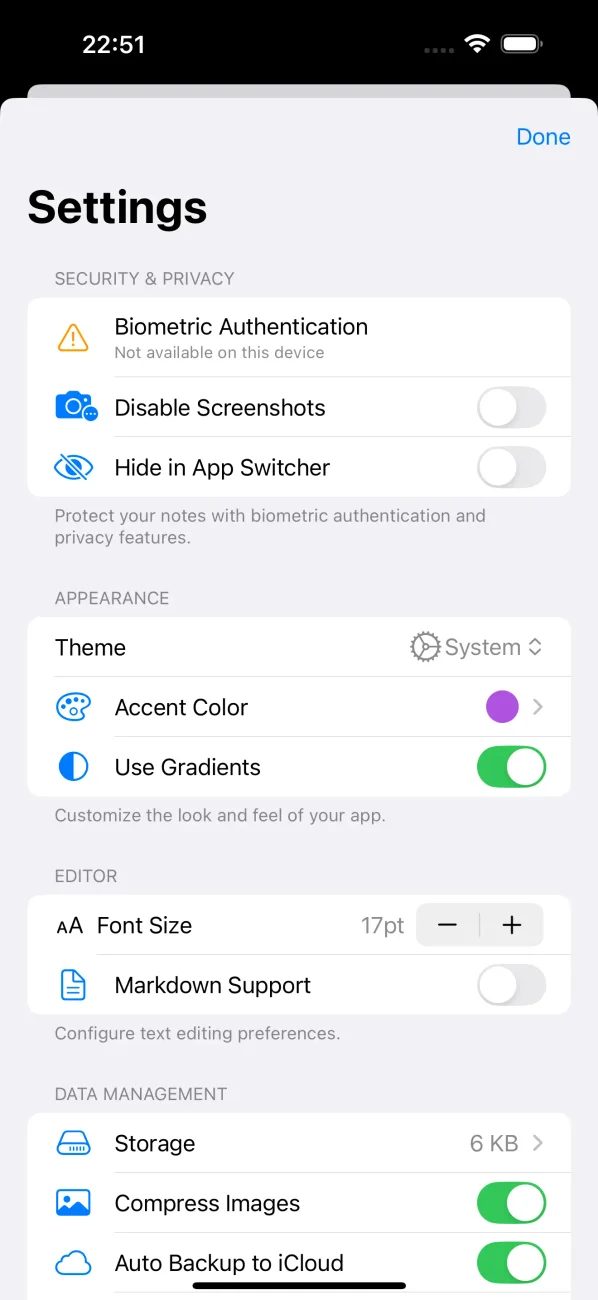
概要
開発元はこのテキストをお使いの言語で提供していません。
Transform the way you take notes with Notiq
Notiq is a powerful, intuitive note-taking app designed for the modern thinker. Whether you're a student capturing lecture notes, a professional organizing project ideas, or a creative mind brainstorming your next masterpiece, Notiq has everything you need.
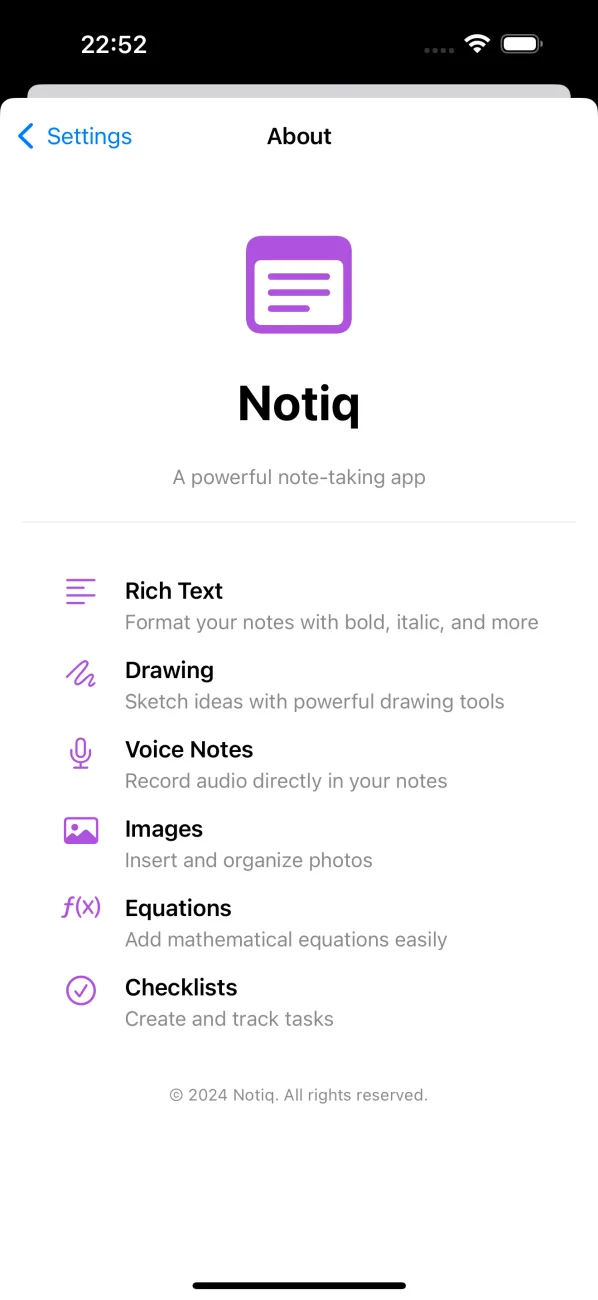
KEY FEATURES
Smart Organization
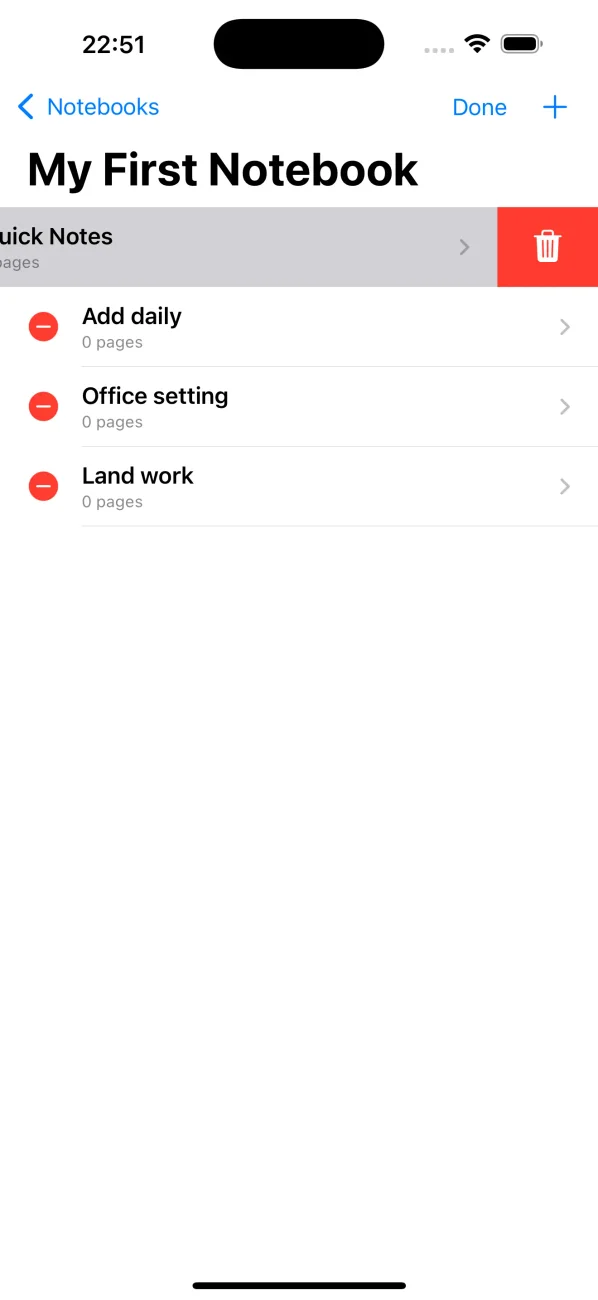
• Organize notes in Notebooks, Sections, and Pages
• Create unlimited notebooks for different projects
• Color-code your notebooks for quick identification
• Three-column navigation for effortless browsing
Rich Text Editing
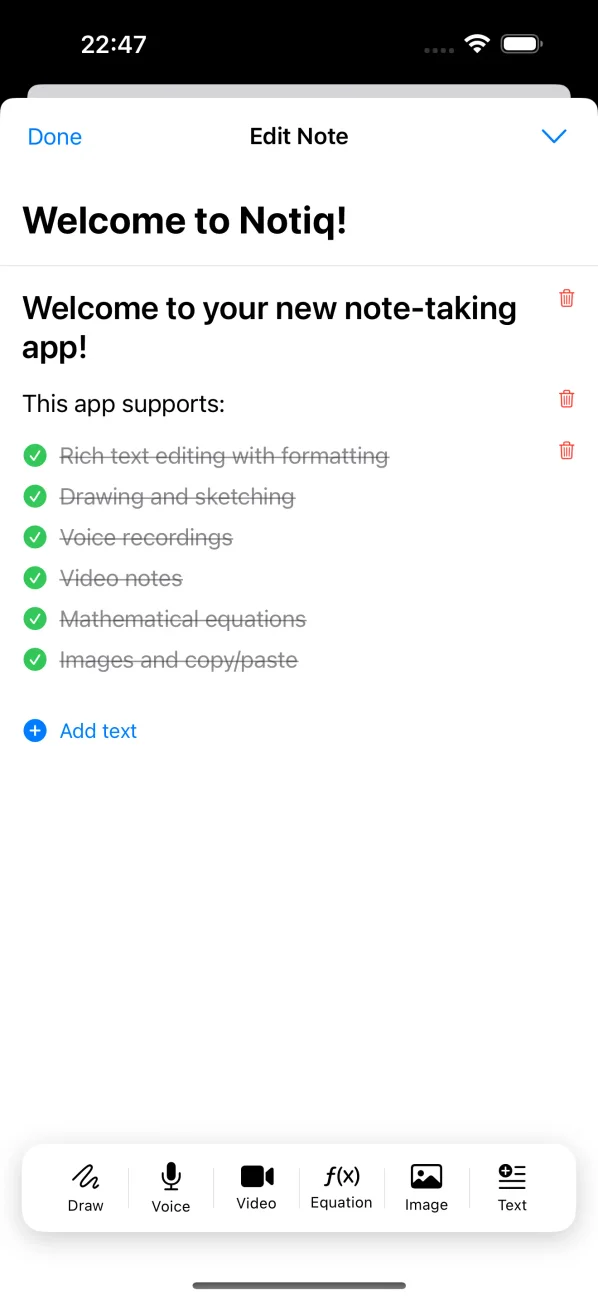
• Multiple text styles: Headings, paragraphs, quotes
• Bullet lists and numbered lists
• Interactive checklists with tap-to-complete
• Beautiful typography that's easy on the eyes
Drawing & Sketching
• Apple Pencil support for natural drawing
• Adjustable brush sizes and colors
• Perfect for diagrams, doodles, and visual notes
• Smooth, responsive canvas
Voice Recording
• Record audio notes on the go
• Perfect for lectures, meetings, and voice memos
• Playback controls built right into your notes
• High-quality audio capture
Video Notes
• Record video directly in your notes
• Capture demonstrations and visual explanations
• Integrated video playback
• Keep everything in one place
Equation Editor
• Create beautiful mathematical equations
• Support for fractions, exponents, and more
• Perfect for students and professionals
• Easy-to-use template system
Image Integration
• Insert photos from your library
• Capture new photos directly
• Support for diagrams and screenshots
• All your visual content in context
Privacy & Security
• Face ID / Touch ID protection
• Your notes stay private and secure
• Local storage - your data stays on your device
• Optional biometric authentication
Powerful Settings
• Customize your experience
• Dark mode support
• Data export and backup
• Professional settings panel
Reliable Data Storage
• Auto-save as you type
• Never lose your work
• Fast and efficient storage
• Export your notes anytime
PERFECT FOR
Students
• Take lecture notes with text, drawings, and photos
• Record audio during class
• Create study checklists
• Organize notes by subject
Professionals
• Meeting notes with action items
• Project planning and brainstorming
• Voice memos and reminders
• Professional documentation
Creatives
• Sketch ideas and concepts
• Mixed media notes
• Story boarding and planning
• Visual journaling
Educators
• Lesson planning
• Student feedback notes
• Lecture preparation
• Educational content creation
WHY CHOOSE NOTIQ
All-in-One Solution- Text, drawing, audio, video, photos, and equations in one app
Intuitive Interface- Beautiful, modern design that's easy to learn
Fast & Responsive - Smooth performance, even with large notebooks
Privacy First - Your notes are yours, stored locally and securely
No Subscription Required- One-time purchase, lifetime access (if paid)
Regular Updates- Continuously improving with new features
SYSTEM REQUIREMENTS
• iOS 16.0 or later
• iPhone and iPad compatible
• Optimized for all screen sizes
• Apple Pencil support on compatible devices
BEAUTIFUL DESIGN
Notiq features a modern, clean interface with a signature purple theme. The three-column layout makes navigation effortless, while the focused editor helps you concentrate on your ideas without distractions.
GET STARTED TODAY
Download Notiq now and experience note-taking reimagined. Whether you're capturing a quick thought or building a comprehensive knowledge base, Notiq adapts to your workflow.
Transform your thoughts into organized, beautiful notes with Notiq
新機能
バージョン 1.1.0 · 2026/3/17
Edit mode – Delete icons only appear when you tap Edit
Smoother text editing and selection
Video playback fixed for camera and photo library
Empty page issue resolved
Export and share improvements
Stability and crash fixes
アプリのプライバシー
このアプリのデータの取り扱いについて、Dinesh MallaがApp Storeで申告している内容です。
-
データの収集なし
開発元はこのアプリからデータを収集しません。
プライバシーの取り扱いは、ご利用の機能やお客様の年齢などに応じて異なる場合があります。
情報
- 販売元
- Dinesh Malla
- カテゴリ
- 仕事効率化
- バージョン
- 1.1.0
- 更新日
- 2026/3/17
- リリース
- 2025/11/12
- サイズ
- 3.2 MB
- 必要条件
- iOS 16.0以降
- 対象年齢
- 4+
- 価格
- 無料
- 言語
- 英語
- 著作権
- © 2024 Help AGI. All rights reserved.
こちらもおすすめ
-
 Notiq: AI Voice to Text Notes仕事効率化
-
 StudyFlow AI: 勉強アプリ暗記カード · クイズ作成 · 復習計画
-
 Candle: Cozy Focus & Study仕事効率化
-
 Split Voice Memos : SplitMemos仕事効率化
-
 Private Transcribeオフラインで使えるAI文字起こし|録音・音声入力・議事録
-
 文字起こし・ボイスメモ・AI議事録 - Convoxaボイスレコーダー・録音アプリ・音声入力・もじおこし
-
 ショートカット管理 - アプリボックスタップまたは右クリックでアプリ起動、スクリーンショットツール
-
 Side Notes: メリット デメリット 比較SWOT分析・アイゼンハワーマトリックス
-
 AIメールライター+返信・敬語・翻訳をすばやく
-
 文字起こし:音声文字変換・議事録録音・音声入力・テキスト変換・翻訳