- 対象年齢4+
- カテゴリ仕事効率化
- 開発元Meta Multiples Private Limited
- 言語英語
- サイズ66.5 MB
App Storeの公式ページにリンクしています
Download.orgはNoto Scribeのファイルを一切ホストしていません。ボタンを押すと、Meta Multiples Private Limitedが公開しているApp Storeのアプリページが開きます。ページの最終確認:2026/11/12。
スクリーンショット


概要
開発元はこのテキストをお使いの言語で提供していません。
Turn your voice into knowledge.
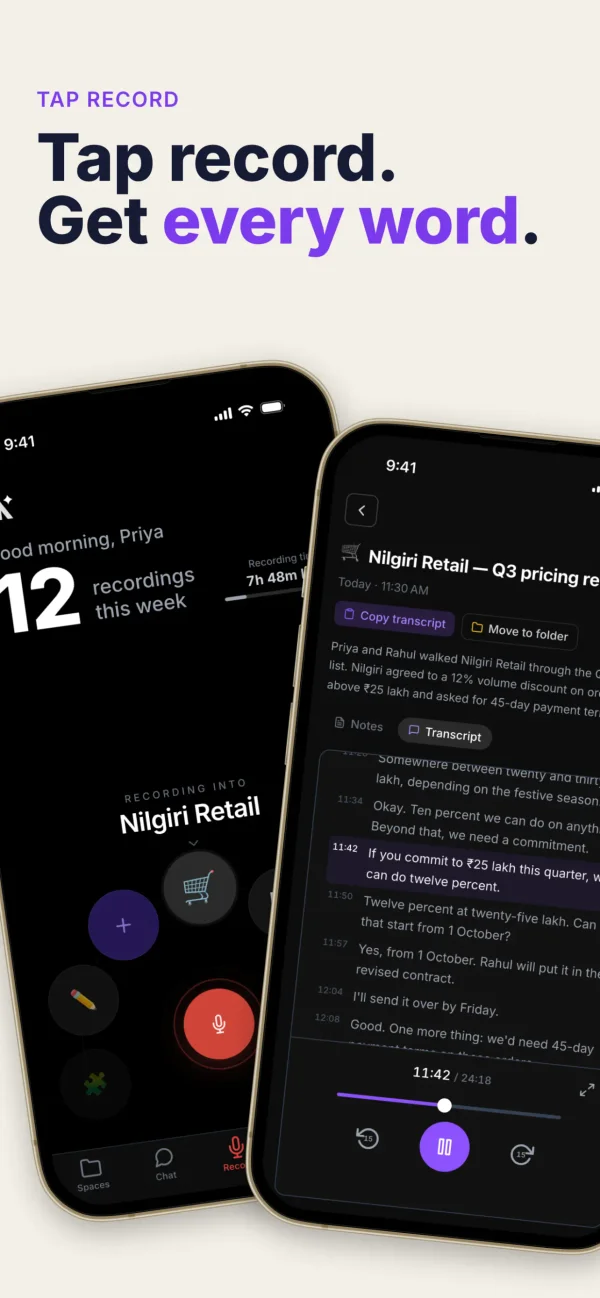
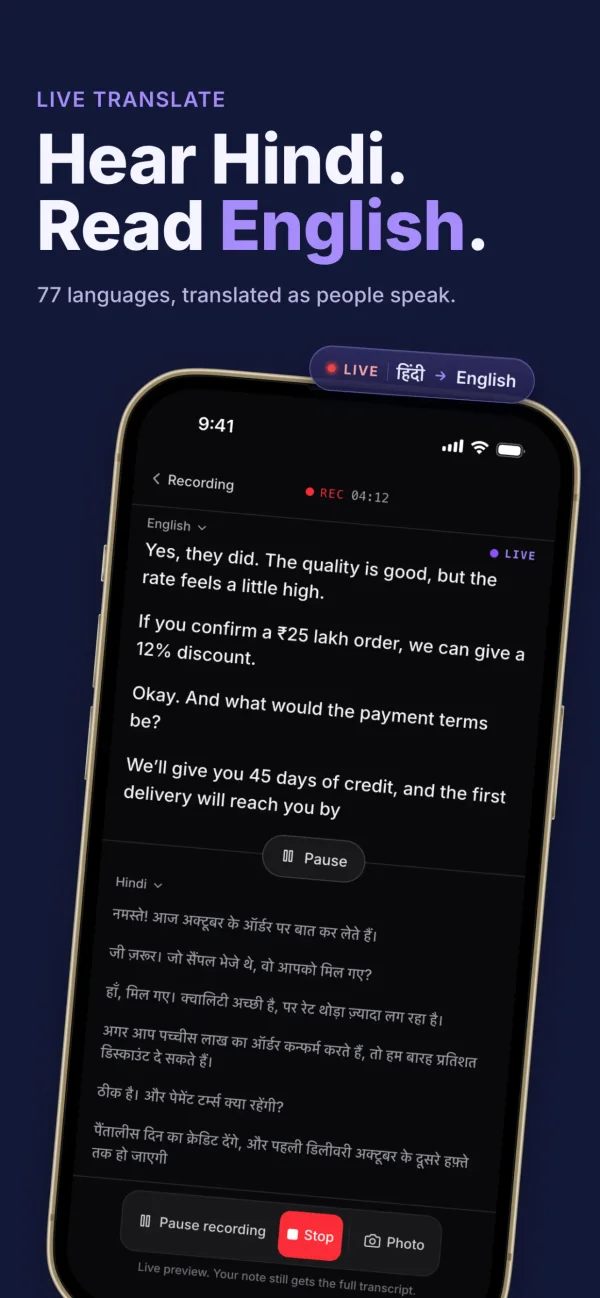
Noto Scribe is the fastest way to capture ideas, lectures, interviews, and meetings — then turn those recordings into something useful. One tap to record. AI does the rest.
KEY FEATURES
• One-Tap Recording
Hit record and start talking. No setup, no fuss. Pause, resume, and jot notes inline.
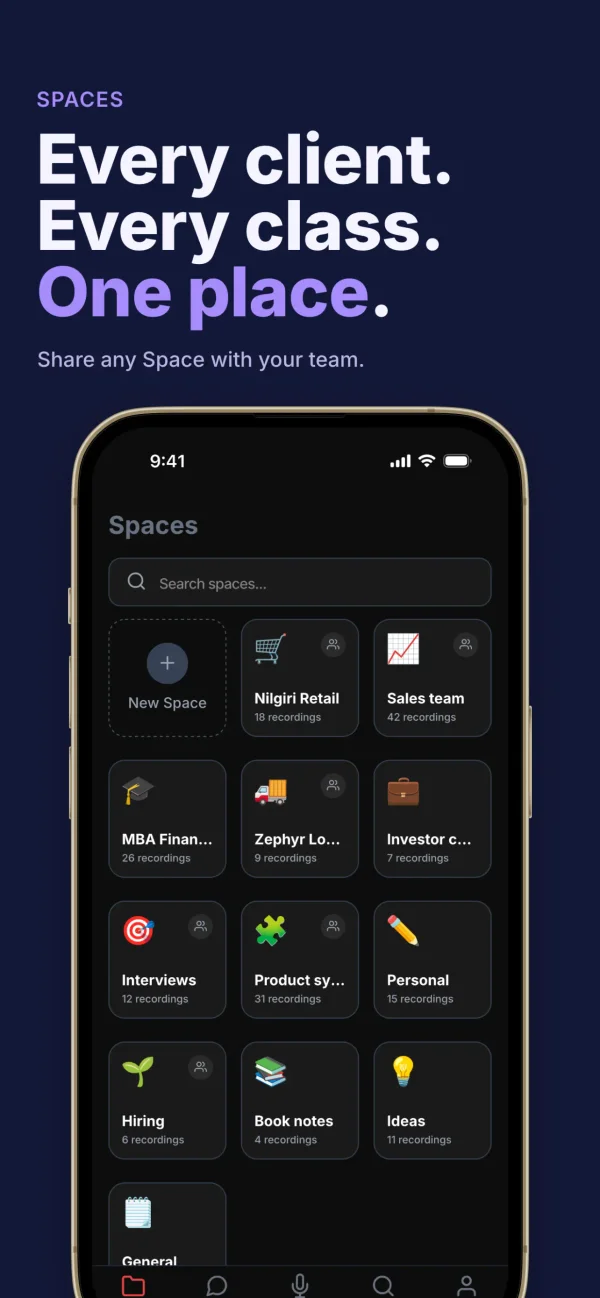
• Spaces — Organize Naturally
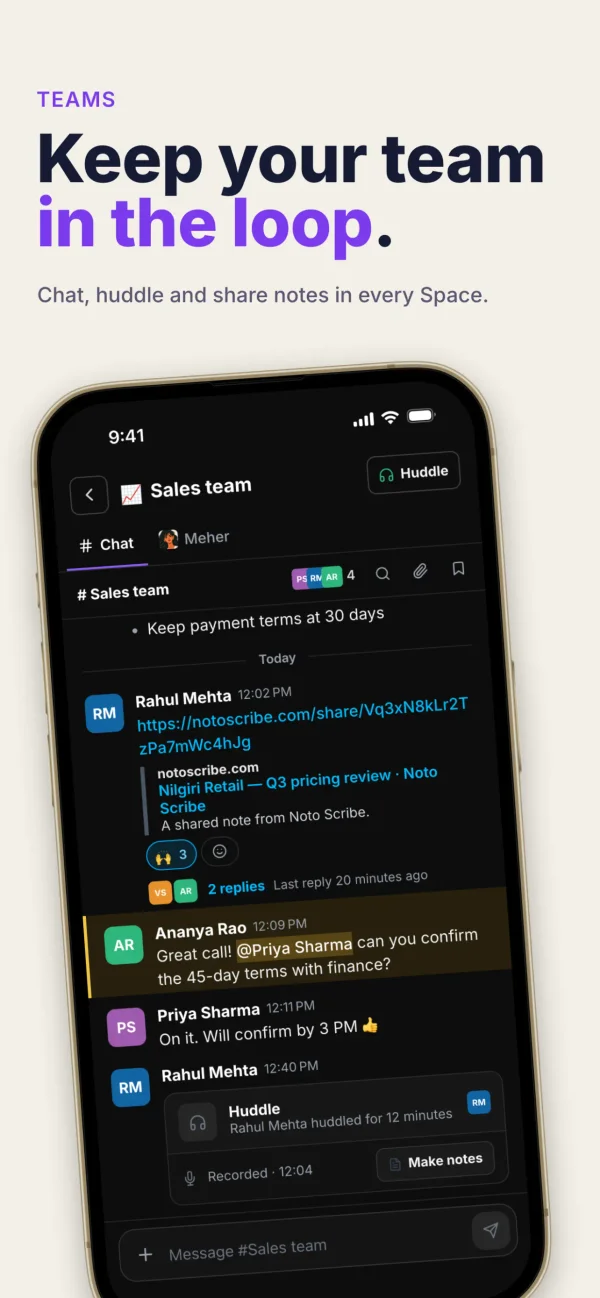
Group recordings into Spaces for lectures, interviews, projects, or personal notes. Each Space builds its own knowledge base over time.
• AI-Generated Knowledge Base
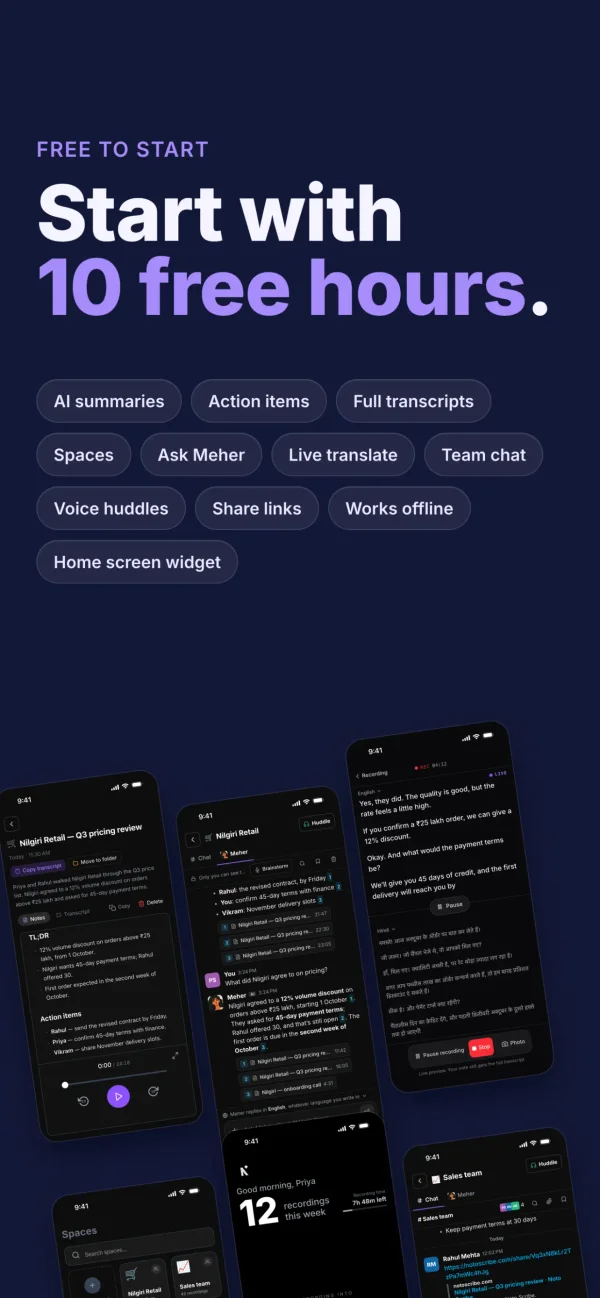
Every recording is automatically transcribed and distilled — overviews, key people, decisions, and topics surface without you lifting a finger.
• Ask Anything
Search across an entire Space in plain English. Get answers with citations pointing back to the exact recording, so you can verify or dive deeper.
• Save to Knowledge Base
Found something useful in an answer? Save it back to the Space's KB or send it to your favorite LLM for further work.
• Light, Dark & System Themes
Looks great any time of day. Themes match your device automatically.
• Privacy First
Your recordings stay yours. Sign in with Google or email. No tracking, no ads.
WHO IT'S FOR
• Students who never want to miss a lecture detail
• Journalists capturing interviews on the go
• Founders & PMs running back-to-back calls
• Researchers building reference libraries
• Anyone who thinks faster than they type
WHY NOTO SCRIBE
Most voice recorders are dumb buckets — you record, then forget. Noto Scribe is different. Every recording gets transcribed, organized, and indexed. Months later, ask "what did we decide about pricing?" and get a real answer with the exact quote.
Stop losing ideas. Start building knowledge.
Download Noto Scribe and turn every conversation into something searchable.
新機能
バージョン 2.2.4 · 2026/10/23
Pages
• While the keyboard is up on a page, a bar sits above it with the blocks you reach for most: headings, bullet and numbered lists, to-dos, toggles, quotes, code, a divider and images. One tap puts the block where you are typing.
• Tap the grid on the bar for a taller panel listing every block by name, or type “/” to filter that list, the same way the web does.
• The bar has its own button to put the keyboard away.
Everywhere
• Fixes and polish.
アプリのプライバシー
このアプリのデータの取り扱いについて、Meta Multiples Private LimitedがApp Storeで申告している内容です。
-
ユーザーに関連付けられたデータ
収集され、ユーザーの識別情報に関連付けられる場合があります。
- 連絡先情報
- ユーザーコンテンツ
プライバシーの取り扱いは、ご利用の機能やお客様の年齢などに応じて異なる場合があります。
情報
- 販売元
- META MULTIPLES PRIVATE LIMITED
- カテゴリ
- 仕事効率化
- バージョン
- 2.2.4
- 更新日
- 2026/10/23
- リリース
- 2026/5/20
- サイズ
- 66.5 MB
- 必要条件
- iOS 15.1以降
- 対象年齢
- 4+
- 価格
- 無料
- 言語
- 英語
- 著作権
- © Meta Multiples Private Limited