- 対象年齢4+
- カテゴリユーティリティ
- 開発元Hammad Fida
- 言語英語
- サイズ1.6 MB
App Storeの公式ページにリンクしています
Download.orgはNumRowのファイルを一切ホストしていません。ボタンを押すと、Hammad Fidaが公開しているApp Storeのアプリページが開きます。ページの最終確認:2026/11/15。
スクリーンショット

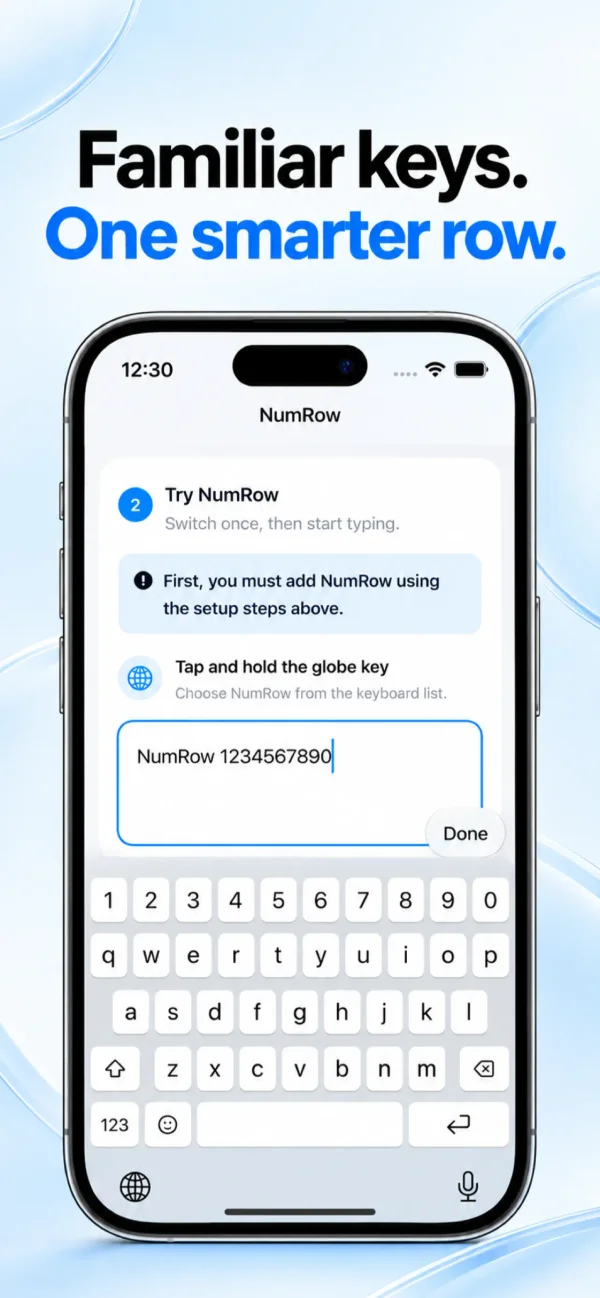

概要
開発元はこのテキストをお使いの言語で提供していません。
Numbers should not be hidden behind another keyboard layout.
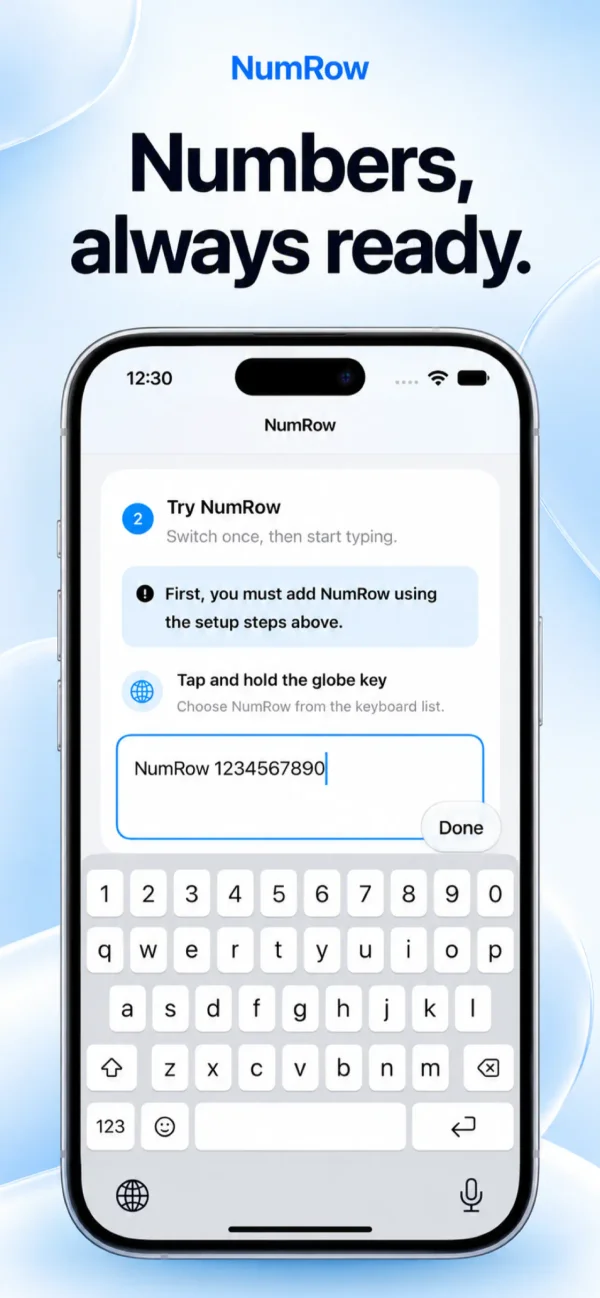
NumRow gives you a familiar QWERTY keyboard with a permanent 0–9 row above the letters. Enter addresses, verification codes, measurements, dates and everyday details without constantly switching between letters and numbers.
FAMILIAR TYPING
NumRow is designed around the keyboard layout you already know, with responsive keys, key previews, automatic capitalization, Shift, Caps Lock and hold-to-delete.
NUMBERS ALWAYS READY
The permanent number row keeps every digit within reach while you type. Standard punctuation, symbols and emoji are also included.
MADE FOR EVERYDAY TEXT FIELDS
NumRow adapts to normal text, email, URL and numeric fields, with appropriate keys and Return actions for each context.
PRIVATE BY DESIGN
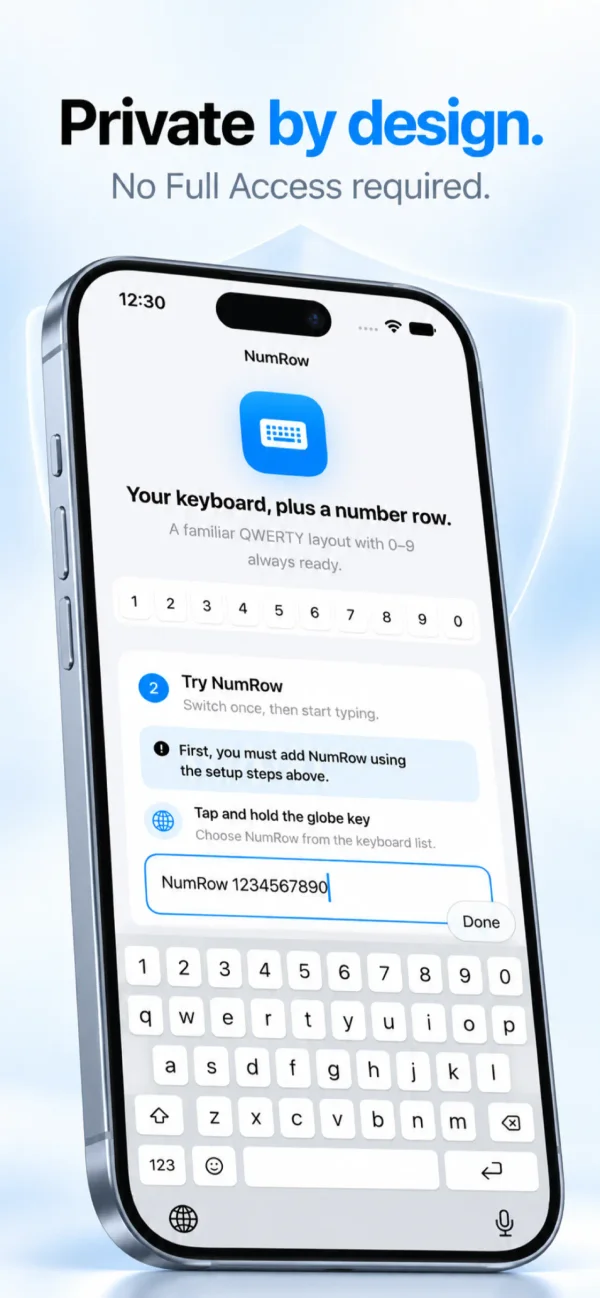
No Full Access is required. NumRow has no account, analytics, advertising, tracking or network connection. What you type never leaves your device.
QUICK SETUP
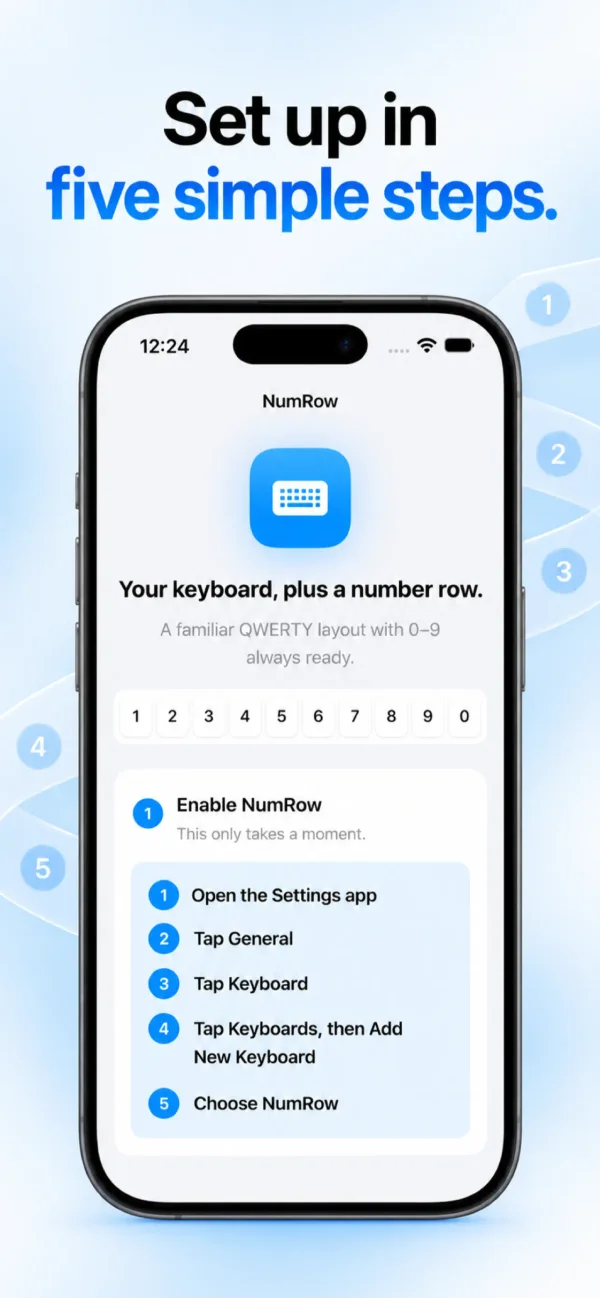
1. Open the Settings app
2. Tap General
3. Tap Keyboard
4. Tap Keyboards, then Add New Keyboard
5. Choose NumRow
Once enabled, hold the globe key whenever a keyboard is visible and choose NumRow.
アプリのプライバシー
このアプリのデータの取り扱いについて、Hammad FidaがApp Storeで申告している内容です。
-
データの収集なし
開発元はこのアプリからデータを収集しません。
プライバシーの取り扱いは、ご利用の機能やお客様の年齢などに応じて異なる場合があります。
情報
- 販売元
- Hammad Fida
- カテゴリ
- ユーティリティ
- バージョン
- 1.0
- 更新日
- 2026/10/2
- リリース
- 2026/10/2
- サイズ
- 1.6 MB
- 必要条件
- iOS 17.0以降
- 対象年齢
- 4+
- 価格
- 無料
- 言語
- 英語
- 著作権
- © 2026 Hammad Fida
こちらもおすすめ
-
 FastKeyboard`ユーティリティ
-
 WideKeys: Number Row Keyboardユーティリティ
-
 TypeFlow: Smart Keyboardユーティリティ
-
 Laptop Keyboardユーティリティ
-
 SweetKeyboard Proユーティリティ
-
 Just Digitsシンプルなテンキーキーボード
-
 VersaKey: Custom iOS Keyboardユーティリティ
-
 Furnvik: 家具の3D組み立てオフライン手順・写真・作業記録
-
 Number Keys+ Keyboardユーティリティ
-
 Counter: Tally Clicker Widgetユーティリティ