
- 対象年齢4+
- カテゴリ仕事効率化
- 開発元Gunish Sharma
- 言語英語
- サイズ78.8 MB
App Storeの公式ページにリンクしています
Download.orgはOdoroのファイルを一切ホストしていません。ボタンを押すと、Gunish Sharmaが公開しているApp Storeのアプリページが開きます。ページの最終確認:2026/11/20。
スクリーンショット
概要
開発元はこのテキストをお使いの言語で提供していません。
Master Your Focus & Build Lasting Habits
Odoro combines a focused Pomodoro timer, flexible habit tracker, and beautiful progress widgets in one thoughtfully designed app. Stay present, build consistency, and turn everyday effort into visible progress.
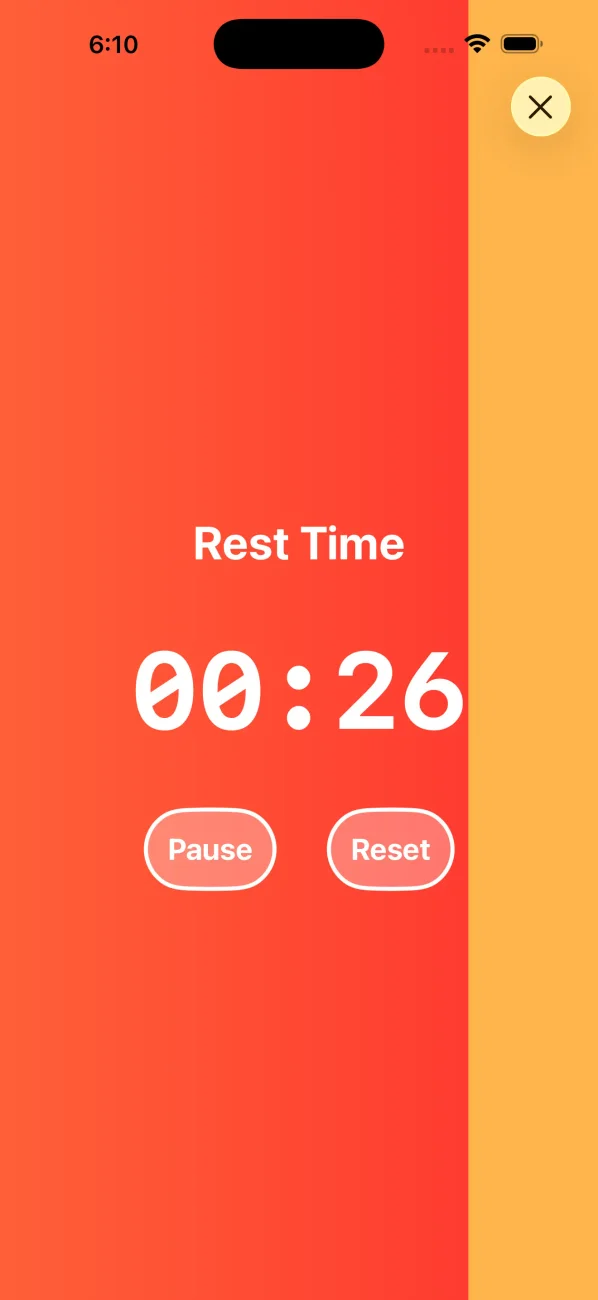
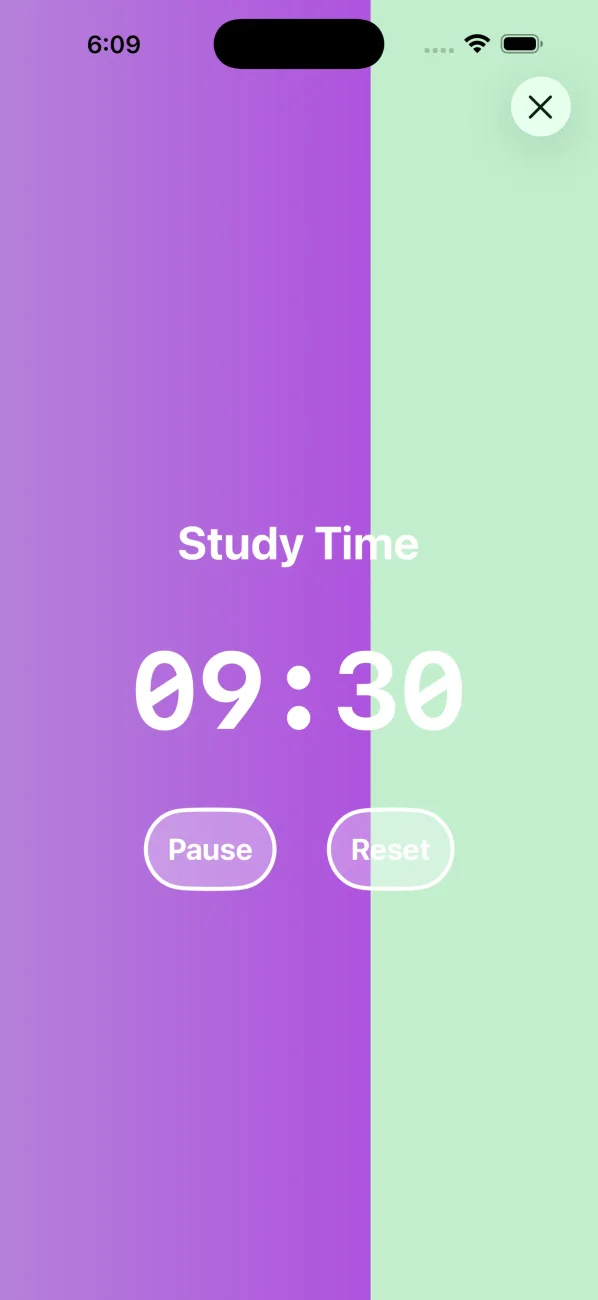
LOCK IN WITH FOCUSED TIMERS
Use focused work sessions followed by refreshing breaks to reduce mental fatigue and make large tasks feel manageable.
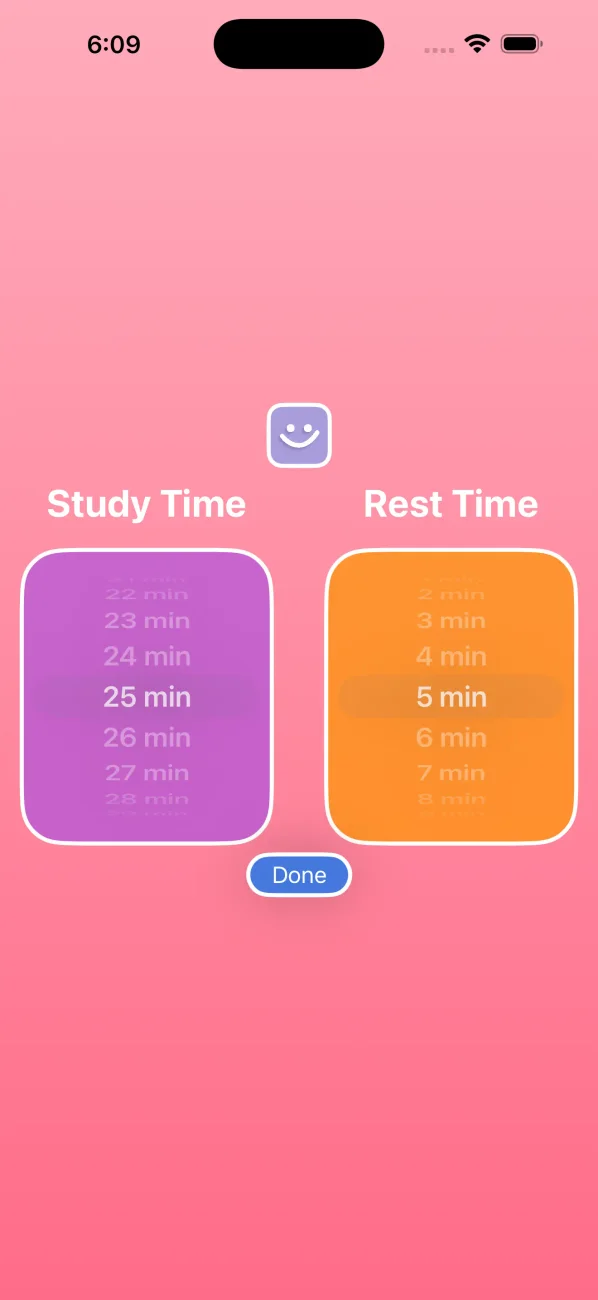
• Customize Lock In, short break, and long break durations
• Automatically take longer breaks after multiple sessions
• Seamlessly switch between focused work and rest
• Add or subtract seconds while a timer is running
• Explore Odoro without stopping an active session
• Follow timers through Live Activities and Dynamic Island
• Save energy with a minimal Battery Saver display
• Choose built-in ambient focus sounds
• Continue listening to your favorite music
• Record focus sessions as timelapse videos
• Receive optional session-complete notifications
• Review daily, weekly, and all-time focus statistics
• Watch fluid waves fill as your session progresses
BUILD HABITS YOUR WAY
Create trackers for routines, streaks, milestones, countdowns, and long-term goals.
• Visual Grids — Turn every completed day or interval into a cell
• Cycling Grids — Continue automatically when the visible grid fills
• Complete History — Open a habit to see its full expanding grid
• Timeline Bars — Follow progress with elegant bars and tick marks
• Text Counters — Track detailed time across days, weeks, months, or years
• Indefinite Tracking — Build habits without an artificial finish line
• Count Up or Countdown — Grow a streak or work toward a target
• Automatic or Manual Progress — Let time update progress or complete it yourself
• Flexible Timers — Create timed habits with fixed or indefinite durations
• Full Editing — Update names, icons, colors, styles, dates, and durations
• Style Switching — Move between grid, bar, and text views anytime
• Goal Notifications — Celebrate important milestones
• Reset and Restart — Begin again while keeping your settings
• Journal Notes — Add timestamped reflections along the way
• Hide and Minimize — Collapse habits for a cleaner Tracker screen
• Drag to Reorder — Arrange habits around your priorities
• Completed Goals — Revisit past achievements and progress
• Quick Actions — Long-press to add notes, reset, or complete a habit
HOME SCREEN WIDGETS
Keep your progress visible without opening Odoro.
• Grid, timeline, and counter widgets
• Small, medium, and large layouts
• Liquid Glass-inspired presentation
• Cycling widgets that rotate through your habits
• Progress synchronized with the main app
MAKE ODORO YOURS
• Five themes: Classic Purple, Royal Rose, Forest Green, Frosty Blue, and Earthy Brown
• 40 icons across productivity, fitness, nature, lifestyle, and more
• 16 habit colors with coordinated gradients
• Separate colors for Lock In and Chill phases
• Beautiful Dark and Light Mode support
• A clean, distraction-free interface
DESIGNED FOR EVERY SCREEN
Odoro adapts across iPhone, iPad, and iPhone Duo, with refined layouts for folded, fully open, landscape, portrait, and book-style configurations.
PERFECT FOR
• Students preparing for exams
• Remote workers protecting their focus
• Writers and creatives overcoming procrastination
• Anyone developing healthier routines
• Goal setters who want to see their progress
Start building momentum today. Download Odoro and discover a more visual and enjoyable way to focus, form habits, and achieve your goals.
新機能
バージョン 4.0 · 2026/11/11
Odoro’s biggest update yet brings a more flexible Tracker, persistent focus sessions, redesigned widgets, and full support for iPhone Duo.
WHAT’S NEW
• iPhone Duo Support — Carefully designed layouts for folded, fully open, portrait, landscape, and book-style configurations
• Expanded iPad Layout — Enjoy a spacious two-column Tracker with dedicated areas for active and completed habits
• Persistent Timers — Leave the Timer screen and explore Odoro without stopping an active Lock In or Chill session
• Session Indicator — Quickly return to an active timer or reset it from the Picker screen
• Improved Navigation — Smoother transitions between Tracker, Picker, and Timer screens
• Faster Timer Adjustments — Add or subtract seconds while a session is running
• Improved Timelapse Recording — Orientation changes no longer discard recordings, and Odoro warns you before leaving an active timelapse
• Timelapse Orientation Fixes — Recordings now remain correctly oriented
HABIT TRACKING IMPROVEMENTS
• Cycling Grids — Long-running habits automatically advance when the visible grid fills
• Complete Grid History — Open a habit to view its entire expanding progression
• Improved Countdown Grids — Filled cells empty naturally from the bottom-right as time passes
• Indefinite Timer Habits — Timer-based habits can now continue without a fixed duration
• Clearer Indefinite Progress — Ongoing habits no longer incorrectly display 100% completion
• Simplified Analytics — Removed confusing graphs while keeping useful progress statistics
• Improved Widget Layouts — More space is dedicated to your progress grid while names and counts remain visible
HOME SCREEN WIDGETS
• Cycling Widget Option — Automatically rotate through multiple habits
• Improved Habit Syncing — Home Screen widgets now display habits from the main app more reliably
• Refined Grid Progress — See the number of completed cells directly on each widget
• Updated Liquid Glass-inspired appearance
DESIGN & PERSONALIZATION
• Five Background Themes — Classic Purple, Royal Rose, Forest Green, Frosty Blue, and Earthy Brown
• Refined Light and Dark Mode colors
• Theme-tinted controls with improved readability
• Updated Liquid Glass-inspired surfaces across timers, pickers, cards, and widgets
• Improved theme picker with a cleaner expandable design
• Refined Tracker controls and responsive sidebars
This update also includes layout refinements, performance improvements, and bug fixes throughout Odoro.
アプリのプライバシー
このアプリのデータの取り扱いについて、Gunish SharmaがApp Storeで申告している内容です。
-
データの収集なし
開発元はこのアプリからデータを収集しません。
プライバシーの取り扱いは、ご利用の機能やお客様の年齢などに応じて異なる場合があります。
情報
- 販売元
- Gunish Sharma
- カテゴリ
- 仕事効率化
- バージョン
- 4.0
- 更新日
- 2026/11/11
- リリース
- 2025/8/14
- サイズ
- 78.8 MB
- 必要条件
- iOS 17.6以降
- 対象年齢
- 4+
- 価格
- 無料
- 言語
- 英語
- 著作権
- © 2025 Gunish Sharma. All rights reserved.
こちらもおすすめ
-
 Naggy: リマインダー&通知完了まで繰り返す・忘れ防止タスク管理
-
 時間の見える化スケジュール: blocos24時間を10分ブロックで管理・振り返り
-
 AIノート 音声テキスト変換 AIチャット - Renote音声とAIサマリーの書き起こし
-
 TickTime 時間計測、 集中力を高める、時間管理、目標ライフログ、目標達成アプリ、習慣化、毎日のルーティーン、日記
-
 Skillion: Gamify Your Life仕事効率化
-
 Darker - Safariのダークモードダークモードまたはダークテーマでブラウジングする
-
 Readwise Reader仕事効率化
-
 Brain.fm - Focus MusicBrainwave Music, Improve Focus
-
 Authenticator App:2FA・OTP認証安全ログインとMFA保護
-
 minimalist phone ® アプリブロックスクリーンタイム&フォーカス