- 対象年齢12+
- カテゴリ仕事効率化
- 開発元Enfinitive AB
- 言語英語
- サイズ42.7 MB
App Storeの公式ページにリンクしています
Download.orgはOffhours: Block Appsのファイルを一切ホストしていません。ボタンを押すと、Enfinitive ABが公開しているApp Storeのアプリページが開きます。ページの最終確認:2026/11/23。
スクリーンショット
概要
開発元はこのテキストをお使いの言語で提供していません。
Offhours is an app blocker for iPhone. You choose the apps, and you choose when they go quiet. It's built on Apple's Screen Time, so a blocked app stays blocked even when Offhours is closed.
FOUR WAYS TO BLOCK, ALL FREE
Zen
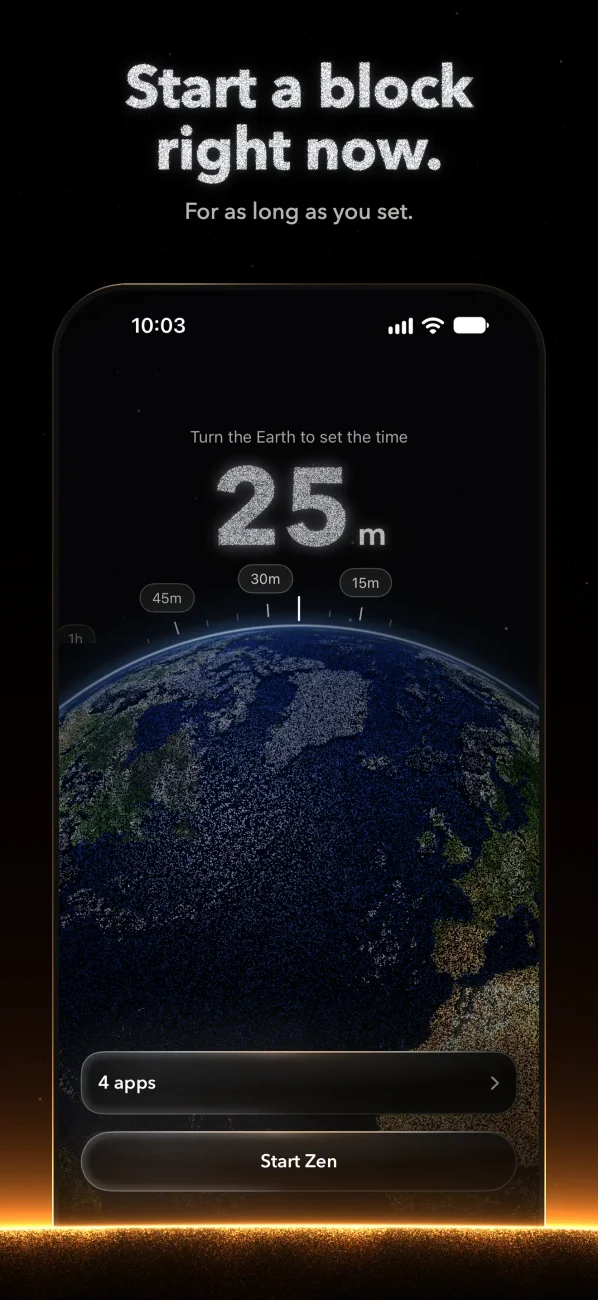
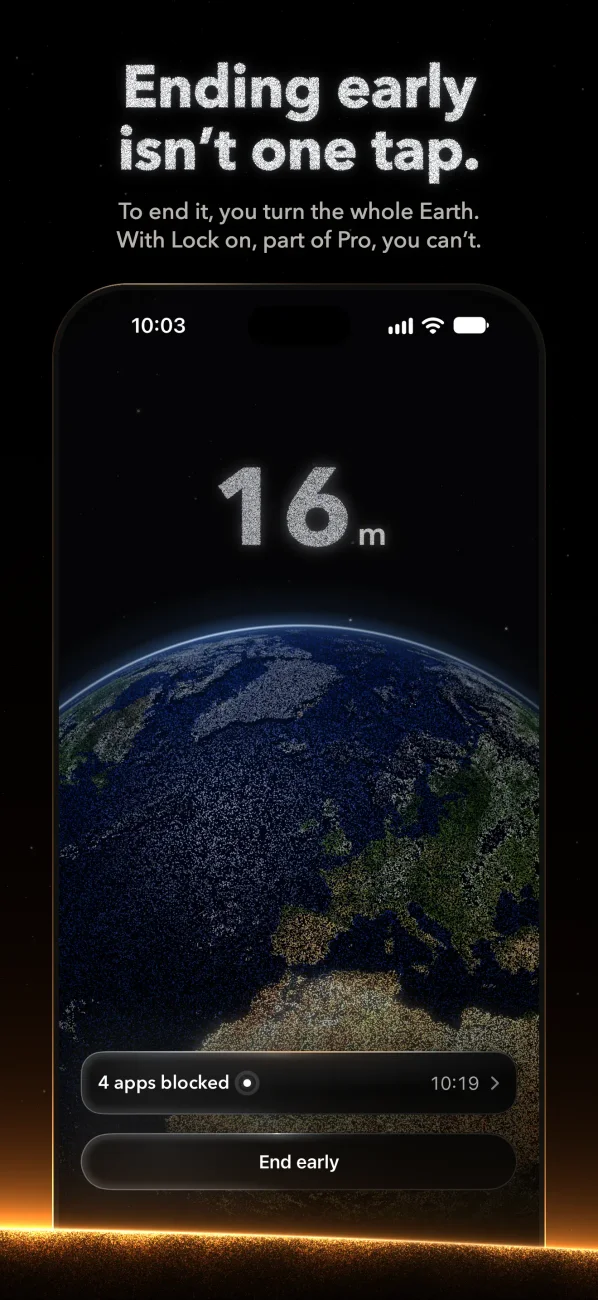
Block apps right now. Turn the Earth to set the time, from 10 minutes up to a week, and press Start Zen. With Lock off, End early is there if you need to stop: you turn the Earth all the way round by hand.
Schedules
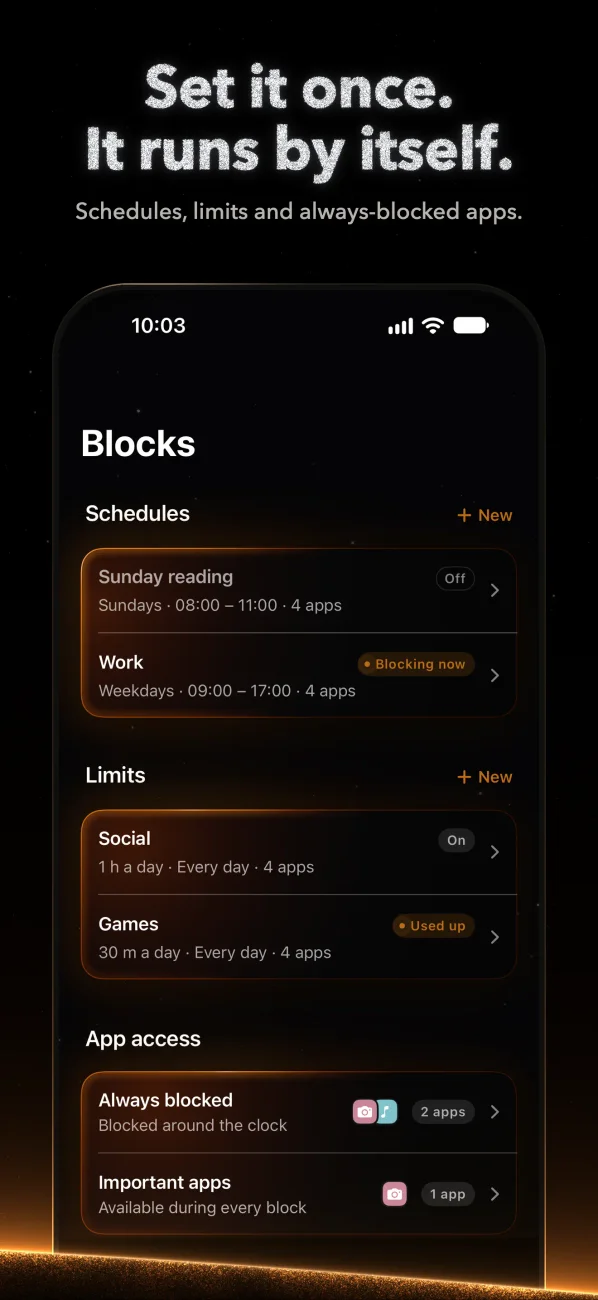
Blocks that start by themselves on the days and hours you pick, overnight included. Make one for work, one for the evening, or one for just today.
Limits
Give chosen apps an amount of time a day. Once it's used up, they're blocked until midnight. A limit counts use on this iPhone only, as iOS reports it.
Always blocked
Keep some apps blocked around the clock.
Important apps stay available during every block. Saved app lists let you reuse the same apps across your blocks.
ADULT SITES, ALSO FREE
Apple's filter blocks adult sites and turns off private browsing in Safari. It can miss some sites. To turn it off, type a sentence or wait out a 24-hour cooldown. The clock can't be changed during the cooldown.
TODAY
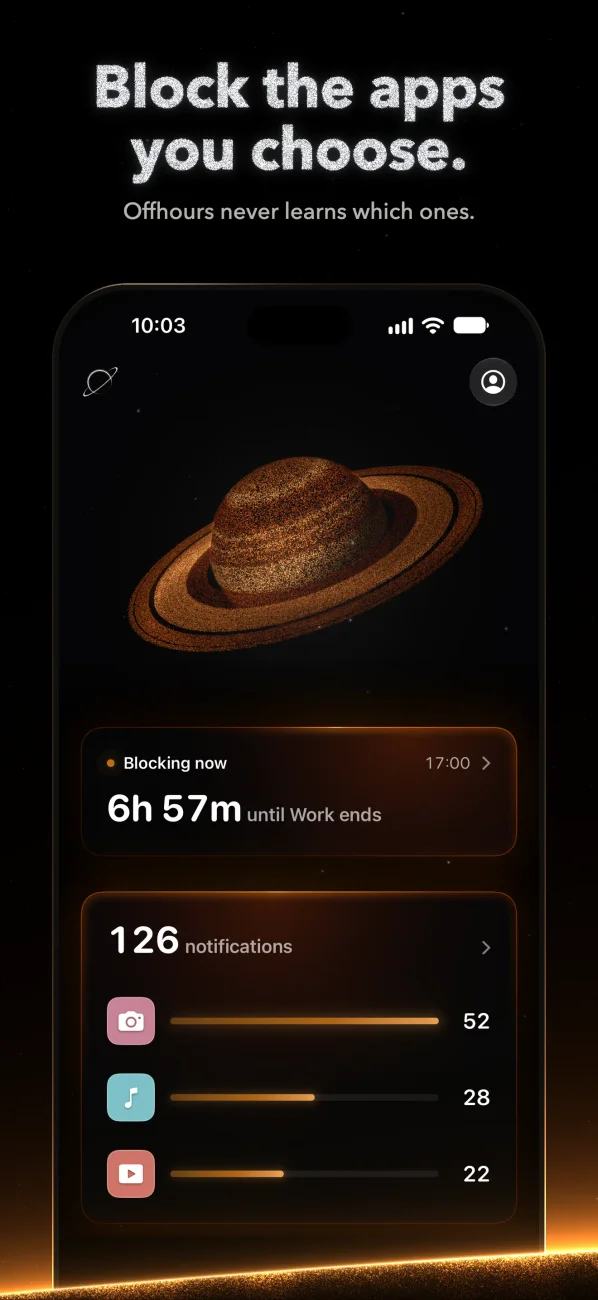
Today shows what's blocking now, what's next and how long is left. It also shows how much you've used your apps today and how many notifications they sent. Screen Time draws those figures on this iPhone, and they stay there.
OFFHOURS PRO
Pro is a subscription. Blocking itself stays free.
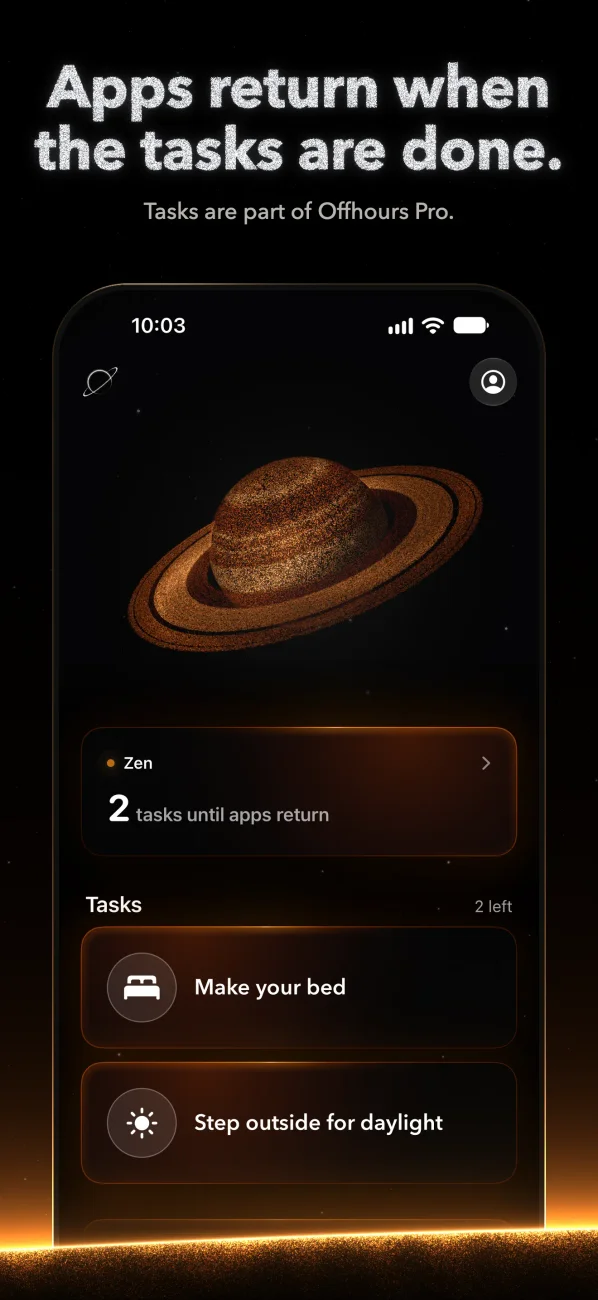
Tasks: apps stay blocked until your tasks are done. In Zen, as long as it takes; on a schedule, for up to a day after it ends. Choose up to three. Write your own, or pick from a menu such as making your bed, stretching, reading or studying. Some tasks run on a timer, and some you tick yourself, on your word. Nothing checks those. Steps, workouts and mindful minutes are read from Apple Health, if you choose a task that uses them and allow it.
Lock: a block that can't be ended early. While a locked block runs, apps can't be deleted and the clock can't be changed. You can also lock adult site blocking for as long as you choose, from 1 week to forever.
App deletion: stop apps being deleted during Zen, schedules and used-up limits.
App icons: 16 other colors for your Home Screen.
YOUR ACCOUNT AND YOUR DATA
No account is needed to use Offhours, Pro included. Sign in with Apple only if you want backup and restore. Signing in shares neither your name nor your email with us. Your account keeps one backup of your schedules, limits and history, so they come back after a reinstall or on a new phone. On a new phone you'll need to choose the apps again.
Screen Time gives Offhours private tokens instead of app names, so Offhours never learns which apps you chose. Those tokens stay on this iPhone and aren’t in the backup. Your Screen Time usage and Apple Health readings never leave your iPhone. The backup is stored in the EU. It isn't end-to-end encrypted, and we only open it if you ask us to or the law requires it. You can delete your account and its backup inside the app at any time.
No ads and no tracking.
SUBSCRIPTION DETAILS
Offhours Pro renews automatically at the same price and length unless you cancel at least 24 hours before the period ends. Your Apple Account is charged. Cancel any time in Settings › your name › Subscriptions.
Terms of Use: https://www.apple.com/legal/internet-services/itunes/dev/stdeula/
Privacy policy: https://enfinitive.se/offhours/privacy/
Offhours is made by Enfinitive AB in Sweden.
新機能
バージョン 1.1 · 2026/11/9
No account needed, even for Pro. Sign in only if you want backup and restore.
A new app icon, plus 16 colors with Pro.
Block adult sites, free. To turn it off, type a sentence or wait out a 24-hour cooldown. With Pro, Lock it for as long as you choose.
With Pro, stop apps being deleted during Zen, schedules and used-up limits.
Lock is stricter: the weekly way out is gone.
A cleaner block screen, and fixes.
アプリのプライバシー
このアプリのデータの取り扱いについて、Enfinitive ABがApp Storeで申告している内容です。
-
ユーザーに関連付けられたデータ
収集され、ユーザーの識別情報に関連付けられる場合があります。
- 連絡先情報
- ユーザーコンテンツ
- ID
- 使用状況データ
- その他のデータ
プライバシーの取り扱いは、ご利用の機能やお客様の年齢などに応じて異なる場合があります。
情報
- 販売元
- Enfinitive AB
- カテゴリ
- 仕事効率化
- バージョン
- 1.1
- 更新日
- 2026/11/9
- リリース
- 2026/11/5
- サイズ
- 42.7 MB
- 必要条件
- iOS 18.0以降
- 対象年齢
- 12+
- 価格
- 無料
- アプリ内課金
- あり
- 言語
- 英語
- 著作権
- © 2026 Enfinitive AB
こちらもおすすめ
-
 Locky: Do Tasks, Unlock Apps仕事効率化
-
 Wake - Capture, Share, Connect仕事効率化
-
 Goal Streak: 習慣トラッカー連続記録。シンプル。プライバシー。
-
 DeNet: Private Cloud Storage仕事効率化
-
 BetBlocker: Gambling Exclusion仕事効率化
-
 SyncTasks仕事効率化
-
 Simplenoteノート、ToDo リスト、メモをよりシンプルに
-
 PaperCut Hive - Secure Print仕事効率化
-
 Week Calendar - スマートプランナーアジェンダタスクとリマインダーを同期する
-
 Lumo AI by Proton仕事効率化