
- 対象年齢4+
- カテゴリエンターテインメント
- 開発元Oebele Beetstra
- 言語英語ほか15言語
- サイズ110.2 MB
App Storeの公式ページにリンクしています
Download.orgはOmniMediaのファイルを一切ホストしていません。ボタンを押すと、Oebele Beetstraが公開しているApp Storeのアプリページが開きます。ページの最終確認:2026/11/23。
スクリーンショット



概要
開発元はこのテキストをお使いの言語で提供していません。
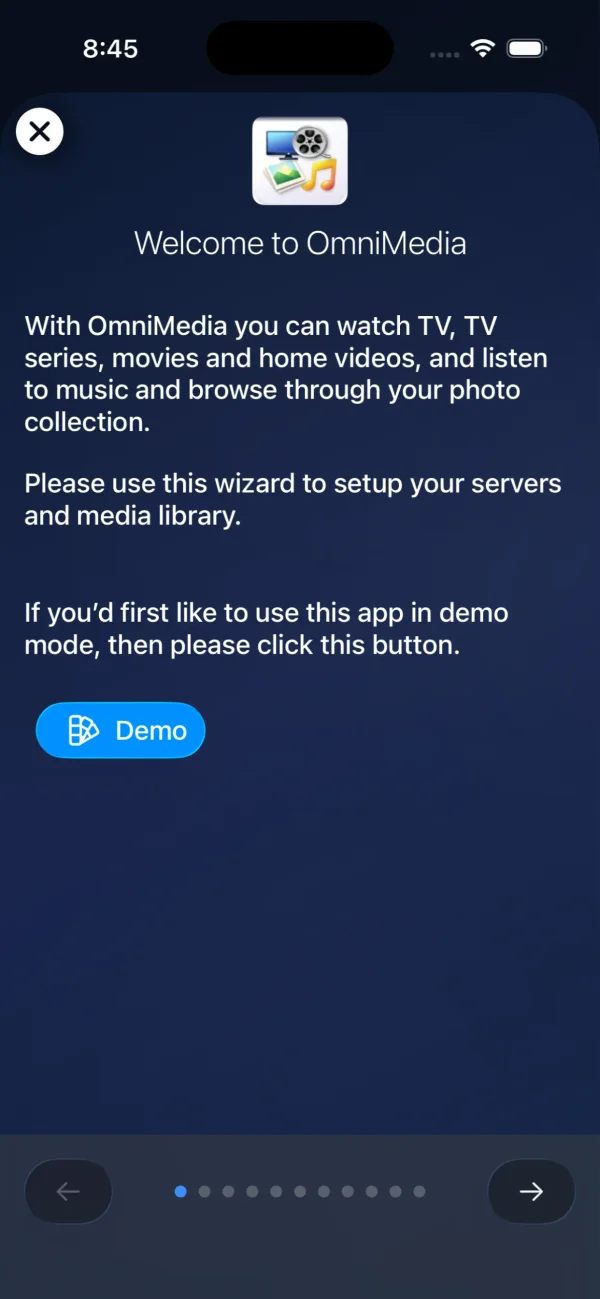
Welcome to OnmiMedia!
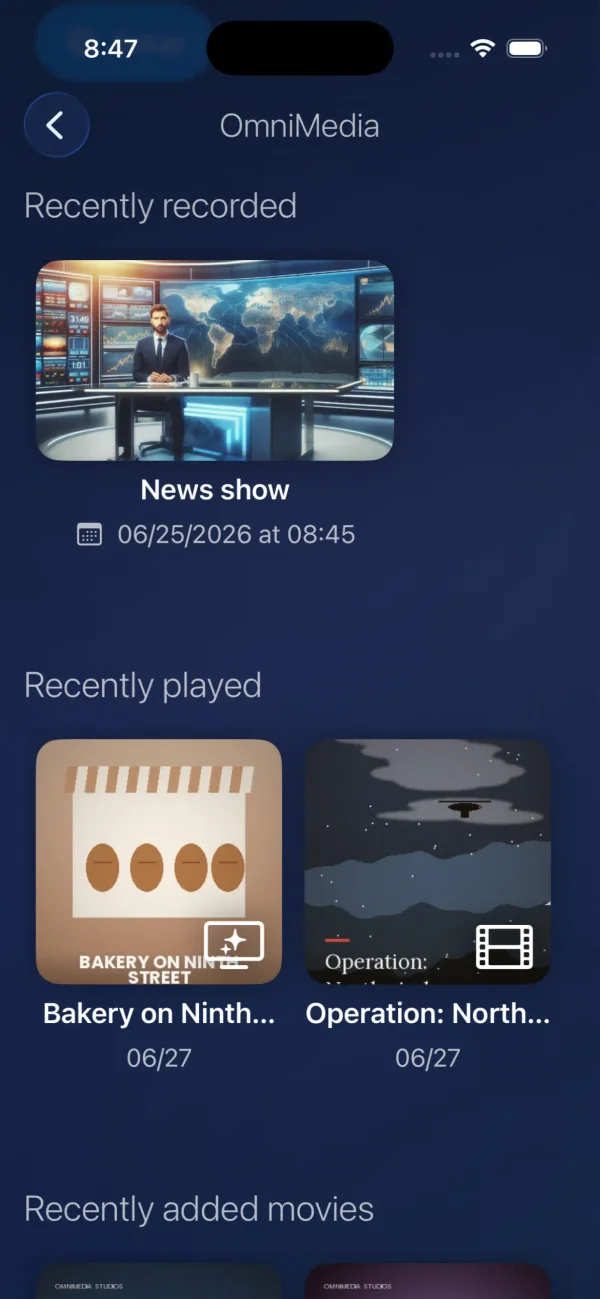
With this app you can watch TV, watch your series, movies and home videos, listen to your music and browse through your photo collection, all stored on your NAS.
In order to be able to watch TV, you'll need to have a TVheadend server in your home network. You can configure this server using the setup wizard.
This wizard can also be used to setup the NAS (or even multiple NAS devices) that contain your media files.
The app uses the SMB-protocol to access the NAS.
It assumes that different types of media files are stored in different folders. So, a folder with TV series, a folder with movies, one with music albums and one with photos.
You can setup each of these media folders in the setup wizard as well.
Every time you add new media files to your NAS, the app can scan for those and add them to its catalog.
The app shares one catalog with all family members. This catalog is stored in the first media folder that you configure.
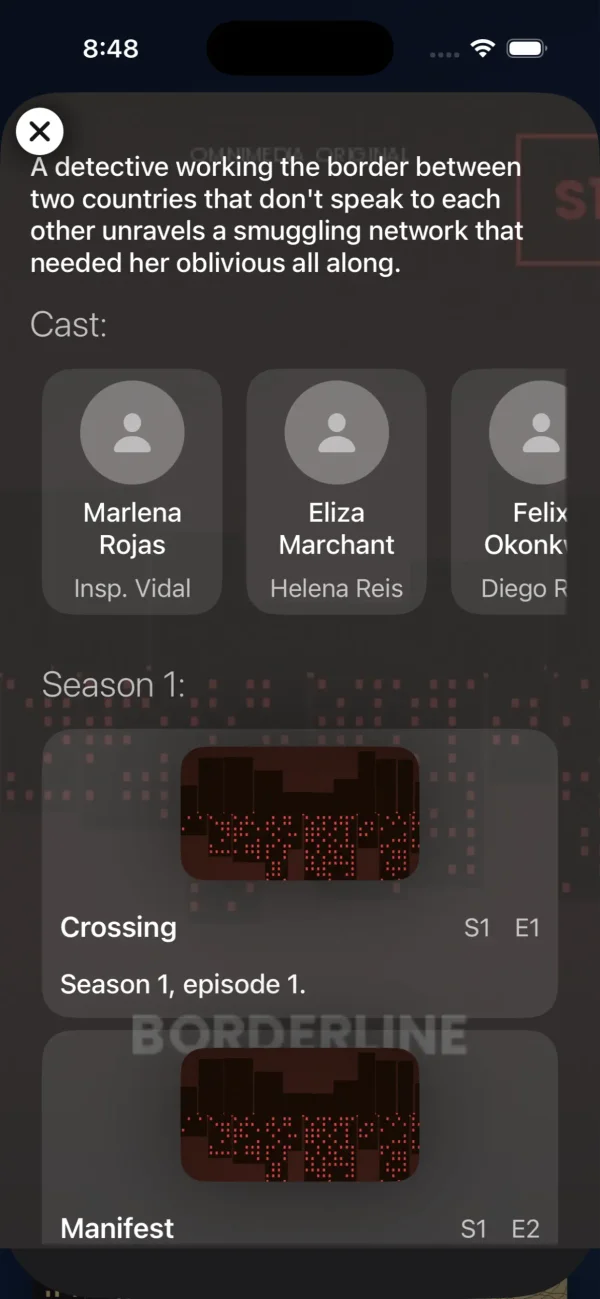
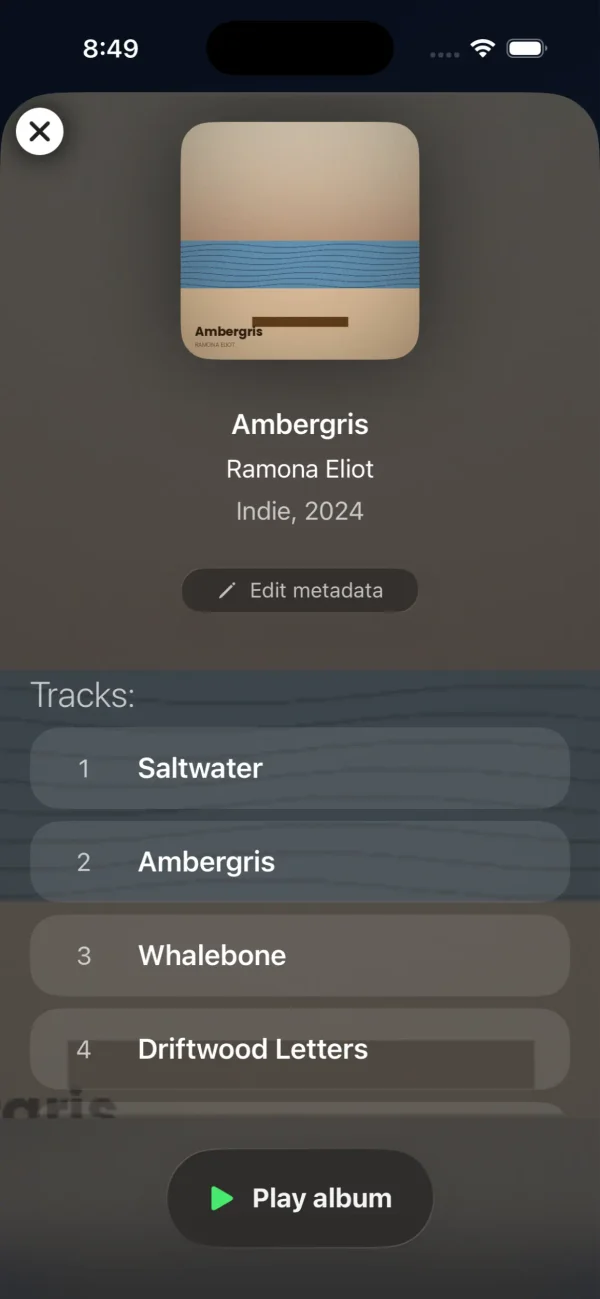
Depending on the type of media, the app will try to add the right metadata to the catalog for each of the files. So your app will show cover images, thumbnails and information about each movie, series, et cetera.
The app is available in English, Dutch, German, French, Spanish, Portugese, Italian, Polish, Ukrainian, Turkish, Japanese, Vietnamese, Thai, Korean, Hindi and Chinese.
新機能
バージョン 1.6 · 2026/11/20
Version 1.6:
- Movies and series can now be sorted by rating and premiere year as well.
- Finding the right subtitles is easier now.
- When multiple subtitle files are available for a video, they are all available in the app now.
- Adjusting the timing of the subtitles has moved to the subtitle picker.
- A bug was fixed that grouped planned recordings that started at the same time.
- A couple of other small bugs were fixed.
Version 1.5:
- You can now view more detailed information about cast members of a series or movie.
- A bug was fixed that sometimes prevented the playing of newly discovered media items.
Version 1.4:
- Media items can now be sorted
- When navigation to a category of media items from the start page, by default the items are sorted by the date they were added to the collection.
- All translations are now complete and available
Version 1.3:
- The background is more vivid now.
- The background colours are more refined now.
- Small enhancements in the page layouts.
- Small bug fixes.
Version 1.2:
- The indicator that music is being played is now shown at the top-right of the screen.
- An animation of the album cover is now shown when music is played in the fullscreen player.
- The title of the playing media item is now shown in the toolbar of the fullscreen player.
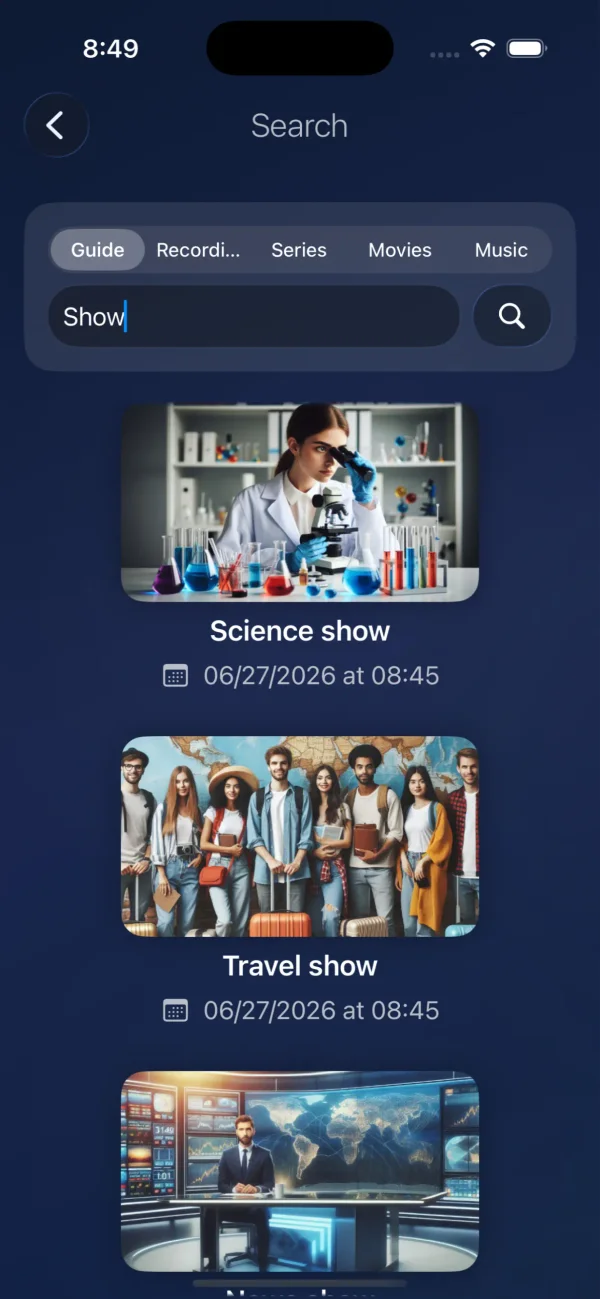
- Searches for music now includes albums with matching track titles.
- A setting was added for briefly pausing between two music tracks.
- A few small bugs were fixed.
Version 1.1:
- This version has a rock solid way of synchronizing the media catalog over all your devices.
Please make sure to upgrade to this version on all your devices!
- Ratings are now shown for both movies and series.
- Movies and series can now be filtered by their ratings.
- Playback of videos is enhanced.
- Navigation from the Home page is added.
- The layout of a number of pages is enhanced.
- Support for more languages is added.
- A bug that sometimes made the app unresponsive after filtering by artist or genre is fixed.
- Editing metadata of media items is now rock solid as well.
- The list of artists and the list or genres can now be filtered.
- On iPad videos can now be played at the top of the display.
- The video player and the photo viewer can now be swiped down to close them.
- The CarPlay app is enhanced.
アプリのプライバシー
このアプリのデータの取り扱いについて、Oebele BeetstraがApp Storeで申告している内容です。
-
データの収集なし
開発元はこのアプリからデータを収集しません。
プライバシーの取り扱いは、ご利用の機能やお客様の年齢などに応じて異なる場合があります。
情報
- 販売元
- Oebele Beetstra
- カテゴリ
- エンターテインメント
- バージョン
- 1.6
- 更新日
- 2026/11/20
- リリース
- 2026/8/22
- サイズ
- 110.2 MB
- 必要条件
- iOS 26.0以降
- 対象年齢
- 4+
- 価格
- ¥500
- 言語
- 英語, オランダ語, フランス語, ドイツ語, ヒンディー語, イタリア語, 日本語, 韓国語, ポーランド語, ポルトガル語, 簡体字中国語, スペイン語 ほか4言語
- 著作権
- © 2026 OABsoftware, The Netherlands
こちらもおすすめ
-
 Filicastoエンターテインメント
-
 Tunerly for TVHeadendエンターテインメント
-
 TeeVee - TVHeadend Clientエンターテインメント
-
 Vidi · Media Centerエンターテインメント
-
 Watchmood: Movie & TV Finderエンターテインメント
-
 Guildpact: MTG stats trackerエンターテインメント
-
 Omni One: Step Into The Gameエンターテインメント
-
 TvhClientエンターテインメント
-
 SCORPIO PLAYER 2025エンターテインメント
-
 OmniPlayer – HD Video Playerエンターテインメント