- 対象年齢4+
- カテゴリライフスタイル
- 開発元Thomas Richardson
- 言語英語
- サイズ1.6 MB
App Storeの公式ページにリンクしています
Download.orgはOneDrawerのファイルを一切ホストしていません。ボタンを押すと、Thomas Richardsonが公開しているApp Storeのアプリページが開きます。ページの最終確認:2026/11/24。
スクリーンショット

概要
開発元はこのテキストをお使いの言語で提供していません。
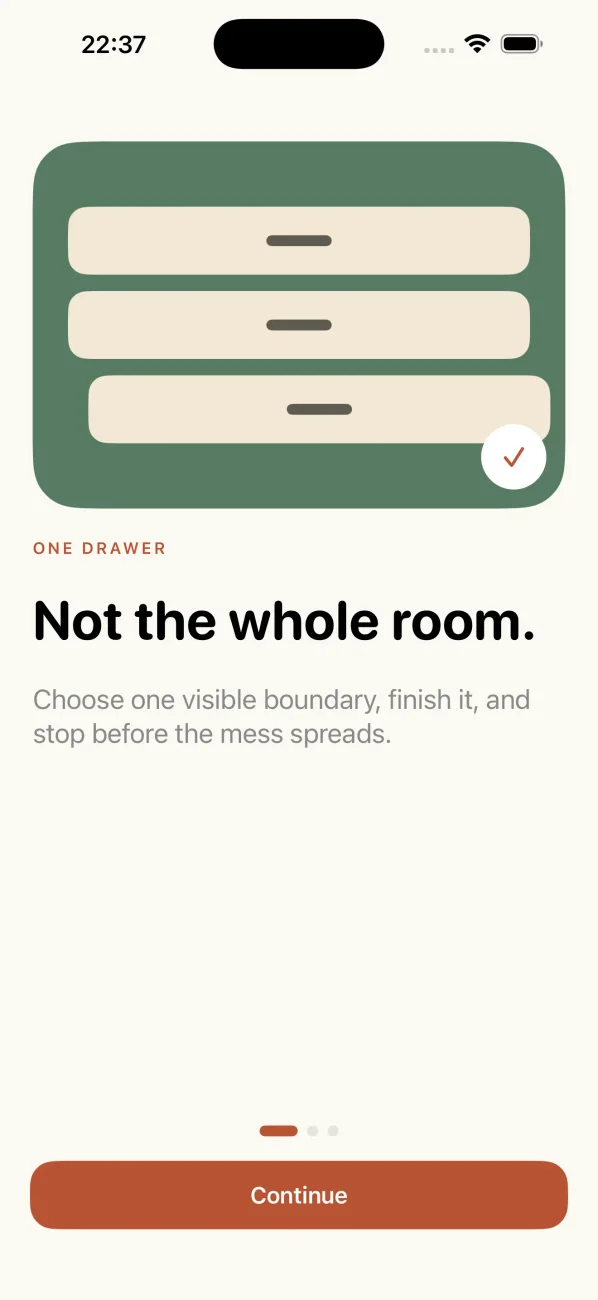
Decluttering does not have to mean emptying an entire room.
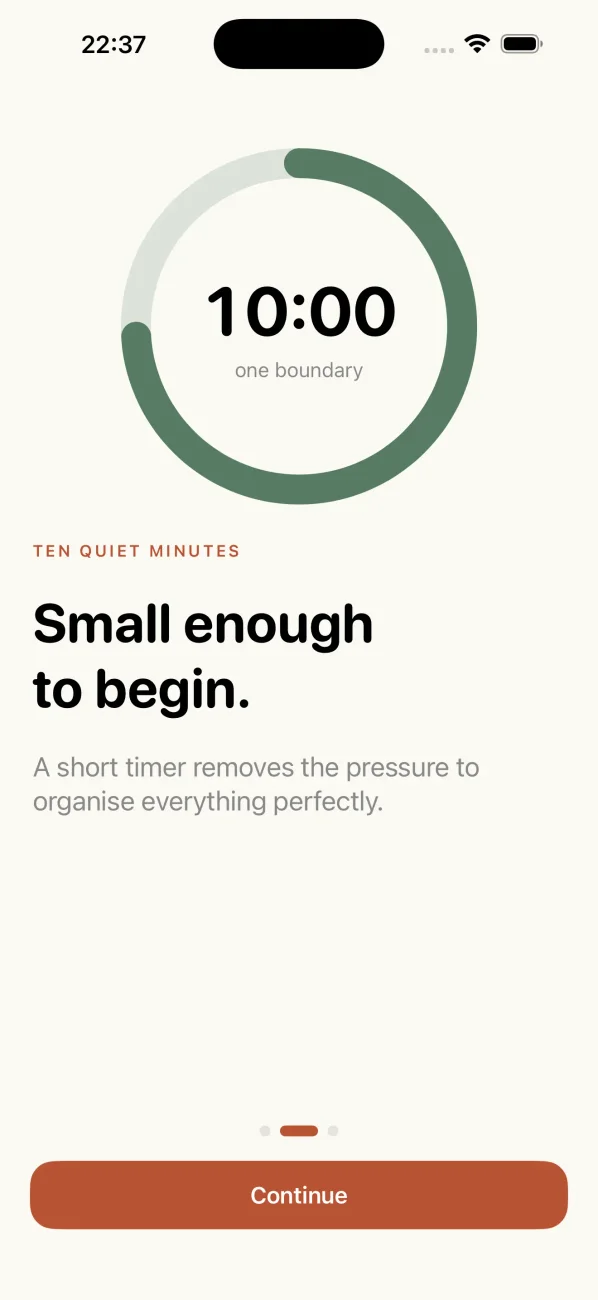
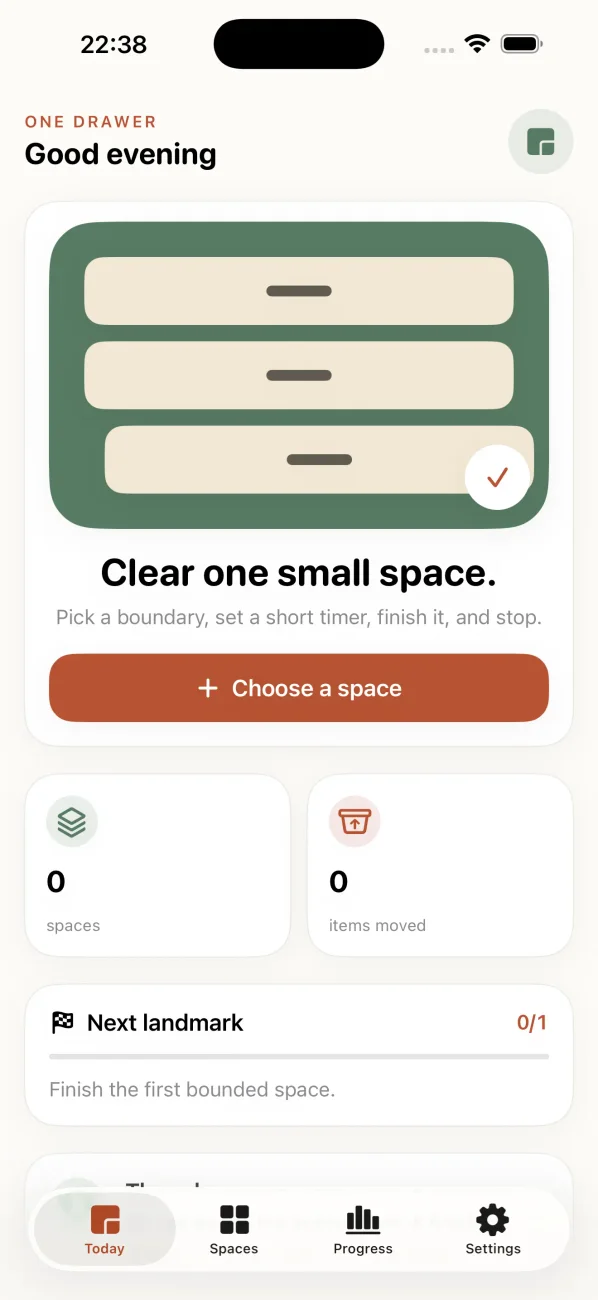
One Drawer helps you clear one small, clearly defined space at a time. Choose a drawer, shelf, cupboard, box, bag, surface or wardrobe section, start a short timer and stop when that boundary is finished.
Small spaces. Clear limits. Visible progress.
HOW IT WORKS
1. Choose one small space
Pick a drawer, shelf, cupboard, box, bag, surface or part of a wardrobe.
2. Set a short timer
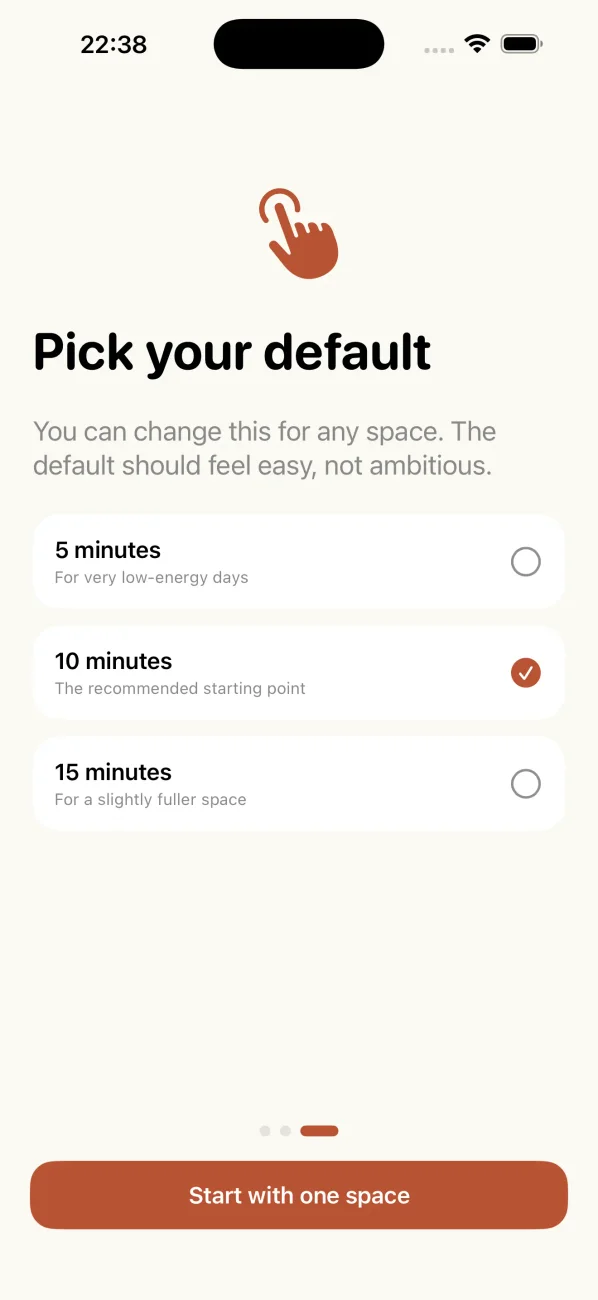
Choose a focused session that feels manageable instead of turning the task into an all-day project.
3. Stop at the boundary
Finish the space you selected without creating a larger job elsewhere.
4. Close the loop
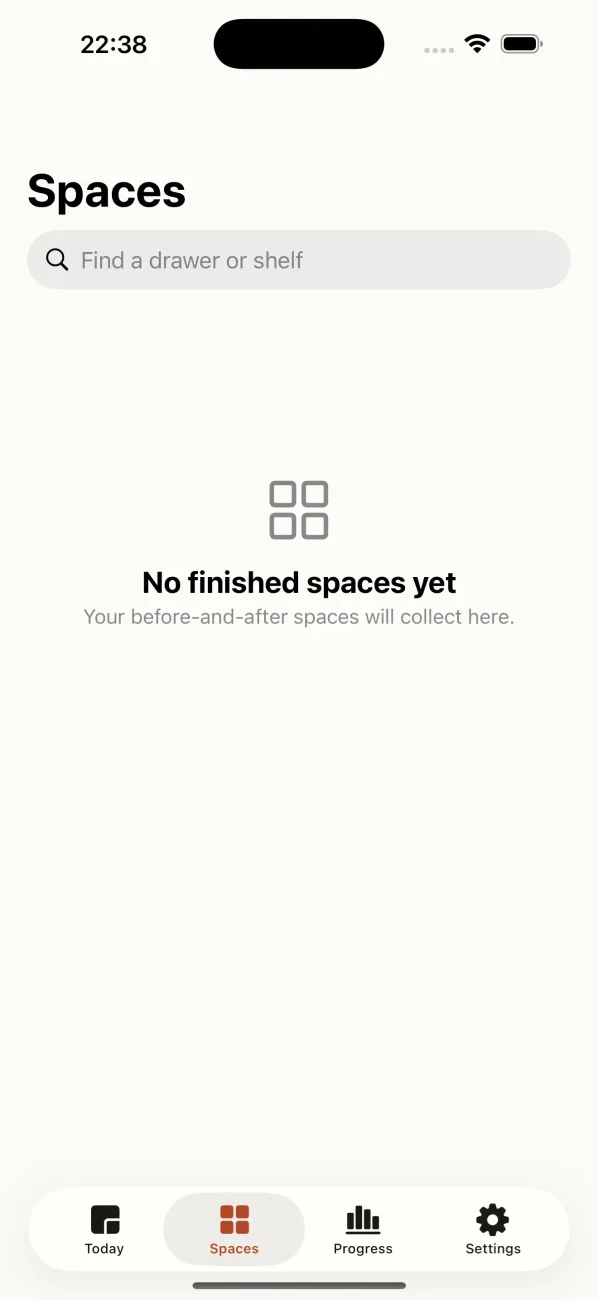
Optionally add before-and-after photos and record what was kept, relocated, donated, recycled or discarded.
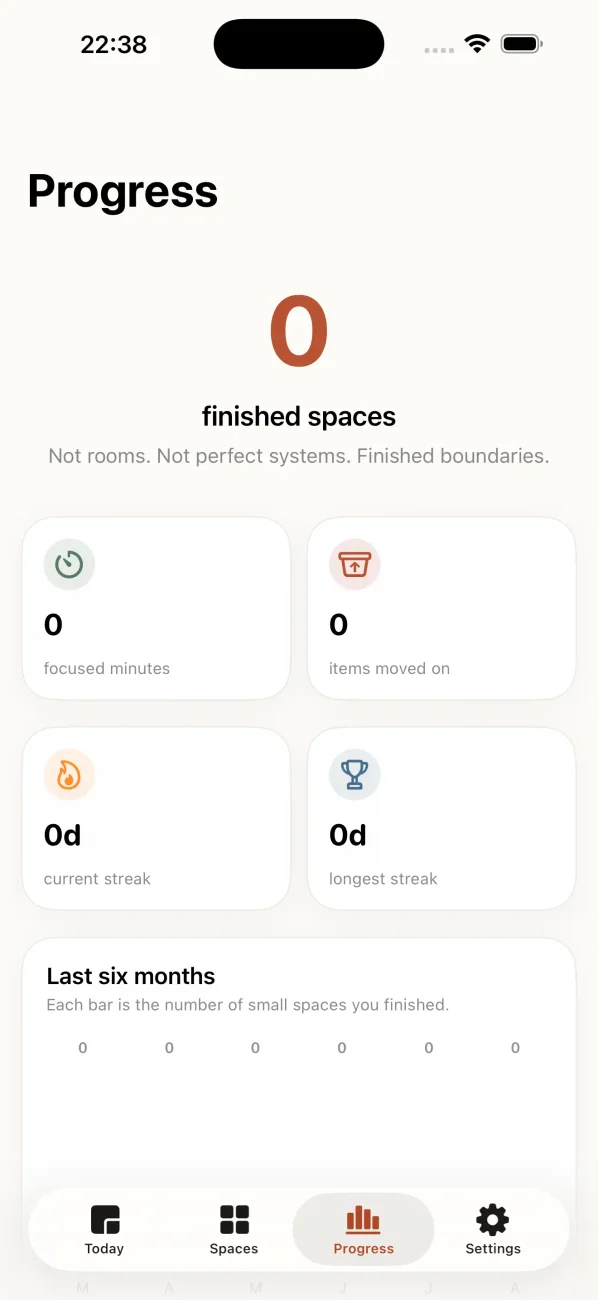
5. Build visible progress
See completed spaces, focused minutes, items moved on, streaks and personal landmarks.
FEATURES
• Short, bounded decluttering sessions
• Optional private before-and-after photos
• Drawers, shelves, cupboards, boxes, bags and surfaces
• Simple timers and session reminders
• Track items relocated, donated, recycled or discarded
• Record bags actually removed from the home
• Private visual history of completed spaces
• Monthly progress and personal streaks
• Shareable progress summaries
• Export your session data
• Delete all data whenever you choose
• No account required
One Drawer is deliberately not a whole-home organisation system. It is a calm way to complete one manageable space, then stop.
ON iPHONE DUO
Prop up your iPhone Duo to see a large countdown on the upright half, with guidance and the Finish button on the lower half. The timer keeps counting as you fold or unfold. When finishing, use your before photo as a reference for the after shot. With One Drawer Plus, open Compare photos and fold your Duo like a book to see Before and After on opposite sides.
Your session records and photos are stored locally on your device.
We use standard terms: "Standard Apple Terms of Use (EULA): https://www.apple.com/legal/internet-services/itunes/dev/stdeula/"
新機能
バージョン 3.0 · 2026/11/23
One Drawer now adapts to how you use iPhone Duo.
• In tabletop mode, see the countdown on the upright half and tap Finish on the lower half. Folding or unfolding keeps the same timer running.
• Use your before photo as a reference while adding the after photo and recording what changed.
• With One Drawer Plus, fold your Duo like a book to compare Before and After on opposite sides. Unfold to return to your previous comparison style and slider position.
アプリのプライバシー
このアプリのデータの取り扱いについて、Thomas RichardsonがApp Storeで申告している内容です。
-
データの収集なし
開発元はこのアプリからデータを収集しません。
プライバシーの取り扱いは、ご利用の機能やお客様の年齢などに応じて異なる場合があります。
情報
- 販売元
- Thomas Richardson
- カテゴリ
- ライフスタイル
- バージョン
- 3.0
- 更新日
- 2026/11/23
- リリース
- 2026/8/20
- サイズ
- 1.6 MB
- 必要条件
- iOS 17.0以降
- 対象年齢
- 4+
- 価格
- 無料
- アプリ内課金
- あり
- 言語
- 英語
- 著作権
- © 2026 Lanchester Research & Design
こちらもおすすめ
-
 ONE OUT 断捨離 ミニマリスト 片付け術 捨て活新しいものを買ったら、古いものをひとつ手放す
-
 Ooh!ライフスタイル
-
 Less thingsライフスタイル
-
 One Little Declutter: Frugalライフスタイル
-
 decluttr: Declutter yourselfライフスタイル
-
 断捨離・ミニマリスト・整理整頓・思い出・片付け・お気に入りミニマル・ジャーナリング・持ち物・家事・振り返り・部屋・写真
-
 Declutter Swipeライフスタイル
-
 InsideBox: Home Box Inventoryライフスタイル
-
 Quaint: The Minimalism Appライフスタイル
-
 Clerapy: ADHD Cleaning Plannerライフスタイル