- 対象年齢4+
- カテゴリ写真/ビデオ
- 開発元LELAND ANDREW DUTCHER
- 言語英語
- サイズ6.8 MB
App Storeの公式ページにリンクしています
Download.orgはOpen Prompterのファイルを一切ホストしていません。ボタンを押すと、LELAND ANDREW DUTCHERが公開しているApp Storeのアプリページが開きます。ページの最終確認:2026/11/25。
スクリーンショット


概要
開発元はこのテキストをお使いの言語で提供していません。
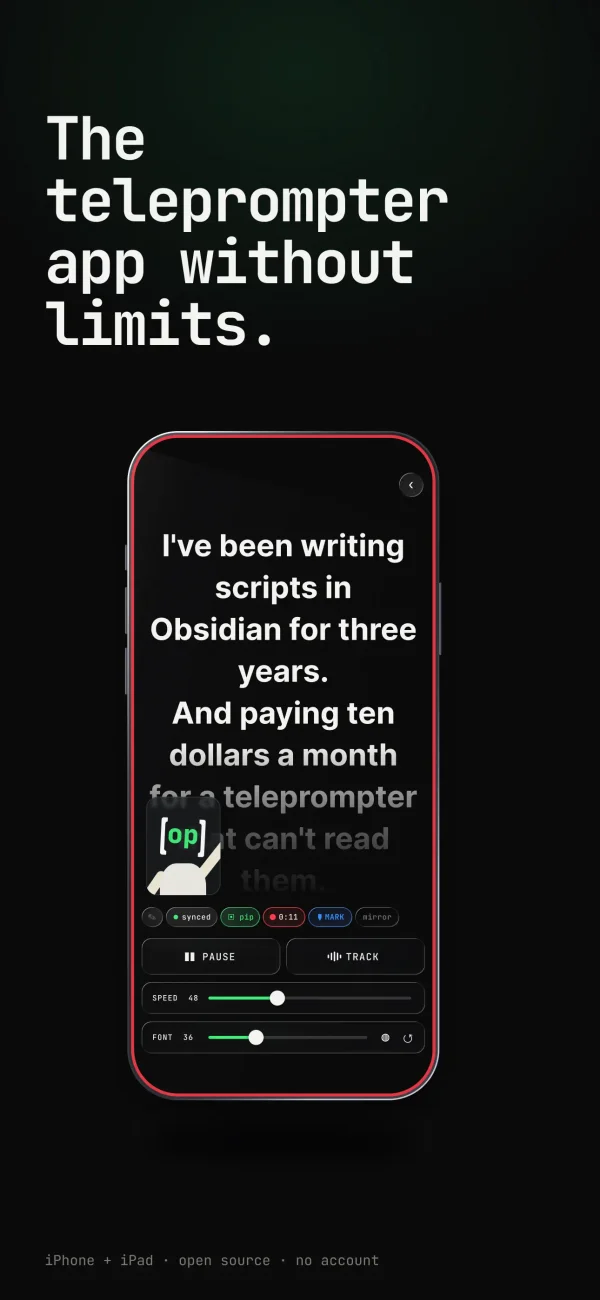
Open Prompter is a teleprompter supporting markdown files and every "Pro" feature you need to record content (plus some extras).
It reads universal .md files from iCloud, your Obsidian vault or any source in IOS Files — as-is, with live updates, no paste, no import needed. Read it back at your pace with voice tracking while the selfie camera records you. The file saves to your Photos and back to your script folder for the most seamless workflow.
THE READING EXPERIENCE
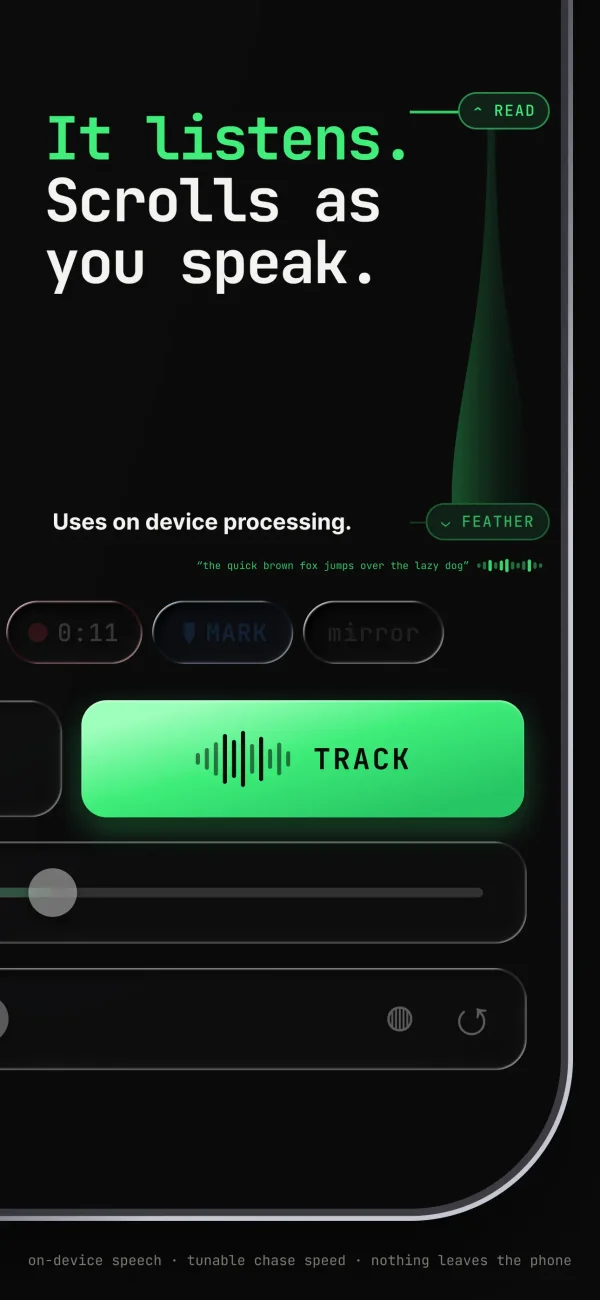
— Voice tracking using on-device speech recognition follows what you actually said, so the page advances when you do. Your data never leaves the phone.
— Horizontal AND vertical mirroring for beam-splitter teleprompter rigs.
— Six legibility-tuned fonts built in: Atkinson Hyperlegible (default), Lexend, System Sans, Verdana, New York (Serif), and the brand monospace.
— Adjustable scroll speed (5–200 px/s) and font size (16–160 pt) so dense scripts and eye-line reads both work.
— Focus mode dims the chrome for clean recording — a single eye button brings it back.
— Full-bleed prompter with vertical or horizontal rotation.
CAMERA AND RECORDING
— Front camera native recording inside the app. A picture-in-picture tile floats over the script while you read; tap it to promote to a full-screen camera preview; tap minimize to collapse it back.
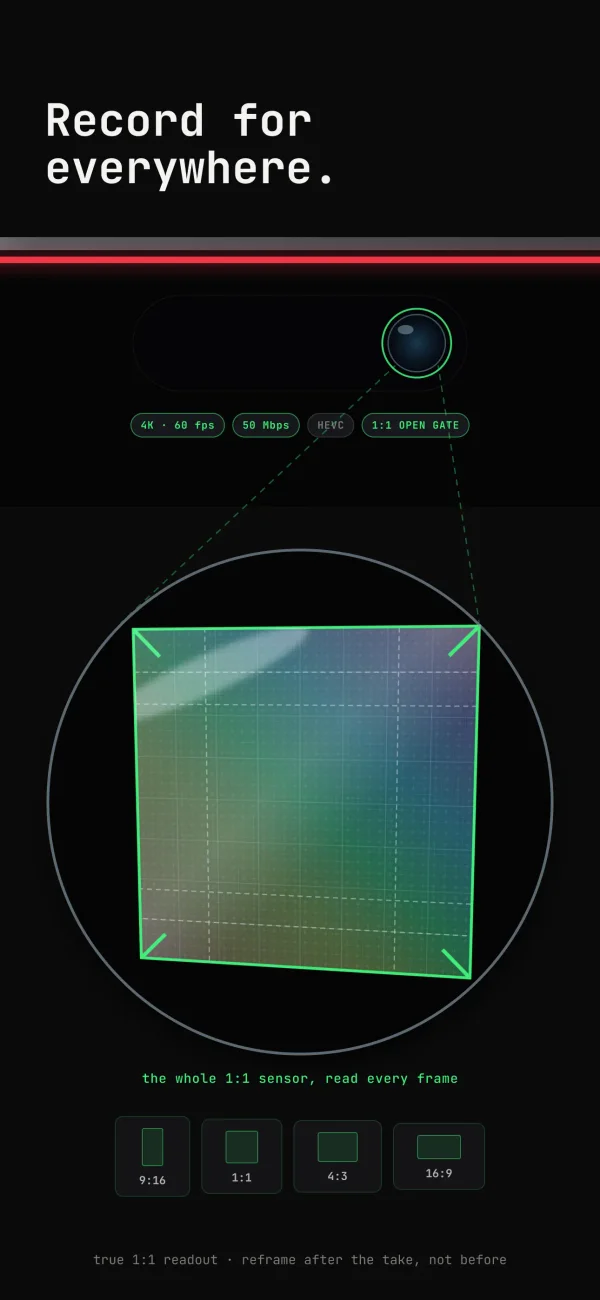
— Open Gate recording on iPhone 17 with the full 1:1 front sensor at 3840 × 3840. Perform your script once, crop a 9:16 / 1:1 / 16:9 from the same take in your editor. No reshoot for every platform.
— Save next to the script: toggle in Settings → Recording. When on, the .mov writes to the same folder as the .md so iCloud delivers the take to your Mac next to the script. No "where did I put that file" hunt.
— Standard or High Bitrate HEVC, sized for quality and efficiency.
— True 24p frame rate or 30p or 60p (if you're feeling wild).
BUILT-IN EDITOR
Tap the pencil in the top bar to open the file. Changes save back through the file coordinator — iCloud syncs them to your Mac the same way it syncs any other file.
BLUETOOTH REMOTE
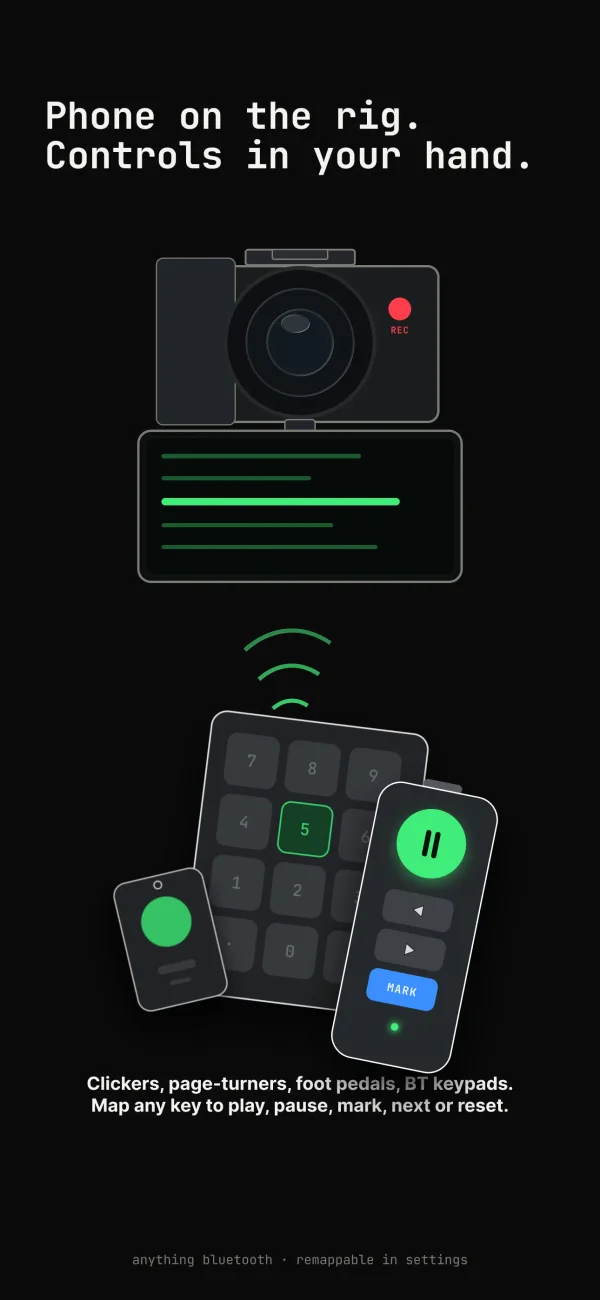
Pair any Bluetooth keyboard or media remote and bind buttons to play, pause, mirror, restart, and more. Volume-button capture is opt-in (Settings → Remote) so the volume rocker still works as a volume rocker by default.
WHAT IT UNDERSTANDS
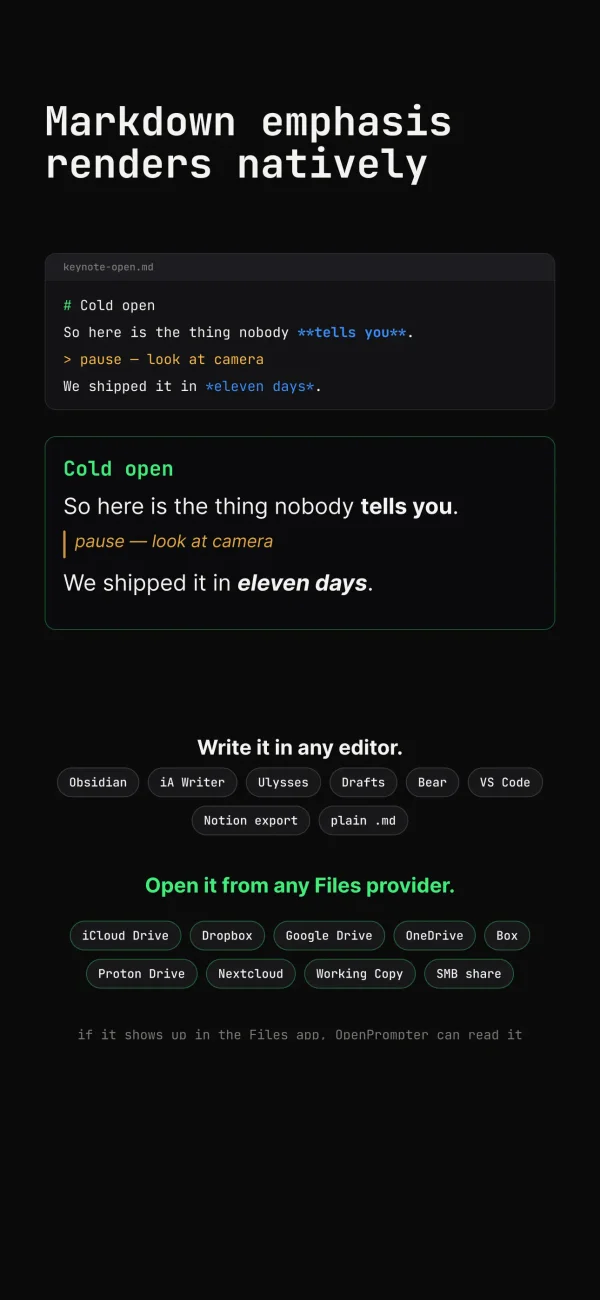
Open Prompter parses real markdown. Headings render as headings, bullets as bullets, numbered lists as numbered lists. Front matter, Callouts (> footnotes, tables, and visual-direction brackets ([B-roll: ...]) are stripped. Aggressive stripping is on by default; turn it off in Settings if you want to see cues on screen.
WHAT YOU WON'T FIND HERE
No account. No subscription. No analytics. No tracking. No third-party SDKs. No network calls of any kind. Voice tracking and the camera both run entirely on-device. Open Prompter reads the files you pick from the built-in Files app, captures with the camera you already own.
OPEN SOURCE
Every line of code is on GitHub under the MIT license.
REQUIREMENTS
— iPhone on iOS 17 or newer
— For iCloud live-sync: the same Apple ID on Mac and phone
— For Obsidian vaults: Obsidian Sync or any folder the iOS Files app can reach
— For Open Gate recording: iPhone 17 family (older iPhones record at the maximum frame their sensor exposes — the square-headroom re-crop trick is iPhone 17-only)
— For Bluetooth remote: any keyboard or media remote your iPhone can pair with
新機能
バージョン 3.1.2 · 2026/9/3
- Bug fixes and performance improvements
アプリのプライバシー
このアプリのデータの取り扱いについて、LELAND ANDREW DUTCHERがApp Storeで申告している内容です。
-
データの収集なし
開発元はこのアプリからデータを収集しません。
プライバシーの取り扱いは、ご利用の機能やお客様の年齢などに応じて異なる場合があります。
情報
- 販売元
- LELAND ANDREW DUTCHER
- カテゴリ
- 写真/ビデオ
- バージョン
- 3.1.2
- 更新日
- 2026/9/3
- リリース
- 2026/4/27
- サイズ
- 6.8 MB
- 必要条件
- iOS 17.0以降
- 対象年齢
- 4+
- 価格
- 無料
- 言語
- 英語
- 著作権
- © Leland Dutcher
こちらもおすすめ
-
 ShareSpeak Teleprompter写真/ビデオ
-
 Shots - Screenshot Beautifier写真/ビデオ
-
 Framelo: Video to Photos写真/ビデオ
-
 Teleo: プロンプター 動画撮影声に合わせて台本がスクロール
-
 Mr Prompter写真/ビデオ
-
 Focalware写真/ビデオ
-
 DuoCam デュアルカメラ 前後同時撮影分割画面で2つのカメラを録画
-
 Neonizer: ネオン写真加工写真を光るネオンサイン風に
-
 PhotoStrip Metadata Remover写真/ビデオ
-
 Offcue: プロンプター 動画撮影テレプロンプター・カンペ表示カメラ