- 対象年齢4+
- カテゴリユーティリティ
- 開発元Thomas Dillmann
- 言語ドイツ語ほか5言語
- サイズ9.6 MB
App Storeの公式ページにリンクしています
Download.orgはPaperless 24のファイルを一切ホストしていません。ボタンを押すと、Thomas Dillmannが公開しているApp Storeのアプリページが開きます。ページの最終確認:2026/11/23。
スクリーンショット


概要
開発元はこのテキストをお使いの言語で提供していません。
Paperless 24 puts your document archive on your iPhone and iPad. The app talks straight to your own paperless-ngx server — no detour through someone else's cloud, no subscription, no account with us.
SCAN AND FILE
• Document scanner with edge detection, multi-page
• Quick scan: scan and upload without the form — your server handles title, date and assignment
• Photos, PDFs and other files from your library or the Files app, several at once
• Drive a network scanner over Wi-Fi (AirScan/eSCL, 300 dpi)
• Batch scan: feed a whole stack at once — the app splits it into separate documents, and one tap corrects a wrong split
• Send anything into the archive from any other app via the share sheet
NAMED FOR YOU
• The magic wand reads the first page and suggests title, correspondent, type, tags and date
• Missing correspondents, types and tags are created along the way
• It all runs on device — the text never leaves your iPhone
FIND
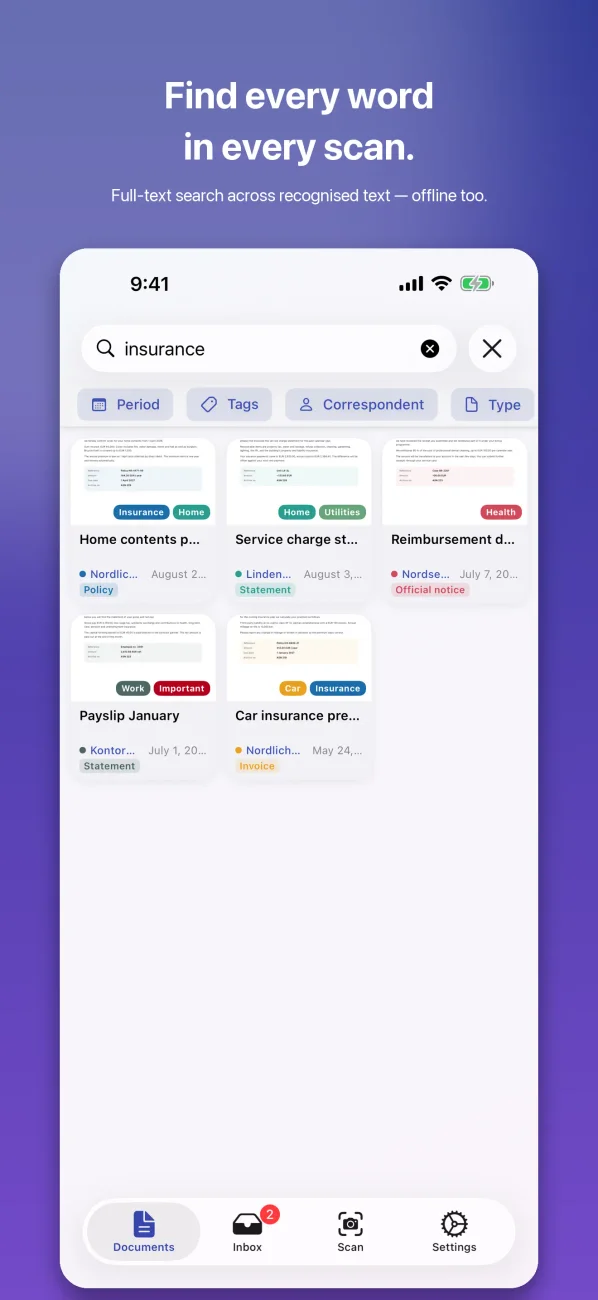
• Full-text search across the recognised text of every document, with search history
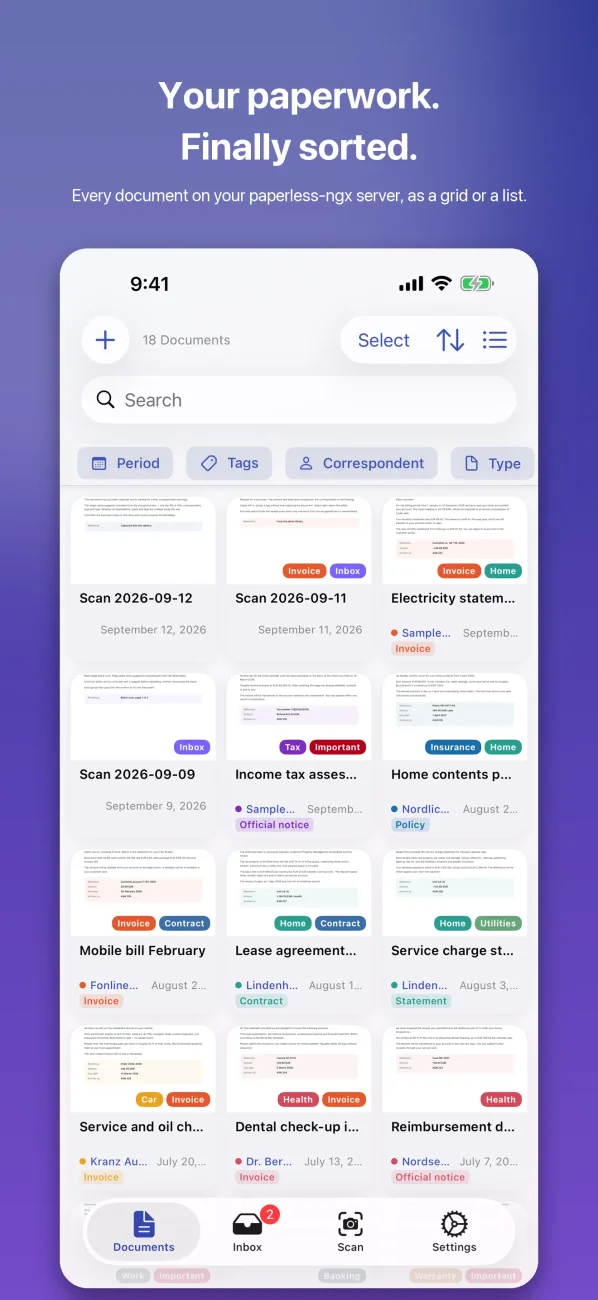
• Filter by tag, correspondent, type, date range and custom fields
• Load, apply and create saved views from your server
• Spotlight: your documents show up in iOS search
• Ask your archive: put a question in your own words and get an answer with its sources
READ AND EDIT
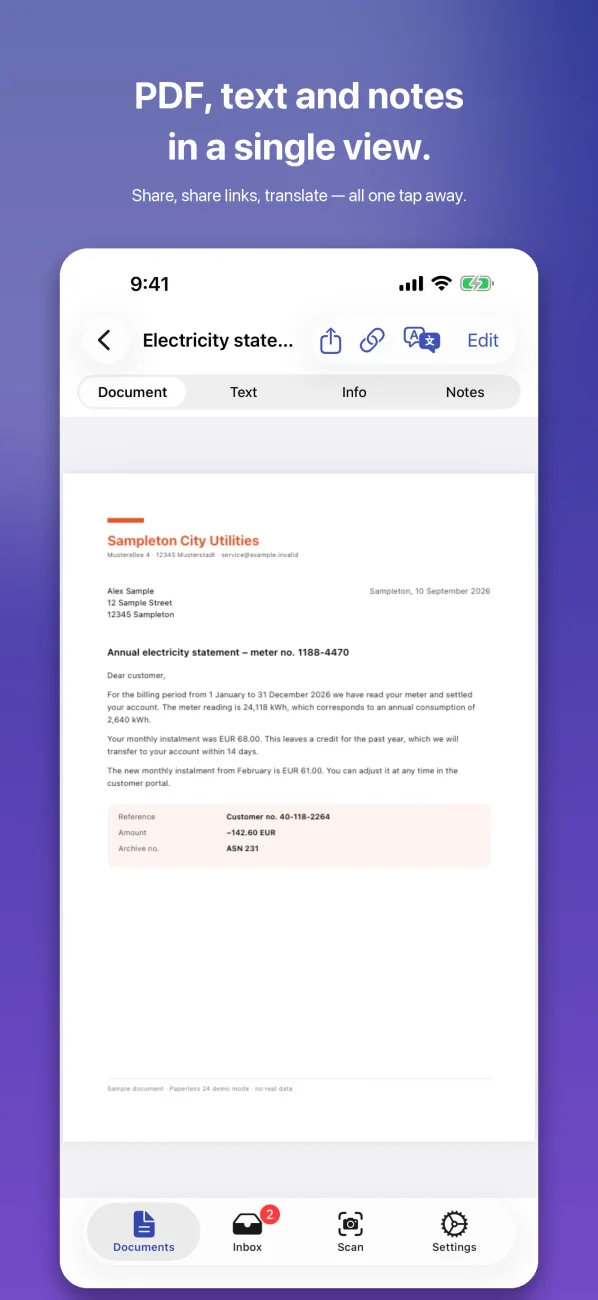
• PDF view with search hits highlighted
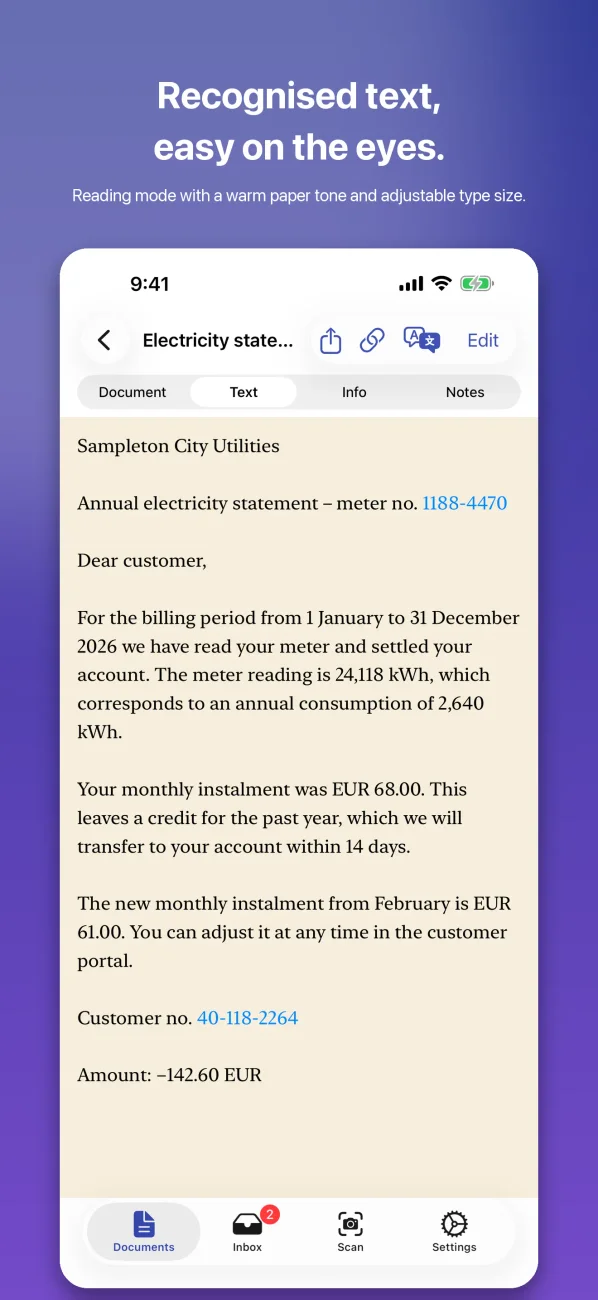
• Recognised text in reading mode: warm paper tone, serif type, adjustable size
• Phone numbers, links and addresses are tappable
• Summary at the press of a button
• Translate with no connection needed
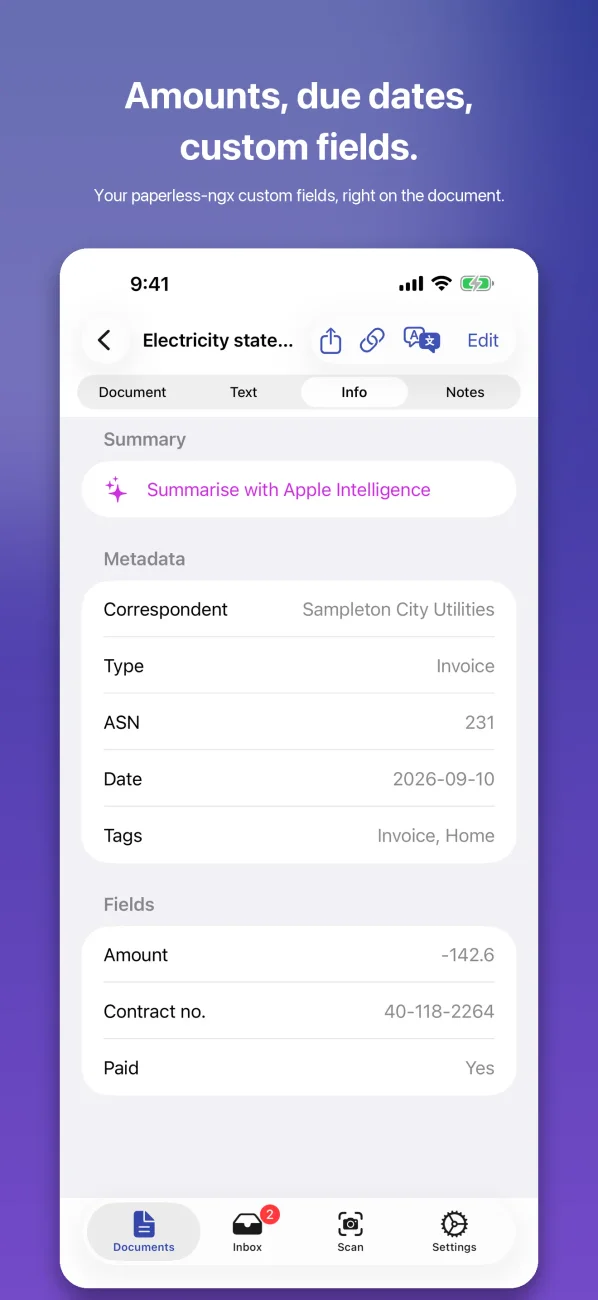
• Change title, date, correspondent, type, ASN, tags and custom fields
• Add and delete notes
• Create, list and revoke share links
STAY ON TOP OF IT
• Overview: inbox, deadlines due, pinned documents and saved views on one page — can be turned off
• Inbox as its own tab, with a badge
• Swipe to tag, edit or delete
• Multi-select: set a tag or correspondent on many documents at once
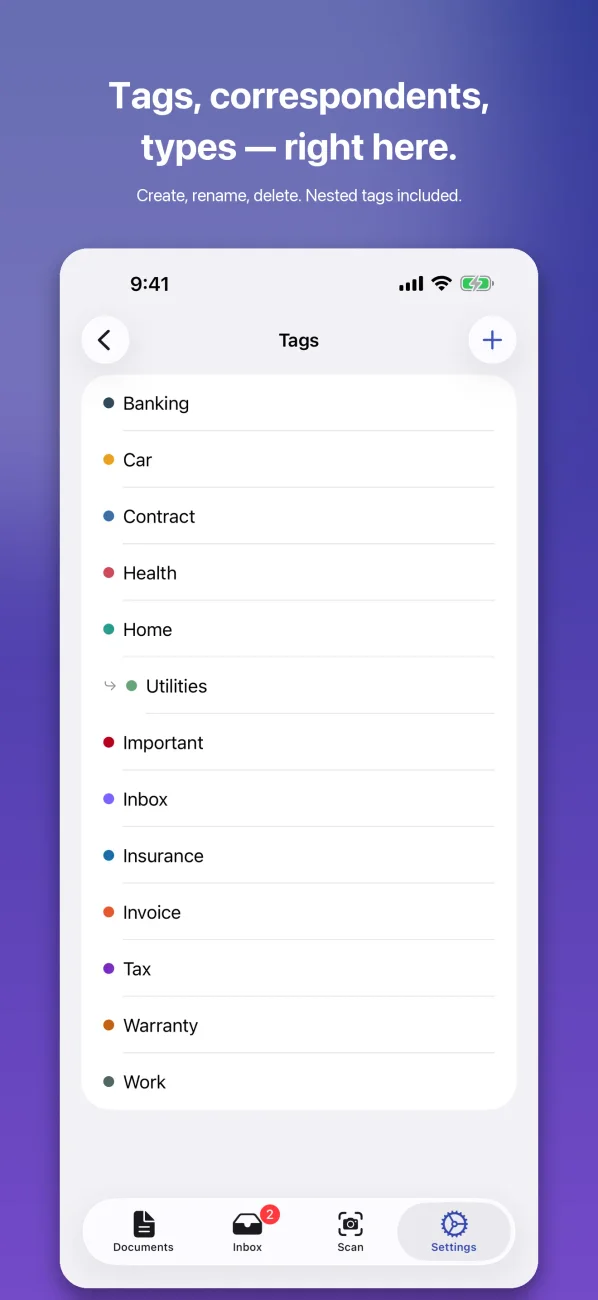
• Manage tags, correspondents and types — nested tags included
• Trash with restore and permanent delete
• Custom fields of every kind: text, number, date, select, yes/no, monetary, document link
OFFLINE
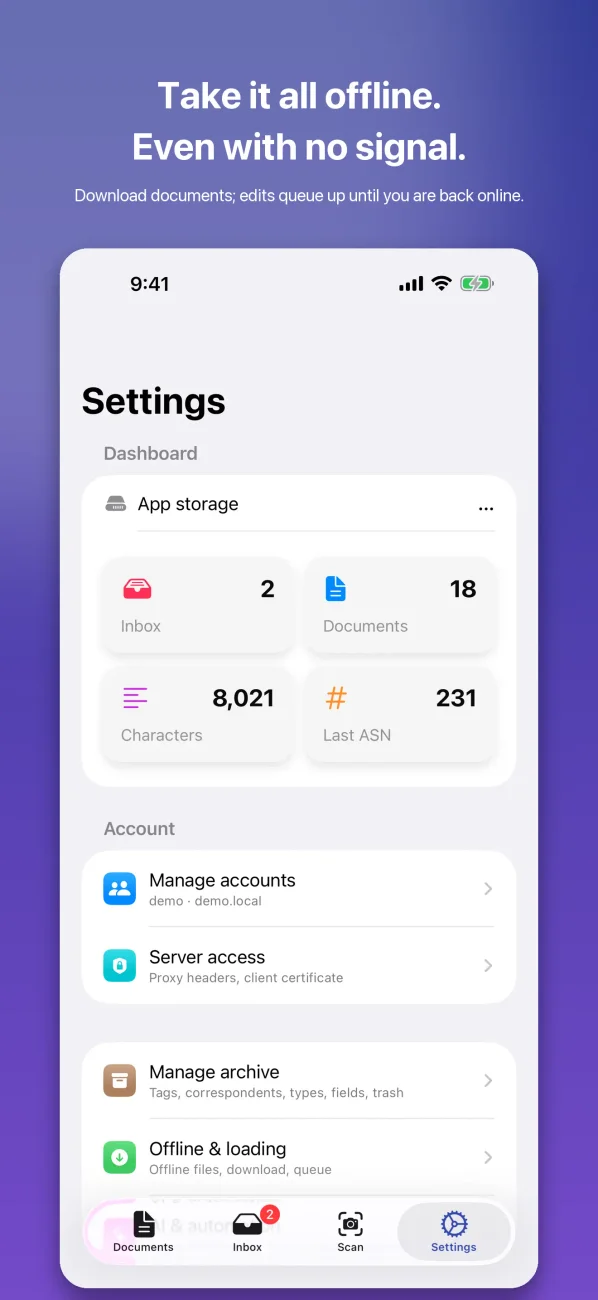
• Download everything and read it with no connection
• Edits and uploads are queued and sent automatically once you are back
• Storage use always visible, single files removable
MULTIPLE ACCOUNTS
• As many servers and users as you like, with separate data per account
• Face ID or Touch ID lock
• Two-factor sign-in (TOTP)
• Sign in with a password or an API token (for SSO/OIDC)
• Credentials live in the iOS keychain
ON EVERY DEVICE
• Widget with your latest documents or an overview
• Siri and Shortcuts: scan, search, open inbox, ask your archive
• A notification when new post lands in the inbox
• Three-column layout on iPad
• Settings kept in sync across devices via iCloud
• Six colour themes, a free accent colour, OLED black, five alternative app icons
• German, English, French, Spanish, Italian, Dutch
WHAT YOU NEED
Paperless 24 is a client app. You need your own paperless-ngx server (version 2.x through 3.0.x). Without one, try the demo mode with sample data at any time.
PRIVACY
The app only ever talks to your server. No tracking, no ads, no analytics, no relay servers. Summaries, suggestions and translations run on device.
新機能
バージョン 2.5.0 · 2026/11/16
New in 2.5.0
• Storage paths: choose the storage path right when importing and editing, see it in the Info tab and filter by it under “More filters”. Create new storage paths under Settings › Manage archive.
• You can now also pin a document from the ⋯ menu of an open document – and if the overview is off, the app offers to turn it on.
• Pinned documents show a small pin in the list. In system search each document now also shows its type, such as “Invoice”, and Settings › Privacy & Spotlight shows how far the index has got.
• The duplicate upload warning now checks the whole archive, names the document number, amount or date, and no longer goes off for instalment bills with the same customer number.
• Edit tags, correspondents, types and storage paths under Settings › Manage archive with the pencil – name, colour, inbox tag and automatic matching, just like in the web interface. Tapping the row shows the documents.
• Permissions: owner and who may view or edit a document, in the Info tab and when editing. Turn it on under Settings › Manage archive.
• Settings › Account shows your server’s Paperless-ngx version and any available update. Accounts can now be edited without deleting them.
• On iPad the inbox shows the list on the left and the document on the right. Saved views can be added to the overview as a tile, and settings now have a search.
• Fixed: Spotlight usually found only the most recently loaded documents. Now the whole archive is in Spotlight.
• Fixed: changing the sort order under “Documents” sometimes had no effect.
アプリのプライバシー
このアプリのデータの取り扱いについて、Thomas DillmannがApp Storeで申告している内容です。
-
データの収集なし
開発元はこのアプリからデータを収集しません。
プライバシーの取り扱いは、ご利用の機能やお客様の年齢などに応じて異なる場合があります。
情報
- 販売元
- Thomas Dillmann
- カテゴリ
- ユーティリティ
- バージョン
- 2.5.0
- 更新日
- 2026/11/16
- リリース
- 2026/5/19
- サイズ
- 9.6 MB
- 必要条件
- iOS 18.0以降
- 対象年齢
- 4+
- 価格
- 無料
- アプリ内課金
- あり
- 言語
- ドイツ語, 英語, フランス語, イタリア語, オランダ語, スペイン語
- 著作権
- © Thomas Dillmann