Password Manager Data Vault
Secure Password Manager Safe
iPhone, iPad, iPod touch向けに設計
¥1,500
- 対象年齢4+
- カテゴリ仕事効率化
- 開発元Ascendo Inc.
- 言語英語ほか6言語
- サイズ48.6 MB
App Storeの公式ページにリンクしています
Download.orgはPassword Manager Data Vaultのファイルを一切ホストしていません。ボタンを押すと、Ascendo Inc.が公開しているApp Storeのアプリページが開きます。ページの最終確認:2026/11/28。
スクリーンショット
概要
開発元はこのテキストをお使いの言語で提供していません。
The Leading Password Manager for iPhone, iPad & iPod touch ◇ AES Encryption ◇ Face ID ◇ Touch ID ◇ Apple Watch ◇ Website Logins ◇ Safari Autofill ◇ iCloud Sync ◇ Automatic Backups ◇ Password Generator ◇ Flexible Templates ◇ Advanced Security Options
Secure. Powerful. Simple. Try DataVault Password Manager today!
#1 Must-Have App for iPhone - Cnet
Apps that will Change your Life - Wall Street Journal
#1 App to Banish Forgetfulness - Reader’s Digest
Robust Password Management - Secure Mac
Best iPad Password Manager - BrightHub
Is your private information safe? Are your passwords secure?
DataVault Password Manager protects confidential information related to credit cards, bank accounts, logins and more using Advanced Encryption Standard (AES), the most powerful technology to keep your data secure. DataVault Password Manager includes a unique set of features like Face ID, Touch ID, Website Logins, iCloud backups and advanced security options to protect your most precious information.
Unrivaled features and ease-of-use have made DataVault a best-selling password manager for iPhone, iPad & iPod touch.
USER REVIEWS
“Essential Gear. A password manager should be one of the first apps you download. I compared a few and this one excelled because it could sync across multiple devices.”
“Rock Solid Foundation. I've tried most of the password apps and selected this one for its flexibility in defining item templates, ability to sync one database to multiple mobile devices, and strong desktop versions. I have 1100 items now and the app has performed brilliantly.”
“Terrific Customer Support. My question was answered within 24 hours and the issue resolved. Now that's what I expect from a developer!!!”
“I have been using DataVault for many years. Song the way, I have tried other Password Managers but have always come back to DataVault. It is simple to use, and all data resides on my hardware, fully encrypted.”
“Absolutely the best password safe across all platforms and outstanding support!”
SECURE YOUR LIFE
• Encrypts information using 256-bit AES with PBKDF2 and salting to insure the highest security of any password manager. Nobody can access your data without your master password, not even Ascendo.
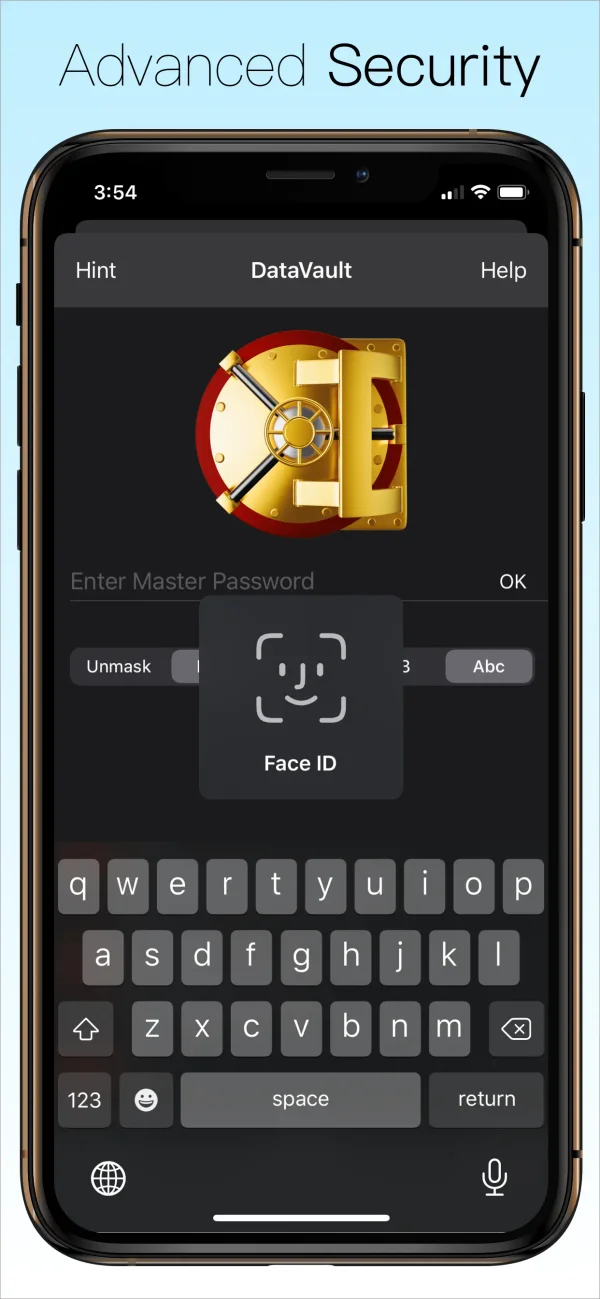
• Enable Face ID to login with facial recognition and Touch ID to login with your fingerprint.
• Set Auto-Lock duration to require login after an inactivity delay.
• Set Maximum Login Attempts to wipe your data after successive failed login attempts.
• Set a hint in case you forget your master password.
• Mask information to shield it from prying eyes.
POWERFUL FEATURES
• Access passwords and private information securely on your Apple Watch.
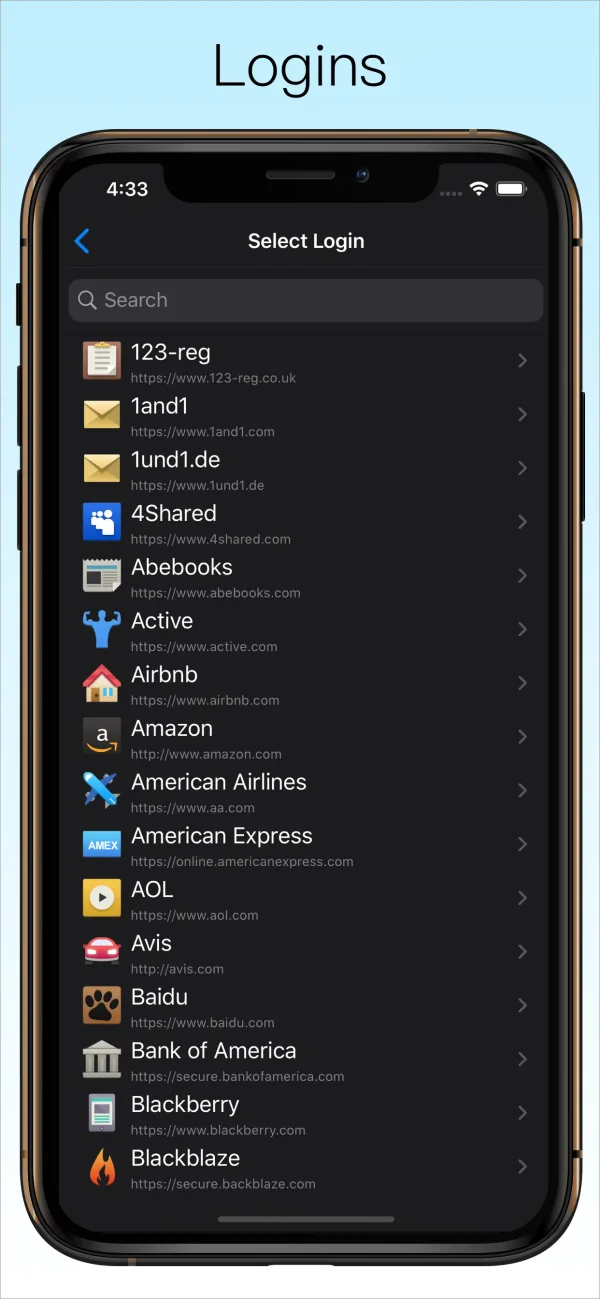
• Log in to websites automatically using Safari.
* Choose from 65 pre-configured logins such as Amazon, Paypal, etc. or make your own.
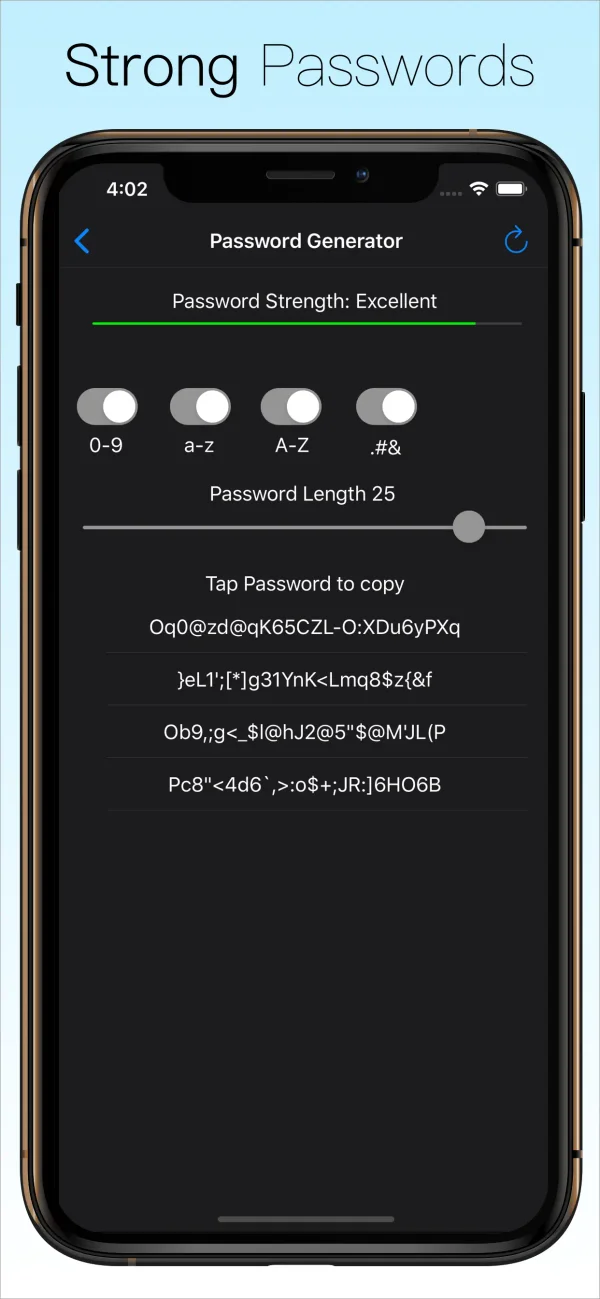
• Generate strong passwords with settings for length & types of characters.
• Use Strength Meter to determine if your passwords are weak, good or strong.
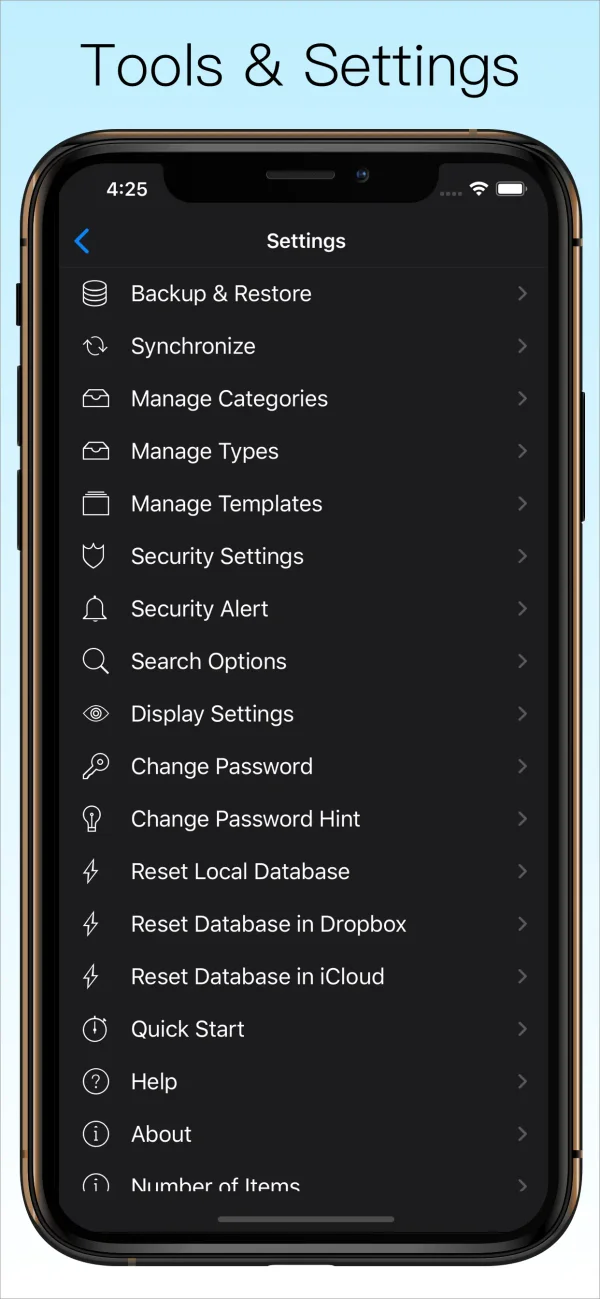
• Backup your data automatically to insure you never lose your important information.
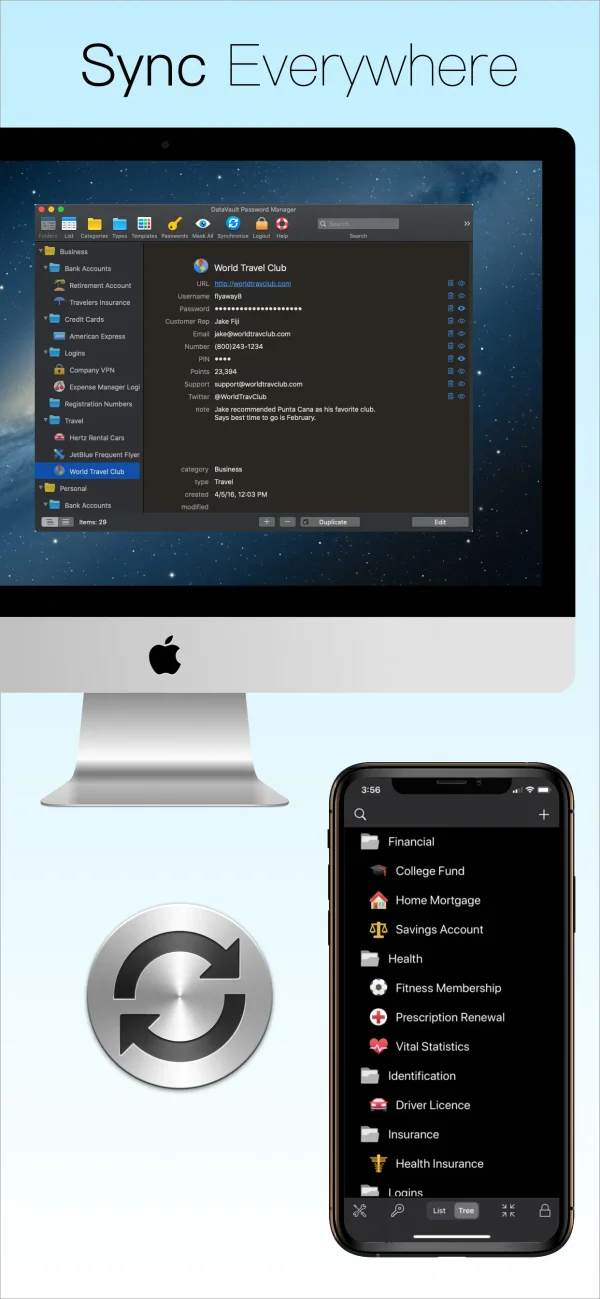
• Synchronize with DataVault for Mac (sold separately) using iCloud, Dropbox or Wi-Fi.
SIMPLE TO USE
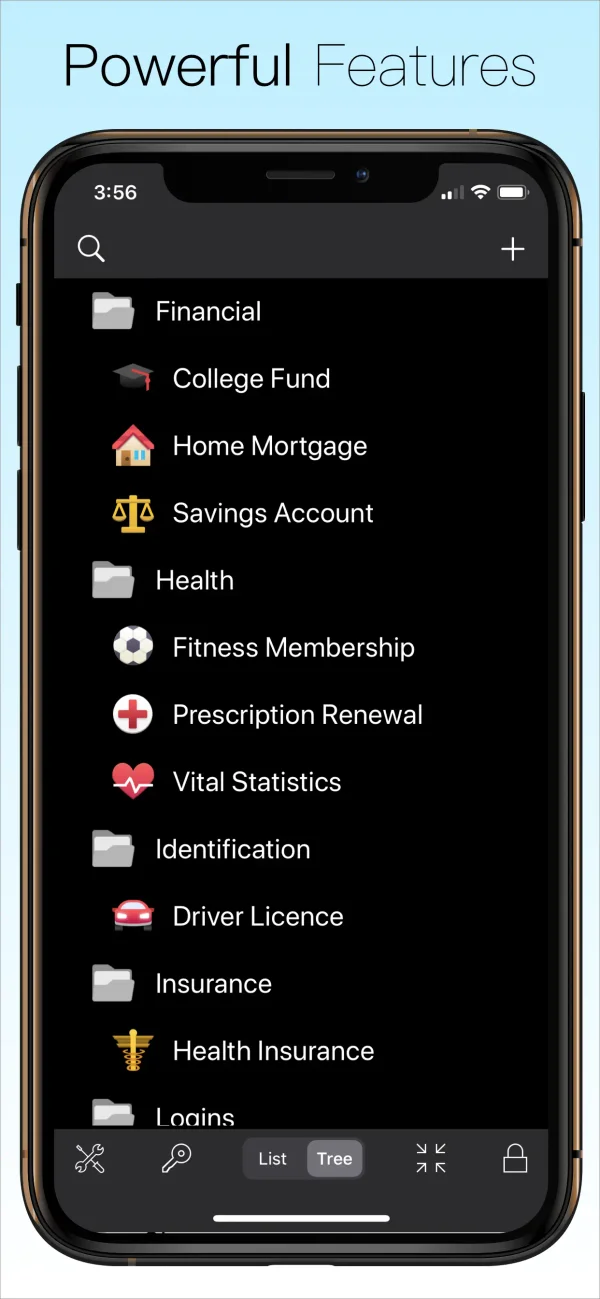
• View Items in list view or folder view.
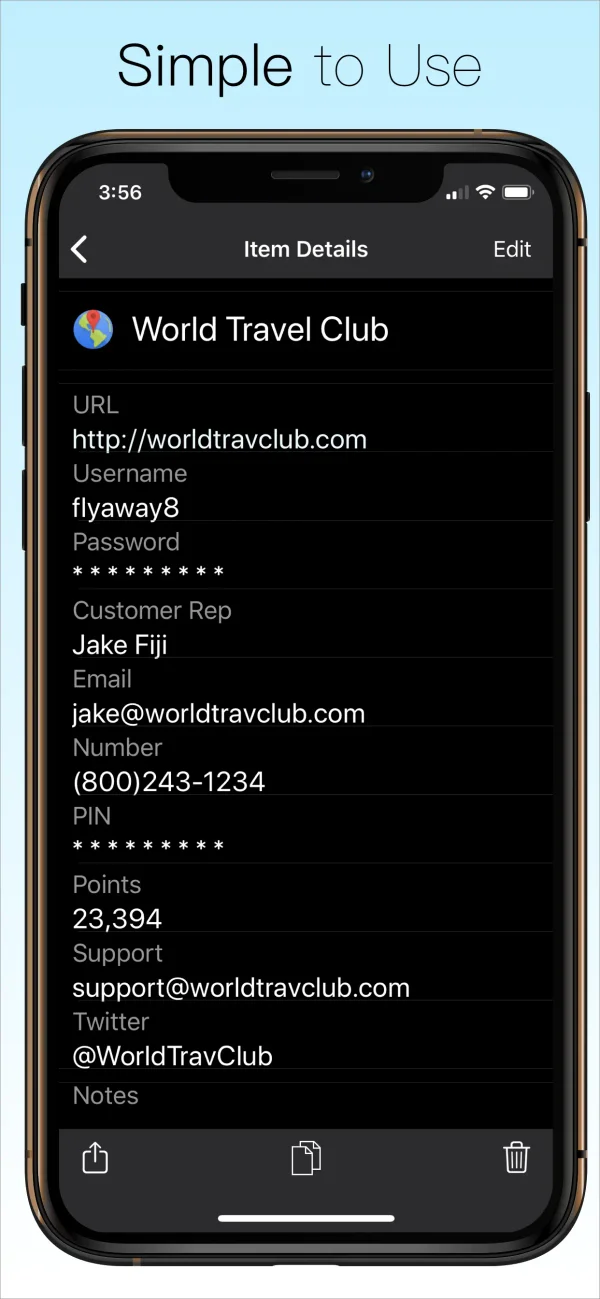
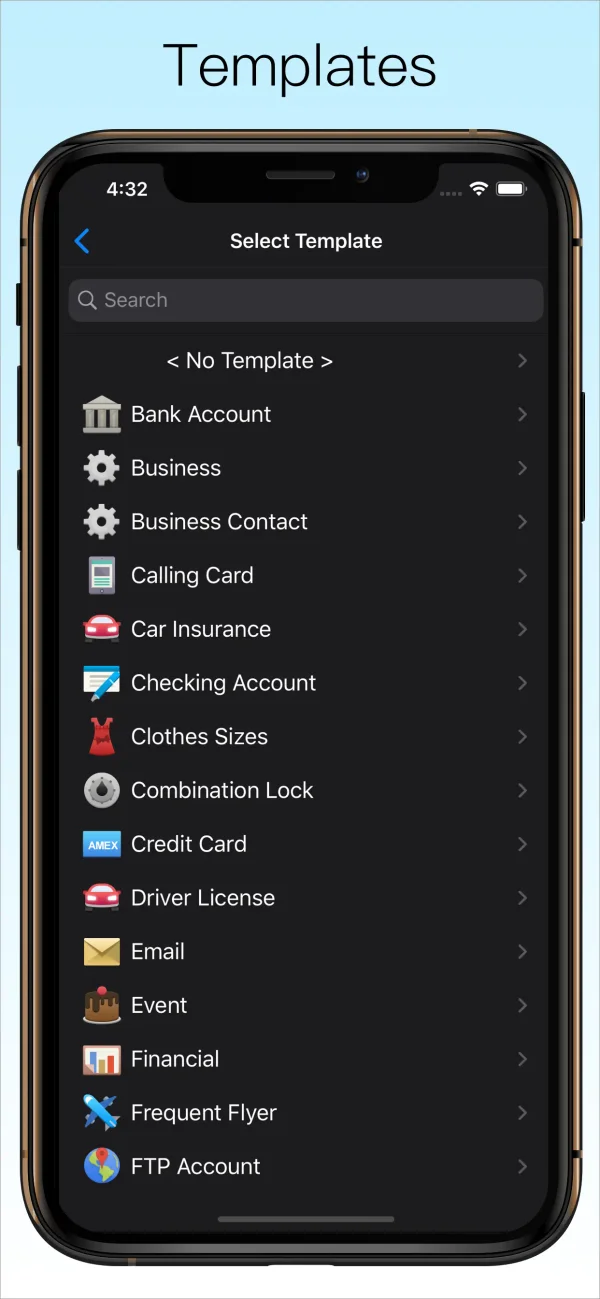
• Use Templates for common items such as bank accounts, credit cards & logins.
• Choose from 50 default templates or create your own.
• Initiate phone calls, emails or web site logins with action fields.
• Use categories & types to organize items.
And a whole lot more…
• Full iPad support with split screen display.
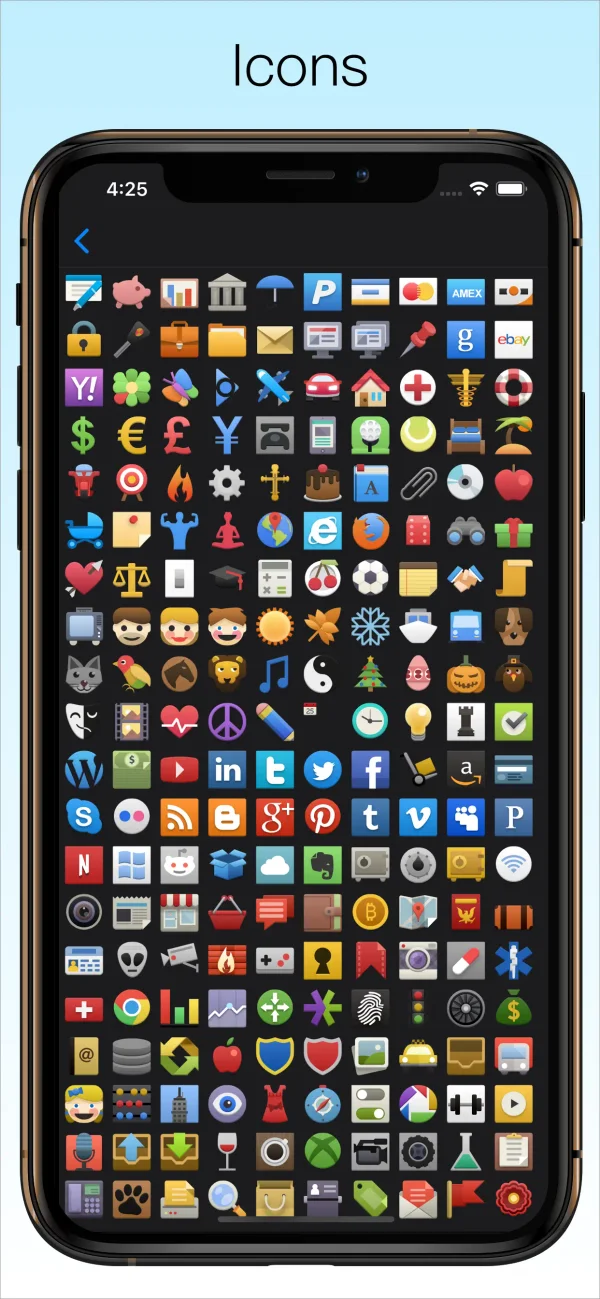
• 200 icons to personalize your items.
• Import from text files in CSV format.
• Import from Keeper, 1Password, EWallet, SplashID, mSecure, Keepass & other password managers with DataVault Desktops (sold separately).
• Great support.
One copy of DataVault Password Manager can be installed on up to 5 authorized iOS devices.
Questions? Contact at info@ascendo.co
Get peace of mind with the best password manager for iOS. Download DataVault Password Manager today!
新機能
バージョン 7.6.2 · 2026/11/17
Howdy Partners,
Thanks to all those who help test the beta versions.
- Enhanced tab bar layout.
- Fixed issues with iCloud sync.
- Added iOS 27 support.
- iPad crash fix on startup.
- Fixed crashes occurring on certain handsets.
- Other improvements.
If you have any issues with the new version, please email support@ascendo.co
If you like free updates, please rate DataVault 5-stars in the App Store
Marc Bolh
Founder Ascendo
アプリのプライバシー
このアプリのデータの取り扱いについて、Ascendo Inc.がApp Storeで申告している内容です。
-
データの収集なし
開発元はこのアプリからデータを収集しません。
プライバシーの取り扱いは、ご利用の機能やお客様の年齢などに応じて異なる場合があります。
情報
- 販売元
- Ascendo Inc.
- カテゴリ
- 仕事効率化
- バージョン
- 7.6.2
- 更新日
- 2026/11/17
- リリース
- 2009/7/25
- サイズ
- 48.6 MB
- 必要条件
- iOS 15.6以降
- 対象年齢
- 4+
- 価格
- ¥1,500
- 言語
- 英語, フランス語, ドイツ語, イタリア語, 日本語, ロシア語, スペイン語
- 著作権
- © 2004 Ascendo Inc.
こちらもおすすめ
-
 oneSafe+ password managerFort Knox in your pocket!
-
 Secure X- Data Vault & WalletPassword, Gallery, Card Keeper
-
 Password Manager'仕事効率化
-
 SecureSafe Password Manager仕事効率化
-
 mSecure: Password Manager仕事効率化
-
 eWallet - Password Manager仕事効率化
-
 パスワード管理・Safeパスキーと2段階認証
-
 パスワード Safe 管理・認証 Password Safeパスキー・2FA・ワンタイムコード・金庫
-
 RoboForm パスワードマネージャーパスワード管理とフォーム記入システム
-
 Strongbox - Password ManagerKeePass & Password Safe Vault