- 対象年齢4+
- カテゴリユーティリティ
- 開発元REVUD TJAN
- 言語英語
- サイズ49.2 MB
App Storeの公式ページにリンクしています
Download.orgはPC Forgeのファイルを一切ホストしていません。ボタンを押すと、REVUD TJANが公開しているApp Storeのアプリページが開きます。ページの最終確認:2026/11/17。
スクリーンショット

概要
開発元はこのテキストをお使いの言語で提供していません。
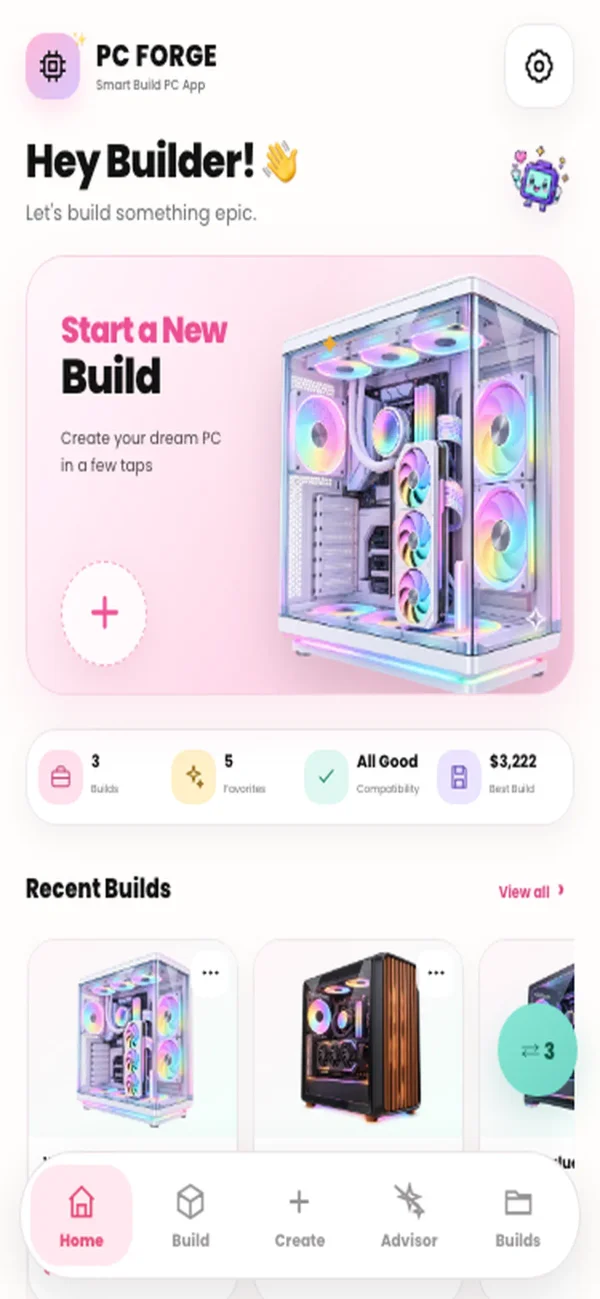
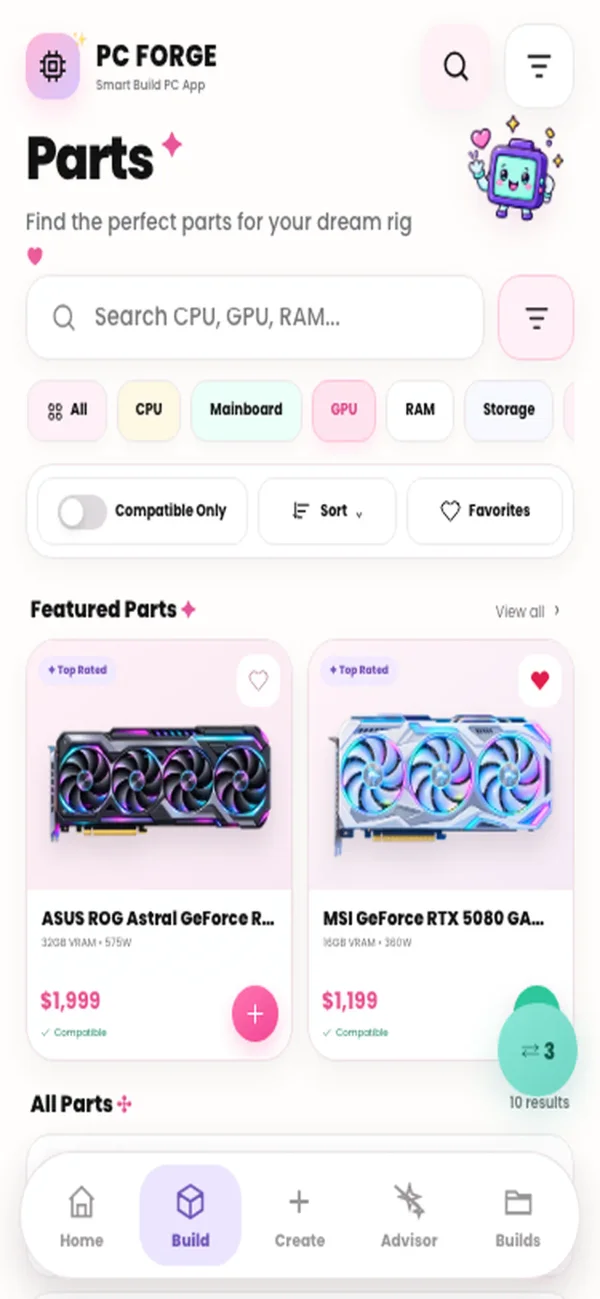
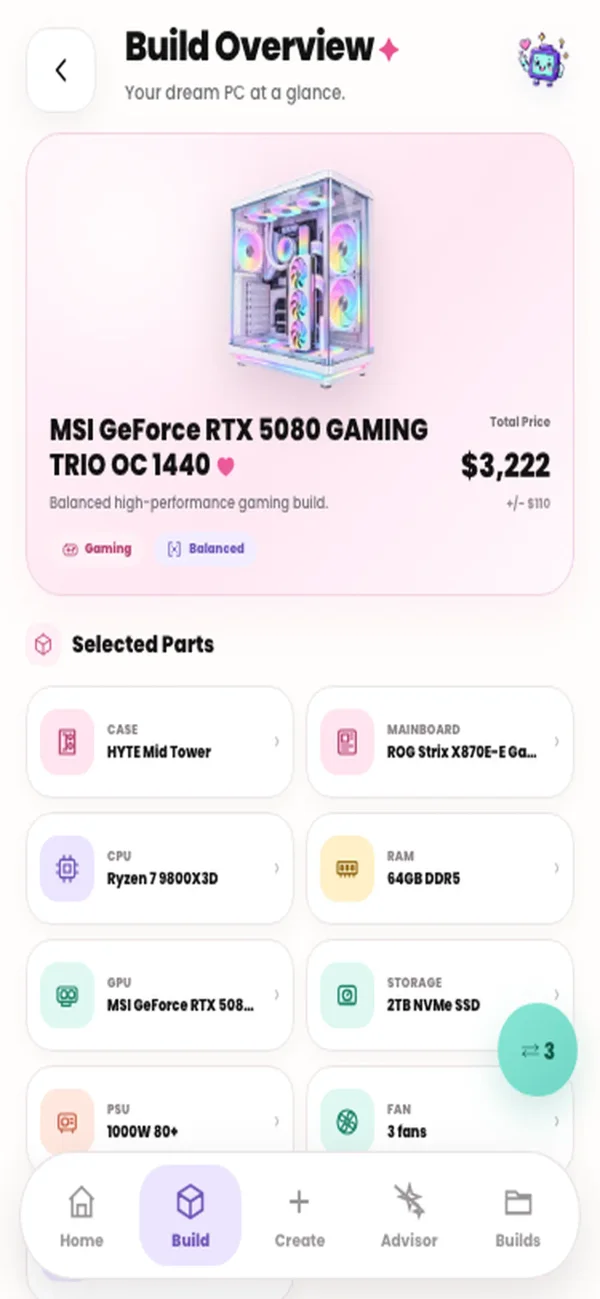
PC Forge helps you build your dream PC through a mobile-first experience featuring a modern pastel interface. From the Home screen, you can start a new build and view statistics on saved builds, favorites, compatibility status, and configuration value. The Build PC page serves as the assembly hub: select individual components across categories (Case, Motherboard, CPU, RAM, GPU, Storage, PSU, Fan, and AIO) while viewing the total price, estimated power draw, recommended PSU wattage, real-time compatibility reports, and a list of warnings/errors with quick-fix buttons; you can also access the Visual Preview, Analyze Build, Save Build, or view the full Build Overview. The Parts section allows you to search, filter, sort, and favorite components; switch quickly between categories; toggle "Compatible Only" to view parts matching your current build; browse Featured Parts and the full catalog; and tap components to view detailed specs, pricing, and compatibility status, or to add/remove them from the build or add them to the Comparison tool. The Detail page displays full specifications, context-specific actions (select, add RAM kit, add drive, add fan, remove), and suggestions for similar components. The Smart Advisor takes inputs—such as budget, usage purpose (Gaming, Coding, 3D Work, Office, Video Editing), target resolution, CPU/GPU priorities, and case size—to generate a balanced configuration suggestion; you can view the build, apply it to your current session, save it as a new build, or continue editing. The Analyzer evaluates the configuration using a Performance Score, a summary of selected components, simulated benchmarks, category-specific insights, and shortcuts to resolve compatibility issues. The Visual Builder allows you to preview the PC layout based on the case and motherboard, toggle component layers, zoom and reset the view, quickly select categories, and open a full-screen preview canvas. "My Builds" manages saved configurations, offering filtering (All/Favorites/Gaming/Workstation), search, sorting, and actions such as preview, edit, compare, duplicate, rename, favorite, and delete; each build card displays a case preview, CPU/GPU/RAM details, price, and a compatibility badge. "Compare Parts" places two components of the same type side-by-side, comparing metrics like price, performance, TDP, VRAM, capacity, speed, and value score. "Build Overview" aggregates the entire configuration into a dashboard view, featuring the build title, gaming balance, total price, a list of component cards, and options to save or edit. "Settings" allows for the customization of animation intensity, currency (USD/VND), and audio feedback, as well as the clearing of app data, build data, favorites, and comparison history
アプリのプライバシー
このアプリのデータの取り扱いについて、REVUD TJANがApp Storeで申告している内容です。
-
データの収集なし
開発元はこのアプリからデータを収集しません。
プライバシーの取り扱いは、ご利用の機能やお客様の年齢などに応じて異なる場合があります。
情報
- 販売元
- REVUD TJAN
- カテゴリ
- ユーティリティ
- バージョン
- 1.0.0
- 更新日
- 2026/10/9
- リリース
- 2026/10/8
- サイズ
- 49.2 MB
- 必要条件
- iOS 15.0以降
- 対象年齢
- 4+
- 価格
- 無料
- 言語
- 英語
- 著作権
- © 2026 Katomagsakay Brenden