PDF Document Scanner Editor
PDF Creator & Editor Signature
iPhone, iPad, iPod touch向けに設計
無料 · アプリ内課金
- 対象年齢4+
- カテゴリビジネス
- 開発元Bhavik Savaliya
- 言語英語ほか10言語
- サイズ69.8 MB
App Storeの公式ページにリンクしています
Download.orgはPDF Document Scanner Editorのファイルを一切ホストしていません。ボタンを押すと、Bhavik Savaliyaが公開しているApp Storeのアプリページが開きます。ページの最終確認:2026/11/15。
スクリーンショット


概要
開発元はこのテキストをお使いの言語で提供していません。
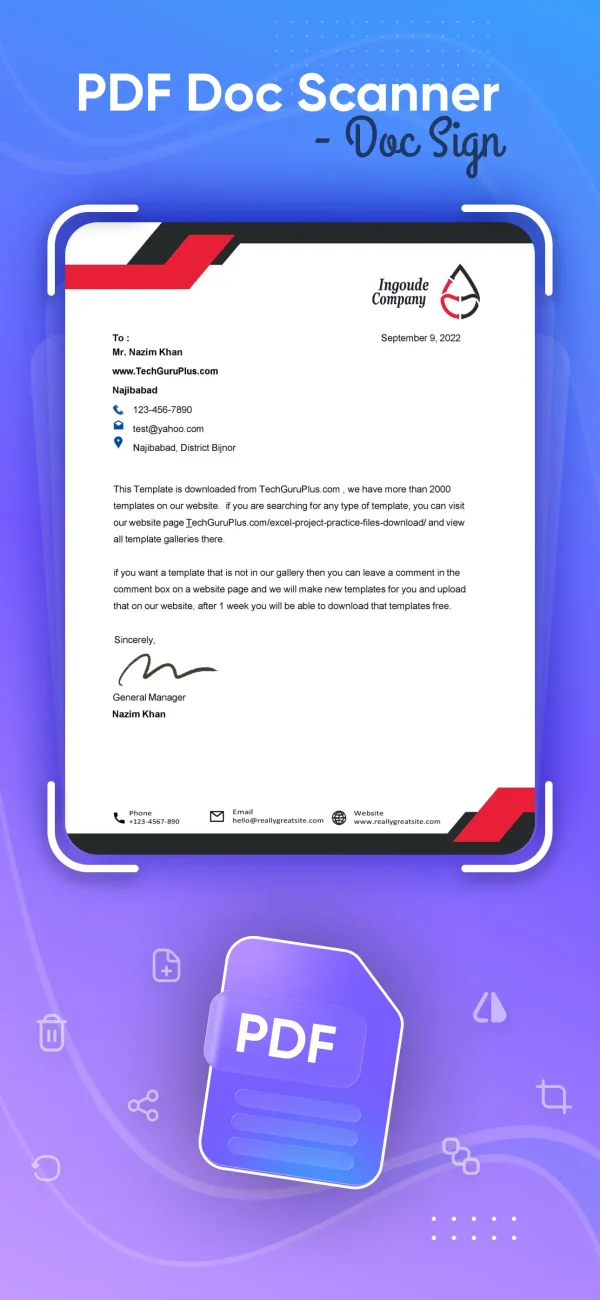
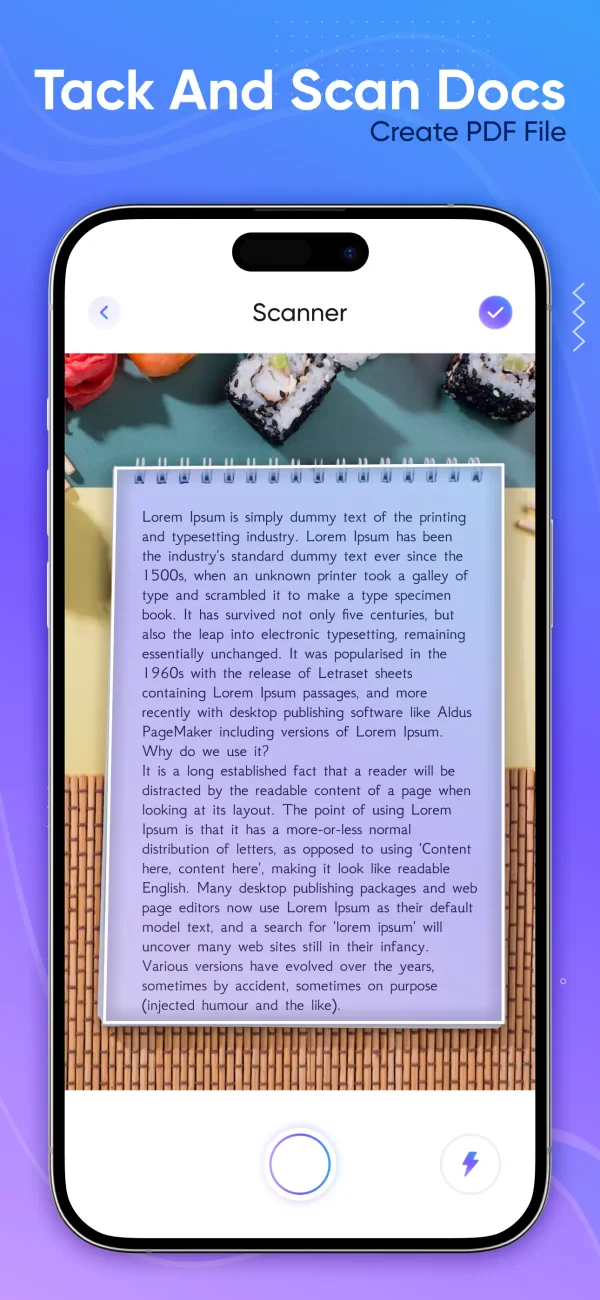
PDF Document Scanner app that scans everything. Scan documents, photos, receipts, or just about anything.
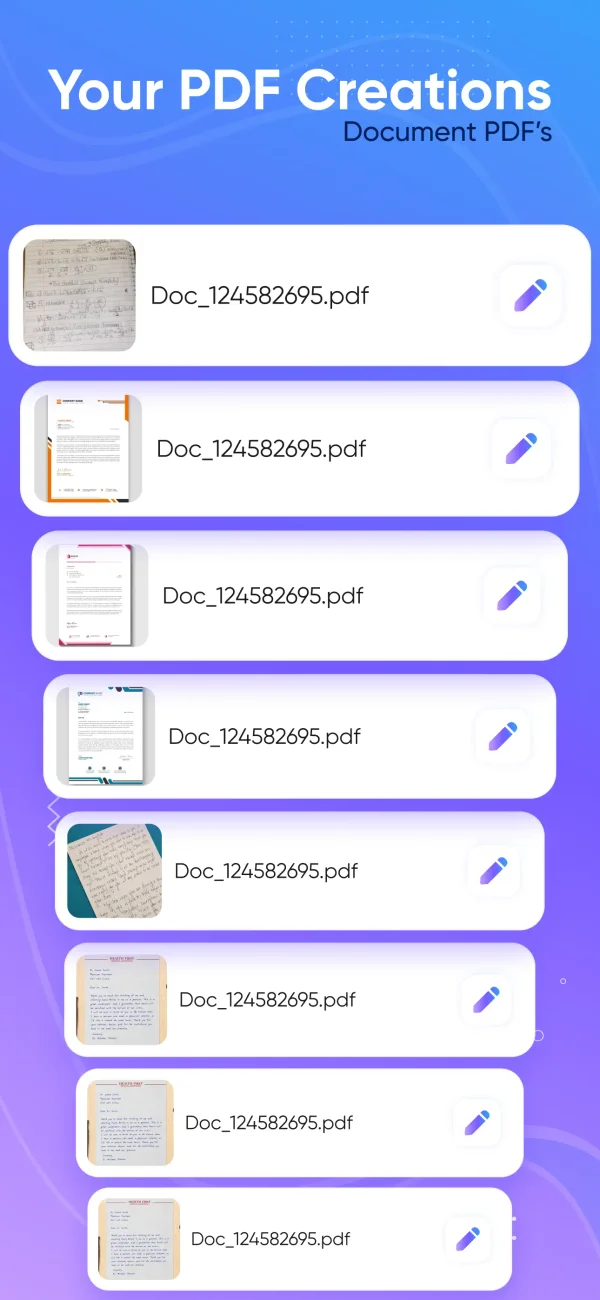
Scan any type of document and it's generate PDF.also add and remove page in PDF.
Features :-
-> Scan in color, gray scale, or black & white.
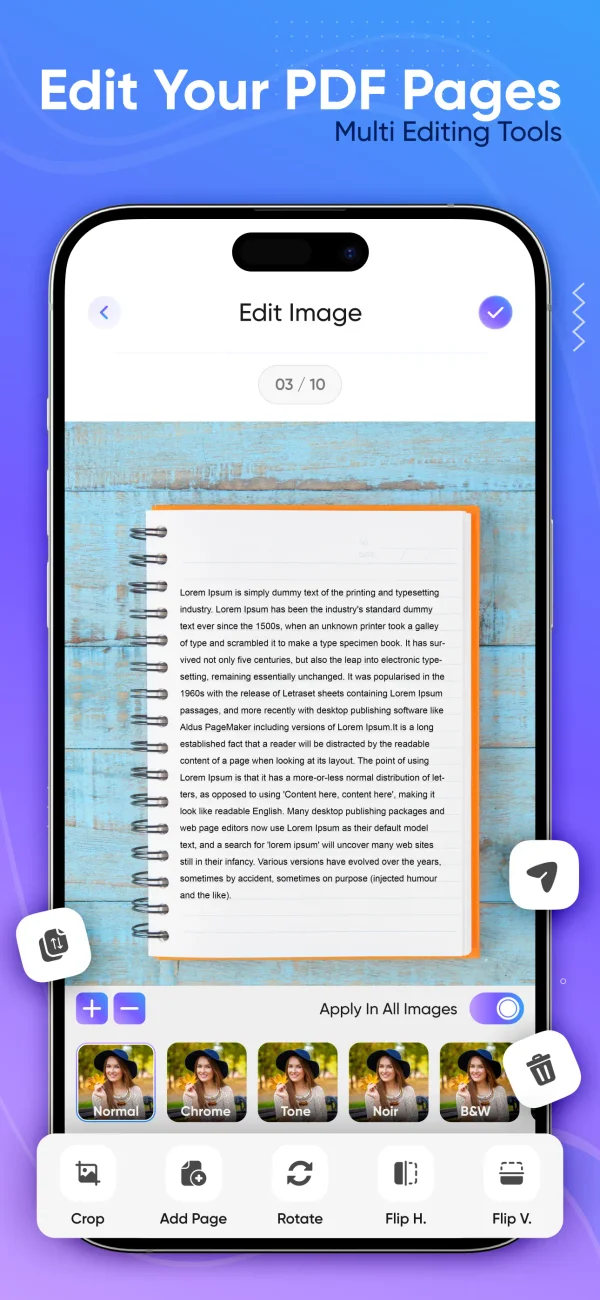
-> insert and Delete Page in PDF.
-> Best Crop For Batter Scanner Result.
-> totally Free apps.
-> You can generate any No. of PDF.
PRO FEATURES:
• Free unlimited signature generation.
• All Premium features
Choose from different subscription options. Our standard subscription options are:
PDF Scann One Week - 5.99 USD
PDF Scann One Year - 29.99 USD
Subscribe to have unlimited access to premium version of the app.
• Ads starting from the beginning of your subscription.
• Your payment will be charged to your iTunes Account as soon as you confirm your purchase.
For more information :
Privacy Policy : https://sites.google.com/escrowinfotech.com/musicbassbooster/home
Terms of Use : https://sites.google.com/escrowinfotech.com/termsofuse/home
新機能
バージョン 3.0 · 2025/10/8
We’ve enhanced the UI/UX for a smoother experience and added powerful new PDF tools:
Edit PDF – Modify your PDFs.
Sign PDF – Easily add your signature.
Compress PDF – Reduce file size without losing quality.
Lock/Unlock PDF – Secure or remove security from your documents.
Merge PDFs – Combine multiple files into one.
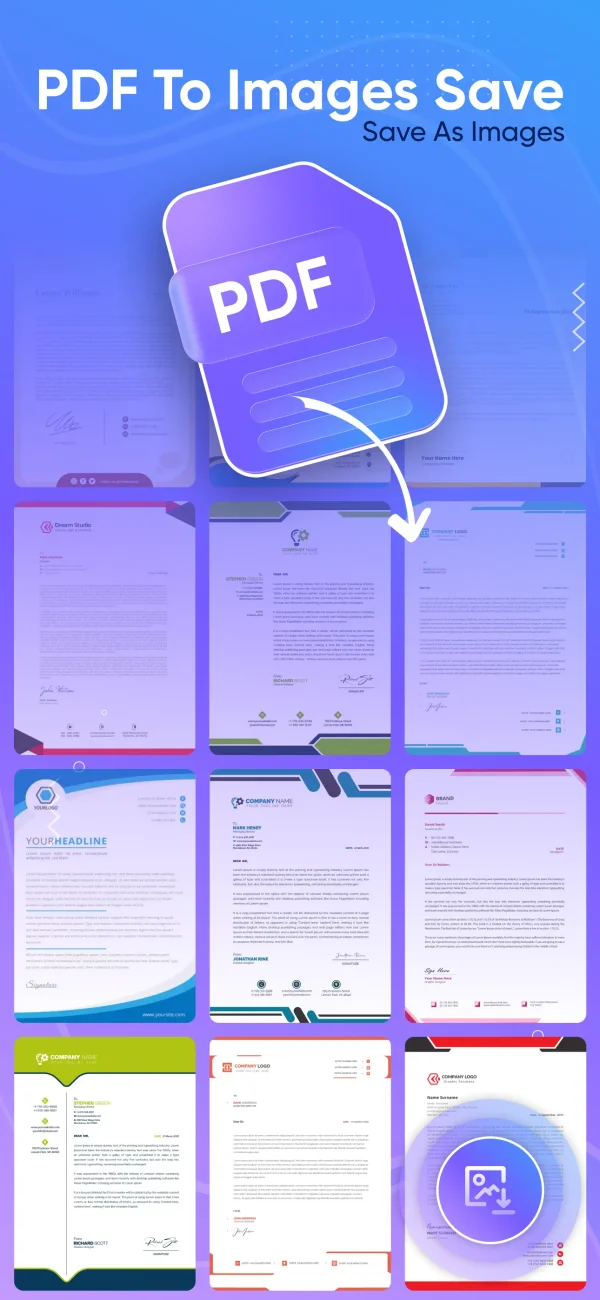
Convert PDF to Images – Export each page as an individual image.
アプリのプライバシー
このアプリのデータの取り扱いについて、Bhavik SavaliyaがApp Storeで申告している内容です。
-
ユーザーのトラッキングに使用されるデータ
他社のアプリやウェブサイトを横断してユーザーをトラッキングする目的で使用される場合があります。
- ID
- 使用状況データ
-
ユーザーに関連付けられないデータ
収集される場合がありますが、ユーザーの識別情報には関連付けられません。
- ID
- 使用状況データ
- 診断
プライバシーの取り扱いは、ご利用の機能やお客様の年齢などに応じて異なる場合があります。
情報
- 販売元
- Bhavik Savaliya
- カテゴリ
- ビジネス
- バージョン
- 3.0
- 更新日
- 2025/10/8
- リリース
- 2016/5/19
- サイズ
- 69.8 MB
- 必要条件
- iOS 15.0以降
- 対象年齢
- 4+
- 価格
- 無料
- アプリ内課金
- あり
- 言語
- 英語, フランス語, ドイツ語, ヒンディー語, インドネシア語, 日本語, 韓国語, ポルトガル語, パンジャーブ語, ロシア語, スペイン語
- 著作権
- © Bhavik Savaliya
こちらもおすすめ
-
 Document Editor: PDF 変換ドキュメント、スプレッドシート、スライドショーを簡単に編集
-
 Pdf Editor Sign Edit DocumentsPDF Form Filler Fill & Sign
-
 PDF Hero - PDFを作成・編集・書き込みPDFドキュメントリーダーアプリ
-
 文書 Documents (Office Docs)Document & Spreadsheet Editor
-
 PDF Scanner, Editor, Converterビジネス
-
 PDF Pro - PDF編集、書き込み、PDF書類の管理PDFマークアップ、編集、共有、作業を効率的に
-
 Foxit PDF Editor仕事効率化
-
 PDF編集&PDF変換 - PDF作成・ファイルマネージャーPDF編集&スキャンアプリ - PDF結合・圧縮・分割
-
 PDF Gear - PDF 変換、編集PDF結合、圧縮、表示、分割
-
 写真 PDF 変換 -PDF編集,PDFをスキャン署名、PDFエディター & スキャン,PDF書類の管理