- 対象年齢12+
- カテゴリ仕事効率化
- 開発元Rajesh Ray
- 言語英語
- サイズ8.7 MB
App Storeの公式ページにリンクしています
Download.orgはPDF Reader: Auto Scroll & Scanのファイルを一切ホストしていません。ボタンを押すと、Rajesh Rayが公開しているApp Storeのアプリページが開きます。ページの最終確認:2026/11/12。
スクリーンショット

概要
開発元はこのテキストをお使いの言語で提供していません。
- Read PDFs Without Touching the Screen
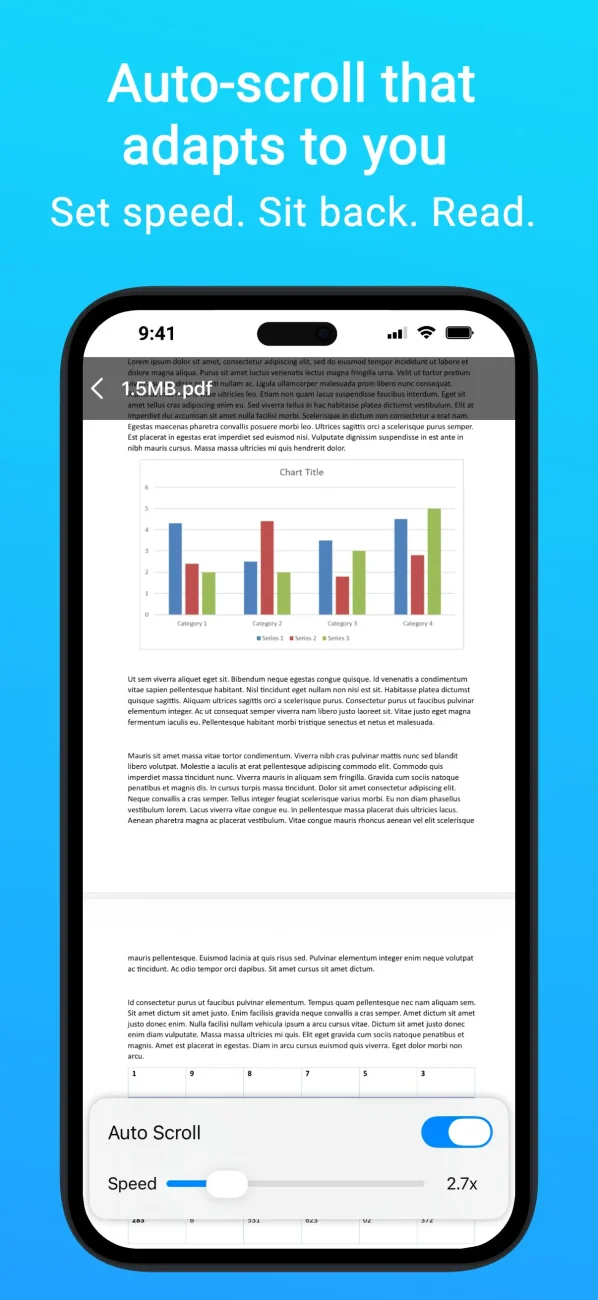
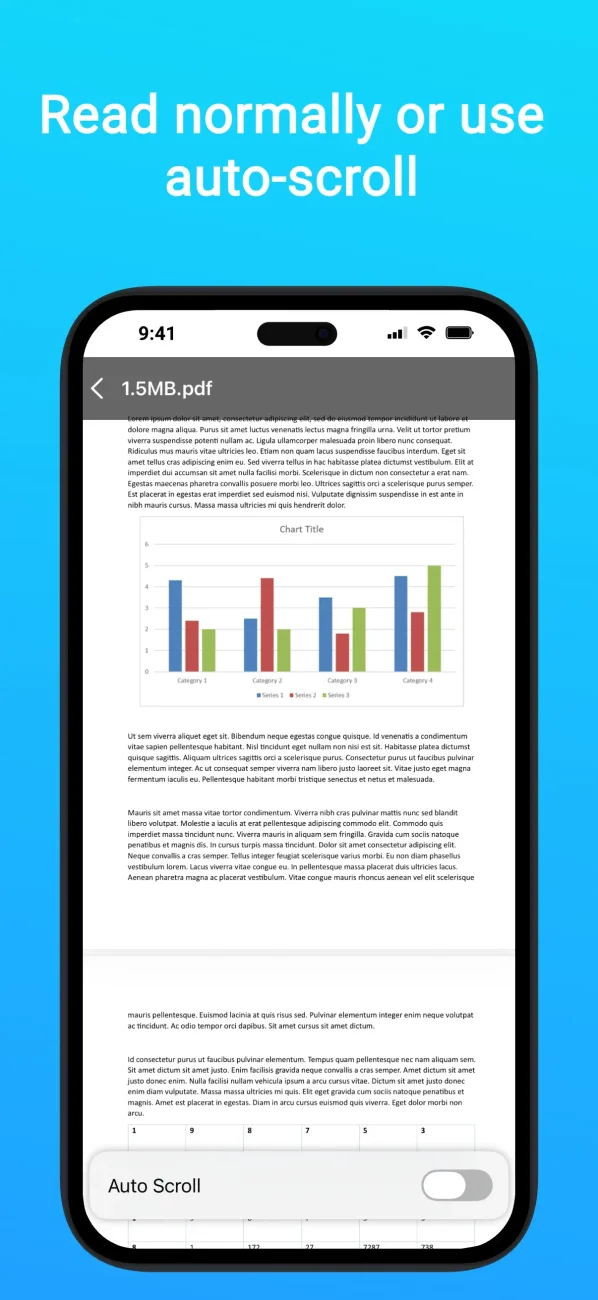
AutoScroll PDF Reader lets you read documents effortlessly. Pages scroll automatically at your pace, so you can focus on content — not swiping.
Perfect for students, professionals, and anyone who reads long PDFs.
- Key Features
Auto-Scroll Reading
Smooth automatic scrolling
Adjustable speed to match your reading style
Ideal for hands-free reading
Document Scanner
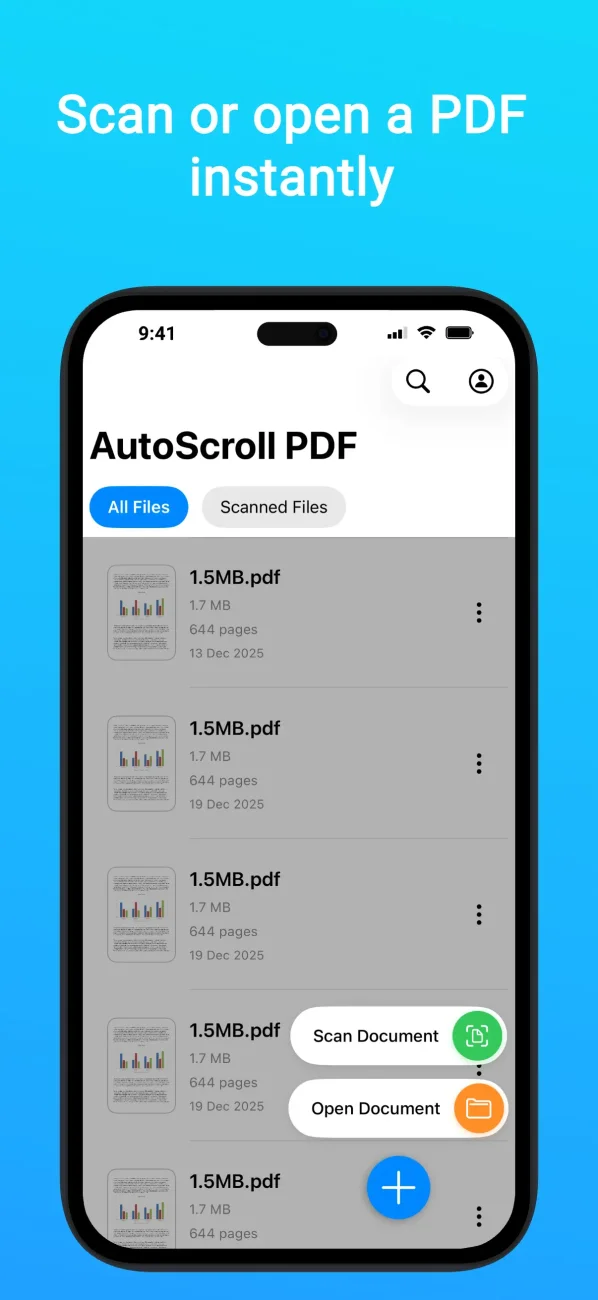
Scan physical documents using your camera
Convert scans into clean PDFs instantly
Save and read scanned documents inside the app
Smart PDF Reader
Fast and lightweight
Works with large PDF files
Clean, distraction-free interface
Designed for Focus
Minimal UI
No clutter
Built for long reading sessions
-Who Is This For?
Students reading notes and textbooks
Professionals reviewing documents
Anyone tired of constant scrolling
-Privacy Friendly
Your documents stay on your device.
We don’t upload or track your files.
- Simple. Fast. Useful.
If you read PDFs every day, this is the reader you’ll love.
新機能
バージョン 1.1.7 · 2026/3/9
Bug fixes
アプリのプライバシー
このアプリのデータの取り扱いについて、Rajesh RayがApp Storeで申告している内容です。
-
ユーザーのトラッキングに使用されるデータ
他社のアプリやウェブサイトを横断してユーザーをトラッキングする目的で使用される場合があります。
- ID
- 使用状況データ
- 診断
-
ユーザーに関連付けられないデータ
収集される場合がありますが、ユーザーの識別情報には関連付けられません。
- ID
- 使用状況データ
- 診断
プライバシーの取り扱いは、ご利用の機能やお客様の年齢などに応じて異なる場合があります。
情報
- 販売元
- Rajesh Ray
- カテゴリ
- 仕事効率化
- バージョン
- 1.1.7
- 更新日
- 2026/3/9
- リリース
- 2026/1/9
- サイズ
- 8.7 MB
- 必要条件
- iOS 16.6以降
- 対象年齢
- 12+
- 価格
- 無料
- アプリ内課金
- あり
- 言語
- 英語
- 著作権
- © 2026 Rajesh Ray. All rights reserved.
こちらもおすすめ
-
 PDF自動スクロール手が離せない時にPDFを自動送り
-
 PDFオートスクロールスクロール. ハイライト. ダークモード
-
 PDFリーダー– PDFelementPDFビューア、PDFに注釈を付ける
-
 LiquidText仕事効率化
-
 Teleprompter Pro仕事効率化
-
 テレプロンプター台本・カンペを見ながら動画撮影できるカメラ
-
 PDFelement:PDF編集、PDF変換、OCR日本語PDF書き込み、PDF圧縮、スキャン、PDF作成、PDF結合
-
 Voice Aloud Reader仕事効率化
-
 PDF Expert - ファイルの編集、保存、署名記入書類の閲覧、変換、編集アプリ すべてのファイルに対して
-
 Shapr3D の CAD モデリング設計モデル、ドラフト図面