PDF Scanner & Document Expert
Edit, Sign & Manage Documents
iPhone, iPad向けに設計
無料 · アプリ内課金
- 対象年齢4+
- カテゴリ仕事効率化
- 開発元Kelvin Kioko
- 言語スペイン語ほか10言語
- サイズ14.1 MB
App Storeの公式ページにリンクしています
Download.orgはPDF Scanner & Document Expertのファイルを一切ホストしていません。ボタンを押すと、Kelvin Kiokoが公開しているApp Storeのアプリページが開きます。ページの最終確認:2026/11/22。
スクリーンショット

概要
開発元はこのテキストをお使いの言語で提供していません。
Introducing PDF Scanner & Document Expert – your gateway to a streamlined, paperless workflow. Whether you're a busy professional, a student, or anyone looking to organise their digital life, our app meets all your document needs with unparalleled ease and efficiency.
Capture, Digitise, and Convert with Precision
Say goodbye to bulky scanners. With our advanced scanning technology, your device's camera becomes a powerful tool for capturing crisp, clear images of any document.
Intelligent edge detection automatically crops and straightens scans
Advanced image processing enhances readability and reduces file size
Batch scanning digitises multiple pages in one go
Easily convert photos to PDFs
Seamless Document Import and Management
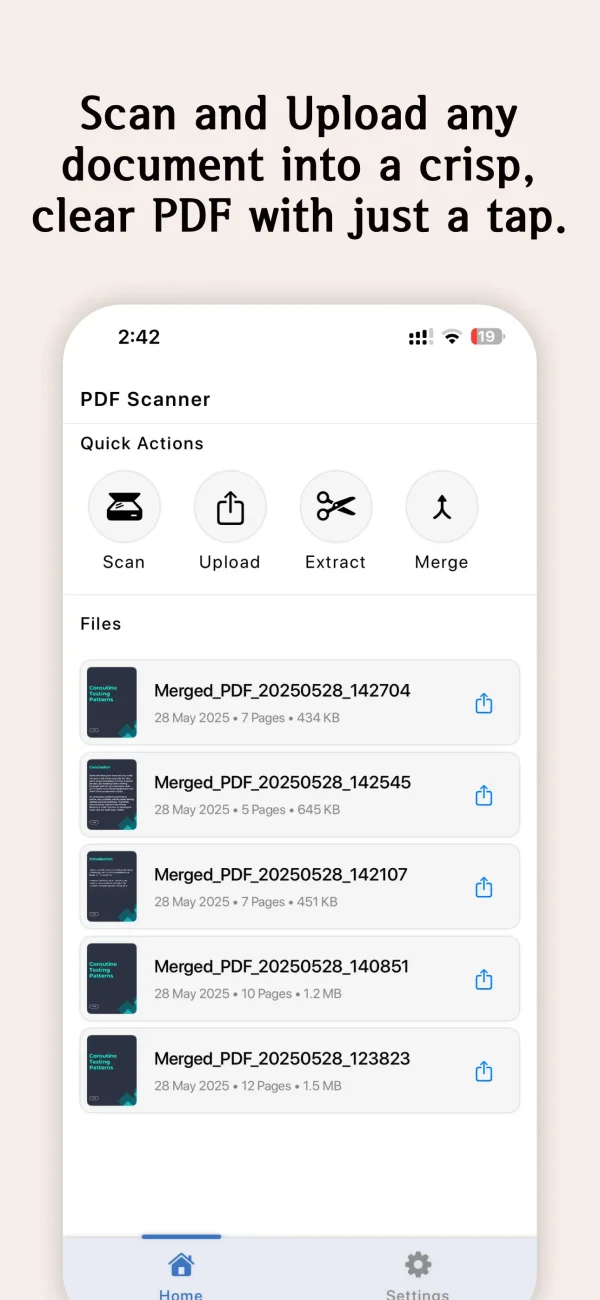
Import existing documents from your device or cloud storage. Manage your digital archive with robust tools:
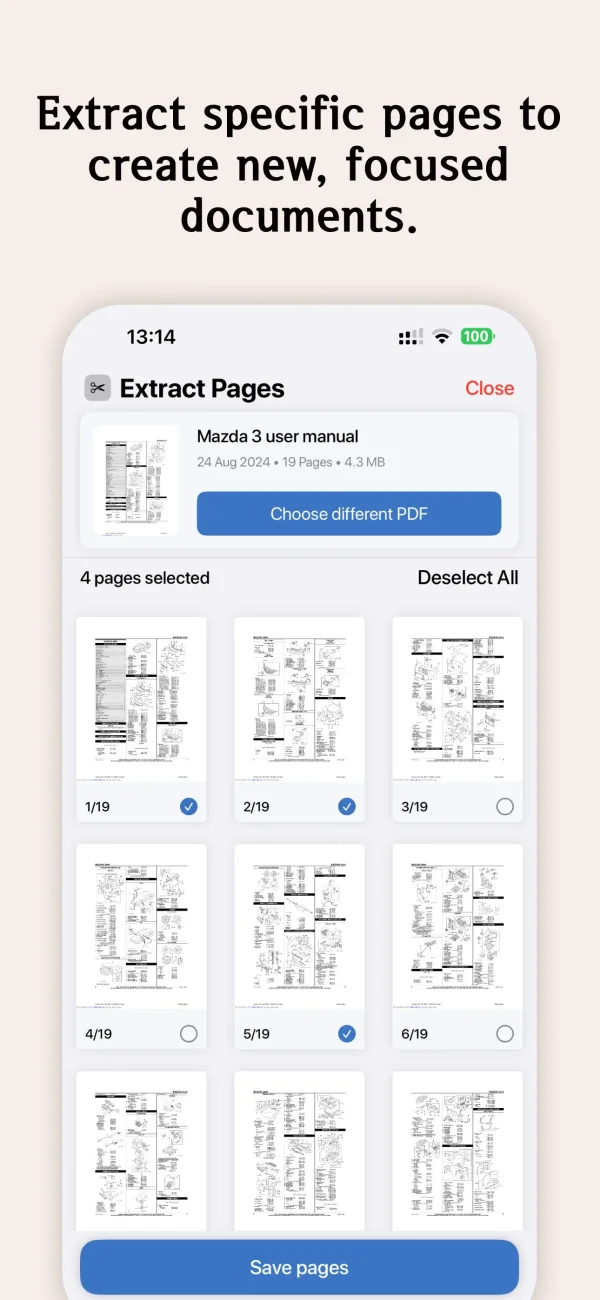
Extract specific pages from PDFs
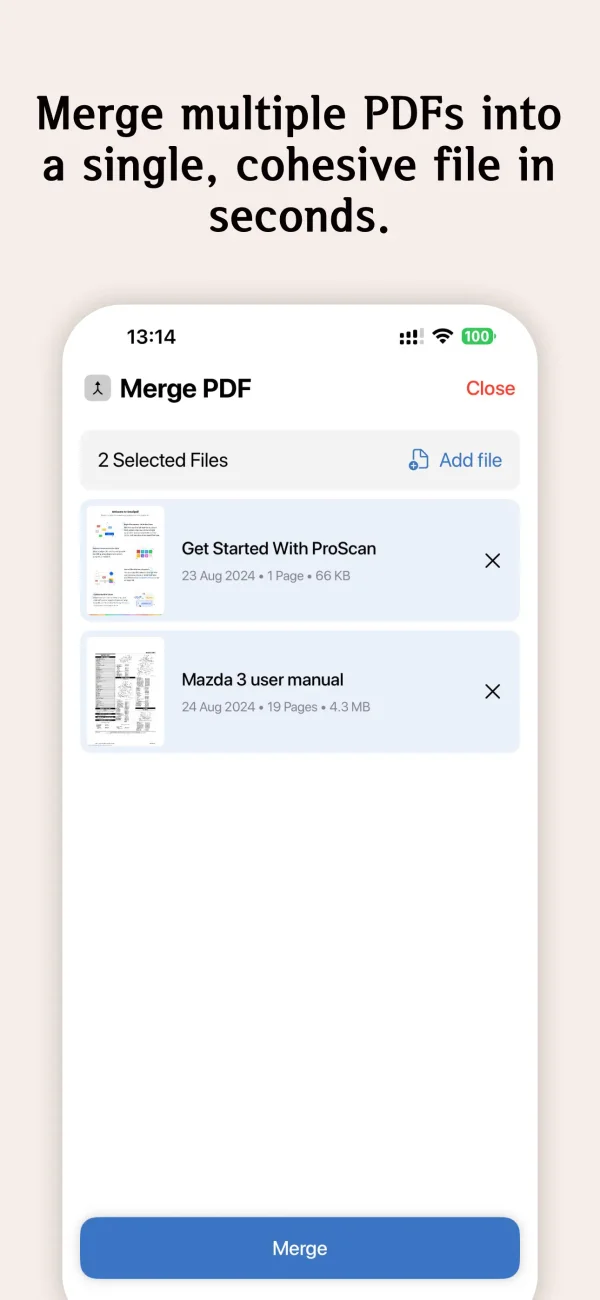
Merge multiple PDFs into a single file
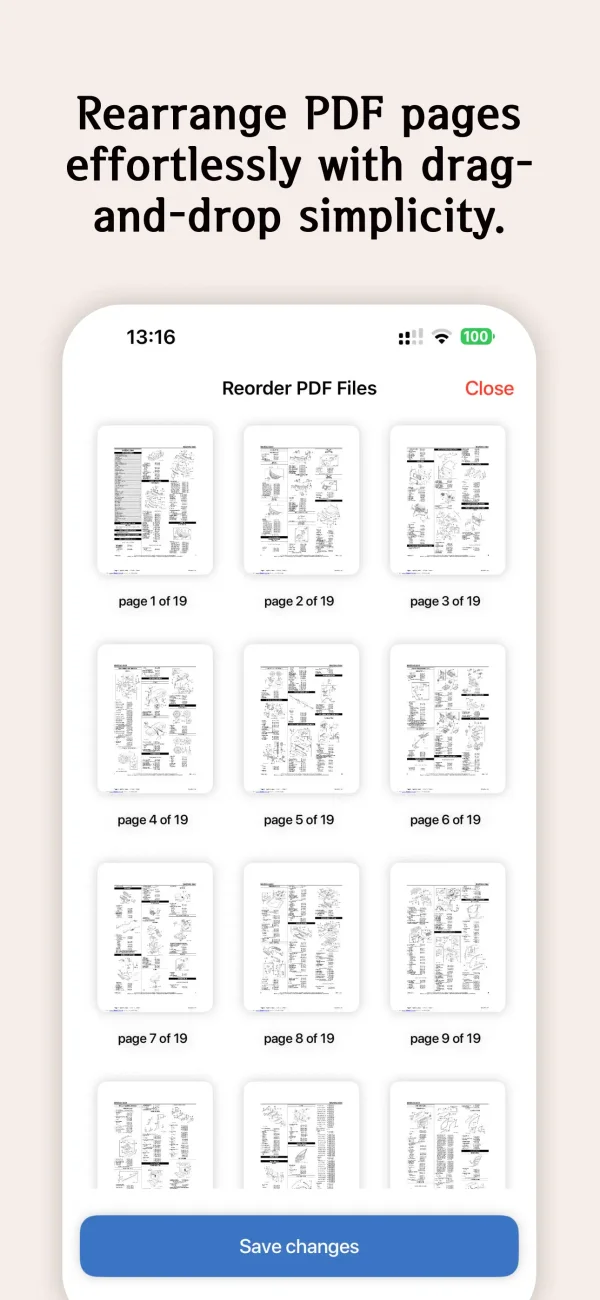
Reorder pages with drag-and-drop
Organise documents with custom tags and folders
Enhance, Protect, and Edit Your Documents
Add password protection to sensitive documents
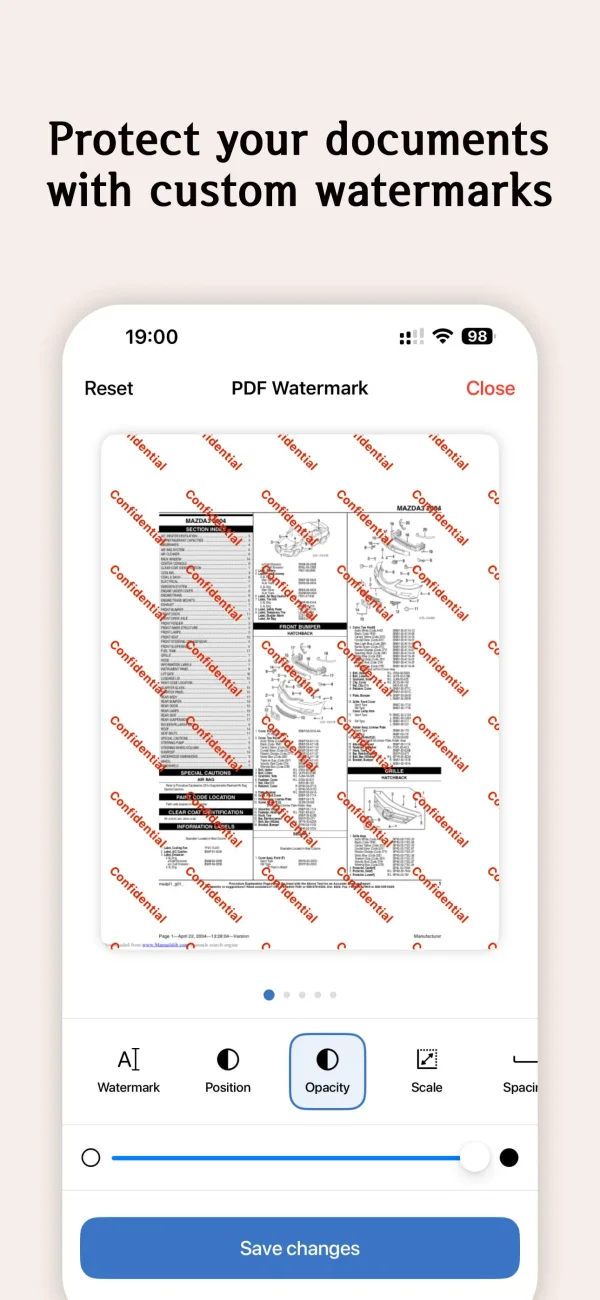
Create and apply custom watermarks
Compress PDFs without compromising quality
Edit text and images within PDFs
Add signatures with our built-in PDF signer
Boost Your Productivity
Quick-share options for email, messaging, or fax
Set up automated workflows
Convert PDFs to Word documents
Seamless Integration and Accessibility
Work offline without an internet connection
Cross-platform compatibility for mobile and tablet
User-Friendly Interface
Customisable dashboard for quick access
Dark mode for comfortable viewing
Read and Annotate with Ease
Navigate multi-page documents
Add notes, highlights, and annotations
Search function for quick content finding
Security You Can Trust
Documents never leave your device
Regular security updates
Continuous Improvement
Regular feature updates based on user feedback
Dedicated customer support
All personal data is protected in accordance with the Terms of Use and Privacy PolicyTransform your document workflow. Download our PDF Scanner and Document Expert app today and experience truly paperless productivity. Join thousands of satisfied users who have revolutionised their document processes – your journey to seamless digital organisation starts here!
All personal data is protected in accordance with the Terms of Use and Privacy Policy
Terms of Use: https://kenseicraft.com/pdfscanner/termsOfUse.html
Privacy Policy: https://www.kenseicraft.com/privacyPolicy.html
新機能
バージョン 1.3.1 · 2026/1/9
Bug Fixes and General Enhancements
アプリのプライバシー
このアプリのデータの取り扱いについて、Kelvin KiokoがApp Storeで申告している内容です。
-
データの収集なし
開発元はこのアプリからデータを収集しません。
プライバシーの取り扱いは、ご利用の機能やお客様の年齢などに応じて異なる場合があります。
情報
- 販売元
- Kelvin Kioko
- カテゴリ
- 仕事効率化
- バージョン
- 1.3.1
- 更新日
- 2026/1/9
- リリース
- 2024/8/27
- サイズ
- 14.1 MB
- 必要条件
- iOS 17.0以降
- 対象年齢
- 4+
- 価格
- 無料
- アプリ内課金
- あり
- 言語
- スペイン語, ドイツ語, 簡体字中国語, 繁体字中国語, 韓国語, フランス語, 英語, イタリア語, 日本語, ポルトガル語, ロシア語
- 著作権
- © Kensei Craft 2024