- 対象年齢9+
- カテゴリ仕事効率化
- 開発元John James Marshall
- 言語英語
- サイズ4.6 MB
App Storeの公式ページにリンクしています
Download.orgはPDFStampのファイルを一切ホストしていません。ボタンを押すと、John James Marshallが公開しているApp Storeのアプリページが開きます。ページの最終確認:2026/11/15。
スクリーンショット

概要
開発元はこのテキストをお使いの言語で提供していません。
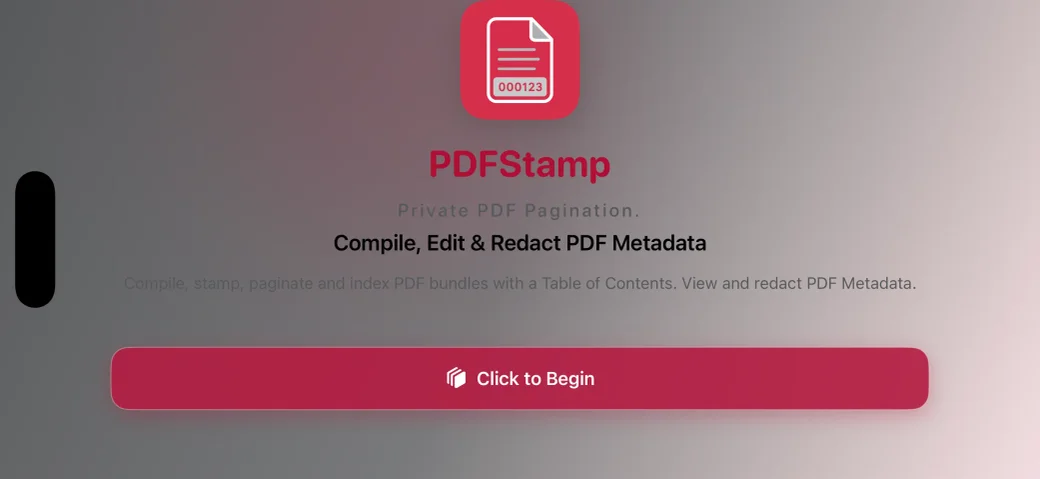
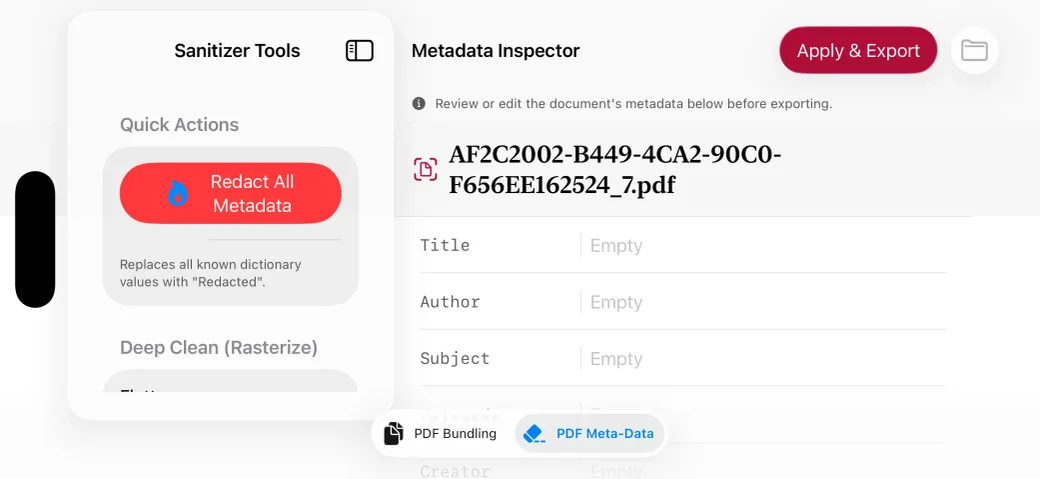
This utility is designed for compiling PDF bundles and disclosures. It processes files locally on your device to ensure data remains private.
Features:
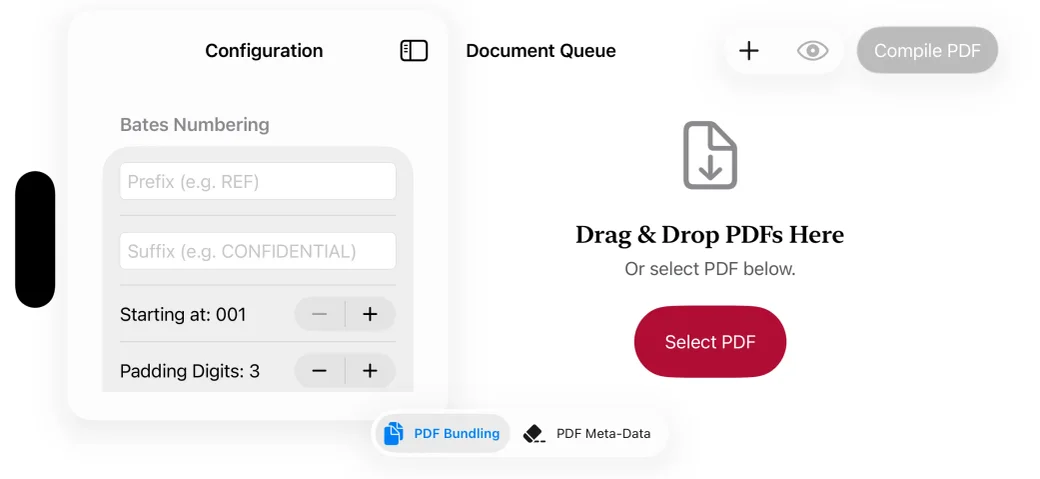
- Bates Numbering
- Apply sequential numbering across multiple PDF documents.
- Set custom prefixes, suffixes, and digit padding.
- Adjust stamp placement and page margins to avoid overlapping existing text.
- Uses standard monospaced fonts for uniform alignment.
Bundle Compilation:
- Merge multiple PDF files into a single master document.
- Organise the document queue using section dividers.
- Automatically generate a Table of Contents page with hyperlinks to the corresponding sections.
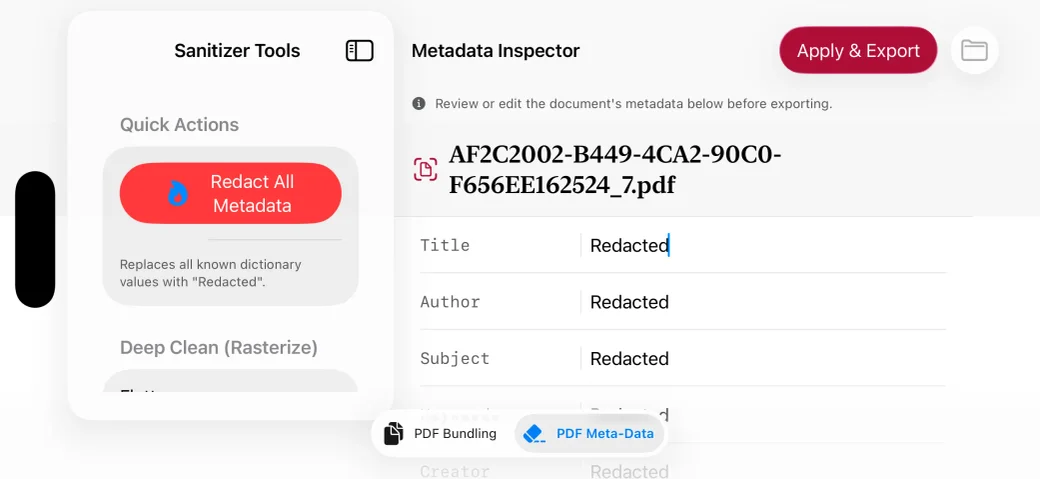
PDF Metadata Sanitiser:
- Inspect standard PDF dictionary metadata (e.g. Author, Creator, Creation Date).
- Clear or redact metadata fields..
Local Processing:
- All file compilation, stamping, and redaction is performed on your device.
- No internet connection is required, and no files are uploaded to external servers.
アプリのプライバシー
このアプリのデータの取り扱いについて、John James MarshallがApp Storeで申告している内容です。
-
データの収集なし
開発元はこのアプリからデータを収集しません。
プライバシーの取り扱いは、ご利用の機能やお客様の年齢などに応じて異なる場合があります。
情報
- 販売元
- John James Marshall
- カテゴリ
- 仕事効率化
- バージョン
- 1.5
- 更新日
- 2026/6/23
- リリース
- 2026/6/23
- サイズ
- 4.6 MB
- 必要条件
- iOS 17.6以降
- 対象年齢
- 9+
- 価格
- 無料
- 言語
- 英語
- 著作権
- © John James Marshall
こちらもおすすめ
-
 SparkPDF: スキャン・署名・記入書類スキャン&PDF記入・署名
-
 Fill & Sign: PDF Filler Editor仕事効率化
-
 Transcriber: Offline speech仕事効率化
-
 AI Lawyer仕事効率化
-
 Widget for Notionホーム画面にNotionのタスク・メモ・ページを
-
 Fax From iPhone - Receive Fax仕事効率化
-
 Doc : Image to Excel ConverterConvert photos to spreadsheets
-
 Chronicling: Life Tracker仕事効率化
-
 Fast Notion メモ - Instant Noteノーション メモ・ウィジェット・オフライン
-
 MEGA Passパスワードマネージャーパスワードジェネレーターと保管庫