- 対象年齢4+
- カテゴリ仕事効率化
- 開発元Piksoft Inc.
- 言語英語ほか1言語
- サイズ24.8 MB
Perfect OCRは現在App Storeで入手できない可能性があります
前回の確認時、ストアのページにアクセスできませんでした。リンク先は引き続きApp Storeの公式ページです。
スクリーンショット

概要
開発元はこのテキストをお使いの言語で提供していません。
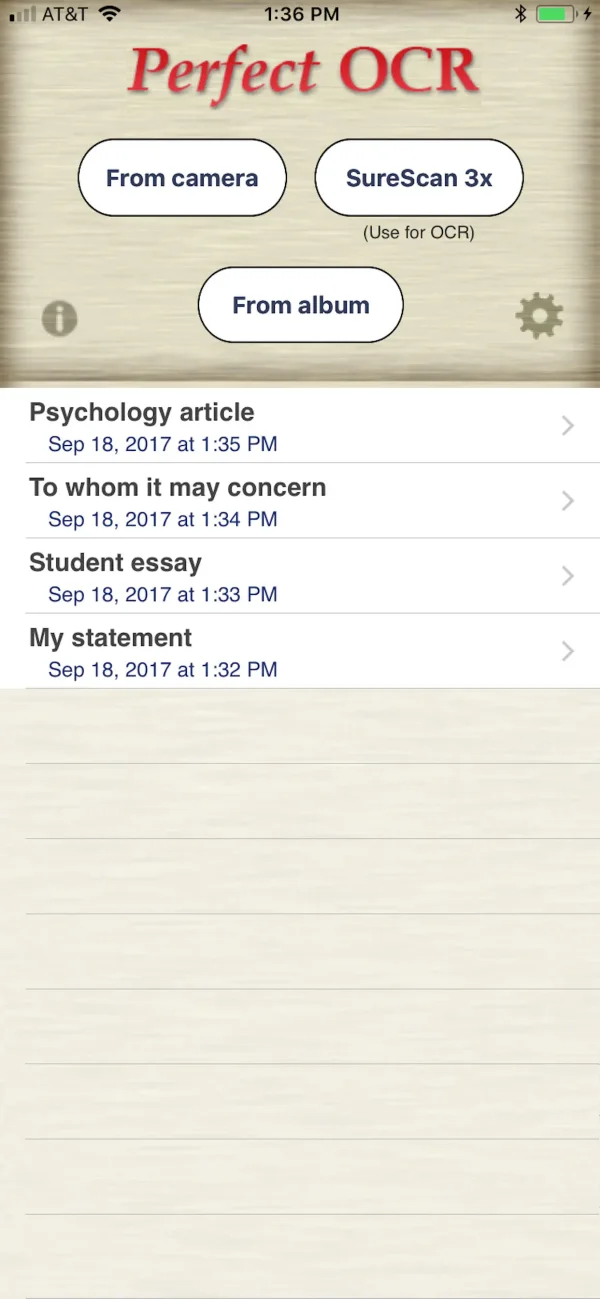
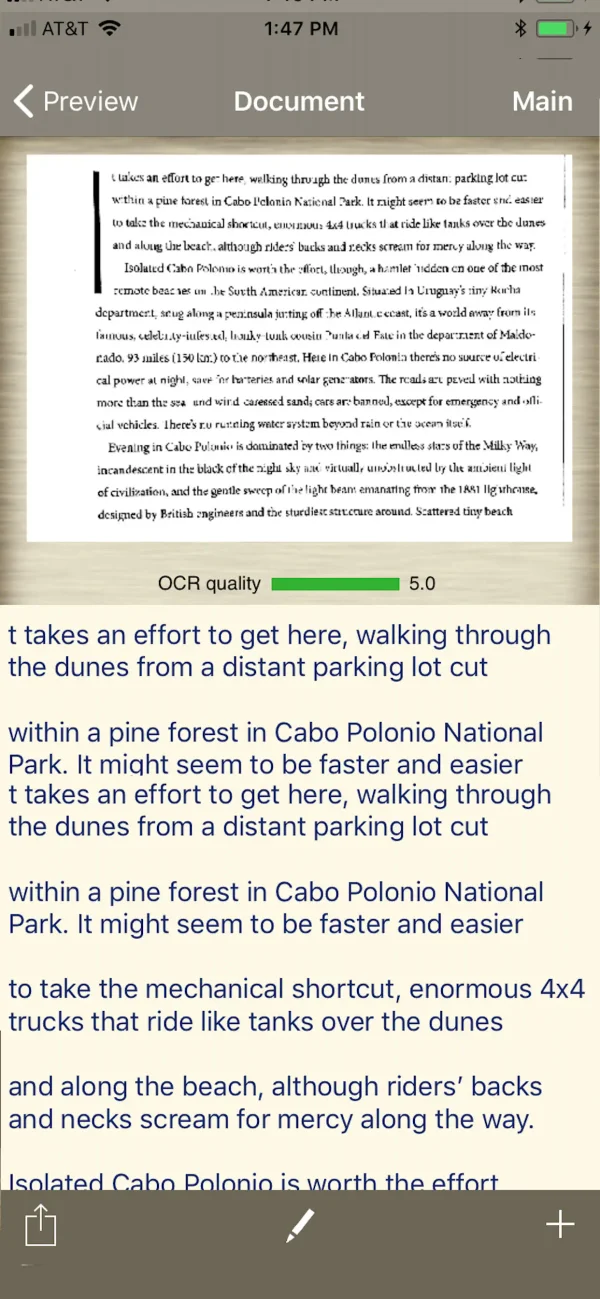
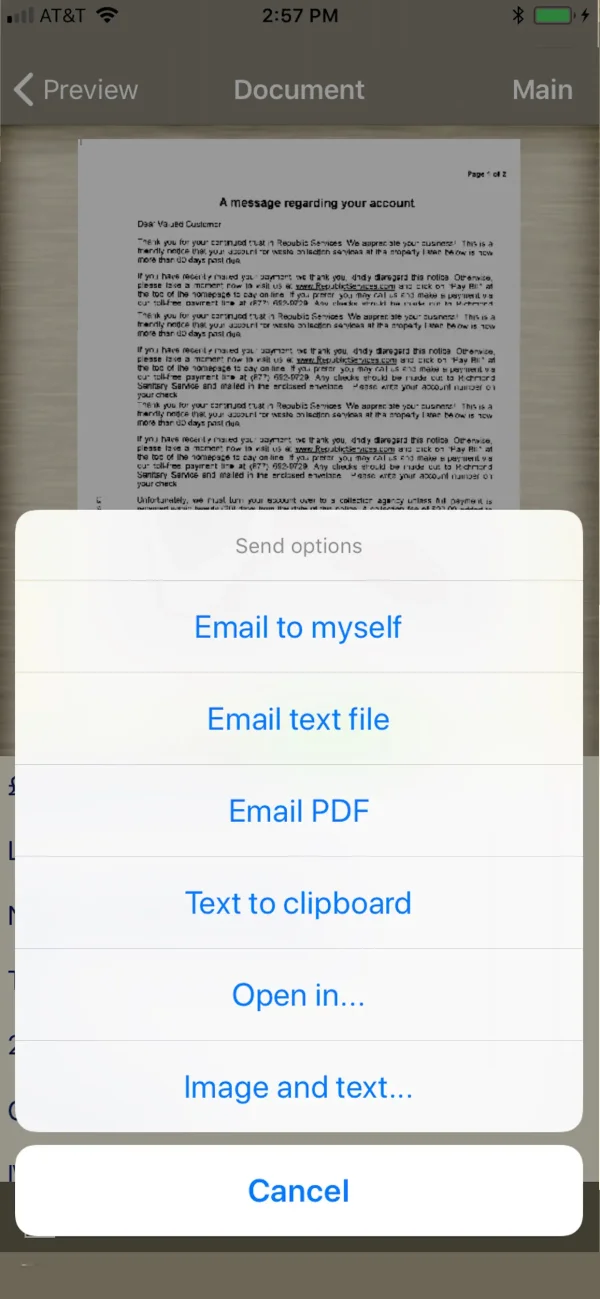
Perfect OCR gives you both a general purpose OCR app and a document scanner. Now you can scan and OCR your letter-size or A4 documents with an accuracy of 90% or more, edit, copy and store the recognized text, and e-mail your documents as PDF files with text, SINGLE page image, or both together!
NOTE: To ensure the advertised results it is important that you follow the OCR TIPS below (or in the app's help).
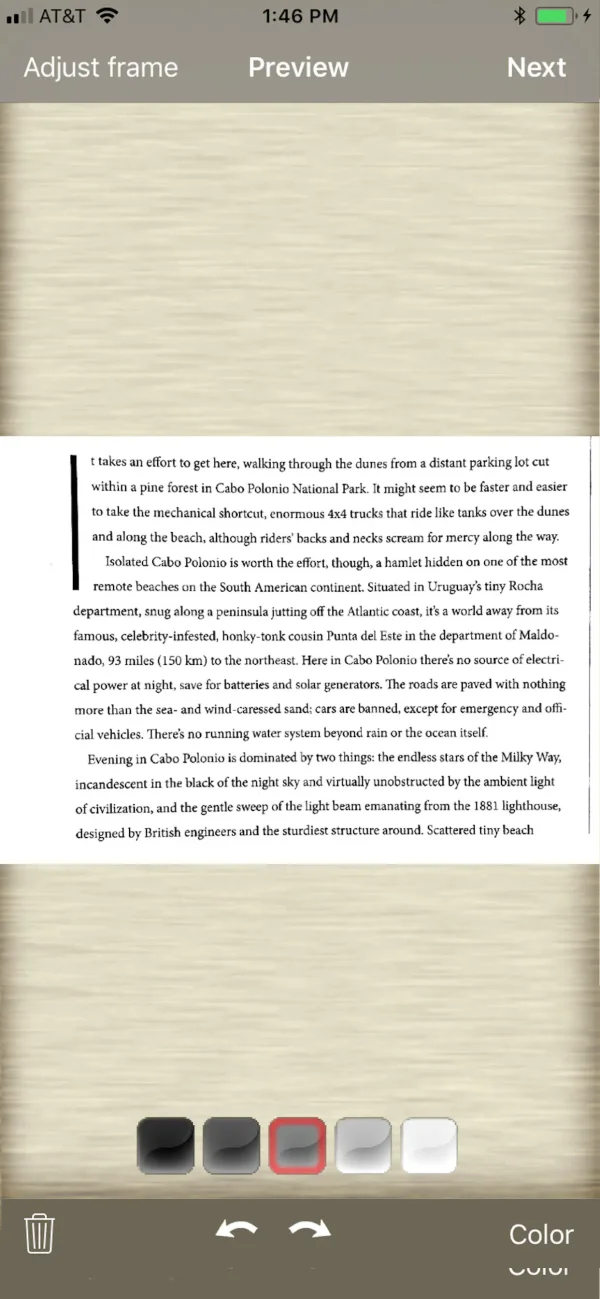
Perfect OCR scans your documents using advanced image-processing algorithms to eliminate uneven lighting and shadows and improve contrast. The result is the clearest and most readable scans possible from the iPhone's camera. Perfect OCR also offers SureScan, our proprietary scanning mode that delivers sharper images with less jitter or smear.
Our unique "Email to myself" feature lets you send documents to a predefined address, or even upload them to an online storage service like Evernote or Box.net, with a single tap. Uploading documents to online services via email is fast, secure, and can be done even if you're temporarily off line. Refer to app help for details.
All processing happens on your iPhone, and the confidentiality of your data is never compromised. There is also no subscription fee, and no Internet access is needed to scan documents or run OCR.
PERFECT OCR FEATURES:
• Letter-size or A4 page OCR with accuracy of 95% for model 3GS, 98% for iPhone 4, and up to 90% for 3G
• OCR languages: English, French, Spanish, German, Dutch, Italian, Portuguese, Swedish, Russian, Polish, Hungarian, Czech and Ukrainian.
• Email multipage PDFs with text, SINGLE page image, or both
• Automatic document edge detection and perspective correction
• Multipage text recognition with accuracy indicator
• Text editing and copy-to-clipboard operations
• Built-in OCR text archive with file sharing via iTunes
• "Email to myself" feature
• Email text and image files (.TXT + .JPG), or save image to library
• Searchable PDFs with document images (single page)
• Preserves simple text formatting
• Option to auto-remove line breaks
• SureScan mode for jitter-free scans
• Simple yet powerful user interface
• Instant brightness, rotation, and color controls
• Compact attachments with adjustable size
IMPORTANT TIPS FOR OCR:
• Make sure your document is flat and well lit. Hold your iPhone still while shooting.
• Always scan documents using "SureScan 3x" mode.
• Glossy paper may not work well (avoid glare).
• When scanning books keep the pages as flat as possible and your iPhone parallel to the surface.
• Perfect OCR cannot recognize handwritten, very large text or spreadsheets correctly.
• Make sure to select the right language for OCR in app settings.
We're constantly improving Perfect OCR, and we value our customers' opinions and feedback. Please contact us at support@turboscanapp.com. If you have a problem with our software, please contact us before submitting a comment to the app store. We can solve most of the problems, but we cannot respond to comments.
新機能
バージョン 2.5.0 · 2026/2/2
Fixed a camera crash
Improved OCR quality
Adapted for newer iPhone screens
アプリのプライバシー
このアプリのデータの取り扱いについて、Piksoft Inc.がApp Storeで申告している内容です。
-
データの収集なし
開発元はこのアプリからデータを収集しません。
プライバシーの取り扱いは、ご利用の機能やお客様の年齢などに応じて異なる場合があります。
情報
- 販売元
- Piksoft Inc.
- カテゴリ
- 仕事効率化
- バージョン
- 2.5.0
- 更新日
- 2026/2/2
- リリース
- 2010/3/21
- サイズ
- 24.8 MB
- 必要条件
- iOS 16以降
- 対象年齢
- 4+
- 言語
- 英語, ロシア語
- 著作権
- © Copyright 2026 Piksoft Inc.
こちらもおすすめ
-
 OCRスキャナー - QuickScanスキャン、PDF、署名、自動化、エクスポート、ドキュメント
-
 CamScanner+PDF Document Scanner and OCR
-
 Obsidian Web Clipper仕事効率化
-
 Proton Authenticator安全な2要素認証アプリ
-
 PDFelement:PDF編集、PDF変換、OCR日本語PDF書き込み、PDF圧縮、スキャン、PDF作成、PDF結合
-
 Proton Calendar: Secure Events仕事効率化
-
 Bear - プライベートメモ安全なMarkdown テキストエディタ
-
 Google Cloud仕事効率化
-
 Google AI Edge Gallery仕事効率化
-
 SpeakApp AI: Voice Notes仕事効率化