- 対象年齢4+
- カテゴリグラフィック/デザイン
- 開発元MICHAL ZAJIC
- 言語英語
- サイズ18.0 MB
App Storeの公式ページにリンクしています
Download.orgはPhosphor Pressのファイルを一切ホストしていません。ボタンを押すと、MICHAL ZAJICが公開しているApp Storeのアプリページが開きます。ページの最終確認:2026/11/18。
スクリーンショット
概要
開発元はこのテキストをお使いの言語で提供していません。
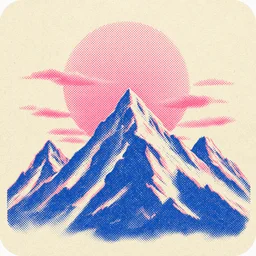
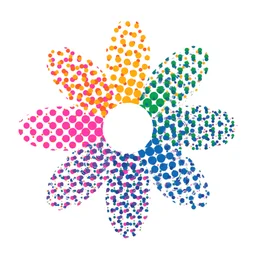
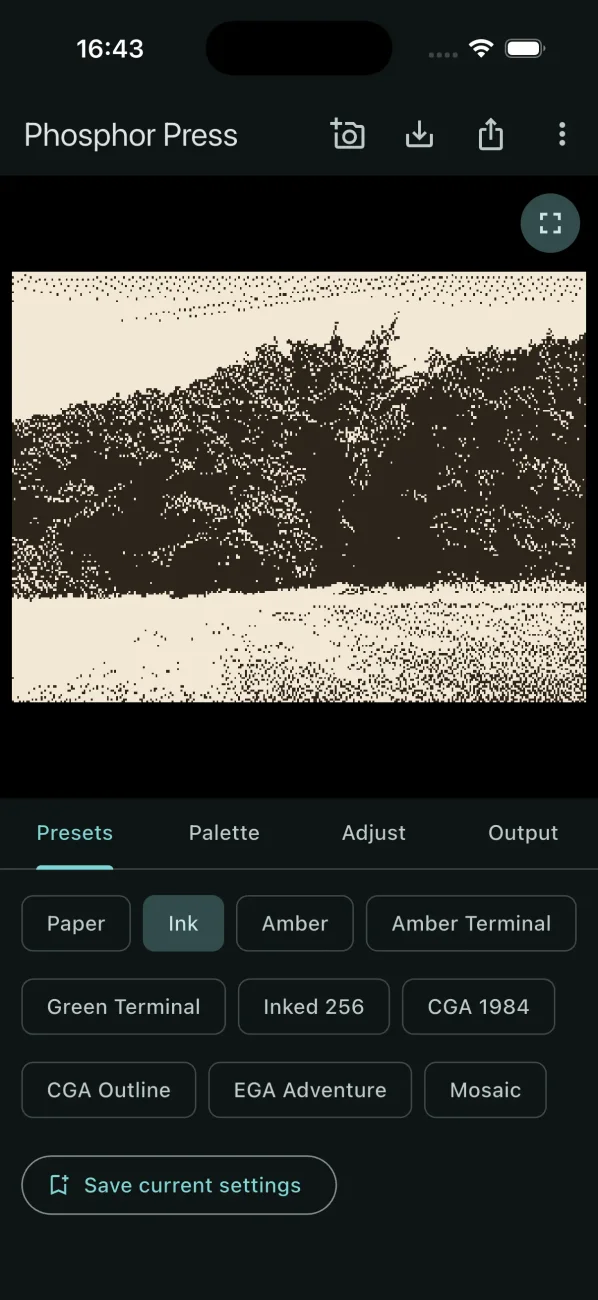
Phosphor Press turns a photograph into the kind of picture a machine would have shown you before it could show everything: a few tones, a visible grain, and hard pixel edges.
Not a filter laid over your photo. The picture is taken apart and rebuilt on a palette of two, four or sixteen colours, with the dithering that made those palettes bearable in the first place.
SCREENS AND PRINT
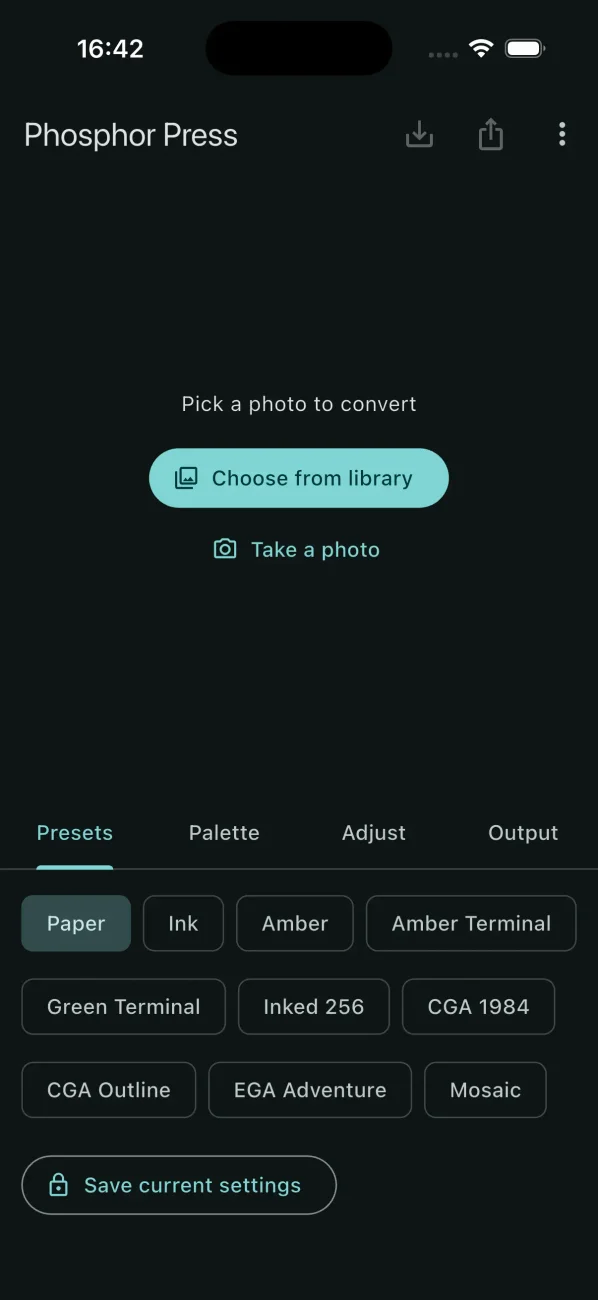
Paper — dark ink on warm paper, four tones. The one to start with.
Ink — the same, at two tones, for a woodcut edge.
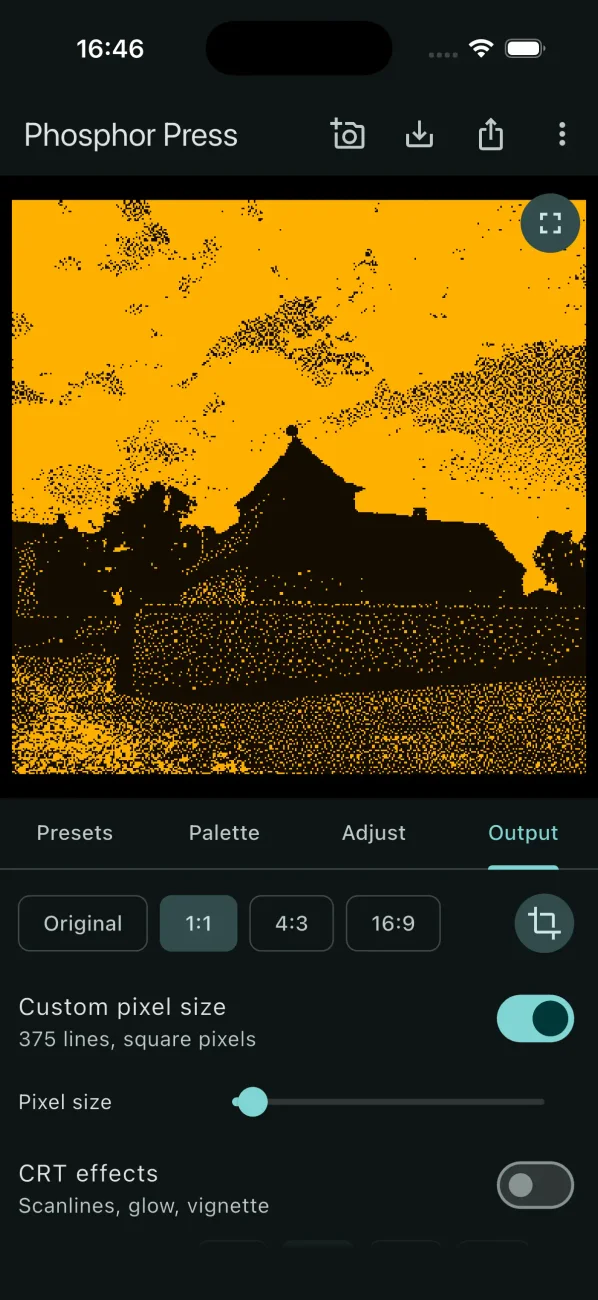
Amber and Green Terminal — the monochrome monitors, at two levels or four.
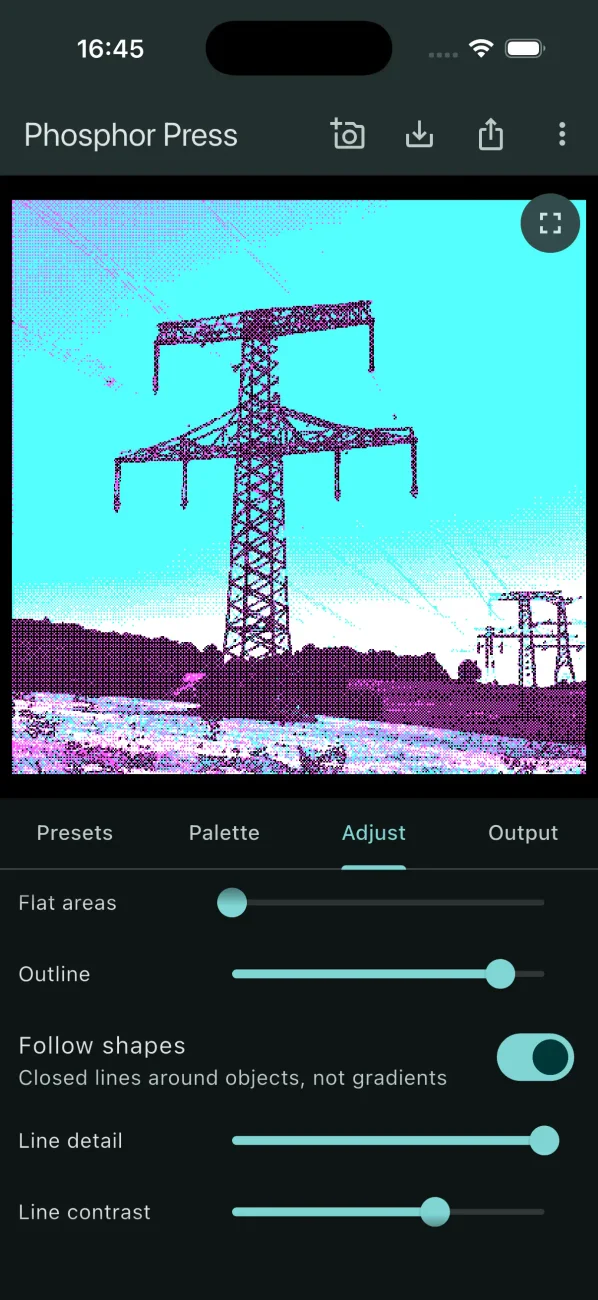
Inked 256 — full colour under hard black outlines.
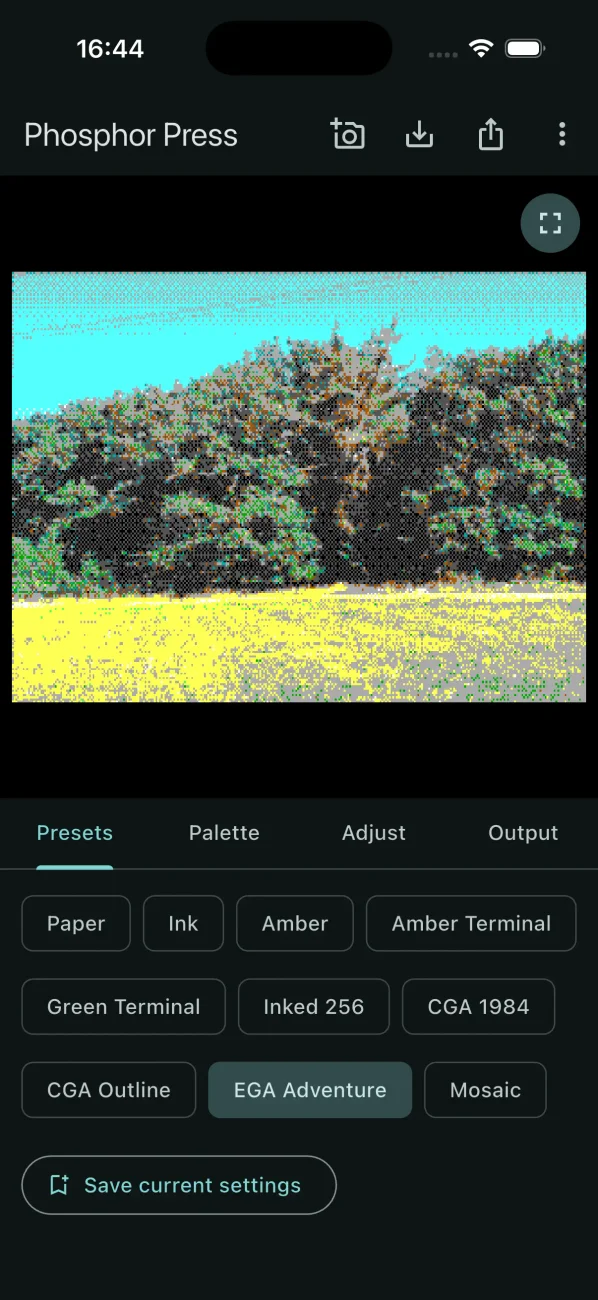
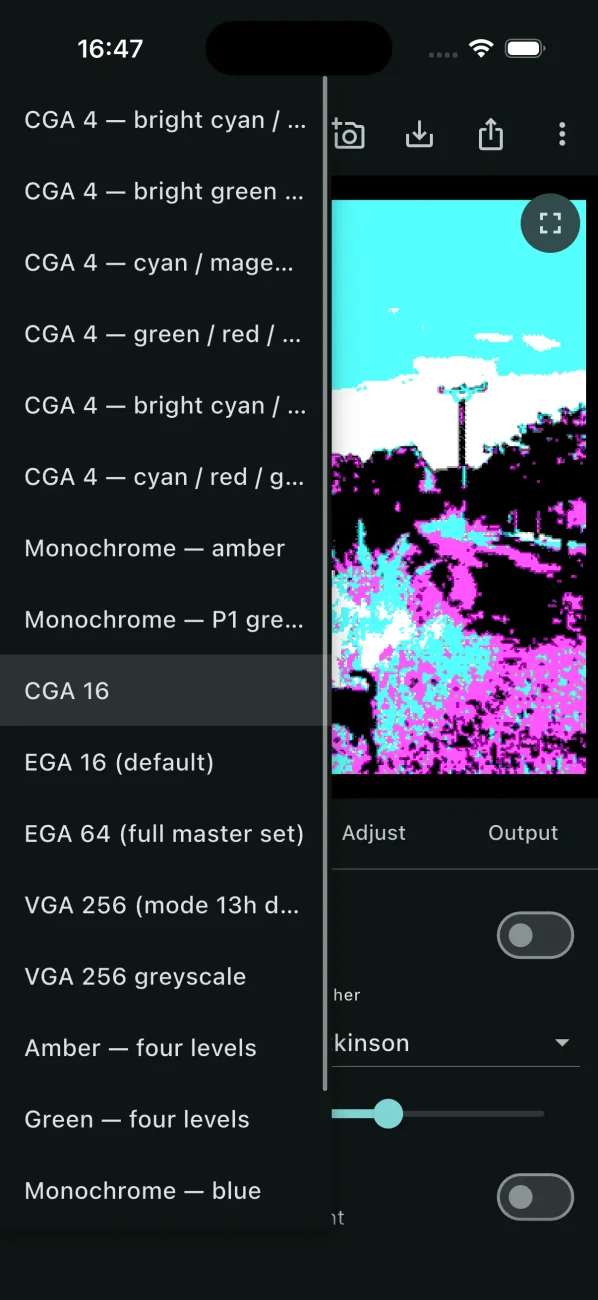
CGA 1984, CGA Outline, EGA Adventure — the hardware palettes, matched in a
perceptual colour space so four colours still look deliberate.
Mosaic — your photo's own colours in big square blocks.
CONTROLS THAT DO SOMETHING
Pixel size, from a coarse mosaic to a fine grain. Period screen modes keep their original non-square pixels, so 320x200 looks the way it did on a real monitor.
Outlines that follow shapes rather than brightness. The app segments the picture into regions and draws the boundaries between them, so a line closes around an object instead of breaking up wherever contrast dips.
Even lighting, which divides out the light in a scene so a surface split by a shadow stays one colour instead of becoming two objects.
Auto levels, contrast, saturation, flattening, and frame shapes from square to 16:9 with a manual crop.
WHAT IT IS GOOD AT
Strong shapes and clear contrast: architecture, landscapes, silhouettes, objects against a plain background, anything backlit. A photograph reduced to four tones keeps what a silhouette is made of.
It is honest about the rest. Fine texture — hair, foliage close up, crowds — is what these palettes have to throw away, and portraits are the hardest subject of all. Monochrome handles them better than the colour palettes do.
NOTHING LEAVES YOUR DEVICE
No accounts, no analytics, no advertising, no server. The app works with the network switched off entirely. Your photos are read, converted and shown back to you, and they go somewhere else only when you save or share them yourself.
FREE, AND PRO
Every palette, every dither mode and every frame size are free, forever.
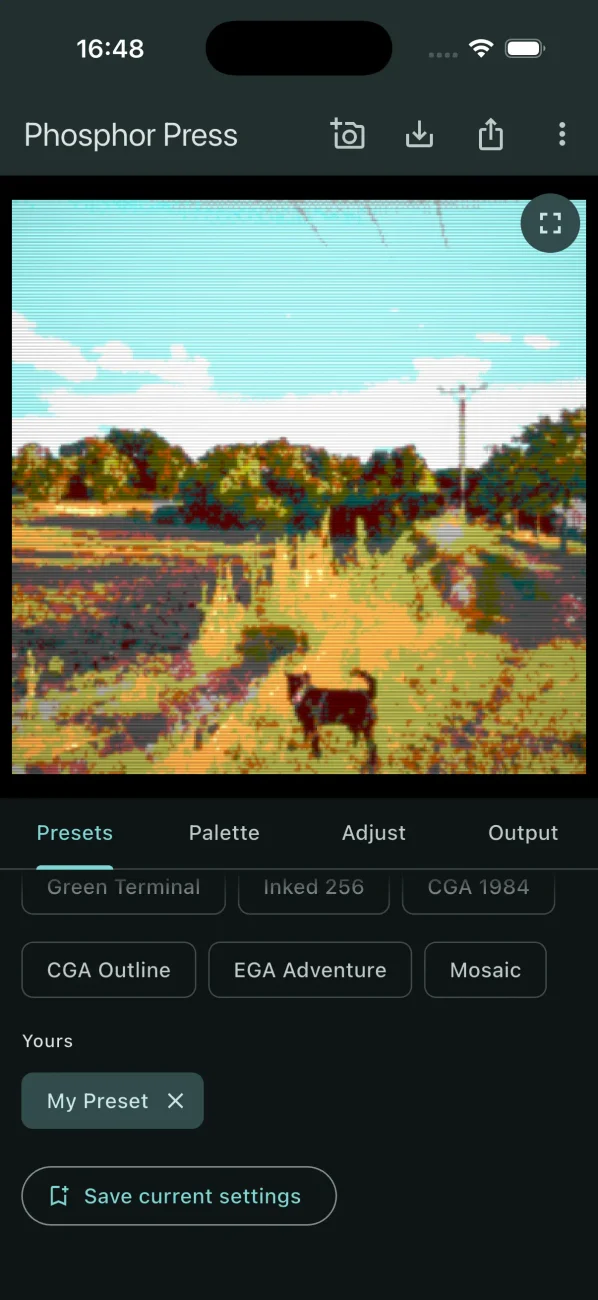
Phosphor Press Pro is a single one-time purchase. It removes the signature from exports, adds CRT effects — scanlines, phosphor glow, aperture grille, vignette — adaptive palettes picked from your own photo, exports up to eight times the pixel size, and your own saved presets, exportable to another device.
新機能
バージョン 1.0.1 · 2026/10/5
Presets now show a preview of each look on your own photo, so you can see what you are choosing before you tap it.
Also in this release:
- The price is shown on the purchase screen, before you buy.
- Pull the control panel open when you need more room for the settings.
- "Try an example" on the start screen, so you can see what the app does before picking a photo.
- Saving now asks only to add photos, instead of for access to your whole library.
アプリのプライバシー
このアプリのデータの取り扱いについて、MICHAL ZAJICがApp Storeで申告している内容です。
-
データの収集なし
開発元はこのアプリからデータを収集しません。
プライバシーの取り扱いは、ご利用の機能やお客様の年齢などに応じて異なる場合があります。
情報
- 販売元
- MICHAL ZAJIC
- カテゴリ
- グラフィック/デザイン
- バージョン
- 1.0.1
- 更新日
- 2026/10/5
- リリース
- 2026/8/19
- サイズ
- 18.0 MB
- 必要条件
- iOS 15.0以降
- 対象年齢
- 4+
- 価格
- 無料
- アプリ内課金
- あり
- 言語
- 英語
- 著作権
- © 2026 Michal Zajíc