- 対象年齢4+
- カテゴリユーティリティ
- 開発元Steve Lidie
- 言語英語
- サイズ28.9 MB
App Storeの公式ページにリンクしています
Download.orgはPhoto Gopherのファイルを一切ホストしていません。ボタンを押すと、Steve Lidieが公開しているApp Storeのアプリページが開きます。ページの最終確認:2026/11/13。
スクリーンショット


概要
開発元はこのテキストをお使いの言語で提供していません。
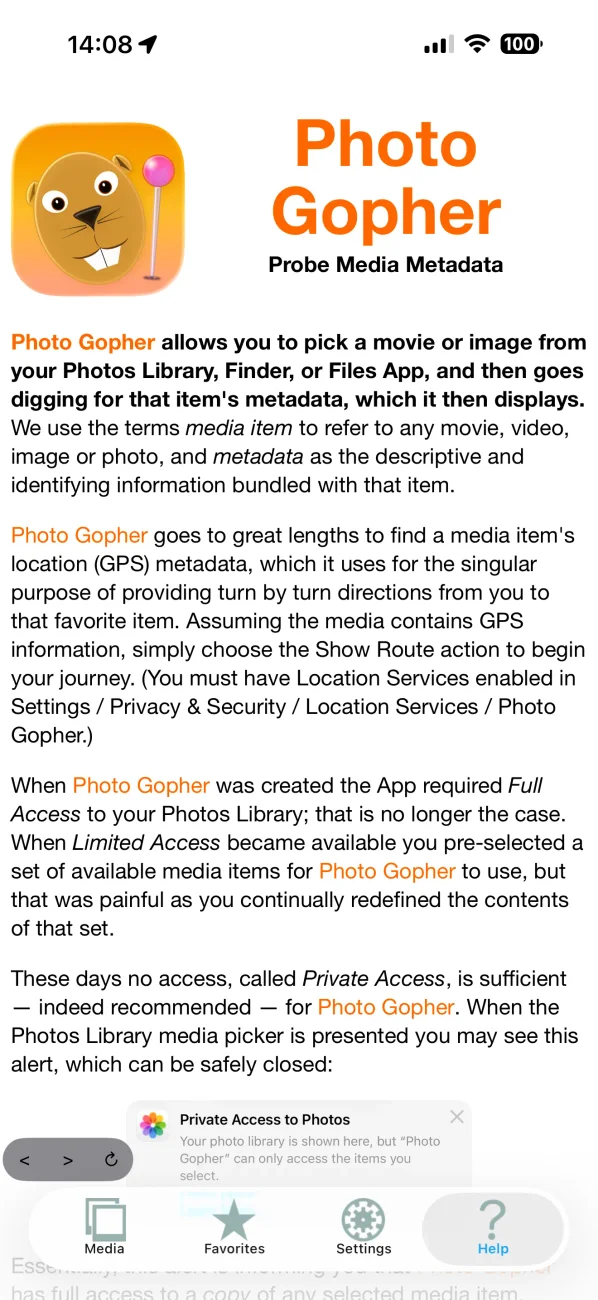
Photo Gopher allows you to pick a movie or image from your Photos Library or Files App, and then goes digging for that item's metadata, which it then displays. We use the terms media item to refer to any movie, video, image or photo, and metadata as the descriptive and identifying information bundled within that item.
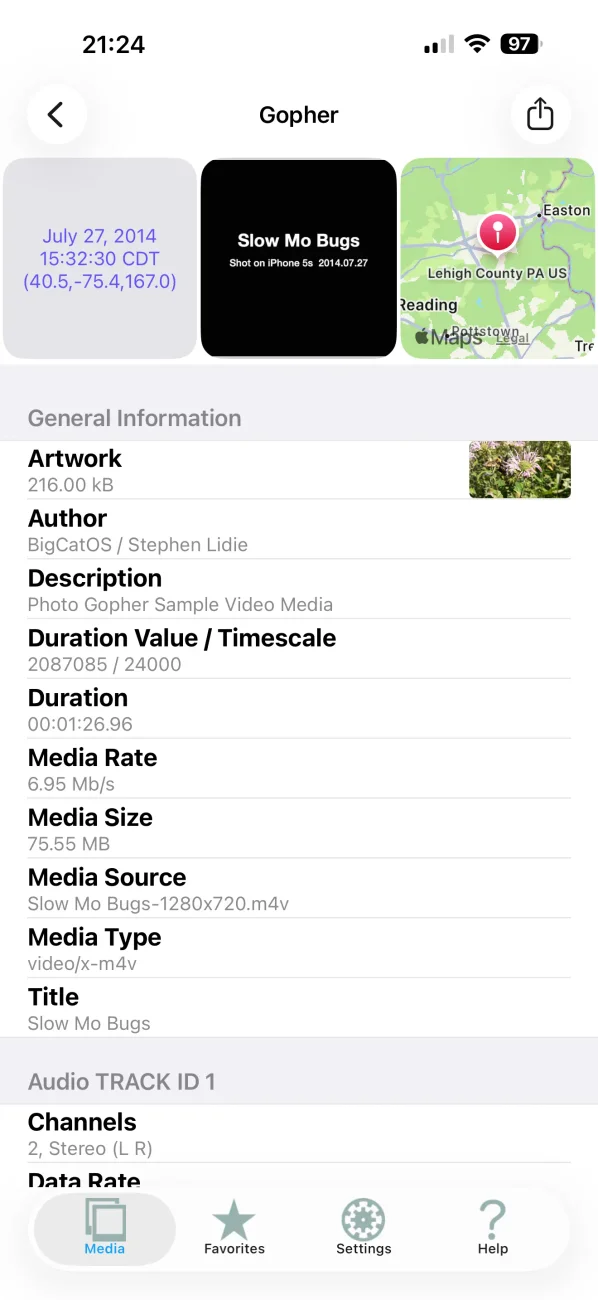
Photo Gopher goes to great lengths to find a media item's location (GPS) metadata, which it uses for the singular purpose of providing turn by turn directions from you to that favorite item. Assuming the media contains GPS information, simply choose the Show Route action to begin your journey. (You must have Location Services enabled in Settings / Privacy & Security / Location Services / Photo Gopher.)
Media Metadata:
A non-exhaustive list of the metadata that Photo Gopher can show follows.
- General information such as name, size, creation date, resolution, etcetera.
- Movie specific information such as audio and video track details, data rate, cover art, etcetera.
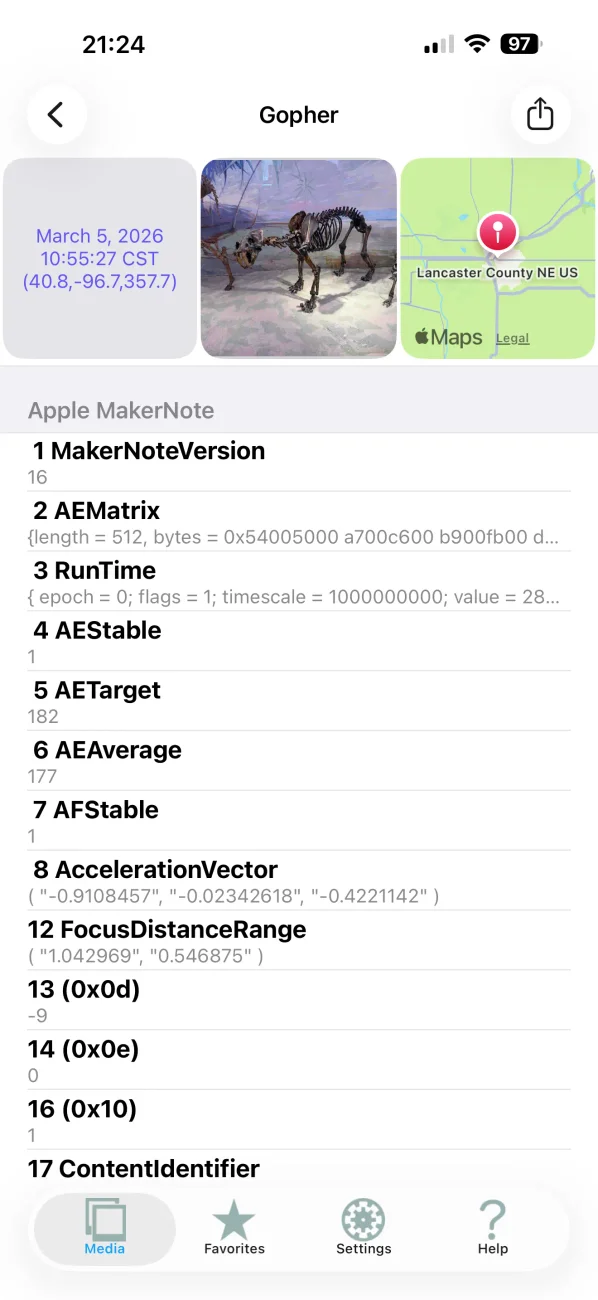
- Image specific information such as orientation, aperture, exposure, etcetera.
- Places, GPS coordinates, an annotated map, and if location services are enabled, turn-by-turn walking or driving directions back to that favorite location.
- Apple specific metadata:
- EXIFAux, EXIF Auxiliary Faces data, the bounding box of detected face regions.
- MakerApple, Apple MakerNote data.
- MakerNote information from other manufactuers.
- EXIF, Exchangeable Image File Format data.
- TIFF, Tagged Image File Format data.
- PNG, Portable Network Graphics data.
- JFIF, JPEG File Interchange Format data.
- IPTC, International Press Telecommunications Council data.
- DNG, Digital Negative data.
- ... and more.
Usage:
The Photo Gopher window consists of four tabs:
- Media presents the Photos Library picker for choosing items (if the picker isn't visible simply click the Media tab to re-open it). External items can be chosen using Files to Share / Photo Gopher. Once a media item is chosen a Gopher view appears showing a media thumbnail (typically clickable), detailed metadata, and a map centered on the coordinates of the media item, assuming the item has a geotag with GPS coordinates. The latitude, longitude and altitude are automatically copied to the pasteboard, which you can paste directly into Maps' search field. You may also manually copy any other asset metadata ferreted-out by the Gopher: long-press for iOS, control-click for macOS.
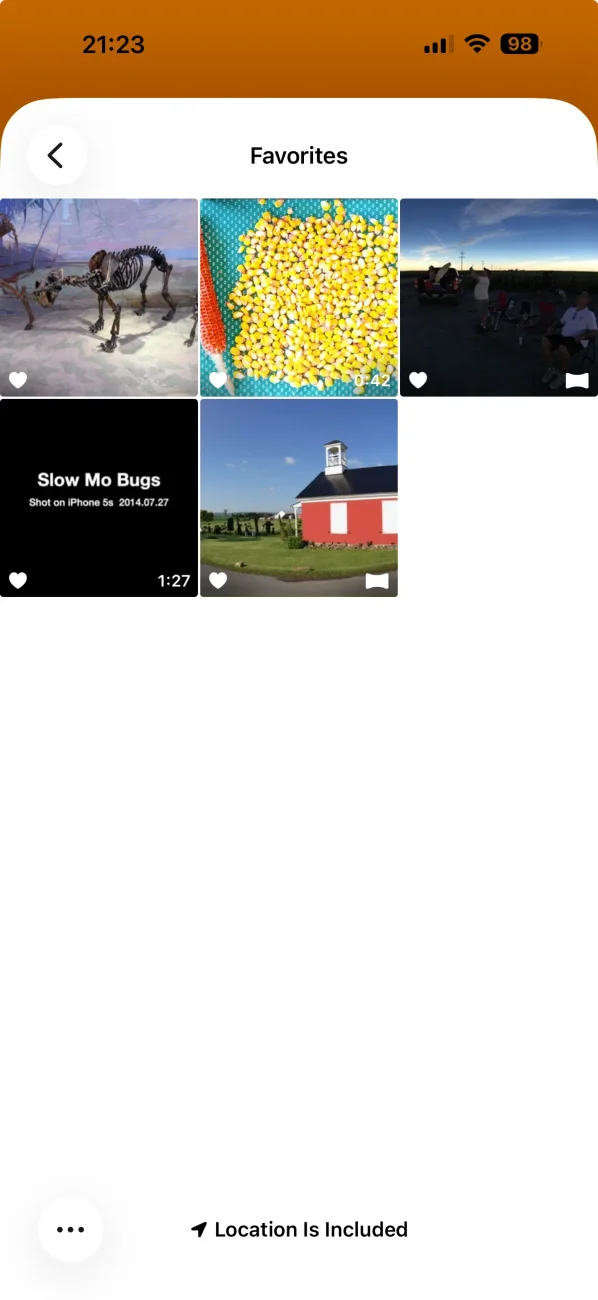
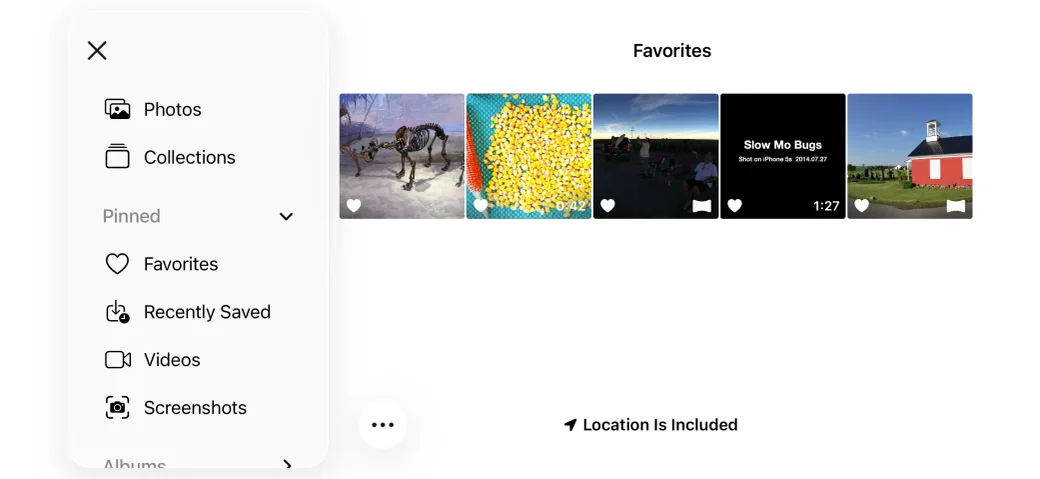
- Favorites itemizes media items that you previousaly marked as a favorite. Selecting a favorite opens a new Gopher view. Swipe left on a favorite to remove it from the list.
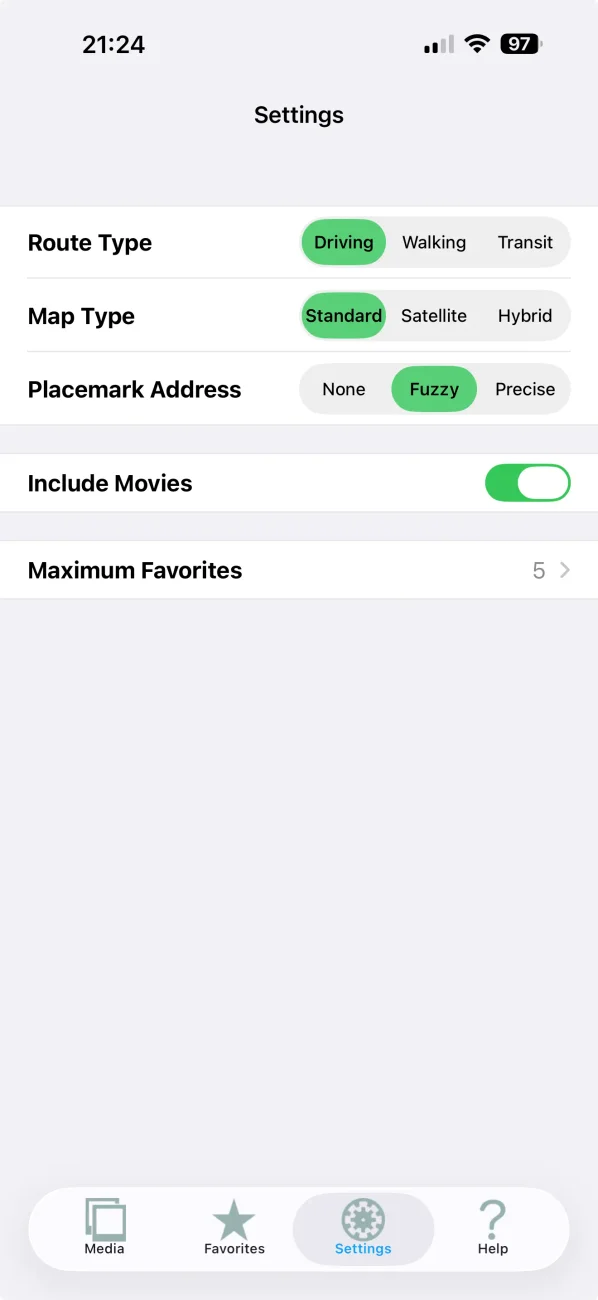
- Settings contains App settings.
- Help shows this information.
Gopher Actions:
After selecting a media item a Gopher view appears - touch the Action button (or on macOS use the File menu) and the Gopher shows the allowable actions, from the following list:
- Make Favorite adds the media item to the Favorites tab. The maximum number of favorites is selectable in Settings.
- Show Route invokes Maps to display travel directions, using the media item's location as the destination and your current location as the starting point. You may select the route type and map type in Settings.
- Mail invokes Mail with the media item's metadata in two attachments: a textual representation of the data structure used by the Gopher, and a PDF of that structure tailored for human consumption.
- Print prints the media item's metadata in human readable form, formatted for 8.5" x 11" paper in portrait orientation.
新機能
バージョン 26.3.1 · 2026/3/16
- Update for Apple OS versions 26.3.1.
アプリのプライバシー
このアプリのデータの取り扱いについて、Steve LidieがApp Storeで申告している内容です。
-
データの収集なし
開発元はこのアプリからデータを収集しません。
プライバシーの取り扱いは、ご利用の機能やお客様の年齢などに応じて異なる場合があります。
情報
- 販売元
- Steve Lidie
- カテゴリ
- ユーティリティ
- バージョン
- 26.3.1
- 更新日
- 2026/3/16
- リリース
- 2013/7/27
- サイズ
- 28.9 MB
- 必要条件
- iOS 14.0以降
- 対象年齢
- 4+
- 価格
- 無料
- アプリ内課金
- あり
- 言語
- 英語
- 著作権
- Copyright (©) 2013 - 2026 Stephen O. Lidie. All rights reserved.