- 対象年齢4+
- カテゴリ仕事効率化
- 開発元Roberto Bello
- 言語イタリア語
- サイズ9.7 MB
App Storeの公式ページにリンクしています
Download.orgはPiego: PDF Scannerのファイルを一切ホストしていません。ボタンを押すと、Roberto Belloが公開しているApp Storeのアプリページが開きます。ページの最終確認:2026/11/17。
スクリーンショット

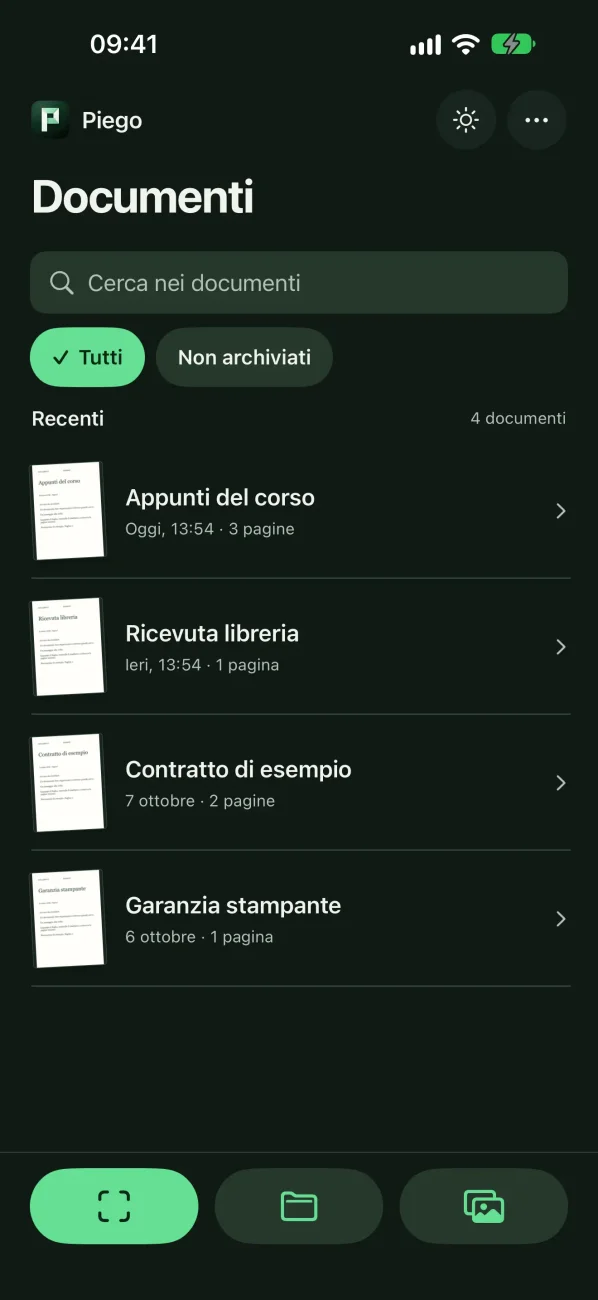
概要
開発元はこのテキストをお使いの言語で提供していません。
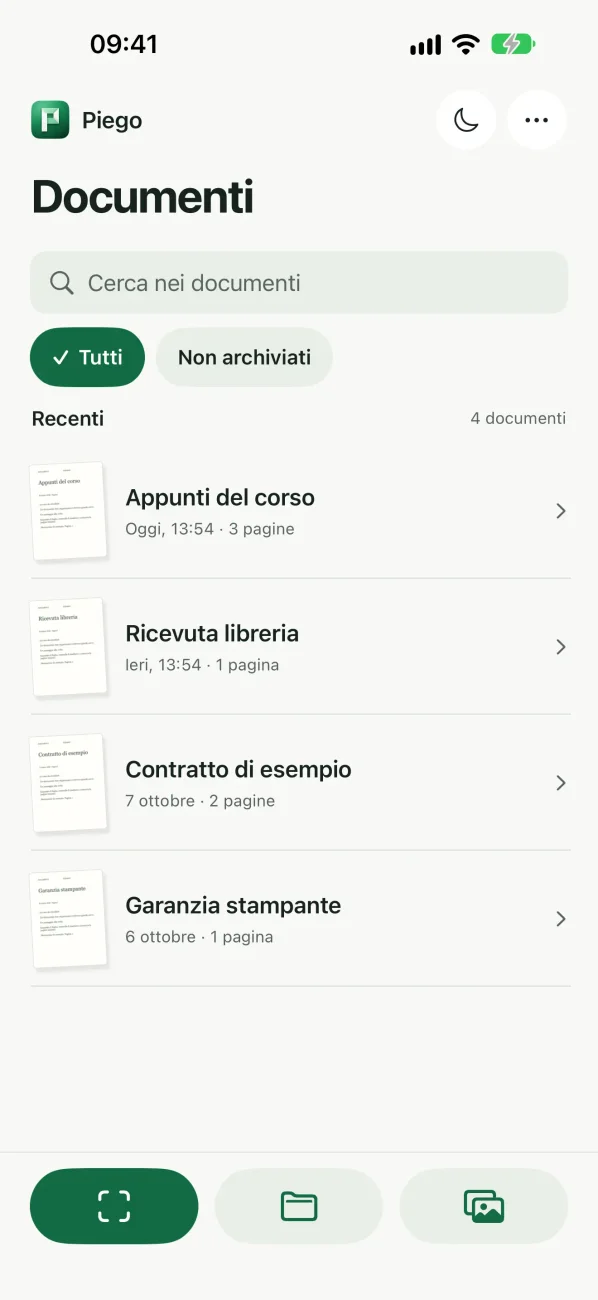
Turn paper documents and receipts into PDFs you can store, search and share from your iPhone. Piego combines scanning, cropping and text recognition with a document library on your device. The app interface is currently in Italian.
SCAN AND ADJUST YOUR PAGES
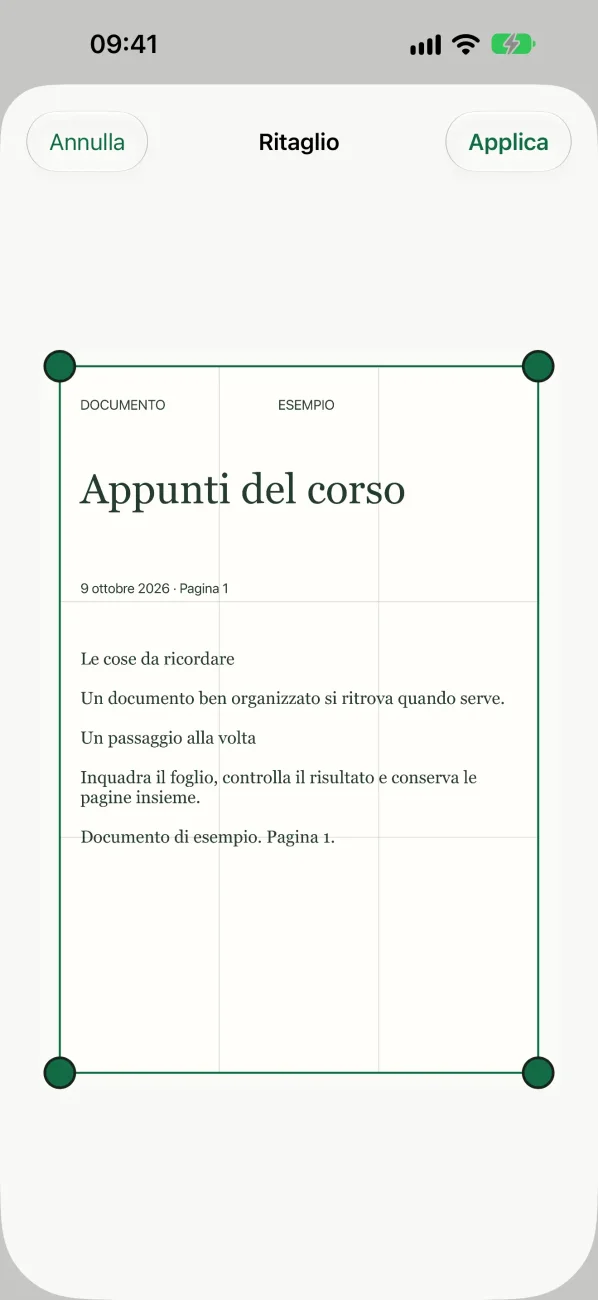
Take a picture manually or use automatic capture when the document stays steady in the frame. Scan multiple pages, check the result and adjust the crop by moving its corners. Rotate pages and choose Photo, Natural, Color, Whiteboard, Black & White or Receipt filters.
IMPORT AND RENAME
Import PDFs and images from Files or Photos into your Piego library. Rename new scans and saved documents; your chosen name is also used for the exported PDF.
ORGANIZE WITH FREE AUTOMATIONS
Create rules that look for words in document names and recognized text to rename documents and file them in your chosen folders. Start with templates for Home, Work and Study or create your own rule. Preview proposed changes before organizing existing documents. Pause rules whenever you want.
Optionally save an additional PDF copy to a folder selected through Files, including iCloud Drive, or to your own WebDAV server. Transfers run while Piego is open; cloud synchronization depends on your chosen service.
FIND YOUR DOCUMENTS
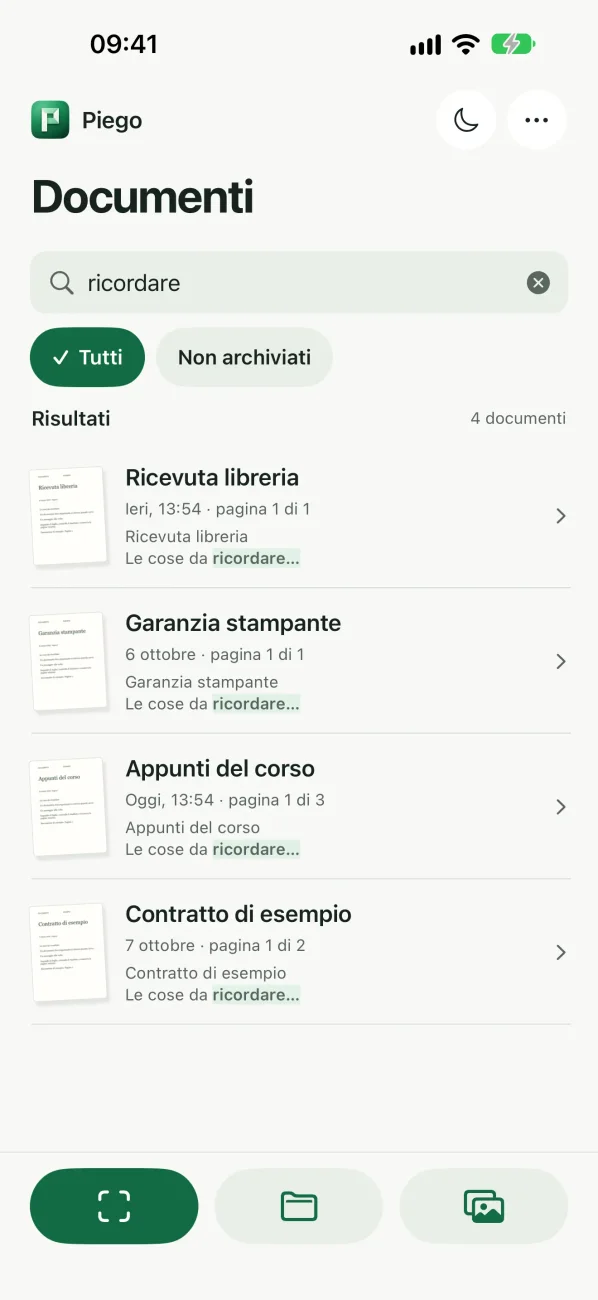
Optical character recognition (OCR) makes recognized text available for searching and copying. Search document names or recognized text and organize your library with folders and tags. Reopen saved pages, make adjustments, then save or discard your changes.
SHARE FROM YOUR IPHONE
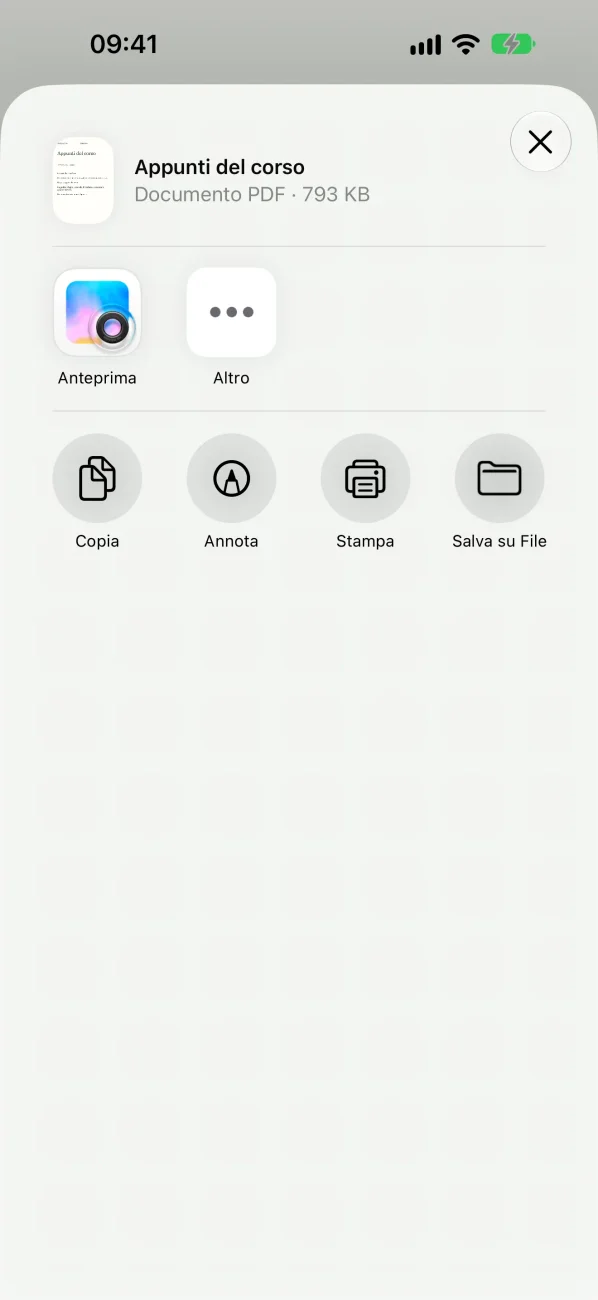
Create searchable PDFs and open the iOS share sheet directly. Save to Files or choose an available app on your device. Export JPEG images too; documents with multiple pages are packaged in a ZIP file.
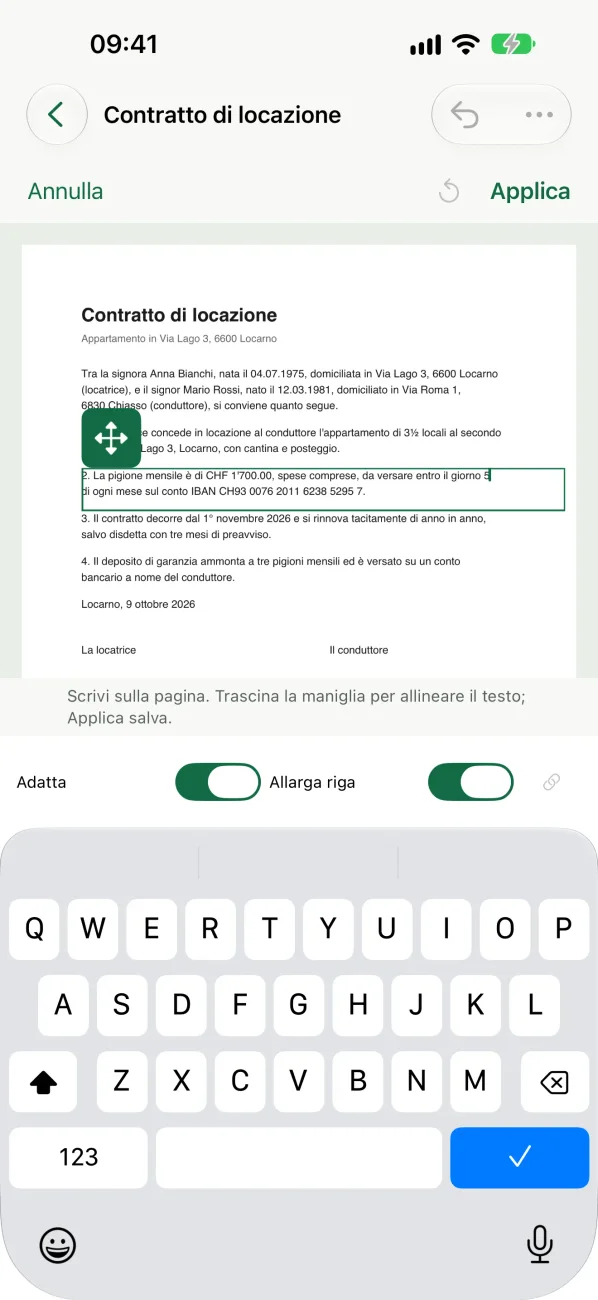
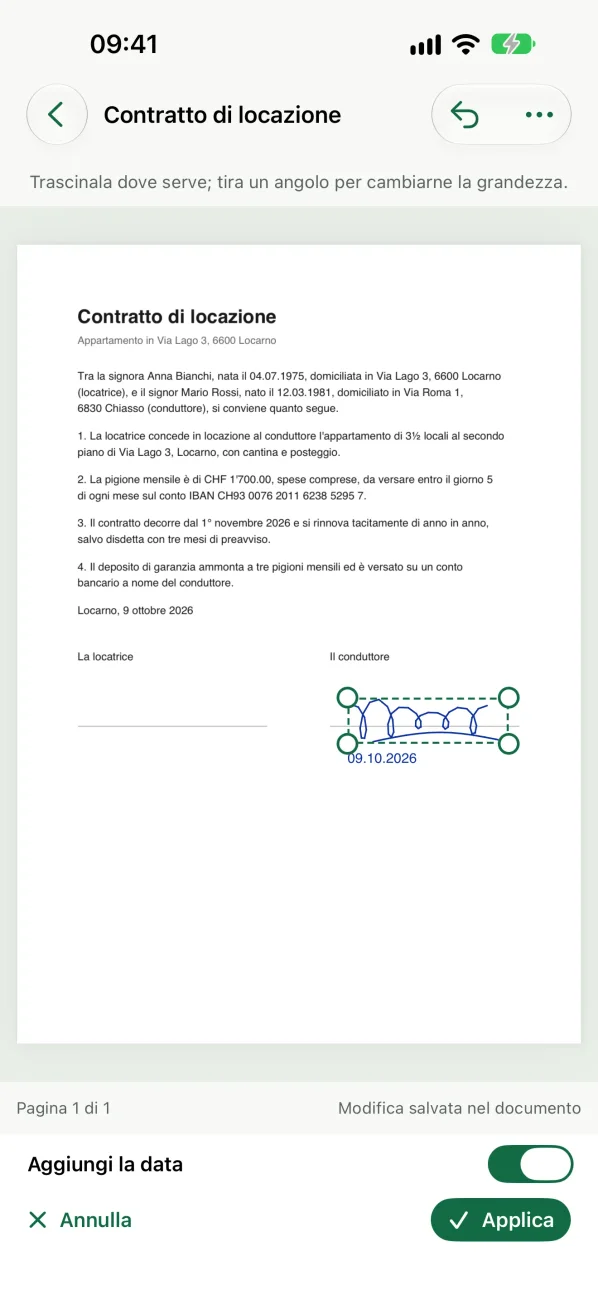
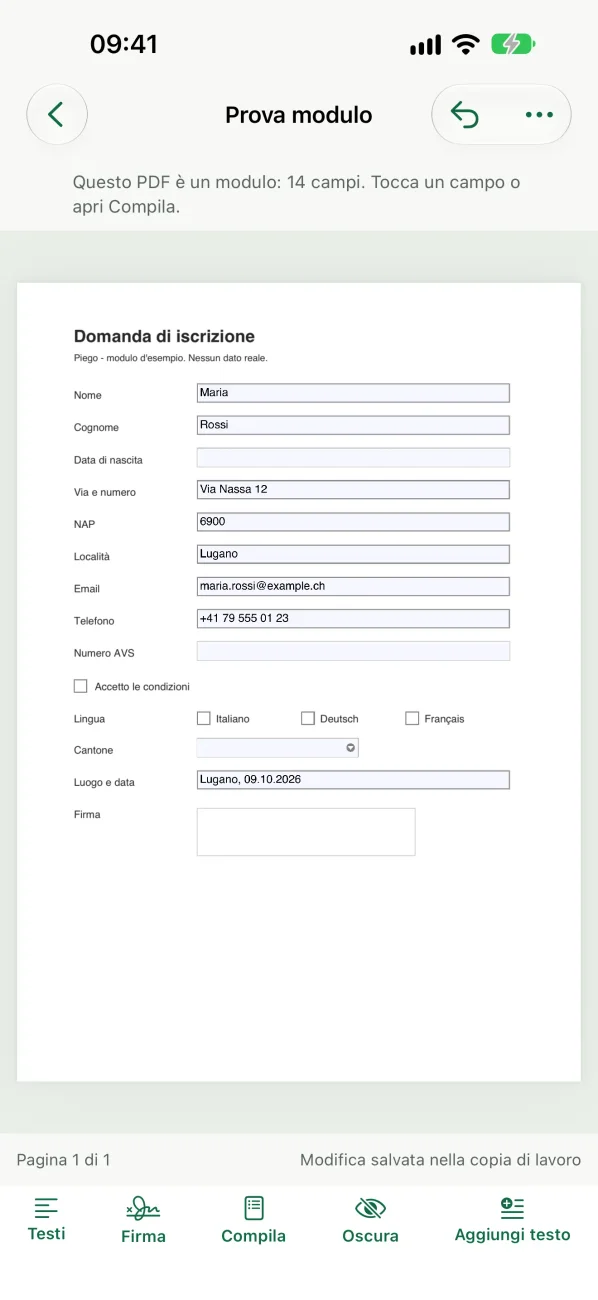
EDIT, SIGN, FILL IN AND REDACT PDFS WITH PIEGO PRO
A Piego Pro subscription gives you a complete PDF editor on your iPhone:
• correct the text of PDFs, scanned pages included, keeping their look;
• sign with a signature and initials drawn once, on every page if you like;
• fill in PDF forms, even ones without fields or photographed, with your details suggested in the right fields;
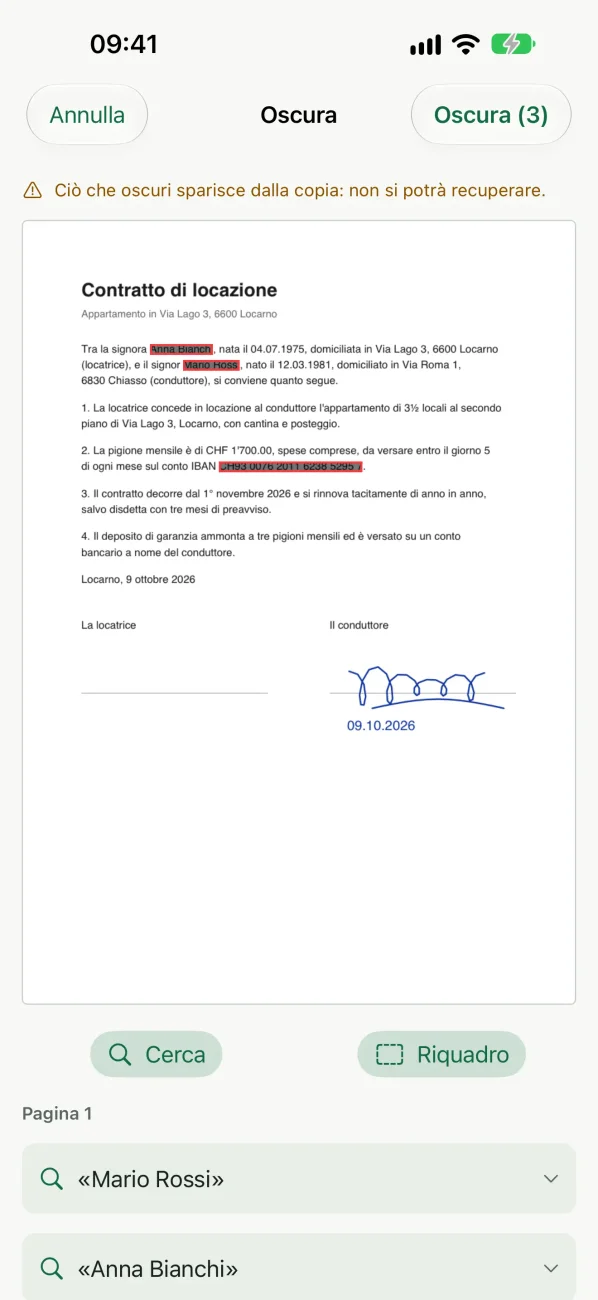
• redact names, IBANs and other data: in the copy they are really gone from the file, and it works with signed PDFs too.
Piego Pro also completes document names with the number and supplier read from the text. Choose a monthly or yearly plan, with a free week if you subscribe for the first time. The subscription renews automatically unless you turn it off at least 24 hours before the end of the current period; manage or cancel it in your Apple Account settings.
PROCESSING ON YOUR DEVICE
Scanning, filters, OCR and the document library work on your iPhone without a Piego account. Documents are shared or copied to destinations you choose and configure. Everything else is free with no ads, including automations; the PDF editor is part of Piego Pro.
OCR results depend on the legibility of the document and capture conditions. Check recognized text before reusing it.
Terms of Use (in Italian): https://www.nebello.com/docscan/termini
Privacy Policy (in Italian): https://www.nebello.com/docscan/privacy
新機能
バージョン 1.3.2 · 2026/11/9
• Several photos or files in one document: when you pick more than one, Piego asks whether to make them one document or separate documents. Pages follow the order you picked them in.
• Faster automatic capture: the phone vibrates as soon as the photo is taken, and you can move on to the next page straight away.
• More precise cropping: after the shot Piego finds the sheet's edges again on the photo itself, so less of the table is left around the page.
アプリのプライバシー
このアプリのデータの取り扱いについて、Roberto BelloがApp Storeで申告している内容です。
-
データの収集なし
開発元はこのアプリからデータを収集しません。
プライバシーの取り扱いは、ご利用の機能やお客様の年齢などに応じて異なる場合があります。
情報
- 販売元
- Roberto Bello
- カテゴリ
- 仕事効率化
- バージョン
- 1.3.2
- 更新日
- 2026/11/9
- リリース
- 2026/9/16
- サイズ
- 9.7 MB
- 必要条件
- iOS 26.0以降
- 対象年齢
- 4+
- 価格
- 無料
- アプリ内課金
- あり
- 言語
- イタリア語
- 著作権
- © 2026 Roberto Bello