Piper Inventory
Simplified Inventory Managemnt
iPhone, iPad, iPod touch向けに設計
無料 · アプリ内課金
- 対象年齢4+
- カテゴリユーティリティ
- 開発元Piper Diagnostics
- 言語英語
- サイズ17.4 MB
App Storeの公式ページにリンクしています
Download.orgはPiper Inventoryのファイルを一切ホストしていません。ボタンを押すと、Piper Diagnosticsが公開しているApp Storeのアプリページが開きます。ページの最終確認:2026/11/15。
スクリーンショット

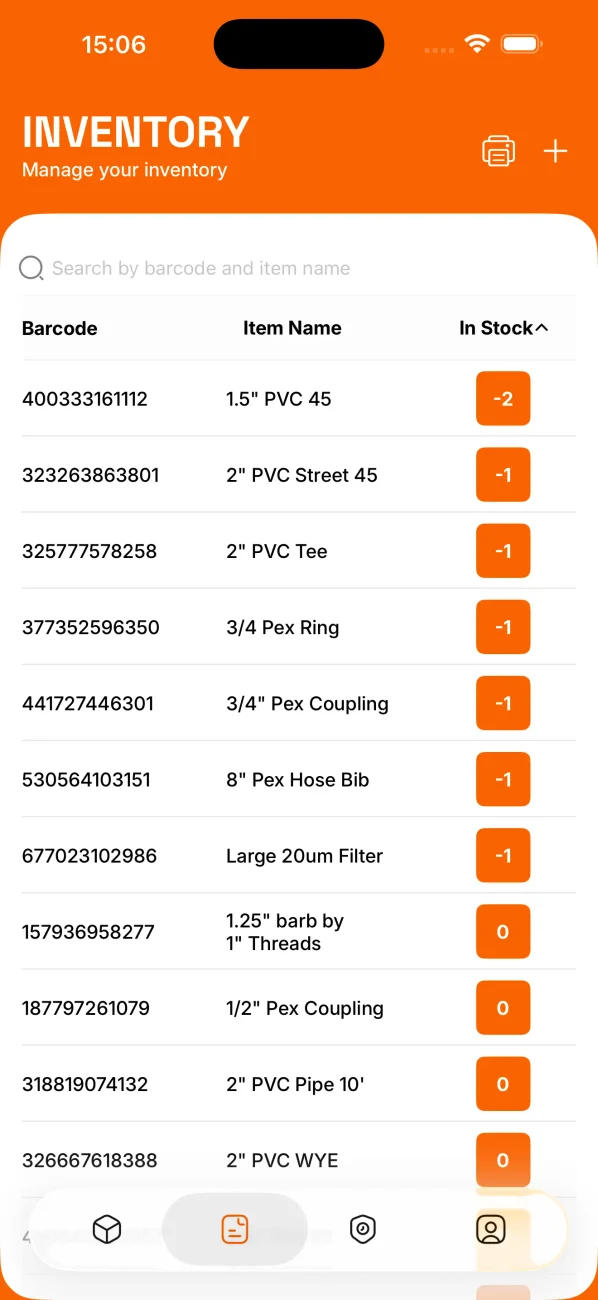
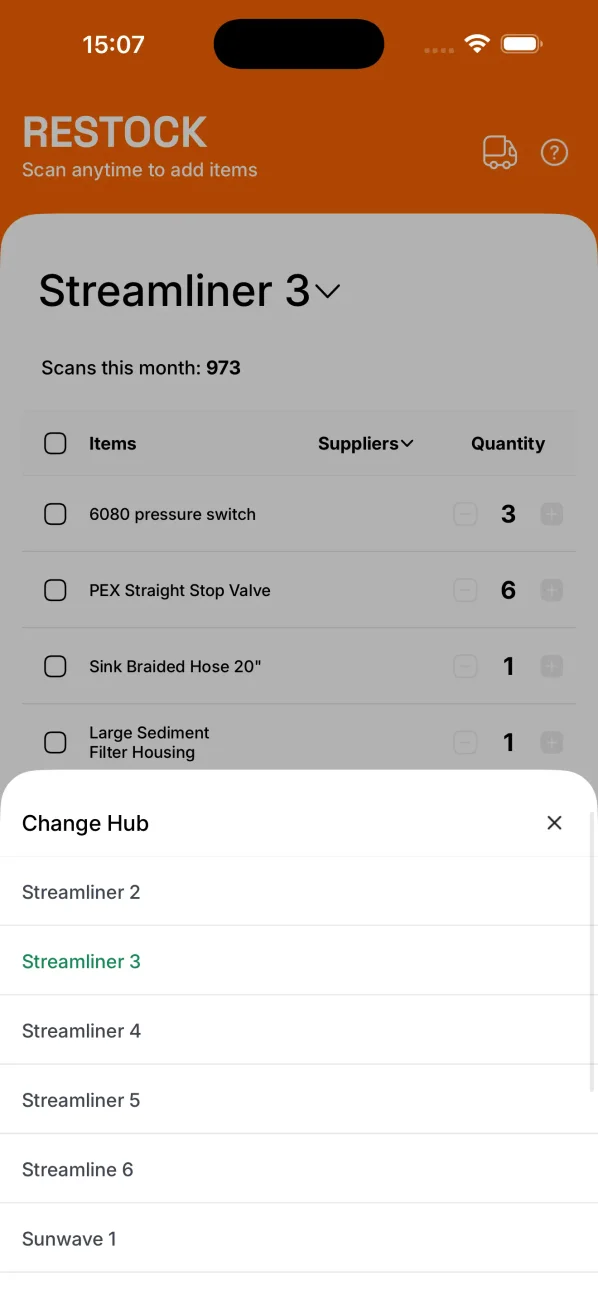
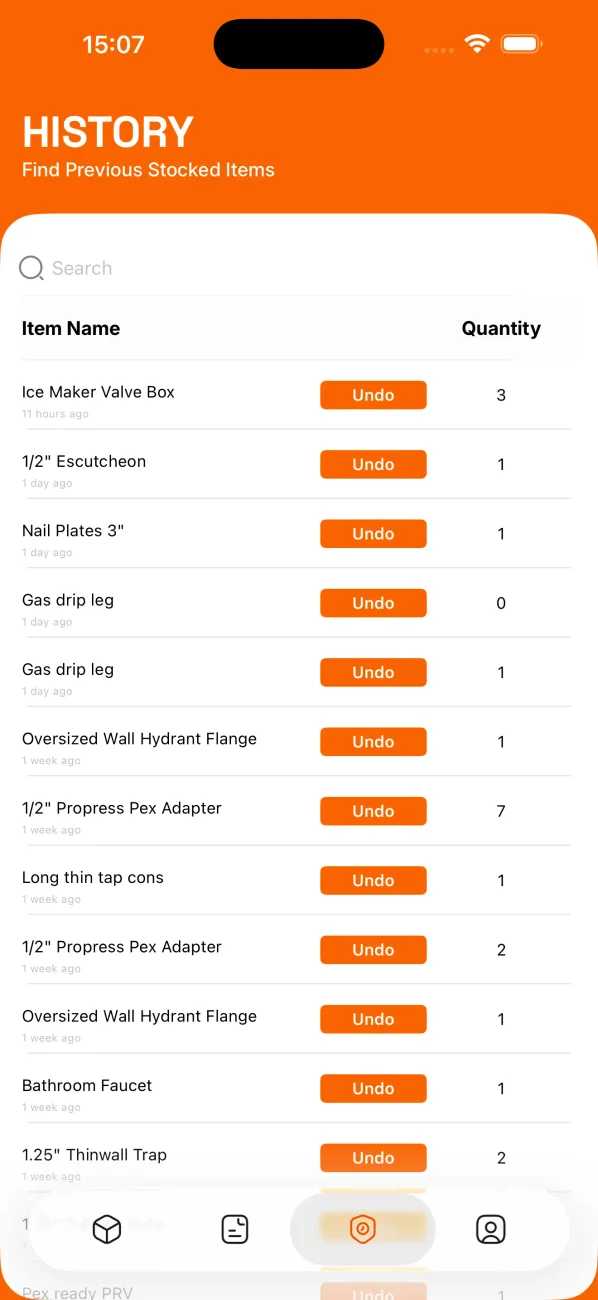
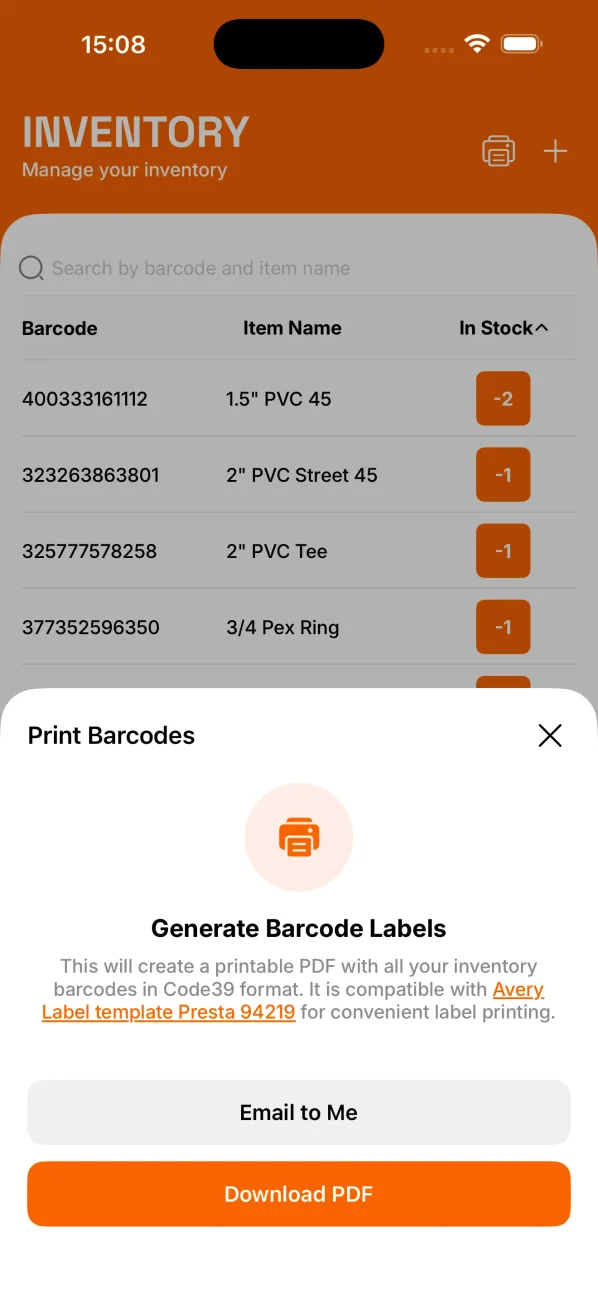
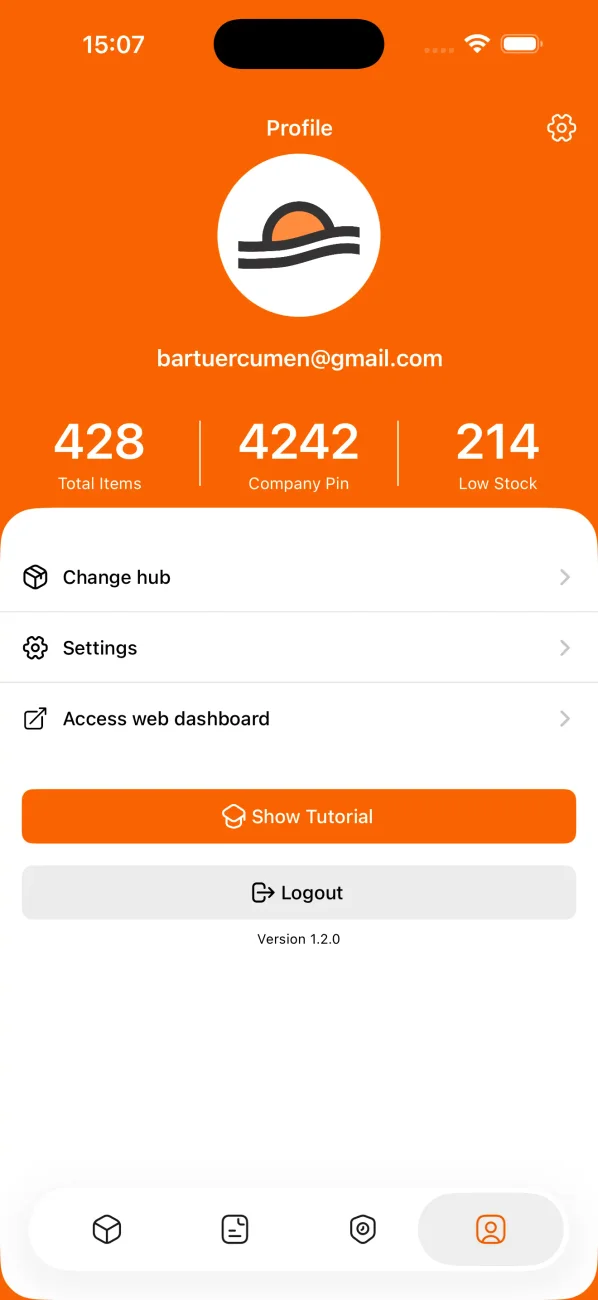
概要
開発元はこのテキストをお使いの言語で提供していません。
Disclaimer: Piper Inventory requires a single in-app subscription to be used. There are no additional subscriptions or payments within the app to unlock specific features. Once you pay for a subscription to access Piper Inventory, you will be able to use all it's features.
EASILY AND QUICKLY MANAGE INVENTORY ON-THE-GO
Easily manage inventory for your warehouse or mobile workstation with a standard bluetooth barcode scanner and never be caught without the items you need.
Piper Inventory is an easy-to-use app that allows you to add items you’d like to keep stocked in your inventory, set a minimum quantity to keep on hand, and then use a bluetooth barcode scanner to easily remove items from your inventory as they’re used.
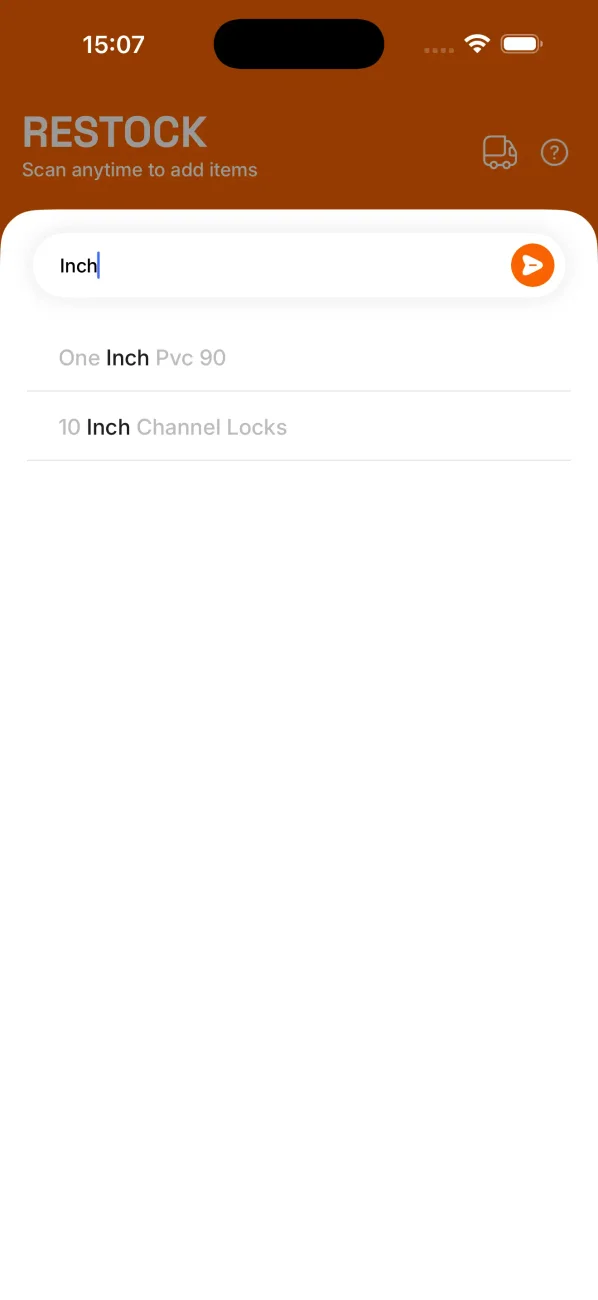
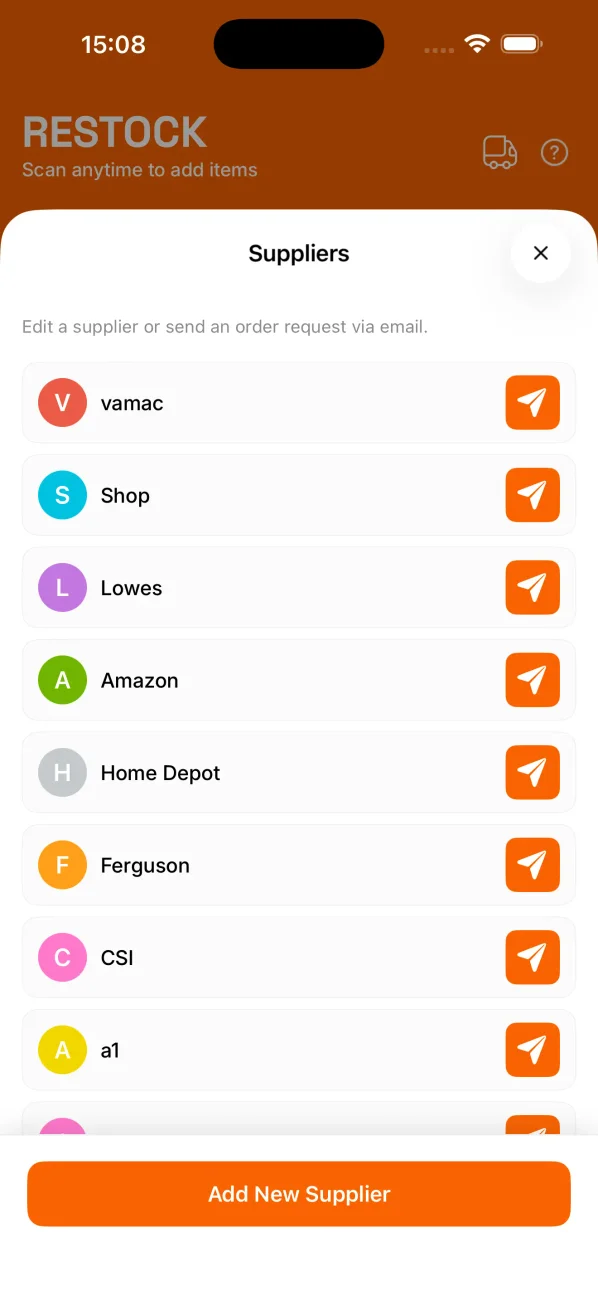
Restock - will act as your ‘shopping list’ to keep everything stocked
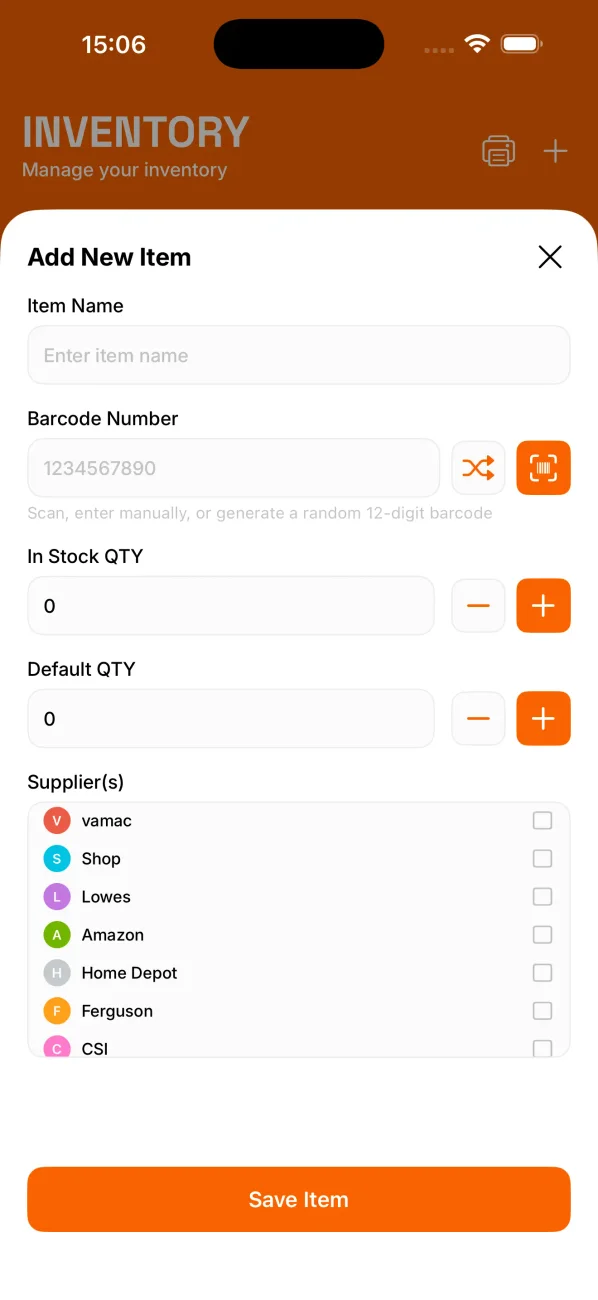
Inventory - is where you can add and remove items or change the minimum quantity
History - allows you to see what’s being used and what isn’t - so you can eliminate unused stock
Account - is where you can change your Hub if you are managing multiple inventory locations
HOW IT WORKS
The Piper Inventory app requires a little bit of setup on the front end, so that on a daily basis it requires nearly no time at all to use.
*Setup* You can either enter items and their UPC numbers directly in the app or simply upload a spreadsheet of your inventory to the online Admin Portal.
*Barcodes* You can print off barcodes with randomly generated UPC numbers from our website or directly use the barcode on an item’s packaging! *On The Job* simply scan an item’s barcode to remove it from current inventory, no taps or clicks required! When you’re ready, use the ‘Restock’ page to review needed inventory. Your inventory and restocking needs will be synced between devices to make collaboration easy.
WHERE DID IT COME FROM?
Piper Inventory was developed when we discovered a need for simple and robust inventory management software to use in our plumbing vans. There’s nothing more frustrating than showing up for a job and finding you don’t have some small part you could have easily brought! With Piper Inventory and a well structured van build-out, we rarely find ourselves without the needed parts or tools, and it is effortless to use. If this setup sounds like it could help you, visit Piper Vans to find out how a trade-optimized van build-out could save you time and money but most importantly on-the-job frustration!
Terms of Use: https://www.apple.com/legal/internet-services/itunes/dev/stdeula/
新機能
バージョン 1.2.0 · 2026/6/4
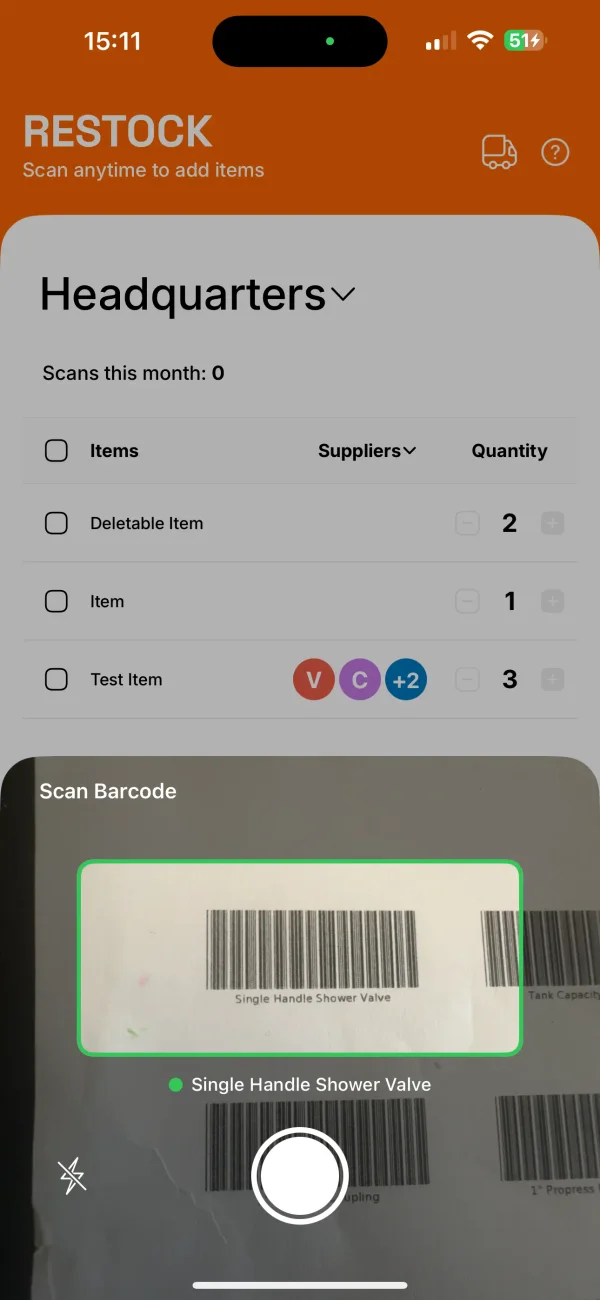
- Added an internal camera based barcode scanner, so you don't have to rely on an external bluetooth scanner.
- Added barcode label generation for easier label printing.
- UI updates.
- Performance improvements.
アプリのプライバシー
このアプリのデータの取り扱いについて、Piper DiagnosticsがApp Storeで申告している内容です。
-
ユーザーに関連付けられたデータ
収集され、ユーザーの識別情報に関連付けられる場合があります。
- 連絡先情報
プライバシーの取り扱いは、ご利用の機能やお客様の年齢などに応じて異なる場合があります。
情報
- 販売元
- Piper Diagnostics LLC
- カテゴリ
- ユーティリティ
- バージョン
- 1.2.0
- 更新日
- 2026/6/4
- リリース
- 2023/11/6
- サイズ
- 17.4 MB
- 必要条件
- iOS 14.0以降
- 対象年齢
- 4+
- 価格
- 無料
- アプリ内課金
- あり
- 言語
- 英語
- 著作権
- © 2023, Piper Inventory