- 対象年齢4+
- カテゴリ仕事効率化
- 開発元John Lullie
- 言語英語
- サイズ4.2 MB
App Storeの公式ページにリンクしています
Download.orgはPixelCalcのファイルを一切ホストしていません。ボタンを押すと、John Lullieが公開しているApp Storeのアプリページが開きます。ページの最終確認:2026/11/17。
スクリーンショット

概要
開発元はこのテキストをお使いの言語で提供していません。
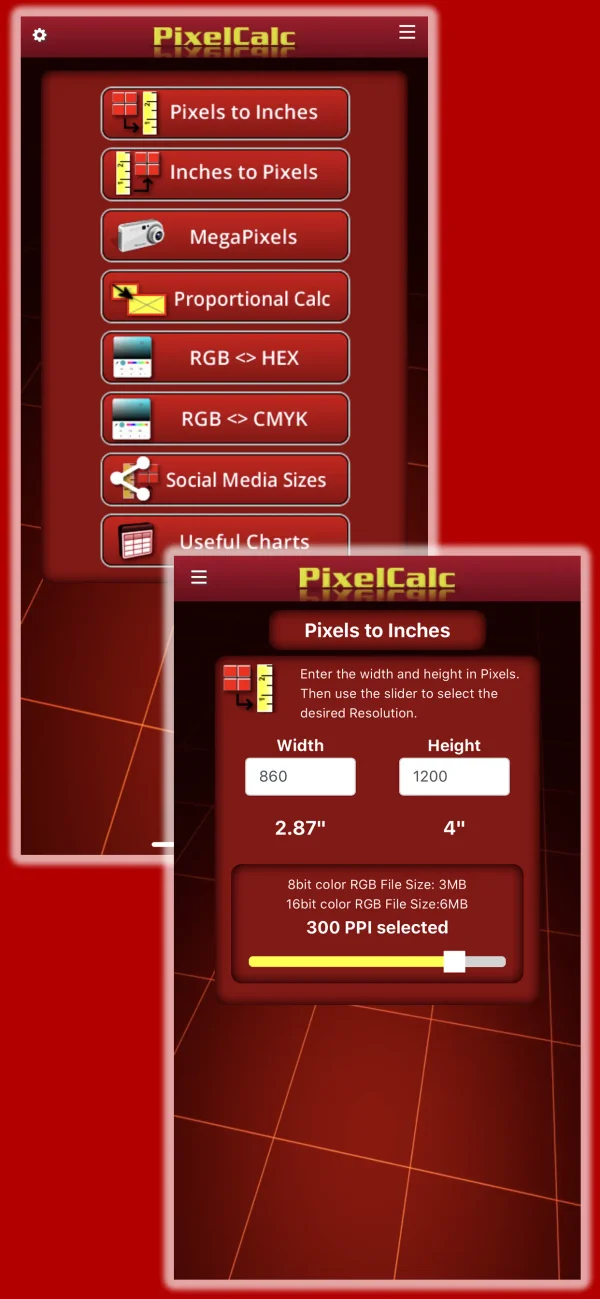
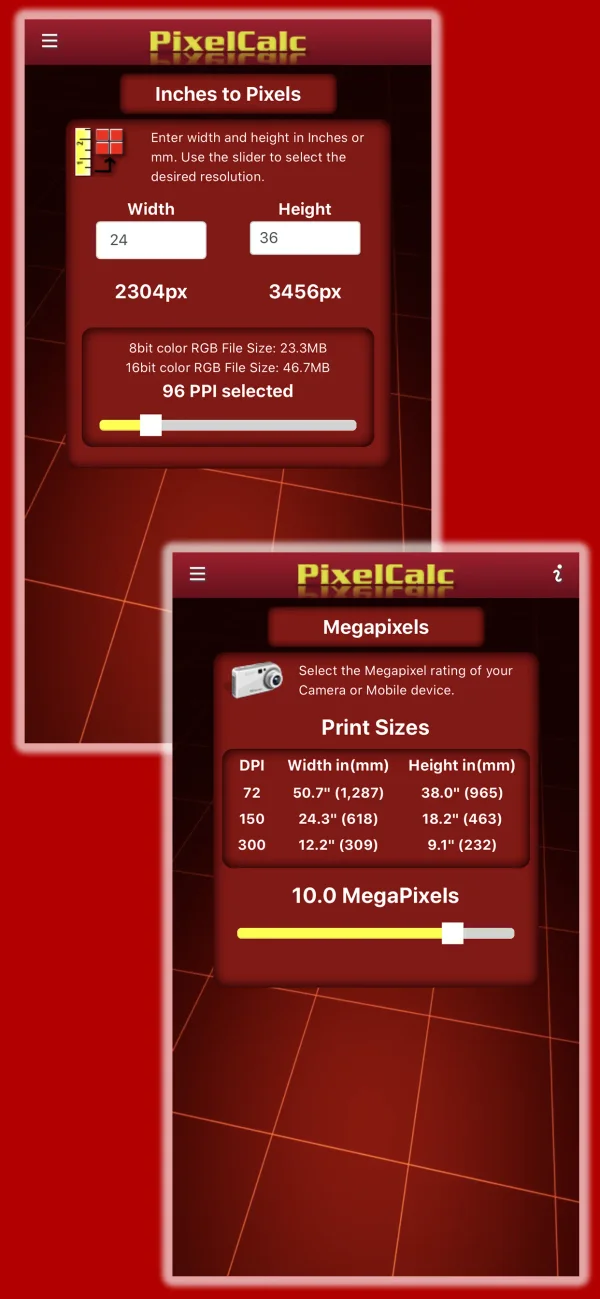
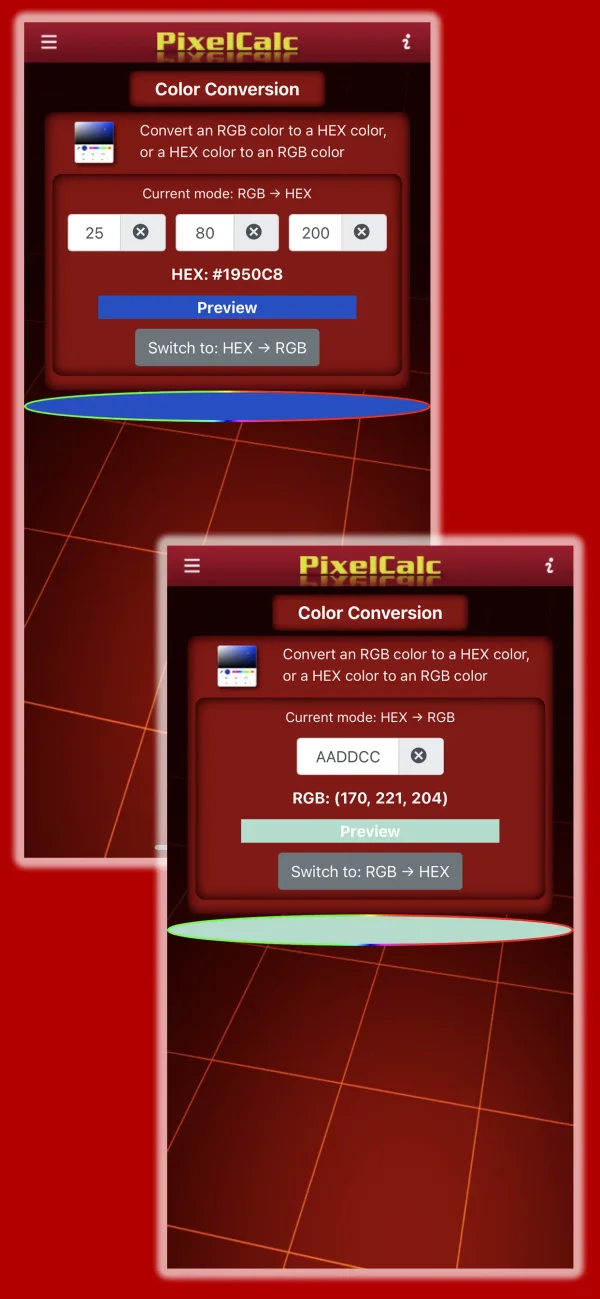
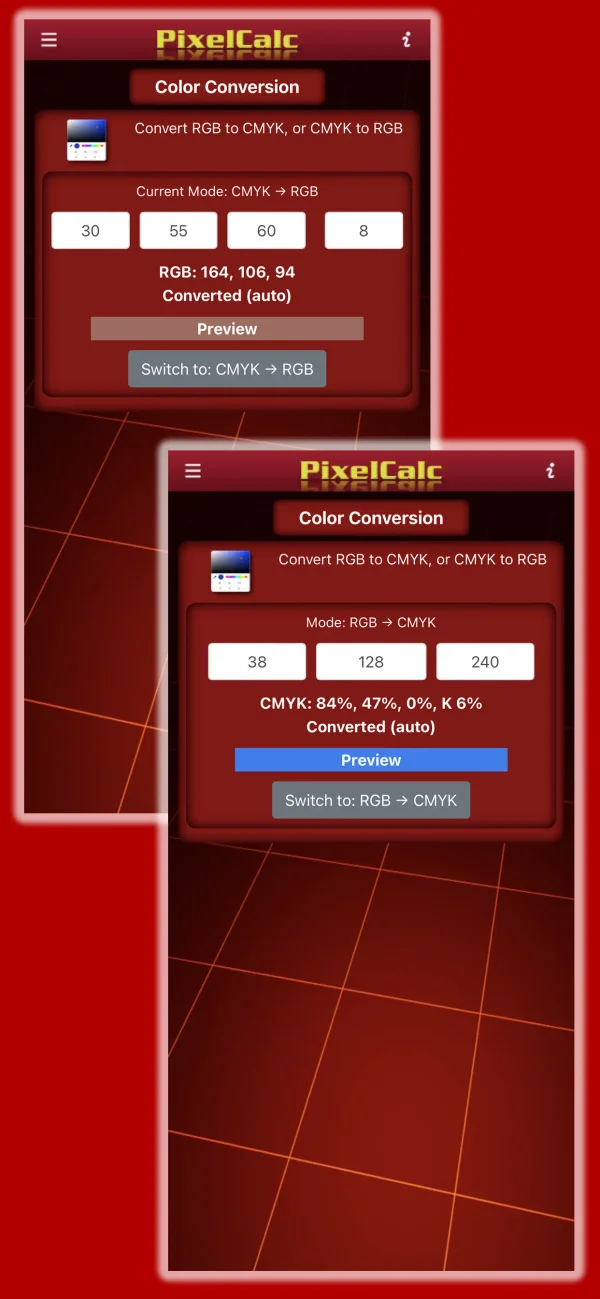
PixelCalc is a very convenient tool for anyone working with digital images, whether from a Camera, scanner or other input device. It is especially useful for graphic designers who work with both Web and Print media. Either of these two areas of media frequently require conversions from Pixels to Inches and Inches to Pixels along with a desired Resolution (i.e. hi-res, medium-res or low-res).
Now includes a Proportional Calculator and useful Reference Charts.
Proportional Calculator
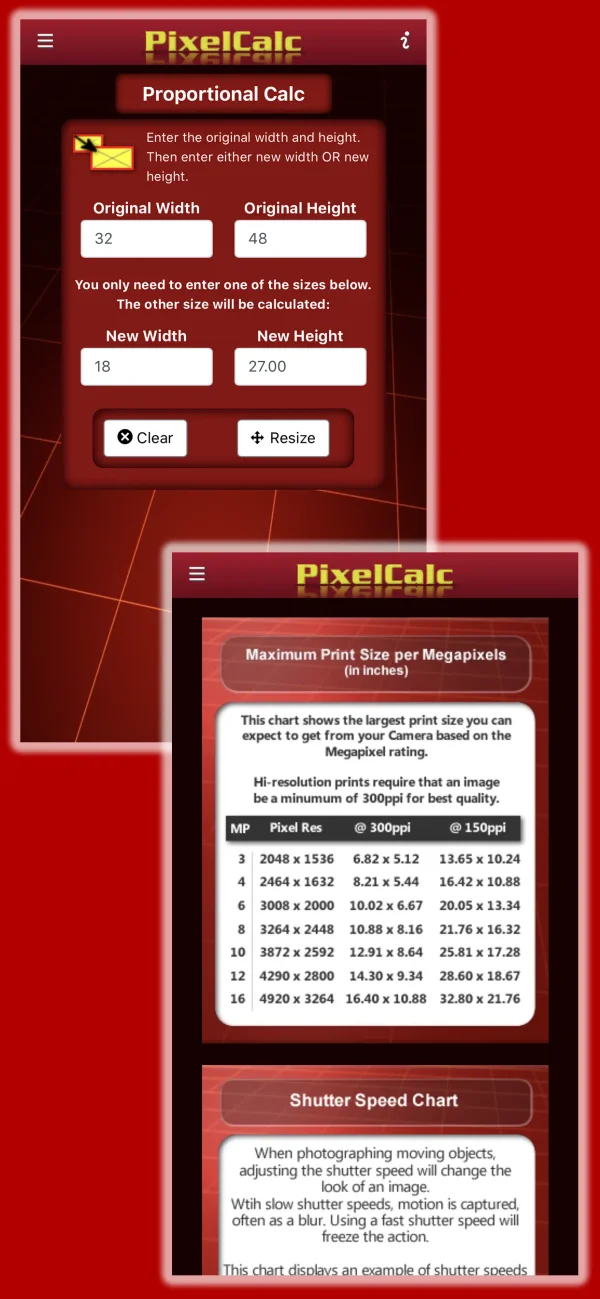
The Proportional Calculator will instantly calculate enlargements or reductions of images, photos, artwork, layouts, or any kind of design. Basically, anything that needs to be resized accurately while maintaining perfect proportions, the Proportional Calculator will do it.
Contains the following handy reference charts:
-Maximum Print Size per Megapixels (different resolutions)
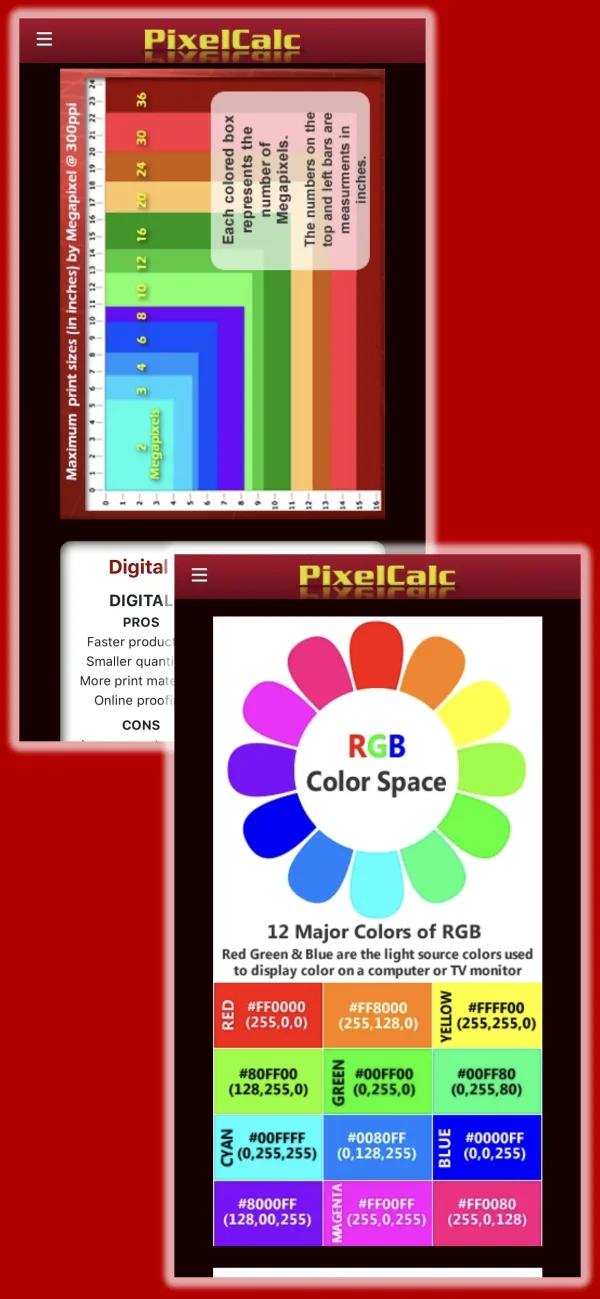
-Maximum Print Sizes (in inches) by Megapixels @ 300ppi
-Shutter Speed Chart (Useful camera tool for perfect shots!)
-See the charts in the app for detailed reference information
新機能
バージョン 1.81.5 · 2026/4/8
Updated to support that latest iOS versions.
Minor tweaks and enhancements.
アプリのプライバシー
このアプリのデータの取り扱いについて、John LullieがApp Storeで申告している内容です。
-
データの収集なし
開発元はこのアプリからデータを収集しません。
プライバシーの取り扱いは、ご利用の機能やお客様の年齢などに応じて異なる場合があります。
情報
- 販売元
- John Lullie
- カテゴリ
- 仕事効率化
- バージョン
- 1.81.5
- 更新日
- 2026/4/8
- リリース
- 2010/5/7
- サイズ
- 4.2 MB
- 必要条件
- iOS 11.0以降
- 対象年齢
- 4+
- 価格
- ¥500
- 言語
- 英語
- 著作権
- © 2017-2026 John Lullie