
- 対象年齢17+
- カテゴリ仕事効率化
- 開発元Plain and Simple Solutions LLC
- 言語英語
- サイズ4.3 MB
App Storeの公式ページにリンクしています
Download.orgはPlain and Simple Thoughtsのファイルを一切ホストしていません。ボタンを押すと、Plain and Simple Solutions LLCが公開しているApp Storeのアプリページが開きます。ページの最終確認:2026/11/16。
スクリーンショット
概要
開発元はこのテキストをお使いの言語で提供していません。
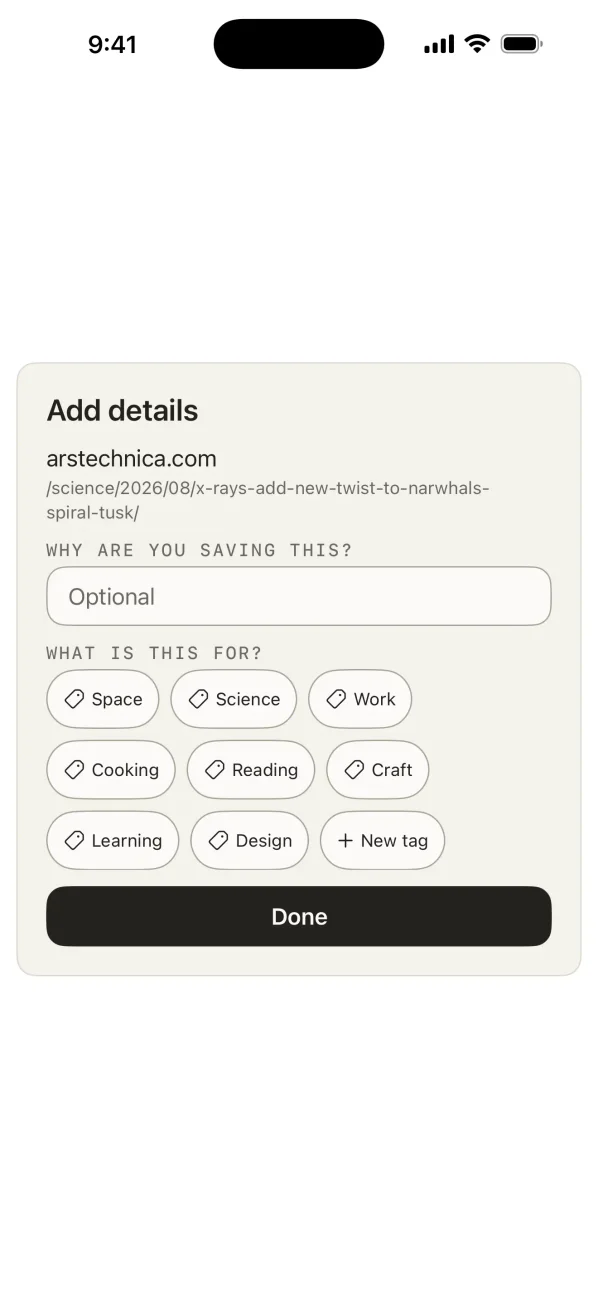
Share a link. It is waiting when you want it.
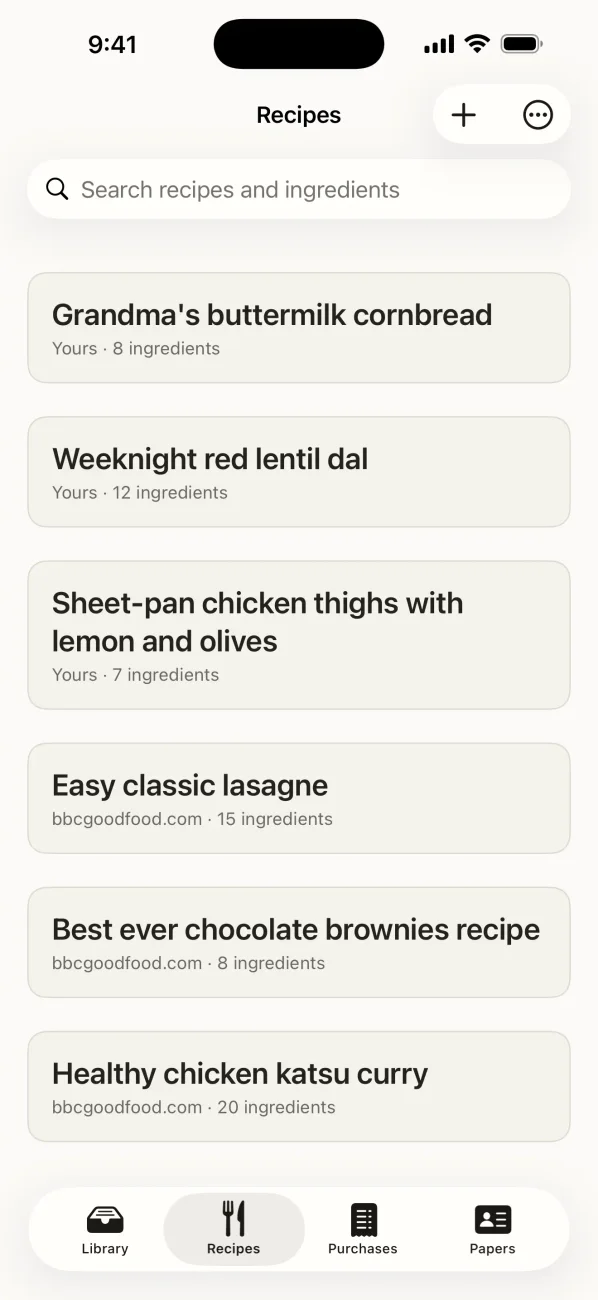
For anyone who keeps meaning to read something later and has run out of places to put it — a pile of open tabs, a message sent to themselves, a bookmark folder nobody opens. It has since grown three more shelves for the other things that end up in a drawer: recipes, receipts and warranties, and papers like a passport or a licence. Each stands on its own, and the ones you do not need can be ignored.
HOW IT WORKS
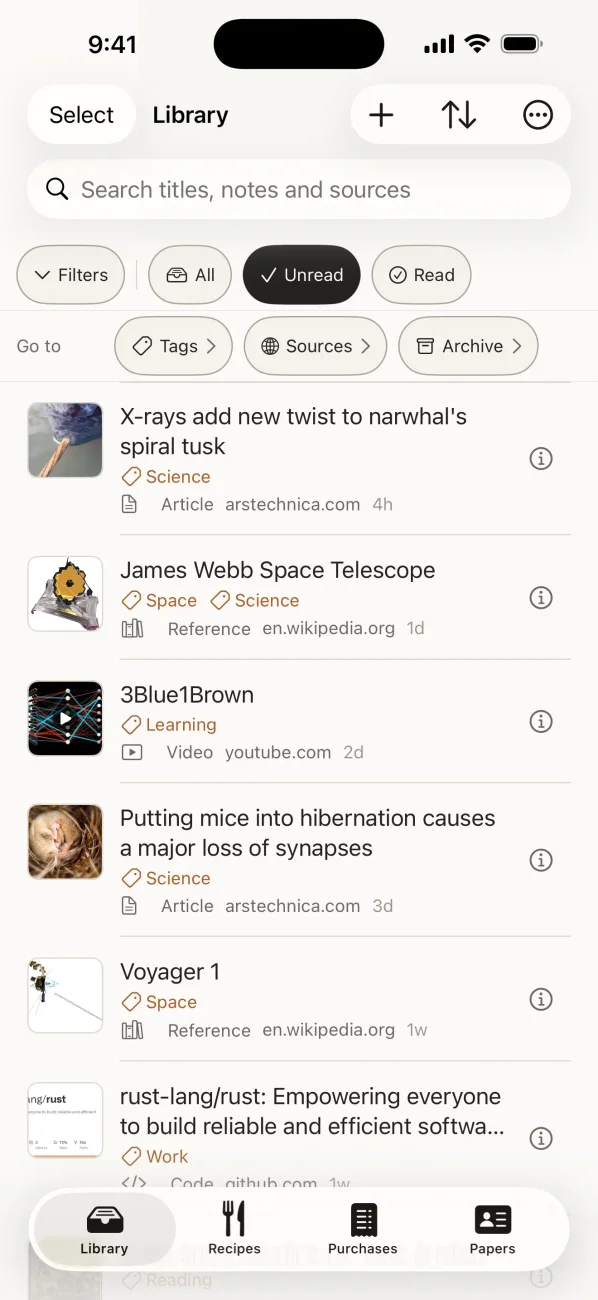
In any app — Safari, a message, a social app — tap Share and choose it. That is the whole of using it. The sheet saves and closes by itself. Start typing before it does and you can leave yourself a note about why you kept it, which three weeks later is the harder thing to reconstruct.
It works whether the other app hands over a web address or a lump of text with an address buried inside it. If you would rather not use the share button at all, there is a + on your library: paste an address straight in.
IT SORTS ITSELF
Saved things are grouped by what they are — an article, a video, code, a reference page, a post — and by where they came from. A long list stays findable without you filing anything. What you have not read yet is what you see first.
They turn up in your Home Screen search as well, from an index built on your own device and offered to nobody.
IT LOOKS LIKE THE THING YOU SAVED
It fetches the page's title and its preview picture, so a saved link reads as the thing it is rather than as a row of characters. That request goes to the site you saved and to nowhere else. It is the one thing this app sends anywhere, and it is described in full on the privacy page rather than left to a label.
It strips the tracking parameters off a link before storing it, so what you keep is the page rather than a record of where you found it.
READING
Tap to read it inside the app, in Safari's reader. Archive it when you are done, or delete it. You can pick several at once to archive them or mark them read — there is deliberately no way to delete a pile, because archiving can be undone and deleting cannot.
RECIPES
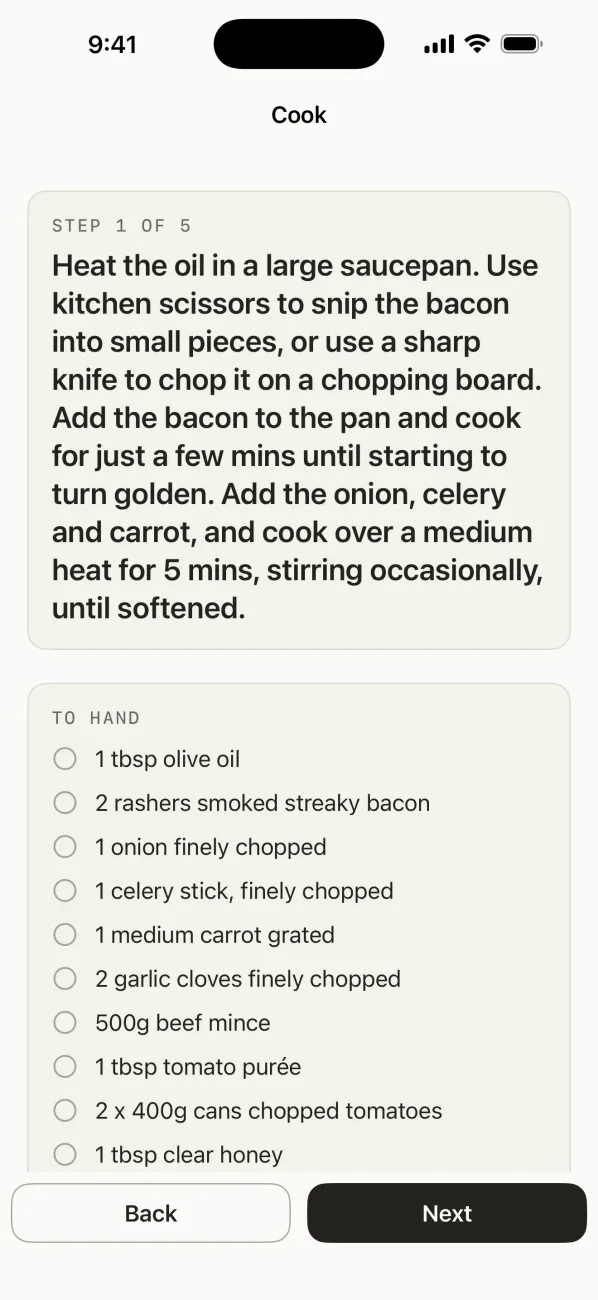
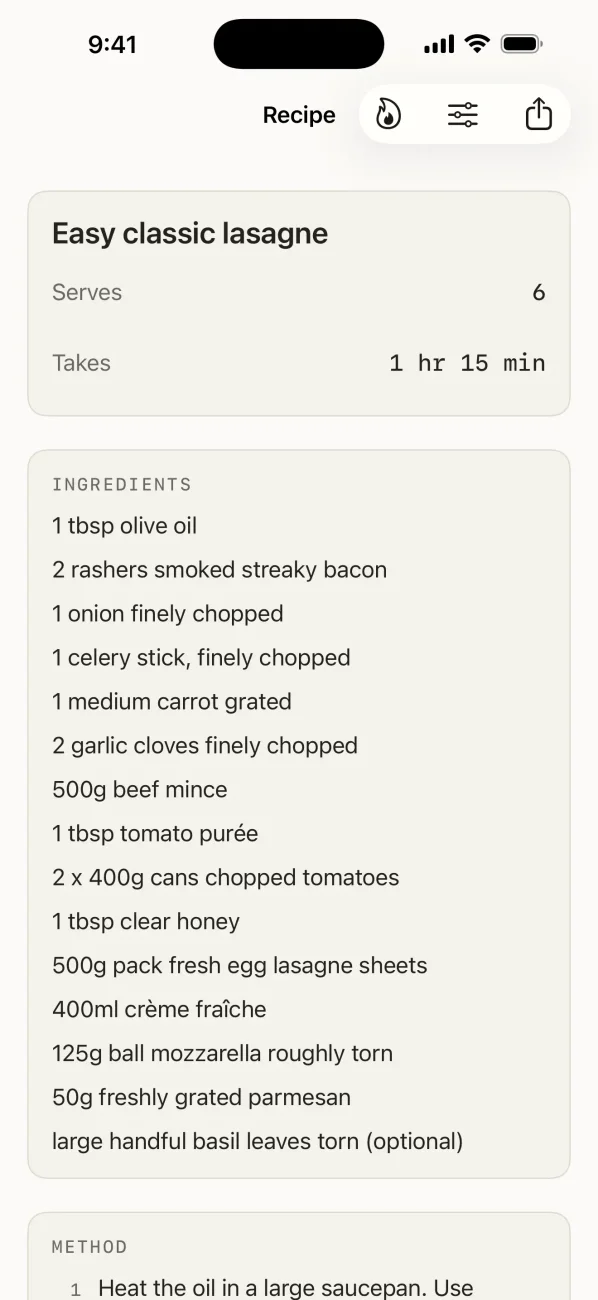
Share a recipe page and the ingredients and the method are pulled out as you save it. That is reading rather than guesswork — recipe sites publish their recipes as structured data — so nothing is invented and no step is dropped. You can also paste an address, write one out yourself, or photograph a cookbook page and let the phone read the words off it. Amounts double, halve and convert, and a cooking mode shows one step at a time with the screen kept on.
RECEIPTS AND WARRANTIES
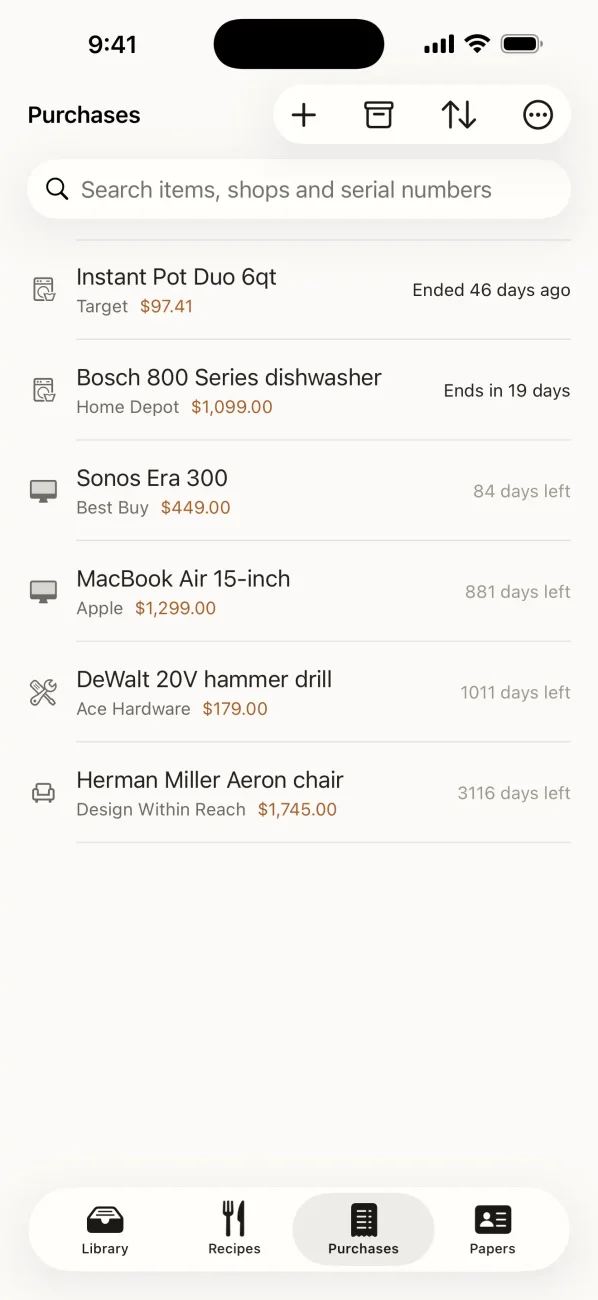
What it cost, where it came from, and when the cover runs out — listed by whatever expires soonest. Photograph the receipt and your iPhone reads the shop, the total and the serial number off the picture and offers them to you before anything is saved. Search finds them by the serial number too.
PAPERS
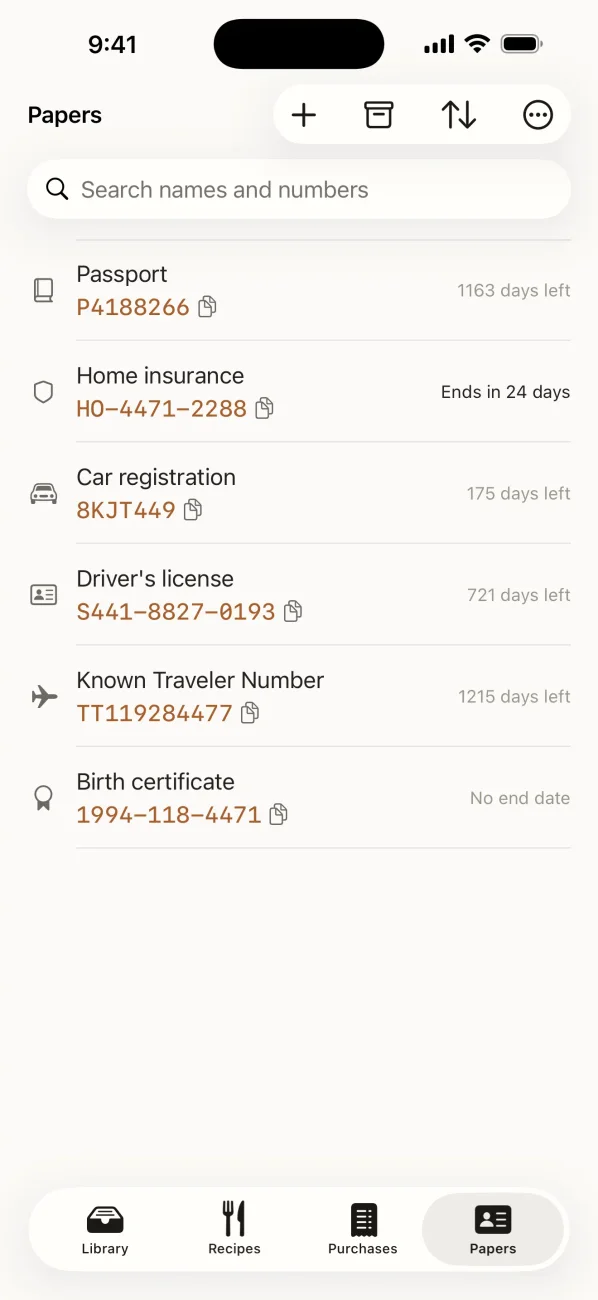
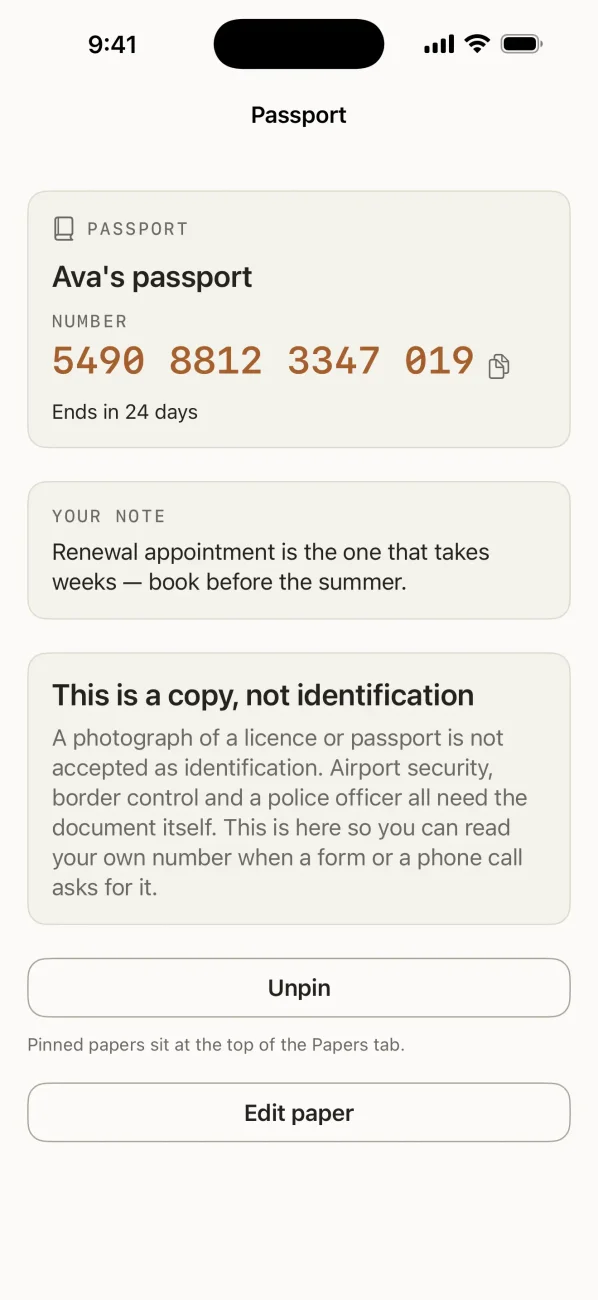
A passport, a licence, an insurance card: the number, the expiry, and a picture of it. The tab can be put behind Face ID or your passcode, and that is off until you turn it on. Pin one and its number can sit on your Home Screen or Lock Screen.
A warranty or a paper can carry a reminder before the date, scheduled and delivered by your own iPhone. There is none unless you ask for one.
YOUR OWN iCLOUD
Your library syncs through your own iCloud account, so a link saved on the phone is on the iPad — where it lays itself out as an iPad app rather than a stretched phone screen. It sits in your private database, under your Apple Account. There is no server of mine — I have no access to it and no way to read it.
WHAT IT DOES NOT DO
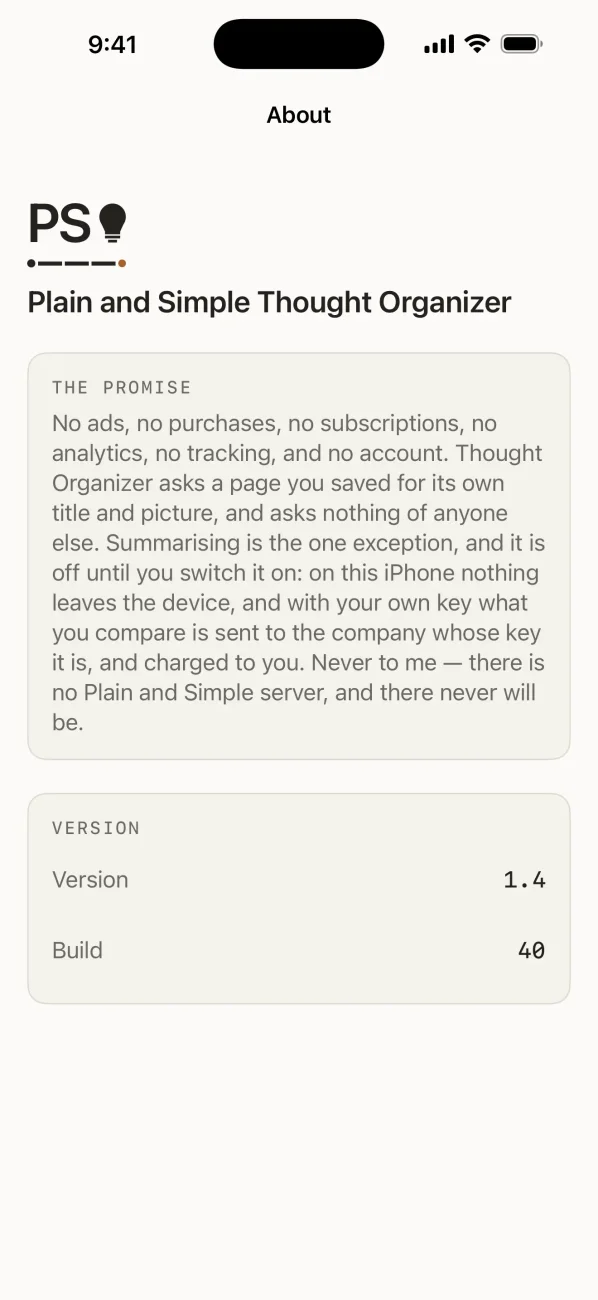
• No adverts, no purchases, no subscription
• No account to create and nothing to sign into
• No analytics, no tracking, no reading history shared with anyone
One thing to know before you start: iOS makes you switch a share button on by hand the first time. Tap Share, scroll the icons to the right, tap More, and switch it on. You only do it once, and the app explains it.
新機能
バージョン 1.5 · 2026/10/8
Take a saved link, recipe or paper out as a real file — a PDF, plain text, or the original photo — through the share sheet or into Files. Nothing is uploaded.
Photograph a receipt and see what the app read next to what it suggests before you choose. Cook mode keeps the screen awake, remembers your step, and is easy to leave.
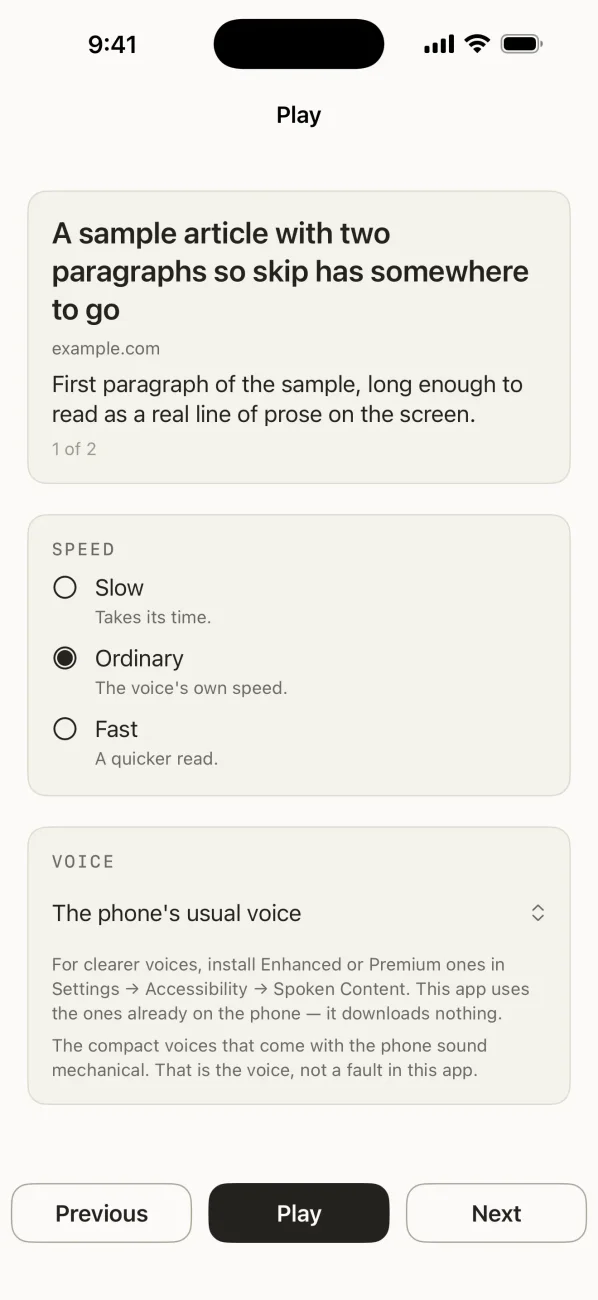
Put two saved links or recipes side by side to see what matches and what differs — on your phone, not by AI. Papers search can find a document by words in its photo, read on the device. The share sheet asks where a shared link or picture should go and remembers your last choice.
Optional AI compare (off by default) only reads the saved pages you narrowed to.
Steadier and safer: fixes for crashes on unusual web pages, recipe amounts with decimals and decimal commas, prices in more currencies, and safer handling of shared recipes and pictures.
アプリのプライバシー
このアプリのデータの取り扱いについて、Plain and Simple Solutions LLCがApp Storeで申告している内容です。
-
データの収集なし
開発元はこのアプリからデータを収集しません。
プライバシーの取り扱いは、ご利用の機能やお客様の年齢などに応じて異なる場合があります。
情報
- 販売元
- Plain and Simple Solutions LLC
- カテゴリ
- 仕事効率化
- バージョン
- 1.5
- 更新日
- 2026/10/8
- リリース
- 2026/8/19
- サイズ
- 4.3 MB
- 必要条件
- iOS 18.0以降
- 対象年齢
- 17+
- 価格
- 無料
- 言語
- 英語
- 著作権
- © 2026 Chandler Young
こちらもおすすめ
-
 Undone - リマインダー4象限ToDoと集中タイマー
-
 Caché: Save & Organize Links仕事効率化
-
 Mastery Timer仕事効率化
-
 DayPieces: Visual Day Plannerタイムブロック・習慣・集中スケジュール
-
 BUKMAK - Bookmark Manager仕事効率化
-
 OneThink - One Thing a Day仕事効率化
-
 Exfield – Habit Calendar仕事効率化
-
 Alcove: タスク&メモToDoリスト・スケジュール・リマインダー
-
 Tempo: Calm To-Do & Focus仕事効率化
-
 Tend – A Cozy To-Do List仕事効率化