- 対象年齢4+
- カテゴリ仕事効率化
- 開発元Aries Paul Zeta
- 言語英語
- サイズ63.3 MB
App Storeの公式ページにリンクしています
Download.orgはPlanScaleのファイルを一切ホストしていません。ボタンを押すと、Aries Paul Zetaが公開しているApp Storeのアプリページが開きます。ページの最終確認:2026/11/13。
スクリーンショット


概要
開発元はこのテキストをお使いの言語で提供していません。
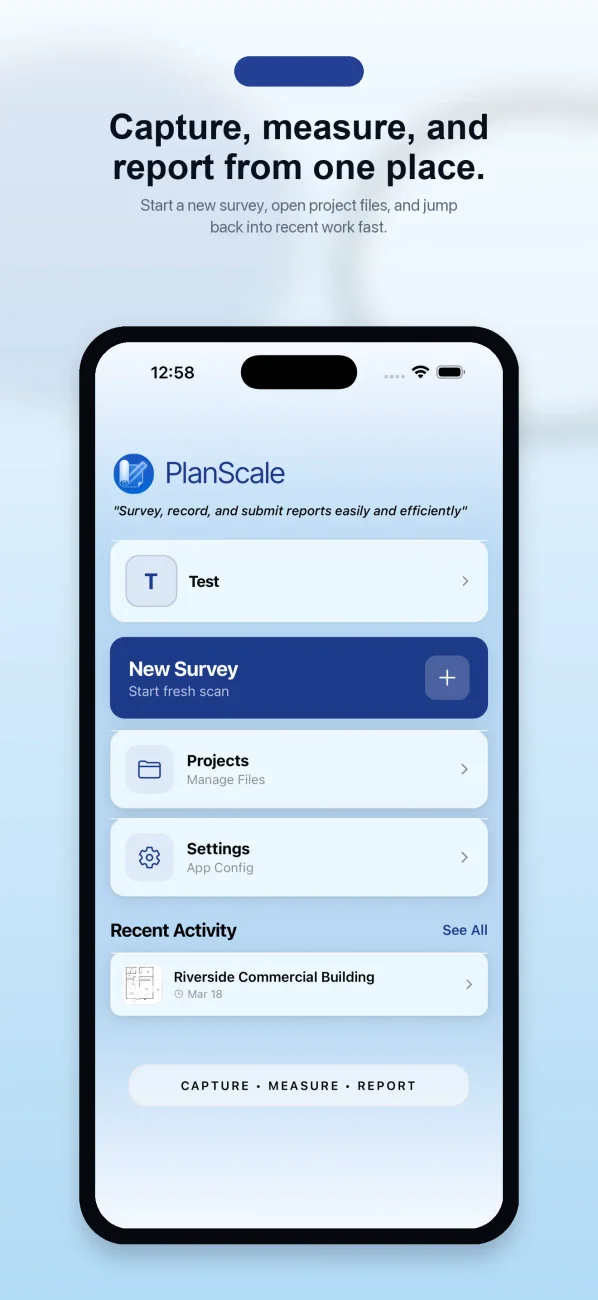
PlanScale is the ultimate paperless field companion for contractors, builders, and project managers. Leave the clipboards, blueprints, and tape measures behind. PlanScale digitizes your entire site documentation workflow directly from your iPhone or iPad.
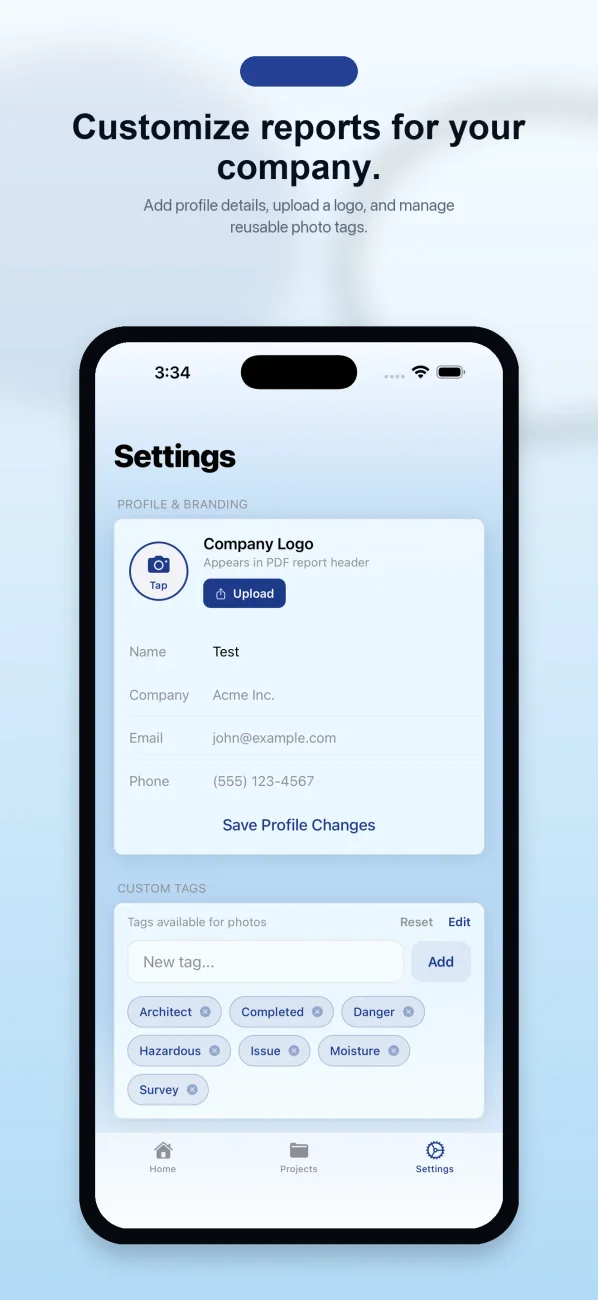
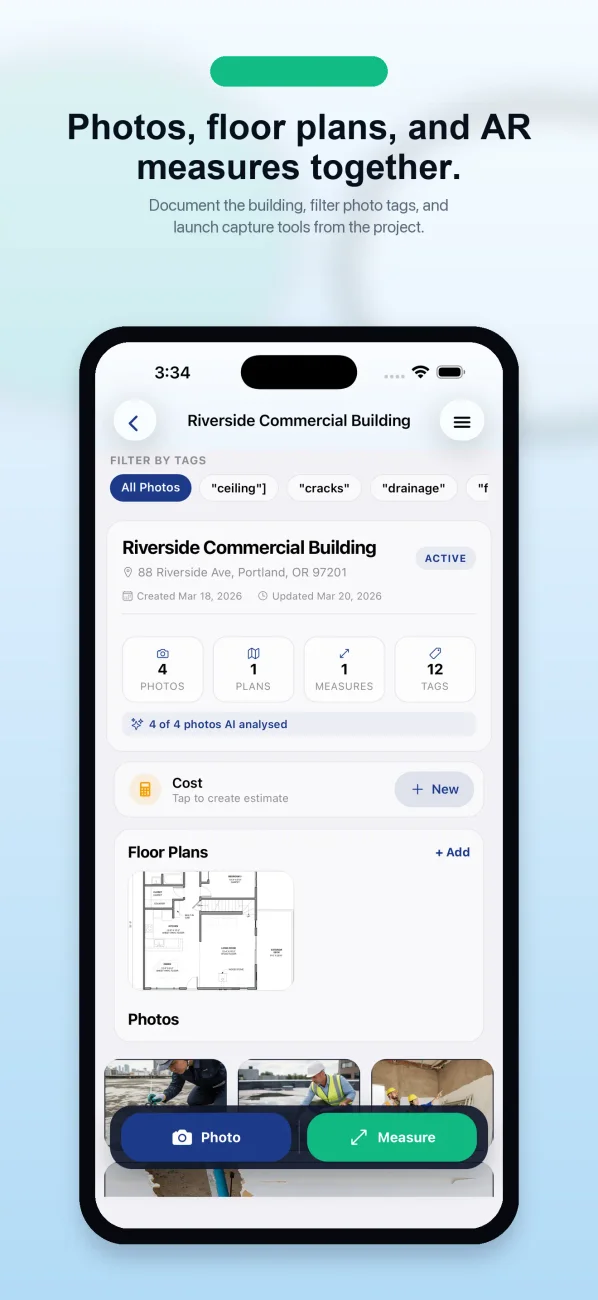
Key Features: • 100% Paperless Workflow: Digitize your job site. Say goodbye to lost notes and smudged blueprints. • Smart Photo Capture: Snap and organize site photos instantly without manually sorting them later. • AR Measurements: Measure spaces and objects on the fly using built-in Augmented Reality—no tape measure needed. • Floor Plan Pinning: Upload your digital blueprints and pin your photos/notes exactly where you took them for perfect context. • Fast Cost Estimates: Generate immediate, accurate cost estimates right from the job site. • Professional Reports: Export clean, branded PDF and CSV reports to share with clients and your team in seconds without ever touching a printer.
Build faster, track smarter, and document everything effortlessly with PlanScale.
License Agreement (EULA)
https://www.apple.com/legal/internet-services/itunes/dev/stdeula/
新機能
バージョン 1.4.0 · 2026/5/2
- Improved AR measurement annotation handling after capture.
- Refined photo editing and navigation behavior.
- Reliability improvements for a smoother launch and field workflow.
アプリのプライバシー
このアプリのデータの取り扱いについて、Aries Paul ZetaがApp Storeで申告している内容です。
-
ユーザーに関連付けられたデータ
収集され、ユーザーの識別情報に関連付けられる場合があります。
- 購入
- 位置情報
- 連絡先情報
- ユーザーコンテンツ
- ID
- 使用状況データ
-
ユーザーに関連付けられないデータ
収集される場合がありますが、ユーザーの識別情報には関連付けられません。
- ユーザーコンテンツ
- 診断
- Surroundings
プライバシーの取り扱いは、ご利用の機能やお客様の年齢などに応じて異なる場合があります。
情報
- 販売元
- Aries Paul Zeta
- カテゴリ
- 仕事効率化
- バージョン
- 1.4.0
- 更新日
- 2026/5/2
- リリース
- 2026/5/1
- サイズ
- 63.3 MB
- 必要条件
- iOS 15.1以降
- 対象年齢
- 4+
- 価格
- 無料
- 言語
- 英語
- 著作権
- © 2026 Aries Zeta
こちらもおすすめ
-
 ScaleTap: PDF図面計測現場で使える縮尺計測
-
 Sandbook: Text to Speech仕事効率化
-
 Drawboard - PDF書き込みと編集、マークアップドキュメント&ホワイトボード、サイン、写真、書類作成アプリ
-
 eMail: AIメール作成・返信メールを簡単に作成/仕事効率化/AIで文章の質
-
 PDF Combiner - PDF結合・分割・変換写真・画像をPDFに変換、スキャナー
-
 T9 DialT9連絡先検索・スピードダイヤル・ウィジェット
-
 PDF ファイルを数秒でマージして結合しますPDFの結合、分割、圧縮、ロック解除、スキャン、PDFの編集
-
 ArcSite:フロアプランとCADデザイン、スケッチ、描画を簡単に
-
 PDF Expert - ファイルの編集、保存、署名記入書類の閲覧、変換、編集アプリ すべてのファイルに対して
-
 HyNote-日本語音声録音・文字起こし・ボイスメモアプリ無料ボイスレコーダー・アップルウォッチ録音・AIチャット要約