- 対象年齢9+
- カテゴリユーティリティ
- 開発元Dylan Mathurin
- 言語英語ほか8言語
- サイズ1.9 GB
App Storeの公式ページにリンクしています
Download.orgはPlayPc - Pocket Computerのファイルを一切ホストしていません。ボタンを押すと、Dylan Mathurinが公開しているApp Storeのアプリページが開きます。ページの最終確認:2026/11/22。
スクリーンショット
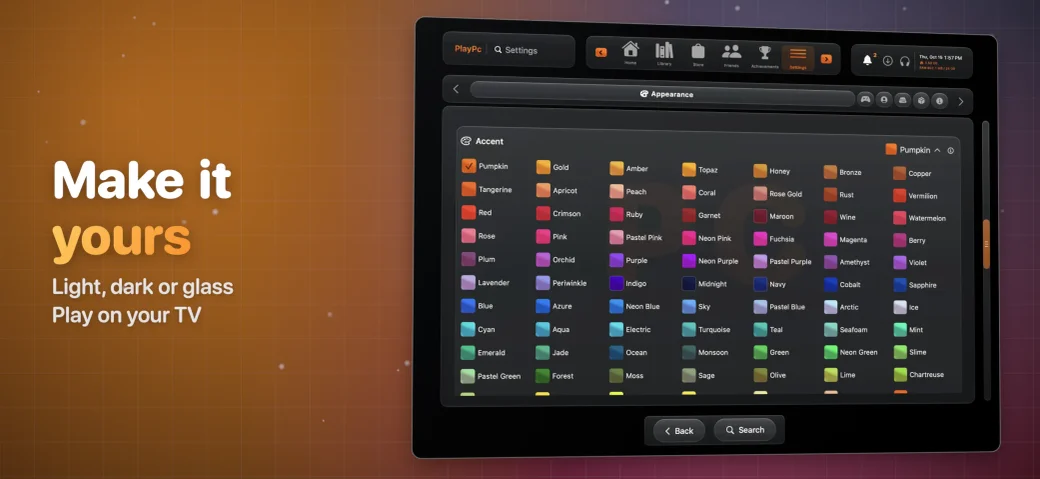
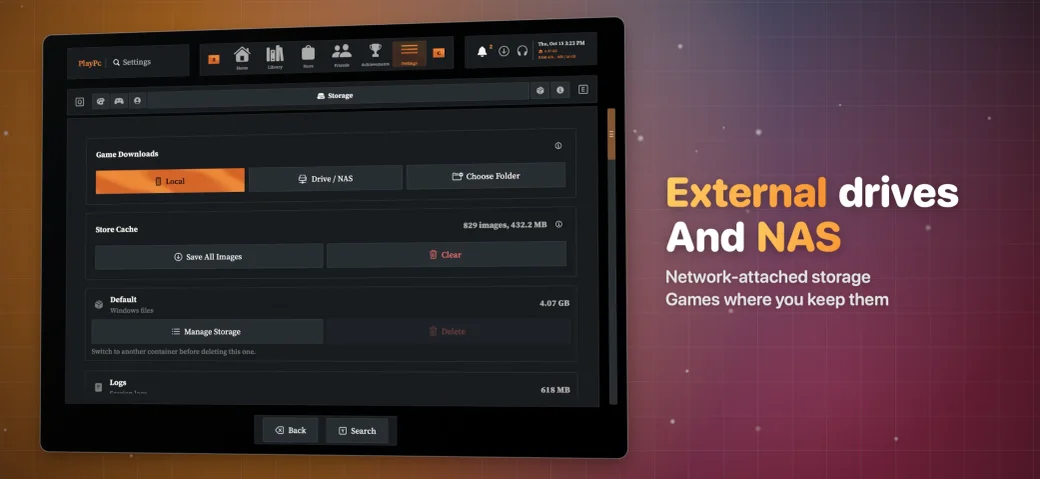
概要
開発元はこのテキストをお使いの言語で提供していません。
PlayPc runs 64-bit and 32-bit Windows PC games on iPhone and iPad.
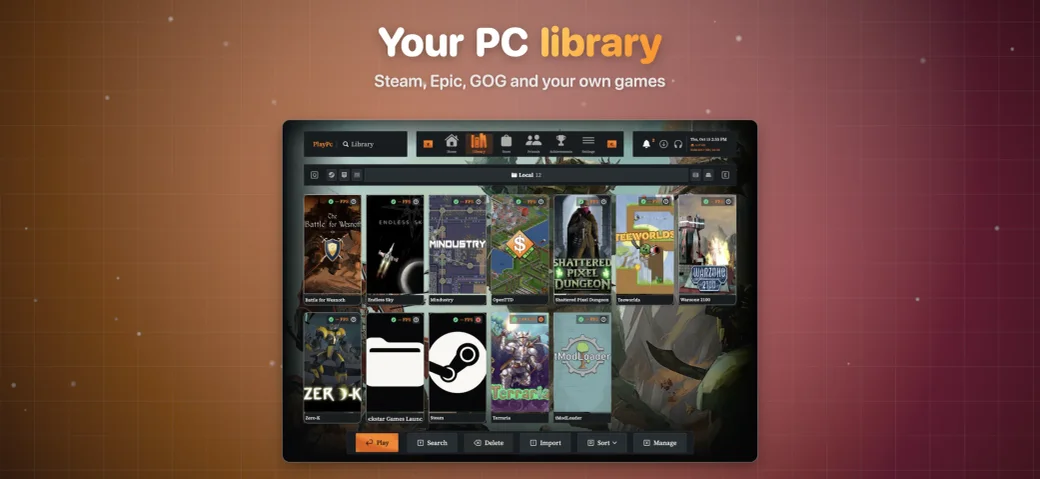
Sign in to Steam, Epic Games or GOG, download the games you own and play them on your device. No computer and no streaming. Every game runs on the device.
Features
• Game stores. Sign in to Steam, Epic Games and GOG, see your library and download your games.
• Containers. Make your own Windows setup and run programs and installers in it.
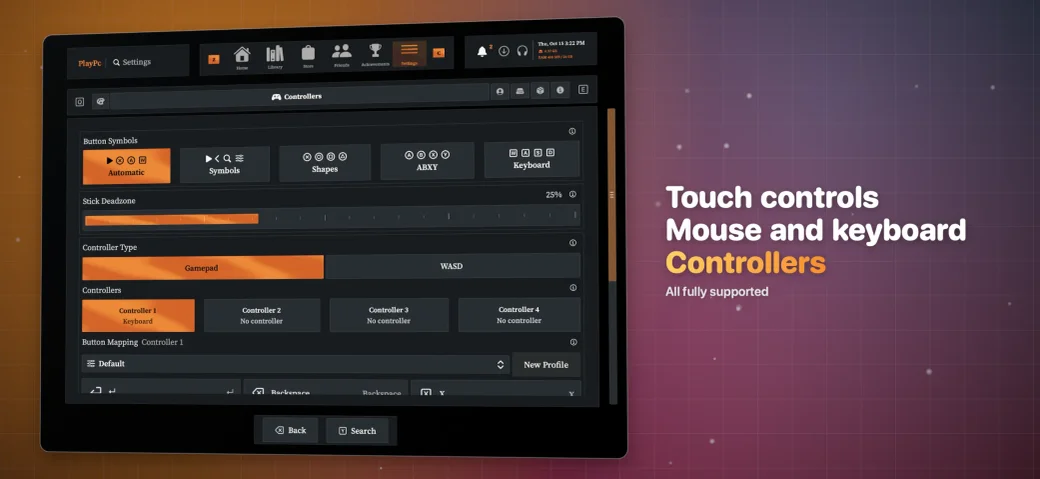
• Controllers. Xbox, PlayStation and MFi controllers, plus keyboard and mouse.
• Touch controls. On-screen buttons and sticks, with a layout you can edit for each game.
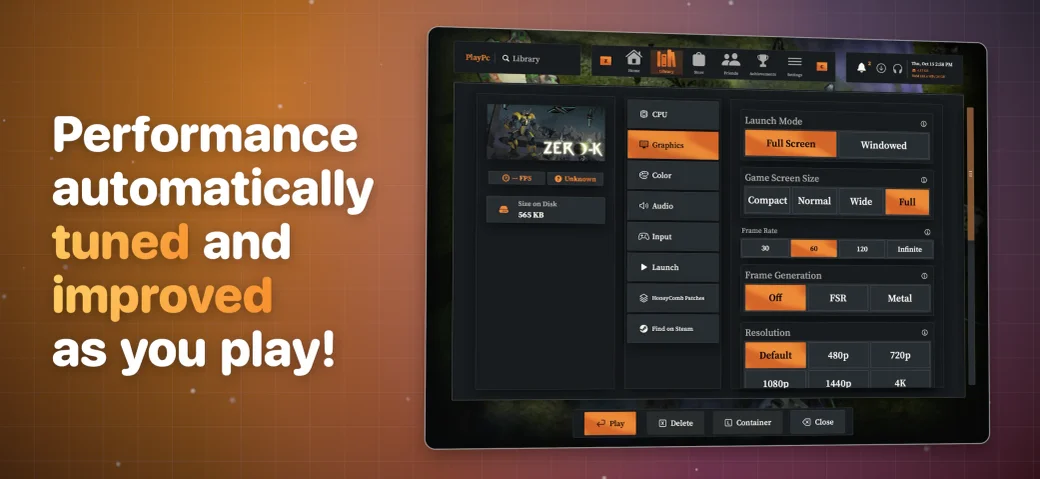
• Graphics. Support for Direct3D 9, 10, 11 and 12, Vulkan and OpenGL, with upscaling and frame generation.
• TV. Play on an external display or with AirPlay.
• Compatibility. See how each game runs on devices like yours before you play.
• Performance profiles. Games pick up tuned settings from shared performance data without an app update.
Requirements
• iOS 17.0 or later on iPhone or iPad.
• 64-bit or 32-bit Windows PC games you own on Steam, Epic Games or GOG, or a game's own Windows installer.
• Free storage for the games you download. A game takes about as much space as it does on a PC.
• An internet connection to sign in, download games and check your account.
• Online modes that need BattlEye or other kernel anti-cheat are not supported.
• How well a game runs depends on the game and the device. Newer devices with more memory run more games. Check a game's compatibility in the library before you play.
PlayPc Full Access
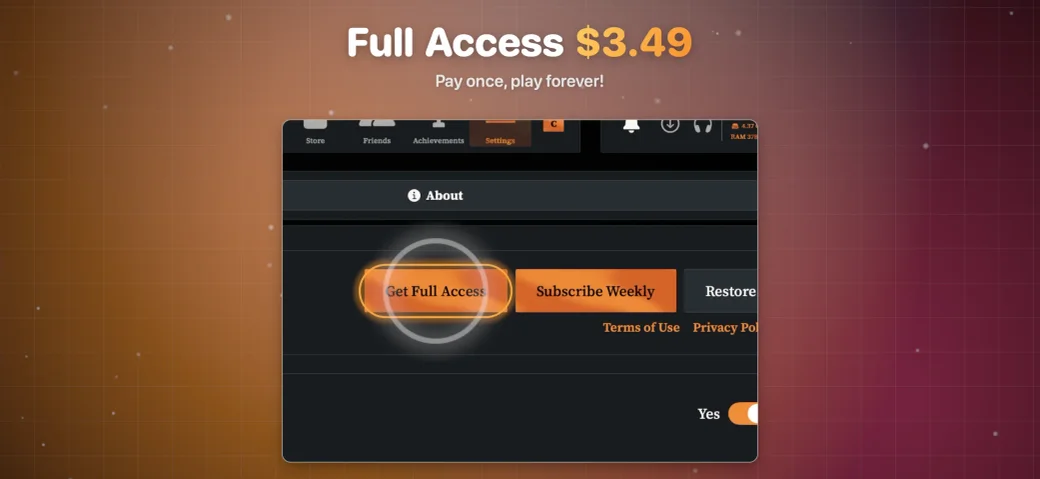
Signing in to stores and downloading games is free. A free SharkPond account plays for 3 days. PlayPc Full Access unlocks games and containers. Buy it once to keep it, or subscribe to PlayPc Full Access Weekly.
PlayPc Full Access Weekly is an auto-renewing subscription. Payment is charged to your Apple Account at confirmation. It renews every week unless auto-renew is turned off at least 24 hours before the end of the week, and your account is charged for renewal within 24 hours before the week ends. Manage or cancel it in your Apple Account settings.
Terms of Service: https://sharkspond.com/terms/playpc
Privacy Policy: https://sharkspond.com/privacy/playpc
PlayPc does not include any games. You play games you own from your own store accounts. How a game runs depends on the game and the device.
PlayPc is not affiliated with Valve, Epic Games, GOG or Microsoft.
新機能
バージョン 1.0.3 · 2026/11/22
Fixed some crashes and hangs in games that rewrite their own code.
Fixed OpenGL textures that could appear black or use the wrong image.
Reduced memory used for small OpenGL buffer updates and fixed their drawing order.
Fixed some game launchers closing after sign-in. Sign-in pages can open in the system browser.
Fixed games inheriting the wrong screen size and improved how the original image proportions are displayed.
Fixed the last frame staying on screen after leaving the app and fixed controller detection during a game.
Improved Quick Resume, Vulkan frame pacing, and game library scrolling on iOS 17.
Added another game launcher and tools to change game artwork from Manage.
アプリのプライバシー
このアプリのデータの取り扱いについて、Dylan MathurinがApp Storeで申告している内容です。
-
ユーザーに関連付けられたデータ
収集され、ユーザーの識別情報に関連付けられる場合があります。
- 購入
- 連絡先
- ユーザーコンテンツ
- ID
- 診断
- その他のデータ
-
ユーザーに関連付けられないデータ
収集される場合がありますが、ユーザーの識別情報には関連付けられません。
- 使用状況データ
- 診断
プライバシーの取り扱いは、ご利用の機能やお客様の年齢などに応じて異なる場合があります。
情報
- 販売元
- Dylan Mathurin
- カテゴリ
- ユーティリティ
- バージョン
- 1.0.3
- 更新日
- 2026/11/22
- リリース
- 2026/11/2
- サイズ
- 1.9 GB
- 必要条件
- iOS 17.0以降
- 対象年齢
- 9+
- 価格
- 無料
- アプリ内課金
- あり
- 言語
- 英語, アラビア語, フランス語, 日本語, 韓国語, ポルトガル語, スペイン語, タイ語, ベトナム語
- 著作権
- © 2026 Dylan Mathurin
こちらもおすすめ
-
 Bootboxユーティリティ
-
 Cheese: VPN プライベート接続公衆Wi-Fiでも、ワンタップでプライバシーを
-
 OneFlixユーティリティ
-
 エミュー:レトロゲームエミュレーター名作を1つの本棚に。2人対戦も
-
 JoyArk: Cloud Gamingユーティリティ
-
 Wanqu Emulator - Retro Gamesユーティリティ
-
 AirTransfer: Files & Clipboardユーティリティ
-
 SimulatorArcadeArcade Emulator
-
 NekoPC - PC Emulatorユーティリティ
-
 PasteKit: クリップボードキーボード定型文とクイック返信をワンタップで入力