
- 対象年齢4+
- カテゴリユーティリティ
- 開発元PLUTOMEN TECHNOLOGIES PRIVATE LIMITED
- 言語英語
- サイズ101.5 MB
App Storeの公式ページにリンクしています
Download.orgはPlutomen Connectのファイルを一切ホストしていません。ボタンを押すと、PLUTOMEN TECHNOLOGIES PRIVATE LIMITEDが公開しているApp Storeのアプリページが開きます。ページの最終確認:2026/11/15。
スクリーンショット



概要
開発元はこのテキストをお使いの言語で提供していません。
Plutomen Connect is a robust Enterprise SaaS Product powered by AR technology to empower enterprises with remote collaboration tools for their frontline workforce across the globe. Carefully crafted for especially your frontline workforce to boost efficiency & productivity offering instant and quantifiable MRO outcomes.
Give your frontline team the superpower of AR to collaborate, troubleshoot, optimize, and easily understand your most critical business processes. It instantly in real-time simplifies the complex workflows, keeping critical assets running, and making it count when your experts are needed the most.
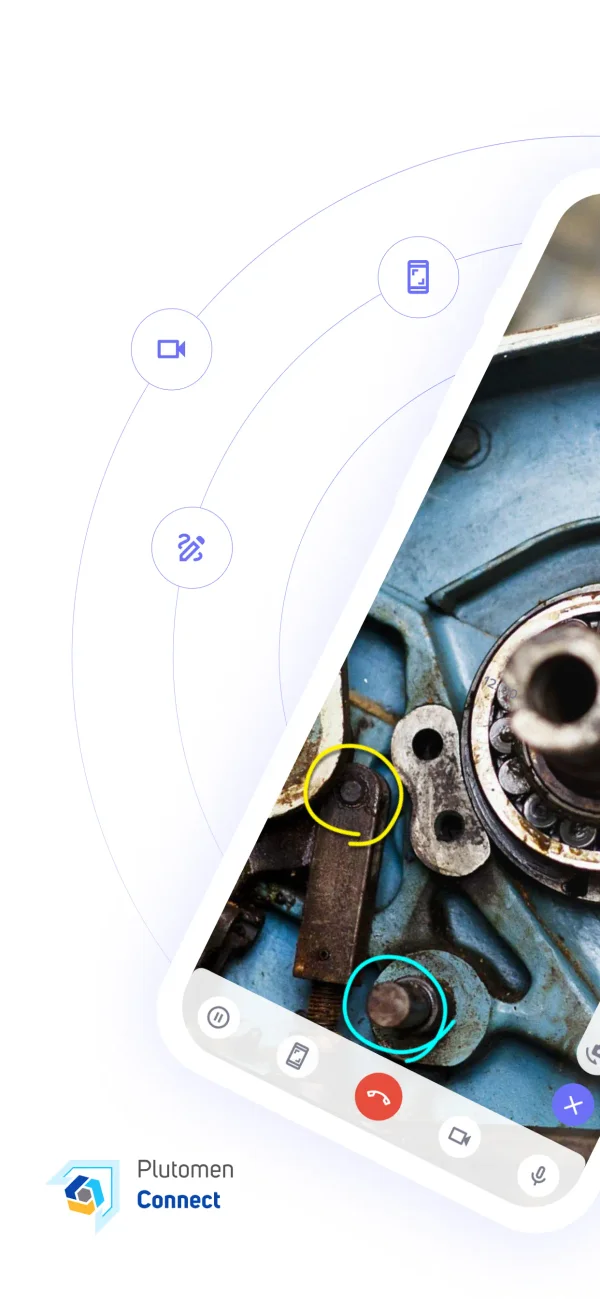
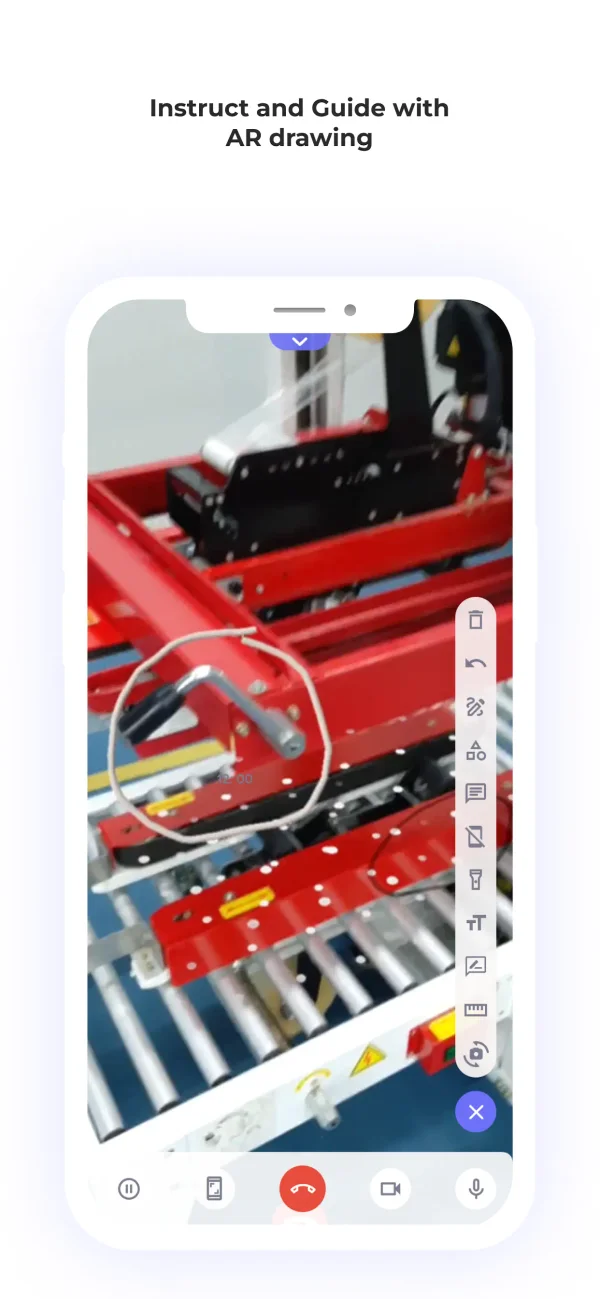
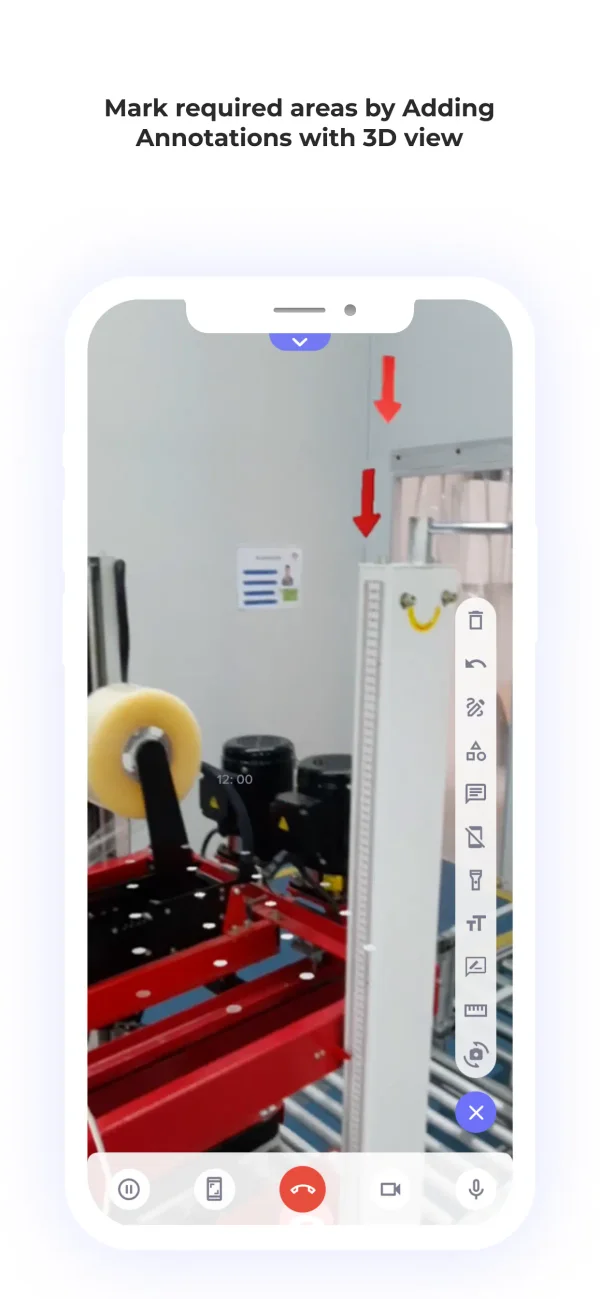
Frontline workers, partners, vendors can seamlessly collaborate remotely with industry experts. Get real-time visual guidance for daily MRO through real-time AR annotations on images & video recordings, a private encrypted chat module, intelligent analytics, an admin dashboard - complete digitalized self-help manuals and workflows with companies' SOPs. AR software allows us to intervene remotely, in real-time, carry out ordinary maintenance procedures or resolve technical failures. Remote experts can accurately diagnose the problem and find a solution, reduce the time spent understanding the problem and avoid unnecessary travel expenses.
Core Features:
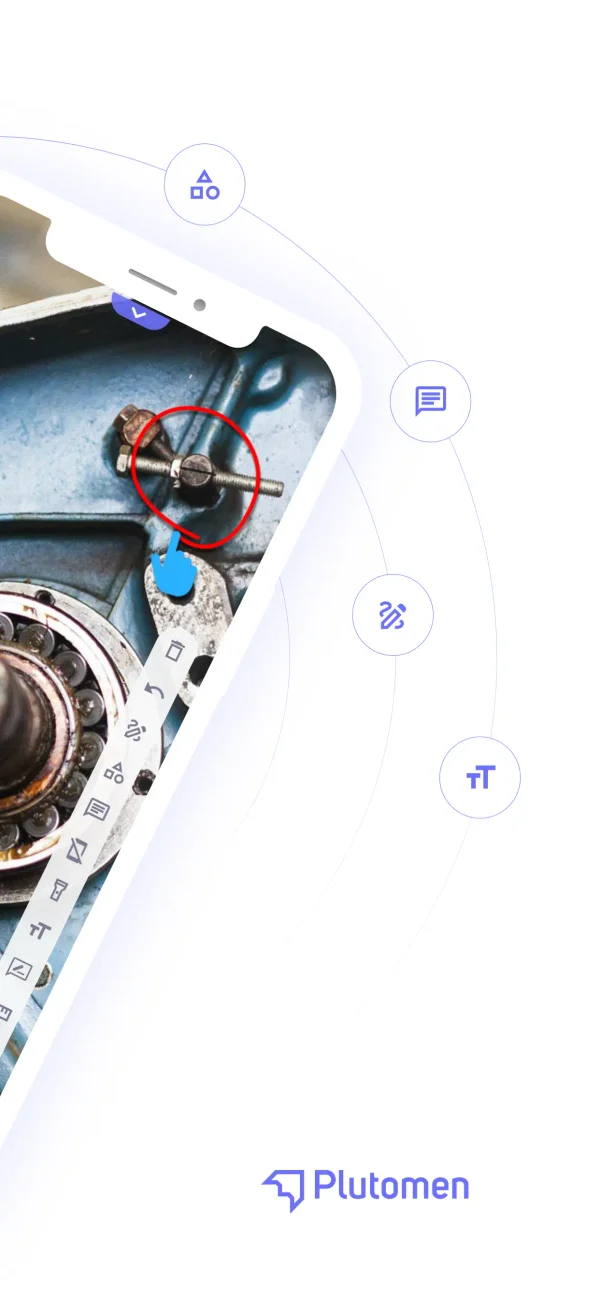
Custom Annotations & AR-based Drawing: This feature allows you to draw or annotate numerous drawings or objects on top of real-world items.
AR based remote assistance: They offer augmented reality-powered remote support that combines live video streaming with augmented reality. Remote support allows workers to bring subject matter experts to a customer's site remotely using augmented reality to assist them with difficult service issues.
Screen capture or recording: This app allows you to take a snapshot or record a call, which is then saved in the gallery for future reference. Only the registered users will be able to see the snapshot and recordings from the gallery.
Screen sharing: You can screenshare if you're logging in through your PC.
Delete text/ annotations: You can use the function to delete any text or annotation off the screen that you don't want to be there.
Add text: On a call, you can add text anywhere on the screen to help your team understand quickly or easily.
Undo changes: Using the undo option, you can undo the most recent modifications.
Secure chat: You can chat while on the line and share documents, snaps, and videos.
Invite user: By sharing the link or copying the 9-digit code, you can invite members of the group as well as guest users.
Freeze mode: This feature allows you to freeze a specific region and then annotate or draw on it to help your team understand. All changes, annotations, and drawings made during freeze mode will be erased once we unfreeze.
Search in gallery: A search feature based on the tags assigned to a particular file is offered to assist the user in finding photographs, videos, or documents.
Self-assistance: Before attending a meeting, you can put yourself to the test by selecting the self-assistance option and testing the environment and tools. You may also produce a video recording of training or resolving a problem for yourself or a team member and share it with them on chat using all of the AR features.
Measurement: The iOS user can measure devices or equipment that will assist them in working freehand without the usage of measuring tapes
Camera sharing: There is a switch camera sharing option where mobile users can switch their camera which will increase the productivity of work.
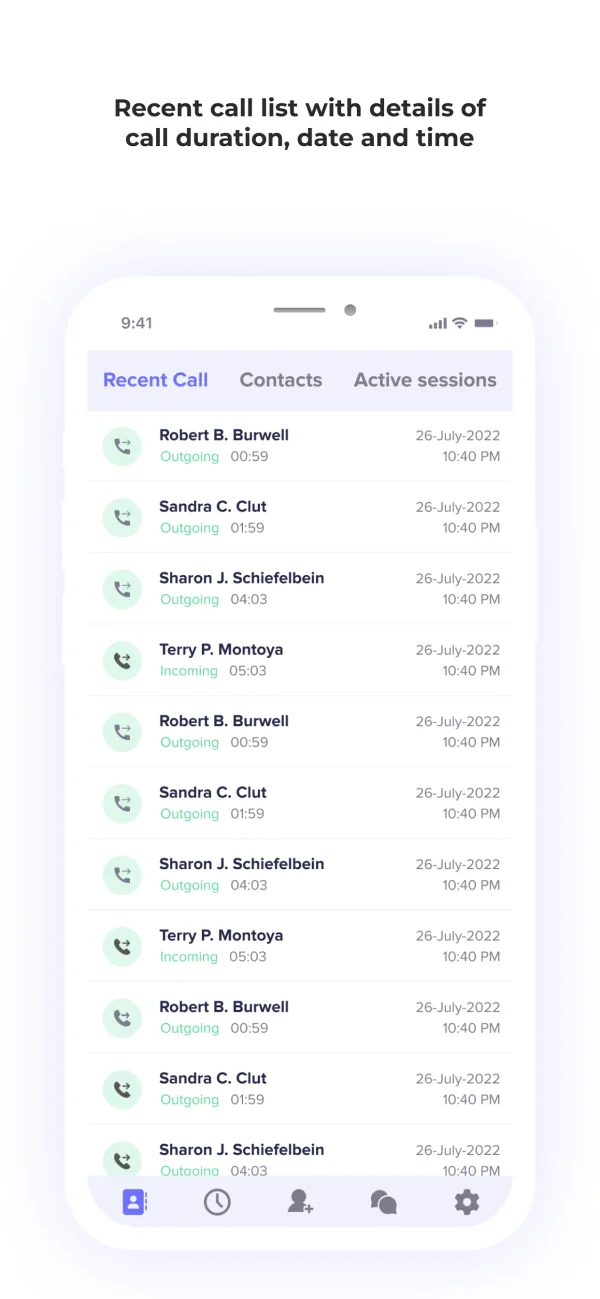
Call history: All call details will be displayed in the call history/recent call. The snapshots, video recordings, and all of the actions that occurred during that particular session along with all the other details like time and date. So, the user doesn't have to go to the gallery and search for each session's details.
新機能
バージョン 1.73 · 2026/11/13
bug fix
アプリのプライバシー
このアプリのデータの取り扱いについて、PLUTOMEN TECHNOLOGIES PRIVATE LIMITEDがApp Storeで申告している内容です。
-
データの収集なし
開発元はこのアプリからデータを収集しません。
プライバシーの取り扱いは、ご利用の機能やお客様の年齢などに応じて異なる場合があります。
情報
- 販売元
- PLUTOMEN TECHNOLOGIES PRIVATE LIMITED
- カテゴリ
- ユーティリティ
- バージョン
- 1.73
- 更新日
- 2026/11/13
- リリース
- 2020/3/12
- サイズ
- 101.5 MB
- 必要条件
- iOS 15.6以降
- 対象年齢
- 4+
- 価格
- 無料
- 言語
- 英語
- 著作権
- © Plutomen 2023