- 対象年齢4+
- カテゴリミュージック
- 開発元Rob Jackson
- サイズ12.7 MB
App Storeの公式ページにリンクしています
Download.orgはPolyDelayのファイルを一切ホストしていません。ボタンを押すと、Rob Jacksonが公開しているApp Storeのアプリページが開きます。ページの最終確認:2026/11/14。
スクリーンショット


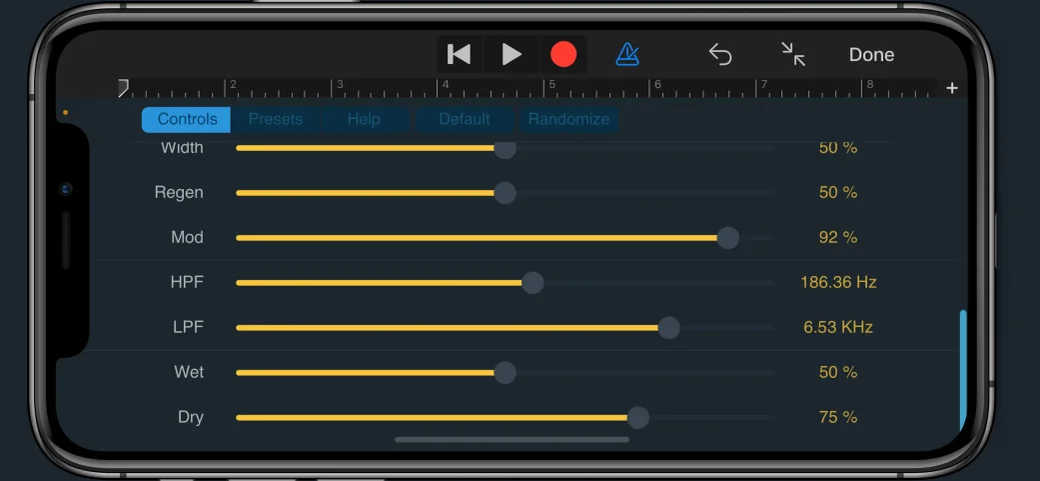
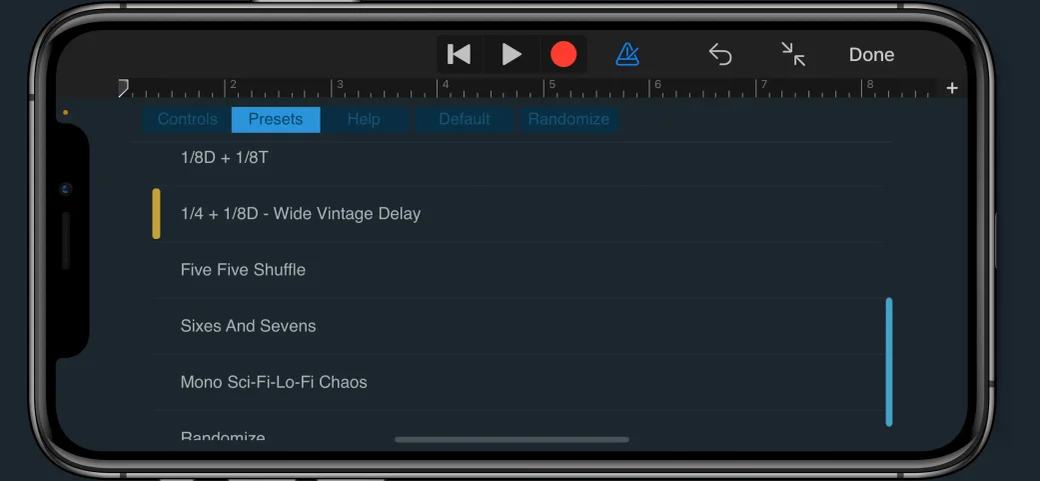

概要
開発元はこのテキストをお使いの言語で提供していません。
PolyDelay Polyrhythmic Delay Plugin (AUv3)
PolyDelay is an audio effect plugin that can run standalone, or in any AU compatible host application such as Logic Pro or GarageBand.
Overview
PolyDelay is a dual delay line / stereo effect with optional host tempo sync. While PolyDelay can be used to create interesting stereo polyrhythmic delays, it can also produce more familiar delay patterns such as dotted eighth and quarter note triplets.
Polyrhythms, Divisions and Beats
PolyDelay calculates delay times based on a BPM (beats per minute) tempo, and the polyrhythmic notation of D:B, where D = divisions and B = beats. For example, 3:2 would mean that the time for 2 beats should be divided by 3. If you're more use to the idea of note lengths and delay times, such as quarter notes and dotted eighths, etc., this might be confusing at first, but hopefully this guide will help.
Firstly, everything starts with the beat! So, for 120BPM, each beat (or quarter note) will be half a second, or 500ms. So if you want a quarter note delay, you want 1 division within one beat, so you would set Divs and Beats to 1.
Here are some typical note values, lengths (120BPM) and their D:B values:
1/4 = 500ms = 1:1 (take the length of one beat, and divide that by one)
1/8 = 250ms = 2:1 (take the length of one beat, and divide that by two)
1/16 = 125ms = 4:1 (etc.)
1/32 = 63ms = 8:1 (etc.)
See how the divisions are doubled-up for each note? And here are some dotted and triplet note examples - see how the D:B numbers start to get interesting!
1/4D = 750ms = 2:3
1/4T = 333ms = 3:2
1/8D = 375ms = 4:3
1/8T = 167ms = 3:1
A classic stereo delay would be 1:1 (1/4) left, and 4:3 (1/8D) right with Width set to max. If you want a really long delay, a 1:8 setting would give you 4 seconds at 120BPM with Multiply set to Normal, or 8 seconds set to Half. The Presets also include some typical (and not so typical!) examples to get you started.
The fun really starts when you start mixing "unusual" (typically odd numbers) divisions and beats, such as 5:4 or 2:7. These sorts of relationships are what we typically refer to as polyrhythms. Try experimenting with PolyDelay on simple sequences and drum parts / patterns and you may start to hear all sorts of interesting rhythmic interplay as your brain tries to figure out what's going on!
For additional tone-shaping, PolyDelay includes variable stereo width, a high and low pass filter, stereo modulation and internal limiting to keep audio levels in check.
For more info and support please visit:
www.waverley-instruments.com/robjackson
新機能
バージョン 1.0.2 · 2026/1/18
Fix for "trails mode" not working properly when Active is toggled On and Off.
アプリのプライバシー
このアプリのデータの取り扱いについて、Rob JacksonがApp Storeで申告している内容です。
-
データの収集なし
開発元はこのアプリからデータを収集しません。
プライバシーの取り扱いは、ご利用の機能やお客様の年齢などに応じて異なる場合があります。
情報
- 販売元
- Rob Jackson
- カテゴリ
- ミュージック
- バージョン
- 1.0.2
- 更新日
- 2026/1/18
- リリース
- 2025/8/18
- サイズ
- 12.7 MB
- 必要条件
- iOS 12.0以降
- 対象年齢
- 4+
- 価格
- ¥300
- 著作権
- © 2025 Rob Jackson