- 対象年齢4+
- カテゴリ開発ツール
- 言語英語
- サイズ3.9 MB
App Storeの公式ページにリンクしています
Download.orgはPreloopのファイルを一切ホストしていません。ボタンを押すと、が公開しているApp Storeのアプリページが開きます。ページの最終確認:2026/11/12。
スクリーンショット
概要
開発元はこのテキストをお使いの言語で提供していません。
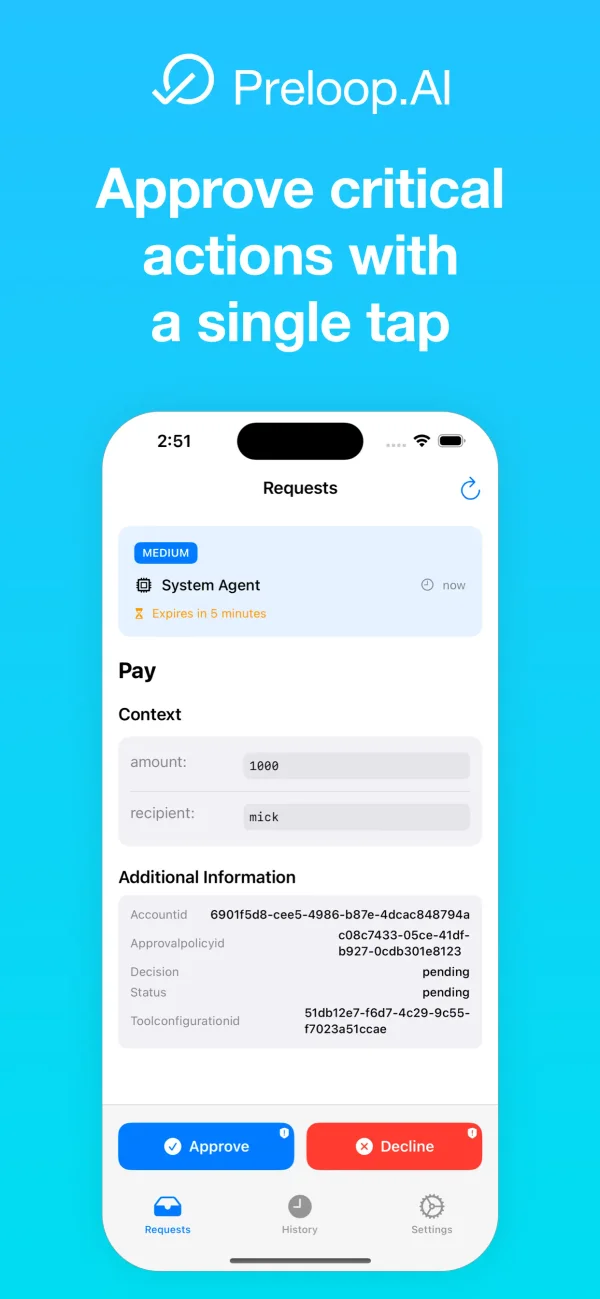
Preloop is the human approval layer for autonomous AI agents.
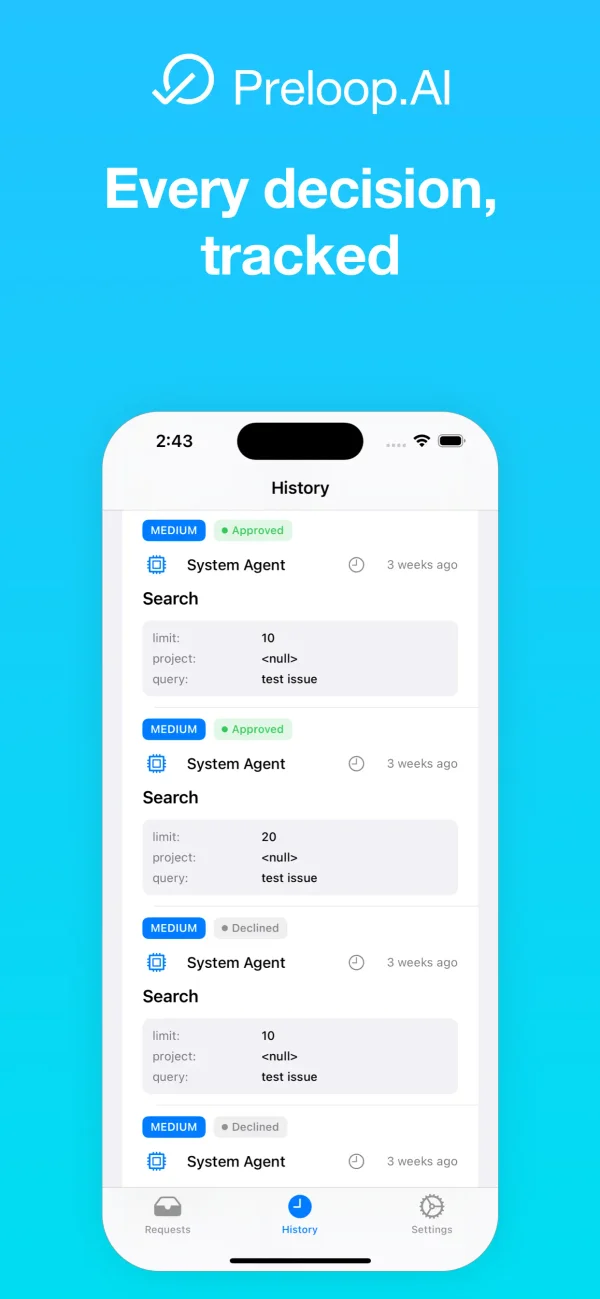
When your agents attempt risky actions like deployments, refunds, or data changes, Preloop intercepts the request and routes it to you for approval right on your iPhone or Apple Watch. The right people in your organization get instant notifications with full context, approve or decline with one tap, while your organization maintains a complete audit trail for compliance.
Preloop enables event-driven automation through Agentic Flows - let AI agents handle routine work automatically while you control critical decisions. Setup takes 3 minutes as an MCP proxy, works with Claude and Cursor, and requires no infrastructure changes.
Risk-based policies ensure only high-stakes actions need approval while low-risk operations run automatically. AI agents can't take legal or moral responsibility for their actions - Preloop ensures humans stay in control.
Perfect for engineering teams, DevOps, and anyone deploying autonomous AI in production. Enterprise-ready, designed for SOC2 compliance, role-based access, and secure end-to-end encryption.
新機能
バージョン 1.6 · 2026/7/15
### Added
- **`ask_user` questions on approval detail**: Question-style approval requests render option buttons and an optional free-text answer field. Answers submit `selected_option` / `answer_text` through the existing decision endpoints (server precedence: answer text → selected option → comment). Dismiss maps to decline.
- **Standalone Apple Watch answering**: The watch now answers `ask_user` questions on its own — one button per option (scrollable, so more than two options work), plus a free-text field that uses watchOS dictation/Scribble/keyboard when the agent allows free text. Answers go straight to the backend over the watch's direct API (phone relay is only a fallback and now carries the option/answer too). No iPhone required.
- **Listen (text-to-speech) on the watch**: A Listen button on any request reads the summary, question, and option labels aloud through the connected audio route (AirPods or watch speaker) using `AVSpeechSynthesizer`. Opt-in per tap — notifications never auto-speak — and it degrades to a visible hint instead of failing when no audio route can be activated.
- **`ask_user` questions on the main iPhone card**: The swipeable request stack now answers questions inline — one button per option, a free-text answer field when the agent allows it, and Dismiss (maps to decline) — instead of the generic Approve/Decline bar. A shared `QuestionAnswerView` component backs both the card and the detail view.
- **Dictation on iPhone question answers**: The free-text answer field has a mic button that transcribes speech on device. The speech engine was extracted into `SpeechDictationService` and is shared with agent voice sessions; permission denials degrade to a typed answer.
- **Answer questions from the iPhone notification**: New static question categories (`QUESTION_0_OPTIONS` … `QUESTION_4_OPTIONS`) expose one action per option plus a text-input "Answer" action (typed or dictated, works on the lock screen and mirrors to the watch). Option labels are read from the push payload (`question_options`, top level or nested under `data`) and submitted as `selected_option`; pushes without the question fields behave exactly as before.
### Changed
- Apple Watch request views are summary-first: the backend summary is the glance line, with the full question or tool arguments below. Question requests no longer show Approve/Decline; they route to the answering surface everywhere (main view, detail, details sheet, confirm view) and are flagged with a question icon in the list.
- Apple Watch semantic colors now follow DESIGN.md (success `#26D962`, pending `#F2A93B`, denied `#FF5D5D`, info `#30C9E8`).
- Approval cards and detail views on iPhone and Apple Watch now prefer backend-provided approval summaries as the primary request text, with the tool name shown as secondary context.
- Renamed API models from **ApprovalPolicy** to **ApprovalWorkflow** (`ApprovalWorkflowResponse`, `approval_workflow_id`) with backward-compatible decoding for legacy `approval_policy_id` payloads in approval requests, tool configurations, and WebSocket events.
アプリのプライバシー
このアプリのデータの取り扱いについて、がApp Storeで申告している内容です。
-
ユーザーに関連付けられたデータ
収集され、ユーザーの識別情報に関連付けられる場合があります。
- 連絡先情報
- ID
- 使用状況データ
プライバシーの取り扱いは、ご利用の機能やお客様の年齢などに応じて異なる場合があります。
情報
- 販売元
- Spacecode AI Inc
- カテゴリ
- 開発ツール
- バージョン
- 1.6
- 更新日
- 2026/7/15
- リリース
- 2026/1/16
- サイズ
- 3.9 MB
- 必要条件
- iOS 18.2以降
- 対象年齢
- 4+
- 価格
- 無料
- 言語
- 英語
- 著作権
- © 2026 Spacecode AI Inc