Printer AI: Scan & Print
Sign PDFs. Organize documents
iPhone, iPad, iPod touch向けに設計
無料 · アプリ内課金
- 対象年齢17+
- カテゴリ仕事効率化
- 開発元Gowalk - Fzco
- 言語英語
- サイズ42.6 MB
App Storeの公式ページにリンクしています
Download.orgはPrinter AI: Scan & Printのファイルを一切ホストしていません。ボタンを押すと、Gowalk - Fzcoが公開しているApp Storeのアプリページが開きます。ページの最終確認:2026/11/20。
スクリーンショット
概要
開発元はこのテキストをお使いの言語で提供していません。
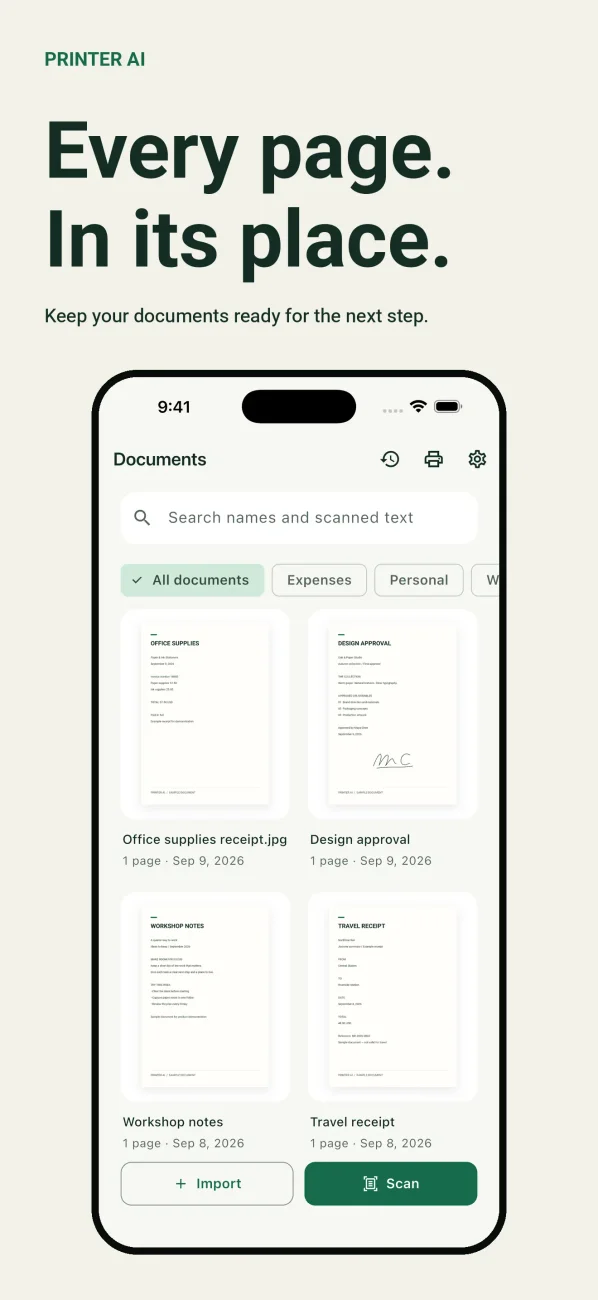
Bring your paperwork together in Printer AI. Import documents and photos, prepare clear pages, and send them to a compatible printer from your phone or tablet.
PRINT WITH CONTROL
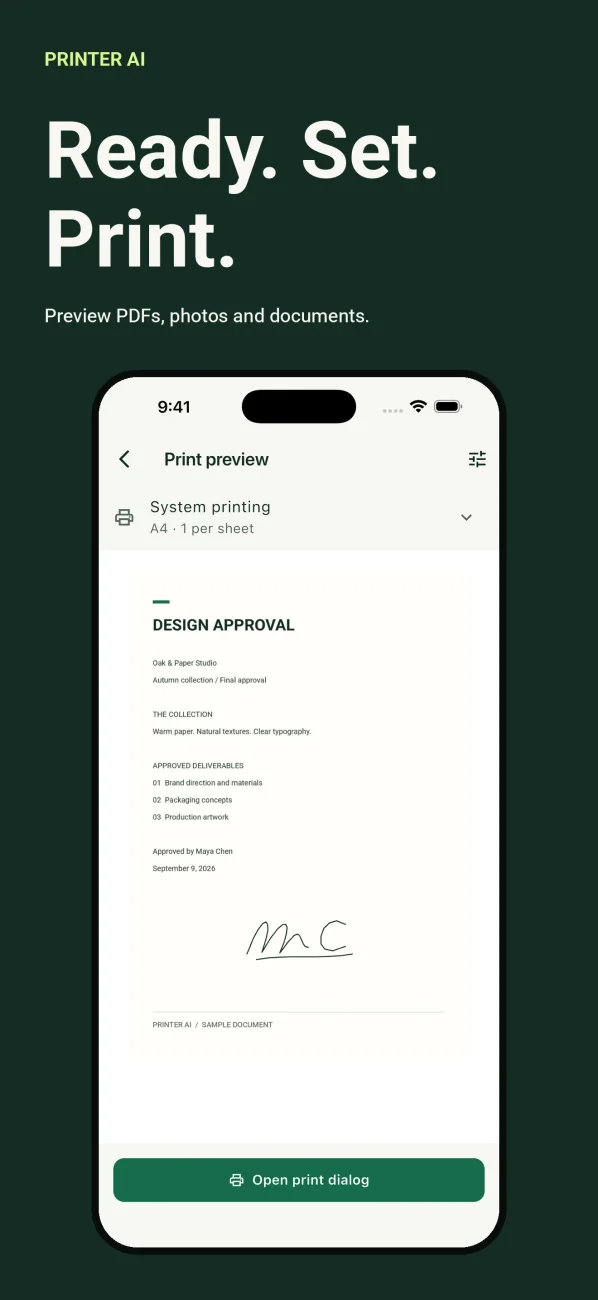
Use AirPrint or connect directly to a PDF-capable IPP/IPPS printer. Preview the result and choose supported options for copies, color, two-sided printing, paper, page ranges, scaling and pages per sheet. Save printers and check direct-print job status.
SCAN AND READ
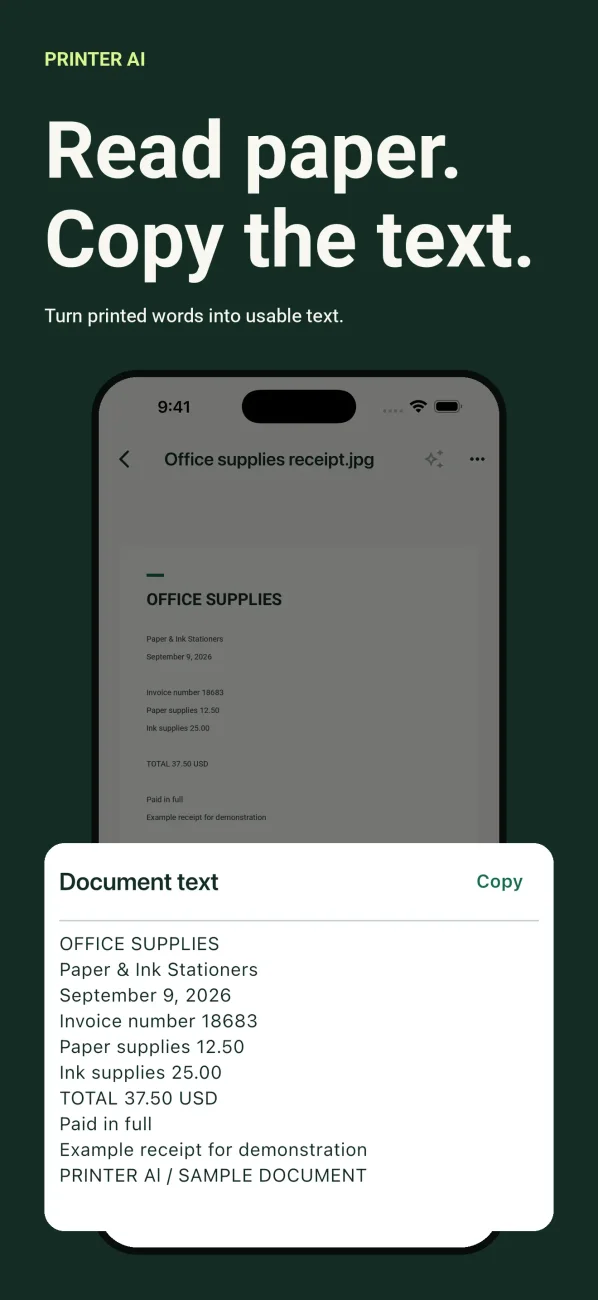
Capture documents with your camera, correct page edges and perspective, and collect multiple pages. Rotate, crop and apply document filters. On-device OCR extracts text from images so you can copy it or prepare it for an AI action.
SIGN, EDIT AND ORGANIZE
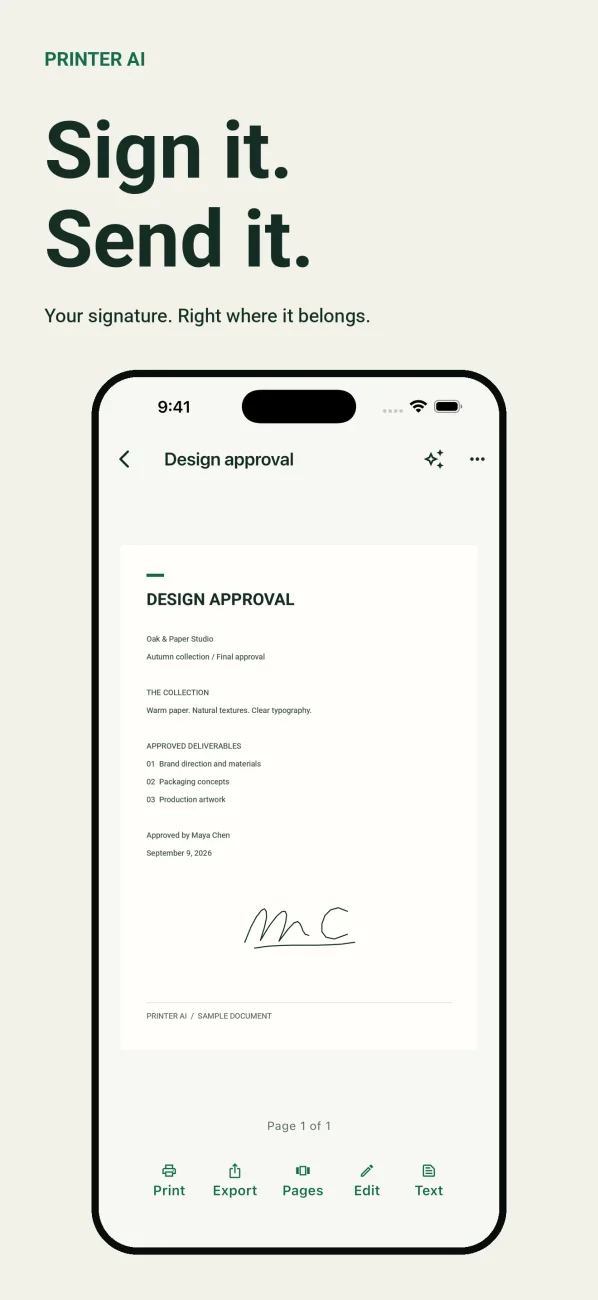
Draw and save signatures, place them on a page, add text, ink and highlights, and undo changes before saving. Reorder, duplicate, combine or extract pages. Keep documents in folders and find them with search.
IMPORT AND SHARE
Bring in PDFs, images, text, Office files and web pages. Receive files through AirDrop or use the system file picker for connected cloud drives, or share attachments into Printer AI from other apps. Export a PDF or JPG images through your device’s share menu. Office imports reflow text, saved spreadsheet values and embedded images; complex formatting and charts may differ. Original files are retained.
DOCUMENT AI, WITH YOUR PERMISSION
Clean up OCR text, summarize, translate, suggest a name or get print-layout advice. Review the text before sending it to AI and review the answer before using it. AI can make mistakes. Your original document stays available, and ordinary editing and OCR work on the device.
COMPATIBILITY
Support depends on the printer model and its enabled standards or AirPrint support. A manufacturer name alone does not guarantee compatibility. USB-only and proprietary Bluetooth printers may require the manufacturer’s software. Printer manufacturers do not sponsor or certify Printer AI.
SUBSCRIPTION REQUIRED
You can complete onboarding, close the offer and browse the app. Printing, scanning, importing, editing, exporting, printer setup and AI require an active Printer Pro subscription. Plans renew automatically unless canceled through your store account. Restore purchases and manage your subscription in Settings.
YOUR DATA
Documents and signatures are stored on your device. AI sends only the document text you approve. Settings includes optional diagnostics, local document deletion and AI-data deletion. Deleting data does not cancel a subscription.
Terms of Use: https://www.apple.com/legal/internet-services/itunes/dev/stdeula/
Privacy Policy: https://printer-ai-0msl.pages.dev/p/printer-ai/privacy
アプリのプライバシー
このアプリのデータの取り扱いについて、Gowalk - FzcoがApp Storeで申告している内容です。
-
ユーザーに関連付けられたデータ
収集され、ユーザーの識別情報に関連付けられる場合があります。
- 購入
- 位置情報
- 連絡先情報
- ユーザーコンテンツ
- ID
- 使用状況データ
- 診断
プライバシーの取り扱いは、ご利用の機能やお客様の年齢などに応じて異なる場合があります。
情報
- 販売元
- GOWALK - FZCO
- カテゴリ
- 仕事効率化
- バージョン
- 1.0.0
- 更新日
- 2026/9/16
- リリース
- 2026/9/16
- サイズ
- 42.6 MB
- 必要条件
- iOS 15.5以降
- 対象年齢
- 17+
- 価格
- 無料
- アプリ内課金
- あり
- 言語
- 英語
- 著作権
- © 2026 Meadow Apps
こちらもおすすめ
-
 Clarity: Decision Coach仕事効率化
-
 XLSX Spreadsheet: Edit Sheets仕事効率化
-
 Profile AI: PFP Maker Borders仕事効率化
-
 カスタム電話帳 + ウィジェット連絡先マネージャー - 電話帳
-
 Local Chat: プライベートAIチャットボットオフラインアシスタント、オープンLLM
-
 SpanSet Lash-Controller仕事効率化
-
 IFTTT - あなたのビジネスと自宅を自動化する時間を節約する自動化
-
 USB Disk SE, File Manager仕事効率化
-
 Xerox® Easy Assist仕事効率化
-
 Xerox® Workplace仕事効率化