
Printer App: Smart Print App ·
iPrint and Scan - Portable
iPhone, iPod touch向けに設計
無料 · アプリ内課金
- 対象年齢4+
- カテゴリ仕事効率化
- 開発元Kamalkumar Trapasiya
- 言語英語
- サイズ11.4 MB
App Storeの公式ページにリンクしています
Download.orgはPrinter App: Smart Print App ·のファイルを一切ホストしていません。ボタンを押すと、Kamalkumar Trapasiyaが公開しているApp Storeのアプリページが開きます。ページの最終確認:2026/11/18。
スクリーンショット
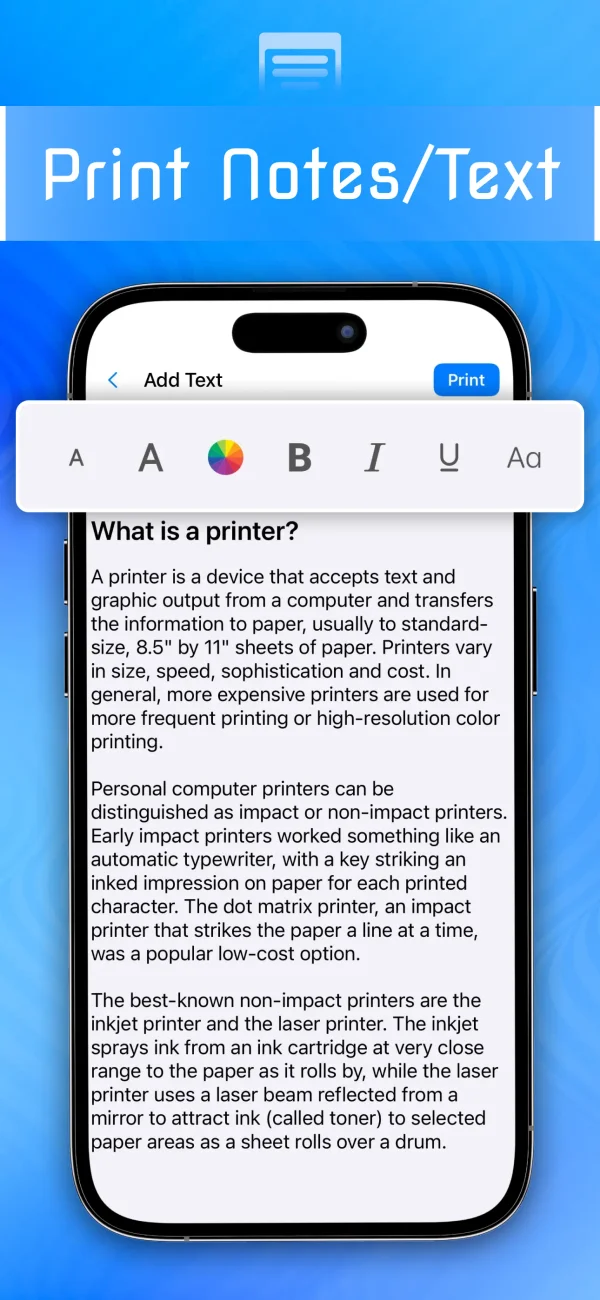
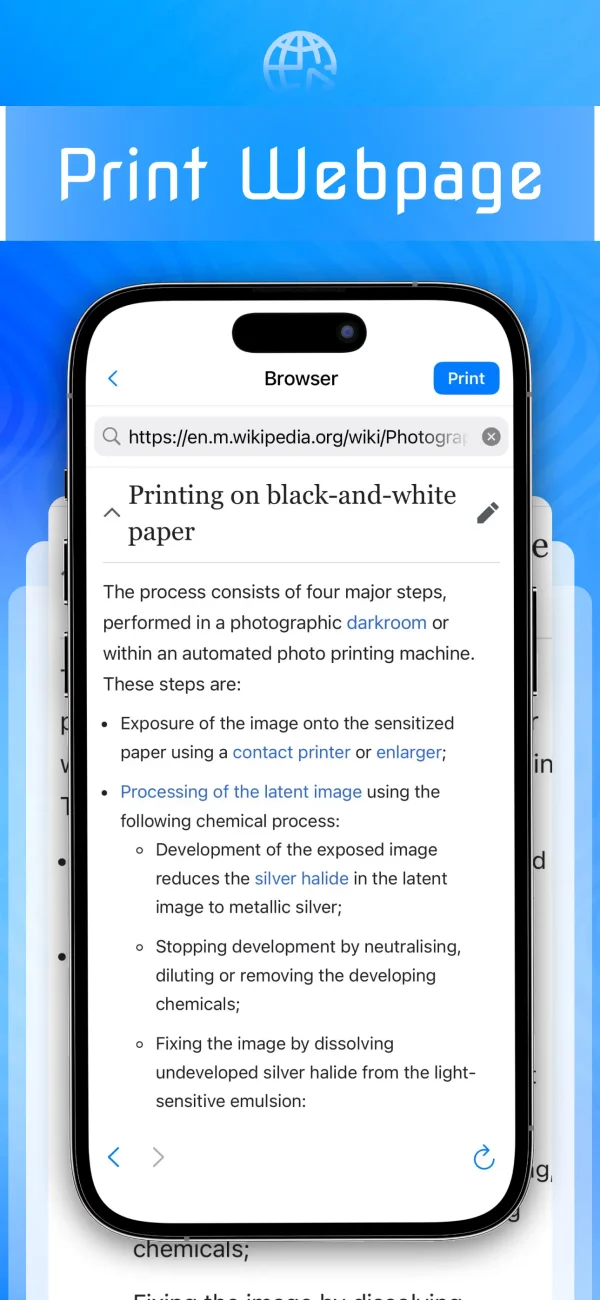
概要
開発元はこのテキストをお使いの言語で提供していません。
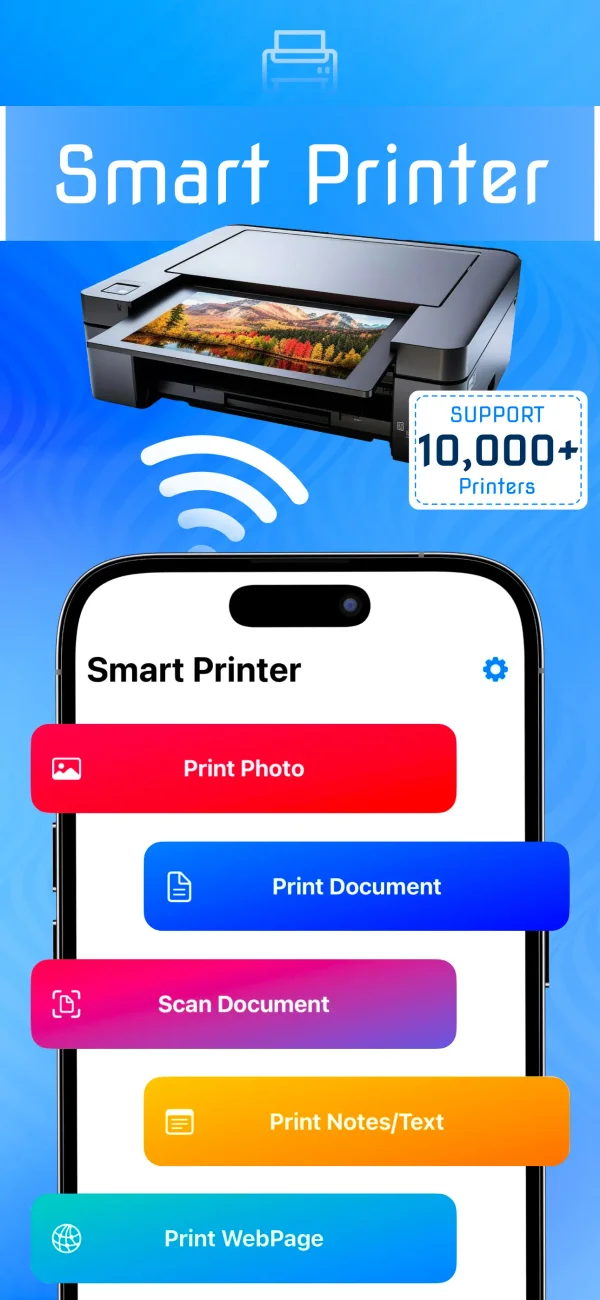
Smart Printer - Print Photos, Documents, Notes & More!
Smart Printer is your all-in-one mobile printing solution, offering easy and efficient ways to print photos, documents, web pages, and more – all with advanced customization options for the perfect print every time!
Key Features:
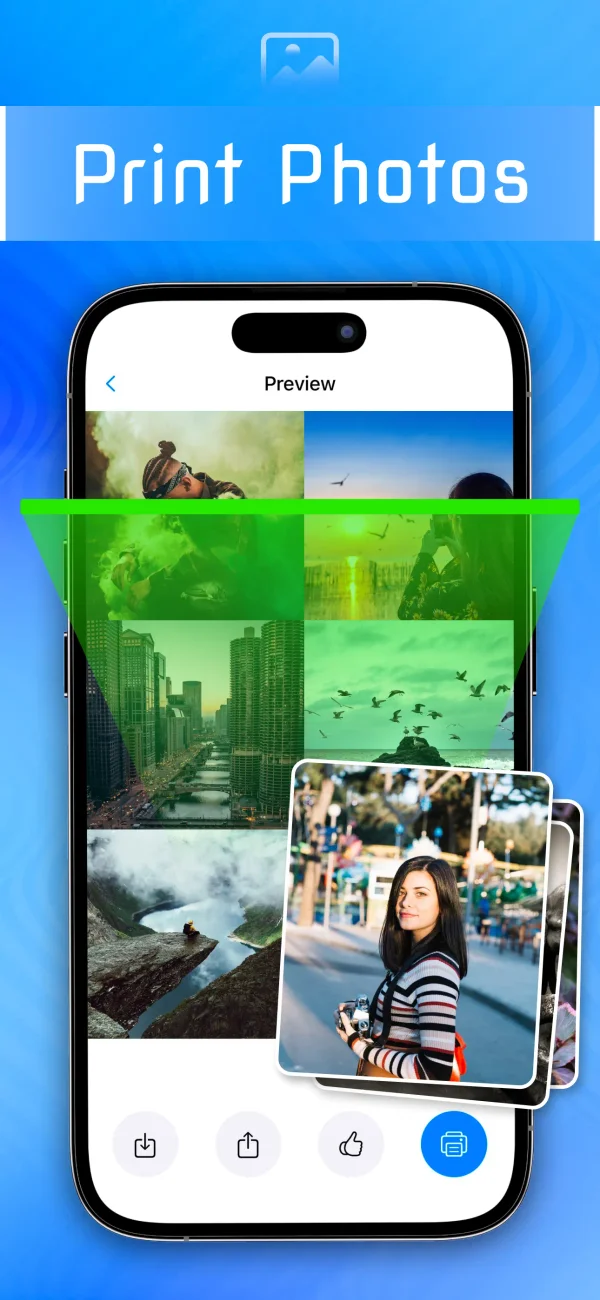
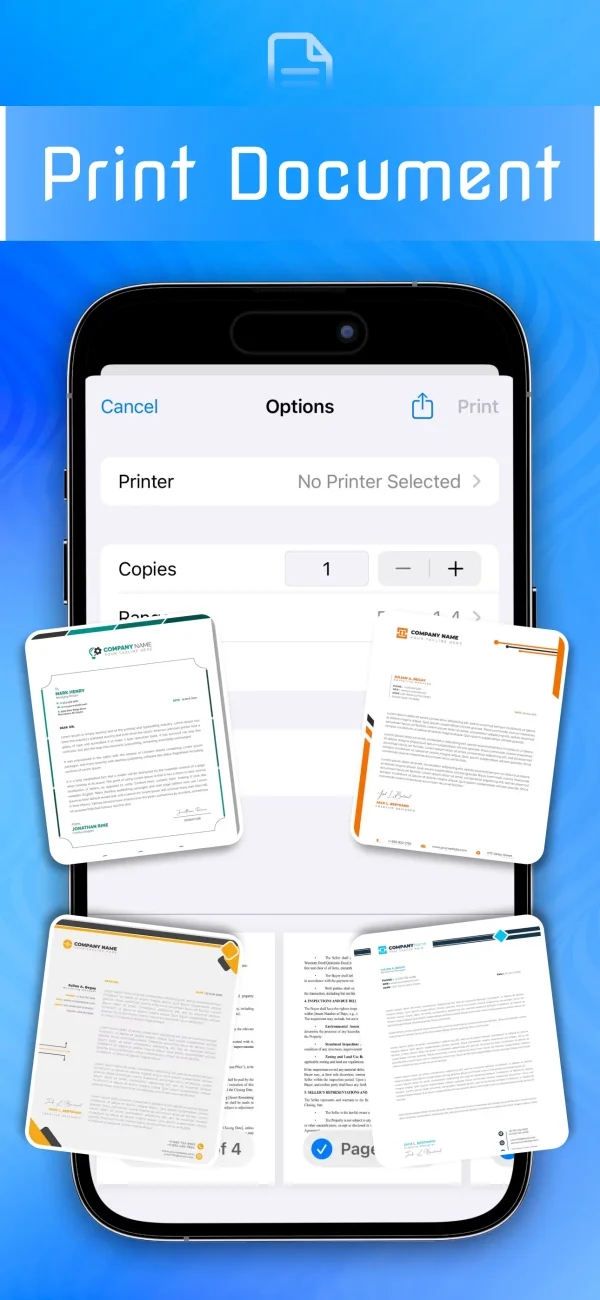
Print Photos & Documents: Print your favorite photos, PDFs, text documents, notes, and more with a tap.
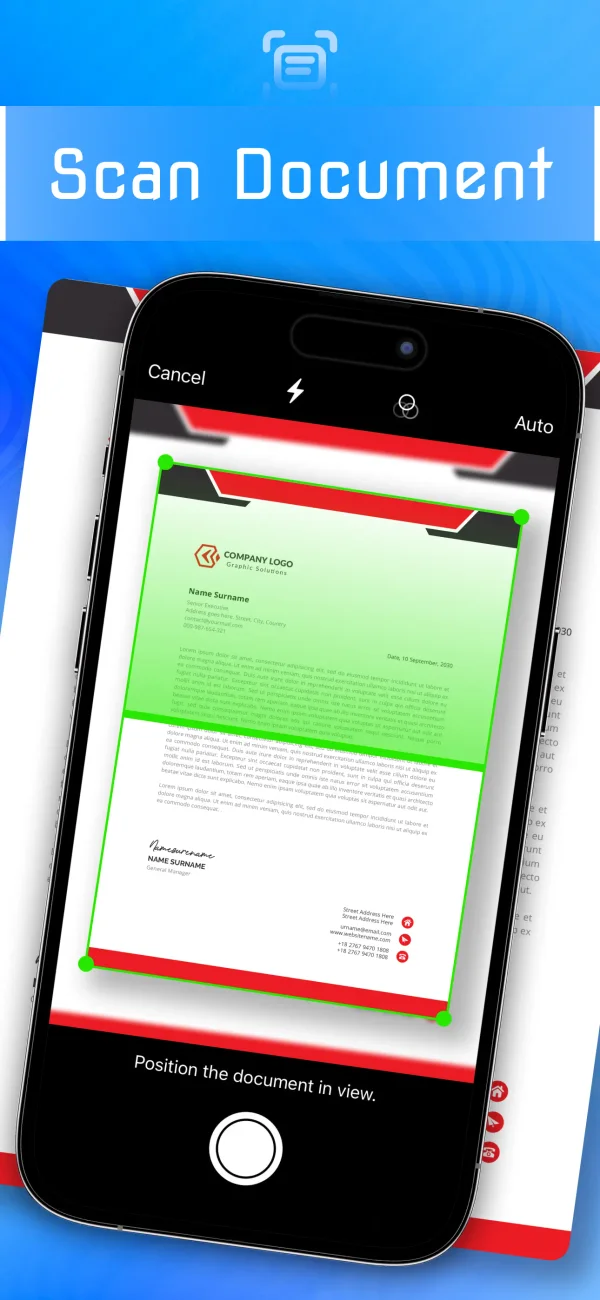
Scan & Print: Effortlessly scan documents with your phone's camera and print them instantly.
Print Web Pages: Print entire webpages or specific sections directly from your browser.
Advanced Print Settings: Fine-tune your print job with a wide range of customizable settings:
- Margin adjustments
- Page orientation (Portrait/Landscape)
- Images per page
- Page size options (A4, Letter, Legal, and more)
- Image content mode (Fit, Fill, Stretch, etc.)
Preview Your Print: See a detailed preview before printing, ensuring your document looks perfect.
Save & Share: Save your print job as a PDF, share it with friends or colleagues, or keep it for future reference.
Why Choose Smart Printer?
Versatile Printing: Print a variety of content, from documents and photos to webpages and notes.
Full Customization: Tailor your print settings with professional-grade options.
Seamless Experience: Preview, adjust, and print with ease – all from one app.
Save & Share: Save your prints as PDFs or share them directly from the app.
Whether you’re printing from home, the office, or on the go, Smart Printer ensures high-quality prints with maximum control. Download now and enjoy the easiest, most efficient printing experience!
PRO Version: Unlock the full potential of our app with premium version. Payment will be charged to your iTunes account at confirmation of purchase. Subscriptions automatically renew unless auto-renew is turned off 24-hours before the end of the current period. Accounts will be charged for renewal within 24 hours of the end of the current period, and a renewal fee will be provided. The unused portion of a free trial period, if offered, will be forfeited when the user purchases a subscription to that product. Please note that a subscription is required for the complete functionality of the app.
Privacy: https://sites.google.com/view/kttechapps-privacy/home
Terms: https://sites.google.com/view/kttechapps-terms/home
Download Smart Printer today – your mobile printing solution!
新機能
バージョン 1.0.4 · 2025/6/4
- Improved performance and smoother interactions.
- Bug fixes for a more reliable app.
アプリのプライバシー
このアプリのデータの取り扱いについて、Kamalkumar TrapasiyaがApp Storeで申告している内容です。
-
データの収集なし
開発元はこのアプリからデータを収集しません。
プライバシーの取り扱いは、ご利用の機能やお客様の年齢などに応じて異なる場合があります。
情報
- 販売元
- Kamalkumar Trapasiya
- カテゴリ
- 仕事効率化
- バージョン
- 1.0.4
- 更新日
- 2025/6/4
- リリース
- 2025/1/15
- サイズ
- 11.4 MB
- 必要条件
- iOS 15.0以降
- 対象年齢
- 4+
- 価格
- 無料
- アプリ内課金
- あり
- 言語
- 英語
- 著作権
- © 2025 Printer
こちらもおすすめ
-
 Smart Printer - Air Print App仕事効率化
-
 Smart Printer App Print, Scan仕事効率化
-
 Cloud Ready printerPrint to canon, brother, HP ..
-
 スマートHPプリンター:無線印刷HP向け簡単スマホ印刷&スキャン
-
 印刷アプリ - 写真プリントプリンター pdf編集 写真印刷
-
 Pos printer PrinterApp仕事効率化
-
 Smart プリンター & スキャナー印刷写真・書類スキャン、PDFコピー
-
 証明写真アプリ - パスポート写真履歴書、マイナンバーカード、ビザ
-
 PDF Converter - PDF Scanner仕事効率化
-
 Teleprompter - InCue仕事効率化