
- 対象年齢17+
- カテゴリライフスタイル
- 開発元DA Han
- 言語簡体字中国語
- サイズ147.9 MB
App Storeの公式ページにリンクしています
Download.orgはPrivateFoldersのファイルを一切ホストしていません。ボタンを押すと、DA Hanが公開しているApp Storeのアプリページが開きます。ページの最終確認:2026/11/20。
スクリーンショット
概要
開発元はこのテキストをお使いの言語で提供していません。
[Main Features]
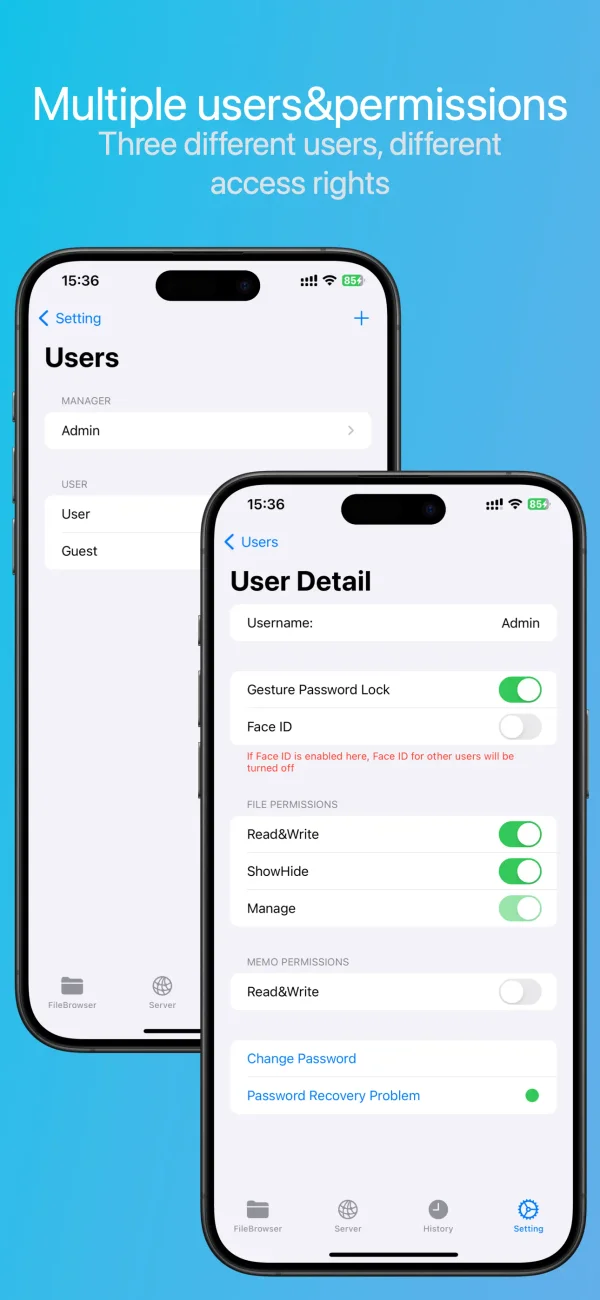
- Multiple Users, Multiple Permissions:
- Three different types of users: the first login is as an administrator, who can then create regular users and guests.
- Administrators can manage all users and manage private files.
- Regular users cannot view private files but can see regular files.
- Guests can only see memos.
- Administrators can manage all users' permissions and icons, etc.
- Security:
- File encryption, avatar creation, AES encryption and other encryption methods.
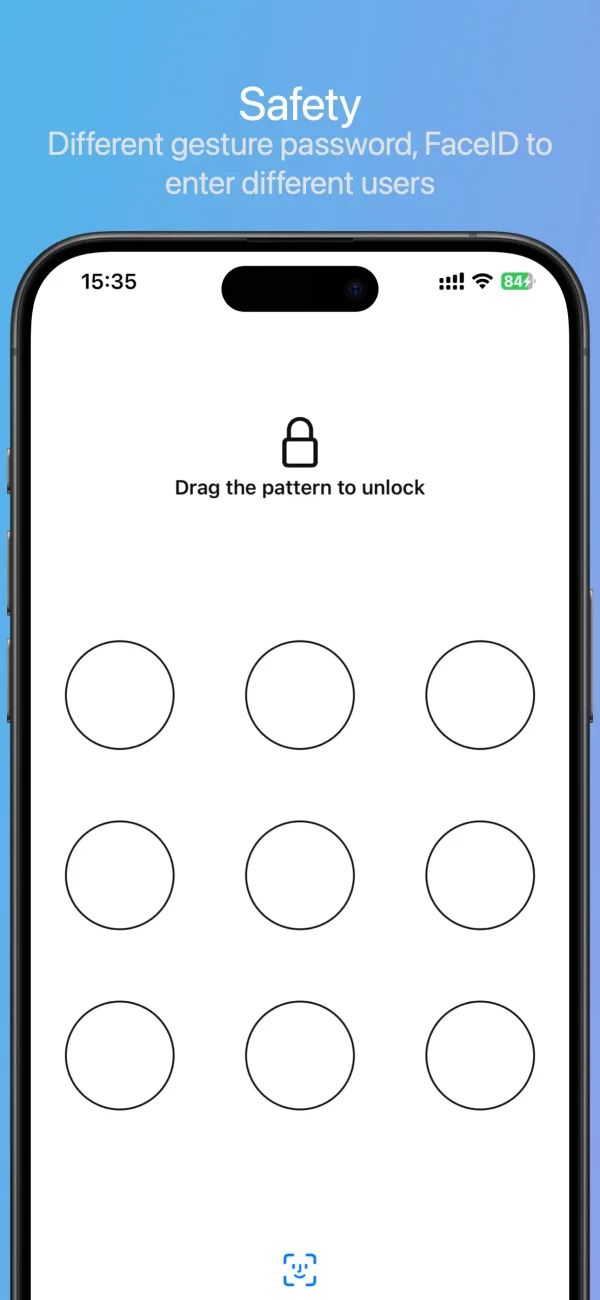
- Each user can enable a gesture password.
- Only one user can enable FaceID.
- Different passwords lead to different users, each with different functions.
- Waterfall Flow, Immersive Mode:
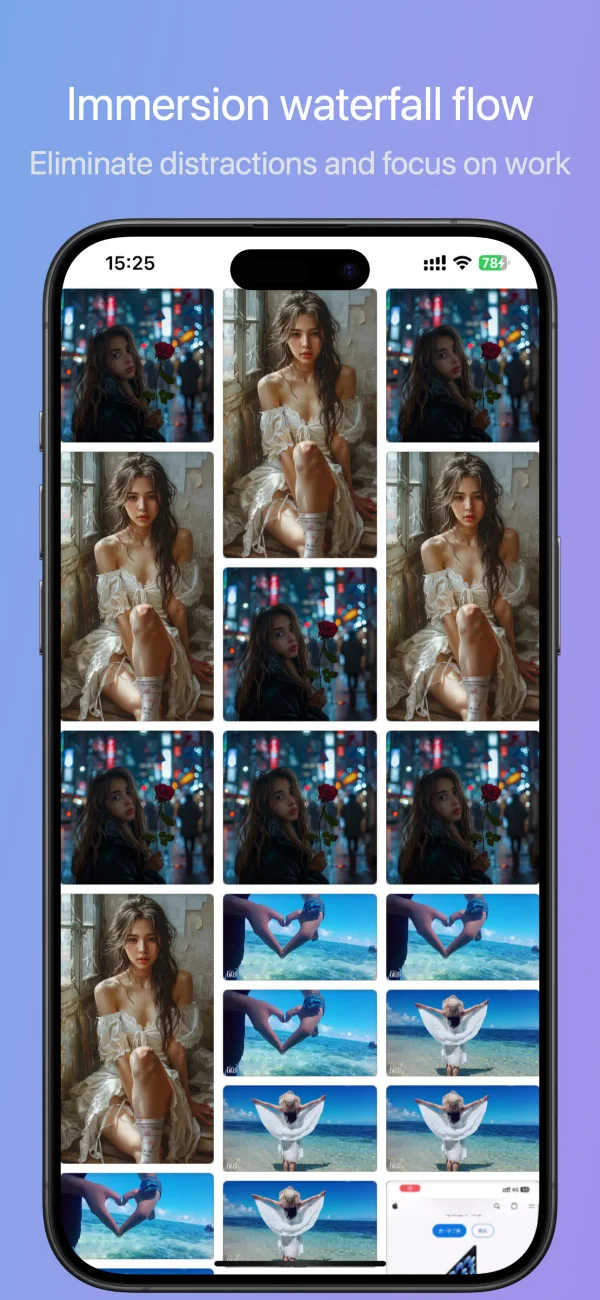
- Files can be displayed in three ways: list, grid, waterfall flow.
- Waterfall flow allows viewing the original style of files, maintaining aspect ratio.
- Shake the device to enter immersive mode, shake again to exit.
- Quick Filtering:
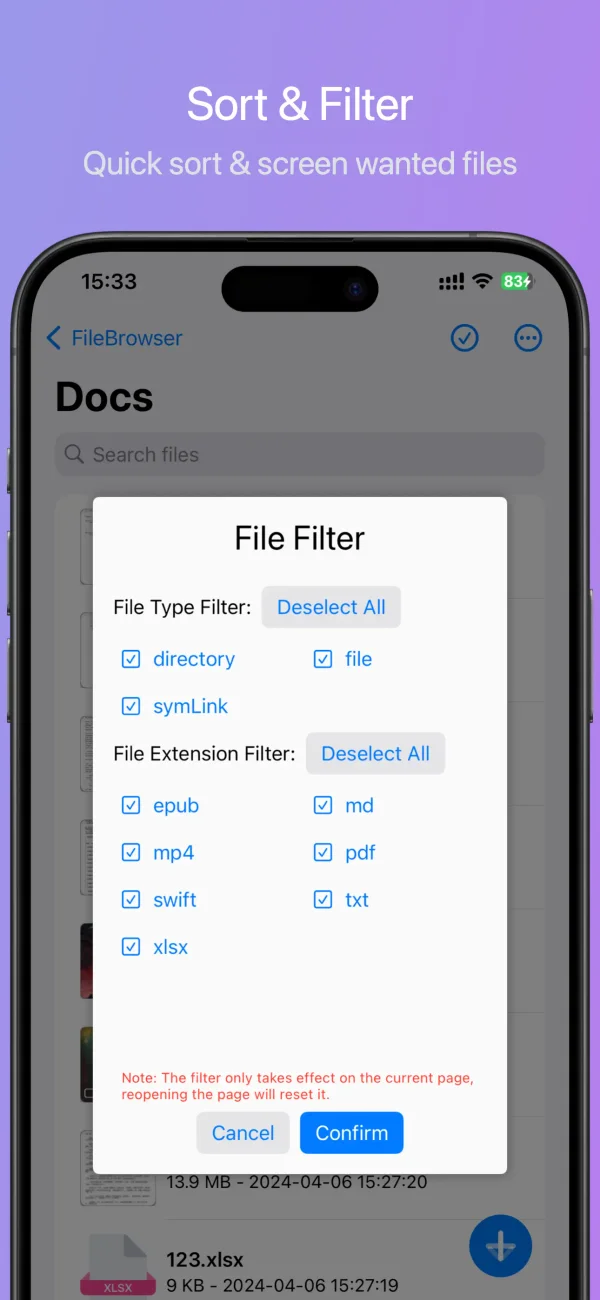
- Quick sorting through the menu.
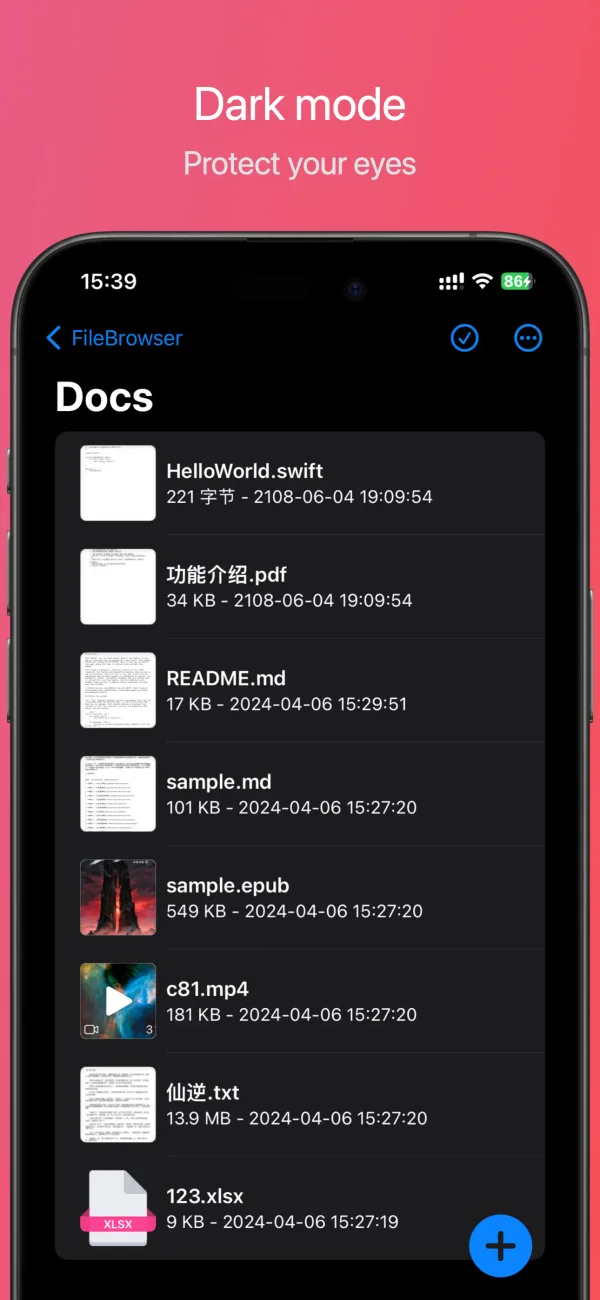
- Convenient filtering by file extension, only displaying desired files.
- Scenario mode: differentiate scenarios with one click switch.
- Custom configurations: switch easily between viewing modes like picture, office, novel shelf, and notebook.
- File Transfer:
- Easily transfer files with other devices.
- Transfer files effortlessly with other file apps, mobile photo albums, iCloud.
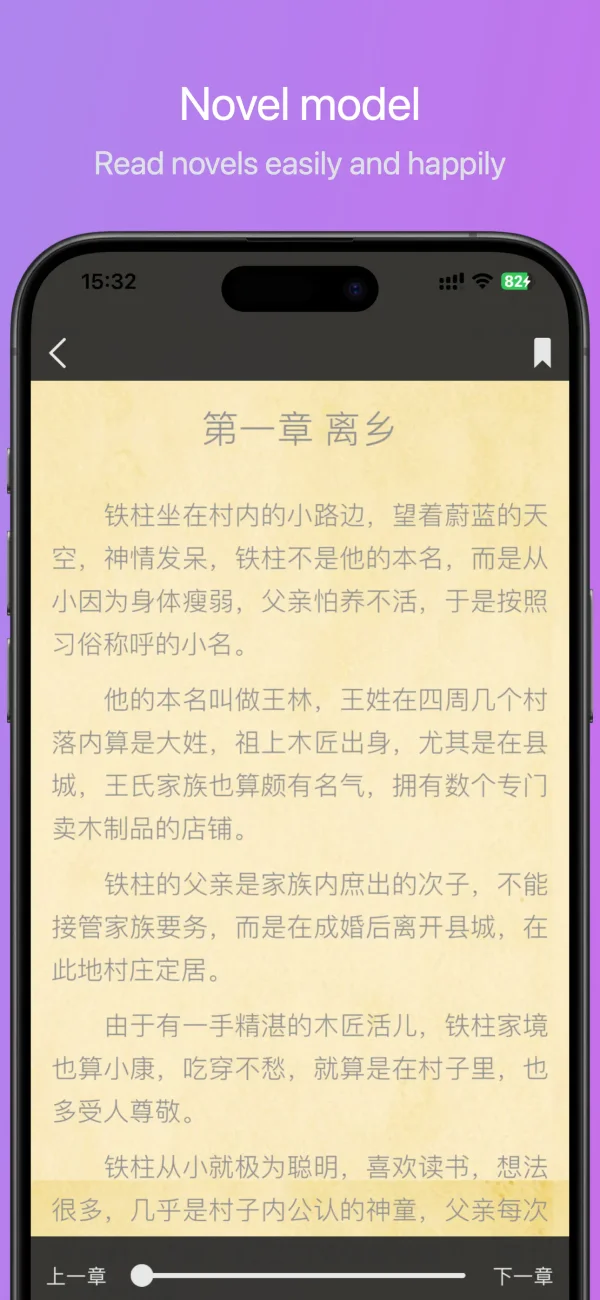
- Novel Mode:
- Supports Txt novels, intelligent parsing.
- Simulation, cover, translation. Scroll to change pages.
- Multiple themes, suitable for different scenarios.
- Adjustable font size, etc.
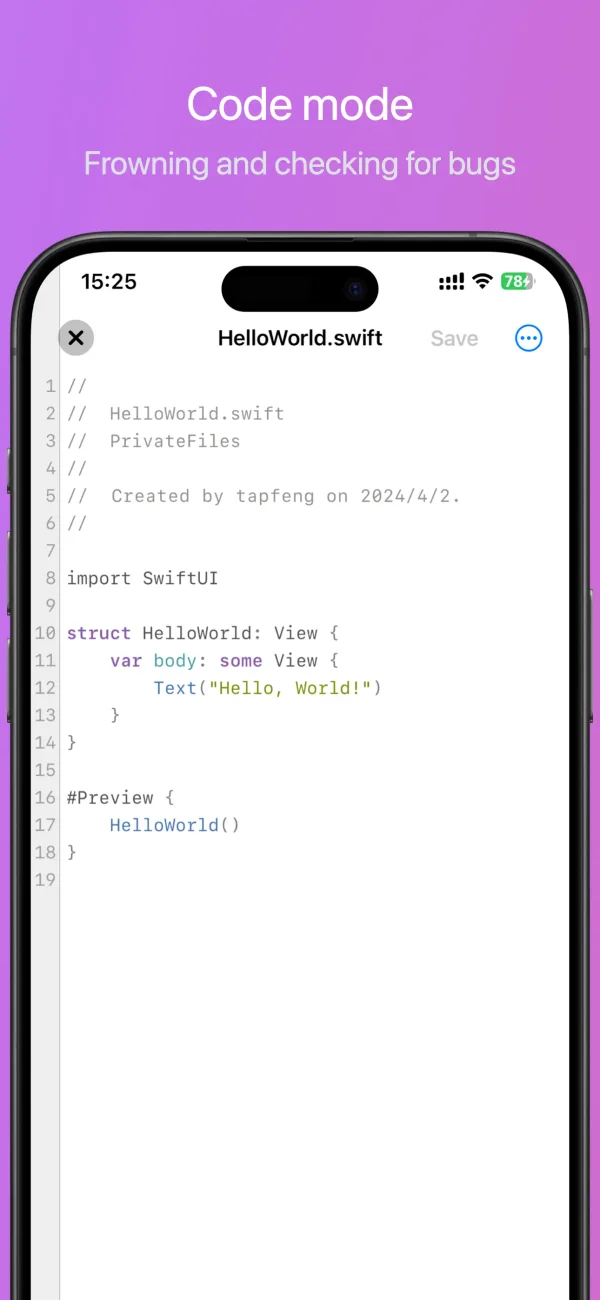
- Code Mode:
- Supports syntax highlighting for mainstream languages.
- Supports multiple themes.
- Automatically adapts themes and syntax highlighting.
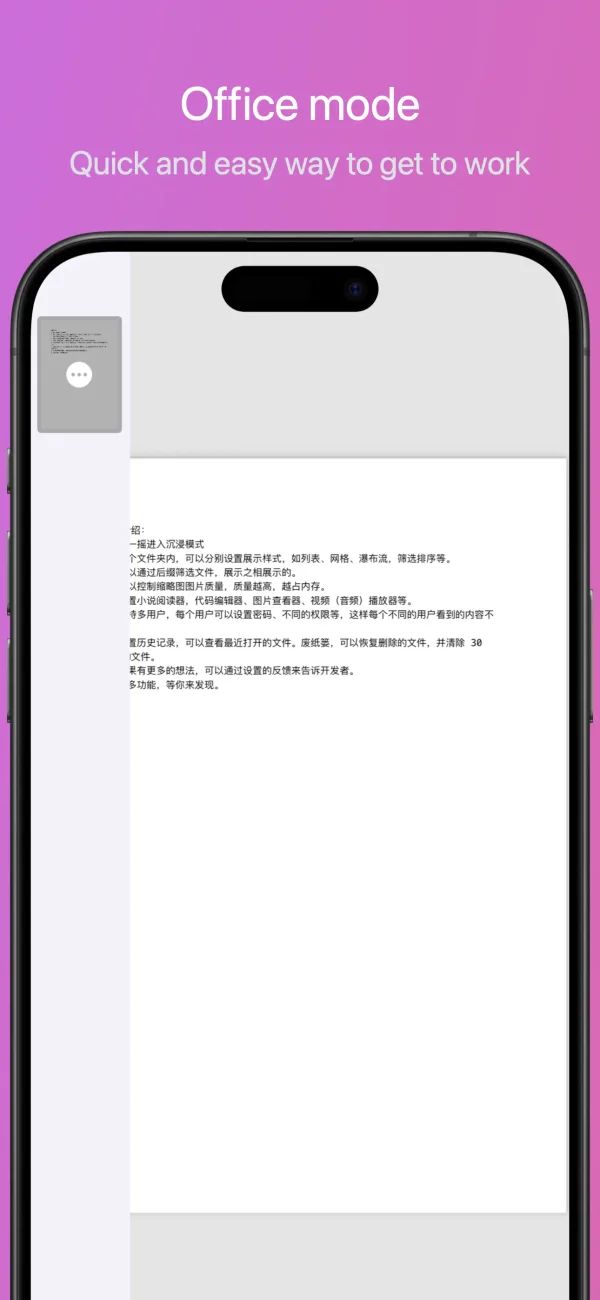
- Office Mode:
- Supports common office documents: .txt, .pdf, .doc, .docx, .ppt, .pptx, .xls, .xlsx, .csv, .rtf
- Office content thumbnail preview.
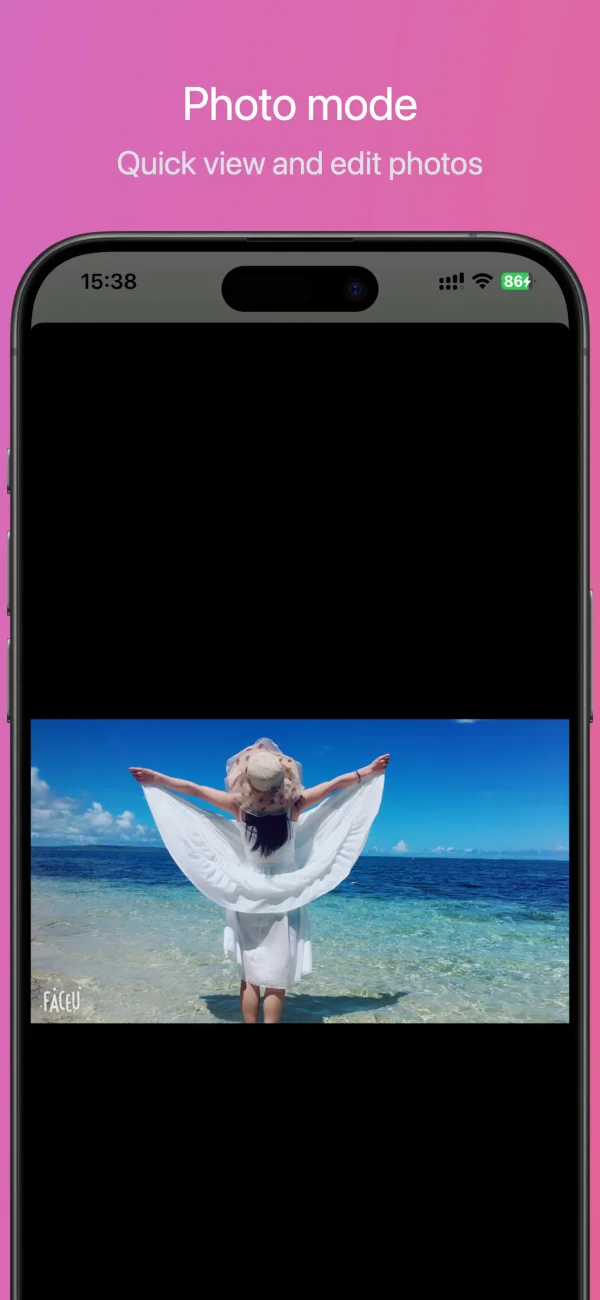
- Photo Mode:
- View mode, see pictures directly without clicking.
- HD mode: directly view a specific picture.
- Editing mode: modify a picture.
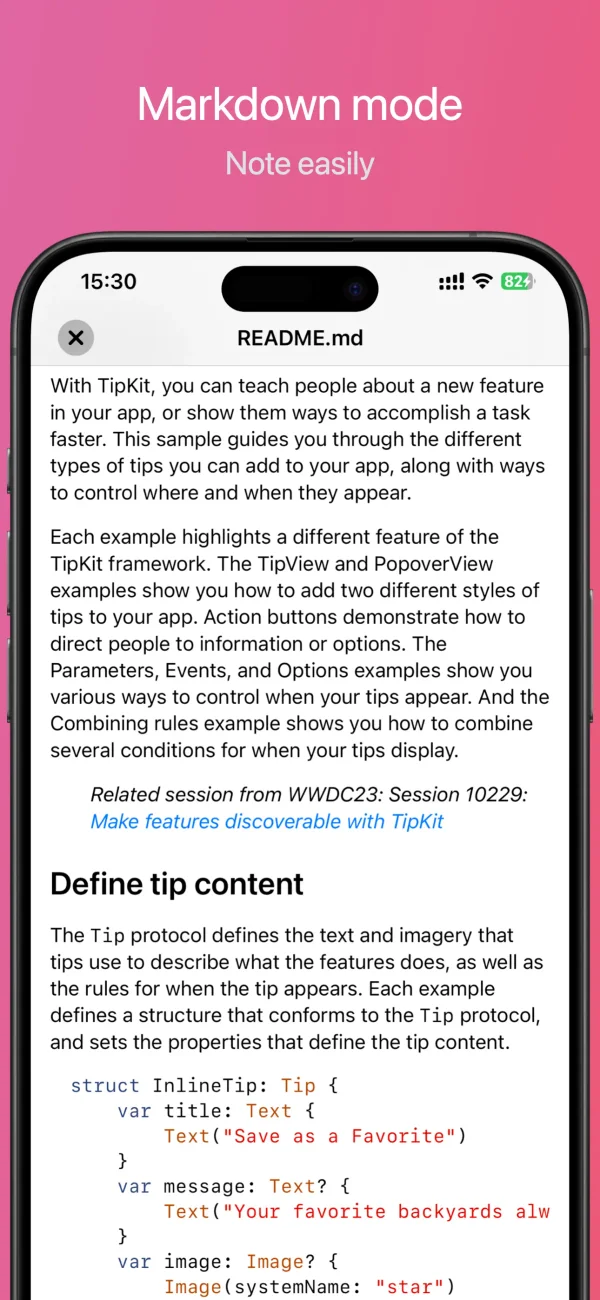
- Markdown Mode:
- Easily take notes.
- With the note scenario mode, it instantly turns into a note-taking app.
- Media Mode:
- Suitable for watching movies, listening to music.
- Support .rmvb .asf .avi .divx .dv .flv .gxf .m1v .m2v .m2ts .m4v etc.
- Others:
- Supports in-app Zip, 7z compression, Zip, Rar, 7z decompression, supports encryption.
- Supports trash function, saves up to 30 days.
- iCloud Sync
[Premium Version]
- Unlock all features of the premium membership.
[User Agreement]: https://tapfeng.com/user-agreement/
[Privacy Policy]: https://tapfeng.com/privacy-policy/
[Contact and Feedback]
For any questions and suggestions about the product, feel free to contact us
Email: tapfeng@tapfeng.com
新機能
バージョン 1.4.0 · 2024/6/4
Fixed a bug where encrypted image and video files were opened in the wrong position
アプリのプライバシー
このアプリのデータの取り扱いについて、DA HanがApp Storeで申告している内容です。
-
データの収集なし
開発元はこのアプリからデータを収集しません。
プライバシーの取り扱いは、ご利用の機能やお客様の年齢などに応じて異なる場合があります。
情報
- 販売元
- DA Han
- カテゴリ
- ライフスタイル
- バージョン
- 1.4.0
- 更新日
- 2024/6/4
- リリース
- 2024/4/8
- サイズ
- 147.9 MB
- 必要条件
- iOS 17.0以降
- 対象年齢
- 17+
- 価格
- 無料
- アプリ内課金
- あり
- 言語
- 簡体字中国語
- 著作権
- © 2024 Beijing Tapfeng Technology Co., Ltd