
- 対象年齢4+
- カテゴリユーティリティ
- 開発元Rahul Gupta
- 言語英語
- サイズ4.4 MB
App Storeの公式ページにリンクしています
Download.orgはPro Microphoneのファイルを一切ホストしていません。ボタンを押すと、Rahul Guptaが公開しているApp Storeのアプリページが開きます。ページの最終確認:2026/11/12。
スクリーンショット

概要
開発元はこのテキストをお使いの言語で提供していません。
Pro Microphone - Studio Quality Mixer
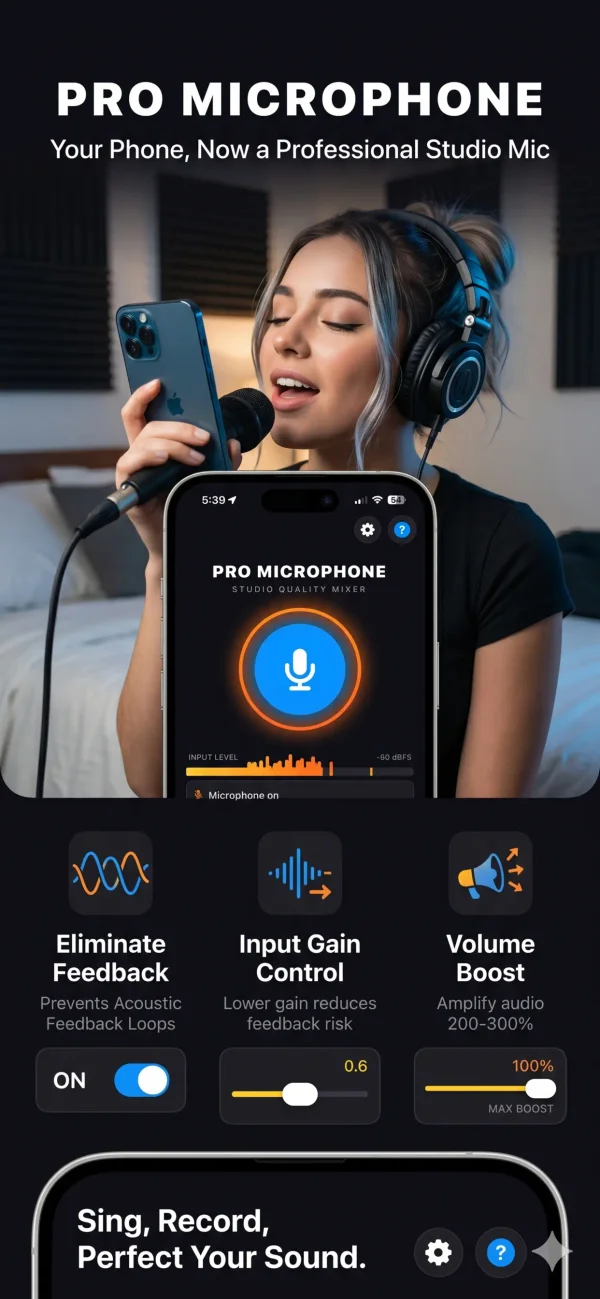
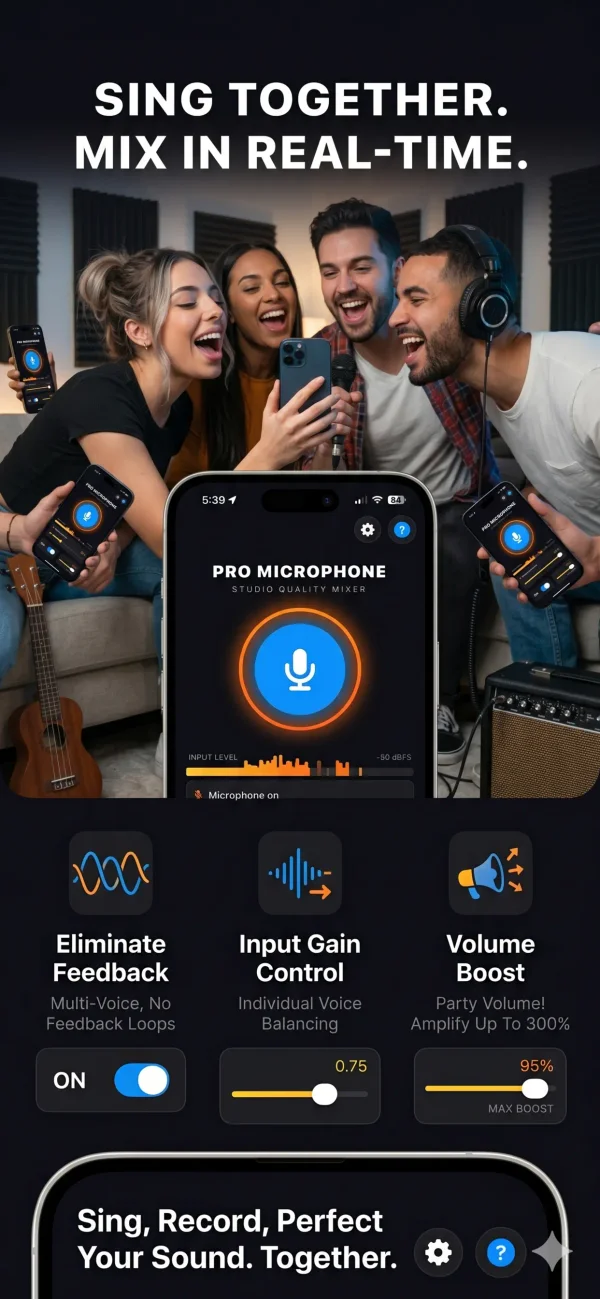
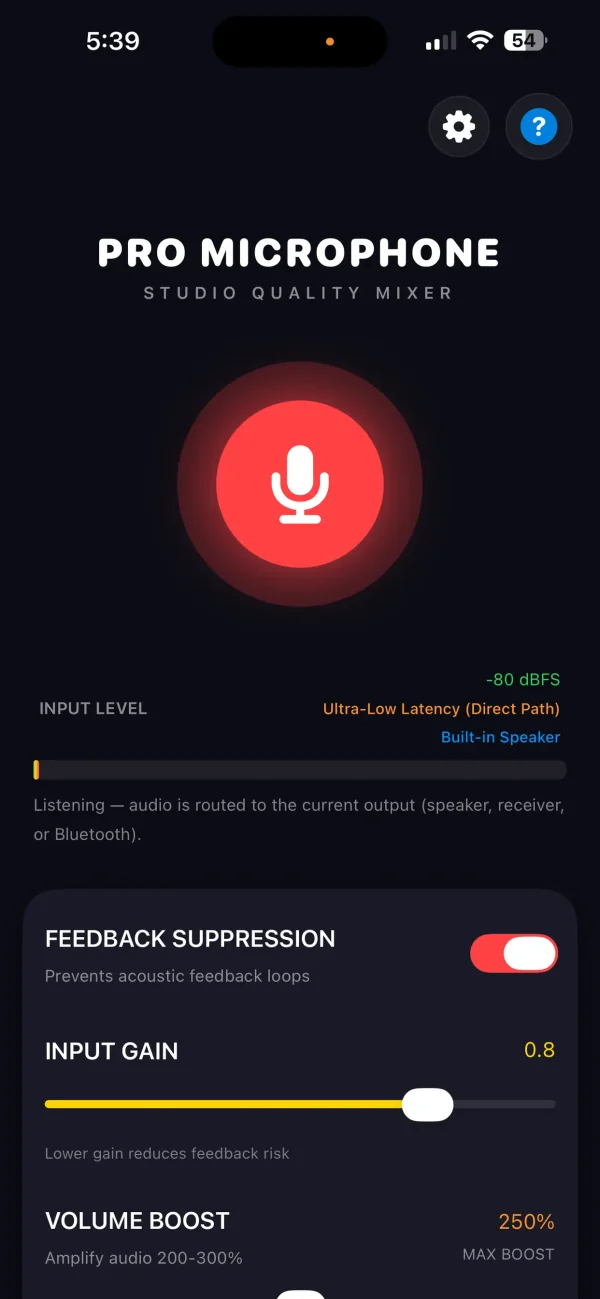
Turn your iPhone or iPad into a live microphone monitor with a built-in studio-style signal chain. Whether you’re rehearsing, hosting, presenting, or just checking how you sound through a speaker or headphones, Pro Microphone routes your voice from the mic to your chosen output with a focus on responsiveness and clarity.
Hear yourself, clearly
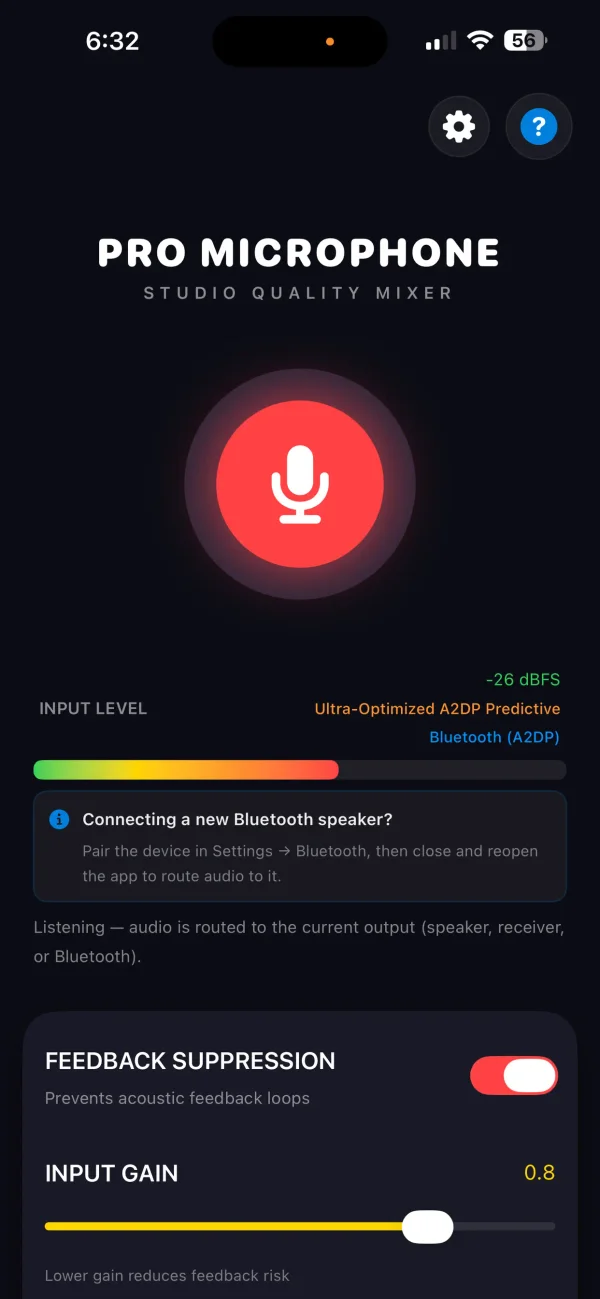
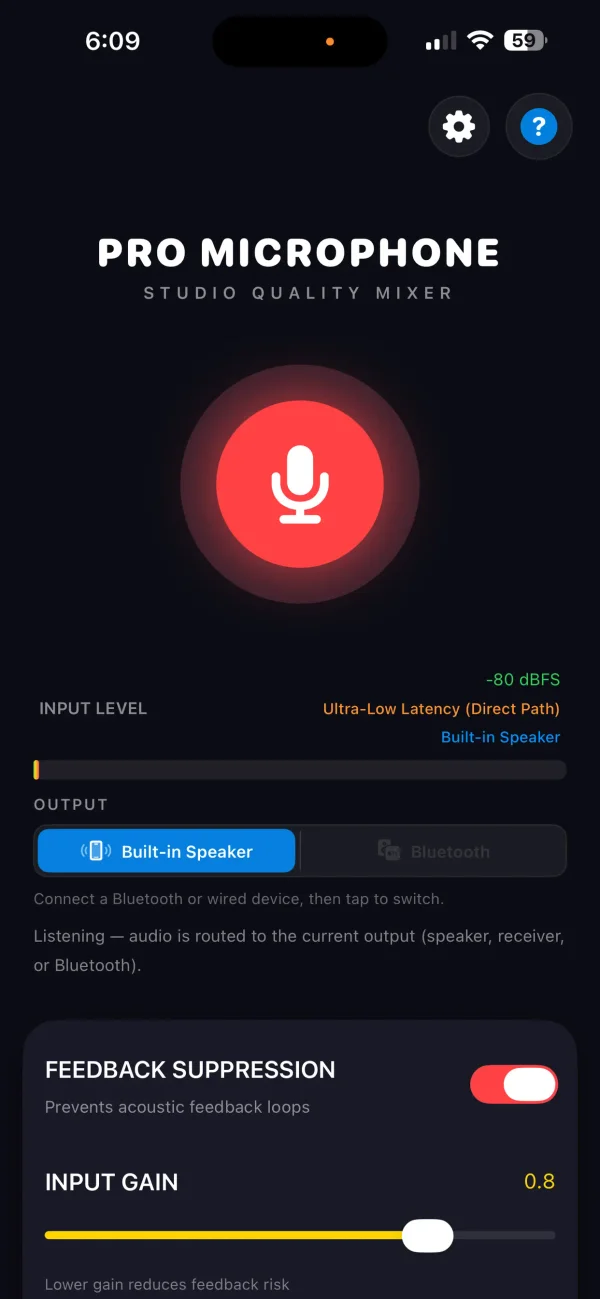
Tap the mic to start. Your voice is processed on the device and played back through the current audio route Bluetooth speaker, AirPods or other headphones, wired earbuds, AirPlay, or the built-in speaker (with smart handling to reduce nasty feedback when you’re on open speakers).
Designed for real rooms
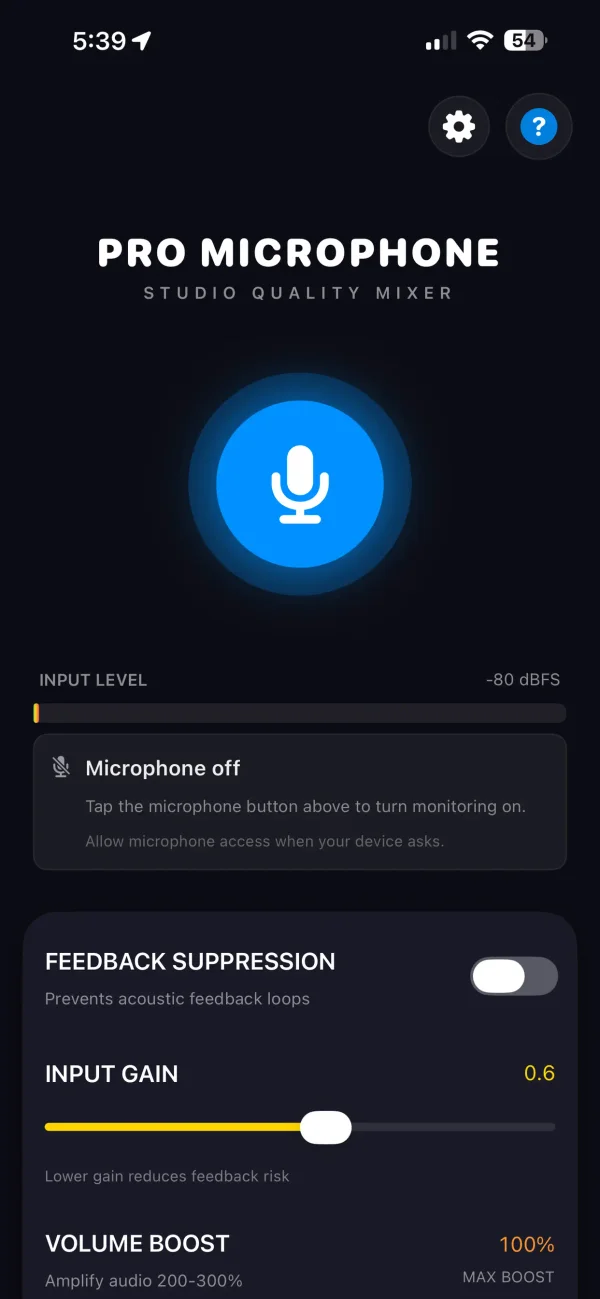
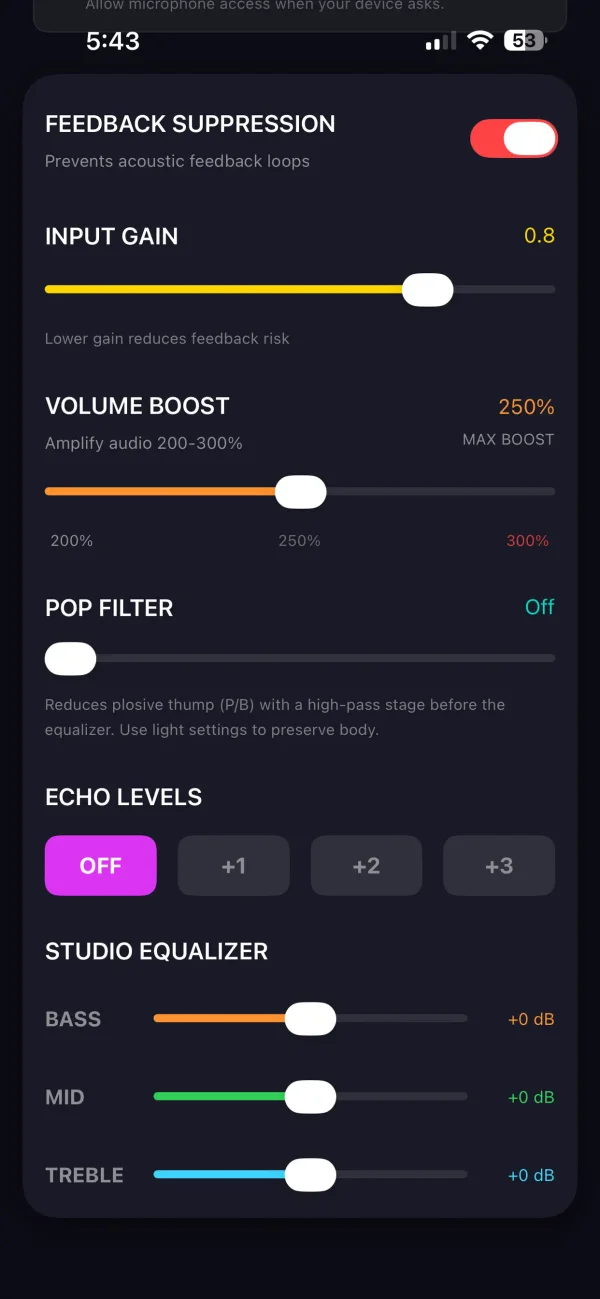
Live monitoring can cause echo and squealing when the mic picks up the speaker. Pro Microphone includes feedback-aware options so you can start with safer presets or tune things yourself. Adjust Input Gain to control how hot the mic is, and use Volume Boost (200–300%) when you need more level in the room without losing the headroom you need when you’re loud.
Shape your tone
Dial in Bass, Mid, and Treble with a straightforward studio EQ. Add a light Pop Filter to tame plosives and rumble before the EQ. Choose Echo levels from dry to ambient when you want a bit of space perfect for practice or creative vocal effects.
Stay oriented
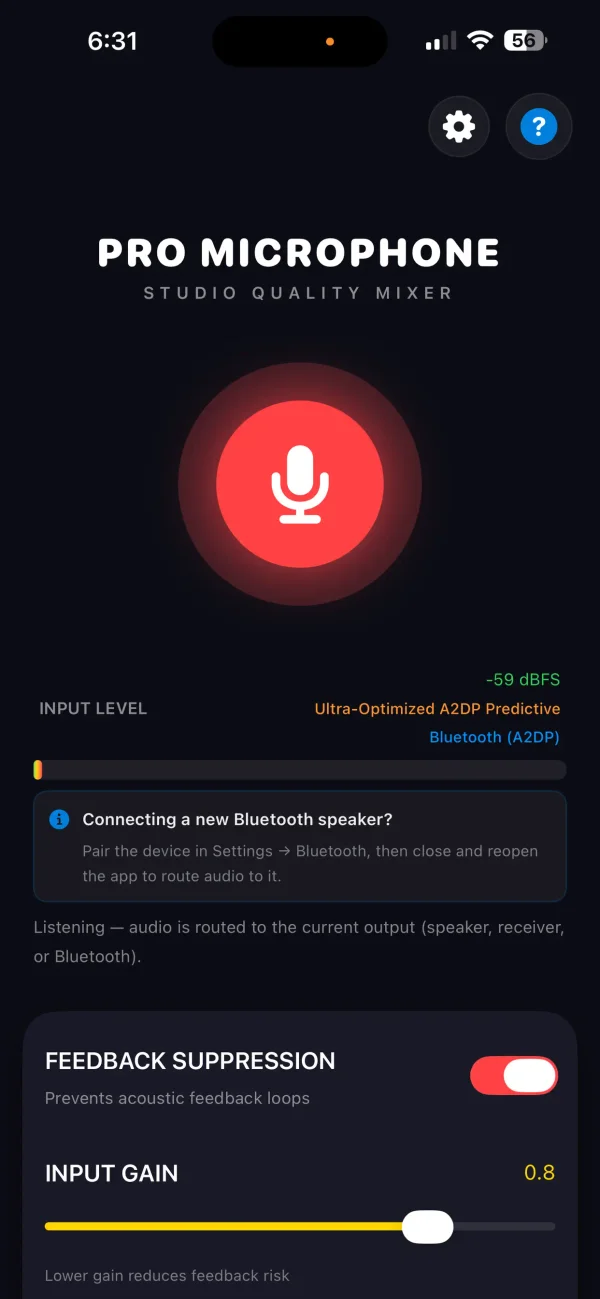
The input meter shows level in dBFS so you can avoid clipping, and status hints help you see how the system is treating latency and routing. If no external speaker or headphones are connected, the app can let you know so you’re not left wondering why everything’s coming from the phone.
Bluetooth and daily use
Pair your speaker or headset in Settings, then use the app as usual. For the lowest delay, wired headphones are still king; Bluetooth adds some delay by nature of the protocol but the app is tuned to keep the path as snappy as the hardware allows.
Thoughtful touches
Open How It Works from the help button for a full tour of every control. From the settings menu you can reach support email, privacy policy, and terms. While the mic is active, the display can stay awake so a quick screen lock doesn’t interrupt your session.
Privacy-minded
Pro Microphone is built around live monitoring: your audio is meant to be heard in the moment, not “stored in the cloud” as part of the core experience described for the app. Permissions are there for microphone (and Bluetooth when the system requires it) so iOS can route audio the way you expect.
If you want a pro-style vocal check without a rack of hardware gain, tone, light effects, and flexible output routing Pro Microphone is your pocket studio mixer. Download it and tap the mic to hear yourself the way the room hears you.
アプリのプライバシー
このアプリのデータの取り扱いについて、Rahul GuptaがApp Storeで申告している内容です。
-
データの収集なし
開発元はこのアプリからデータを収集しません。
プライバシーの取り扱いは、ご利用の機能やお客様の年齢などに応じて異なる場合があります。
情報
- 販売元
- Rahul Gupta
- カテゴリ
- ユーティリティ
- バージョン
- 1.0
- 更新日
- 2026/5/1
- リリース
- 2026/5/1
- サイズ
- 4.4 MB
- 必要条件
- iOS 16.0以降
- 対象年齢
- 4+
- 価格
- 無料
- 言語
- 英語
- 著作権
- © 2026 Rahul Gupta
こちらもおすすめ
-
 ReMic: Phone mic to speakerユーティリティ
-
 Bluetooth Microphone & Speakerユーティリティ
-
 iMic: Wireless Microphoneユーティリティ
-
 Microphone Amplifier - Liveユーティリティ
-
 Mic: Phone as Microphoneユーティリティ
-
 Mic To Speaker - Live Audioユーティリティ
-
 マイクライブストリーム - スピーカーへアプリから音声が即座に送信されます
-
 Bluetooth マイクライブ音声と拡声器
-
 Bluetooth Mic to Speaker Appユーティリティ
-
 PhoneMic: スマホをPCマイクにパソコン用ワイヤレスマイク・Wi-Fiで低遅延