- 対象年齢4+
- カテゴリユーティリティ
- 開発元Cognisoft ApS
- 言語英語
- サイズ6.0 MB
App Storeの公式ページにリンクしています
Download.orgはPsyTimer Stopwatch 2のファイルを一切ホストしていません。ボタンを押すと、Cognisoft ApSが公開しているApp Storeのアプリページが開きます。ページの最終確認:2026/11/15。
スクリーンショット



概要
開発元はこのテキストをお使いの言語で提供していません。
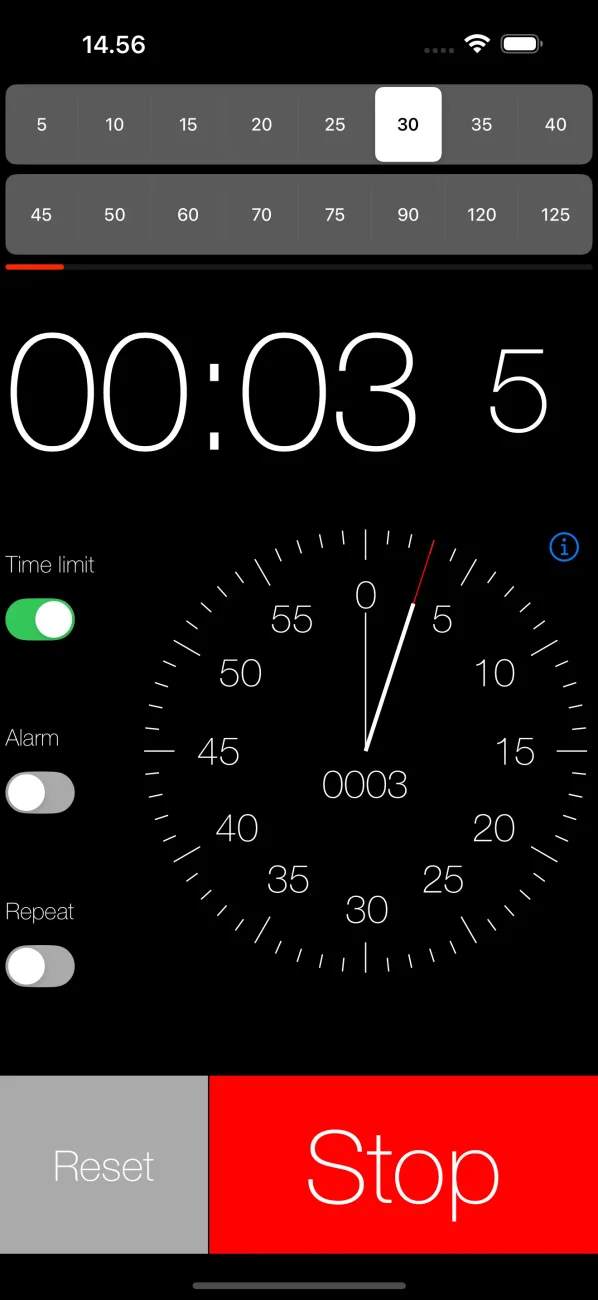
The PsyTimer Stopwatch 2 combines a stopwatch with an alarm clock. Thus, it may time an interval and warn when a pre-set time limit is reached at the same time.
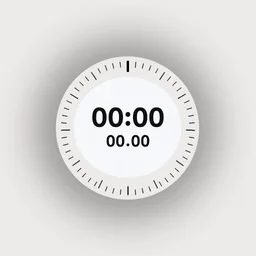
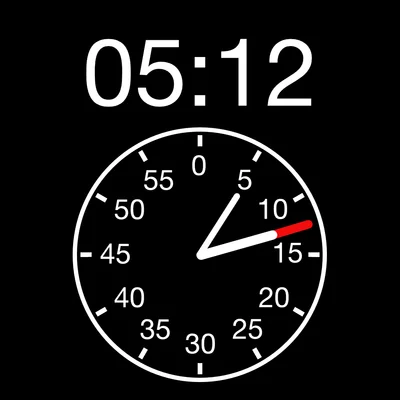
The PsyTimer Stopwatch 2 is carefully designed to present elapsed and remaining time as well as available options in a simple and distinct way. Prominently, a digital time display as well as an analogue clock is presented concurrently.
The timing is very precise as it is continuously computed as the time elapsed since the timing was started. Thus, there is no accumulation of small timing errors.
The PsyTimer Stopwatch 2 may be used in many different situations. The author first developed it for testing of intelligence and neuropsychological testing, but it has found many other uses, e.g. presentations, speeches, laboratories and broadcasting.
Features:
- Elapsed time will feature on a digital display as well as on an analogue clock. This makes it easy to collect information during testing, presentations, and other tasks that may demand most of your attention.
- All functions can be accessed easily. A big Start-Stop button can be found at the bottom of the display where it is easy to reach, even while your are attending to the task, you are timing.
- It is also easy to choose among pre-set time limits on the primary stopwatch display.
- The display will not turn off while you are using the stopwatch.
- The digital display will change color when the time limit has been reached. You can also choose for a sound signal to emit at this point (optional), and the screen may flash one or more times (optional).
- A progress bar will display the elapsed time if a time limit has been chosen.
- It is possible to select among a number of sounds for the alarm signal, including short and quiet sounds as well as long, loud, and attention catching sounds.
- The main digital display may show either minutes and seconds, or the total number of seconds elapsed.
- The repeat function makes it possible to cycle an interval. A cycle count is displayed (The author uses this for a concentration test, where the assessor has to give a prompt every 20 seconds).
- You can choose to have the Reset button to the right or to the left of the Start-Stop button (for single hand use for both right and left handers).
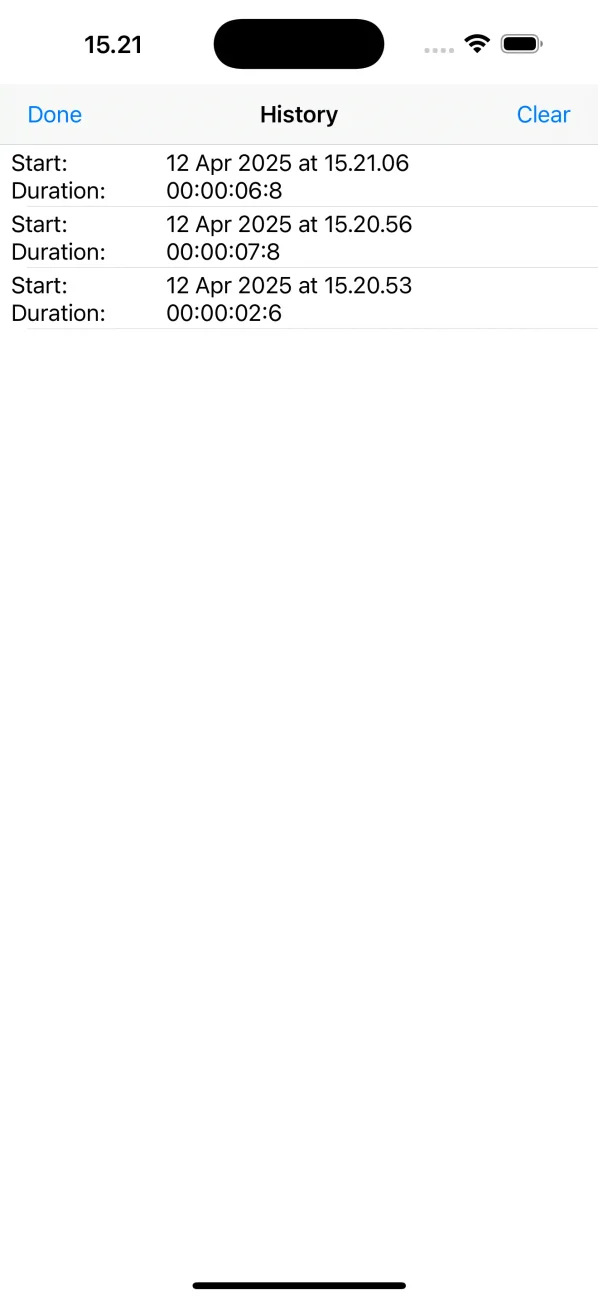
- A history log of previous timings.
- Landscape view.
You will probably want to put your iPhone in "Airplane Mode" when using the stopwatch for tasks like testing and presentations in order to avoid calls, mails etc.
This app is continuously maintained. You might suggest a feature you miss: mail@cognisoft.dk. However, I will not include features that will impede the functionality and simplicity for the primary intended uses of the stopwatch.
新機能
バージョン 2.9 · 2025/4/15
Fixed bug in version 2.8 for colors on settings screens.
アプリのプライバシー
このアプリのデータの取り扱いについて、Cognisoft ApSがApp Storeで申告している内容です。
-
データの収集なし
開発元はこのアプリからデータを収集しません。
プライバシーの取り扱いは、ご利用の機能やお客様の年齢などに応じて異なる場合があります。
情報
- 販売元
- Cognisoft ApS
- カテゴリ
- ユーティリティ
- バージョン
- 2.9
- 更新日
- 2025/4/15
- リリース
- 2017/6/1
- サイズ
- 6.0 MB
- 必要条件
- iOS 15.5以降
- 対象年齢
- 4+
- 価格
- ¥800
- 言語
- 英語
- 著作権
- © 2017 Cognisoft ApS