Python Editor: Code & Run
Practice scripts with examples
iPhone, iPad, iPod touch向けに設計
無料
- 対象年齢4+
- カテゴリ開発ツール
- 開発元Merbin Joe
- 言語英語
- サイズ12.6 MB
App Storeの公式ページにリンクしています
Download.orgはPython Editor: Code & Runのファイルを一切ホストしていません。ボタンを押すと、Merbin Joeが公開しているApp Storeのアプリページが開きます。ページの最終確認:2026/11/20。
スクリーンショット
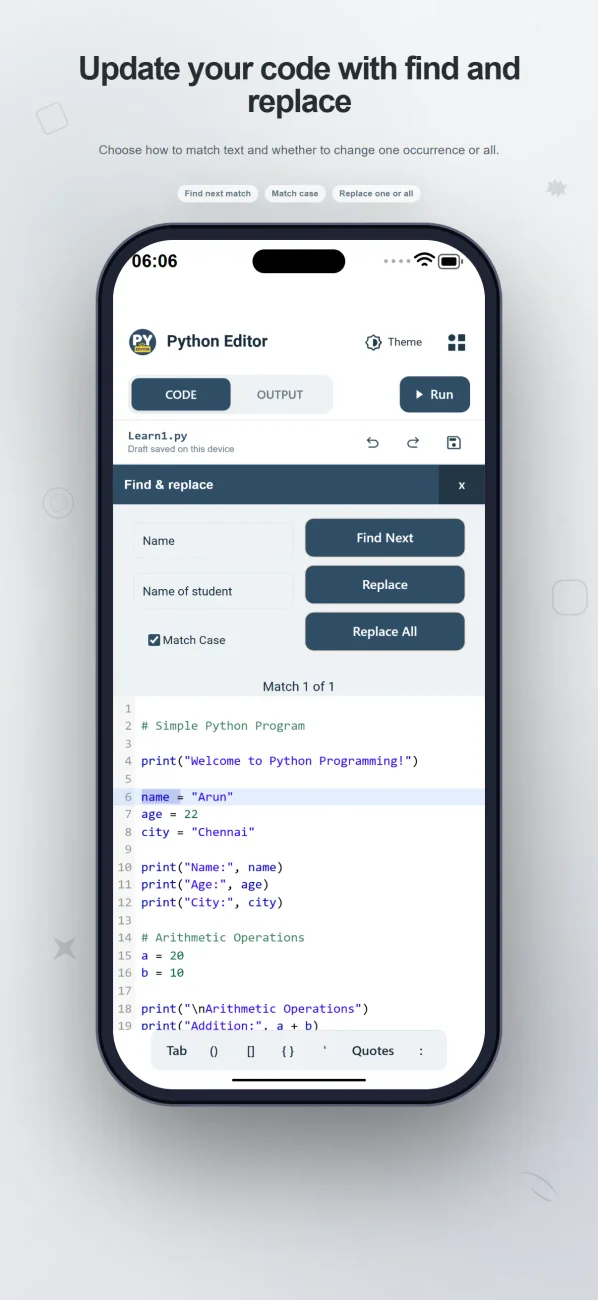
概要
開発元はこのテキストをお使いの言語で提供していません。
Turn a short coding idea into an editable script with Python Editor. Write your program, supply input values when needed, and review the results in a separate Output view. It is a practical workspace for students, people learning programming, and developers experimenting with small pieces of Python code.
A clear place to write
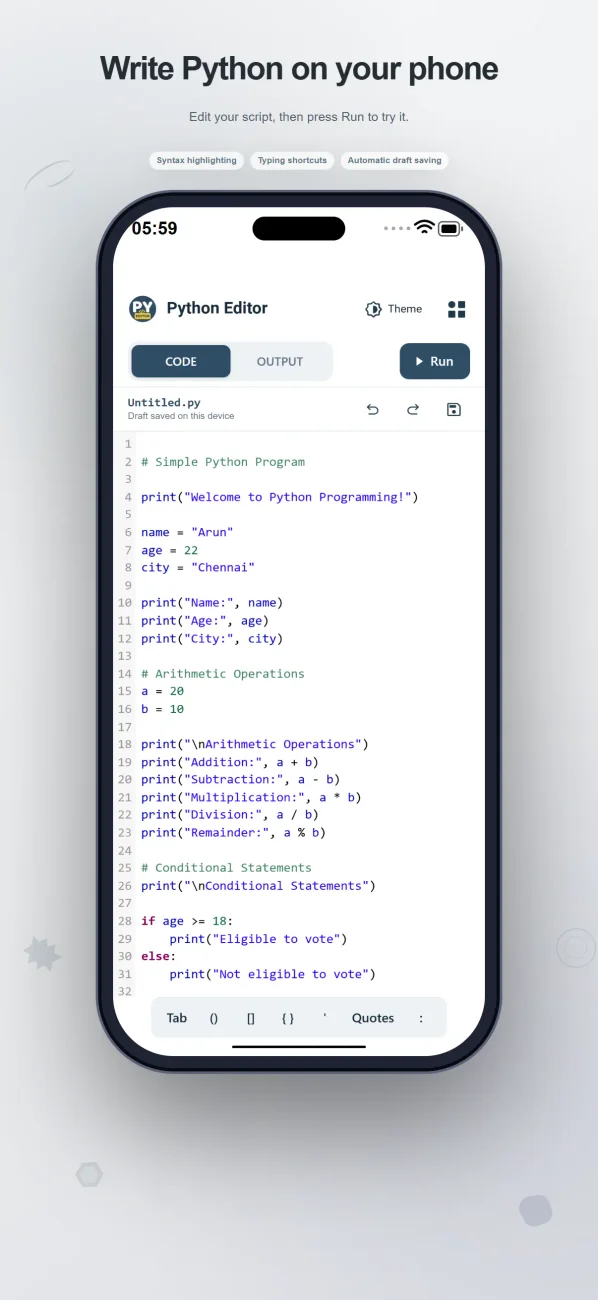
The editor combines Python syntax highlighting with line numbers, word wrapping, and an active-line highlight. Bracket matching and automatic bracket closing support everyday typing. A dedicated shortcut row provides indentation, parentheses, brackets, braces, single and double quotes, and a colon, so common code characters are close to your work.
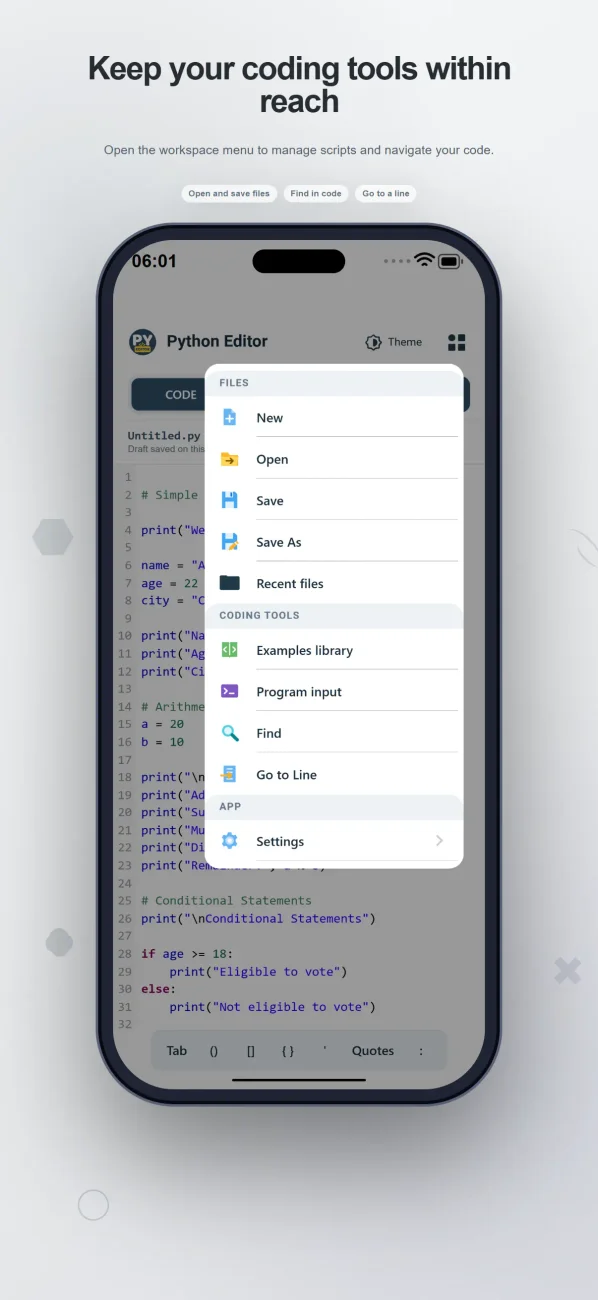
Undo and redo let you revisit changes. When a script grows, use Find to search the source, move to the next match, or replace text. Replace All handles repeated edits, while Match Case narrows searches where letter case matters. Go to line takes you to a chosen line without manually scrolling through the entire script.
Experiment, then read the result
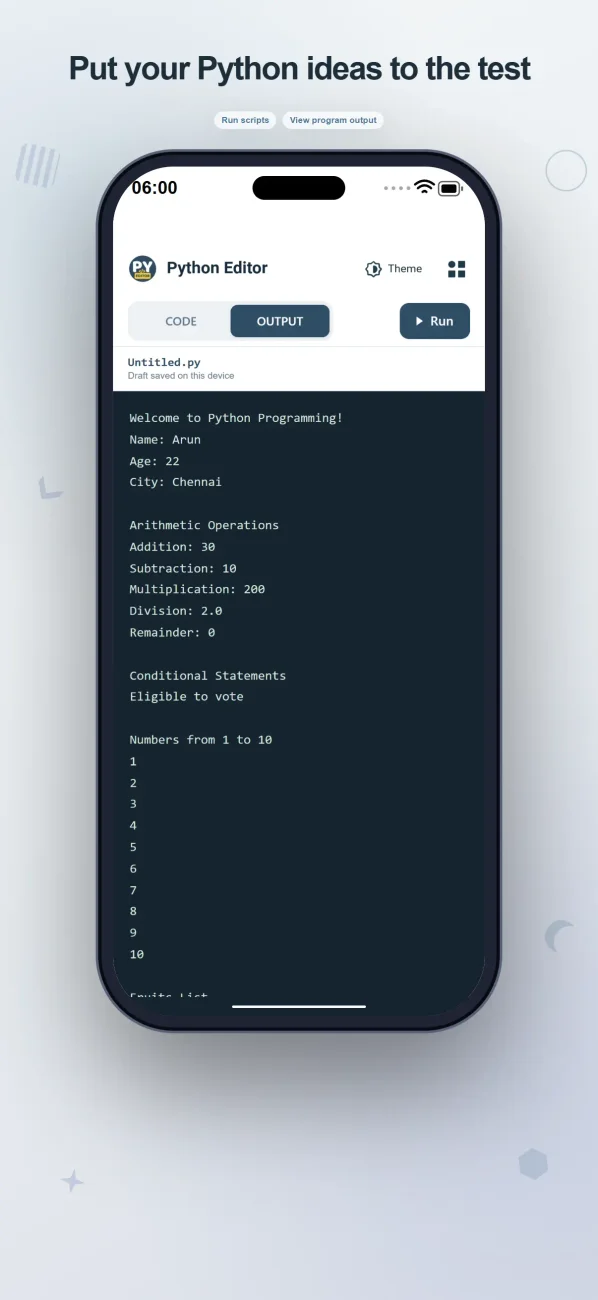
Tap Run to execute your current script through an online service. The app opens Output and displays the returned text. Move back to Code to revise a statement and try another run. You can use this cycle to explore expressions, trace a loop, or inspect the result of a function call.
Prepare input before execution
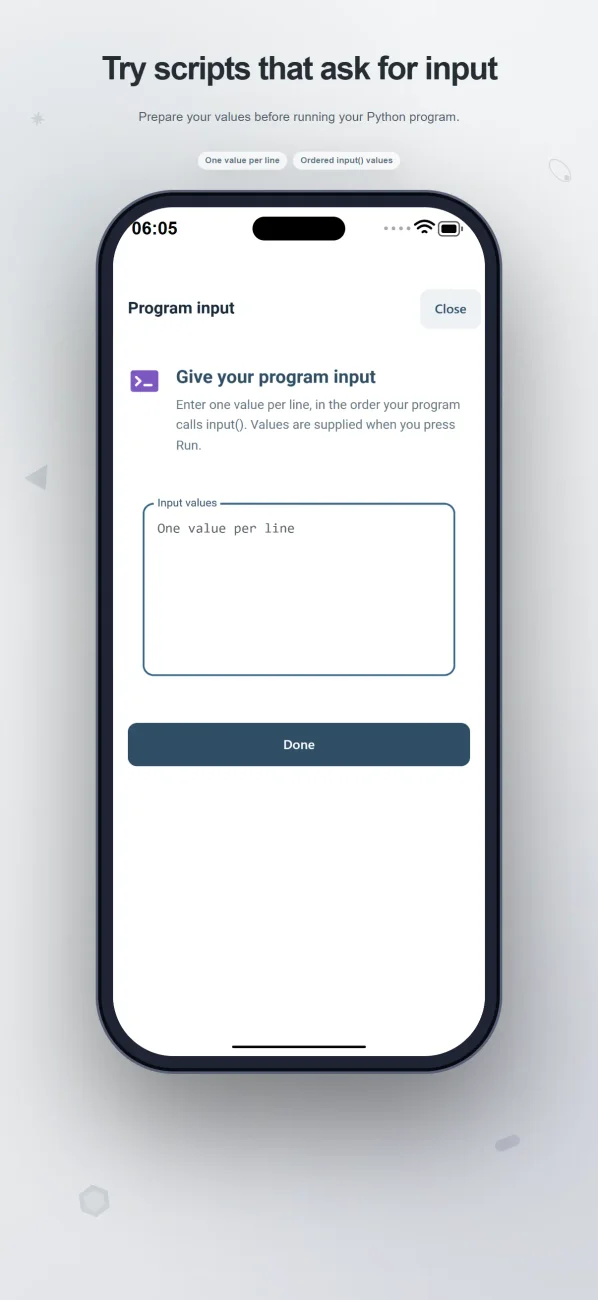
Programs that call input() can receive values from the Program input panel. Enter each value on its own line in the order requested by the script. The app supplies those values when you press Run, rather than asking you to type into a live terminal. Your source stays separate from the input you are testing.
Learn from working starting points
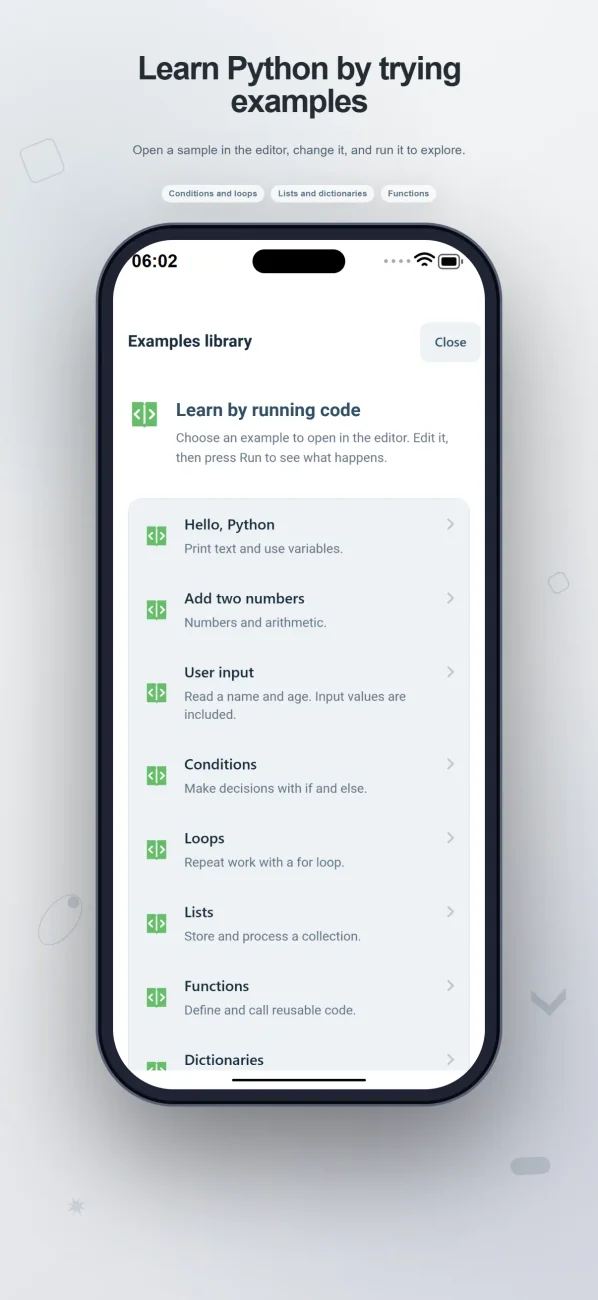
Choose from eight built-in examples: text and variables, adding two numbers, user input, conditional statements, loops, lists, functions, and dictionaries. Each opens as editable code. Try a different number, change the contents of a collection, or adjust a function before running it. Sample input is included with the input example.
Save work you want to keep
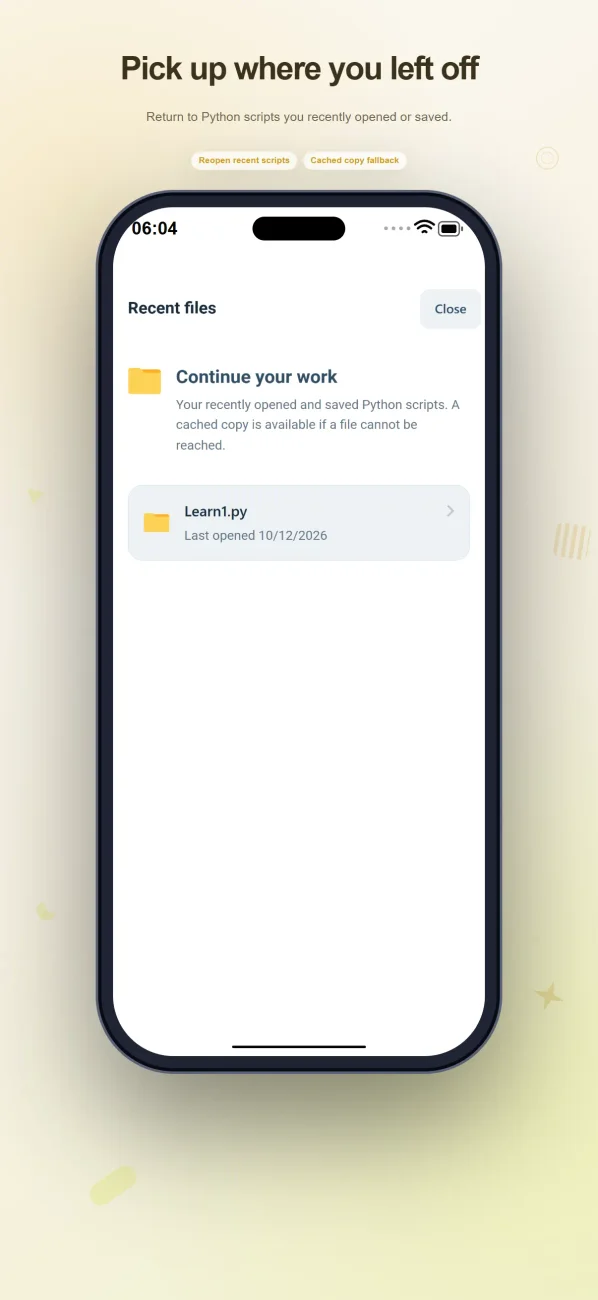
Create a script and save it as a .py file. Save updates the current file, and Save As creates another named copy. Browse scripts saved in the app's Documents area and use Recent files to return to work you previously opened or saved. The current filename remains visible in the workspace.
Recent entries retain cached source. If an original file is unavailable, the app offers to open the cached copy, which you can save again under a new name. Up to ten recent entries are retained locally.
A draft for your next session
Python Editor automatically stores the current source and program input on the device and restores the draft when you reopen the workspace. It also asks before replacing edited code that has not been saved. Draft storage helps you resume a session; saving a named file remains the way to keep a separate script. Recovery depends on available local storage.
An appearance that suits your session
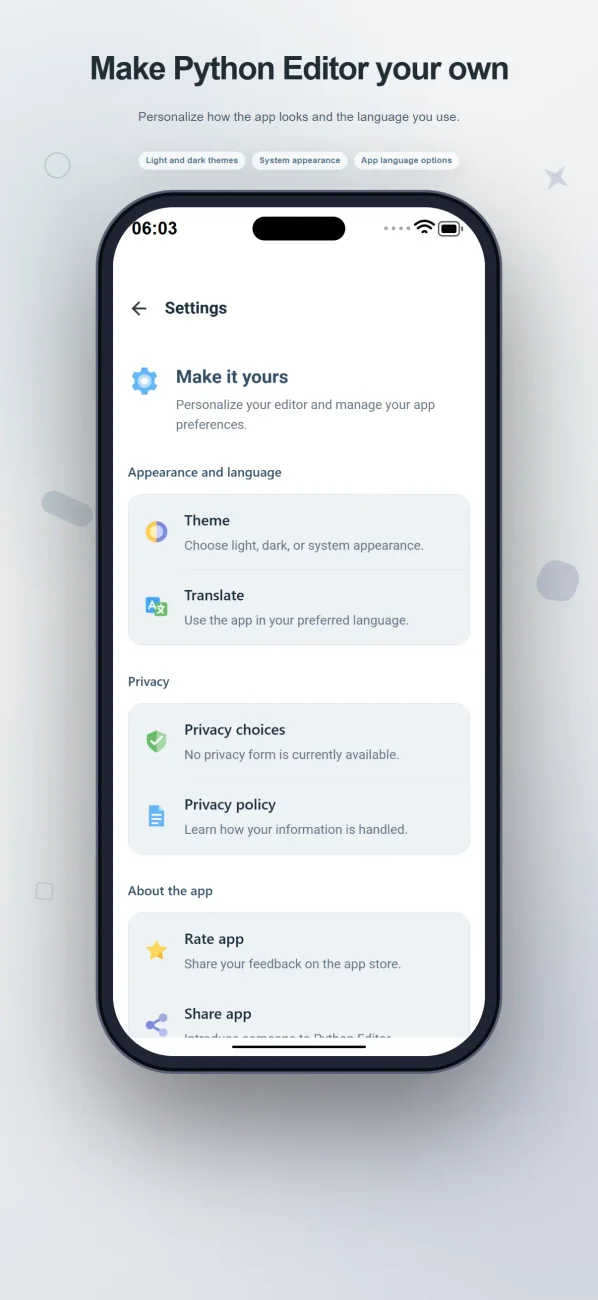
Choose light, dark, or system appearance and select an interface language from Settings. You can also open the privacy policy and review advertising privacy choices when a form is available.
Running code requires an internet connection and sends your script and supplied input to a remote execution service. Execution is online, not a local Python runtime. The app contains advertising. Bring a small idea, start from an example or your own file, and build understanding by changing code and reading its output.
新機能
バージョン 2.4 · 2026/10/18
Design updated
Python compailer re-designed
アプリのプライバシー
このアプリのデータの取り扱いについて、Merbin JoeがApp Storeで申告している内容です。
-
ユーザーのトラッキングに使用されるデータ
他社のアプリやウェブサイトを横断してユーザーをトラッキングする目的で使用される場合があります。
- 使用状況データ
-
ユーザーに関連付けられないデータ
収集される場合がありますが、ユーザーの識別情報には関連付けられません。
- 使用状況データ
プライバシーの取り扱いは、ご利用の機能やお客様の年齢などに応じて異なる場合があります。
情報
- 販売元
- Merbin Joe
- カテゴリ
- 開発ツール
- バージョン
- 2.4
- 更新日
- 2026/10/18
- リリース
- 2022/1/8
- サイズ
- 12.6 MB
- 必要条件
- iOS 15.0以降
- 対象年齢
- 4+
- 価格
- 無料
- 言語
- 英語
- 著作権
- © Codeplay
こちらもおすすめ
-
 Python Editor: 学習とプログラミングオフラインでパイソン実行・コンパイラ
-
 Pytonic: Python Compiler & IDE開発ツール
-
 PyStudio - Learn & Run Python開発ツール
-
 pythoni2.7-run python code開発ツール
-
 Python Coding Editor & IDE開発ツール
-
 Pythonスタジオ - PythonプログラミングPythonプログラミングプラットフォーム
-
 Pythonica: Code and Debug開発ツール
-
 MobileCode Code Editor開発ツール
-
 Python Recipes:コードとSQLPythonとSQLの逆引き、その場で実行
-
 Python+ プログラミング学習Pythonを一歩ずつ学ぼう