
- 対象年齢4+
- カテゴリ仕事効率化
- 開発元Nicola Paparella
- 言語英語
- サイズ995.0 KB
App Storeの公式ページにリンクしています
Download.orgはQuick Read - RSVPのファイルを一切ホストしていません。ボタンを押すと、Nicola Paparellaが公開しているApp Storeのアプリページが開きます。ページの最終確認:2026/11/18。
スクリーンショット
概要
開発元はこのテキストをお使いの言語で提供していません。
Read at the speed of thought.
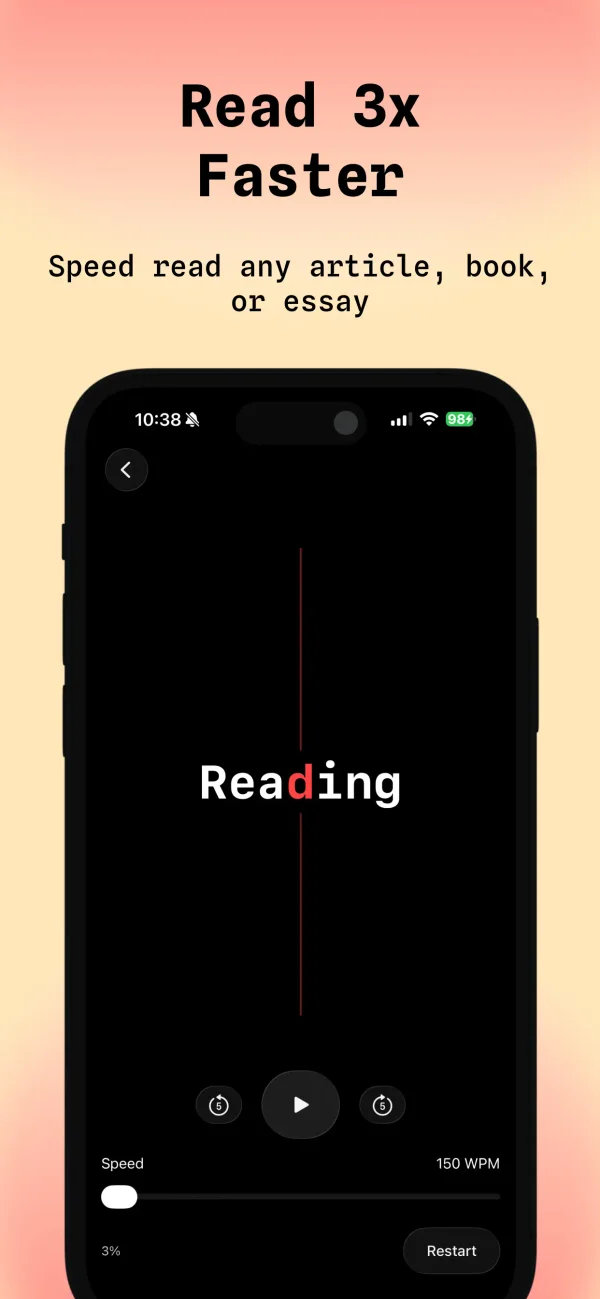
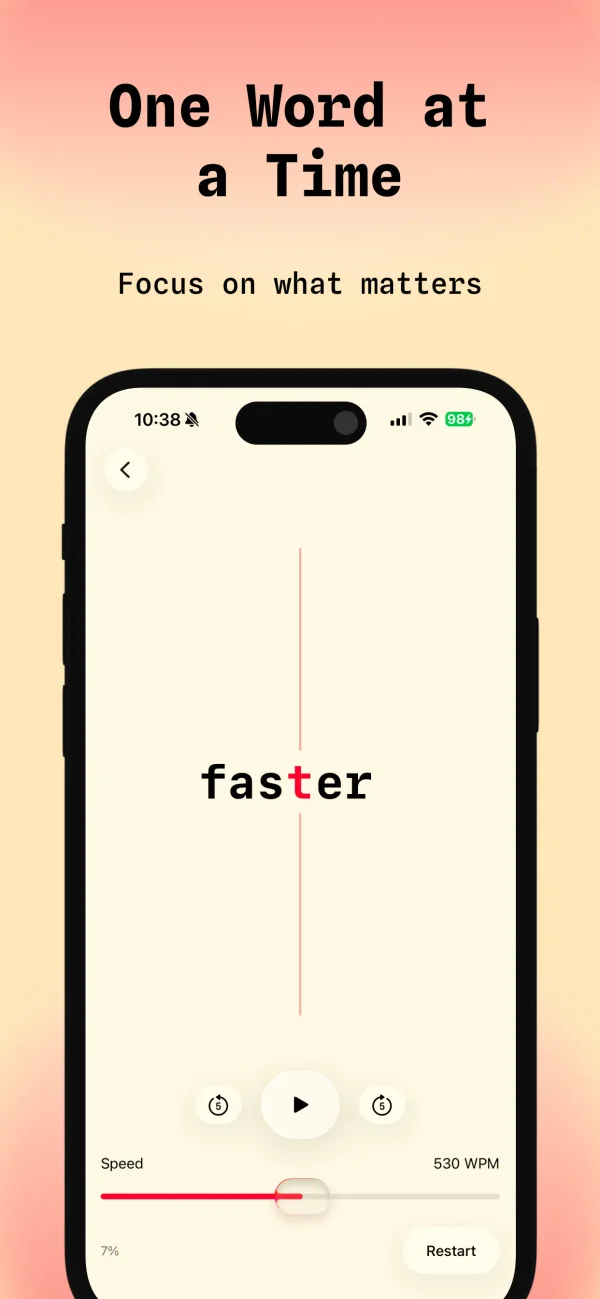
Quick Read uses RSVP (Rapid Serial Visual Presentation) to display text one word at a time, helping you read faster while maintaining focus and comprehension.
HOW IT WORKS
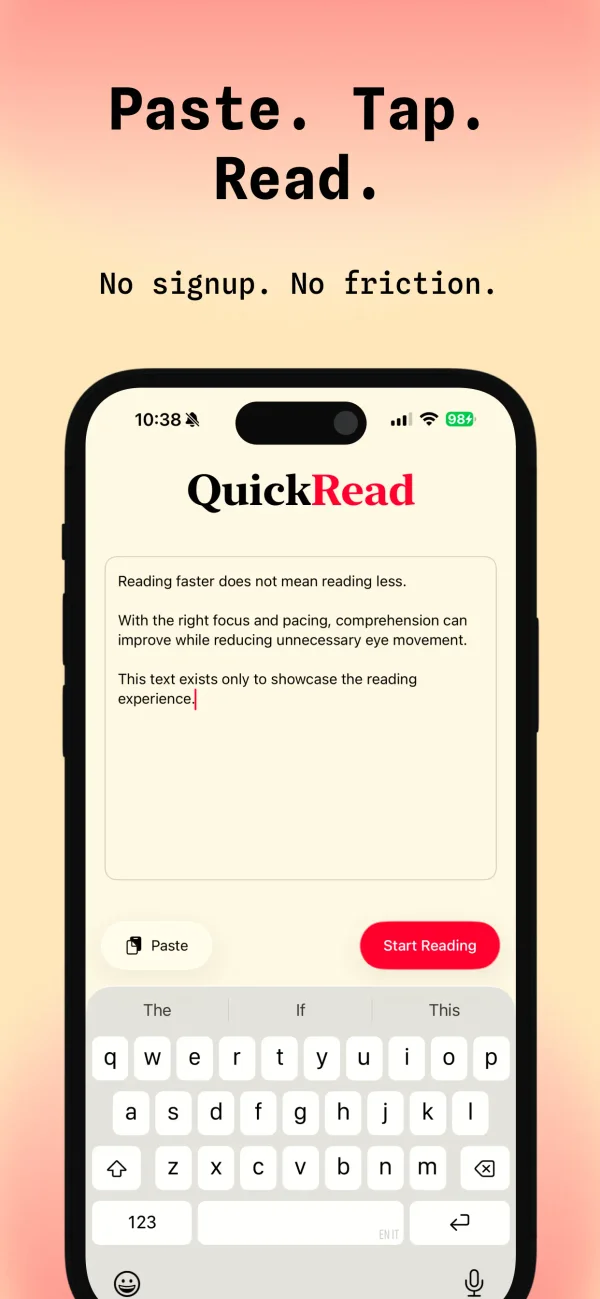
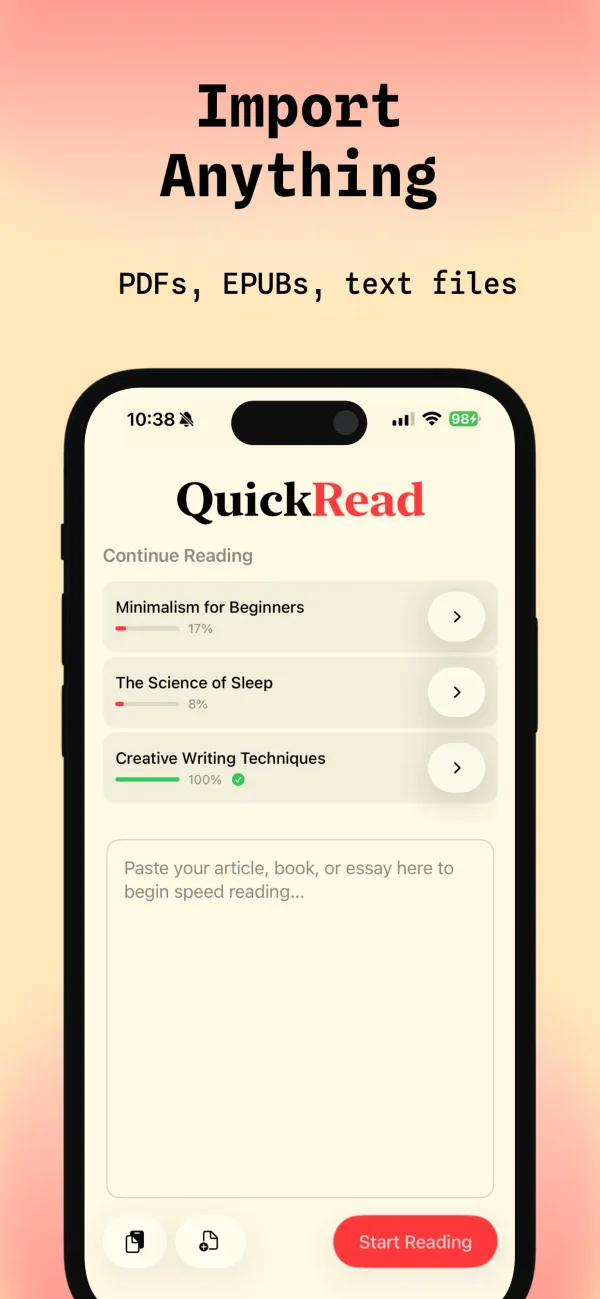
• Paste text or import a PDF or EPUB file
• Tap Start Reading
• Watch words appear one at a time, centered for optimal focus
• Adjust your speed from 100 to 900+ words per minute
• Come back anytime—progress is saved automatically
WHY IT WORKS
Traditional reading is slow because your eyes constantly jump across lines. Quick Read eliminates that friction—each word appears exactly where you're already looking.
FEATURES
• PDF and EPUB import
• Automatic progress saving—pick up where you left off
• Adjustable reading speed (WPM)
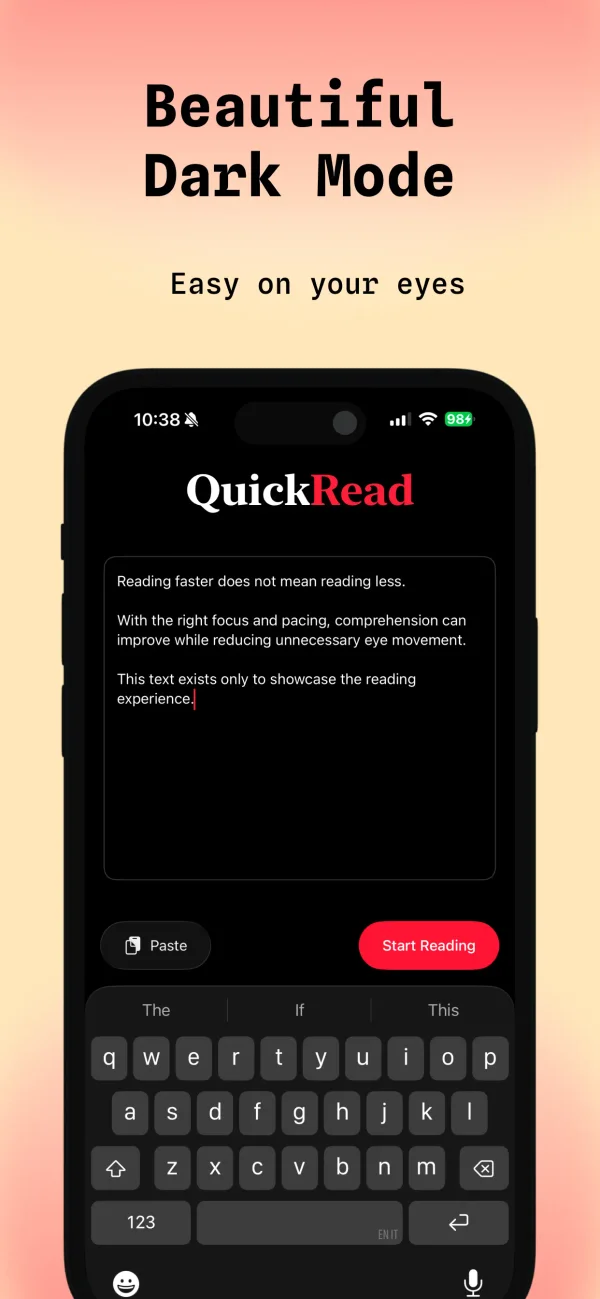
• Dark and light mode support
Perfect for:
- News articles
- Research papers
- Book chapters
- Study material
- Newsletters
- Anything you need to read quickly
No account required. No ads. Just paste and read.
新機能
バージョン 1.3 · 2026/4/20
Picking up where you left off is much easier.
- Added page jumping for imported PDFs, so you can go directly to an exact page
- Added progress jumping for EPUBs and text imports, with a percentage slider
アプリのプライバシー
このアプリのデータの取り扱いについて、Nicola PaparellaがApp Storeで申告している内容です。
-
データの収集なし
開発元はこのアプリからデータを収集しません。
プライバシーの取り扱いは、ご利用の機能やお客様の年齢などに応じて異なる場合があります。
情報
- 販売元
- Nicola Paparella
- カテゴリ
- 仕事効率化
- バージョン
- 1.3
- 更新日
- 2026/4/20
- リリース
- 2026/1/20
- サイズ
- 995.0 KB
- 必要条件
- iOS 17.6以降
- 対象年齢
- 4+
- 価格
- ¥300
- 言語
- 英語
- 著作権
- © Papps Labs
こちらもおすすめ
-
 X Speed Reader: RSVP Reader仕事効率化
-
 Speed Reader!仕事効率化
-
 Speed Read RSVP仕事効率化
-
 Reedit RSVP仕事効率化
-
 FYA: ADHD Tasks & Brain Dump仕事効率化
-
 Skipaword - Speed ReadingPDF・EPUB対応のRSVPリーダー
-
 SnapInk - PDF署名・サイン・印鑑電子署名で書類にサイン・記入
-
 ReadFast - Speed Reading App仕事効率化
-
 Readerr: Speed Reading & RSVP仕事効率化
-
 Rapidly: 速読トレーニングPDF、EPUB、Web記事を速く読む