
Quick Send: Mass Text Message
Mass Text Message | Bulk SMS
iPhone, iPad向けに設計
無料 · アプリ内課金
- 対象年齢4+
- カテゴリ仕事効率化
- 開発元AppTout
- 言語英語
- サイズ85.5 MB
App Storeの公式ページにリンクしています
Download.orgはQuick Send: Mass Text Messageのファイルを一切ホストしていません。ボタンを押すと、AppToutが公開しているApp Storeのアプリページが開きます。ページの最終確認:2026/11/26。
スクリーンショット


概要
開発元はこのテキストをお使いの言語で提供していません。
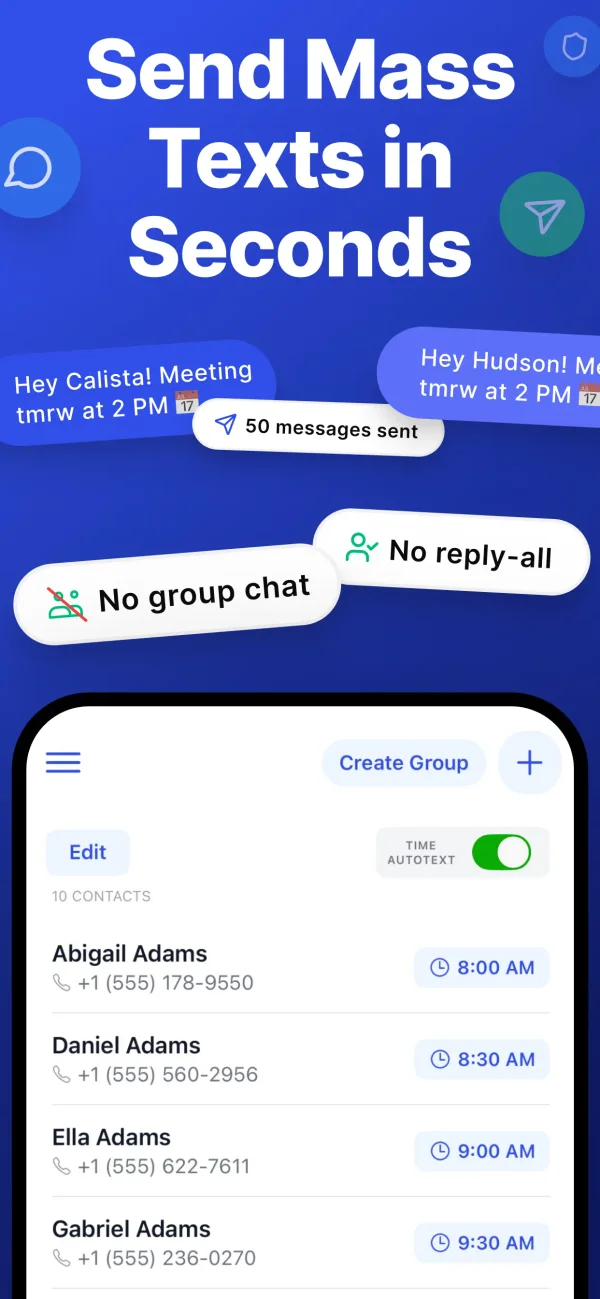
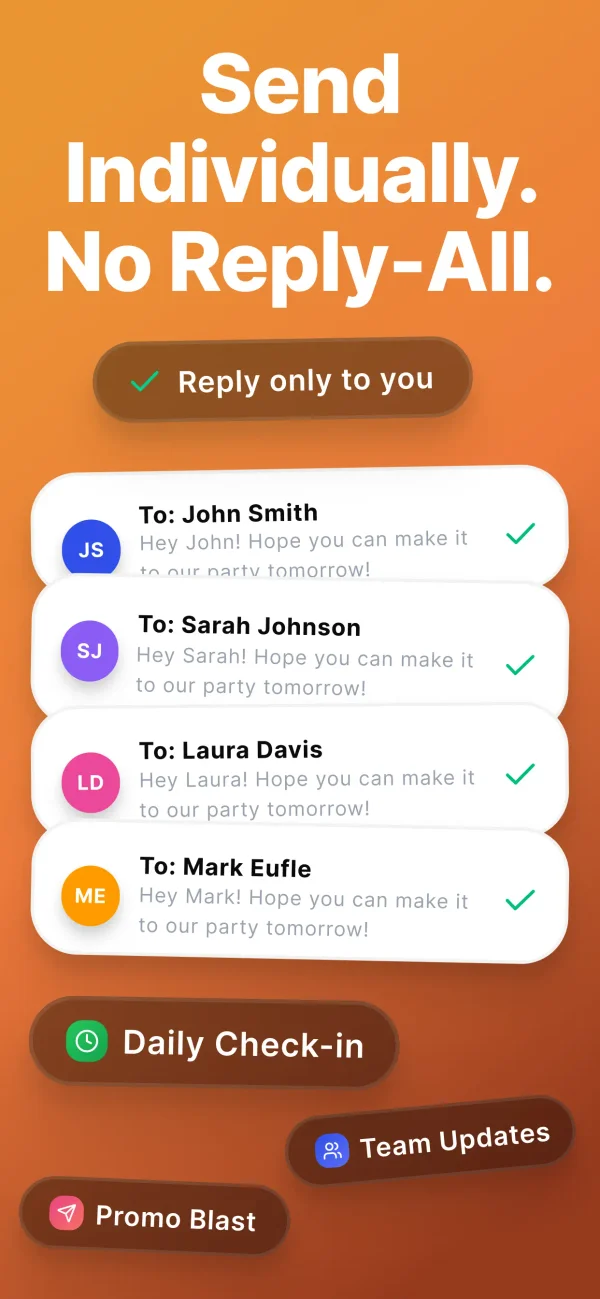
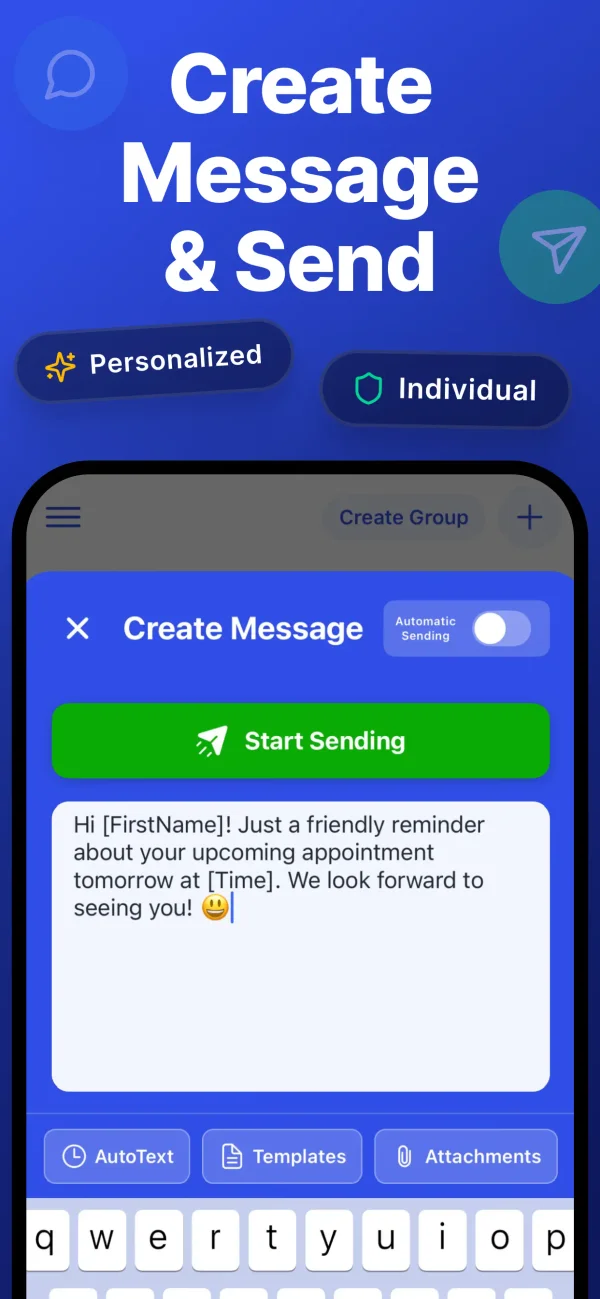
Quick Send is a mass text message app for iPhone that sends personalized texts to multiple contacts individually from your own number, with no group chats and no reply all. Say goodbye to time-consuming repetitive typing and hello to streamlined communication with bulk sms!
Benefits of Quick Send:
◉ Time-saving Efficiency: Send personalized messages to multiple recipients in seconds, eliminating the need for repetitive typing.
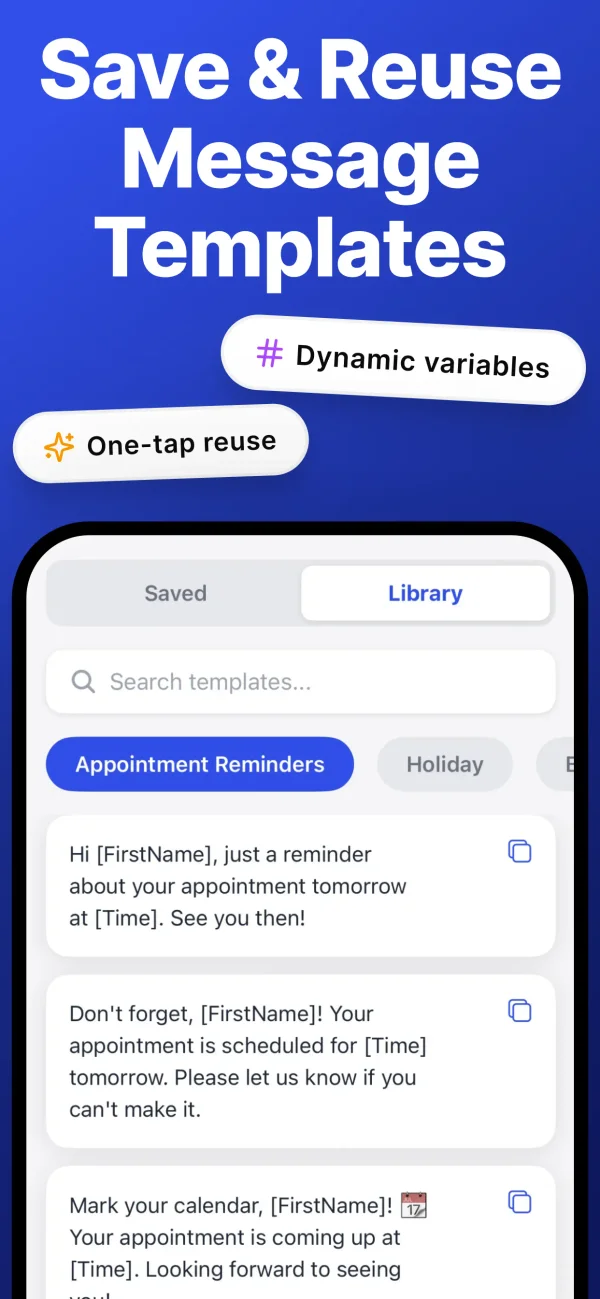
◉ Individualized Messaging: Customize your texts with variable fields like first name, last name, and time for a personal touch.
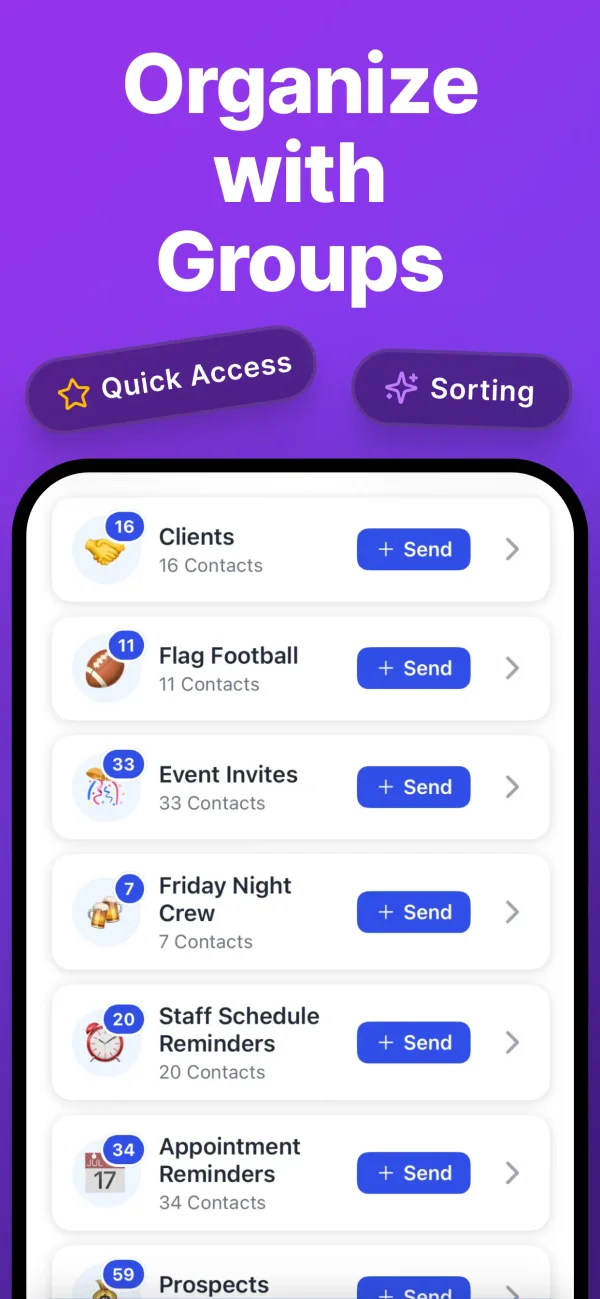
◉ Easy Group Management: Group your contacts for quick and easy access, ensuring efficient communication with specific subsets of your contacts.
◉ Seamless Integration: Quick Send seamlessly integrates with your address book, making it a breeze to import and manage your contacts.
There are ENDLESS use cases of Quick Send, but here are a few examples:
◉ Client Follow-up: Stay in touch with your clients by sending personalized follow-up messages, strengthening relationships and boosting engagement.
◉ Appointment Reminders: Keep your clients informed and organized by sending mass personalized appointment reminders, reducing no-shows and enhancing customer satisfaction.
◉ Event Invitations: Easily coordinate event invites and updates with multiple attendees, ensuring everyone is on the same page and ready to join the fun.
◉ Team Coordination: Streamline team communication and collaboration by sending quick personalized updates or staff scheduling reminders, keeping everyone on track and productive.
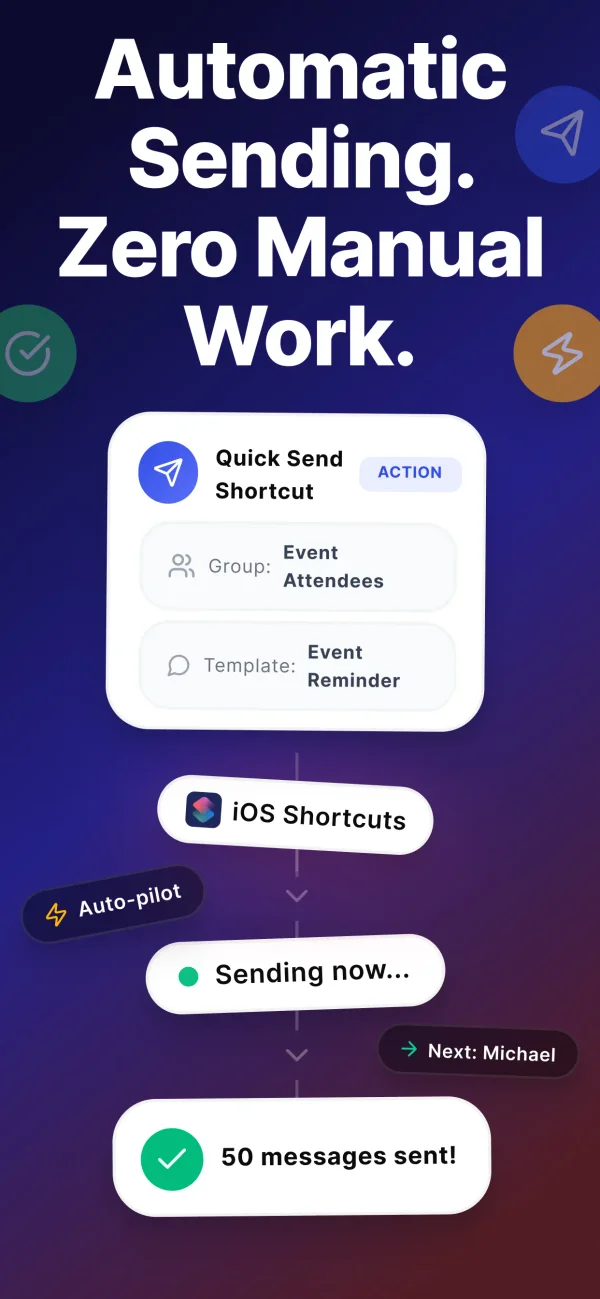
◉ Real Estate Scheduling: Coordinate buyer tours effortlessly by sending individualized messages to other agents with AutoText, saving time and avoiding confusion.
Download Quick Send now and experience the power of efficient, individualized mass messaging!
--
In-App Purchase/Subscription Pricing and Terms:
- You can subscribe for Quick Send Pro content and functionality, and you can choose between a monthly, weekly, or yearly auto-renewable subscription
- All prices are subject to change without notification. We occasionally run promotion prices as incentives or limited time opportunities for qualifying purchases made during the promotional time period. Due to the time sensitive and promotional nature of these events, we are unable to offer price protection or retroactive discounts or refunds for previous purchases in the event of a price reduction or promotional offering.
- Payment will be charged to iTunes Account at confirmation of purchase
- You will have access to all content and functionality for the duration of the subscription
- Subscription automatically renews for the same price and duration period as the original "one week"/"one month"/"one year" package unless auto-renew is turned off at least 24-hours before the end of the current period
- Account will be charged for renewal within 24-hours prior to the end of the current period at the cost of the chosen package (weekly, monthly or yearly package)
- Subscriptions may be managed by the user and auto-renewal may be turned off by going to the user's iTunes Account Settings after purchase
- No cancellation of the current subscription is allowed during active subscription period
- You may cancel a subscription during its free trial period via the subscription setting through your iTunes account. This must be done 24 hours before the end of the subscription period to avoid being charged. Please visit http://support.apple.com/kb/ht4098 for more information
- You may turn off the auto-renewal of your subscription via your iTunes Account Settings. However, you are not able to cancel the current subscription during its active period
- Any unused portion of a free-trial period, will be forfeited when the user purchases a subscription
Privacy Policy:
https://www.apptout.com/privacy-policy
Terms of Use:
https://apptout.com/terms-of-service/
新機能
バージョン 4.21 · 2026/11/25
- Added the ability to filter contacts by iOS Contact Lists when selecting contacts from your device.
- Added individual group settings, allowing you to sort contacts within each group by custom order, first name, or last name.
- Added landscape orientation and hardware keyboard support for iPad.
- Performance improvements and minor bug fixes.
アプリのプライバシー
このアプリのデータの取り扱いについて、AppToutがApp Storeで申告している内容です。
-
ユーザーのトラッキングに使用されるデータ
他社のアプリやウェブサイトを横断してユーザーをトラッキングする目的で使用される場合があります。
- ID
- 使用状況データ
-
ユーザーに関連付けられたデータ
収集され、ユーザーの識別情報に関連付けられる場合があります。
- 購入
- 位置情報
- 連絡先情報
- 連絡先
- ユーザーコンテンツ
- ID
- 使用状況データ
- 診断
-
ユーザーに関連付けられないデータ
収集される場合がありますが、ユーザーの識別情報には関連付けられません。
- ユーザーコンテンツ
プライバシーの取り扱いは、ご利用の機能やお客様の年齢などに応じて異なる場合があります。
情報
- 販売元
- AppTout, LLC
- カテゴリ
- 仕事効率化
- バージョン
- 4.21
- 更新日
- 2026/11/25
- リリース
- 2023/7/7
- サイズ
- 85.5 MB
- 必要条件
- iOS 17.6以降
- 対象年齢
- 4+
- 価格
- 無料
- アプリ内課金
- あり
- 言語
- 英語
- 著作権
- © 2026 AppTout LLC
こちらもおすすめ
-
 Group Text | Mass Text messageコンタクトグループに簡単 & 早くSMSを送ろう
-
 Reach: Fast SMS Text and Email仕事効率化
-
 SendHype - Group text仕事効率化
-
 一斉送信 SMS - MassTexter営業・顧客への一括メッセージ
-
 Fext - Group Text Messaging仕事効率化
-
 Group SMS+仕事効率化
-
 DialMyCalls: Mass Text & Voice仕事効率化
-
 AI Line: Second Phone Number仕事効率化
-
 Scheduled - メッセージをスケジュールプラン・マス自動テキストスケジューラー
-
 Line2 - Second Phone Number仕事効率化