
- 対象年齢4+
- カテゴリ教育
- 開発元Fedri Consulting Services Ltd.
- 言語英語
- サイズ5.7 MB
App Storeの公式ページにリンクしています
Download.orgはQuranRecordのファイルを一切ホストしていません。ボタンを押すと、Fedri Consulting Services Ltd.が公開しているApp Storeのアプリページが開きます。ページの最終確認:2026/11/14。
スクリーンショット


概要
開発元はこのテキストをお使いの言語で提供していません。
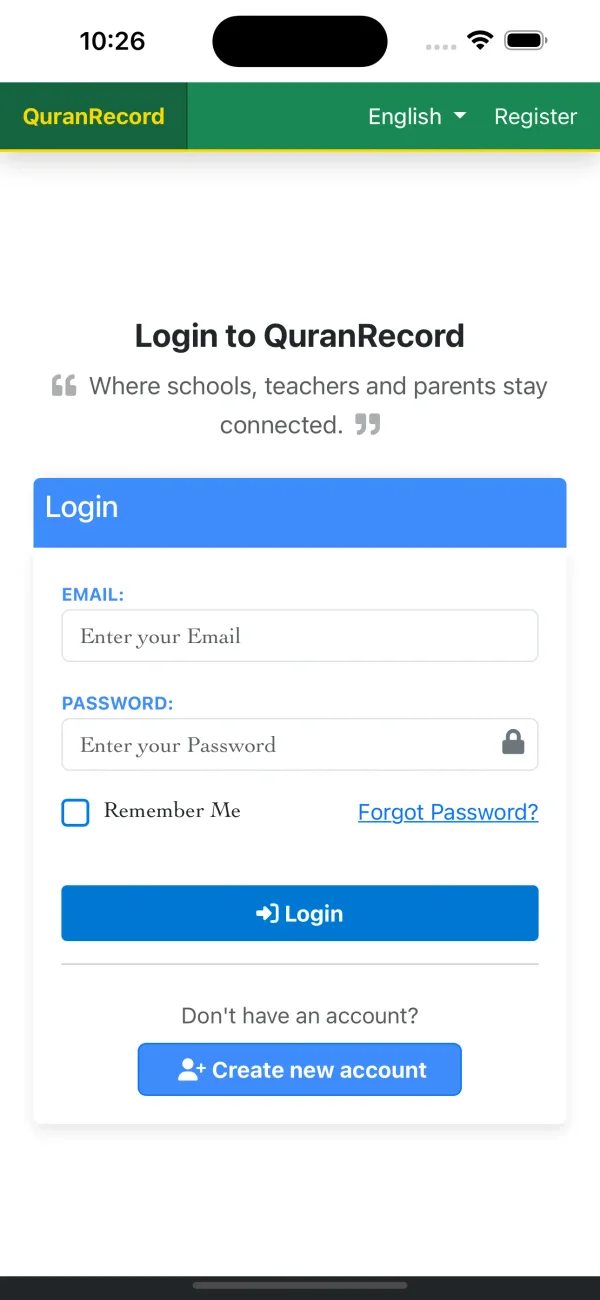
This application helps mosques, madrasas, Islamic schools, private Quran teachers and individuals log their daily Quranic recitations and to manage the operation online. Instead of using the traditional method of marking the Quran and taking notes on paper or in a diary, our current modules digitally automate all your operations. Management, teachers, and parents can access their respective profiles once they log in. Teachers cannot see other classes, and parents cannot see other students besides their own children. Management has full control over the school, teachers, and students.
Key features include:
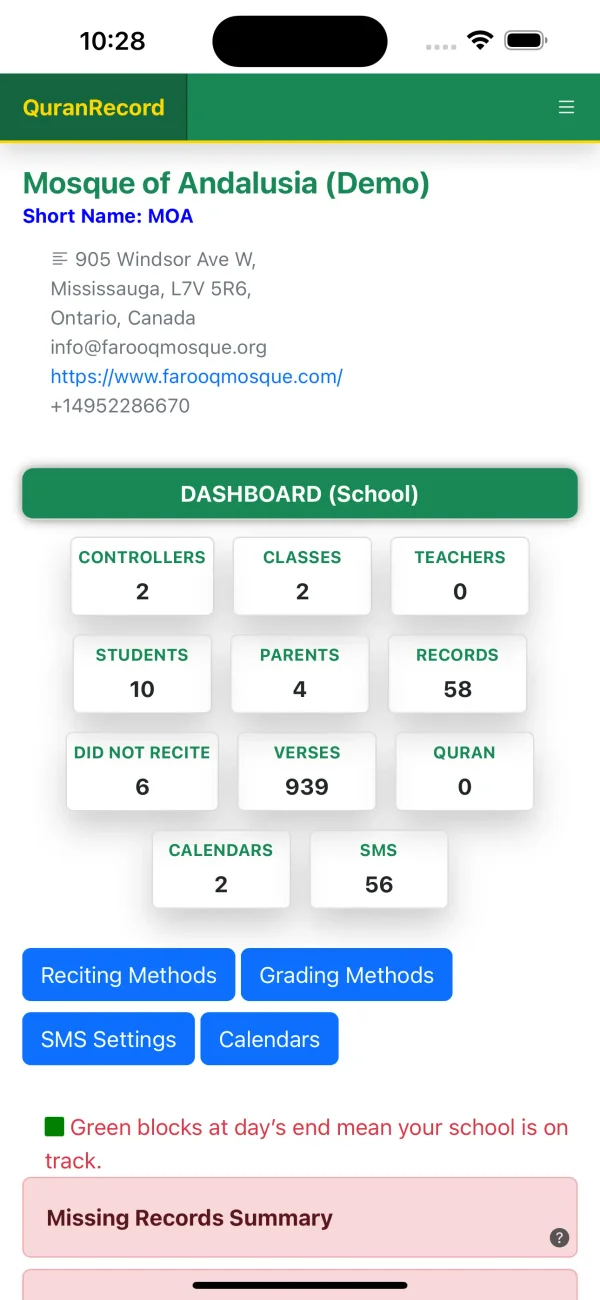
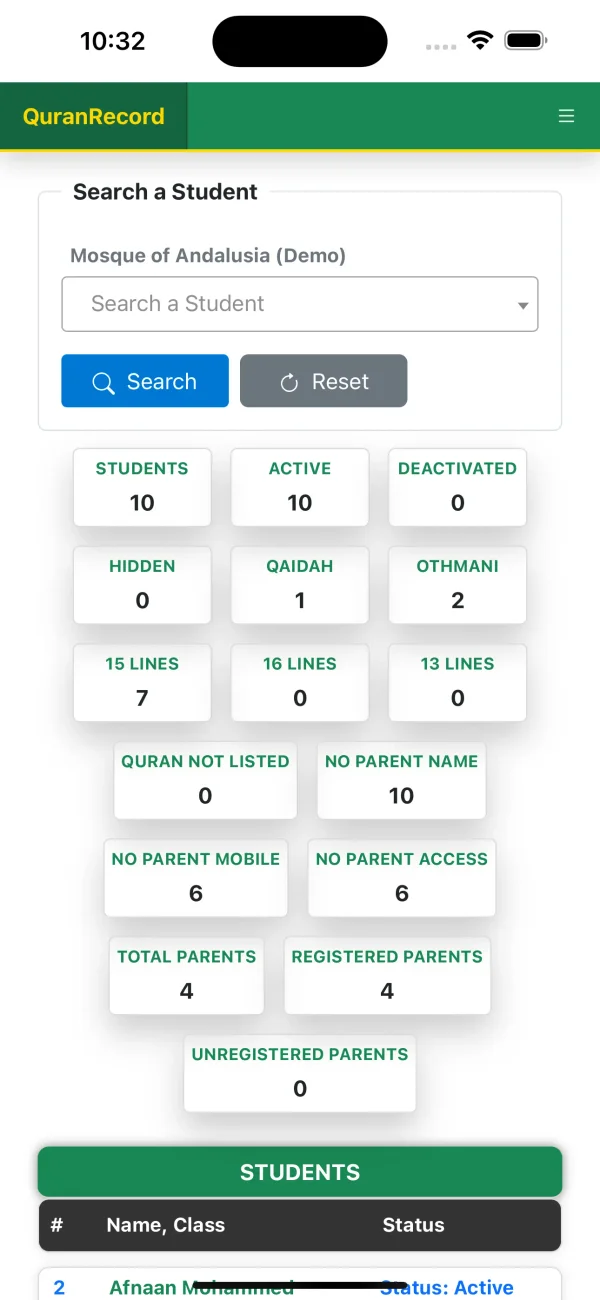
• School Dashboard: With the click of a button, management can see a complete overview of the institution, including the total number of controller (managers), students, teachers, and classes. It also shows the number of parents accessing their children's daily records, total entries, total Quran completion statistics, and total verses completed by all the students.
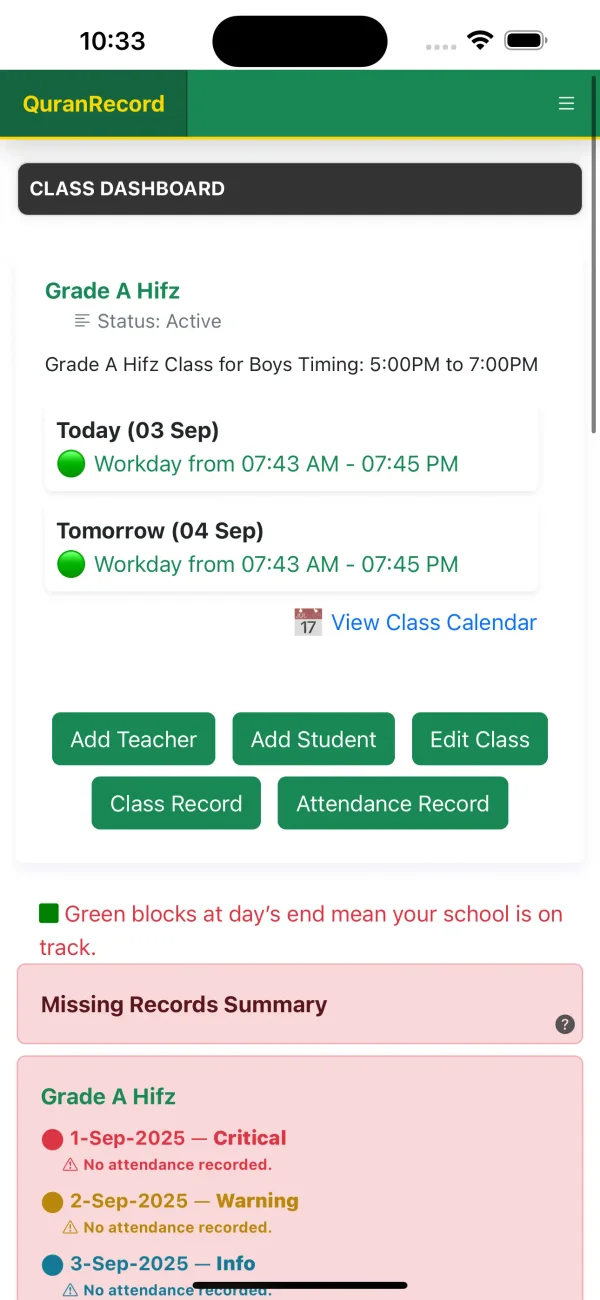
• Adding a Class, Teachers and Students: School management can create a new class using the "Add Class" link and thereby add teachers and students to the class. Only the teacher assigned to the class can access it; teachers cannot access other classes. Similarly, parents can only access the profiles of their own children and not those of other children in the classroom.
• Management Control: Management has full control over the school, including the ability to activate, deactivate, edit, or delete students, teachers, and classes. These actions can be performed by visiting the profiles of students, teachers, or classes.
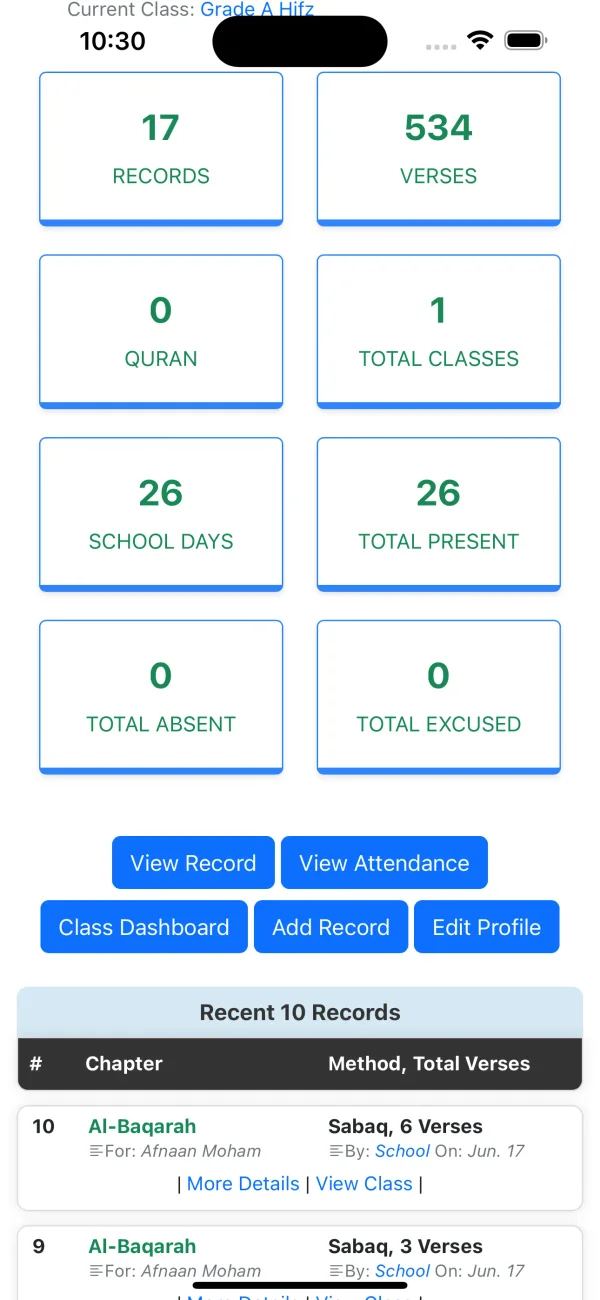
• Add New Record: Instead of marking the Quran to note the start and end of chapters or juz, or taking notes on paper, management, teachers, and parents can now add records to students' profiles using the "Add Record" button on the student profile.
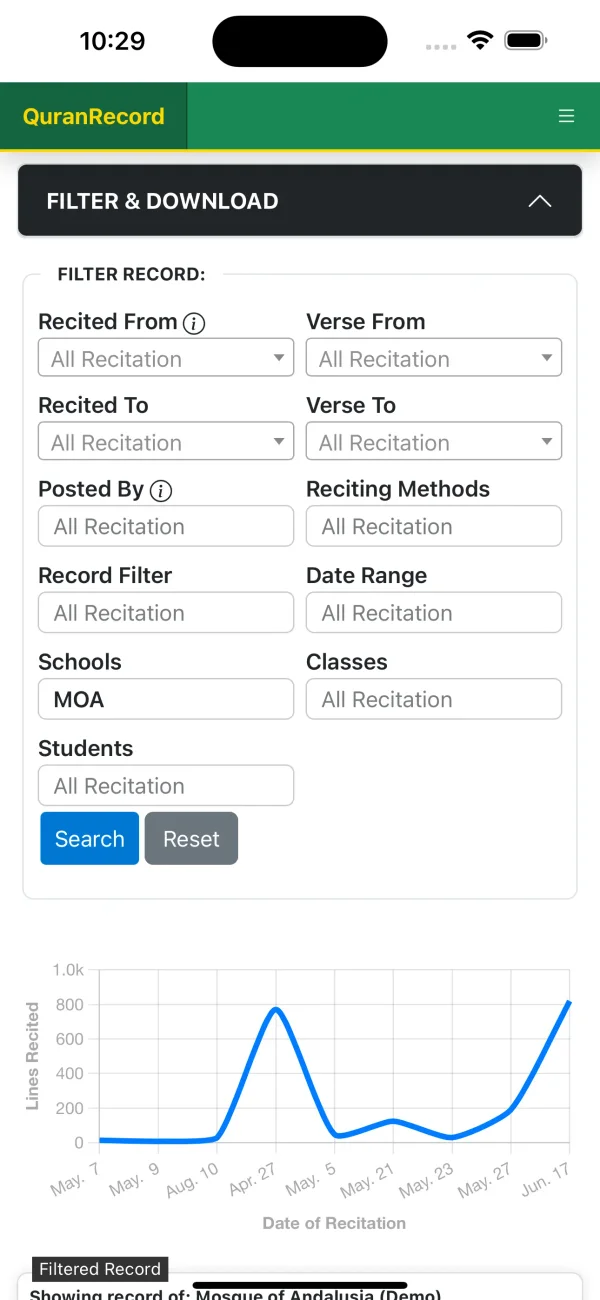
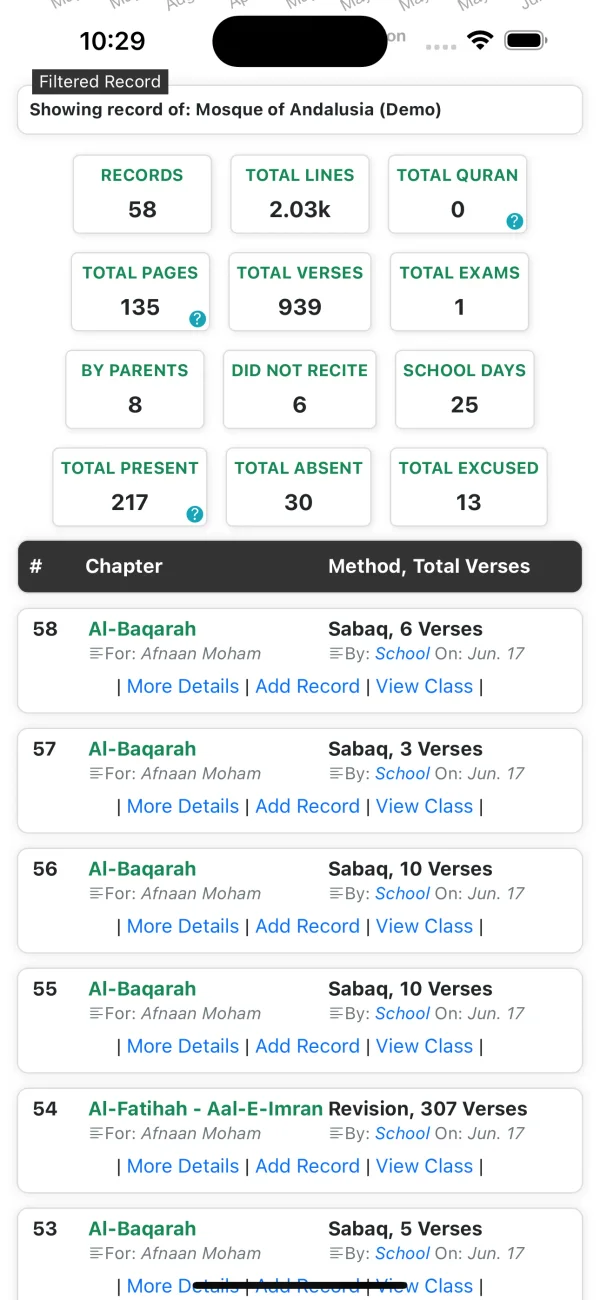
• View Record: Management, teachers, and parents can view student records by month, chapter, juz, reciting methods, and class. Additionally, records are presented in a graphical view to easily understand the performance of the students or the class.
• Reciting Methods: We follow international standards to implement the best practices for Quranic students. We divide the students into two groups: "Learners" and "Huffaz." Learners are those who have started reciting the Quran, while Huffaz are those who are memorizing it. Each group is further divided into three categories based on the students' progress in reading their lessons.
• Huffaz: Lessons for the memorization of the Quran are classified into three different types: Lesson, Repetition, and Revision. Lesson refers to the new or today's memorization task. Repetition is the lesson that the student memorized last time. Revision is the older lesson, which can be set by the school.
• Learners: Students who have started their journey in learning the Quran are called Learners, and they are classified into Beginner, Intermediate, and Advanced levels. Beginners are new to the Quran, have not completed it yet, or are reading their first Quran. Intermediate students have completed at least one Quran, can read with Tajweed, or are reading their second Quran. Advanced students are fluent in reading and can move towards memorization or are reading their third Quran
• Homework and Progress Email: Teachers can email parents the daily records of students when adding a new record. Simply use the "Email Parents" dropdown list, select the appropriate option, enter the notes, and save the record. The email will be sent to the parents.
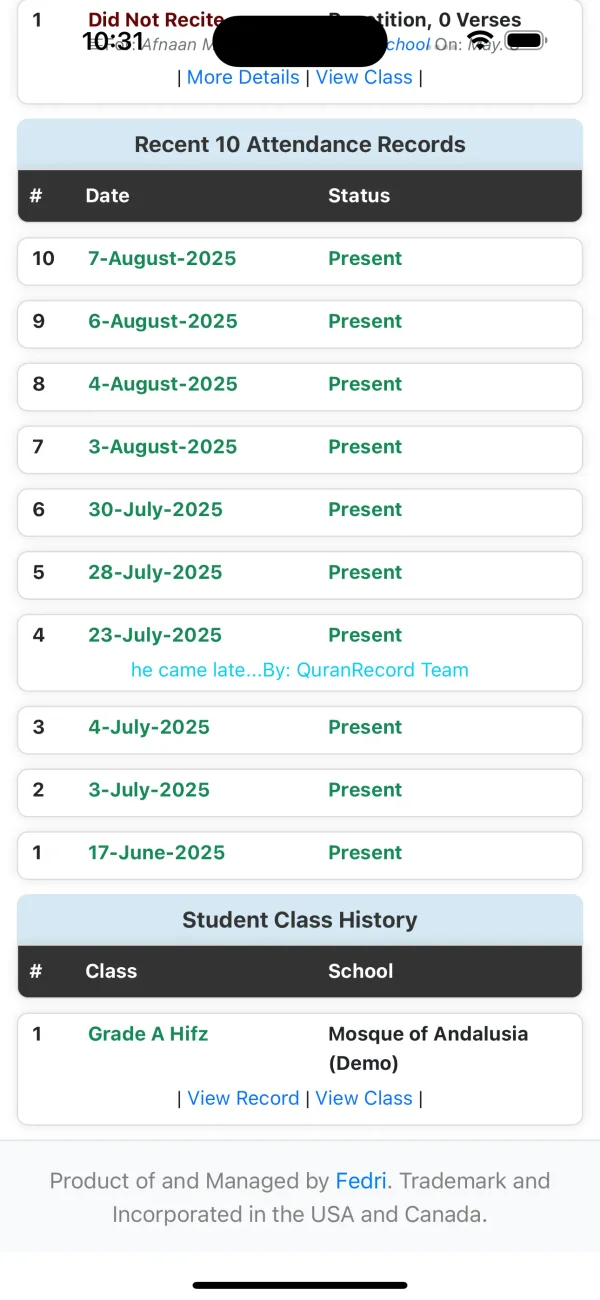
• Attendance Tracking: Teachers and management can take and track student attendance. They can select from Present, Absent, or Excused options. Attendance for all students can be recorded with a single click.
• Lots more to add.
Our platform offers:
• Many personal and family uses
• Completely free usage
• No ads
• No payment requirements
• No images or social media interactions
It's just you and your Quran record.
アプリのプライバシー
このアプリのデータの取り扱いについて、Fedri Consulting Services Ltd.がApp Storeで申告している内容です。
-
ユーザーに関連付けられたデータ
収集され、ユーザーの識別情報に関連付けられる場合があります。
- 連絡先情報
-
ユーザーに関連付けられないデータ
収集される場合がありますが、ユーザーの識別情報には関連付けられません。
- 位置情報
プライバシーの取り扱いは、ご利用の機能やお客様の年齢などに応じて異なる場合があります。
情報
- 販売元
- Fedri Consulting Services Ltd.
- カテゴリ
- 教育
- バージョン
- 1.0
- 更新日
- 2025/9/9
- リリース
- 2025/9/8
- サイズ
- 5.7 MB
- 必要条件
- iOS 16.6以降
- 対象年齢
- 4+
- 価格
- 無料
- 言語
- 英語
- 著作権
- © Fedri Consulting Services Ltd.