Readive: EPUB & Comic Reader
PDF, Audiobooks & Read Aloud
iPhone, iPad, iPod touch向けに設計
無料 · アプリ内課金
- 対象年齢4+
- カテゴリブック
- 開発元sungbin jung
- 言語英語ほか9言語
- サイズ148.7 MB
App Storeの公式ページにリンクしています
Download.orgはReadive: EPUB & Comic Readerのファイルを一切ホストしていません。ボタンを押すと、sungbin jungが公開しているApp Storeのアプリページが開きます。ページの最終確認:2026/11/23。
スクリーンショット

概要
開発元はこのテキストをお使いの言語で提供していません。
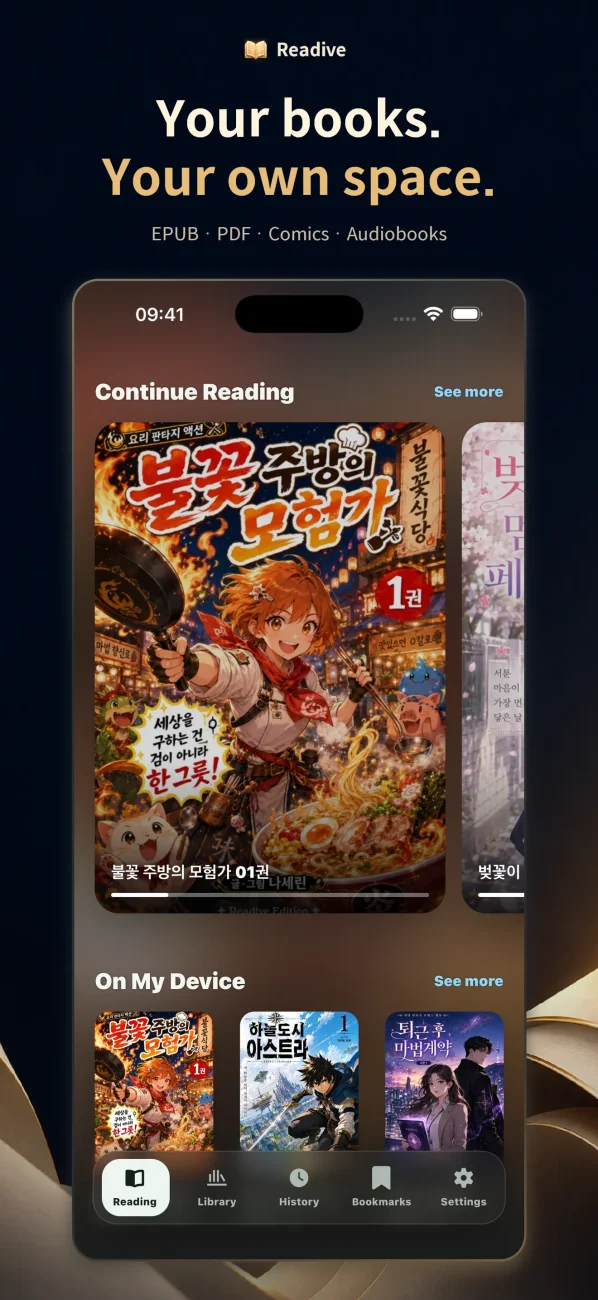
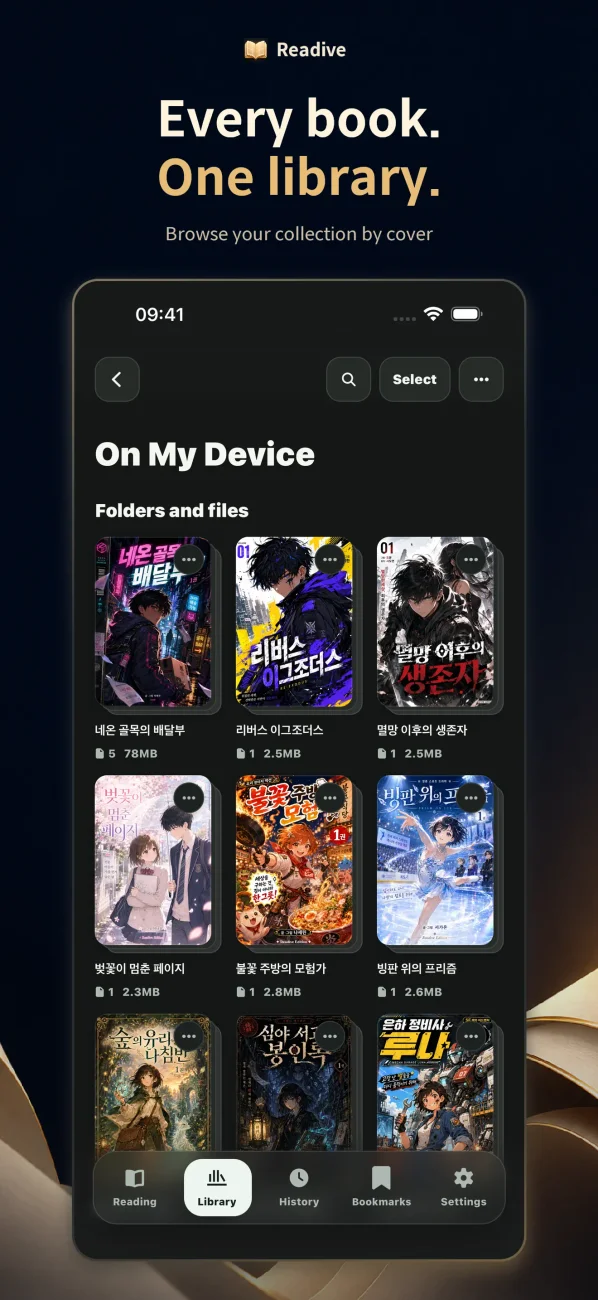
Read EPUB, PDF and comics. Listen to audiobooks. Readive brings your own files together in one library on iPhone and iPad, so you can pick up where you left off.
BRING YOUR OWN BOOKS
- Import EPUB, PDF, TXT, CBZ, CBR, ZIP, RAR, 7z and audio files such as MP3.
- Browse and import from SMB/NAS, FTP/SFTP, WebDAV, OPDS, Dropbox and OneDrive.
- Connect to BookManager on your local network to read and import books from your PC.
- Keep downloaded books on your device for offline reading.
- Use Find on the web (Beta) to browse free ebooks and audiobooks from external sources and import supported files. Check each work’s rights, terms of use and availability in your country. Downloads may be limited by source or title, and the Beta feature may change or end.
READ YOUR WAY
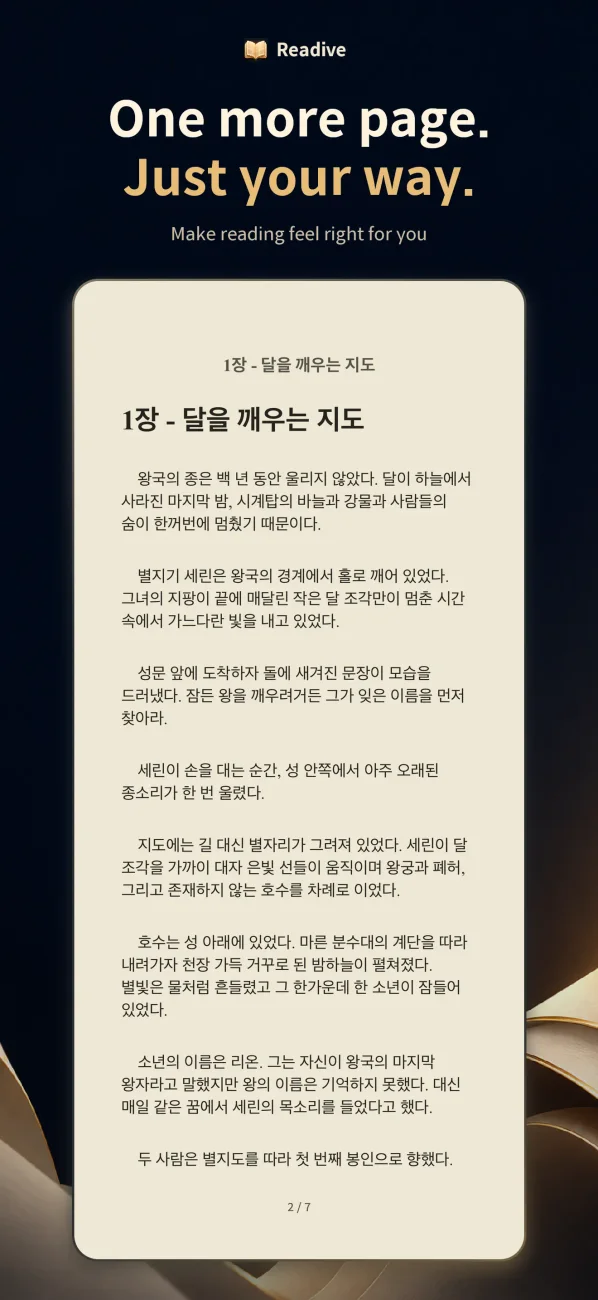
- Adjust fonts, themes, page direction and viewing options.
- Read comics with zoom, image filters and support for password-protected archives.
- Choose the original layout or optimized reading view for EPUB.
- Save bookmarks and highlights, and return to your reading position.
LISTEN AS YOU READ
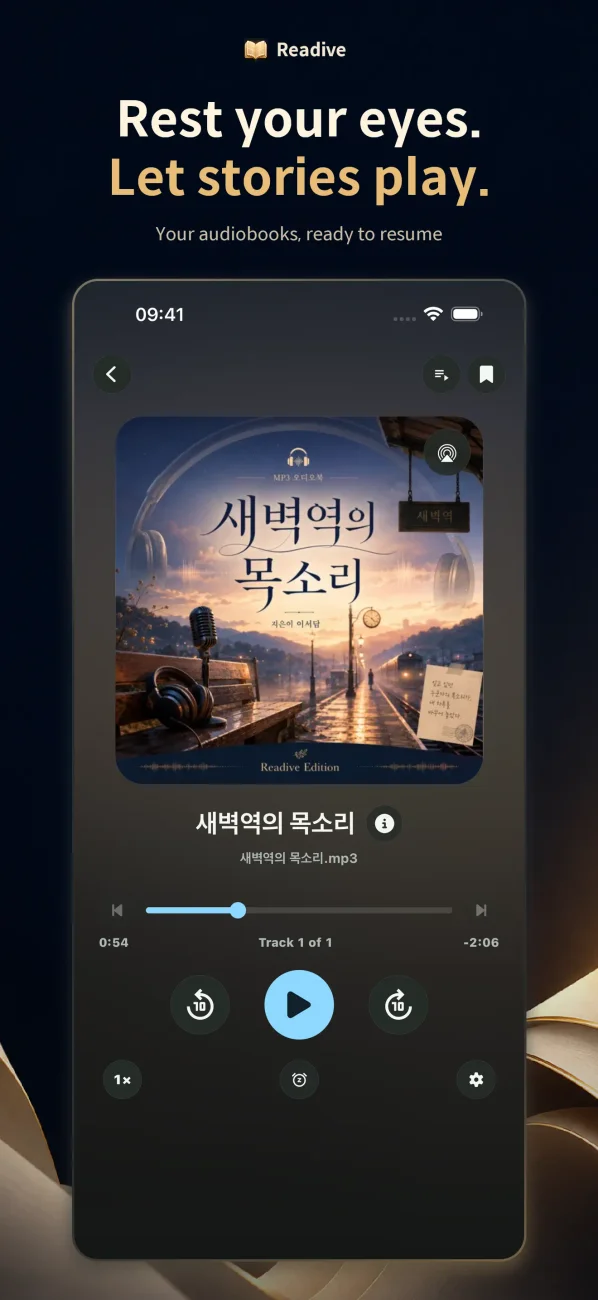
- Play audiobooks and resume from your saved position.
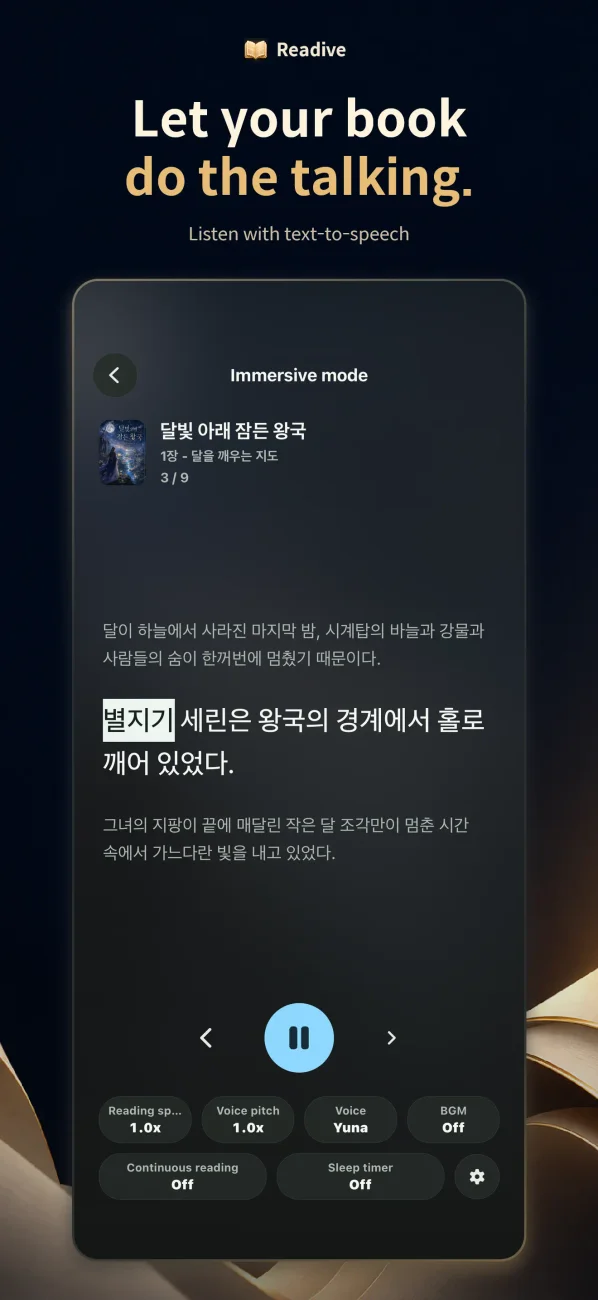
- Listen to supported text with text-to-speech.
- Use playback speed controls and a sleep timer.
KEEP TRACK OF YOUR READING
- Organize your library into collections.
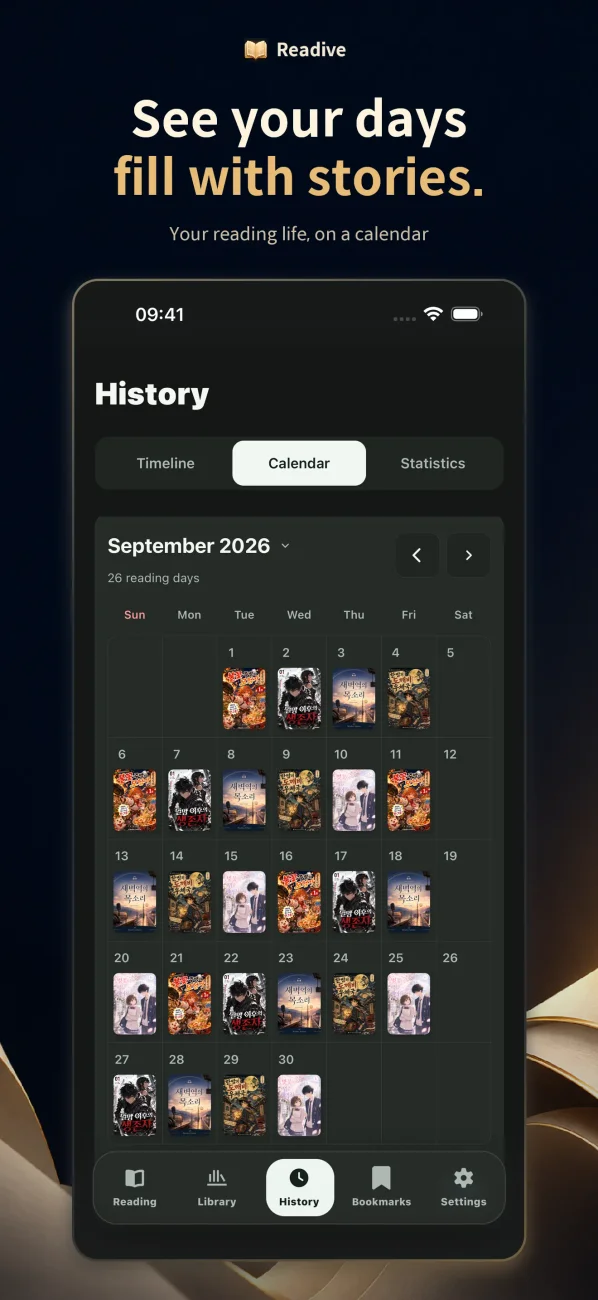
- View reading history, a reading calendar and daily activity.
- Add book ratings and keep track of your progress.
FREE AND PREMIUM
Readive works without a Readive account. The free version includes ads. Premium is available as a monthly or annual subscription, or a one-time lifetime purchase. Premium removes ads and adds themes, fonts, reading insights, reading music and the optional Supertonic offline TTS model. Reading music and the offline TTS model require separate downloads.
Imported files are stored on your device. Optional cloud connections and sync use the services you choose. Supported formats and features depend on the file and operating system.
Purchases are billed through your App Store account. Subscriptions renew automatically unless canceled and can be managed in device settings. Lifetime access does not expire or renew automatically. A lifetime purchase does not automatically cancel an existing subscription.
Terms of Use (EULA): https://www.apple.com/legal/internet-services/itunes/dev/stdeula/
新機能
バージョン 1.12.0 · 2026/11/22
- Reorganized reader settings. Preview TXT and EPUB page settings before applying changes together.
- Choose EPUB text and background colors, and adjust font weight, italic and text shadow in Optimized reading mode.
- Customize the sizes of tap zones used for page turns and opening the menu.
- Preview comic image filters full screen before applying them.
- Set auto-scroll to 4–60 seconds per screen in one-second steps, and hold the screen to pause temporarily.
- Added a setting for the right scrollbar and fixed reading position jumps when dragging it.
- In book list selection mode, press and hold, then drag to select or deselect a range of items.
- Added date-added and last-updated sorting in OPDS catalogs when the server provides the relevant dates.
- Added an option to send reading position and read/unread status to Komga for books downloaded through its OPDS catalog.
- Connected books downloaded through BookManager OPDS to reading progress sync through an existing device pairing.
- Organized reader help into topic tabs and updated the instructions for current settings and controls.
- Fixed bookmarks not saving or reappearing in TXT and EPUB books opened directly from device folders.
- Fixed crashes that could occur when disconnecting SMB on iOS and iPadOS.
OPDS reading progress integration applies to books downloaded after this update. Download existing books again to use it. Enable progress uploads in the Komga connection settings. BookManager requires a server version that supports this feature and a paired device.
アプリのプライバシー
このアプリのデータの取り扱いについて、sungbin jungがApp Storeで申告している内容です。
-
ユーザーに関連付けられたデータ
収集され、ユーザーの識別情報に関連付けられる場合があります。
- 位置情報
- 検索履歴
- ID
- 使用状況データ
- 診断
-
ユーザーに関連付けられないデータ
収集される場合がありますが、ユーザーの識別情報には関連付けられません。
- 購入
- 診断
プライバシーの取り扱いは、ご利用の機能やお客様の年齢などに応じて異なる場合があります。
情報
- 販売元
- sungbin jung
- カテゴリ
- ブック
- バージョン
- 1.12.0
- 更新日
- 2026/11/22
- リリース
- 2026/8/25
- サイズ
- 148.7 MB
- 必要条件
- iOS 15.1以降
- 対象年齢
- 4+
- 価格
- 無料
- アプリ内課金
- あり
- 言語
- 英語, フランス語, ドイツ語, 日本語, 韓国語, ポルトガル語, ロシア語, 簡体字中国語, スペイン語, 繁体字中国語
- 著作権
- © 2026 Devmore