- 対象年齢4+
- カテゴリミュージック
- 開発元Paa Kobina Bartels Cudjoe
- 言語英語
- サイズ451.7 MB
App Storeの公式ページにリンクしています
Download.orgはREM.DAW – Music Studioのファイルを一切ホストしていません。ボタンを押すと、Paa Kobina Bartels Cudjoeが公開しているApp Storeのアプリページが開きます。ページの最終確認:2026/11/25。
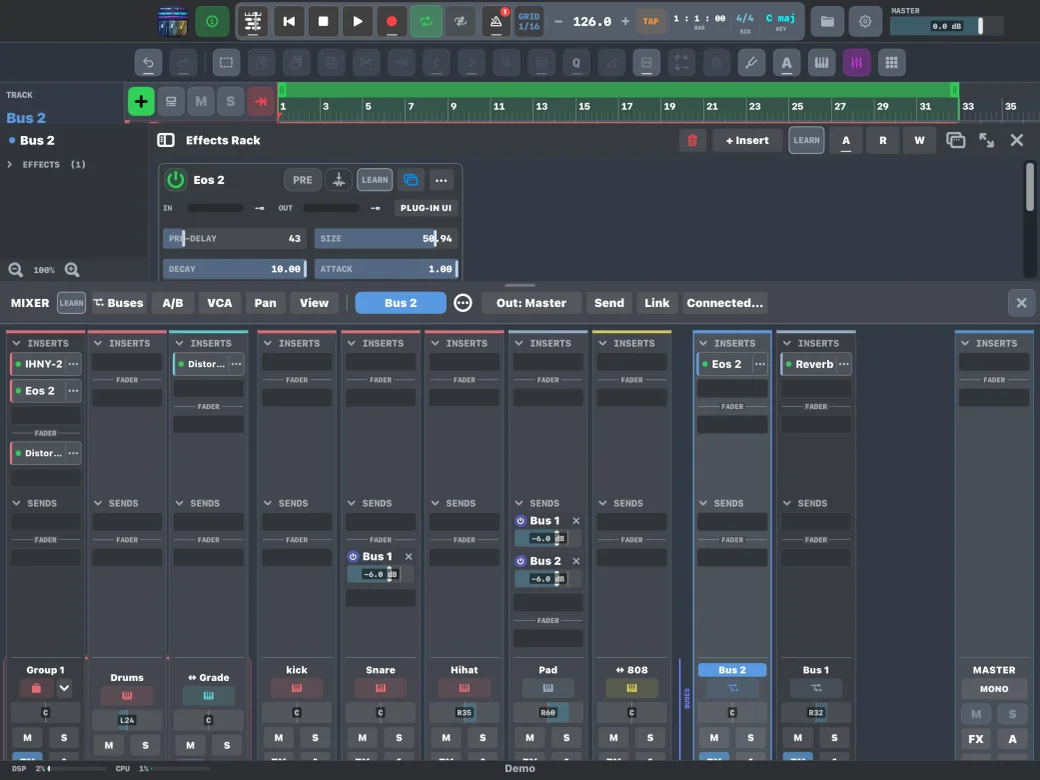
スクリーンショット
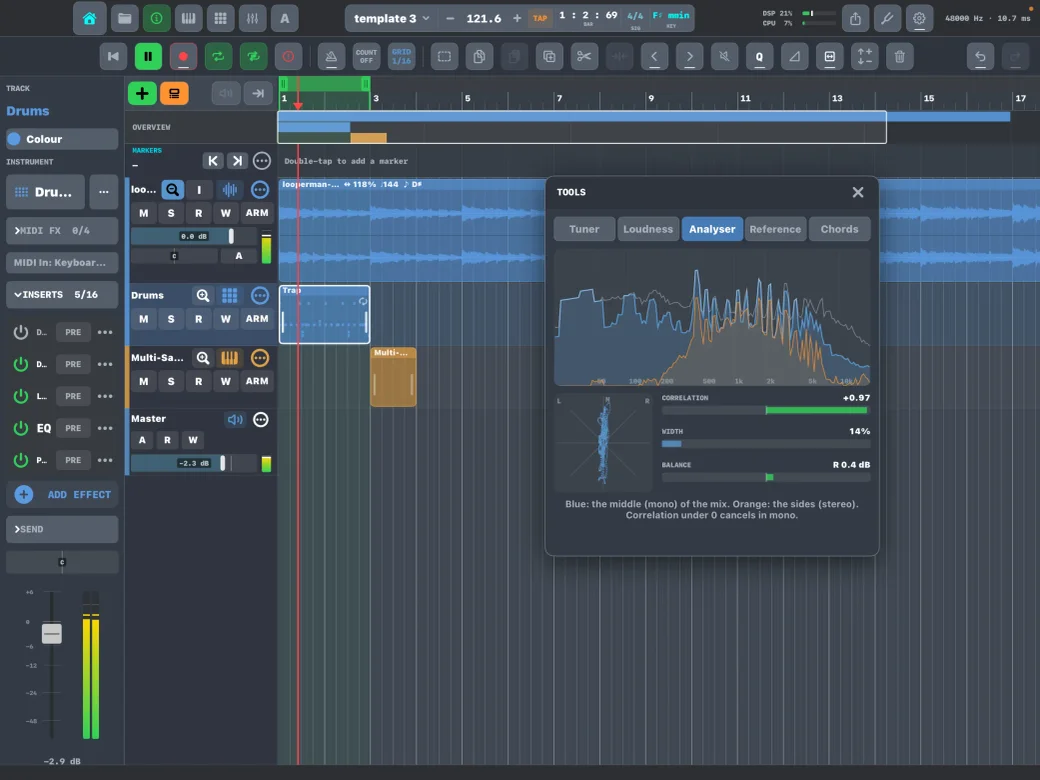
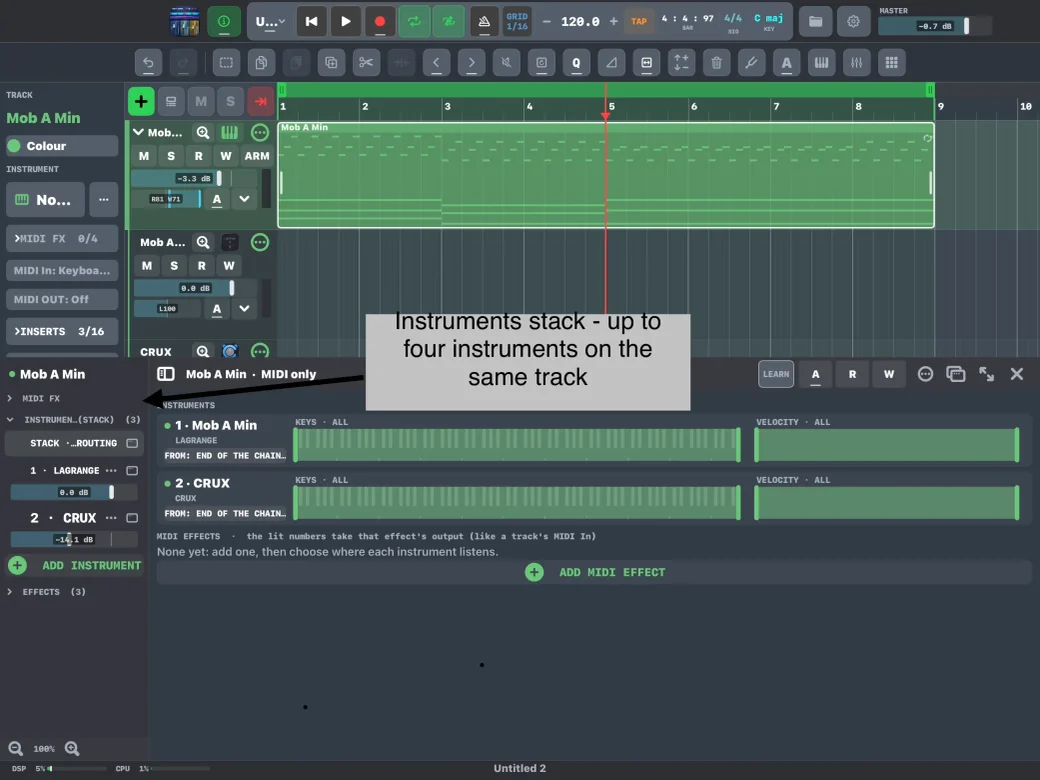
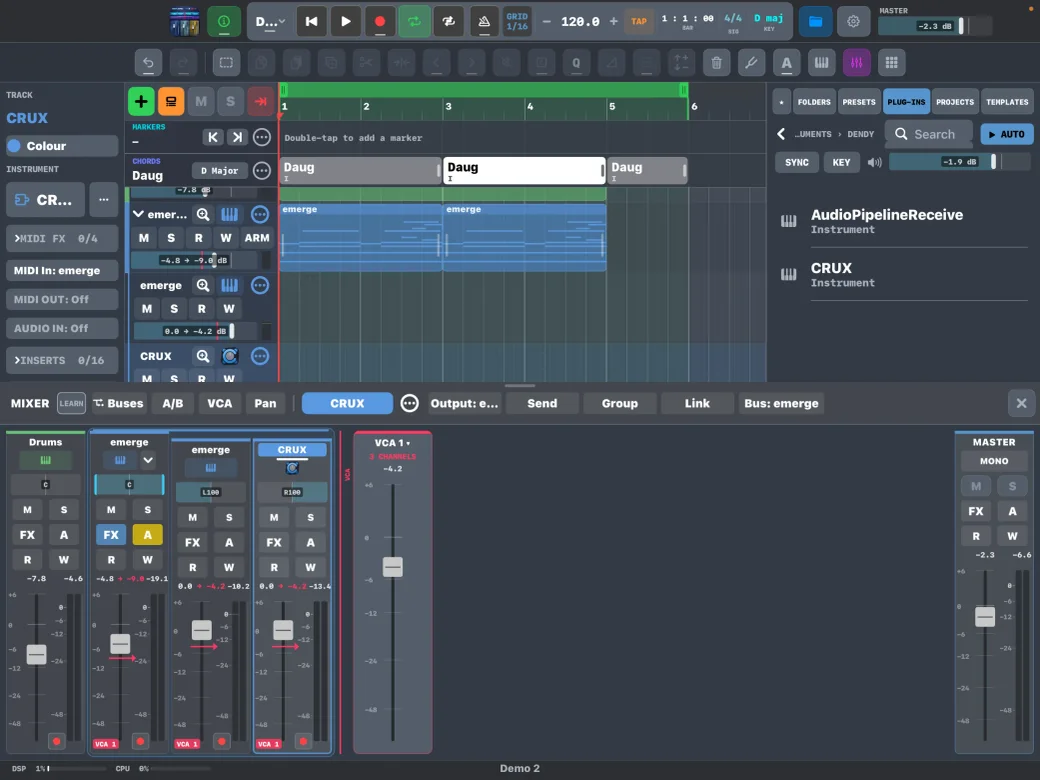
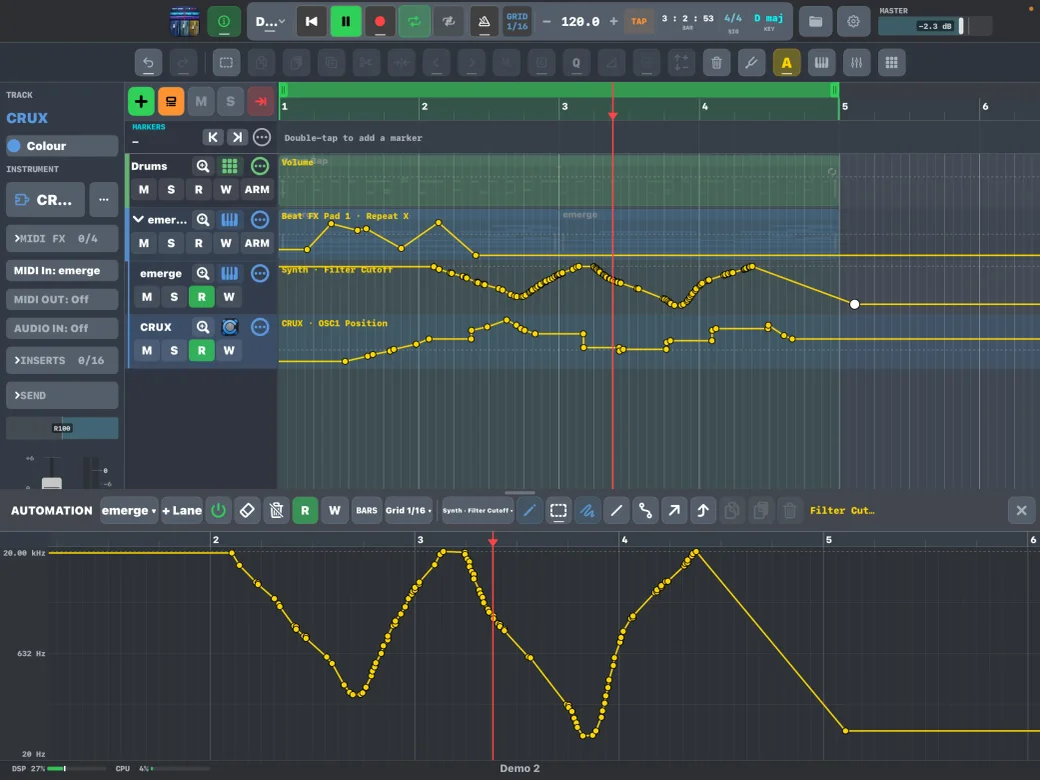


概要
開発元はこのテキストをお使いの言語で提供していません。
REM.DAW aims to bridge the gap between desktop and iPadOS DAWs.
The DAW comes with a lot of features but more still needs to be implemented.
Features: The list is much more that the stated below:
*Auv3 instruments and Effects.
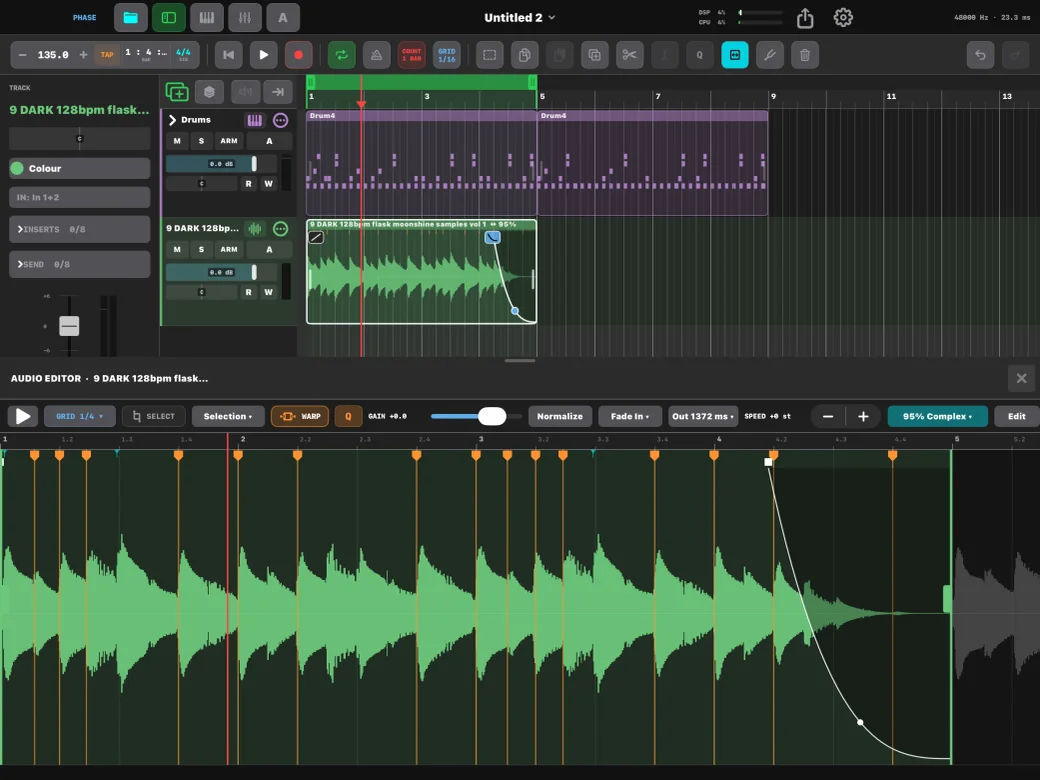
* Audio and midi clips editing: copy, paste, duplicate, trim, move, split, stretch. Convert stereo to mono. Fades curves, crossfade. Stem splitting.
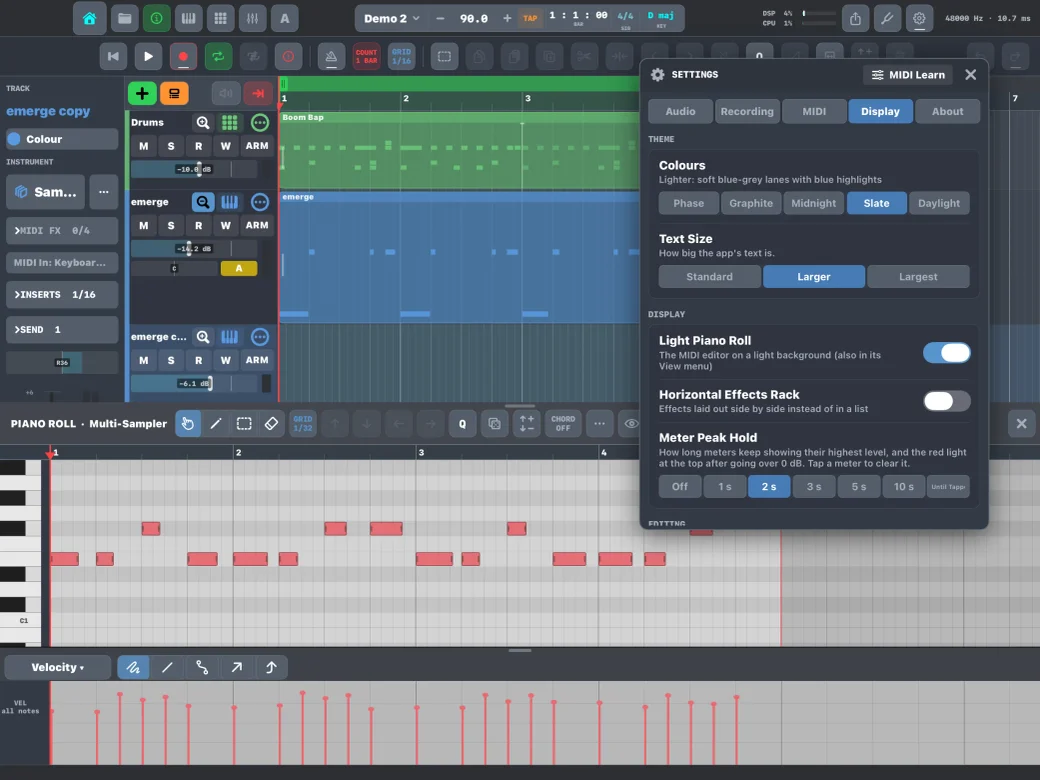
* MIDI editing: press all buttons in the editor to find current editing capabilities. Including ghost tracks, scale, snap to scale.
* Audio editor: 1. Warp audio. 2.Select a portion of audio and can be dragged and drop on timeline, samplers, drum pads. And a lot more in the editor.
* Audio comping: loop record audio, then tap on audio clip and choose to extend the takes. Slide finger across each take to select the comp you want playing.
* Clip launcher and record onto timeline. You can also record directly in the launcher and this also creates audio/midi clip onto timeline. You can drag and drop audio /midi from files app, timeline or browser into the launcher.
* Drum pad plugin with chopping and step sequencer. Drag and drop or import a folder, REM will load the samples to the pads in alphabetical order. Not the best step sequencer at the moment an updated version will come soon.
* Wavetable synth
* Sampler to play one shots samples
* Multi sampler: 1. build your own instrument by importing audio files or folders from files app which creates zones. 2. You can load exs24 and sfz files. 2.1 EXS14 and SFZ files with presets can also be loaded and you can switch between presets.
* Multi output drum pads, multi out AUv3 support.
* Effects: very steamed as most of you will have your favourite AUv3 plugins. Currently REM contains Eq, Compressor, Reverb, Delay, Limiter, Chorus, Filter, Distortion.
* Advance audio track routing: Bus, groups, aux. You can routed almost any track to any track for audio.
* Side chain
* Midi routing: make a track control other tracks. If you have AUv3 apps like fuge machine, you can set each play heads to different channel and set a midi track to receive midi these channels .
* Midi learn: 1. you can pretty much choose almost any button, slider in the app and map it to a controller. 2. If an AUv3 app exposes its parameters, you can learn/ map it to a controller. 3. Mackie and HUI implemented also.
* Automation: You can automate built in instruments, effects, fades, pan, AUv3 apps. Automation editor is where you can edit your recorded automation or create new.
* Global tracks: Tempo, markers, chord.
* Onscreen keyboard including scale and pads.
* Export: 1. Whole project. 2. Loop region. 3. Stems and more (Dawproject)
* Import: 1. Import DAWproject. 2. Drag and drop files (audio and midi) from files app into the timeline.
* Project template: 1. Select a pre-made template. 2. Create your own template from a project. Here you can choose to save the template with audio and midi clips etc.
* Browser: 1. MIDI clips preview. Select a midi track with instrument and tap play on the midi file. 2. Audio preview with tempo detection so you can preview files with groove on timeline. 3. Link folders so you don’t have to leave the app to find samples.
* External drive support: you can create and save project and instruments directly on your external drive once linked to the app.
* MIDI capture. Just played a melody on the keyboard and don’t remember what you played? Don’t worry. REM MIDI captures the last 30 second of what you played on the onscreen keyboard or midi controller.
* There is pitch correction editor. However, this is in a very early stage more fine ruining needed. But hey, you can try it if you want.
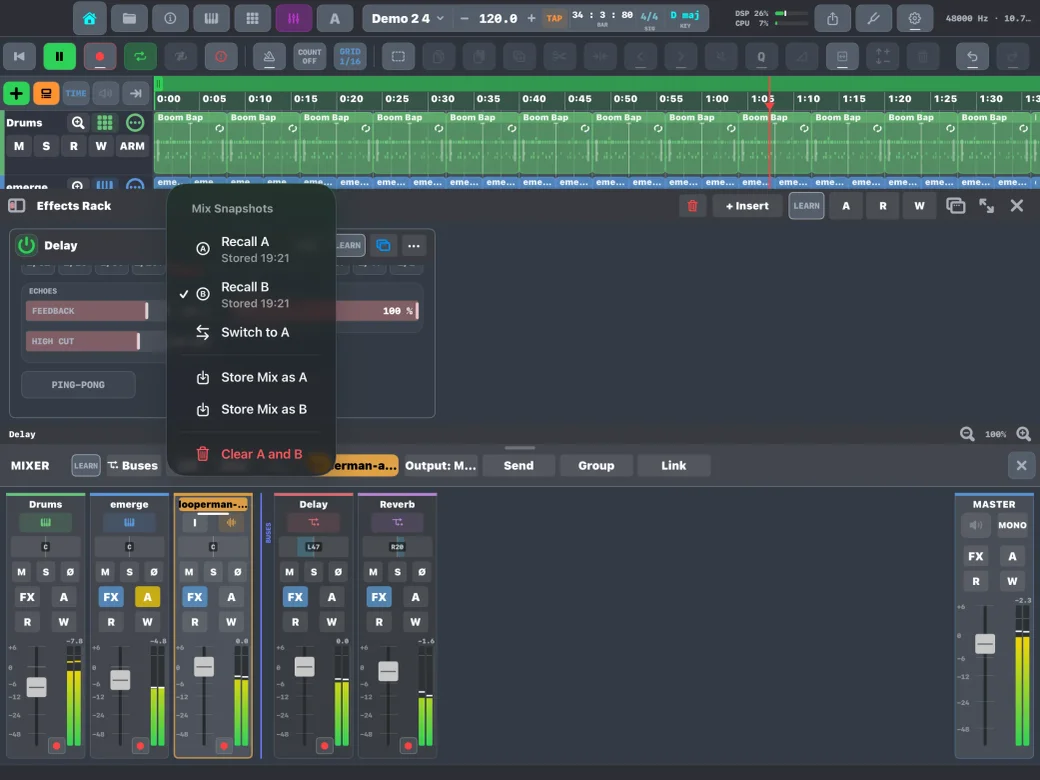
* Mixer: 1. you can link tracks together. 2.expand group tracks.
* Multicore processing. 3. Pan law. 4.VCA fader. 5. Loudness tool. 6. Mixer snapshot.
新機能
バージョン 1.3.2 · 2026/11/24
MIXER
• Inserts and sends on every strip, as in desktop DAWs: switch them on or off, set send levels, drag to reorder or copy to another strip, and drag above the fader line for pre-fader.
• The same insert slots in the Inspector, the FX popup and effect windows, plus Remove All Inserts.
• Send any track or bus straight to an output pair of your audio interface.
NEW EFFECTS
• Level Meter: loudness, peak and range at a glance.
• Vocal Leveler: rides a vocal's level automatically.
• Clean Vocal: reduce noise, room echo, gaps and harsh "s" sounds on a recording.
TRANSPORT AND RECORDING
• Play / Pause, and a Stop button: tap to go to bar 1, tap again to put the audio to sleep and save battery. Hold Stop for MIDI Panic.
• Low Latency Mode and Auto Quantize (touch and hold Record).
• Follow MIDI clock from another device or app.
MIDI
• Multi-timbral instruments: one track plays up to 16 MIDI channels.
• Note Handles in the MIDI editor, and Line Up with the Timeline for the MIDI and audio editors.
• MIDI files keep their sustain pedal and controllers, and repeated notes no longer cut each other short.
• MIDI Learn from plug-ins and other tracks, with a searchable list and Reset All.
• Mackie Control: SELECT, cursor keys and Stop / Pause work.
SYNTH
• Warmer sound with the new Analog control, Deep FM, Unison Stack, a Round Square sub and LFO attack / release.
KINETIC
• Load a sample onto a pad that already has one: replace it, or add it to the pad's list for Round Robin or Random. The waveform shows the sample that is playing.
• Export pads or slices as audio files.
AUDIO
• Split to Stems: up to nine stems, with the drums as kick, snare, hats & cymbals and other drums. Stem tracks are named after their stem, and splitting is faster.
• Export Audio Files: each selected clip as its own WAV. Drag a clip into another app in Split View.
• ⌘T splits the clip under the playhead while it plays.
TIMELINE AND PROJECTS
• Much faster zooming and scrolling with many long audio tracks.
• Redesigned track headers: the track's icon by its name and a round ARM button; small tracks keep the magnifier, Mute, Solo, ARM and •••.
• Clip colours, and stronger clip names and waveforms.
• Each project remembers its screen: panels, zoom, scroll and windows.
• Projects window: every button in one row, each project's size, and delete several at once.
• Clean Up Project frees space taken by unused audio and old undo steps.
STEPS
• Selected steps: Shift, Reverse, Velocity & Chance ramps, Gate and Humanize.
FIXES
• Dropped files that can't be read now show a message, and no stray clip is left behind.
• Plug-ins that stopped in the background reload when you return, with Reload Plug-in in the window's ••• menu.
• MIDI files opened from Files go to MIDI tracks.
• An external display no longer starts a second copy of the app.
• Loop and punch edges snap to the grid; buses and groups now apply their pan.
• Stability fixes, including a crash when the audio restarted.
アプリのプライバシー
このアプリのデータの取り扱いについて、Paa Kobina Bartels CudjoeがApp Storeで申告している内容です。
-
データの収集なし
開発元はこのアプリからデータを収集しません。
プライバシーの取り扱いは、ご利用の機能やお客様の年齢などに応じて異なる場合があります。
情報
- 販売元
- Paa Kobina Bartels Cudjoe
- カテゴリ
- ミュージック
- バージョン
- 1.3.2
- 更新日
- 2026/11/24
- リリース
- 2026/11/6
- サイズ
- 451.7 MB
- 必要条件
- iOS 17.6以降
- 対象年齢
- 4+
- 価格
- ¥1,000
- アプリ内課金
- あり
- 言語
- 英語
- 著作権
- © 2026 Paa Kobina Bartels Cudjoe