- 対象年齢4+
- カテゴリミュージック
- 開発元Berserk Software AS
- 言語英語
- サイズ23.9 MB
App Storeの公式ページにリンクしています
Download.orgはRhythm+のファイルを一切ホストしていません。ボタンを押すと、Berserk Software ASが公開しているApp Storeのアプリページが開きます。ページの最終確認:2026/11/17。
スクリーンショット
概要
開発元はこのテキストをお使いの言語で提供していません。
Finally, Rhythm+ is here!
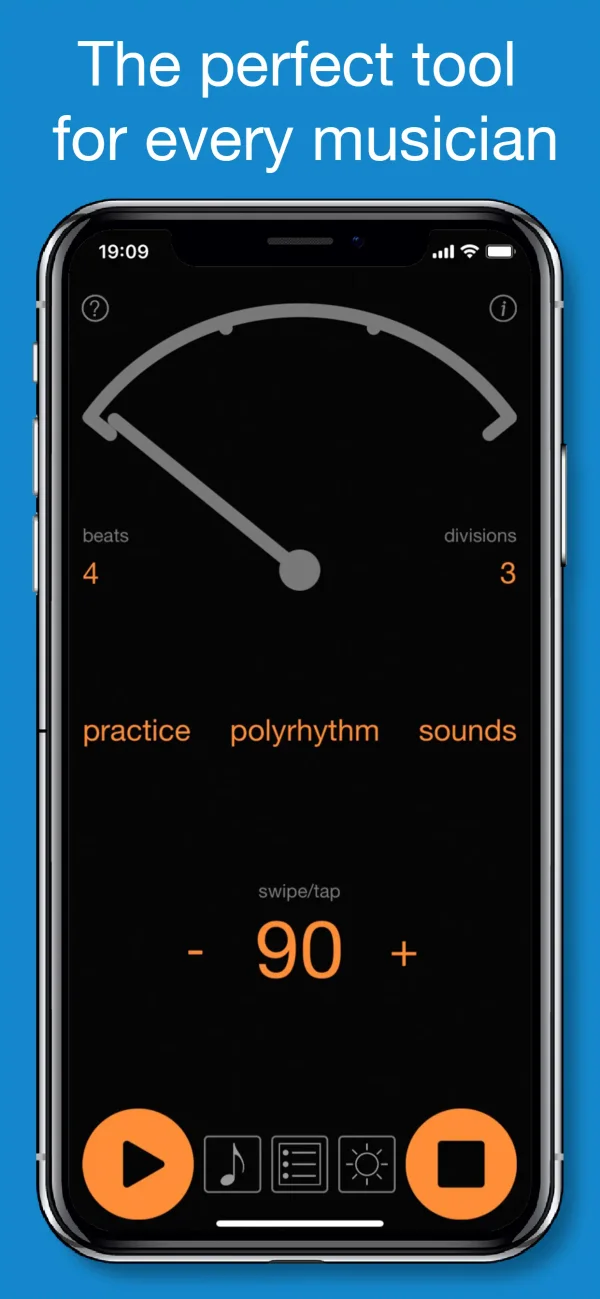
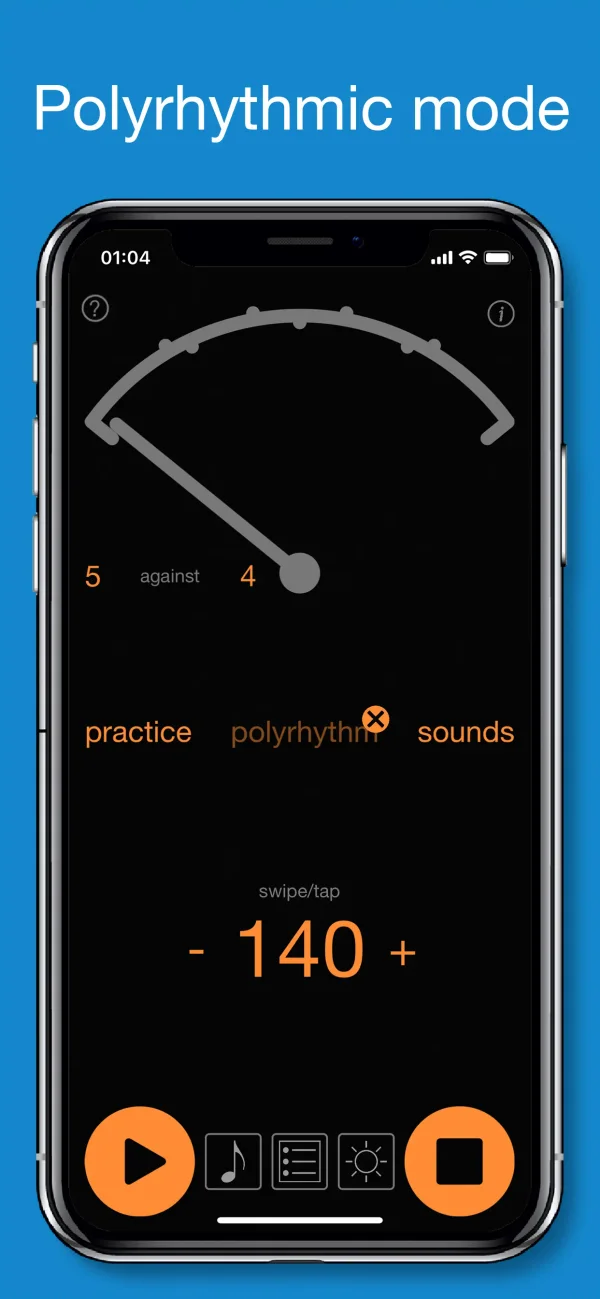
After many years’ experience as musicians, we’ve never found a metronome that could do everything we wanted, therefore we are proud to present Rhythm+. Rhythm+ is an extremely accurate, user-friendly metronome packed with features and boasting a simple design. In Rhythm+ there is emphasis on easy accessibility, so no maneuvering through menu after menu cluttering up the screen. Offering everything the best professional metronomes do and more, Rhythm+ has a very intuitive ‘Pendulum Mode’ where you can make and adjust rhythmic figures. In pendulum mode as well as working with common beats and subdivisions you can access more advanced polyrhythmic functions, a unique feature to Rhythm+.
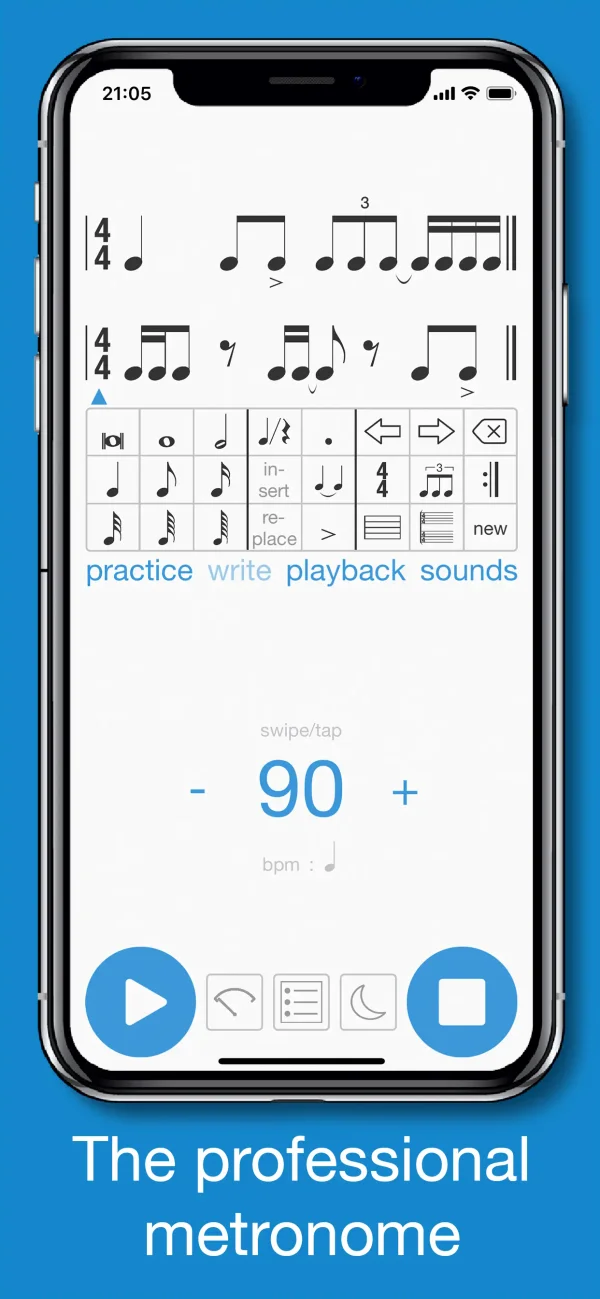
What we consider to be perhaps the greatest strength of Rhythm+, (and where it differs from the best of the other metronomes), is the ‘Rhythmic Notation’ mode. In the rhythmic notation mode, you are not limited by a selection of ready-made rhythms, but with a clear ‘note keyboard’ you can input exactly the rhythms you want regardless of how complex. Working with up to 4 simultaneous staves (and as many bars as you want) you can easily input simple rhythmic patterns or complex polyrhythms. So, on the one hand you can input a drum groove (hi-hat, snare bass drum etc), alter the feel with flexible swing features add repetitions or even meter changes; and on the other hand, you can create your own time signatures to work with, create irrational rhythms, tuplets within tuplets and a myriad of other unique features.
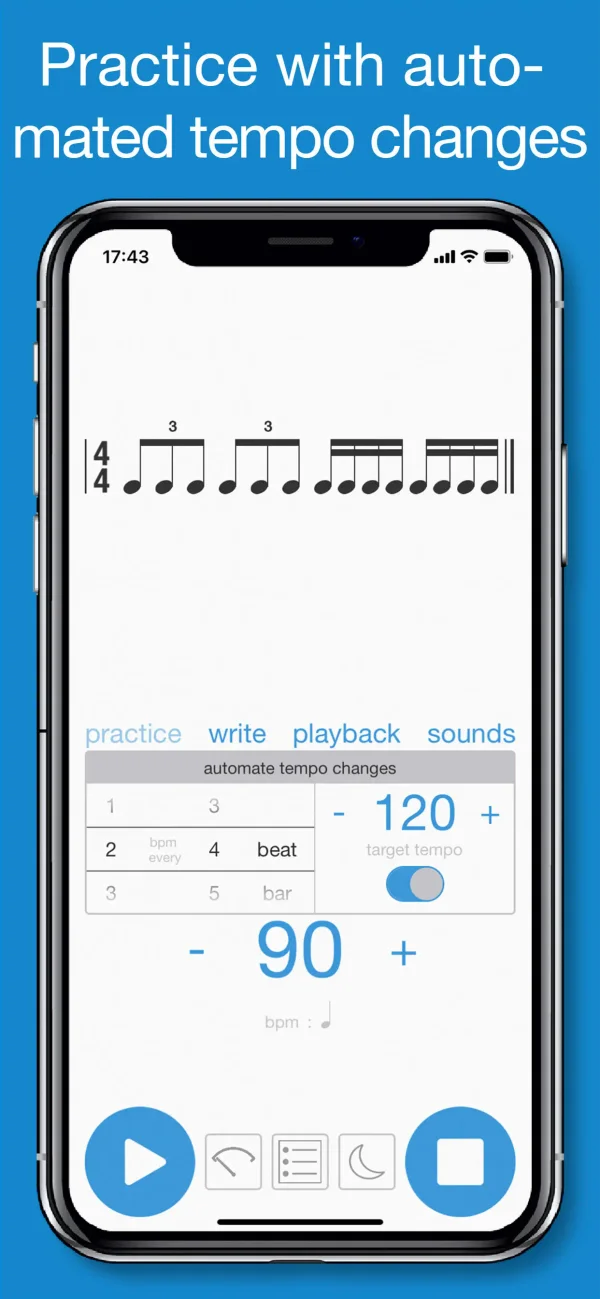
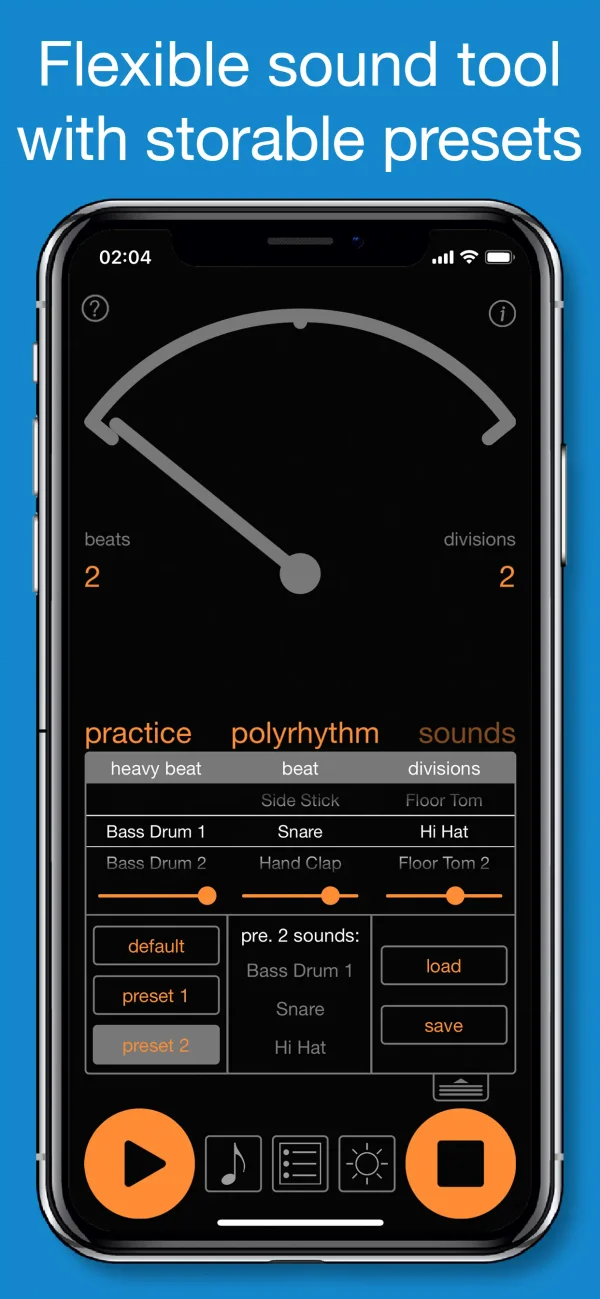
Regardless of the mode you work in, with Rhythm+ you can automate the tempo and select from a range of sounds with the added option of assigning different sounds and volume levels to each of the 4 tracks which you can then store in presets.
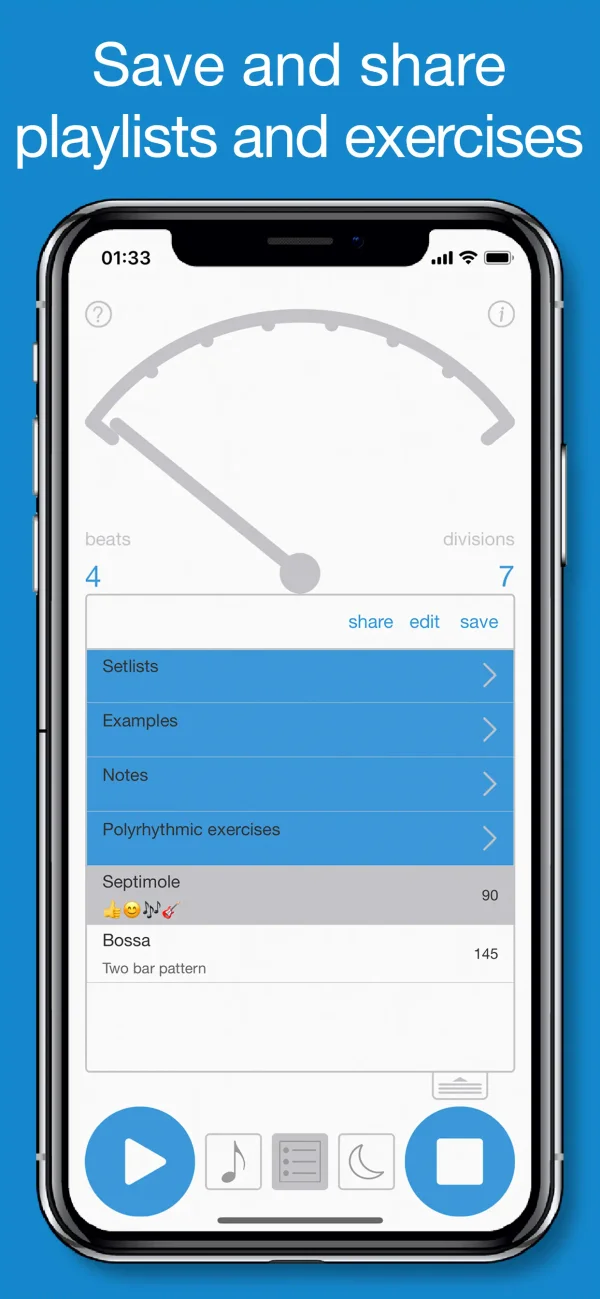
In our view, Rhythm + is perfect as an educational tool. You can easily enter and play the rhythm you want to teach and or learn, without having to use complicated and expensive notation software. An especially useful feature of Rhythm+ for teachers is the ability to store and share exercises in the many levels of folders and sub-folders.
Our ambition - to create the simplest, yet most powerful metronome on the market. So whether you are a seasoned pro or a new beginner we believe you will find Rhythm+ a most valuable tool.
Enjoy!
Key features:
- Professional metronome
- Rhythmic notation
- Pendulum
- Precise timing
- Intuitive and easy to use
- Huge sound library with programable presets
- Practice mode with automated tempo changes
- Tempo (tap/swipe) with range from 20 to 500 bpm
- Advanced save/playlist with share functionality
- In-app light and dark mode
Pendulum mode:
- Beats
- Subdivisions
- Polyrhythm
Notation mode:
- Easy to use notation keyboard
- Note/rest values from 1/128 - double whole note
- Dots, ties and marcato
- Rhythmic notation in up to four staves and as many bars as you want
- Navigation arrows with editing features like delete, insert or replace note/rest
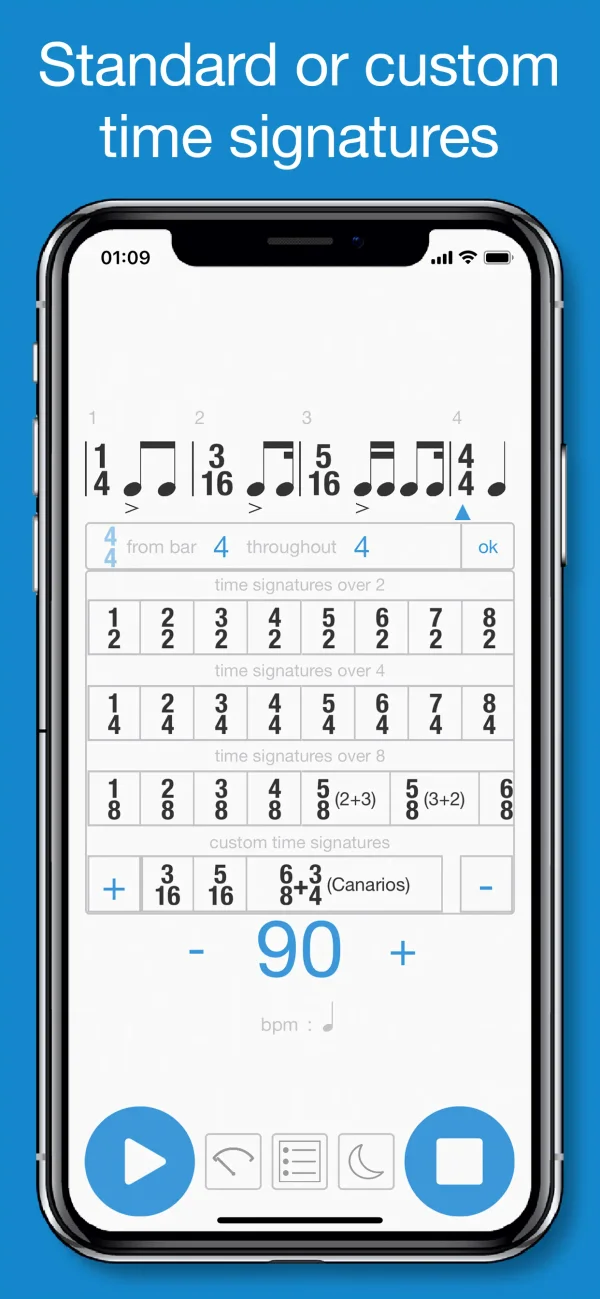
- Advanced time signature tool with 31 predefined time signatures and possibility to create advanced custom time signatures
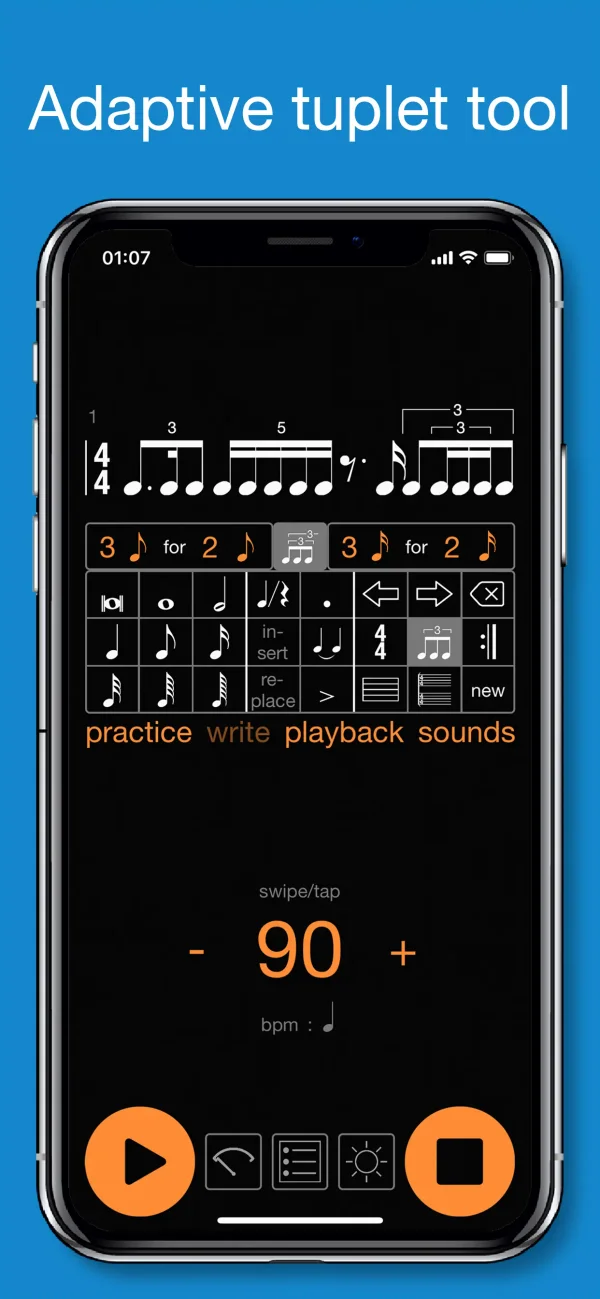
- Advanced adaptive tuplet tool that matches the most professional music notation software. Possibility for tuplets in tuplets.
- Repeat tool
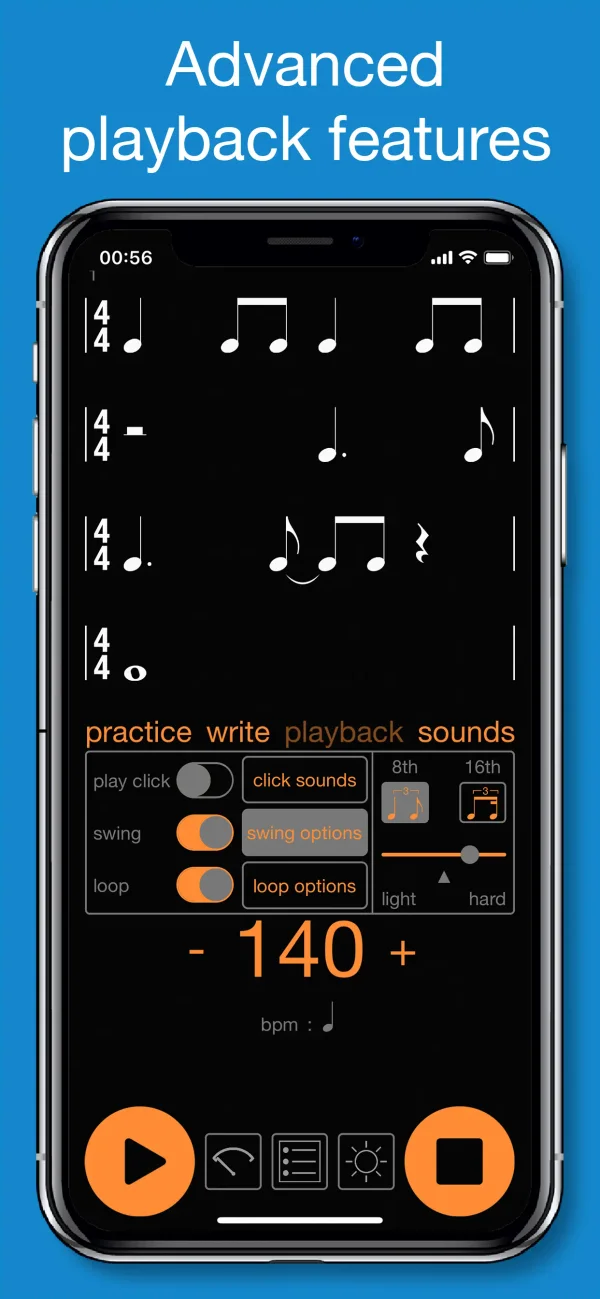
- Advanced playback features:
- Play click on/off with option to select click sound and click volume
- Count in measure(s)
- Swing 8th or 16th with possibility for continuous adjustment from light to hard swing.
- Loop on/off with option to loop selected bars
Playlist:
- Save items with title and description text
- Add or delete folders and sub folders
- Reorder items in folders
- Rename items/folders
- Update saved items
- Share items and folders(mail, airdrop)
- Backup items/folders to iCloud
新機能
バージョン 1.5.2 · 2026/9/7
• Hardware keyboard support: use the space bar to start and stop playback.
• Improved stability and more reliable saving of your settings, including on macOS.
アプリのプライバシー
このアプリのデータの取り扱いについて、Berserk Software ASがApp Storeで申告している内容です。
-
データの収集なし
開発元はこのアプリからデータを収集しません。
プライバシーの取り扱いは、ご利用の機能やお客様の年齢などに応じて異なる場合があります。
情報
- 販売元
- Berserk Software AS
- カテゴリ
- ミュージック
- バージョン
- 1.5.2
- 更新日
- 2026/9/7
- リリース
- 2019/12/18
- サイズ
- 23.9 MB
- 必要条件
- iOS 13.0以降
- 対象年齢
- 4+
- 価格
- ¥1,500
- 言語
- 英語
- 著作権
- © 2019 Berserk Software AS