
- 対象年齢4+
- カテゴリヘルスケア/フィットネス
- 開発元Steven Wilkinson
- 言語英語
- サイズ117.8 MB
App Storeの公式ページにリンクしています
Download.orgはRMFA - The Bleep Testのファイルを一切ホストしていません。ボタンを押すと、Steven Wilkinsonが公開しているApp Storeのアプリページが開きます。ページの最終確認:2026/11/12。
スクリーンショット

概要
開発元はこのテキストをお使いの言語で提供していません。
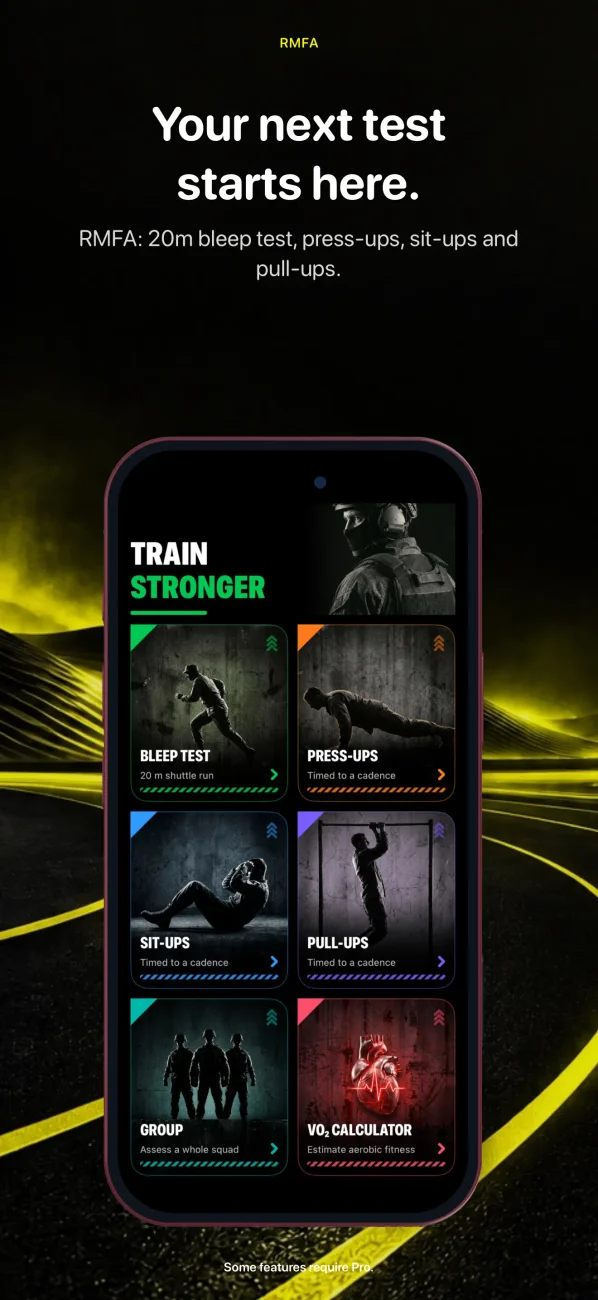
RMFA brings the 20m bleep test, press-ups, sit-ups and pull-ups together. Train for your next assessment or record a whole squad with RMFA Pro. The same test used in the Uk military and police.
BLEEP TEST, MADE CLEAR
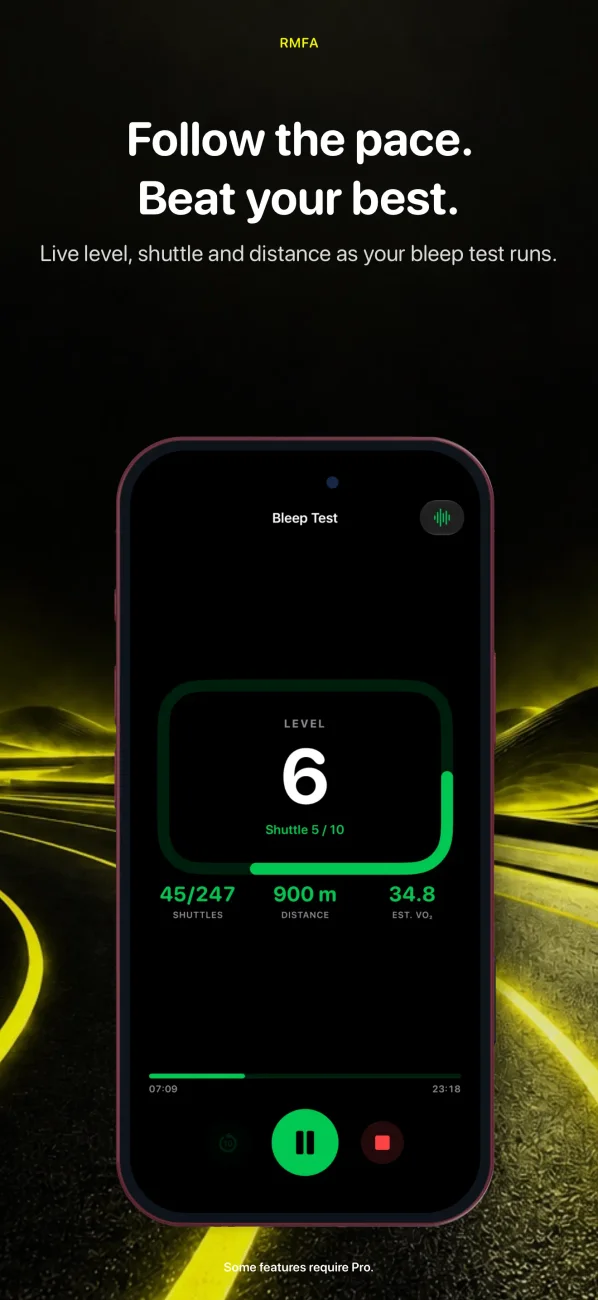
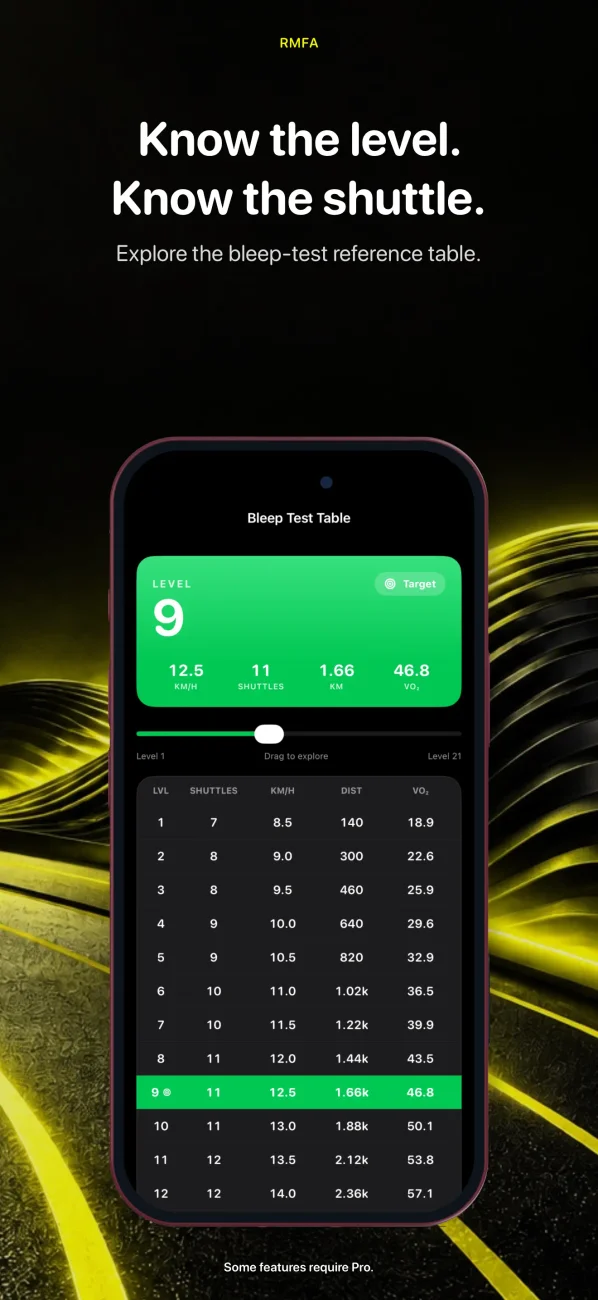
Run the 20-metre multi-stage fitness test with audio and live level, shuttle, distance and estimated VO₂ max. Set a target and hear a tone when you reach it. Optional halfway tones mark each shuttle’s midpoint with a distinct double tone. They start off by default; toggle them during a run. The original recording announces new levels, with optional generated speech for the shuttles between them.
SEE THE TECHNIQUE BEFORE YOU START
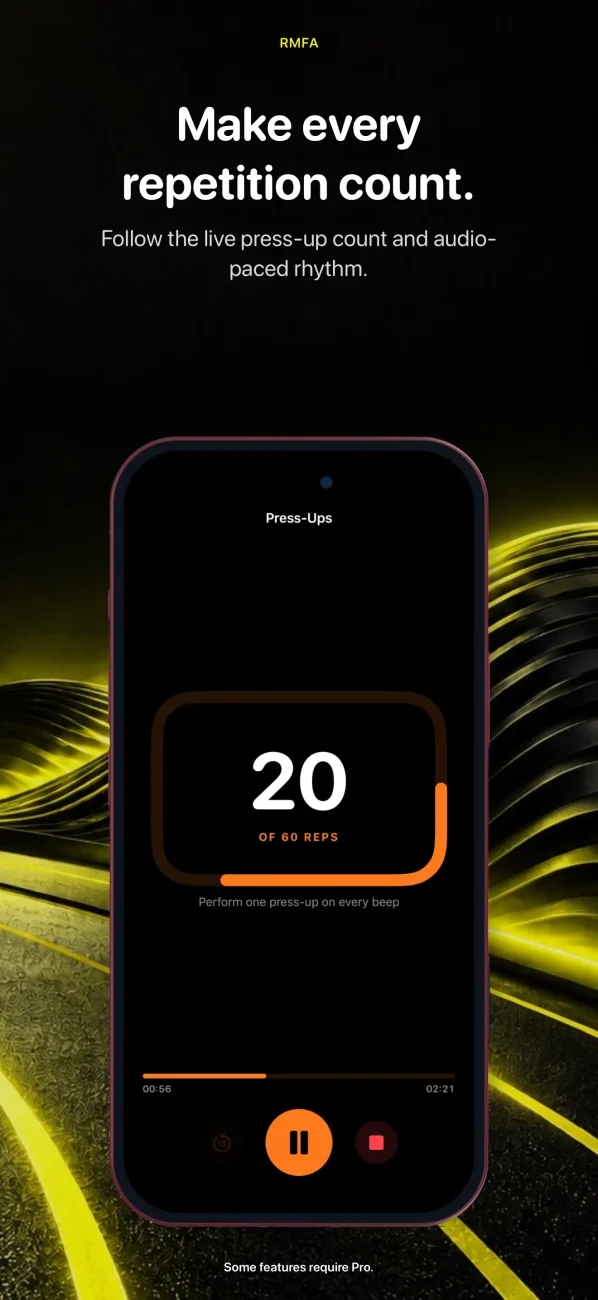
Each test’s setup shows a demonstration image above the pass mark, with a direct link to its illustrated guide. Follow setup, movement and counting rules: one beep per press-up or sit-up, two beeps per completed pull-up. Record the reps you complete and save your result.
ASSESS YOUR SQUAD
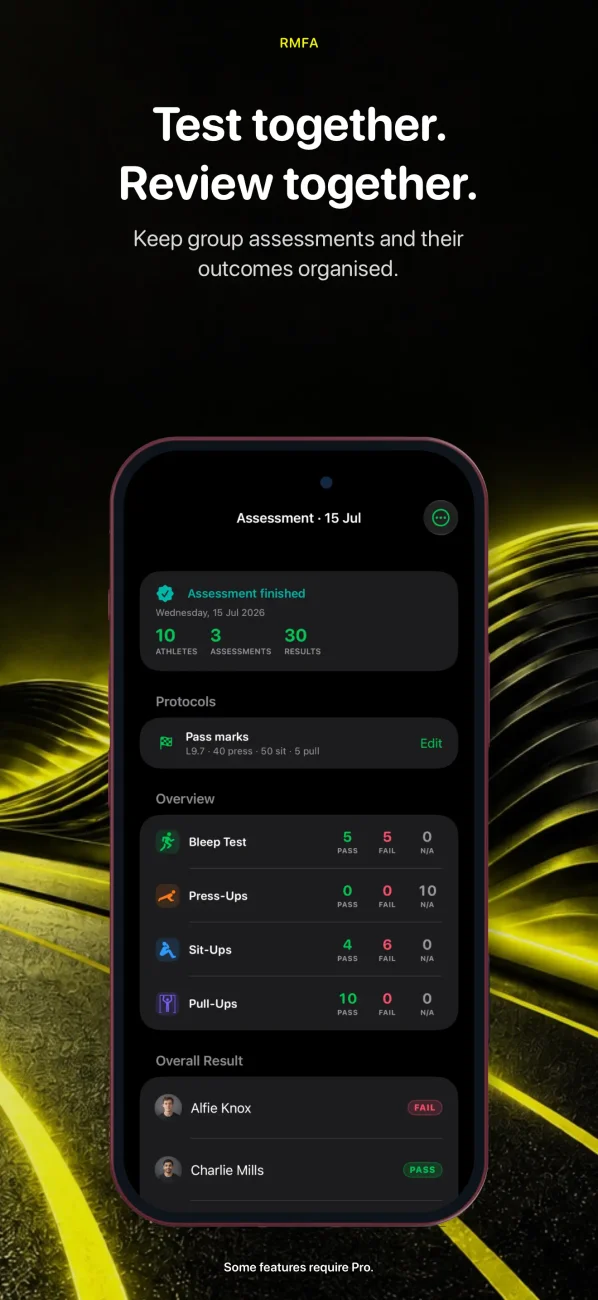
Select athletes, run the audio and record scores as they finish. Choose custom or preset pass marks, including age-graded standards. Review individual grades and a squad breakdown of completed, passed and failed tests.
CLEARER HISTORY AND ATHLETE PROFILES
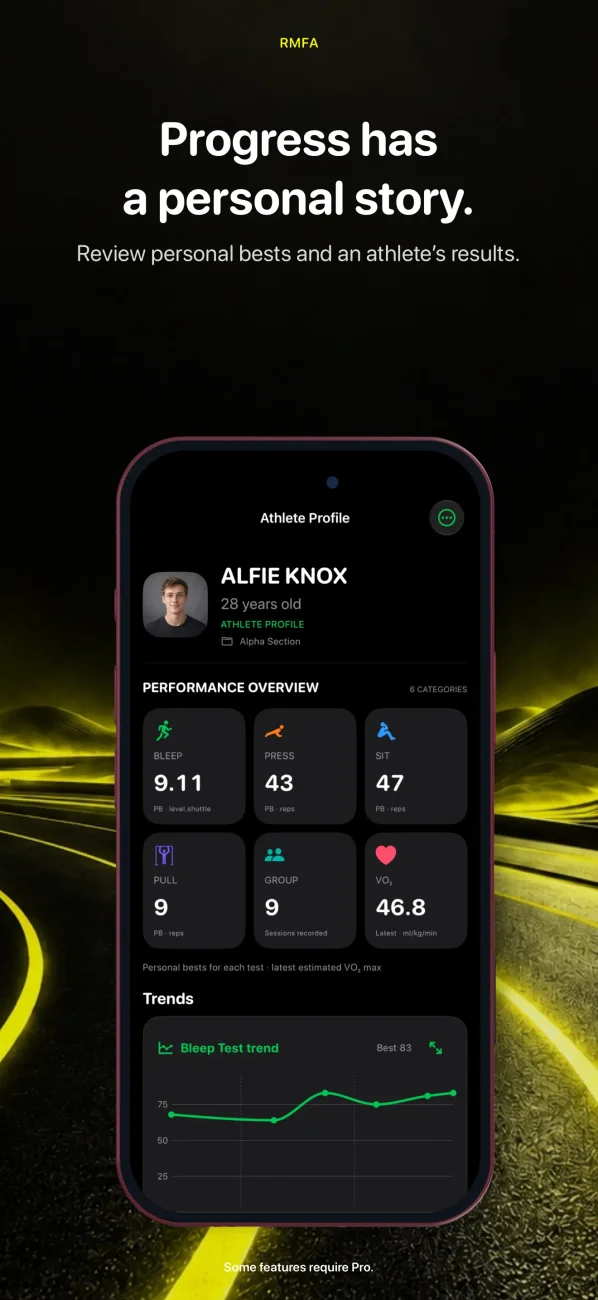
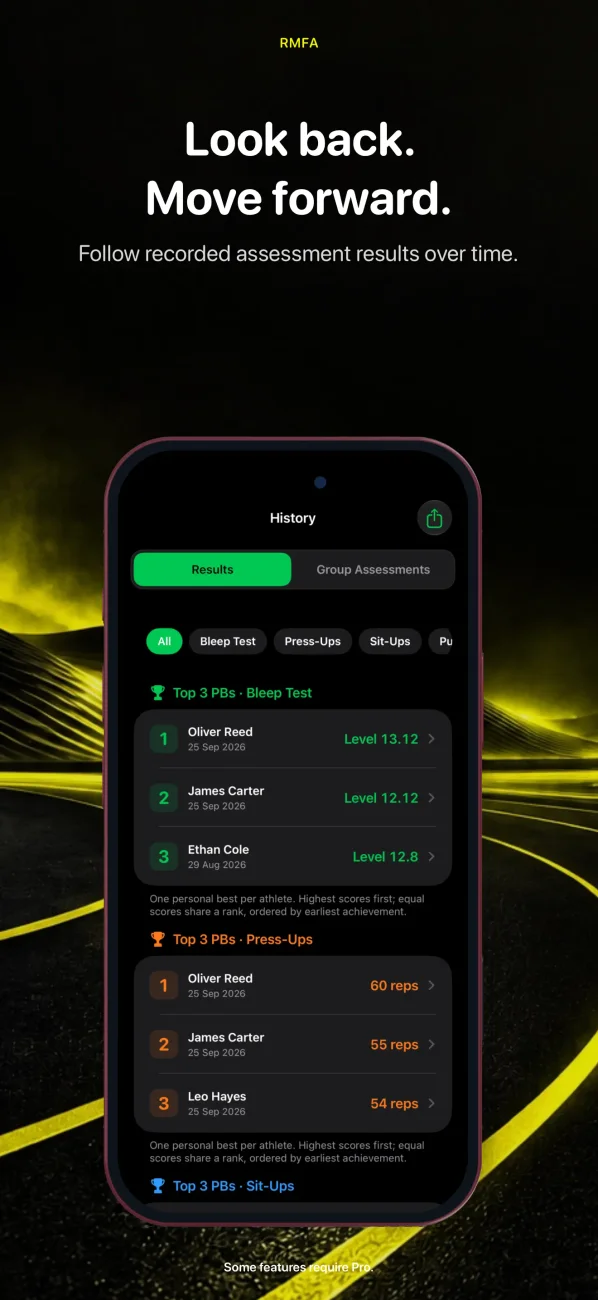
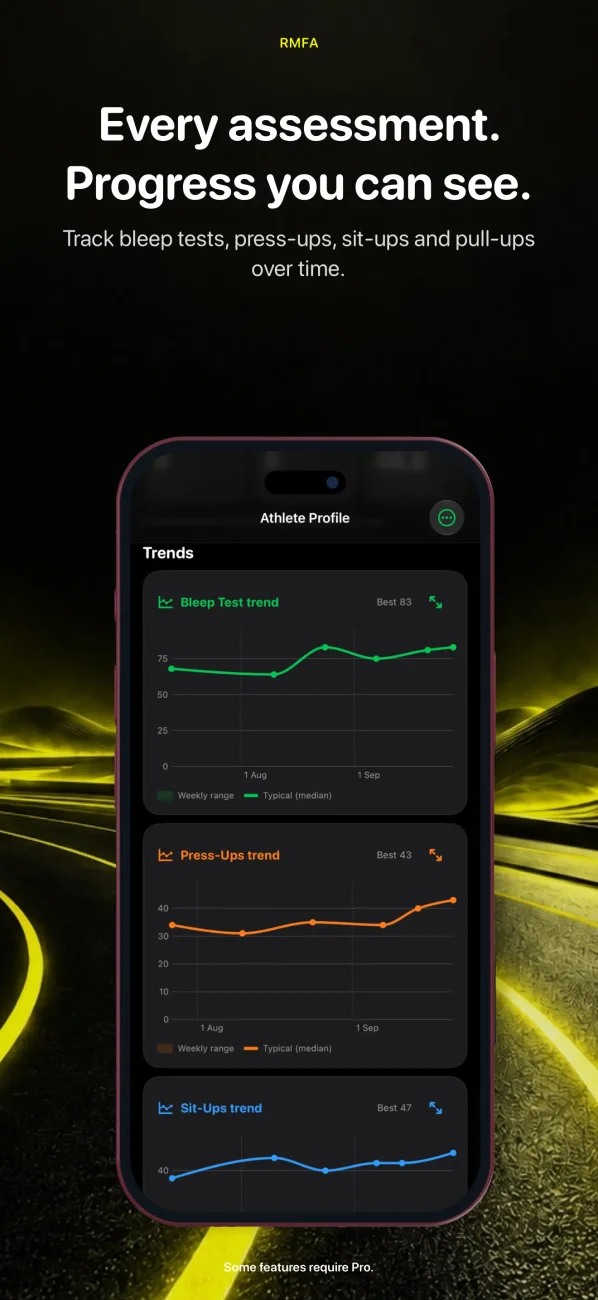
Switch between Results and Group Assessments in History. Tap an athlete for their dashboard, personal bests, charts and result history. Set re-test reminders and organise athletes into teams.
COMPARE TWO ASSESSMENTS — PRO
Choose two results for the same athlete and test. Compare their scores, see the change and measure both against one target. Open Compare Assessments in the athlete’s top-right menu.
REVIEW YOUR WHOLE HISTORY — PRO
Performance Review analyses all valid records across each test. See latest performance, best scores, long-term direction, recent changes and gaps to recorded or personal targets. Recent trends are kept separate so a longer-term improvement does not hide a recent decline.
On compatible devices, Apple Intelligence selects evidence-based explanations of current state, progression and target state. Generation runs on device with animated progress and a cancel option. Names and notes are excluded. Requires iOS 26 or later and Apple Intelligence enabled and available. Calculated analysis works without it. Reviews describe recorded performance, not medical fitness or future readiness.
PREPARE AND SHARE WITH PRO
Preview and import CSV rosters with duplicate checks. Reuse roster and pass-mark templates. Create branded, paginated A4 reports for athletes, rosters and assessments, including breakdowns, target gaps and progress comparisons. Image exports are included. Copy as text and CSV export remain free.
APPLE WATCH COMPANION
Large live level, shuttle and rep counters sit inside an edge progress frame with matching exercise colours. Swipe right for pause and stop. Workout permission enables change haptics with your wrist down. The Watch follows phone playback and scrubbing, confirms saved results and returns to its main screen. A connection is required for live corrections.
FREE AND PRO
Unlimited solo assessments are free. New customers from version 2.2 get one free athlete per assessment; two or more together require Pro.
Downloaded RMFA before version 2.2? Keep free groups of up to five athletes. Use the same App Store account and Restore Purchases to recover that allowance after reinstalling or changing devices.
RMFA Pro is a one-time purchase, with no subscription: unlimited group sizes, CSV import, templates, branded A4 PDF reports and image exports, comparisons, performance reviews and private iCloud sync.
Athletes and results stay on your device and, with Pro, sync through your private iCloud account. Background audio works alongside your music. Shuttle speech and music ducking default to on. What’s New appears once after updates and is available in More.
Built by an independent UK developer. Contact admin@magnusnorth.com.
新機能
バージョン 2.4 · 2026/11/1
Added a custom interval timer to create your own steady state interval or pyramids.
アプリのプライバシー
このアプリのデータの取り扱いについて、Steven WilkinsonがApp Storeで申告している内容です。
-
データの収集なし
開発元はこのアプリからデータを収集しません。
プライバシーの取り扱いは、ご利用の機能やお客様の年齢などに応じて異なる場合があります。
情報
- 販売元
- Steven Wilkinson
- カテゴリ
- ヘルスケア/フィットネス
- バージョン
- 2.4
- 更新日
- 2026/11/1
- リリース
- 2026/7/19
- サイズ
- 117.8 MB
- 必要条件
- iOS 17.0以降
- 対象年齢
- 4+
- 価格
- 無料
- アプリ内課金
- あり
- 言語
- 英語
- 著作権
- © 2026 Magnus North
こちらもおすすめ
-
 Bleep Test: Fitness Testヘルスケア/フィットネス
-
 Bleep Test: Shuttle Runヘルスケア/フィットネス
-
 TotalBodyIQ: Workout Coachヘルスケア/フィットネス
-
 AURAGEN Coachingヘルスケア/フィットネス
-
 RunningFastrヘルスケア/フィットネス
-
 Level Best: Beep Test Trainerヘルスケア/フィットネス
-
 MaxPull - Pull-up trackerヘルスケア/フィットネス
-
 Beepioヘルスケア/フィットネス
-
 Benchmark: Strength logヘルスケア/フィットネス