
- 対象年齢4+
- カテゴリ教育
- 開発元Mikhail Nikulin
- 言語英語
- サイズ91.4 MB
App Storeの公式ページにリンクしています
Download.orgはSafe Browser: CapiBrowserのファイルを一切ホストしていません。ボタンを押すと、Mikhail Nikulinが公開しているApp Storeのアプリページが開きます。ページの最終確認:2026/11/24。
スクリーンショット

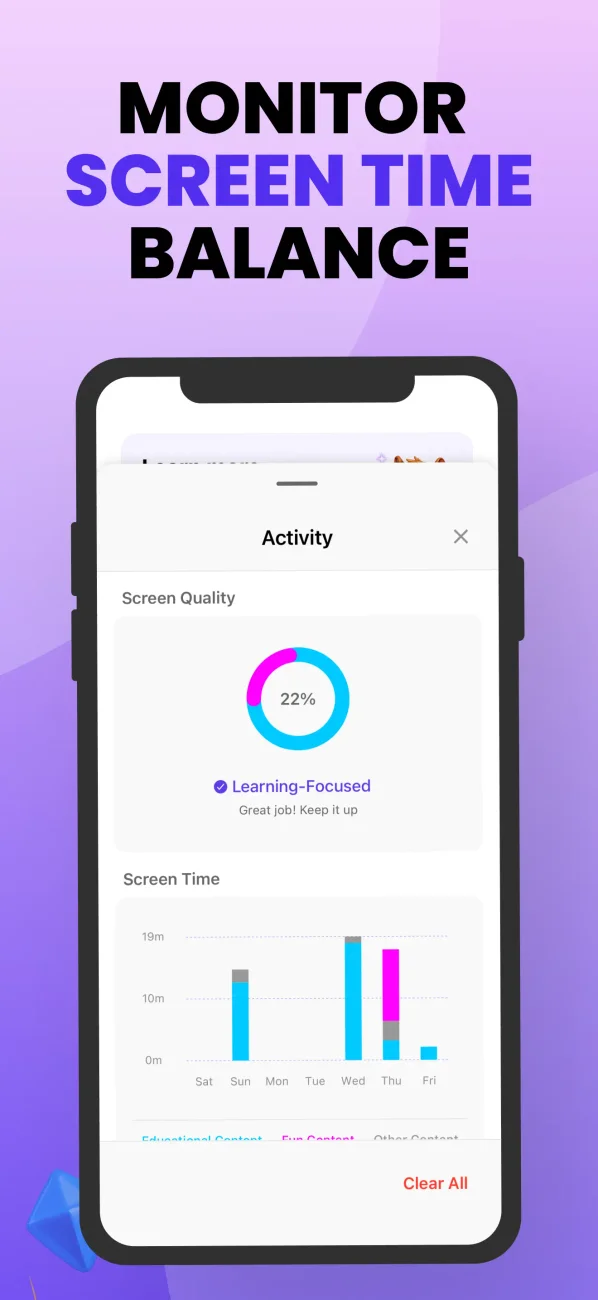
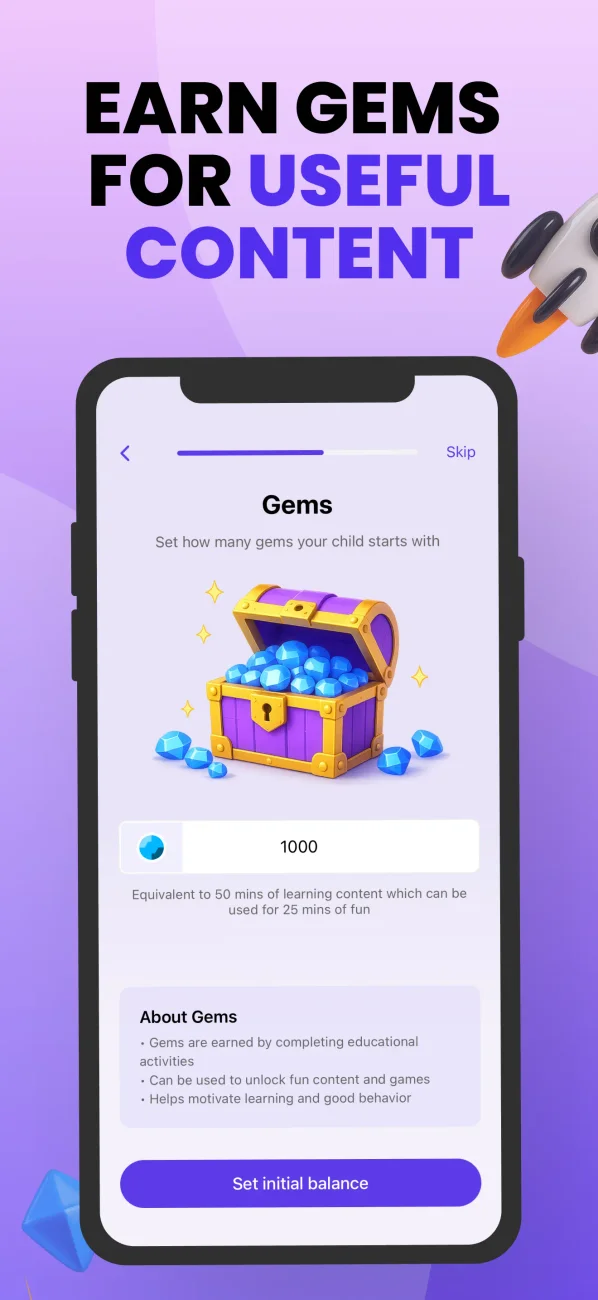
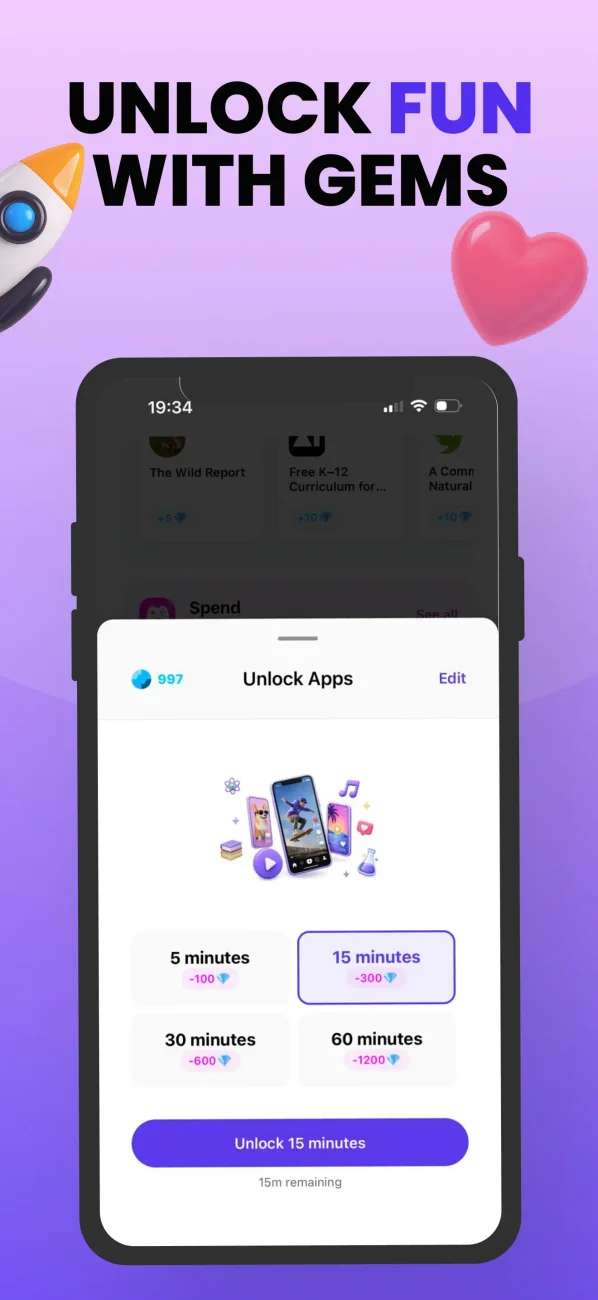
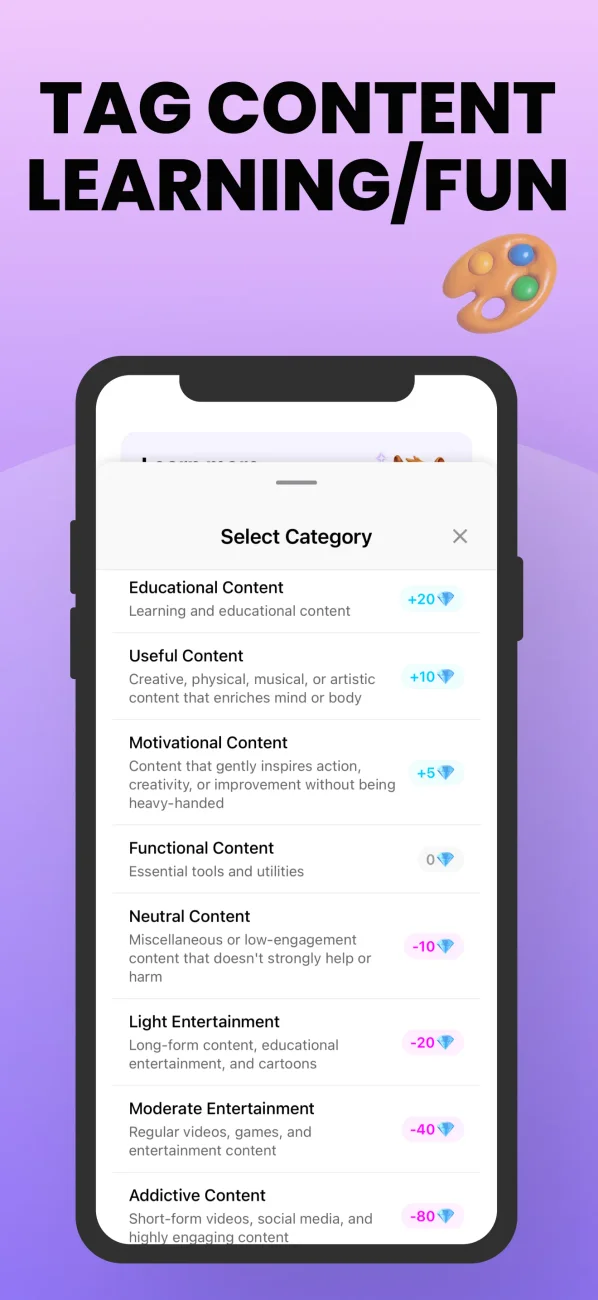
概要
開発元はこのテキストをお使いの言語で提供していません。
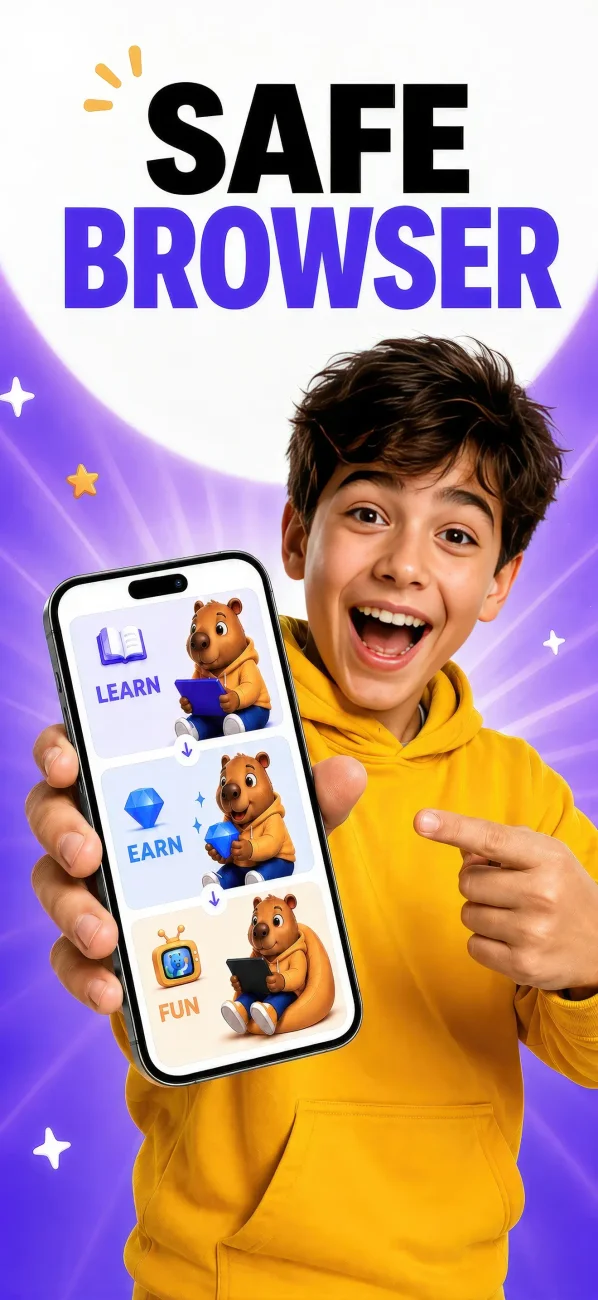
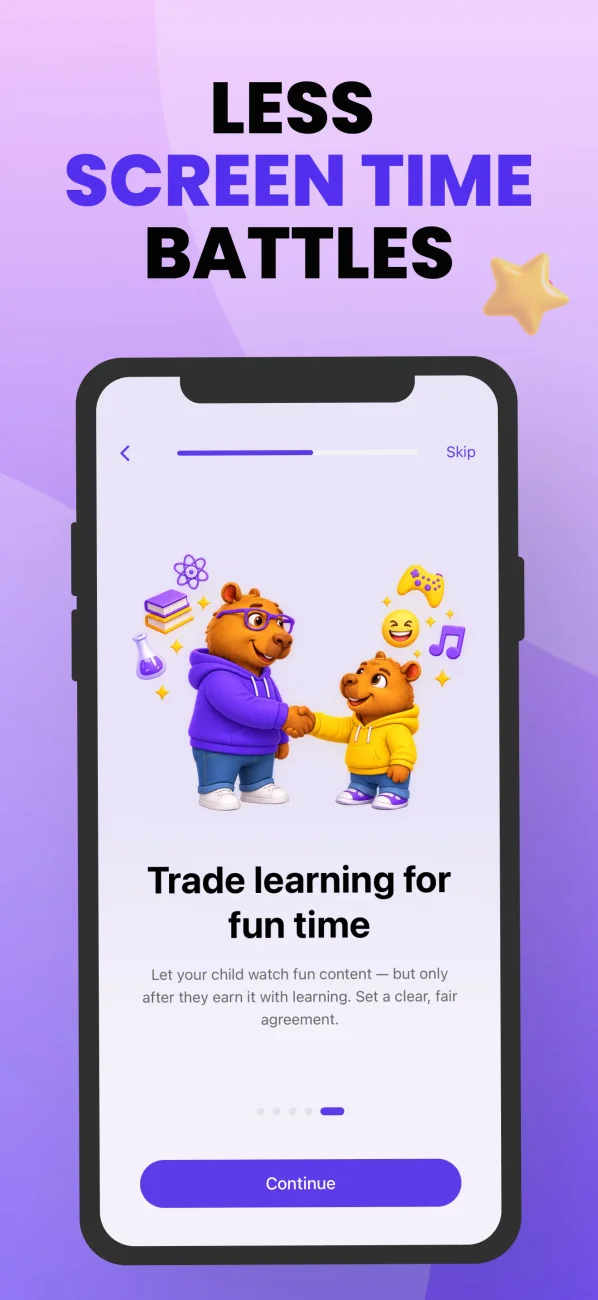
CapiBrowser is more than just a safe browser. It’s a screen-time control app built around Learn → Earn → Fun.
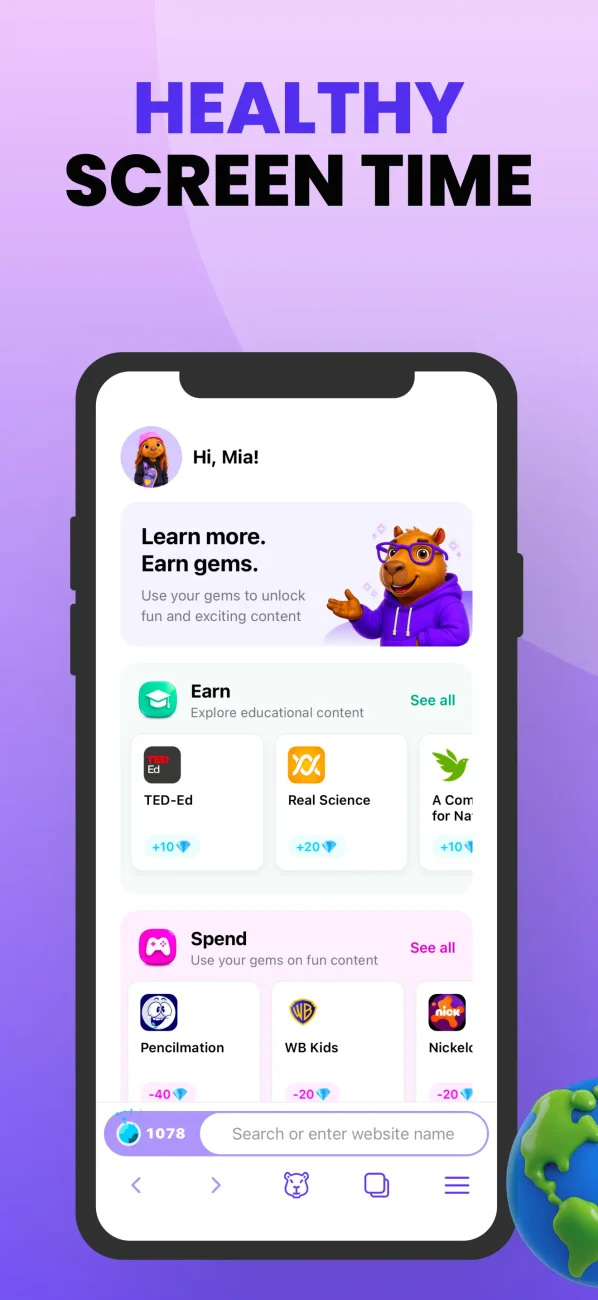
You set the rules and decide what your child can access. Your child uses CapiBrowser to watch useful videos and explore the websites you approve. They earn Gems for positive screen-time activities, then use those Gems to unlock entertainment, approved websites, or extra time in selected apps.
You stay in control of what your kids can access and what they can unlock.
Learn
Make useful screen time count.
- Approve educational YouTube channels and websites
- Let your child explore learning content in a safe, curated environment
- Block everything else by default
- Set daily limits for individual websites and YouTube channels
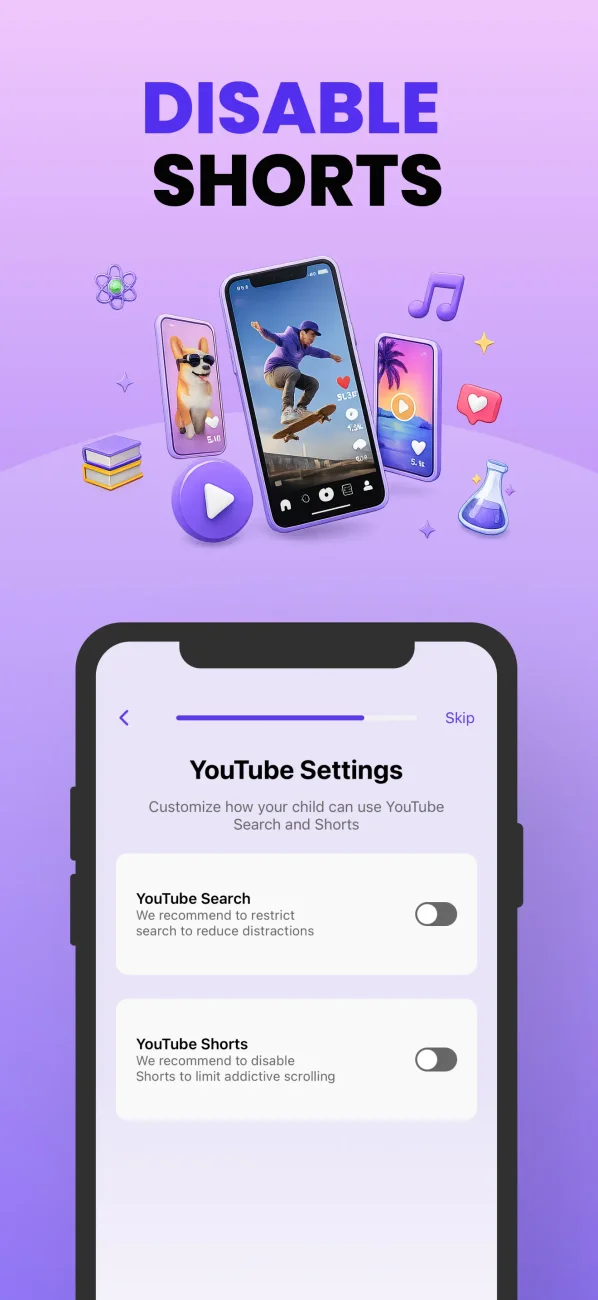
- Block YouTube Shorts and disable YouTube search
- Earn Gems from useful content
Earn
Your child earns Gems by watching educational content and exploring the learning websites you approve.
Instead of simply taking entertainment away, CapiBrowser gives them something to work toward — under the limits and rules you set.
Fun
Turn earned Gems into more screen time.
- Unlock approved entertainment websites
- Unlock extra time in selected apps
- Choose exactly which apps your child can unlock
- Keep entertainment within the limits you set
Fun isn’t removed. It’s earned — with your approval.
Parents Stay in Control
You decide what is available:
- Approve the websites and YouTube channels your child can access
- Decide which apps can be unlocked with Gems
- Set daily limits, block YouTube Shorts, and disable YouTube search
- Keep everything else blocked by default
CapiBrowser combines these controls into one simple system your child can understand:
Learn → Earn → Fun
Built for Better Screen-Time Habits
CapiBrowser isn’t about simply counting minutes or constantly telling kids to put the screen away.
It’s about making screen time more intentional — giving your child a clear connection between useful activities and the entertainment they enjoy, while you keep full control.
Learn something useful.
Earn Gems.
Enjoy some fun.
Download CapiBrowser and give your child a clearer way to use screen time — under the rules you set.
Terms of Use (EULA):
https://www.apple.com/legal/internet-services/itunes/dev/stdeula/
新機能
バージョン 1.28.0 · 2026/11/4
Family Profiles
- Add multiple devices to your family.
- Create multiple child profiles on a single device.
- Sync bookmarks, Gems balances and screen time statistics across devices.
App Controls
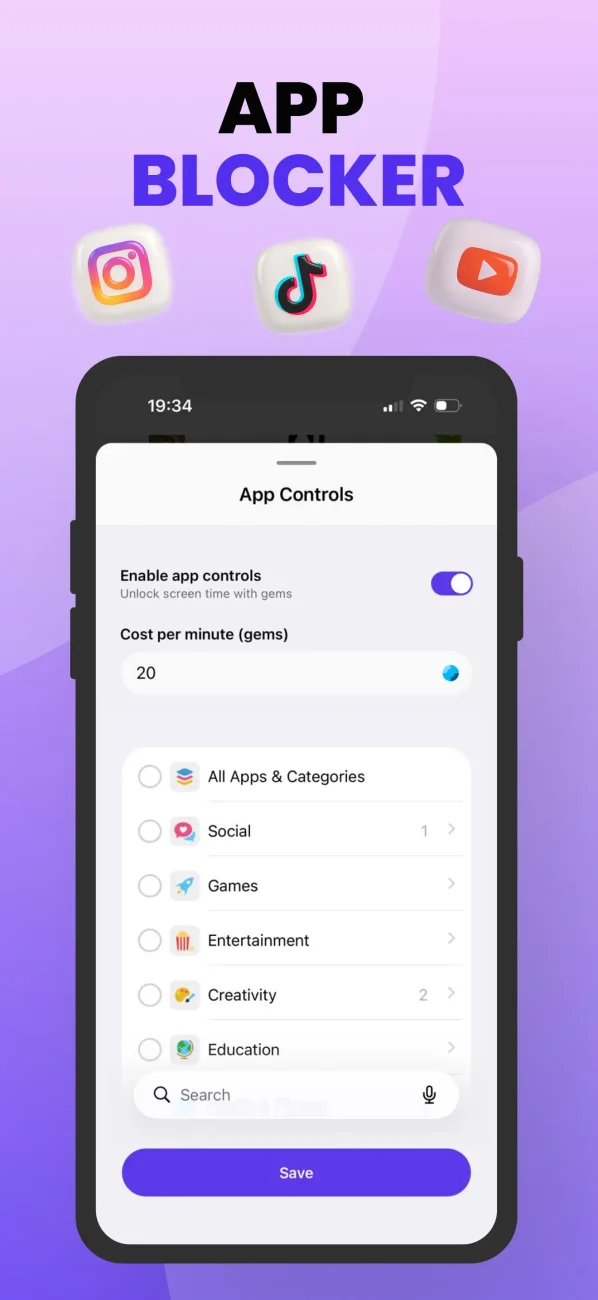
- Your child can use earned Gems to buy screen time for apps on their device.
- Completely block selected addictive apps on your child’s iOS device.
- See your child’s time in other apps included as entertainment in screen time statistics.
- Choose how many Gems your child needs to spend to get screen time in other apps.
- Give your child easier navigation in CapiBrowser and a smoother way to earn screen time by watching useful content.
Enjoy a smoother and more reliable CapiBrowser experience
アプリのプライバシー
このアプリのデータの取り扱いについて、Mikhail NikulinがApp Storeで申告している内容です。
-
ユーザーに関連付けられないデータ
収集される場合がありますが、ユーザーの識別情報には関連付けられません。
- 連絡先情報
- 診断
プライバシーの取り扱いは、ご利用の機能やお客様の年齢などに応じて異なる場合があります。
情報
- 販売元
- NIKULIN MIKHAIL
- カテゴリ
- 教育
- バージョン
- 1.28.0
- 更新日
- 2026/11/4
- リリース
- 2025/8/22
- サイズ
- 91.4 MB
- 必要条件
- iOS 16.0以降
- 対象年齢
- 4+
- 価格
- 無料
- アプリ内課金
- あり
- 言語
- 英語
- 著作権
- © Mikhail Nikulin