
- 対象年齢4+
- カテゴリ仕事効率化
- 開発元SAFEINCLOUD SAS
- 言語英語ほか32言語
- サイズ61.2 MB
App Storeの公式ページにリンクしています
Download.orgはSafeInCloud 1のファイルを一切ホストしていません。ボタンを押すと、SAFEINCLOUD SASが公開しているApp Storeのアプリページが開きます。ページの最終確認:2026/11/14。
スクリーンショット
概要
開発元はこのテキストをお使いの言語で提供していません。
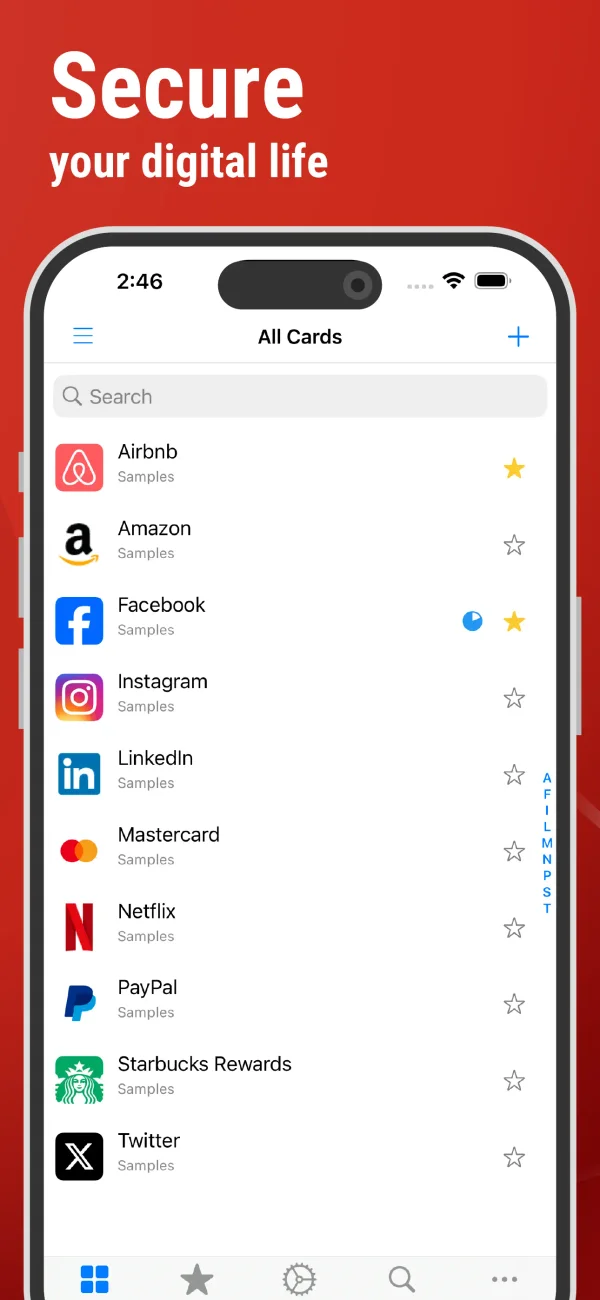
SafeInCloud Password Manager allows you to keep your logins, passwords, and other private info safe and secure in an encrypted database. You can synchronize your data with another phone, tablet, Mac or PC via your own cloud account.
KEY FEATURES
◆ Easy to Use
◆ Strong Encryption (256-bit Advanced Encryption Standard)
◆ Cloud Synchronization (iCloud, Google Drive, Dropbox, OneDrive, NAS, WebDAV)
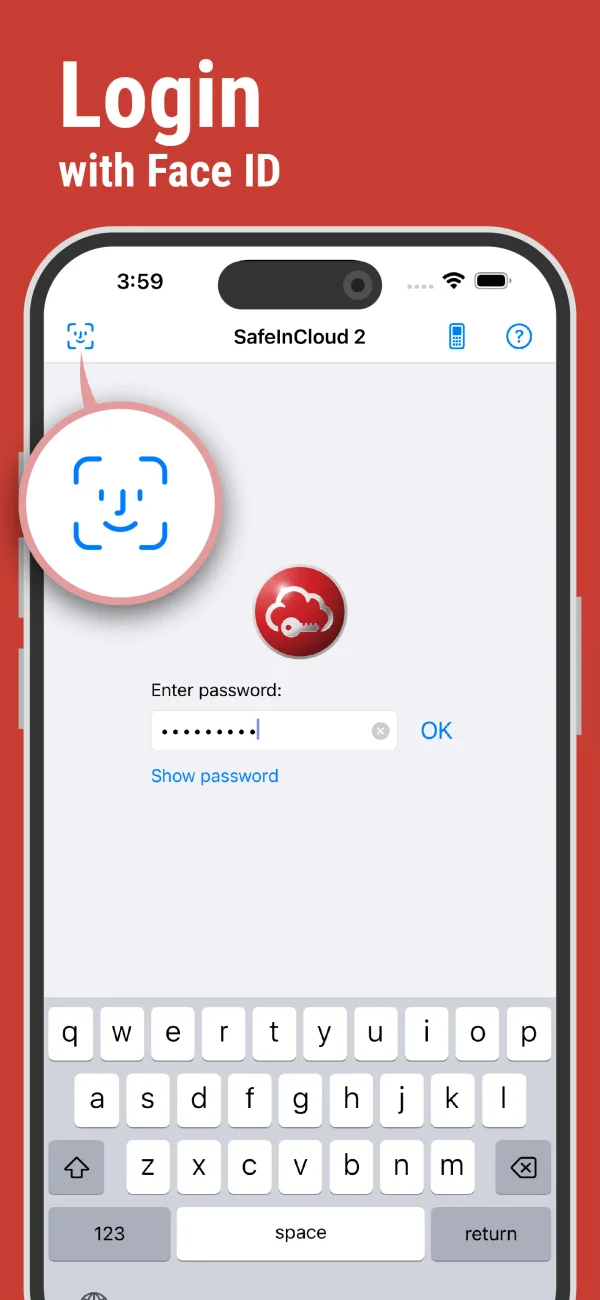
◆ Login with Touch ID & Face ID
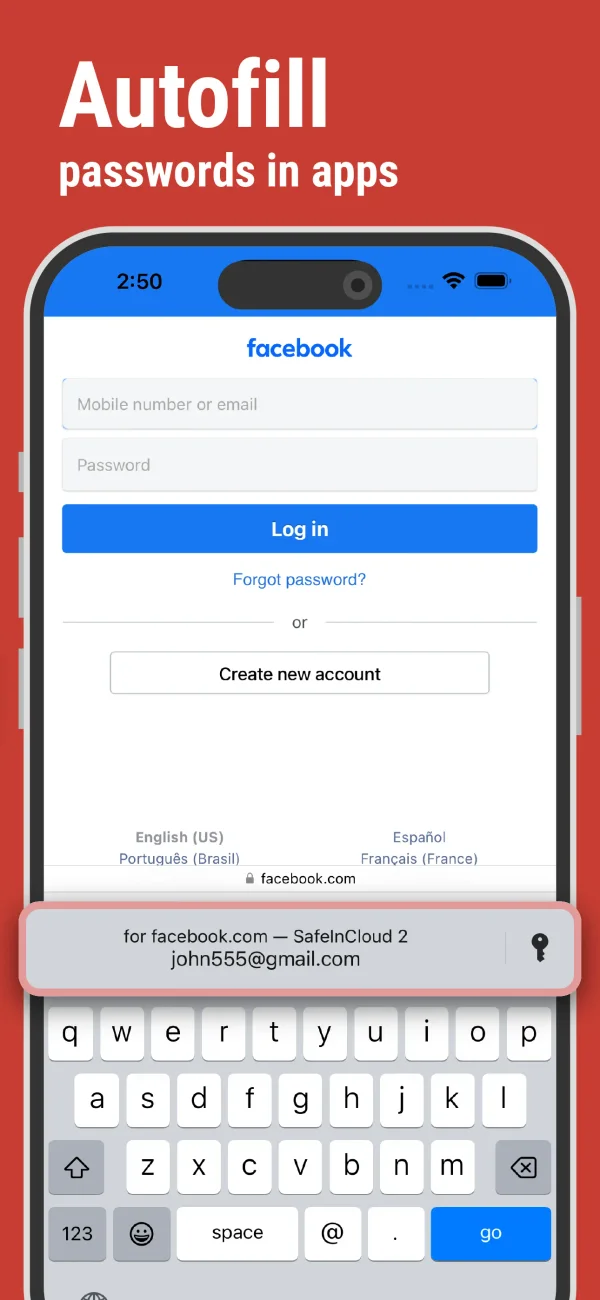
◆ Autofill in Apps
◆ Apple Watch App
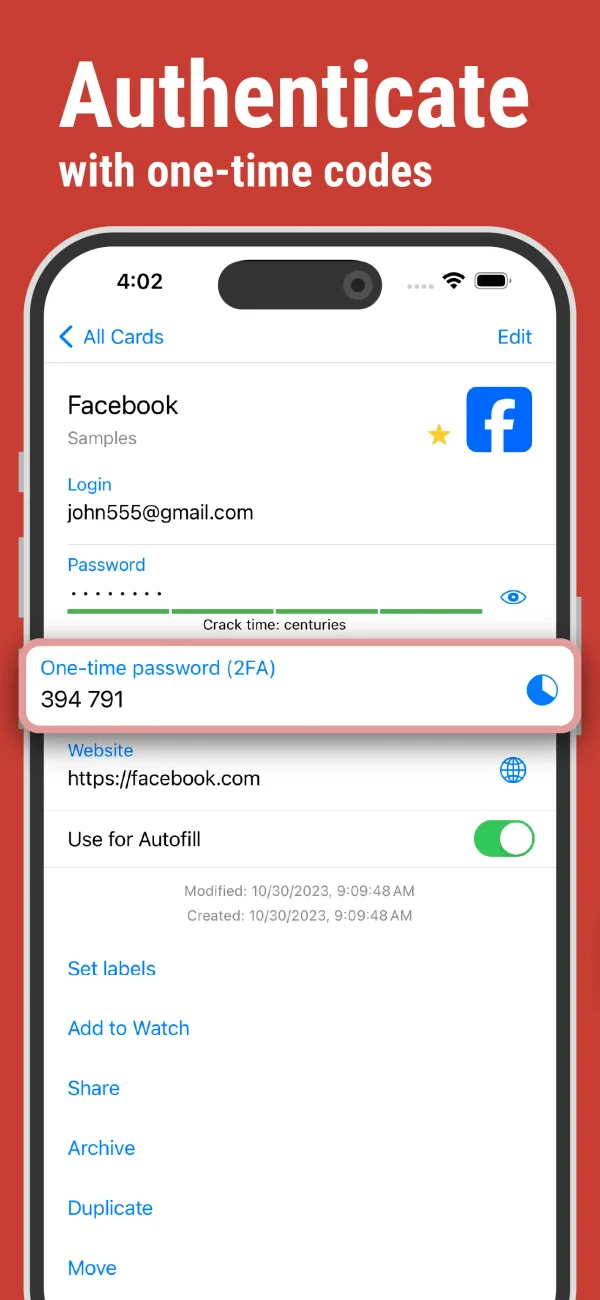
◆ Password Strength Analysis
◆ Password Generator
◆ Free Desktop App (Windows, Mac)
◆ Automatic Data Import
◆ Cross-Platform
EASY TO USE
Try it yourself and enjoy an easy-to-use yet powerful user interface.
STRONG ENCRYPTION
Your data is always encrypted on a device and in a cloud with a strong 256-bit Advanced Encryption Standard (AES). This algorithm is used by the U.S. Government for protection of a top secret information. AES is also widely adopted worldwide and became the de facto encryption standard.
CLOUD SYNCHRONIZATION
Your database is automatically synchronized with your own cloud account. Thus you can easily restore your entire database from a cloud to a new phone or computer (in case of a loss or an upgrade). Your phone, tablet and computer are also automatically synchronized between each other via a cloud.
LOGIN WITH TOUCH ID & FACE ID
You can instantly unlock SafeInCloud with a fingerprint on devices with Touch ID. You can also unlock SafeInCloud by face recognition using Face ID technology.
AUTOFILL IN APPS
You can autofill login and password fields into any app on your phone directly from SafeInCloud. You don't need to copy and paste them manually.
APPLE WATCH APP
You can put some selected cards on your wrist to easily access them on the run. These could be your credit card PINs, door and locker codes.
PASSWORD STRENGTH ANALYSIS
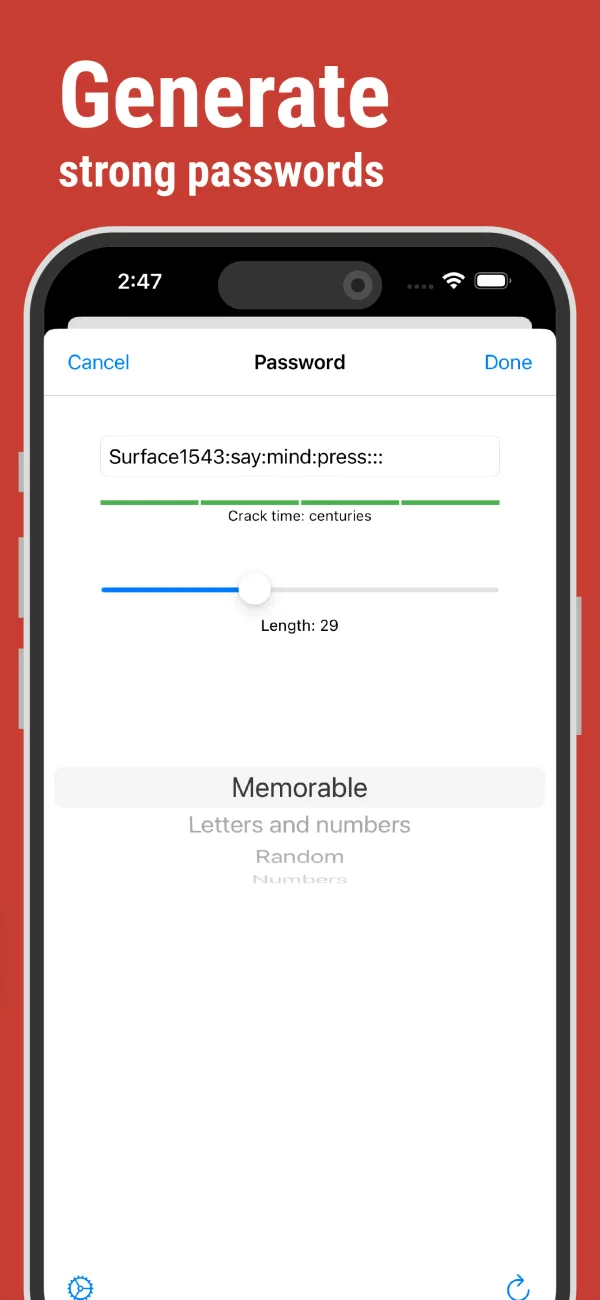
SafeInCloud analyses your password strengths and shows a strength indicator next to each password. The strength indicator displays an estimated crack time for a password. All cards with weak passwords are marked with a red sign.
PASSWORD GENERATOR
The password generator helps you generating random and secure passwords. There is also an option to generate memorable, but still strong passwords.
FREE DESKTOP APP
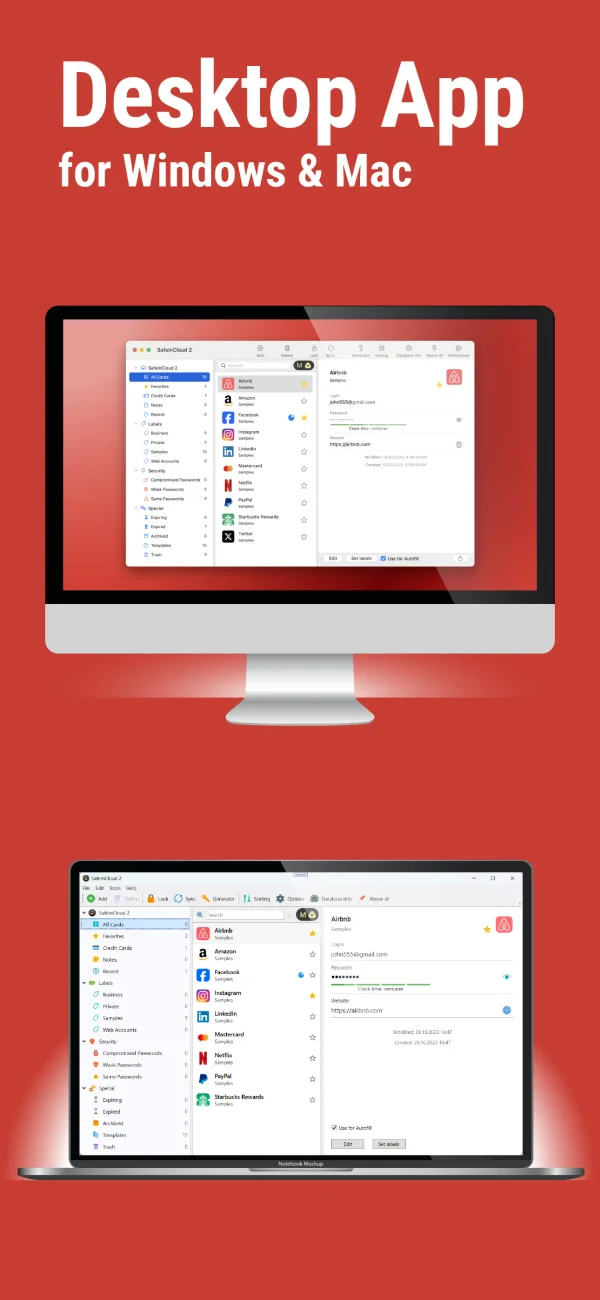
Download a free Desktop application for Windows or Mac OS from www.safe-in-cloud.com to be able access your database on your computer. The Desktop application also makes data entry and editing fast and easy using a hardware keyboard.
AUTOMATIC DATA IMPORT
The Desktop application can automatically import your data from another password manager. You don't need to manually reenter all your passwords.
新機能
バージョン 27.0.2 · 2026/10/2
Fixed a sync issue with Microsoft OneDrive.
アプリのプライバシー
このアプリのデータの取り扱いについて、SAFEINCLOUD SASがApp Storeで申告している内容です。
-
ユーザーに関連付けられないデータ
収集される場合がありますが、ユーザーの識別情報には関連付けられません。
- 使用状況データ
- 診断
プライバシーの取り扱いは、ご利用の機能やお客様の年齢などに応じて異なる場合があります。
情報
- 販売元
- SAFEINCLOUD SAS
- カテゴリ
- 仕事効率化
- バージョン
- 27.0.2
- 更新日
- 2026/10/2
- リリース
- 2014/1/15
- サイズ
- 61.2 MB
- 必要条件
- iOS 14.0以降
- 対象年齢
- 4+
- 価格
- ¥8,000
- 言語
- 英語, アルメニア語, Belarusian, ブルガリア語, カタロニア語, チェコ語, デンマーク語, オランダ語, フィンランド語, フランス語, ドイツ語, ギリシャ語 ほか21言語
- 著作権
- © 2012 SAFEINCLOUD S.A.S.
こちらもおすすめ
-
 mSecure: Password Manager仕事効率化
-
 RoboForm パスワードマネージャーパスワード管理とフォーム記入システム
-
 Things 3To-Do リスト
-
 Keeper パスワード管理セキュリティー, アカウント管理, パスワードマネージャー
-
 Dashlane パスワードマネージャー自動入力、VPN、Authenticator
-
 Quicken Classic仕事効率化
-
 1Password: Password ManagerSave & share passwords safely
-
 Bitwarden パスワードマネージャー仕事効率化
-
 LastPass Password Manager仕事効率化
-
 Notebook: AI メモ・ノート・日記ボイスメモ・文字起こし・メモアプリ・やることリスト