- 対象年齢4+
- カテゴリビジネス
- 開発元SpadeInfotech Pvt Ltd
- 言語英語
- サイズ34.2 MB
App Storeの公式ページにリンクしています
Download.orgはSalesMOのファイルを一切ホストしていません。ボタンを押すと、SpadeInfotech Pvt Ltdが公開しているApp Storeのアプリページが開きます。ページの最終確認:2026/11/10。
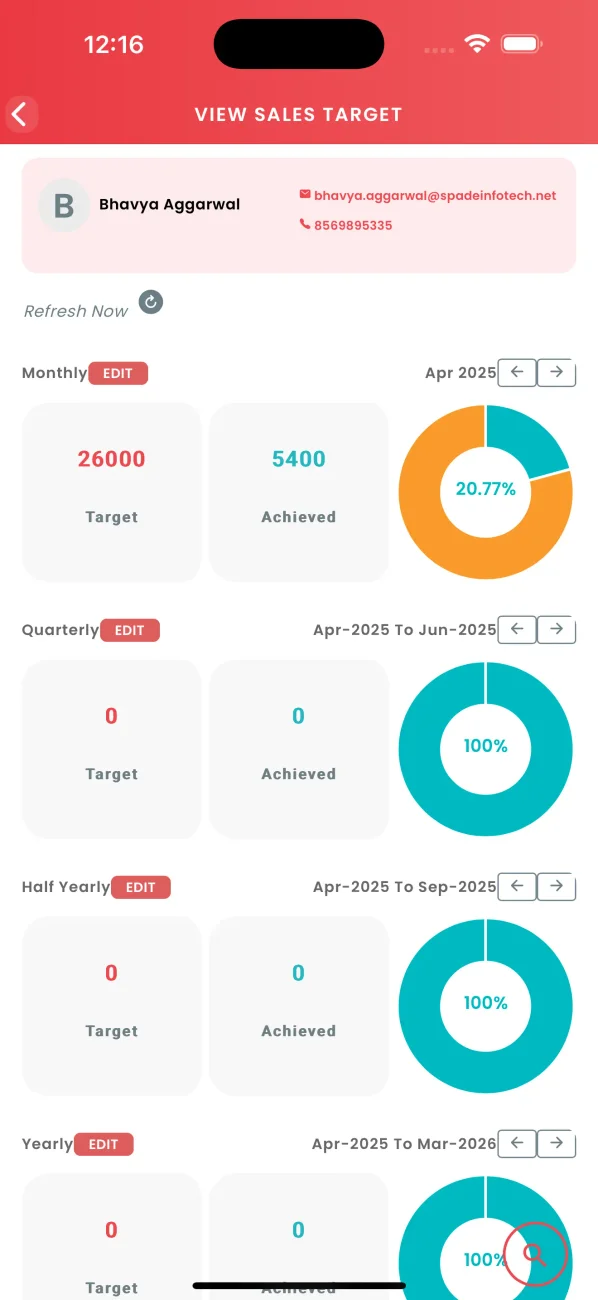
スクリーンショット

概要
開発元はこのテキストをお使いの言語で提供していません。
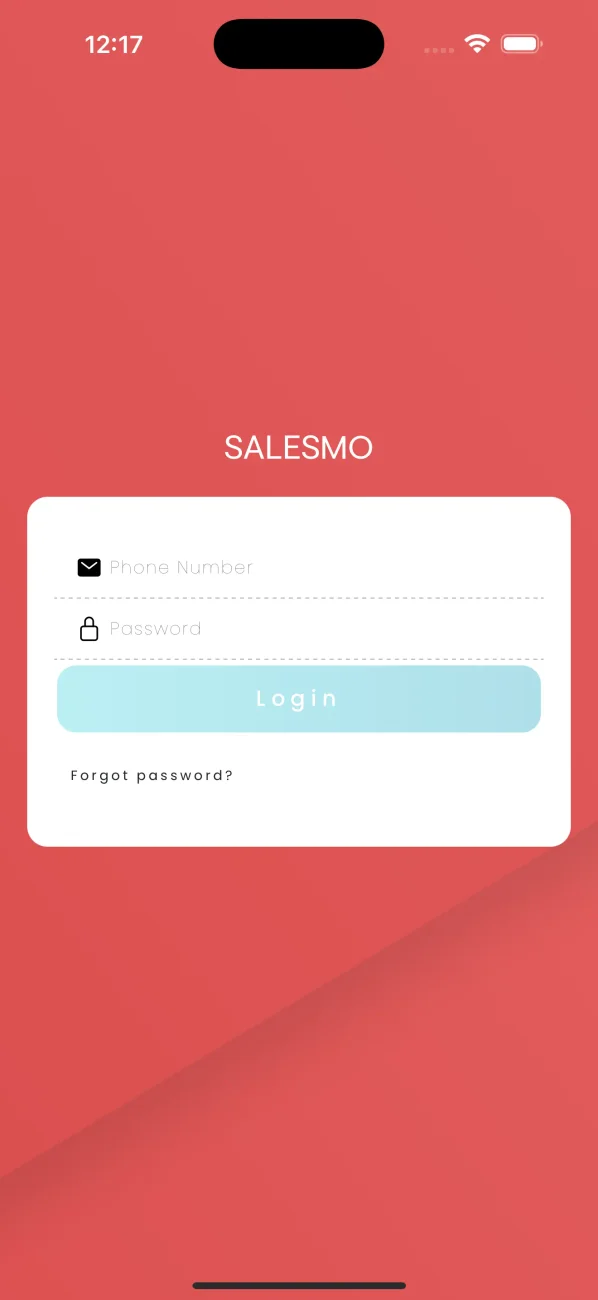
SalesMO is a B2B solution which helps SMEs and larger organizations streamline and simplify the operations and management of the Sales staff. Sales staff is always on the Go and constantly interacting with multiple customers in multiple locations. SalesMO is meant to simplify the operations of constantly moving Sales staff and give management the visibility to their schedules, visits, attendance, expenses etc.Simplified and attractive UI design of SalesMO makes their everyday operations easier.
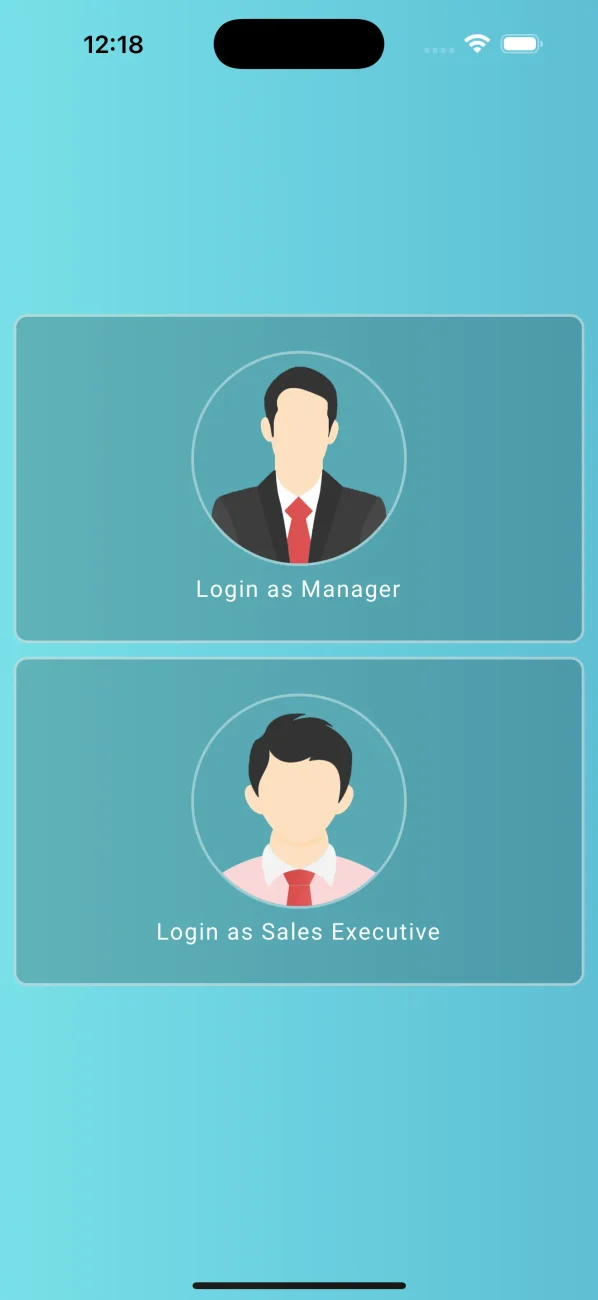
Can improve the efficiency of Sales staff by as much as 100%. Easy interface for admin to approve or reject Expenses, Leaves, Purchase Orders. Management will have complete visibility of the operations of sales staff and will reduce the chances of manipulation and inaccurate reporting by sales staff. Management can view the summary of visits, expenses, PO, attendance at any time for any sales person, by date range or by distributor etc. User can login as Admin or Sales staff. Admin can also be a Sales staff himself.
SalesMO solution has a mobile application for Sales employee on the go to make his operations and visits easier and effective. Mobile application for sales staff has the following functions:
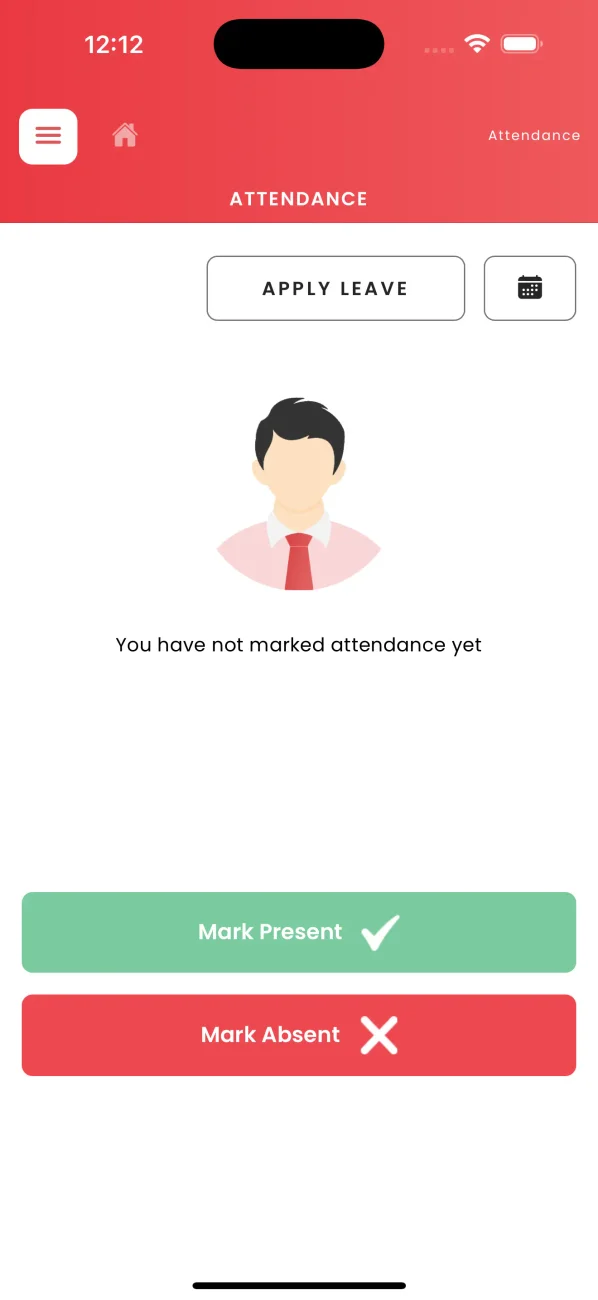
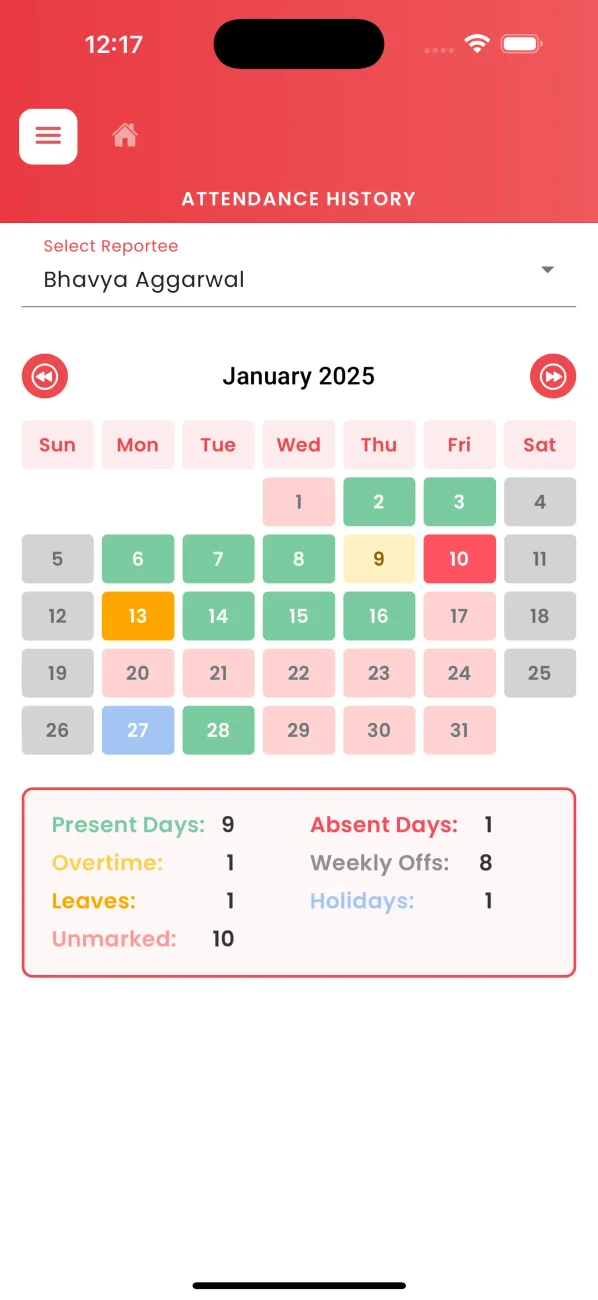
1. Mark daily attendance
2. Apply for Leaves
3. Mark Overtime if working on a Holiday
4. Mark Overtime on a Weekly Off day. Weekly Off can be entered from Web Admin per user
5. Record different types of Visit Details – Distributor Visit, Filed Visit, Farmer Meeting
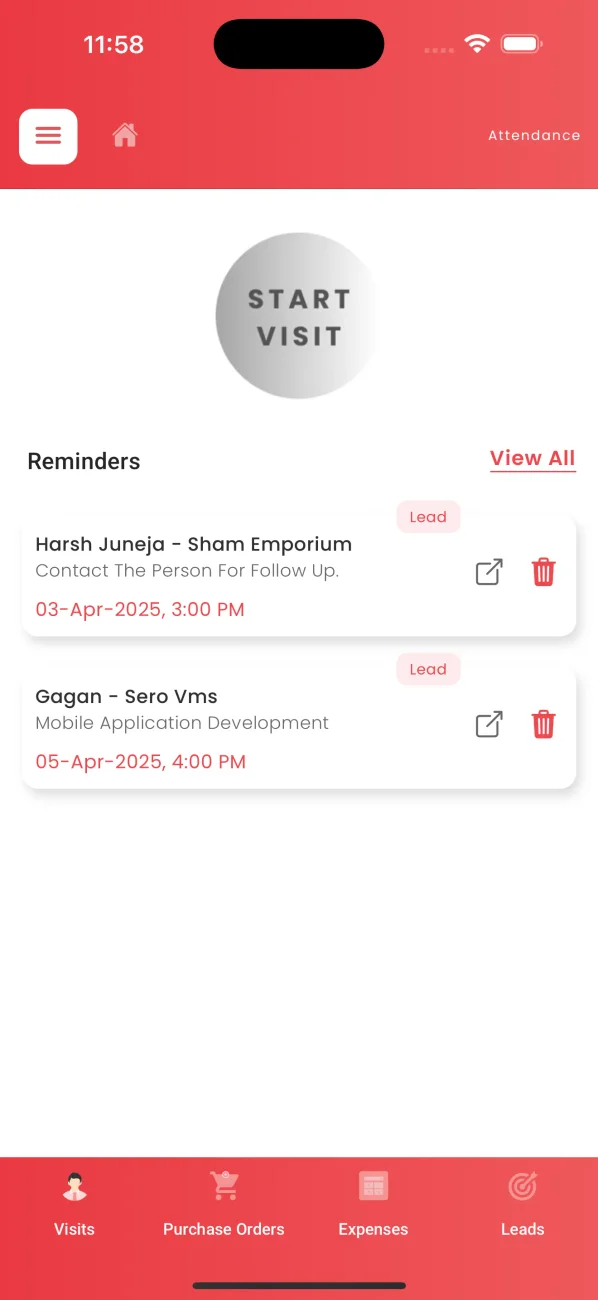
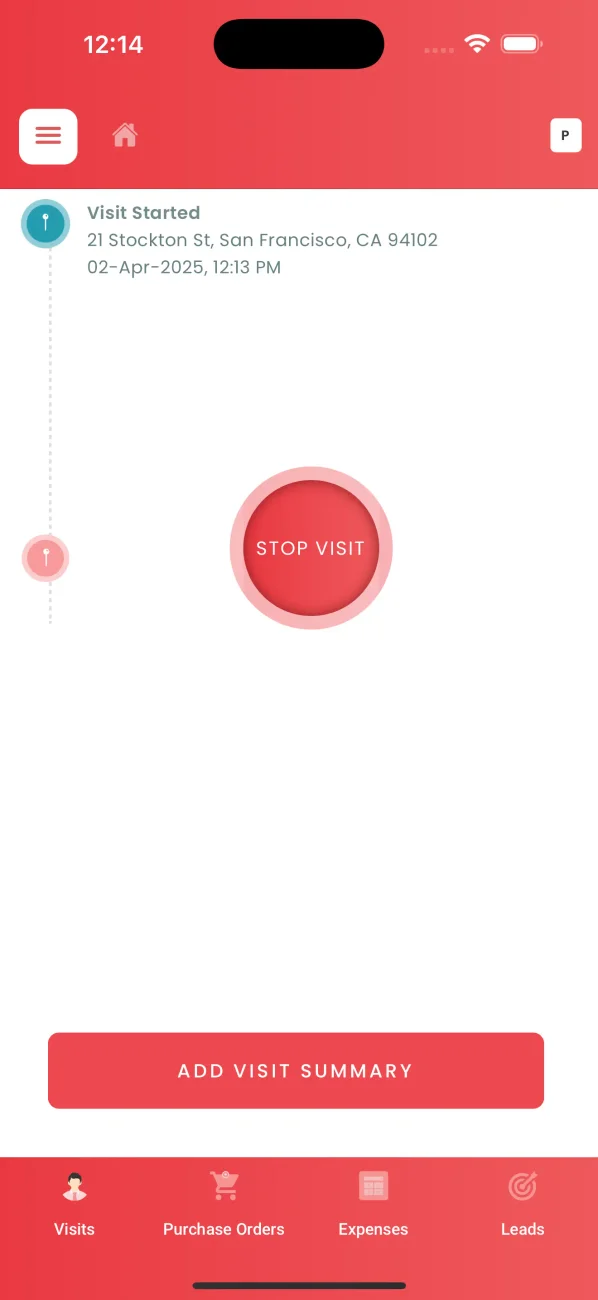
6. Click on start visit button to start a visit. Start visit will automatically capture the Date/Time and Location of the user.
7. Click on Stop Visit Button to stop a visit. Stop visit will also automatically capture the Date/Time and Location of the user.
8. Add Visit summary. Visit summary will have different fields depending on the type of visit.
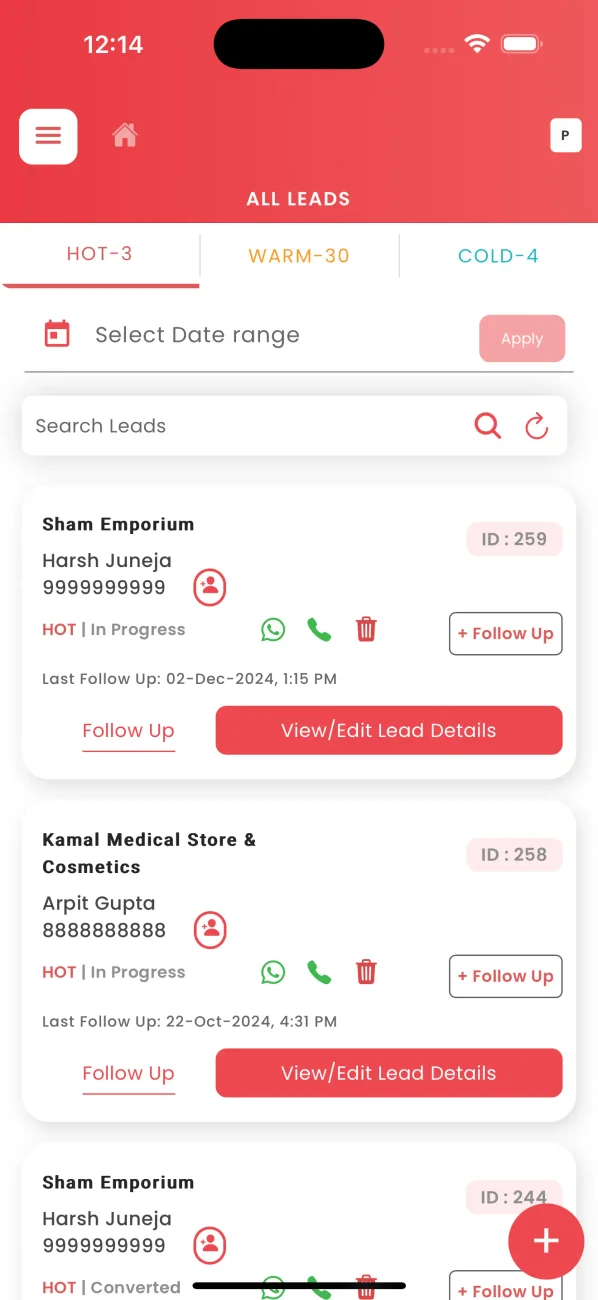
9. You can set follow up meetings for the distributor.
10. You can also see the list of Reminders for the follow up meetings you have set.
11. Product Recommendations can be done in case of field visits and farmer meetings.
12. Multiple images can also be added in visit details.
13. View Recent Visits and can also filter visits based on date range.
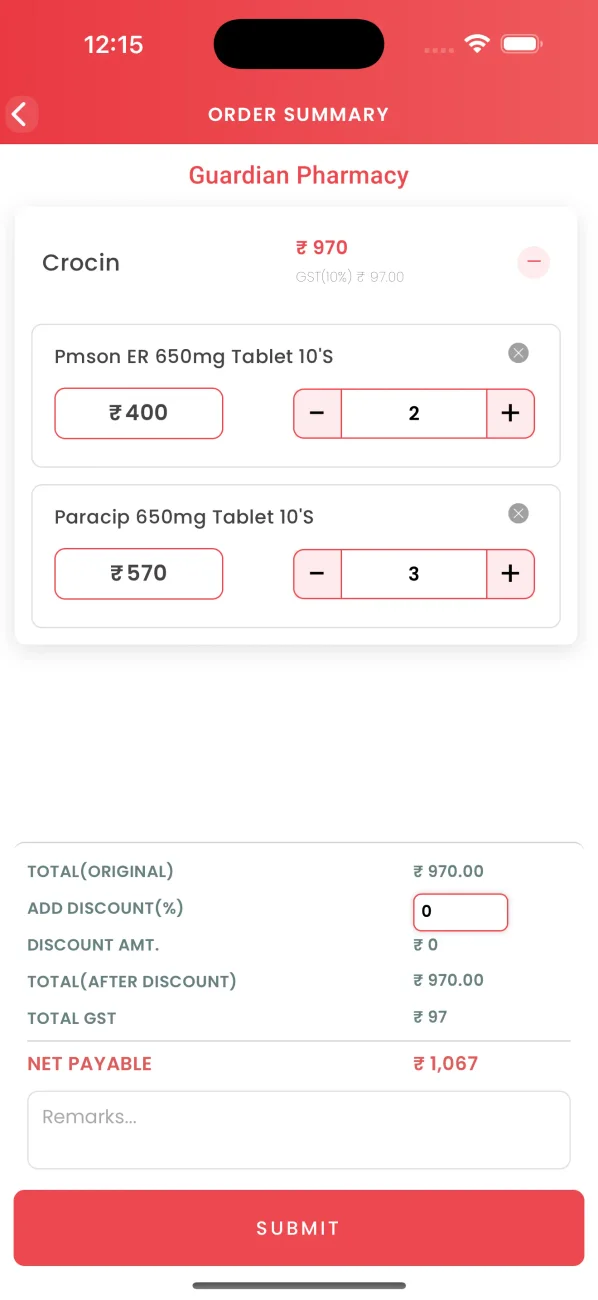
14. Create Purchase Order on behalf of the Distributor. In Purchase Order, user can add Product types and Products, Quantities, GST, Discount etc. to create the PO which will be submitted to Admin for approval.
15. View Recent Purchase orders and can also filter purchase orders based on date range.
16. Create Expenses to be reimbursed. User can create various types of expenses based on date. Invoice for the expense is mandatory to be attached for the expense filing
17. Each expense will be submitted to admin for approval.
新機能
バージョン 4.5 · 2026/6/25
New Features:
Integrated Odoo API to synchronize Sales orders from SalesMo to Odoo.
Improvements & Fixes:
Updated camera permission handling to comply with platform policies.
アプリのプライバシー
このアプリのデータの取り扱いについて、SpadeInfotech Pvt LtdがApp Storeで申告している内容です。
-
データの収集なし
開発元はこのアプリからデータを収集しません。
プライバシーの取り扱いは、ご利用の機能やお客様の年齢などに応じて異なる場合があります。
情報
- 販売元
- SPADE INFOTECH PRIVATE LIMITED
- カテゴリ
- ビジネス
- バージョン
- 4.5
- 更新日
- 2026/6/25
- リリース
- 2019/10/22
- サイズ
- 34.2 MB
- 必要条件
- iOS 13.0以降
- 対象年齢
- 4+
- 価格
- 無料
- 言語
- 英語
- 著作権
- © spadeinfotech.net